Mockitt
  • Design and collaboration

    • PrototypeBuild and test interactive screens.
    • UI designDesign interfaces and share specs.
    • WhiteboardExplore ideas on a shared canvas.
    • FlowchartsMap processes and decision paths.
    • Mockitt AITurn a brief into a first draft.
    • AI SlidesTurn an outline into an editable deck.
    • Use cases

      • Prototyping
      • UI design
      • Wireframing
      • Interaction design
      • Dashboard prototyping
      • Online whiteboarding
      • Flowcharts
      • Design handoff
      • Business process mapping
      • System architecture diagrams

      Roles

      • Product managers
      • Design teams
      • Developers

      Organization

      • Enterprise
      • Startups
      • EducationApply for free education access
    • ✦Start with an idea.
      Make it tangible.
      Explore prototypes, interfaces and product documents with Mockitt AI.Explore Mockitt AI →
      AI Prototype GeneratorStart with screens and a user flow.AI UI DesignExplore an interface from a brief.AI App GeneratorDraft a mobile app experience.AI Website GeneratorShape a website idea into screens.
      ⌘MCP setupConnect Codex, Cursor or Claude Code to Mockitt’s AI workflow.Configure MCP →

      Requirements & research

      • PRD Generator
      • Requirements Review
      • Product Research
      • Feature Ideation
      • Test Case Generator
      • AI Document Generator

      Diagrams & planning

      • AI Flowcharts
      • AI Mind Maps
      • Product Roadmaps
      • User Story Maps
      • AI Data Analysis

      Import & present

      • Image to Prototype
      • HTML to Prototype
      • Design to Code
      • AI Slides
      • Slide Enhancer
      • AI Video Generator
      • AI Image Generator
    • Pricing
      • Help CenterGet started and learn the tools.
      • BlogPractical guides for product teams.

      Practical guides

      • Create a mind map
      • Design a website
      • Build a product roadmap
      • Map a customer journey
    • Log in Sign up free
    • Try Mockitt Free
    Back to all topic

    Flowchart

    search icon

    Wireframe Tips Prototyping Tips UI/UX Design Tips App Design Tips Web Design Software Design Mockup Adobe XD Tips Flowchart Axure Tips Page Design Header Footer Design Color Design Graphic Design Figma Tips InVision Tips Ant Design macOS Big Sur iOS 14 Hackathon Sketch Tips Website Builder Calendar Design Product management Design Tips Dictionary Develop Widgets and Components macOS 12 Tips Mind Map Tips ChatGPT Tips
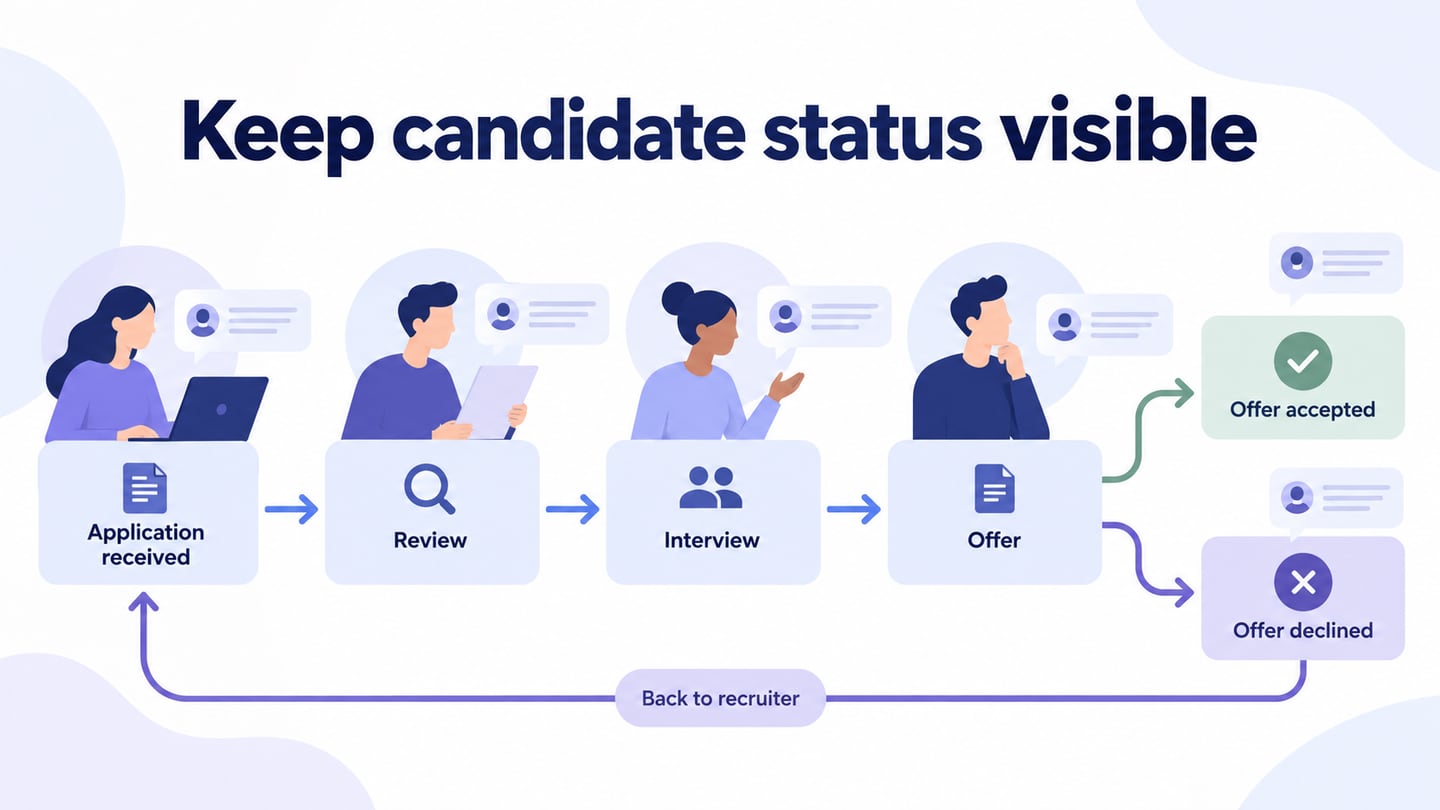
    Keep candidate status visible editorial illustration

    How to Create a Recruitment Process Flowchart with Clear Ownersgo icon

    Map hiring needs, role approval, applications, interviews, offers, and candidate communication with an organization-specific recruitment flowchart.

    6 Flowchart Software Options for Windows and Mac Workflowsgo icon

    Compare six flowchart software options for Windows and Mac workflows, including browser access, desktop files, collaboration and editable diagram handoffs.

    7 Process Flowchart Layouts for PowerPoint, with an Approval Examplego icon

    Choose a process flowchart layout for PowerPoint, then build an expense-approval example with decisions, owners, and a correction loop.
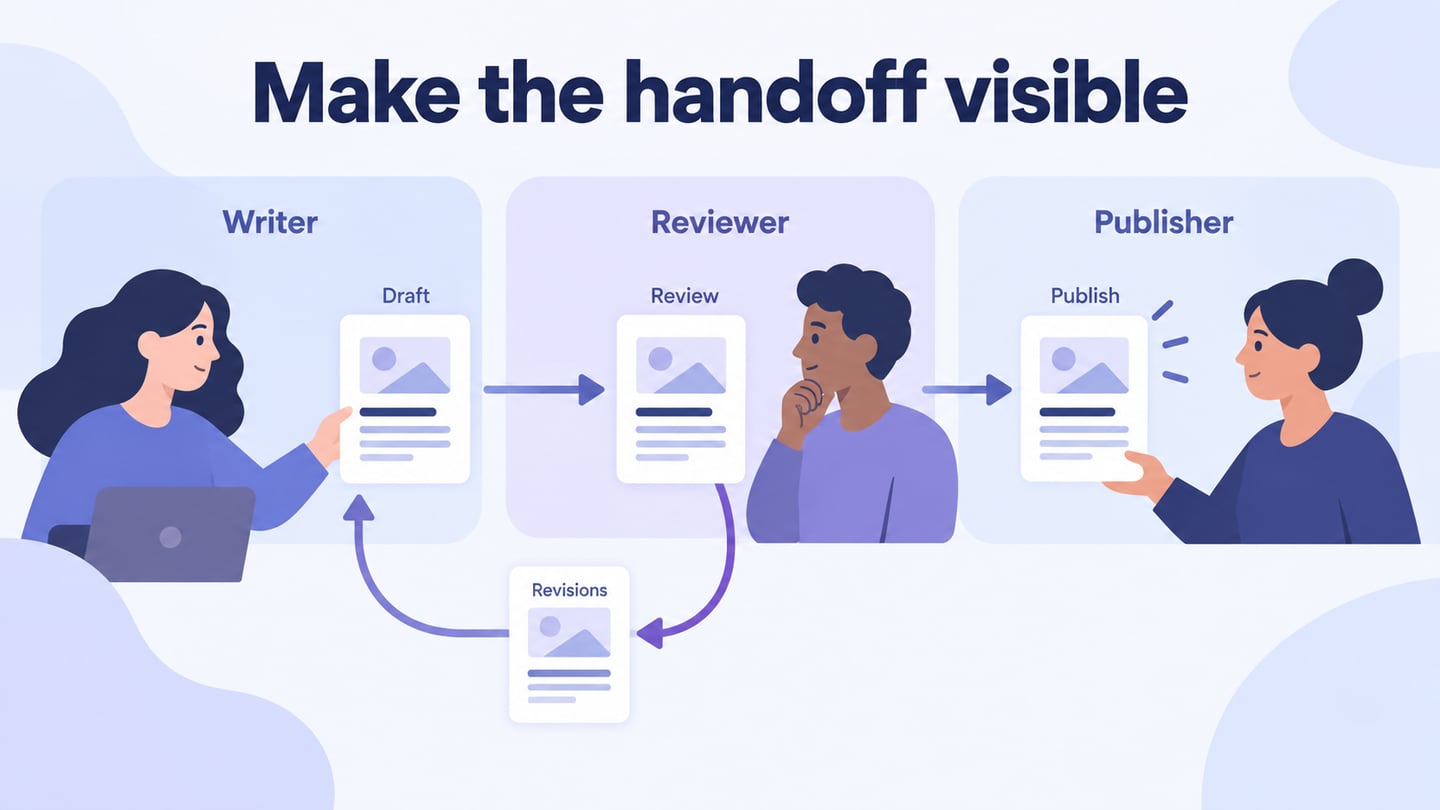
    Make the handoff visible editorial illustration

    Business Flowchart: Map a Process, Its Owners, and Exceptionsgo icon

    Learn what a business flowchart shows, gather the right process evidence, and build a clear content-review workflow with owners and exception paths.

    Decision Flowchart: How to Build Clear Branches, with an Examplego icon

    Learn how to create a decision flowchart with clear questions, labeled branches, and complete outcomes. Follow a practical support-request example.

    Microsoft Flowchart Tools and Browser-Based Alternativesgo icon

    Compare Word, PowerPoint, Excel and Visio for flowcharts, follow a basic Visio workflow, and consider Mockitt or Boardmix for a separate browser workspace.

    Swimlane Flowchart: How to Map Roles and Handoffs, with 5 Examplesgo icon

    Learn what a swimlane flowchart shows, explore five examples, and map an equipment request across employee, manager, and IT responsibilities.
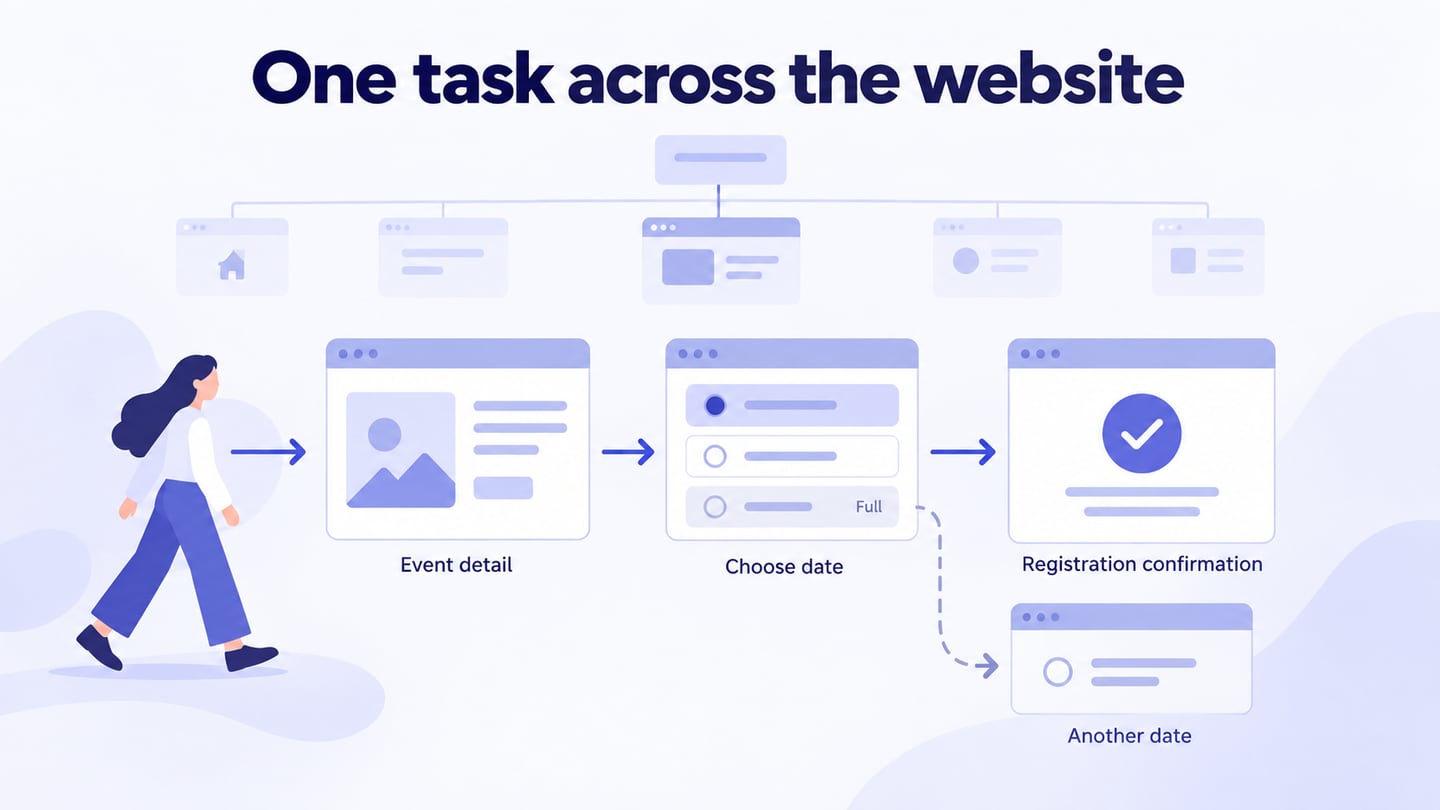
    One task across the website editorial illustration

    How to Create a Website Flowchart: User Paths and Structurego icon

    Plan a website flowchart by distinguishing page hierarchy from user tasks, then map decisions, recovery paths, and reviewable navigation in Mockitt.

    Guide on How to Create Circular Flowchartgo icon

    What is circular flowchart? It is one of of the versatile versions of the flowchart. In this article, we are going to introduce how to create a circular flowchart for you to better understand it.
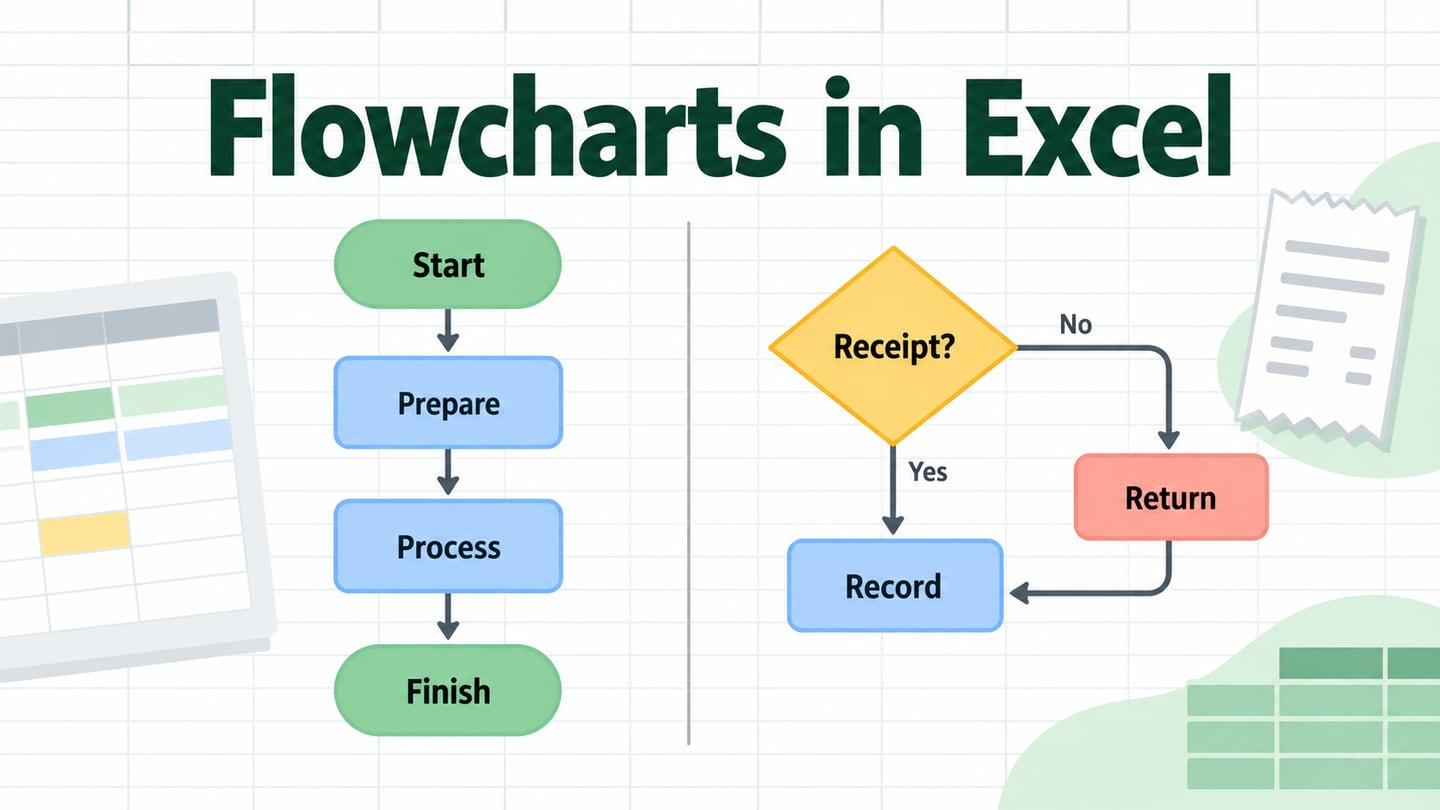
    A worksheet with a linear process and a branching claim-review diagram illustrating two Excel flowchart methods

    How to Make a Flowchart in Excel with SmartArt or Shapesgo icon

    Create an Excel flowchart with SmartArt or connected shapes. Learn when each method fits, label decision paths, and check the worksheet before sharing.

    Complete Guide for Standard Flowchart Symbolsgo icon

    What is standard flowchart symbols? What do they mean? If you are new to the flowchart, I believe you will learn all the necessary things about standard flowchart symbols.

    5 Best Process Flow Chart Templates for Inspirationgo icon

    Do you know how to process flow chart template? Look no further, we found 5 best process flowchart templates to fast your work. Take a look at them!
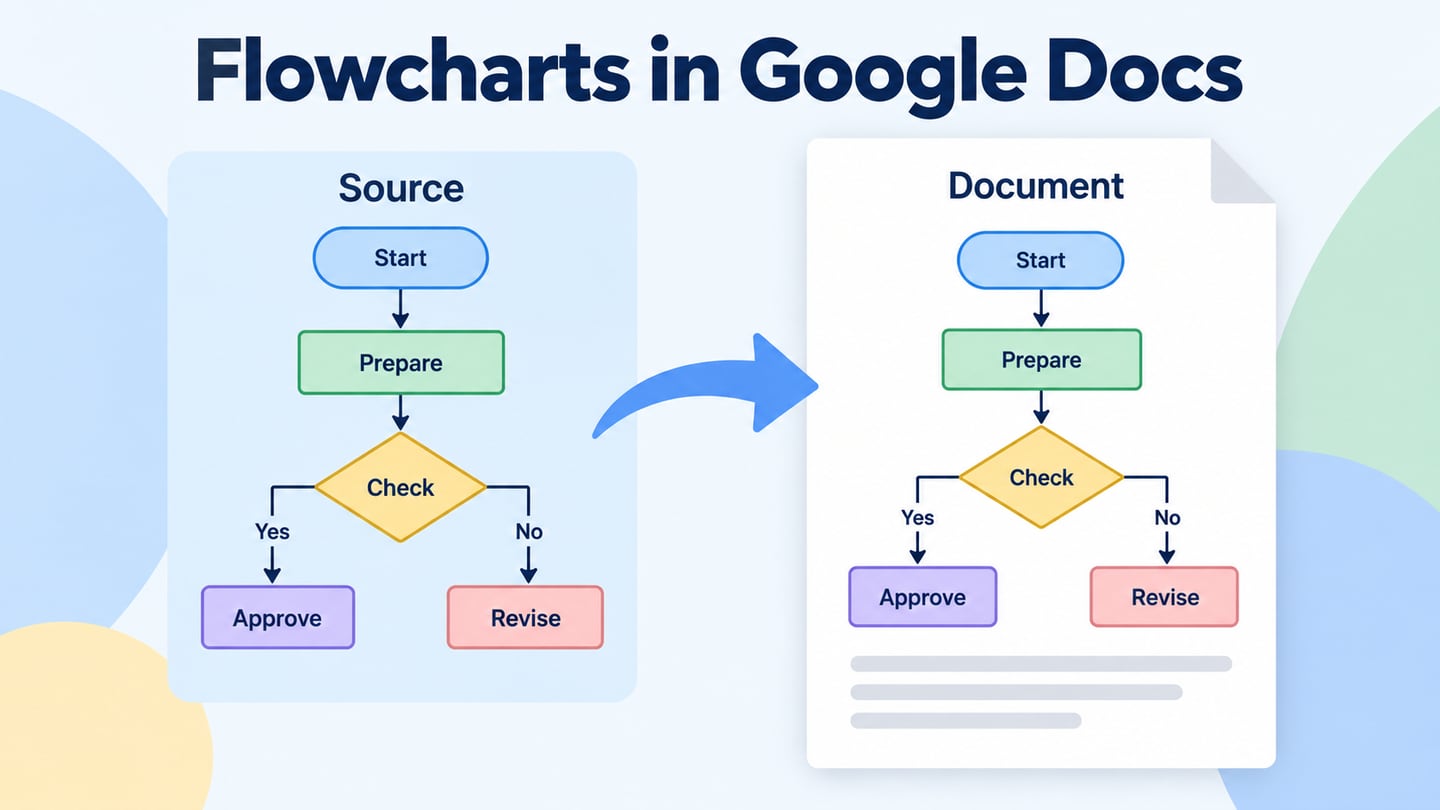
    An editable source drawing and a document diagram connected by an update path

    How to Make a Flowchart in Google Docs and Update Itgo icon

    Create a flowchart in Google Docs, insert a linked Drive drawing, or use Lucidchart. Understand source ownership, editing and how to verify diagram updates.

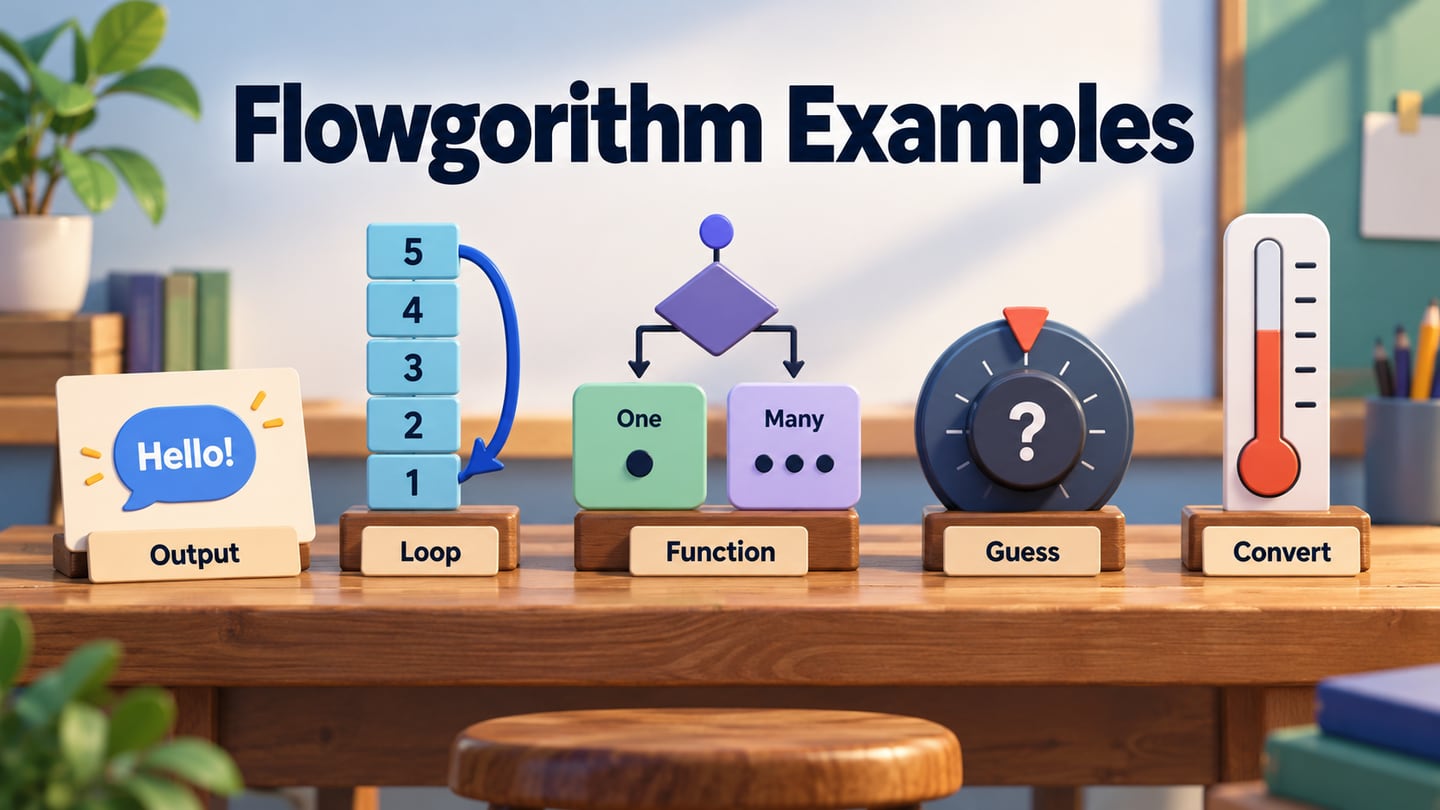
    Five flowchart-programming concepts organized around output, loops, decisions, a game and temperature conversion

    Flowgorithm: Five Examples for Learning Flowchart Programminggo icon

    Learn Flowgorithm through five retained examples: Hello World, countdown loops, a string helper, a guessing game and Fahrenheit-to-Celsius conversion.

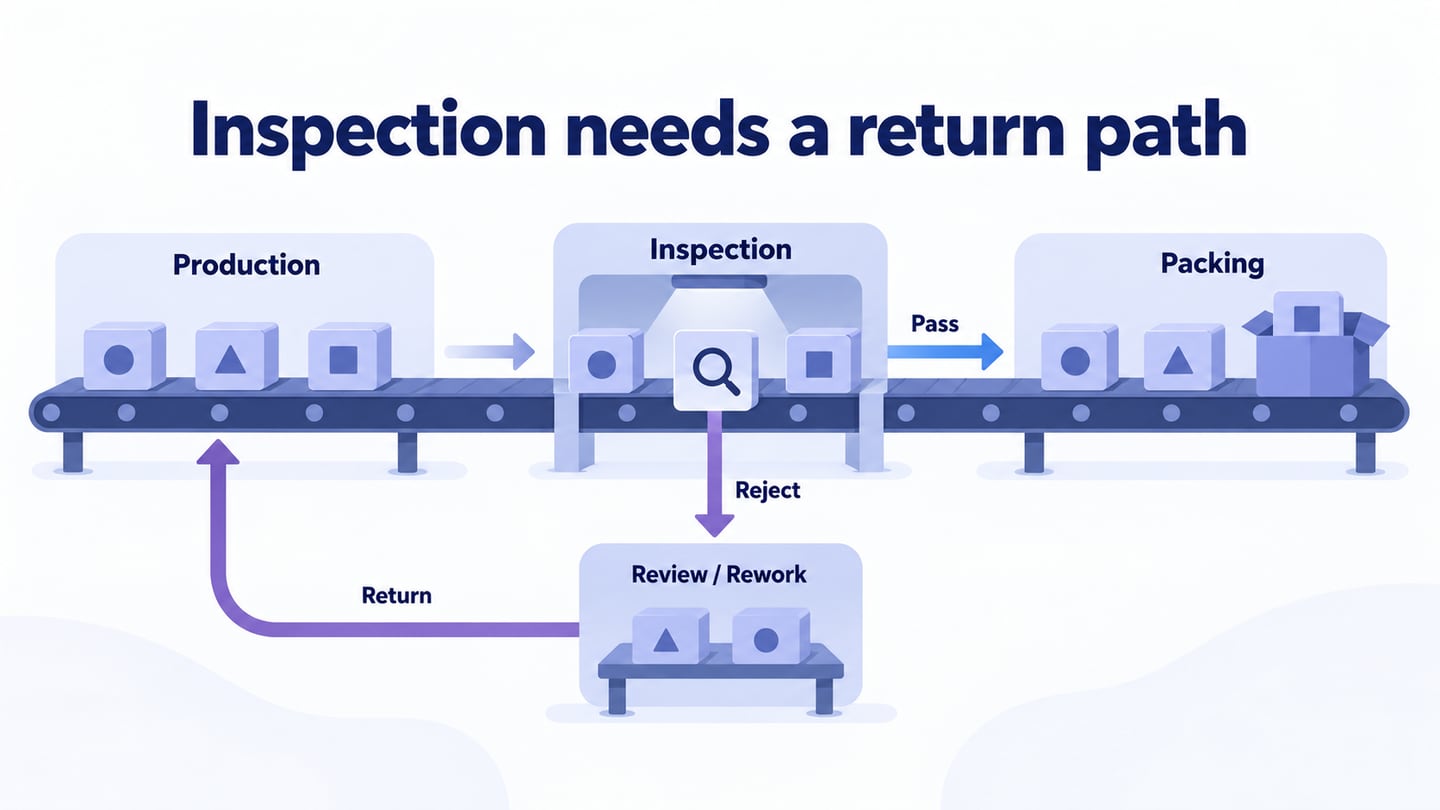
    Inspection needs a return path editorial illustration

    How to Create a Production Flowchart with Inspection and Reworkgo icon

    Map production stages, owners, inspection decisions, and rework. Review manufacturing examples and create a clear flowchart in Visio or Mockitt.

    How to Create a Yes-No Flowchart: Symbols and Worked Examplego icon

    Create a yes-no flowchart with clear questions, labeled branches, and useful endings. Follow a worked equipment-request example in Mockitt and other editors.

    Draw a Flowchart Online: Swimlanes and 5 Tool Optionsgo icon

    Draw a cross-functional flowchart with clear lanes and handoffs, distinguish Visio web controls, and compare five tools including Mockitt and Boardmix.
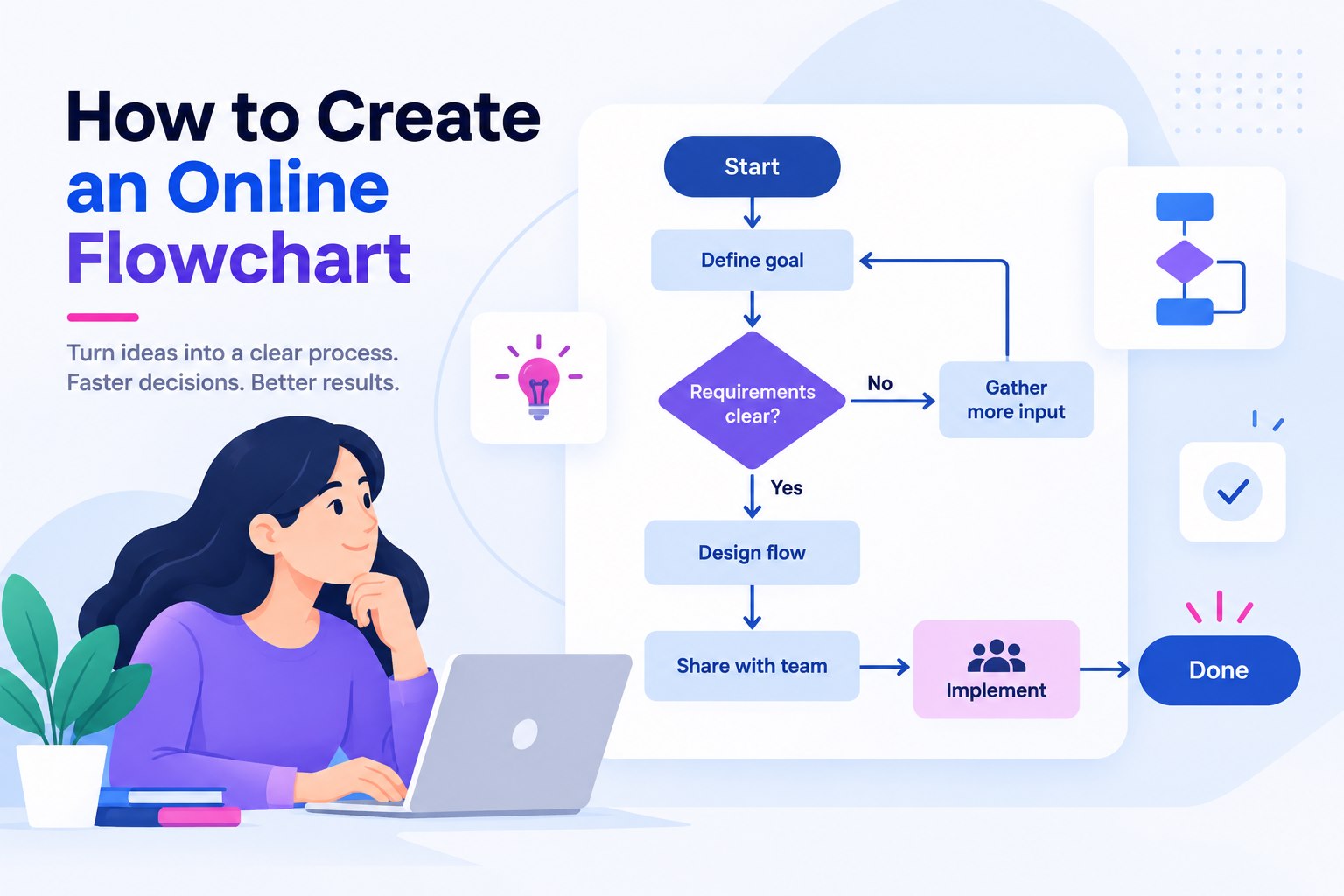
    Cross-Functional Flowchart: Create Swimlanes in Visiogo icon

    Create a cross-functional flowchart in Visio. Assign steps to responsible teams, add swimlanes, label handoffs, and include a return path for incomplete requests.

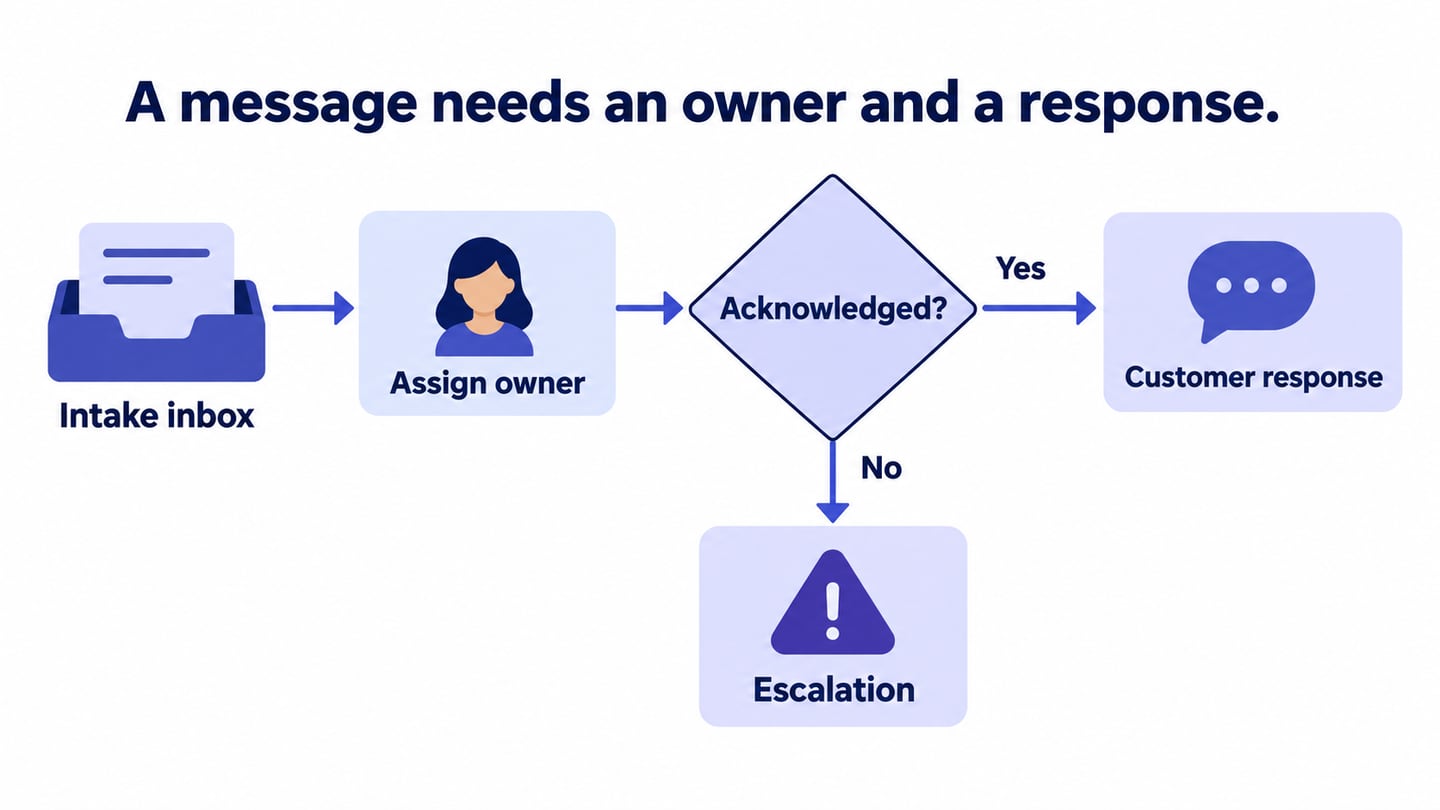
    A message needs an owner and a response editorial illustration

    How to Create a Communication Flowchart with Clear Handoffsgo icon

    Map who sends a message, who receives it, how it is acknowledged, and when it escalates. Build and review a practical communication flowchart in Mockitt.

    How to Create an Online Flowchart

    How to Create an Online Flowchartgo icon

    Learn how to create an online flowchart that keeps decisions, handoffs, and exceptions clear for team review and later implementation.
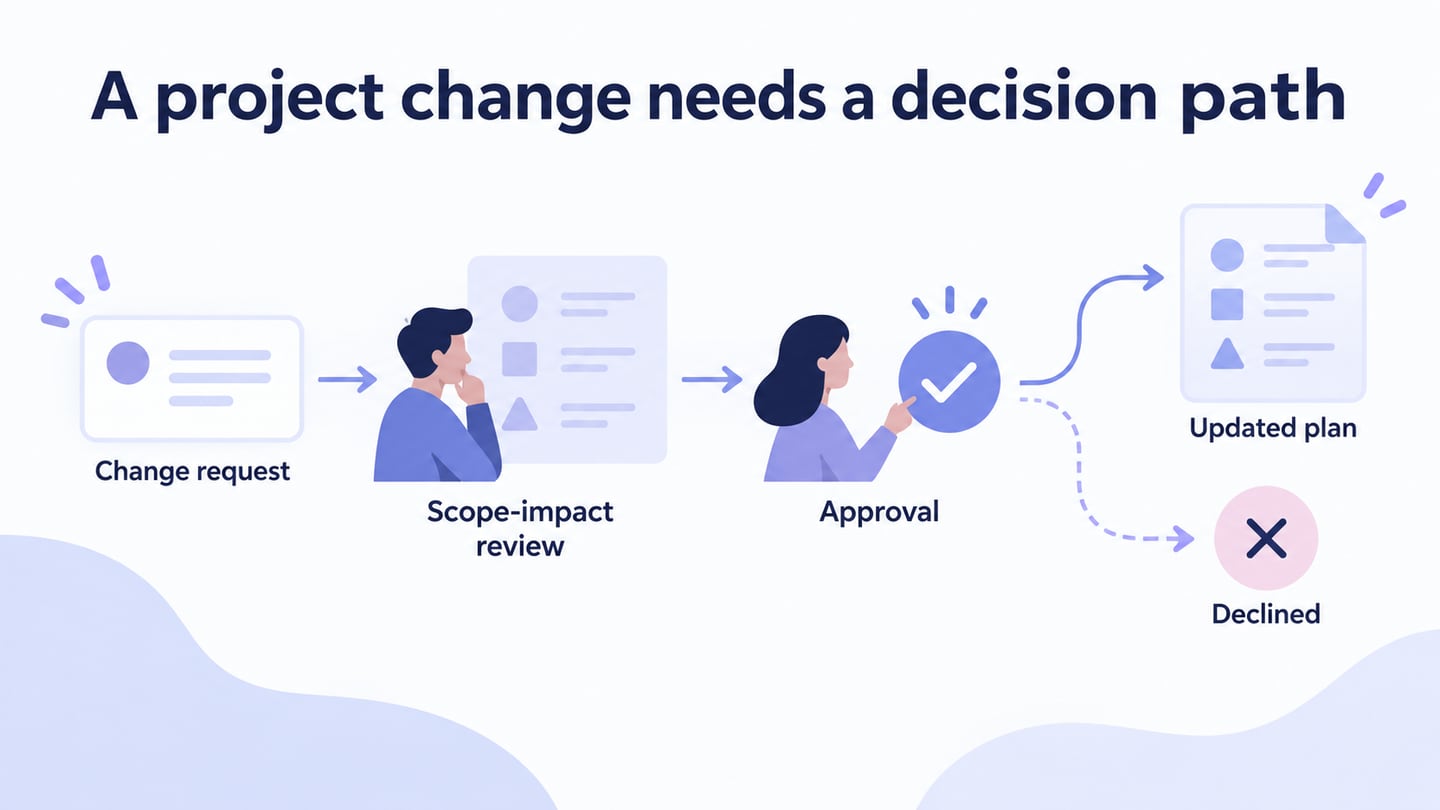
    A project change needs a decision path editorial illustration

    Project Flowcharts: Examples, Handoffs, and Toolsgo icon

    Use project flowchart examples to clarify decisions and handoffs, then compare Mockitt, Boardmix, Google Drawings and Gliffy for maintaining the diagram.

    Top 10 Flowchart Templates to Use for Word/Excel/Powerpointgo icon

    Are you looking for flowchart templates? In this article, we will give 10 flowchart templates for your inspiration. Come and see these amazing flowchart templates!

    Blank Flow Chart Templates: 5 Layouts and How to Fill Themgo icon

    Choose from five blank flow chart layouts, then fill one with clear actions, decisions, and outcomes using a practical event-registration example.
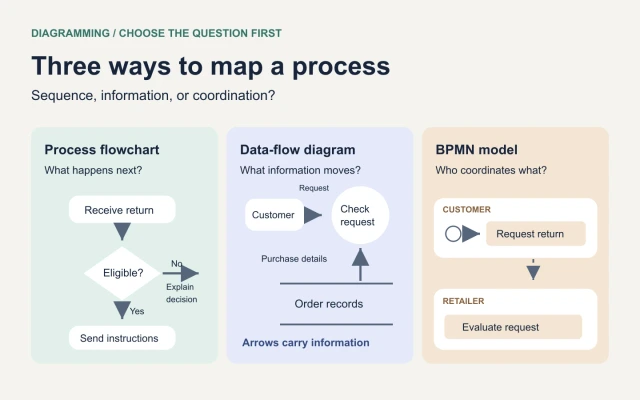
    Types of Flowcharts: Process, Data Flow, and BPMN Compared

    Types of Flowcharts: Process, Data Flow, and BPMN Comparedgo icon

    Compare process flowcharts, data-flow diagrams, and BPMN with a return-process example. Learn when to add swimlanes and how to build a useful first map.
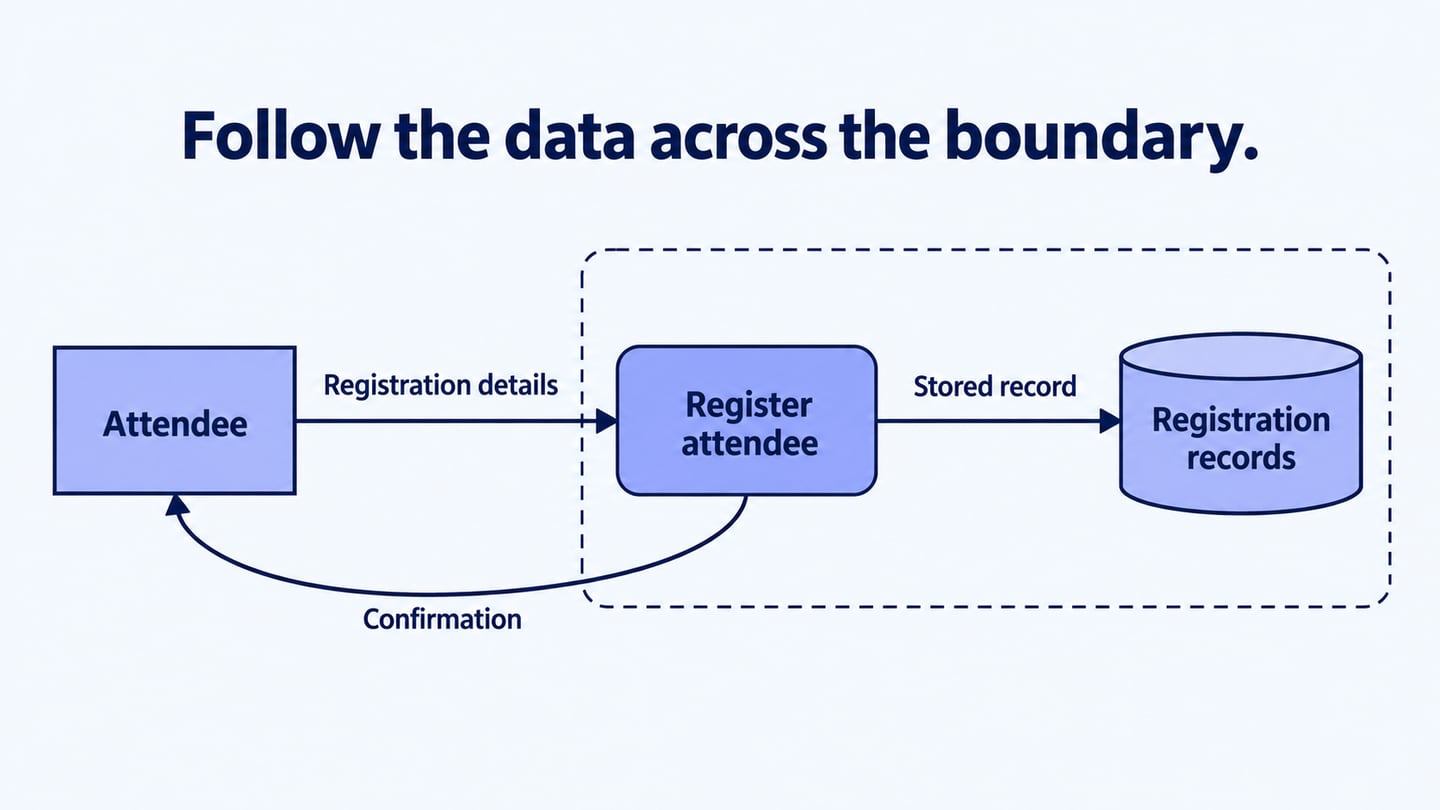
    Follow the data across the boundary editorial illustration

    How to Create a Data Flow Diagram: Elements, Levels, and Rulesgo icon

    Build a data flow diagram with external entities, processes, stores, and labelled flows. Learn how to balance levels and avoid common DFD modelling errors.

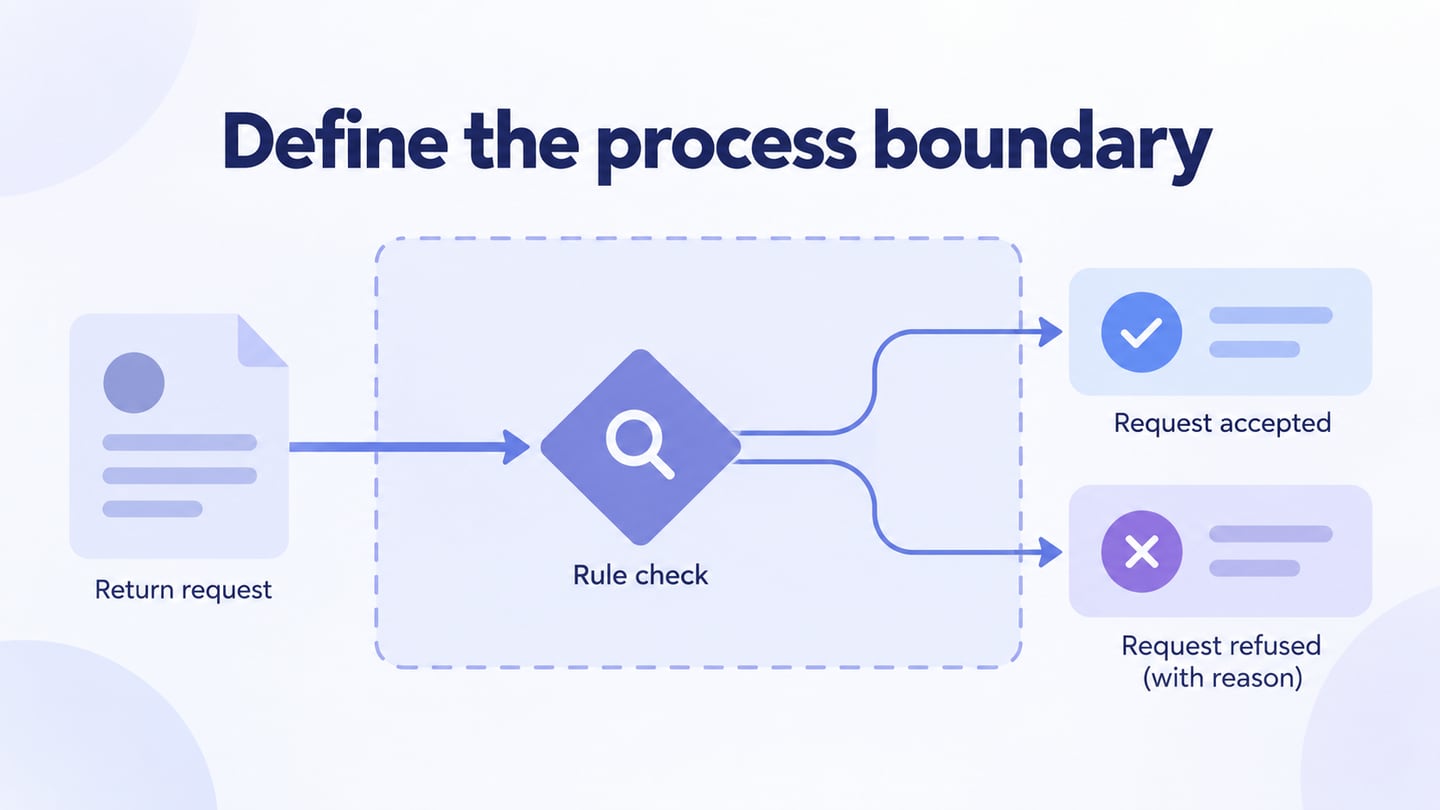
    Define the process boundary editorial illustration

    How to Design a Process Flowchart with a Clear Start and Endgo icon

    Define a process boundary, gather the actual steps, draw actions and decisions, and test a simple returns-review flowchart before sharing it.

    What Is a Flowchart? Definition and Four Steps to Create Onego icon

    Learn what a flowchart shows, choose the right symbols, and build an equipment-request process with decisions, exception paths, and clear outcomes.

    How to Create a Flowchart Diagram: A Hiring-Process Examplego icon

    Learn how to create a flowchart diagram using standard symbols, clear decisions, and real stopping points. Follow a hiring-process example from review to outcome.

    Flowchart Programming: Symbols, an Example and 4 Diagram Toolsgo icon

    Learn programming flowchart symbols, trace a simple-interest example and compare four diagram tools, including Mockitt and Boardmix, without confusing diagrams with code execution.

    11 Online Flowchart Makers for Creating and Sharing Diagramsgo icon

    Compare eleven online flowchart makers for browser editing, team review, storage and sharing, including Mockitt, Boardmix and nine other options.

    10 Flowchart Tools Compared by Editing Style and Team Needsgo icon

    Compare ten flowchart tools by visual or text editing, browser or native access, team review and documentation context, with a practical Mockitt workflow.

    10 Flowchart Generators: Shapes, Text and Editable Draftsgo icon

    Compare ten flowchart tools by manual shapes, structured text and editable AI drafts, then review decisions and exception paths before sharing.
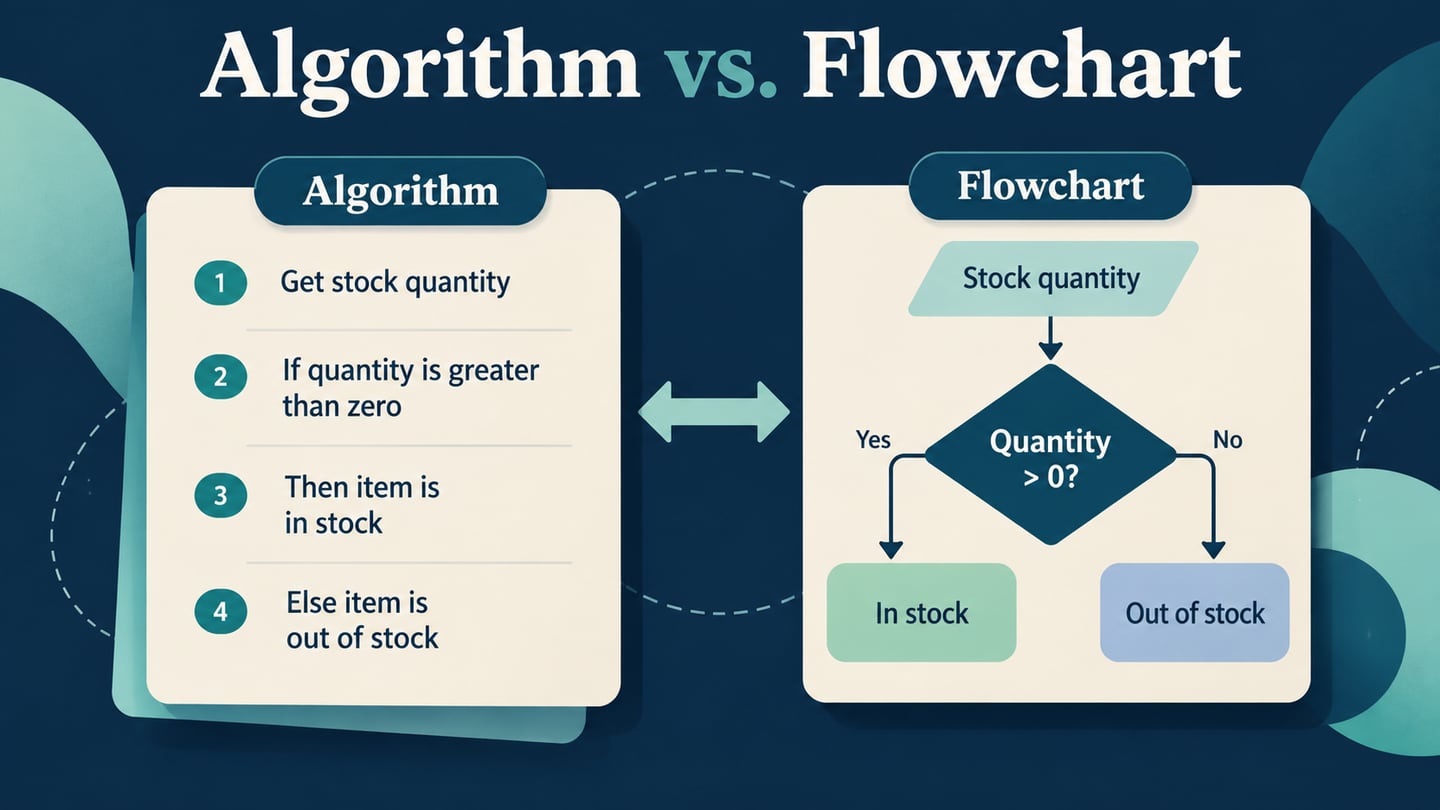
    One stock-check procedure represented as written steps and as a branching flowchart

    Algorithm vs. Flowchart: Differences and a Worked Examplego icon

    Compare an algorithm with its flowchart, preserve the same logic in both forms, and trace a stock-check example before implementing it.

    Flowchart Drawing: Shapes, Connectors and Clear Layout

    Draw a readable flowchart from known steps. Choose shapes, attach connectors, label decision branches and check a revision loop before sharing the result.

    Flowchart Design: Clear Labels, Layouts, and Better Examplesgo icon

    Improve flowchart design with clear action labels, consistent shapes, readable branches, and a worked content-approval layout you can build in Mockitt.
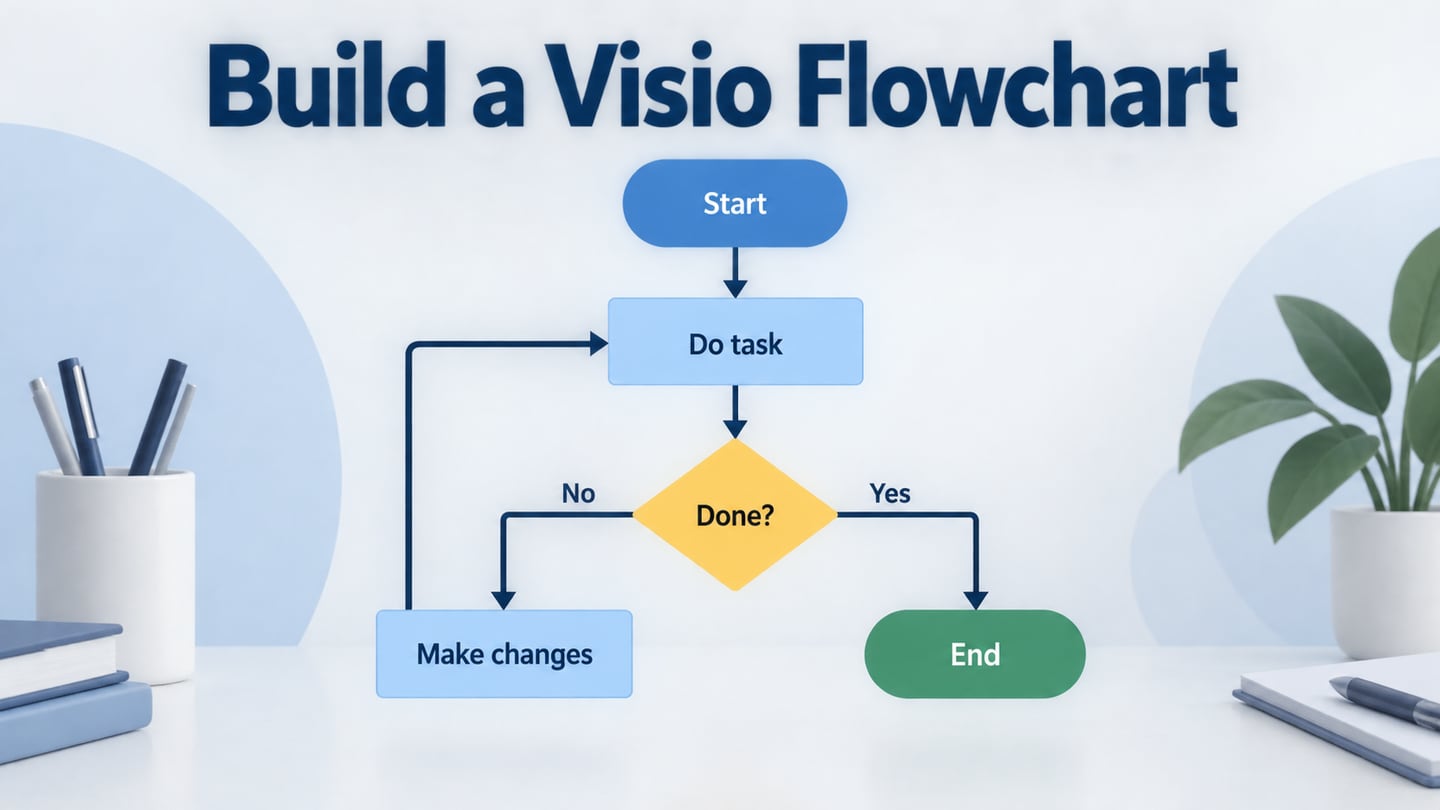
    A clear process path uses a labeled decision with two explicit outcomes.

    Create a Visio Flowchart: Basic Steps and Five Example Processesgo icon

    Build a basic Visio flowchart with shapes, attached connectors, decision labels and clear spacing, then practice with five concrete process examples.

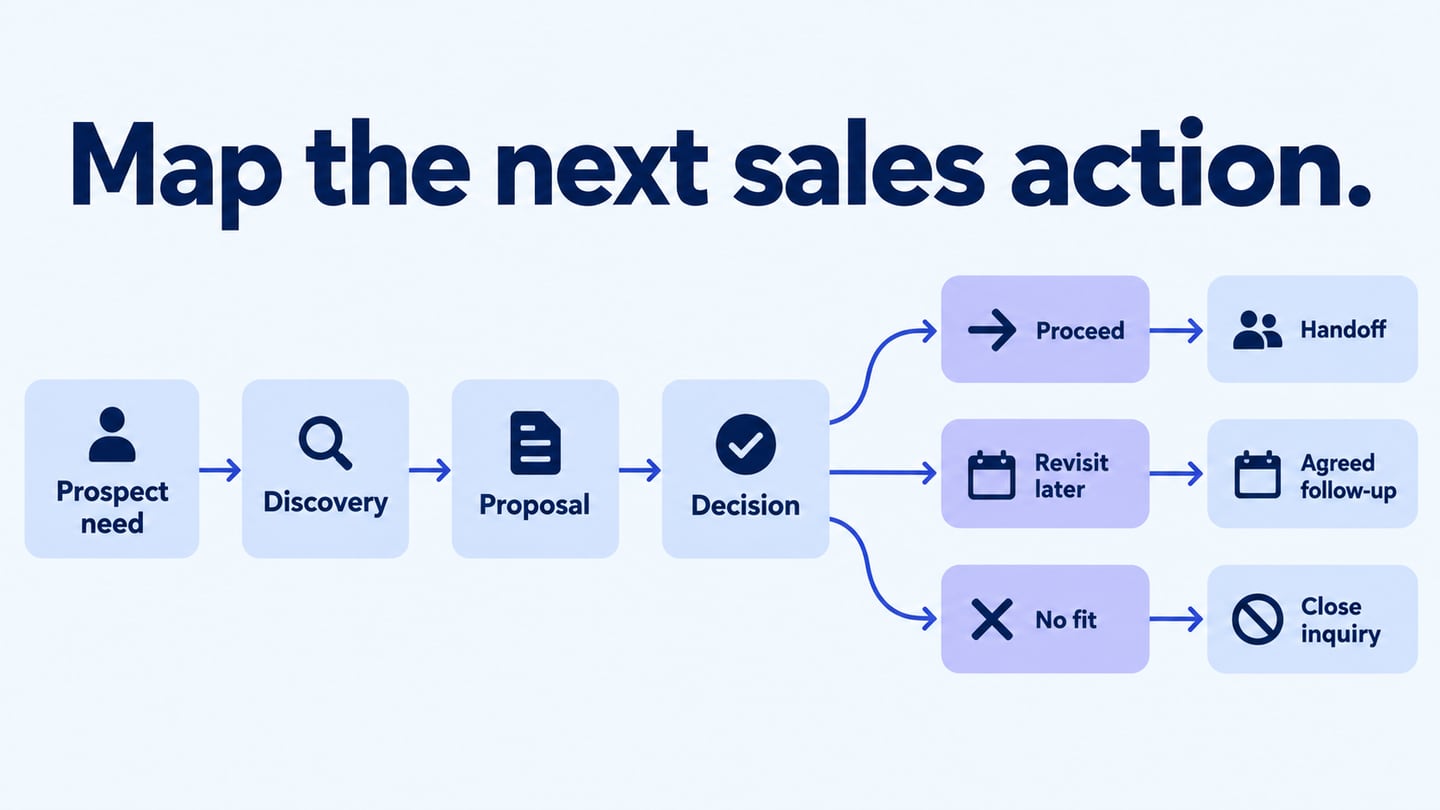
    Map the next sales action editorial illustration

    Build a Sales Process Flowchart in Five Practical Stepsgo icon

    Map a sales process from discovery to proposal, questions, and follow-up, with explicit decisions, owners, and outcomes instead of guaranteed conversions.

    Flowchart Symbols: 10 Meanings and a Worked Examplego icon

    Learn 10 common flowchart symbols, when to use each, and how to connect decisions, actions, documents, and delays in a practical order-handling example.

    Top 10 Flow Charts Examples to Inspirego icon

    Flow charts are the best ways with the help of which you can let somebody know about anything thoroughly. In this post, we will have a look at the top 10 flow chart examples for inspiration with the help of which you can have some idea about designing your new flow chart.
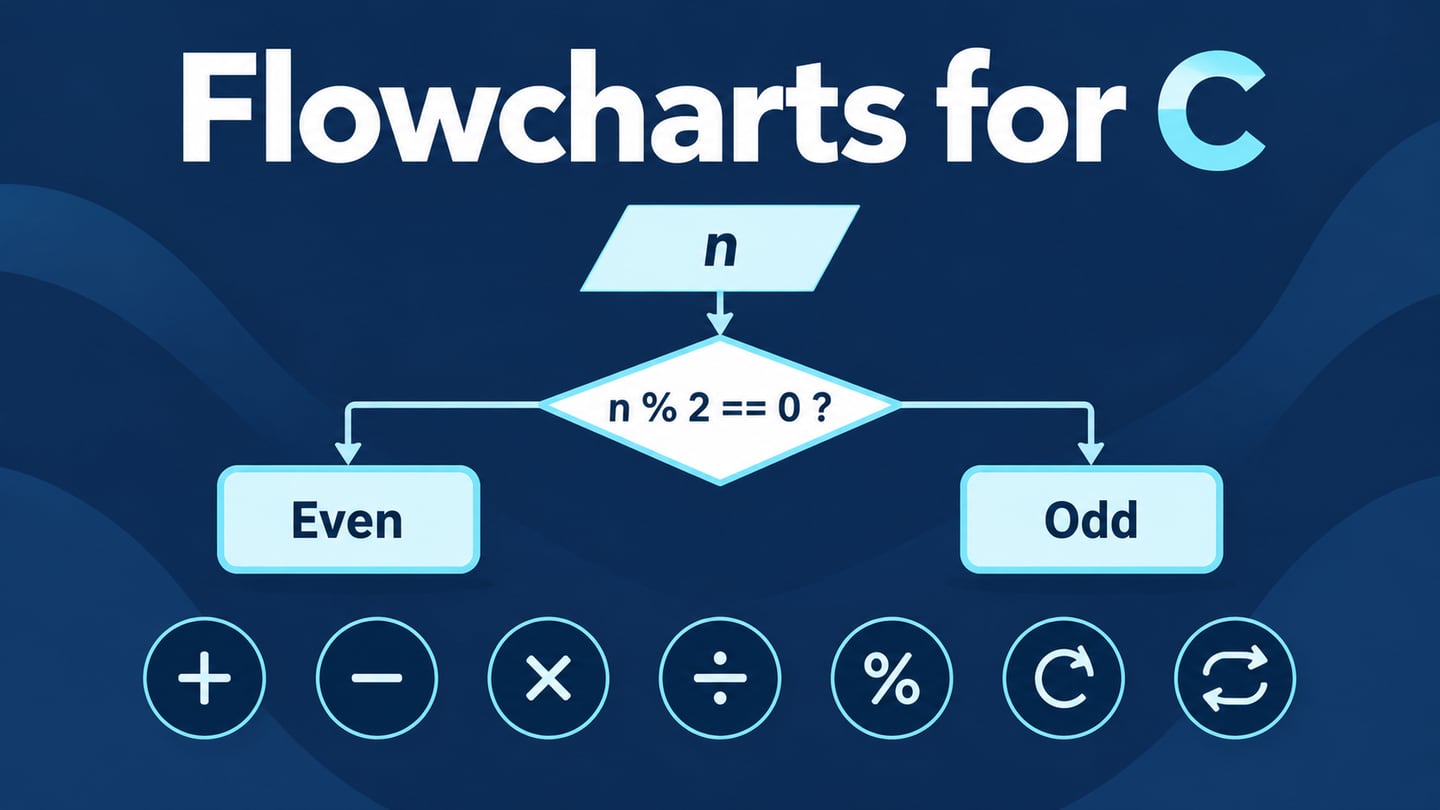
    A C flowchart decision splitting into distinct even and odd outcomes

    Flowchart Examples in C: Seven Programs and Logic Checksgo icon

    Trace seven C flowchart examples, including sums, even or odd, factorials and averages, with corrected branches and concrete expected results.

    Basic Flowchart Shapes: Meanings and Examplesgo icon

    What is flowchart shapes? What’s the meaning of flowchart shapes? I guess you may have a lot of questions about flowchart shape/ Let’s find the answer in this article.

    Free Flowchart Software: Free Plans and Trials Comparedgo icon

    Distinguish free flowchart editors, limited free plans, existing Microsoft access and trials. Compare Mockitt, Boardmix, draw.io and five other options.

    6 Flowchart Creators for Building and Maintaining Clear Diagrams

    Compare six flowchart creators for editable files, team review and visual documents, then follow a simple workflow for keeping a diagram useful after changes.
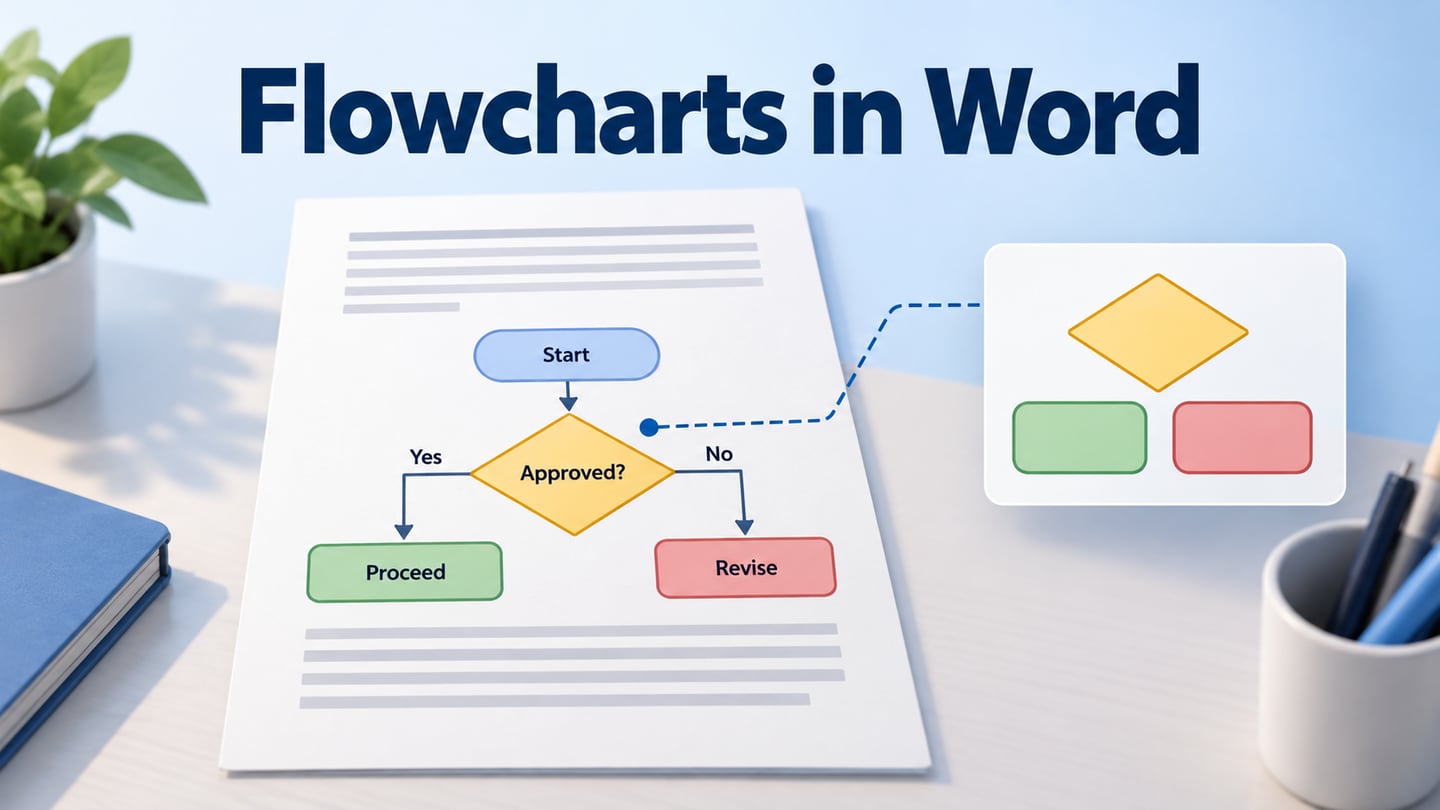
    A document page combining explanatory paragraphs with a labeled editorial-approval flowchart

    How to Make a Flowchart in Word and Keep Its Layout Readablego icon

    Build a Word flowchart with attached connectors, or insert a diagram from another tool. Keep labels readable and preserve an editable source for revisions.

    7 Easy Flowchart Makers: Choose by the Work You Need to Do

    Compare seven easy flowchart makers by starting, changing, sharing and keeping a small diagram, including Mockitt, Boardmix and familiar alternatives.

    10 Flowchart Makers for Product, Team and Technical Workgo icon

    Compare ten flowchart makers by product planning, process workshops, technical diagrams and visual documents, including Mockitt and Boardmix.

    10 Great PowerPoint Flowchart Templates You can Simply Usego icon

    Many people like to use Powerpoint flowchart templates in workplace. There are many different kinds of templates online. We picked 10 best Powepoint flowchart templates for you to save your time!
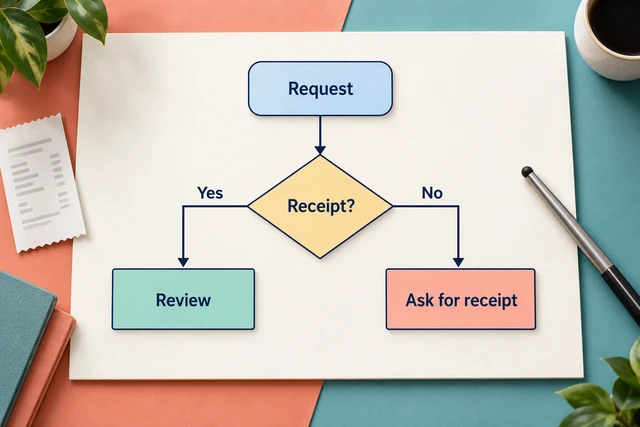
    How to Create a Flowchart in PowerPoint: Shapes and Connectors

    How to Create a Flowchart in PowerPoint: Shapes and Connectorsgo icon

    Create a PowerPoint flowchart with shapes, attached connectors, and labeled decision branches. Follow a refund-request example and compare online alternatives.

    Flowchart Input and Output Symbols: A Clear Guidego icon

    Learn what the flowchart input/output symbol means, how it differs from process and decision shapes, and how to label a clear data flow.

      Mockitt

      Design, prototype, and collaborate.

      Product
      • Prototype
      • UI Design
      • Whiteboard
      • Flowcharts
      • Mockitt AI
      • AI Slides
      Teams & use cases
      • Product managers
      • Design teams
      • Developers
      • Startups
      • Dashboard prototyping
      • Wireframing
      • UI design
      • Interaction design
      • Education
      • Business process mapping
      • System architecture diagrams
      • Mobile landing page prototyping
      • Large-screen dashboards
      • Online Gantt chart
      • Mini-app prototyping
      • Wearable prototyping
      Mockitt AI
      • AI Prototype Generator
      • AI App Generator
      • AI Website Generator
      • AI UI Design
      • AI PRDs
      • AI Flowcharts
      • AI Mind Maps
      • Image to Prototype
      • HTML to Prototype
      Compare
      • Axure alternative
      • Figma alternative
      • Sketch alternative
      • Draw.io alternative
      • Mockitt vs Lovable
      • Mockitt vs v0
      • Mockitt vs Stitch
      • Mockitt vs Visily
      • Mockitt vs Uizard
      Resources & company
      • Help Center
      • Blog
      • Pricing
      • Enterprise
      • About Mockitt
      • Create a mind map
      • Design a website
      • Build a product roadmap
      • Map a customer journey
      • Prototype starters & resources

      Contact us

      Supportsupport@mockitt.com

      Businessbd@mockitt.com

      © 2026 Sharpening Stone Technology Co., Ltd. All rights reserved.

      • Terms of Use
      • Privacy Policy