
Choosing flowchart software for Windows and Mac starts with how you need to access and keep the work. A browser editor can serve both operating systems, while a desktop editor may be useful when you need a local file or offline access.
The six options below distinguish those choices. Check the actual editor, storage and sharing workflow you will use; browser availability does not establish that a product has a native app for every platform.
Six flowchart software options for Windows and Mac workflows
Use the document-approval example to compare access: create a draft, add a revision loop, reopen the editable source and confirm how a reviewer reaches it.
1. Mockitt: browser-based diagrams for a design team
Mockitt Diagram provides a browser workspace for shapes, connectors, templates and alignment. It is an option for a team working across Windows and Mac when the process diagram belongs alongside product planning and prototype work.
Check the intended browser and account access, then share a small approval flow with a colleague. An exported picture is useful in a document, but keep the editable diagram for changes to the approval route.
2. Boardmix: a shared whiteboard across browsers
Boardmix supports flowcharts, notes and collaborative editing in a browser whiteboard. It fits teams that need to review the process together without treating the operating system as the organizing choice.
Before a workshop, verify who can view and edit the board. Free-plan board and object limits still apply; check the complete diagram and its surrounding notes rather than assuming that cross-platform access means unlimited use.
3. draw.io
draw.io provides a browser editor and a desktop application. Its local-file workflow is worth considering if you need to keep the diagram on your computer rather than in a vendor-hosted document list.
Templates and diagram libraries are available. Decide where the editable file will live, how it will be backed up and how colleagues will receive updates; using local files changes the collaboration workflow.
4. Lucidchart
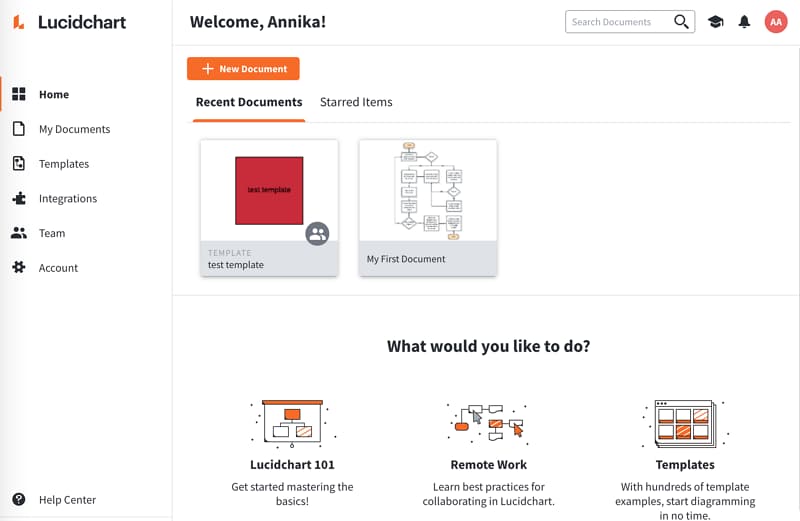
Lucidchart is a browser-based diagramming workspace with flowchart templates, shape libraries and collaboration. It suits a shared document that reviewers will revisit from their own computers.
Check the supported browser and the document, sharing and export features in your plan. Do not infer identical editing on every phone or tablet from desktop browser access.
5. Visme
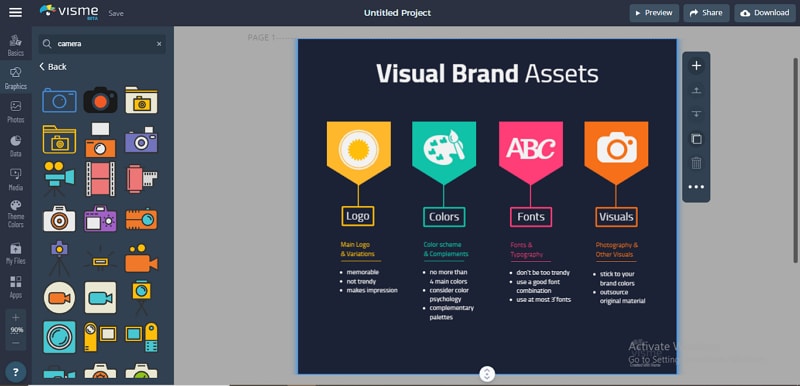
Visme is a browser-based option for turning a process into a presentation or visual document. Its flowchart templates, shapes and connectors let the diagram share the same visual style as the surrounding material.
Choose it around that communication task. Check the required download or sharing format and retain the editable design; do not assume that an exported slide can be edited like the original diagram.
6. SmartDraw
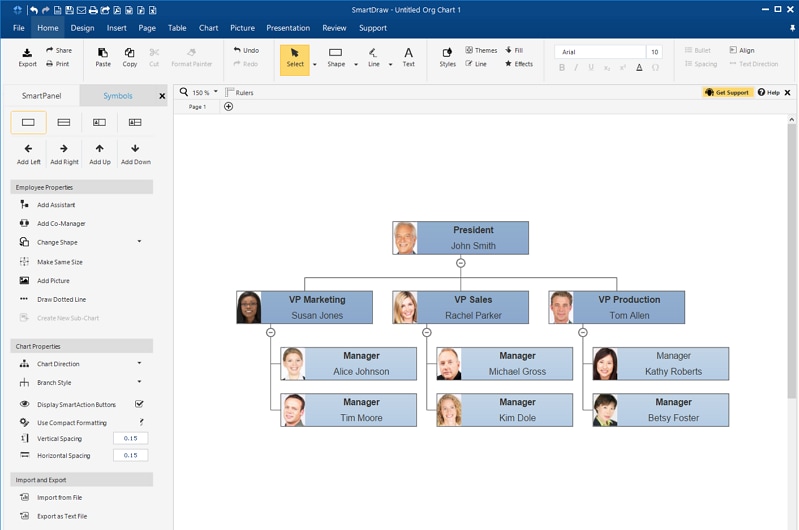
SmartDraw provides flowchart templates and diagramming tools. Compare its web offering and license against your storage, sharing and file-exchange requirements. Browser access and a native desktop application are distinct choices.
Compare the working environment, not just the operating system
| Tool | Choose it when | Trade-off to check |
|---|---|---|
| Mockitt | A Windows/Mac team needs a browser diagram near its product-design work. | Account access and the editable workspace are central; check the required sharing and output. |
| Boardmix | The diagram is developed together with notes and discussion on a shared board. | Agree which area is the approved flow, and check board/object limits before expanding a workshop. |
| draw.io | You need a local editable file or a desktop option for offline work. | You must choose storage, backup and version handoff; a file alone does not coordinate revisions. |
| Lucidchart | Several reviewers will repeatedly open the same browser diagram document. | Check each reviewer’s access and the document/features in the plan, rather than assuming phone editing is identical. |
| Visme | The flowchart will be part of a presentation or visual report. | Keep the source design as well as the output; an exported image is not an editable process diagram. |
| SmartDraw | The team needs flowcharts within a wider set of structured diagrams. | Check the current web offer, license and required file exchange with a representative diagram. |
For the approval example, verify three handoffs: the author can reopen the source on the working computer, the reviewer can read the revision loop, and the maintainer can archive an editable version. If offline editing is mandatory, test that requirement directly before choosing a browser-centered workspace.
Create a Simple Flowchart Online
A small approval flow is enough to check the workflow before committing a larger process.
In Mockitt, create the actions and the changes-needed decision, then connect the revision route back to the draft.
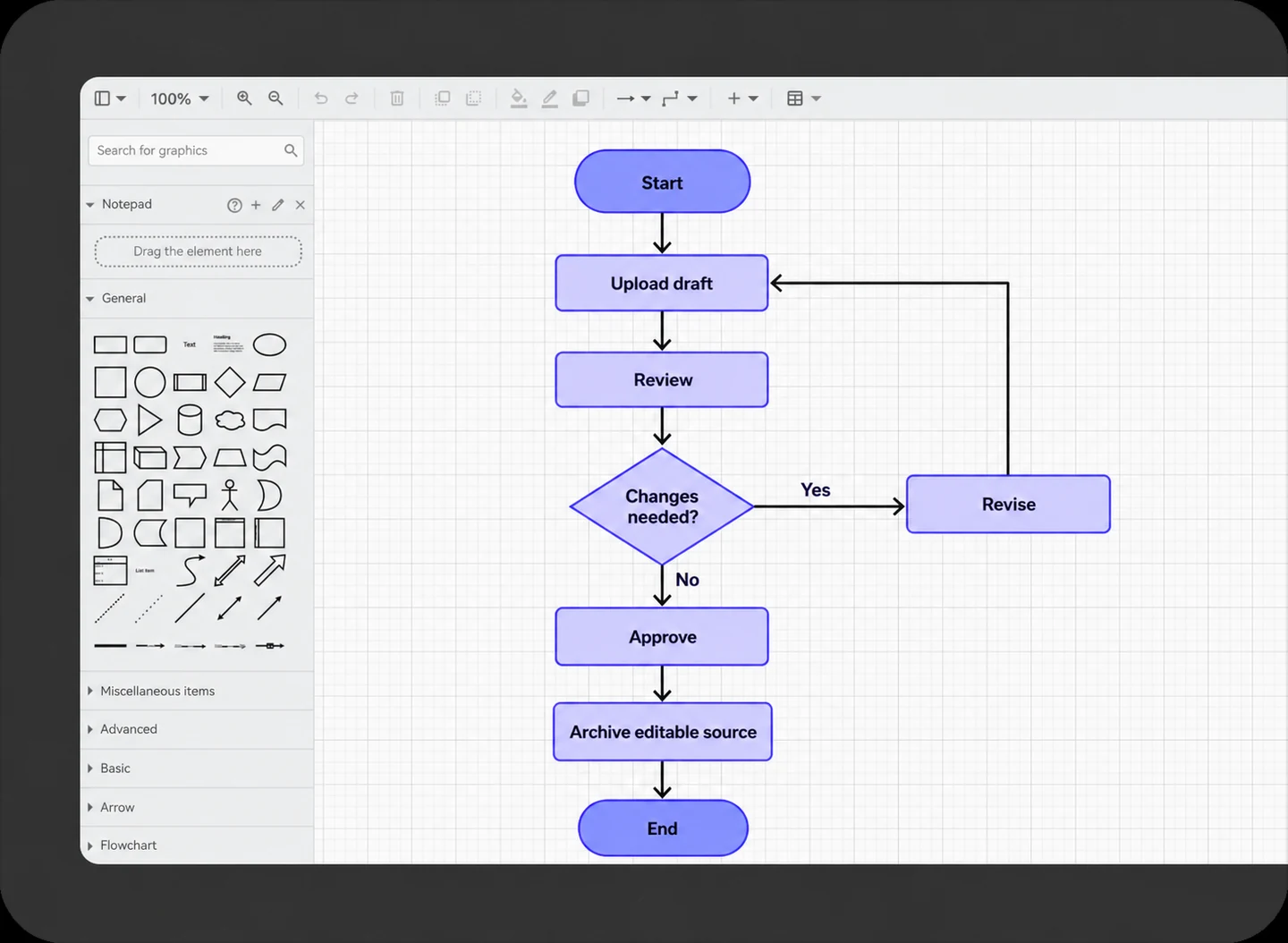
Check the working diagram
Read the approval and revision paths separately. Confirm that a colleague can explain both without needing the author to interpret an unlabeled arrow.
Keep actions and decisions distinct
Use a rectangle for a task and a diamond for a condition. Add explicit outcomes and a clear endpoint instead of using color as the only distinction.
Preserve the editable source
Save the working diagram in the chosen workspace or file location. Treat exported images as copies for communication, with one maintained source of truth.
Review access
Share the chart using the permissions the reviewer needs, and check the viewing path before a meeting. Resolve account and plan requirements while the example is still small.