Free flowchart software can mean an unrestricted basic editor, a hosted free plan with document limits, an entitlement in an existing subscription, or a time-limited trial. Identify which one you are considering before investing in a large diagram.
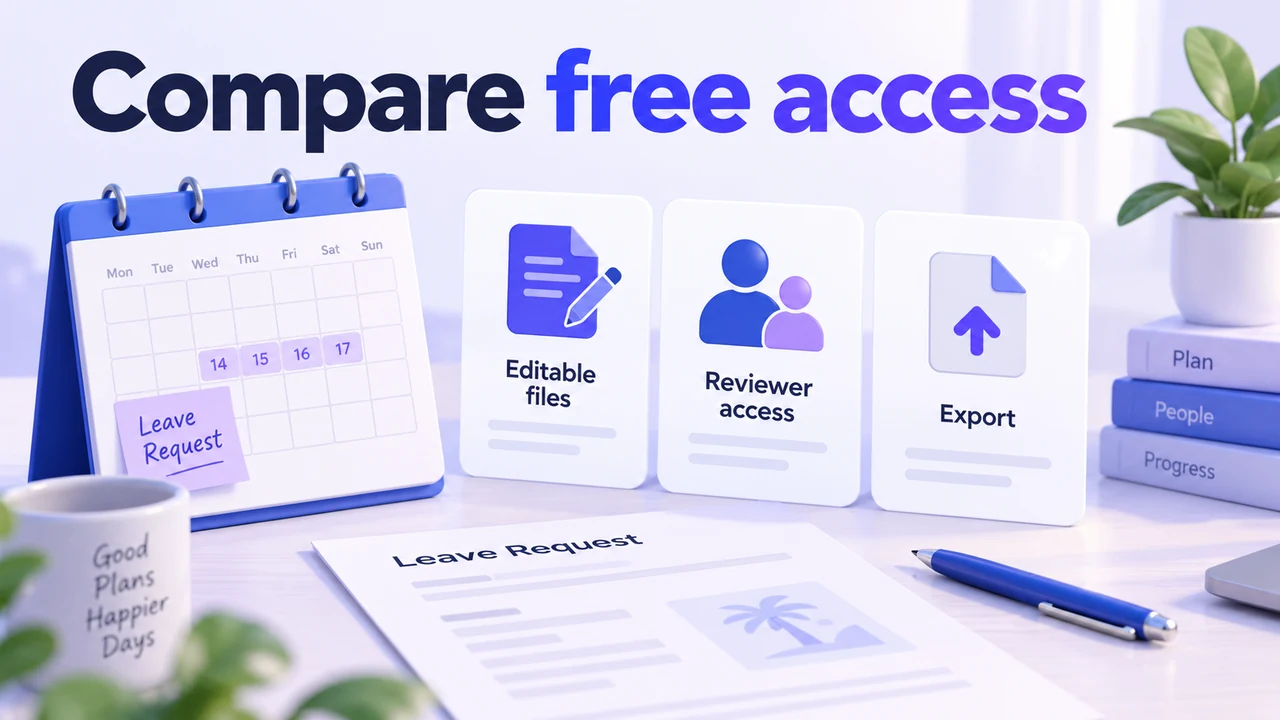
Compare the eight options by their access conditions. Check three things with a small leave-request flow: can you keep editing it, can your reviewer open it, and can you obtain the output format you need?
Free plans, included access and trials compared
Mockitt and Boardmix offer bounded free plans; draw.io provides a free diagram editor. The remaining tools below need a closer check of licenses or trial conditions. Do not treat a “start free” button as evidence that every feature remains free.
1. Mockitt: a bounded free workspace
Mockitt Diagram supports manual flowcharts with shapes, connectors, templates and alignment. The free plan lists one workspace and three files, so a small leave-request diagram is a reasonable way to evaluate the workflow before expanding it.
Check sharing and output requirements against the intended account. AI trial credits are separate from the file allowance and do not provide unlimited generation.
2. Boardmix: free boards with object limits
Boardmix provides a collaborative whiteboard with flowchart tools. Its free plan lists three editable boards and up to 100 objects per board. Notes and other board content matter as well as the process shapes.
For a small request flow, test editing and reviewer access before adding a large workshop’s material. AI credits and paid AI plans are separate from the basic free-board allowance.
3. draw.io: a free editor with a choice of storage
draw.io offers a free browser editor and a desktop option. A draw.io account is not required for basic editing, although a storage service or integration can impose its own account and access requirements.
This is useful when an editable file is the main requirement. Decide how the file will be stored, backed up and handed over; free editing does not itself provide a team’s document-management process.
4. Microsoft Visio: check existing entitlement or a paid plan
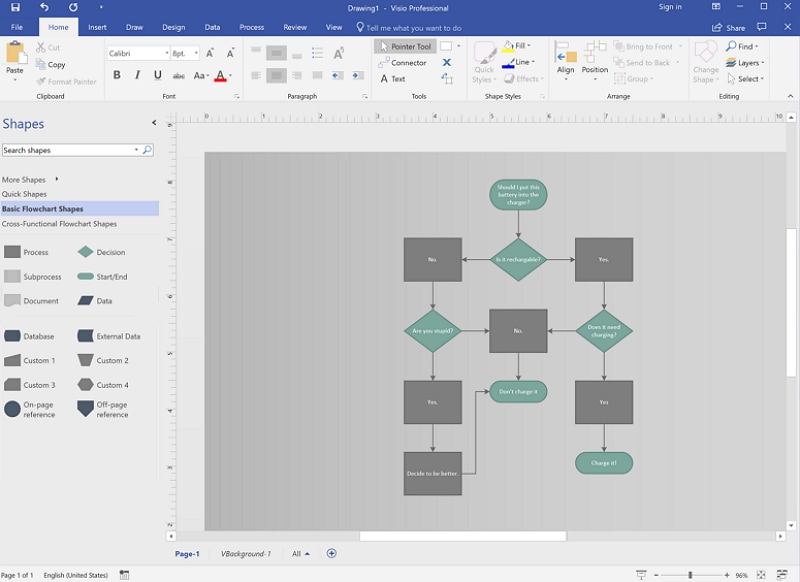
Microsoft Visio is not simply a free Office add-on. Some Microsoft 365 subscriptions include a limited web experience; broader web and desktop features depend on the Visio license.
If your organization already uses Microsoft 365, ask its administrator which diagramming features your account includes.
Evaluate the actual diagram type rather than assuming that every Microsoft account has the same Visio access.
The dedicated flowchart shapes and templates are useful for process documentation.
A trial or an existing entitlement can help you evaluate it, but neither establishes unrestricted free use for every person or feature.
5. Textografo: check the trial and subscription
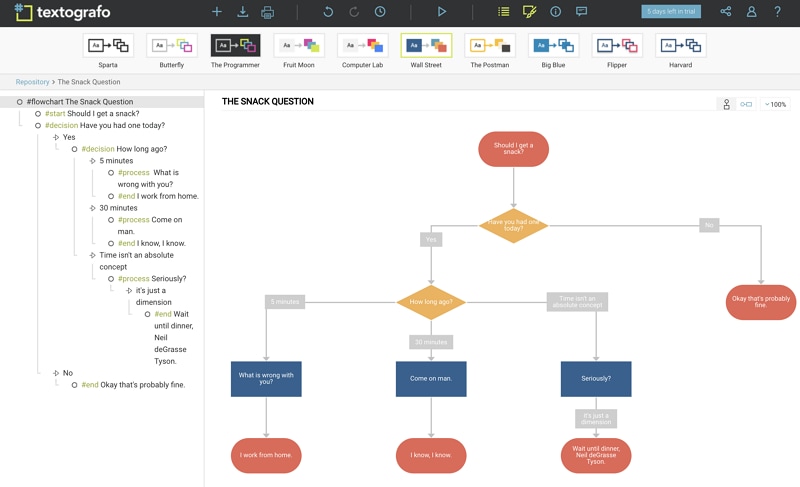
Textografo creates diagrams from structured text. It can suit a writer who prefers changing step definitions to placing boxes manually.
Its defining choice is the input method: learn the syntax and check whether it represents your branches clearly.
Use a short process to assess layout and revisions before committing your working documentation.
The product offers trial access and paid plans. Confirm what happens when the trial ends before choosing it as the maintained home of a diagram.
6. Gliffy: conditional Confluence access
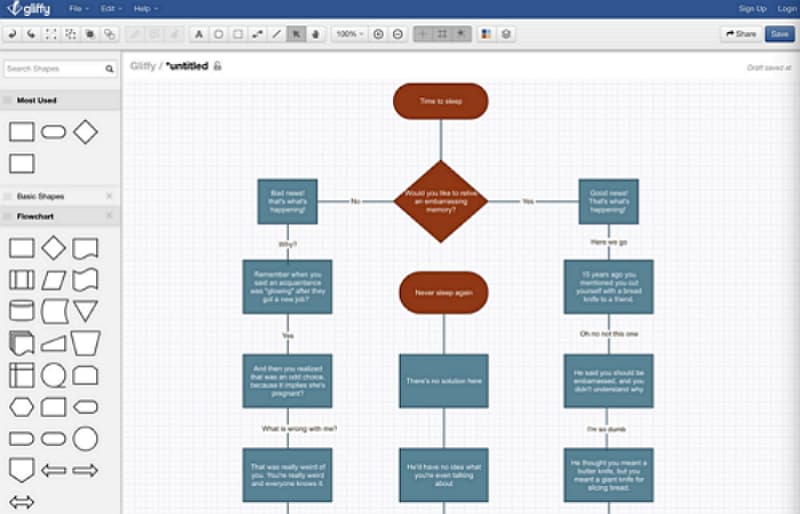
Gliffy focuses its current plans on Confluence apps. Its small-team free eligibility and evaluation options depend on the app, hosting and user tier.
Flowchart shapes and connectors support diagrams embedded in a documentation workflow.
Confirm the exact license with the Confluence administrator. Do not assume a trial or the smallest user tier covers a larger deployment.
7. Cacoo: check the current plan limits
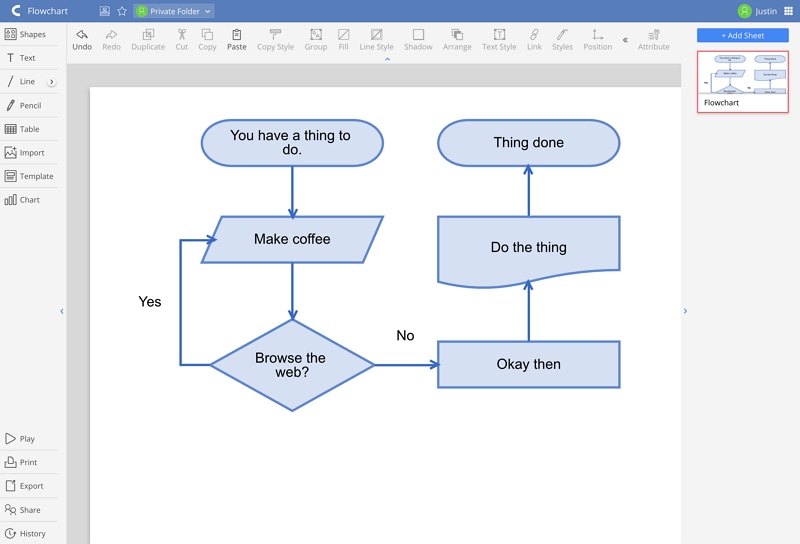
Cacoo offers flowchart templates, standard shapes and collaborative editing. It is relevant when reviewers need to discuss and revise the diagram together.
Comments and real-time editing help with that review, while templates and connectors provide the drawing structure.
Check document limits, collaborators and the required export format against the current plan.
A free starting option should be evaluated with the diagram you actually need. Do not infer unlimited documents or every export feature from the ability to sign up.
8. OmniGraffle: native Apple software with a trial
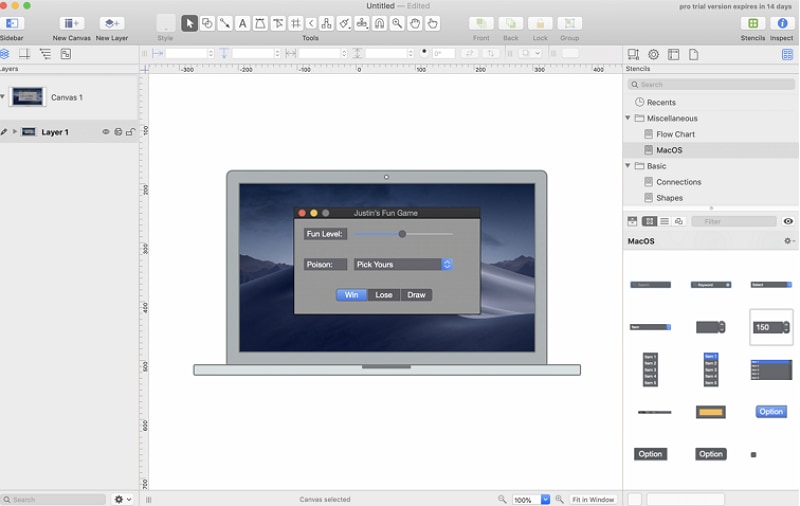
OmniGraffle is native software for Mac, iPad and iPhone, installed and licensed separately from the device’s built-in applications.
Its drawing and alignment tools are useful when you want to work in a native Apple application.
The official download includes a 14-day trial. Plan for the applicable license if the application fits your continuing work.
Create a simple flowchart online
Begin with a compact flow in Mockitt so the plan limits are visible early. A leave request needs a submitted date range, a coverage check and clearly labeled approval or revision outcomes.
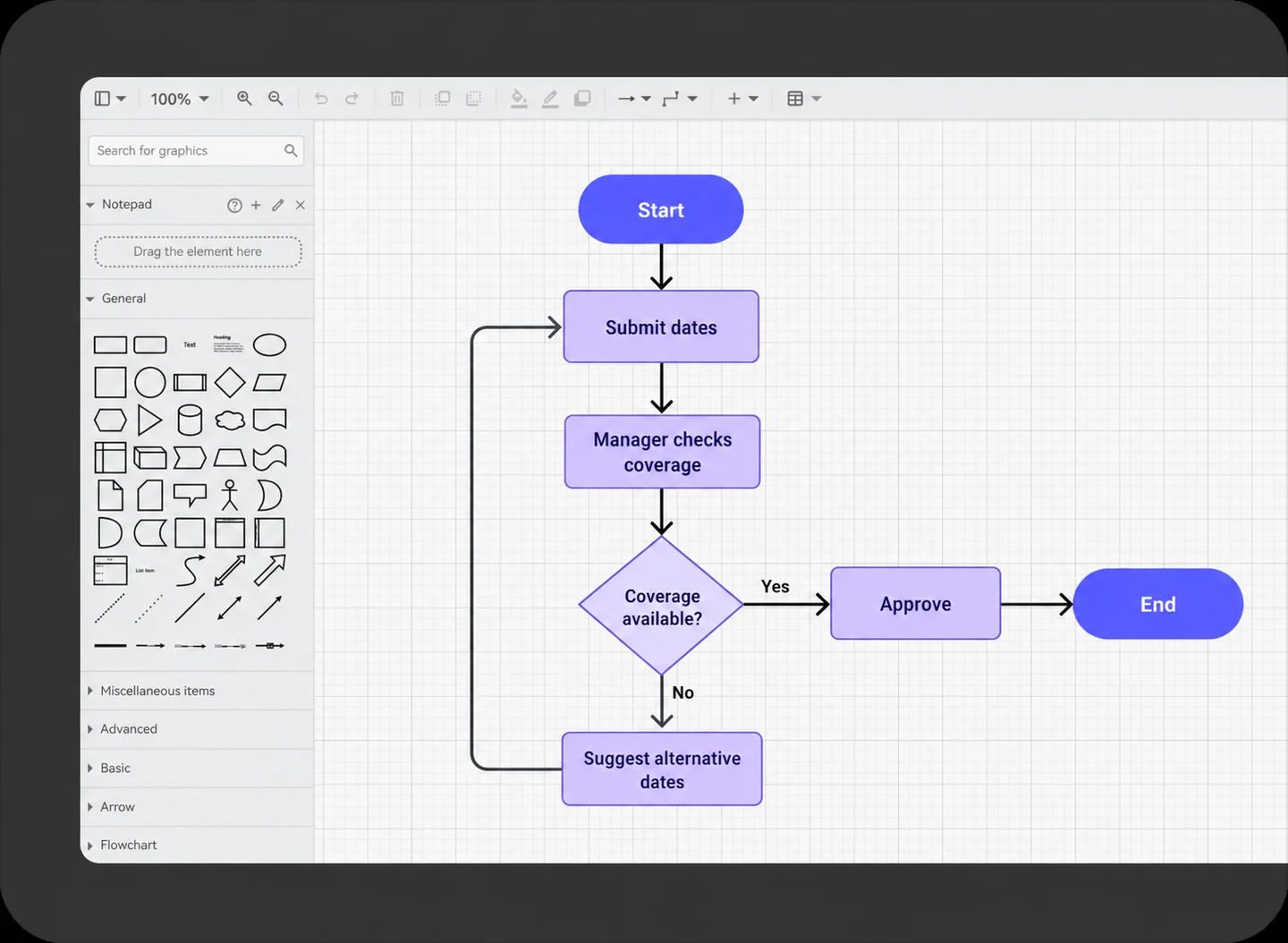
Open a diagram workspace, choose a suitable template or blank canvas, and add the actions.
Use the shapes and connectors to show both outcomes. Check attachment and readability after moving a node.
Verify that the intended reviewer can open the result and that the account provides the export you need. Keep the editable source before deciding whether to expand the diagram or upgrade.