Online Interaction Design Tool
Connect screens, define interaction states, and share a clickable flow for feedback before development.
 Try for Free
Why Choose to Prototype Interactions
with Mockitt?
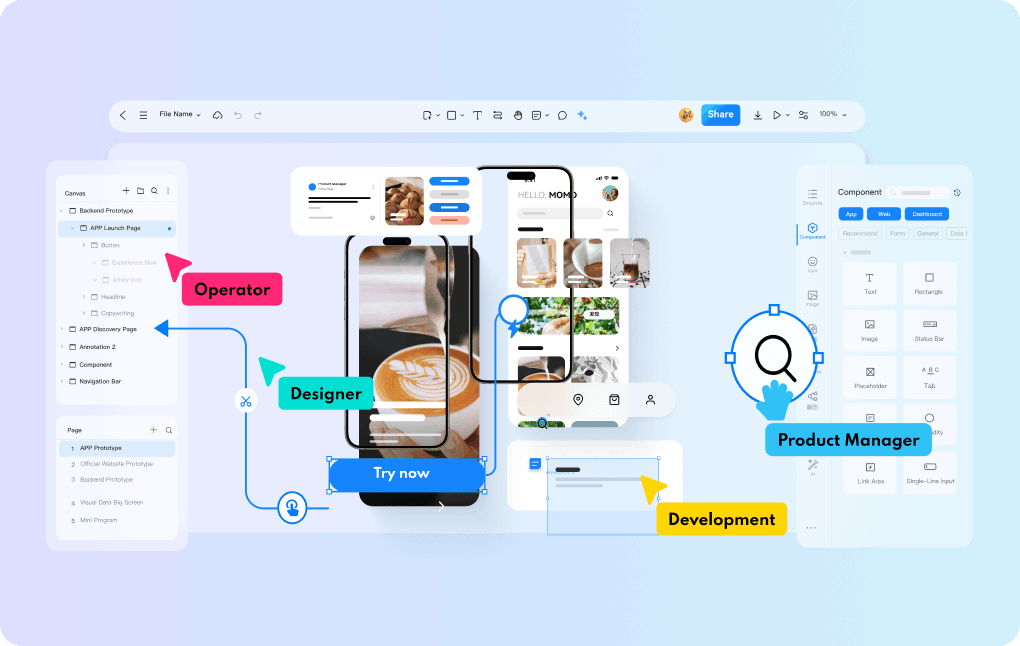
Build interactions your team can try

Connect a user flow
Connect a screen action to the next screen or state. Build a flow that a reviewer can follow from start to finish.

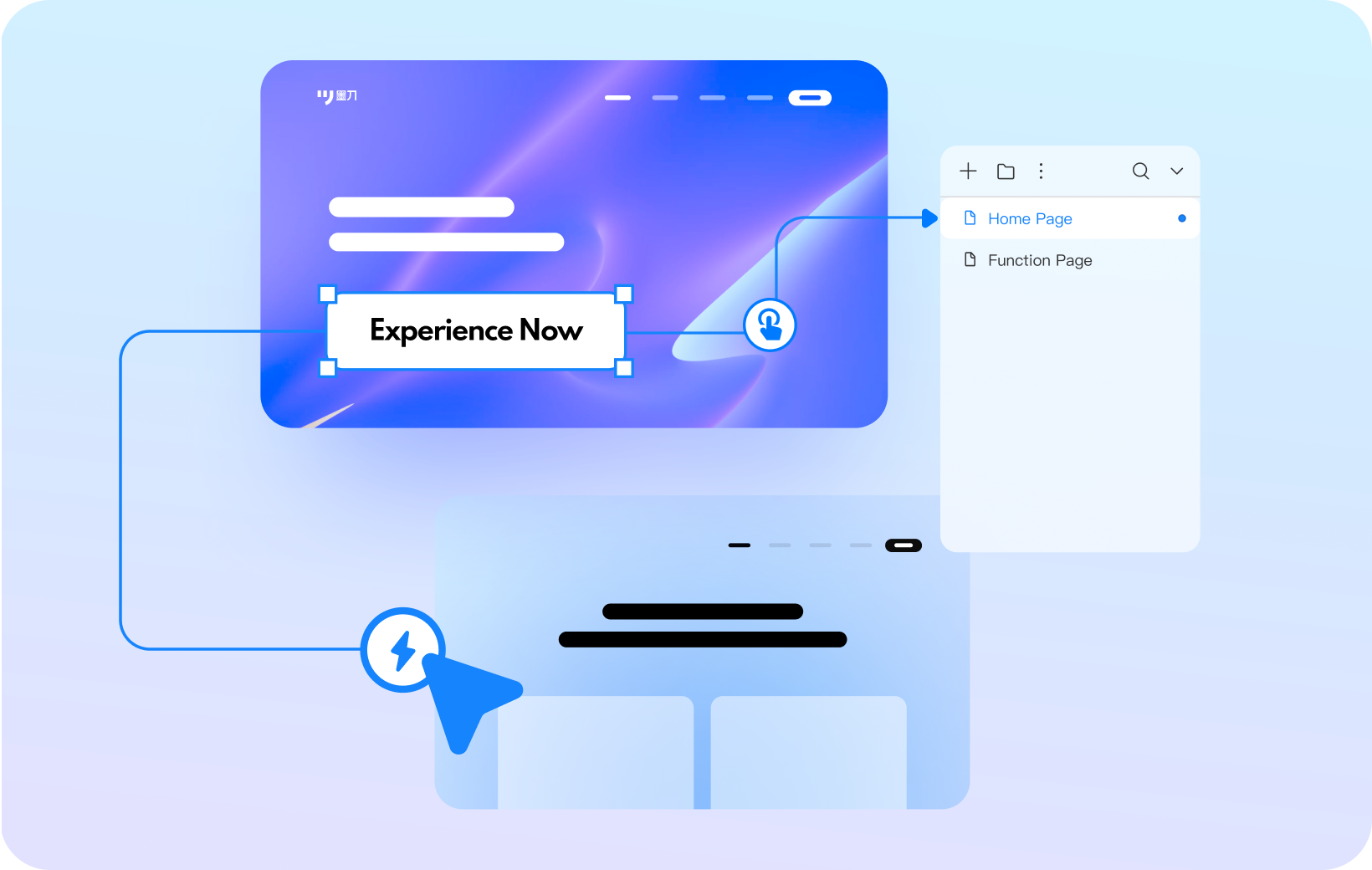
Choose the interaction trigger
Use click, hover, or gesture triggers to describe how someone interacts with a screen.

Show changes with animation
Add transitions to a page or component and adjust their timing to make state changes easier to follow.
Start with reusable components and templates

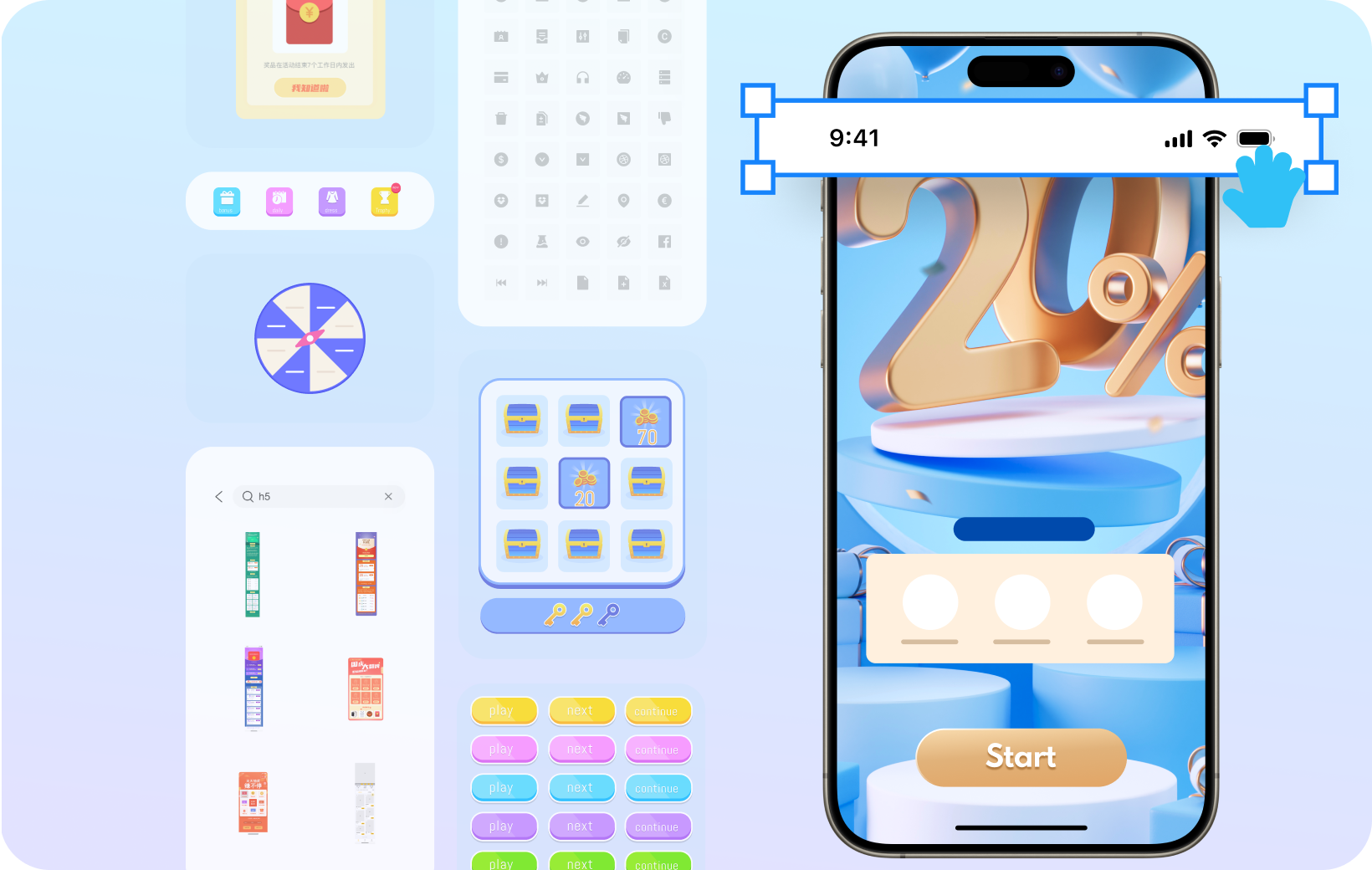
Reusable UI components
Start with navigation, buttons, inputs, and other common components, then adjust them for your interface.

Templates for common projects
Adapt templates for projects such as a store, booking service, or customer portal.
Take a flow from wireframe to review

From the flow to the prototype
Organize the task, sketch a wireframe, connect interactions, and share the prototype for review.

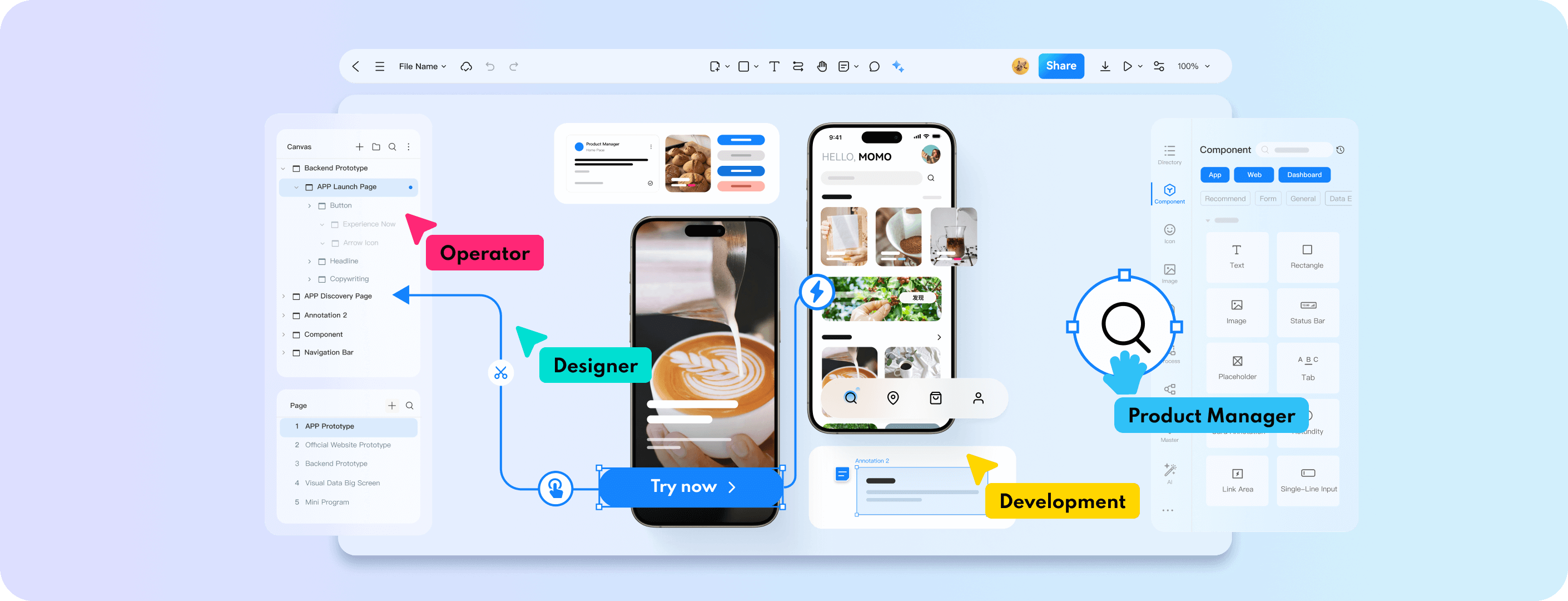
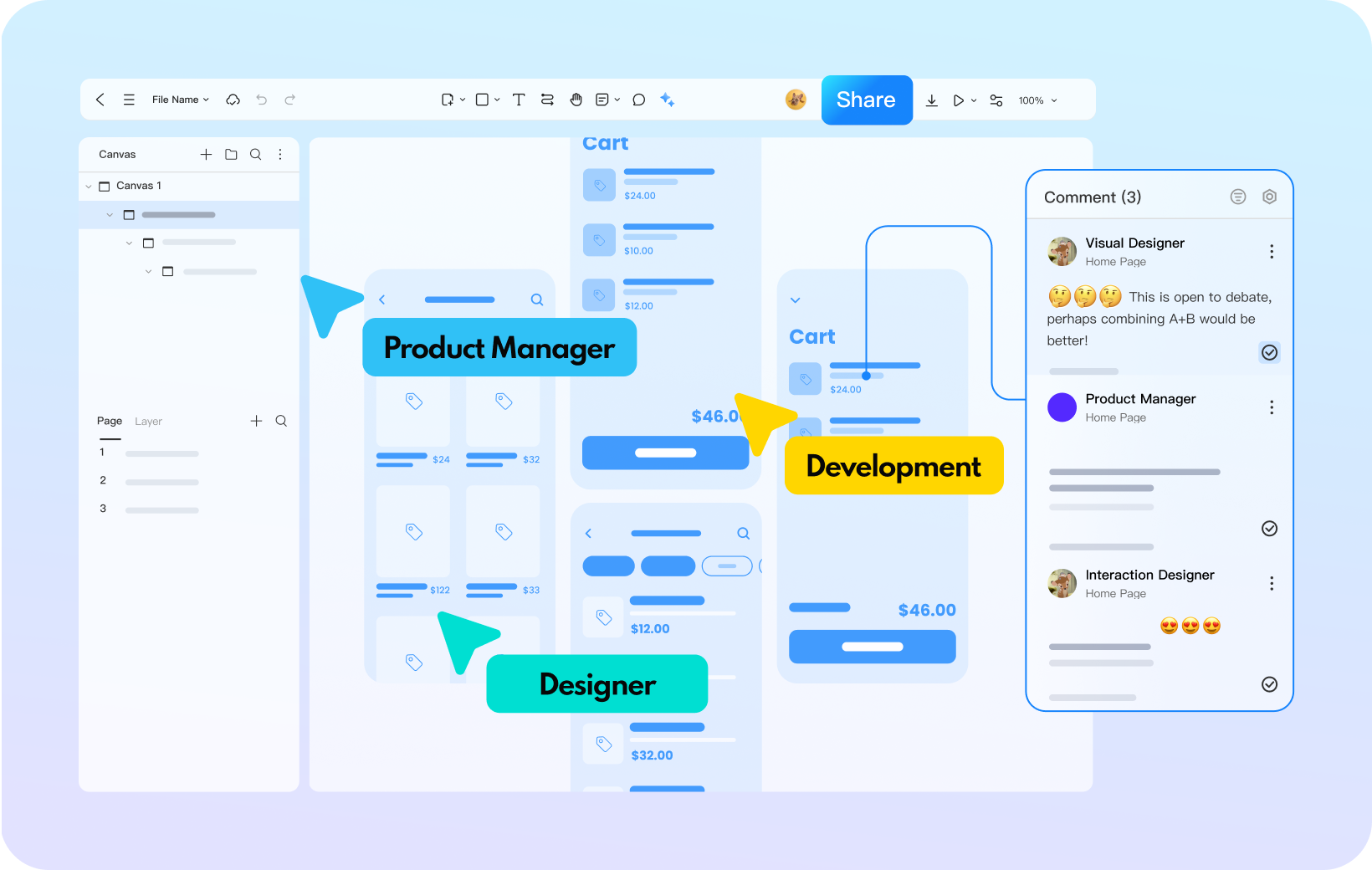
Real-time collaboration
Work in the same online project with teammates and see changes as they edit.

Feedback beside the design
Share a prototype link and gather comments beside the screens that need attention.
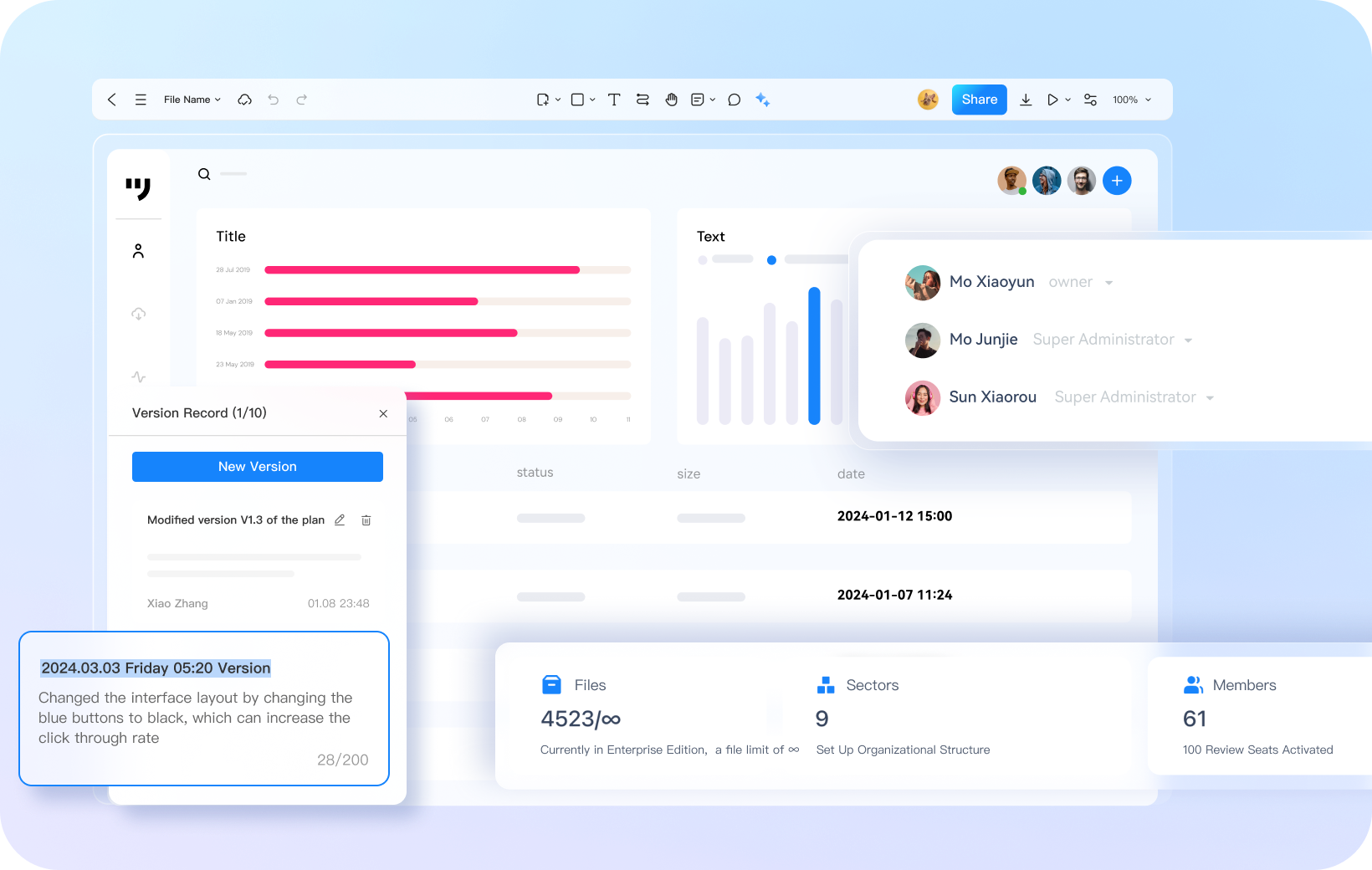
Organize projects and team access

Manage access to shared work
Set appropriate access for the people who administer, edit, or review a shared project.

Keep track of revisions
Use project organization and version history to find current work and review earlier design decisions.
Mockitt covers a wide range of
interaction design scenarios
 APP
 Dashboards
 Web
 Mobile Content
 Landing Pages
 Visualization
 Industrial HMI
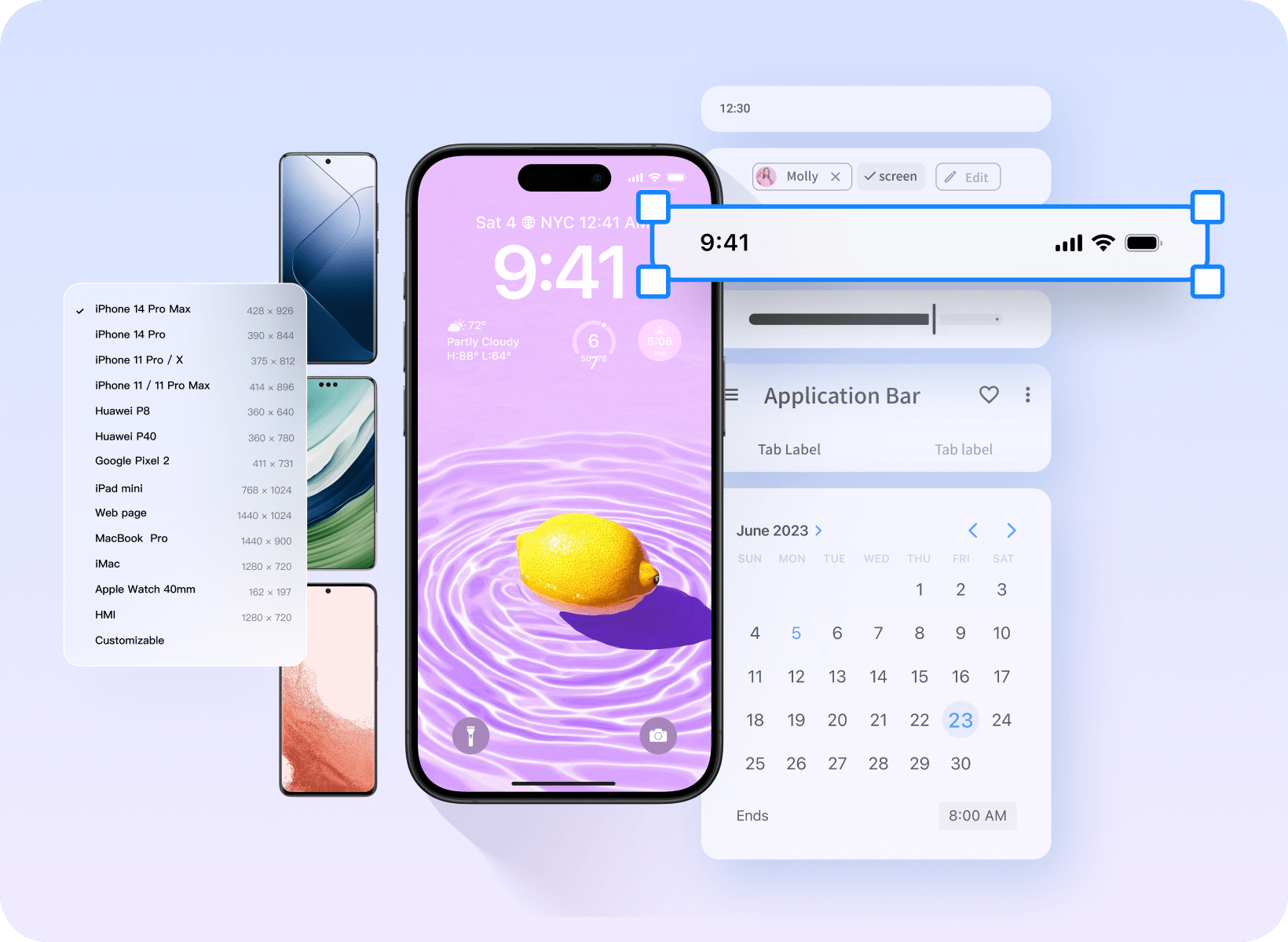
Prototype mobile app interactions

Supports various gesture interactions

Android and iOS components for common screen patterns

Device frames for mobile previews
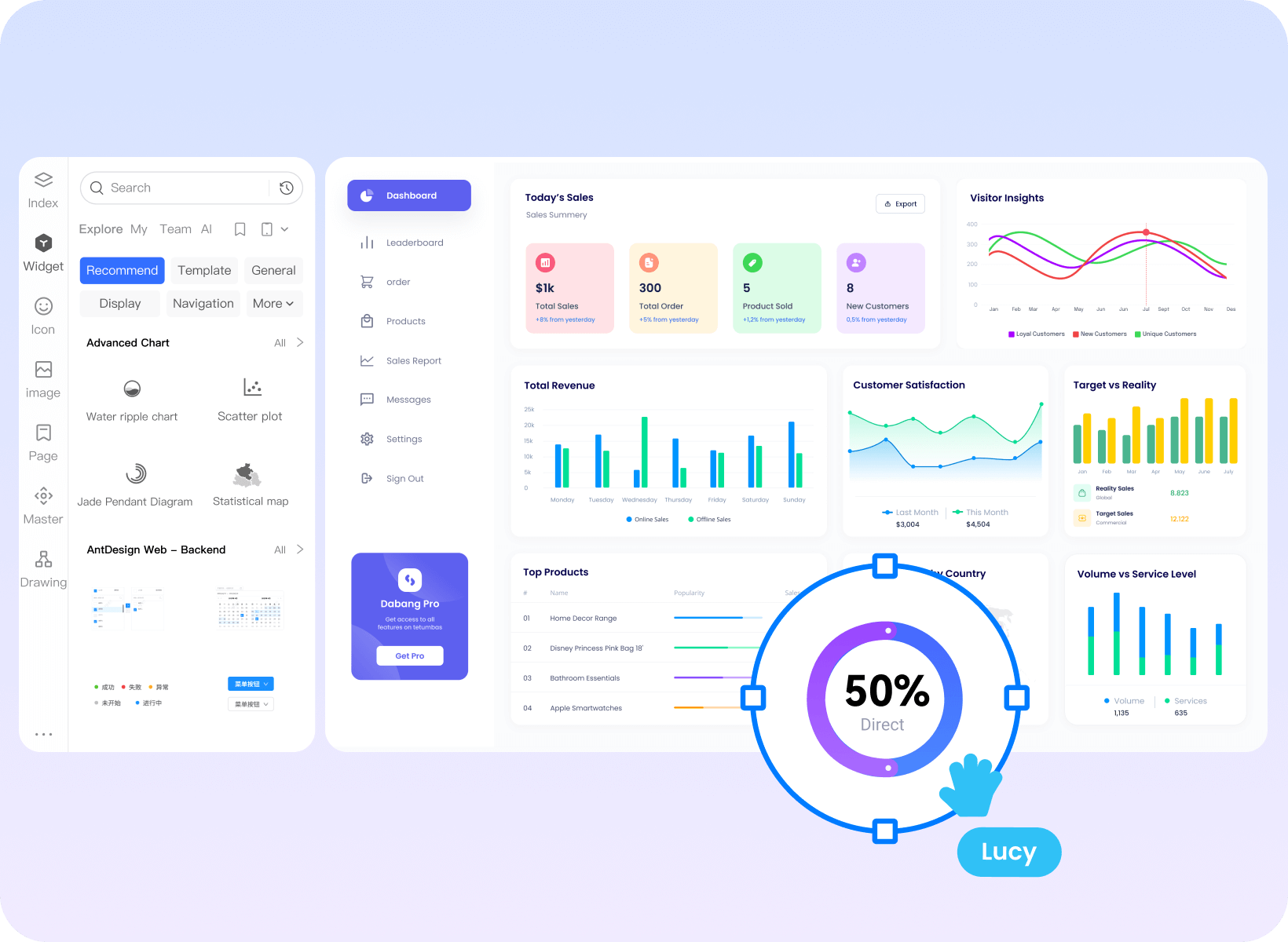
Build consistent admin and dashboard screens

Update a shared component and reuse it across screens

Massive navigation, pagination, and chart components.

Use templates to keep layouts and components consistent
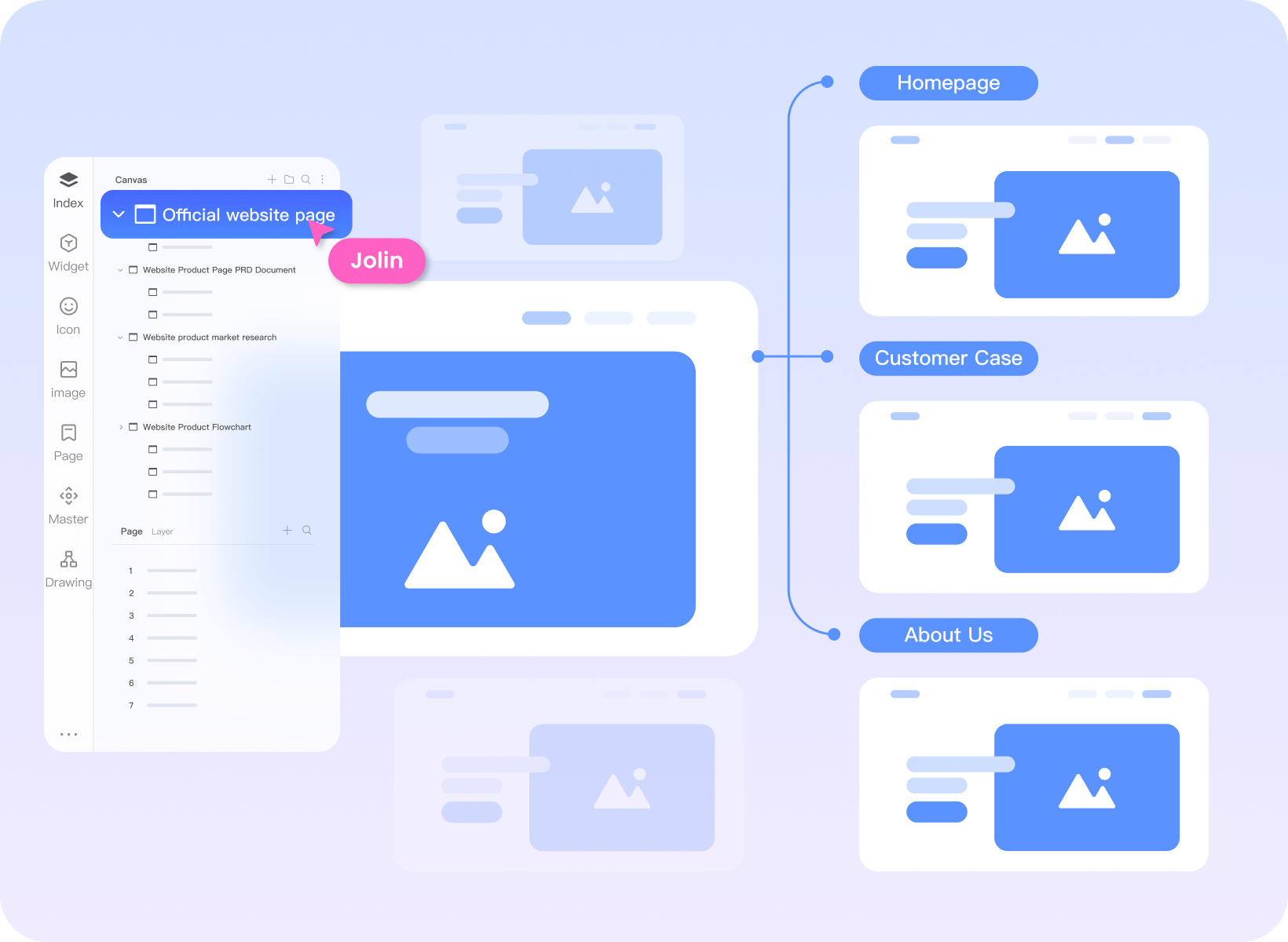
Connect website structure to page prototypes

Use a mind map to organize the website sitemap.

High-frequency components such as navigation and buttons can be dragged and used directly.

Supports inserting videos, maps, hyperlinks, etc.
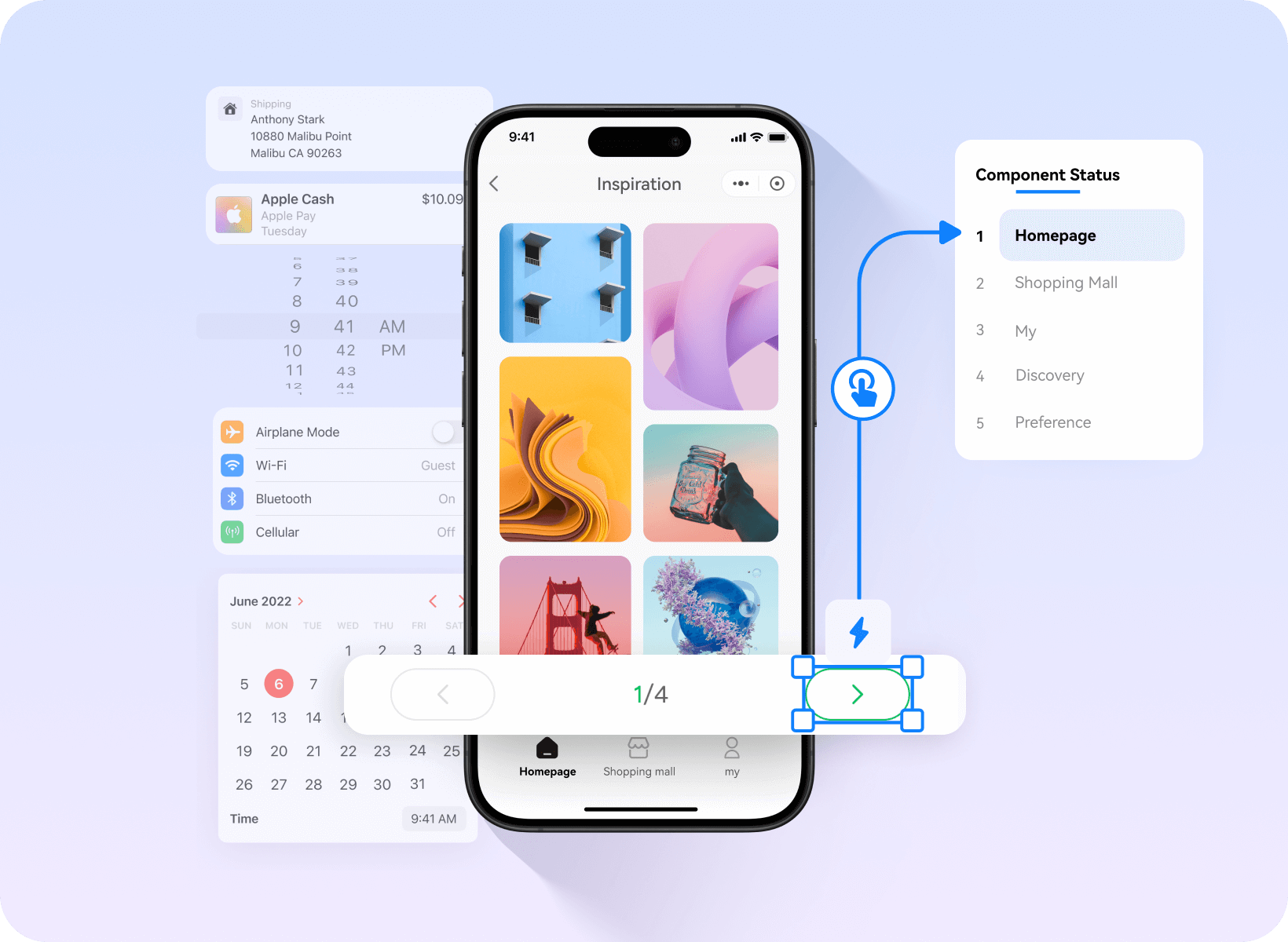
Prototype mobile browsing and selection

Build a gallery, list, or detail screen with reusable components

Add images and icons to explain the content and actions

Connect browsing, selection, and return actions.
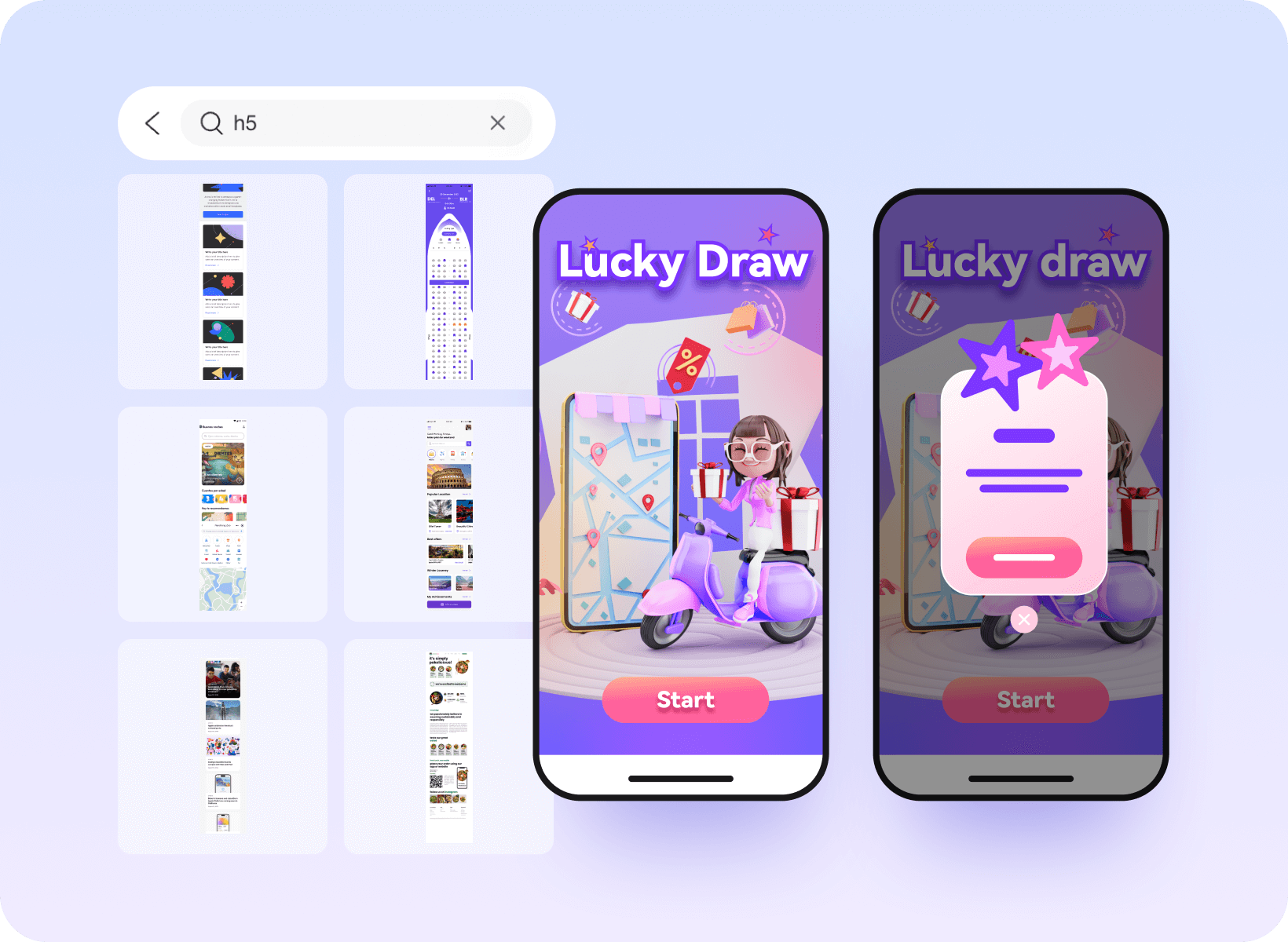
Explore an interactive mobile campaign

E-commerce, gaming, tourism, and other massive templates

Add animation to show a change in the interface

Use interactive components to explore a mobile campaign
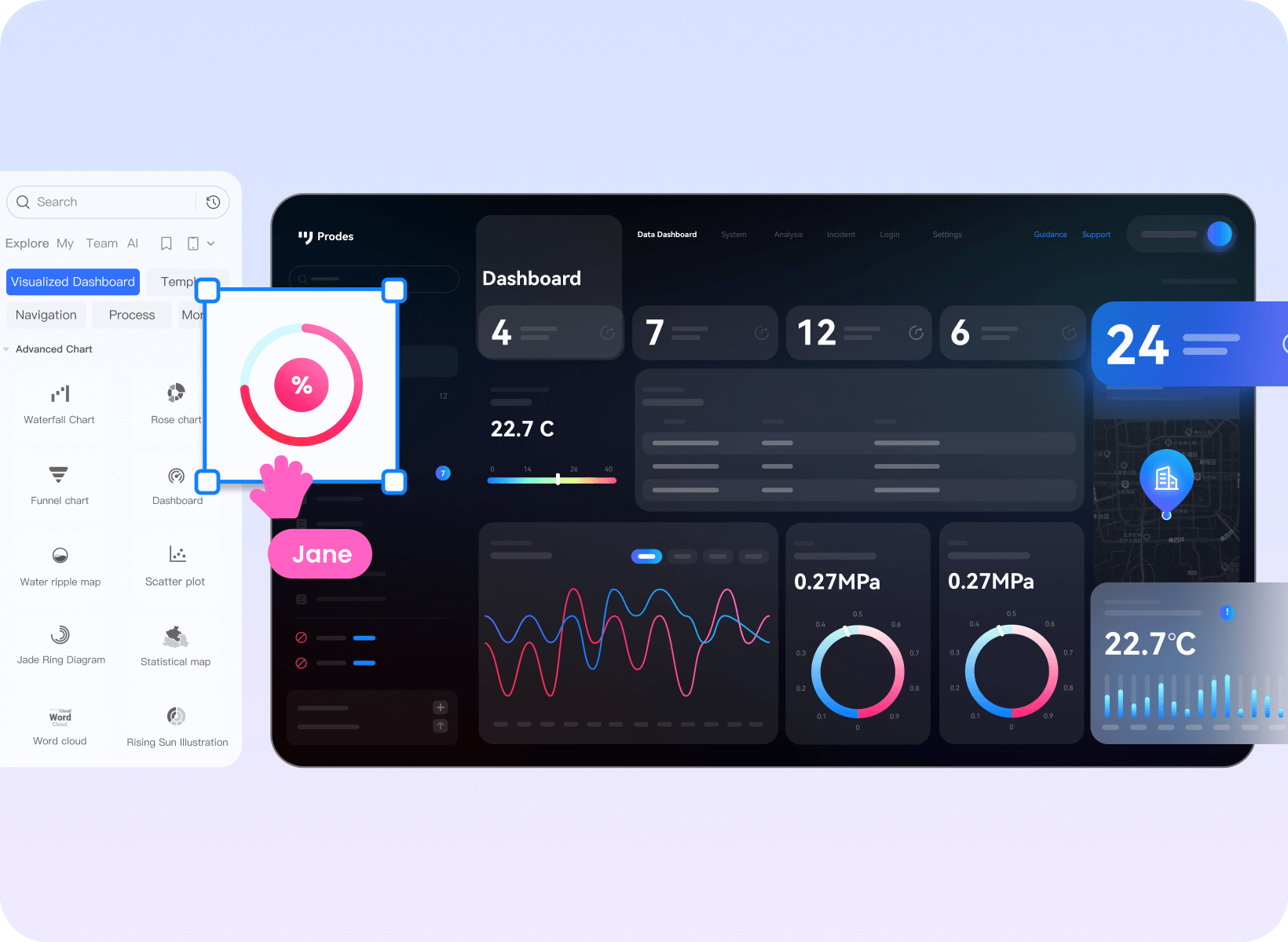
Show how a dashboard presents data

Start with chart and data-display components.

Show elements entering or leaving a screen

Rich industry templates and solutions
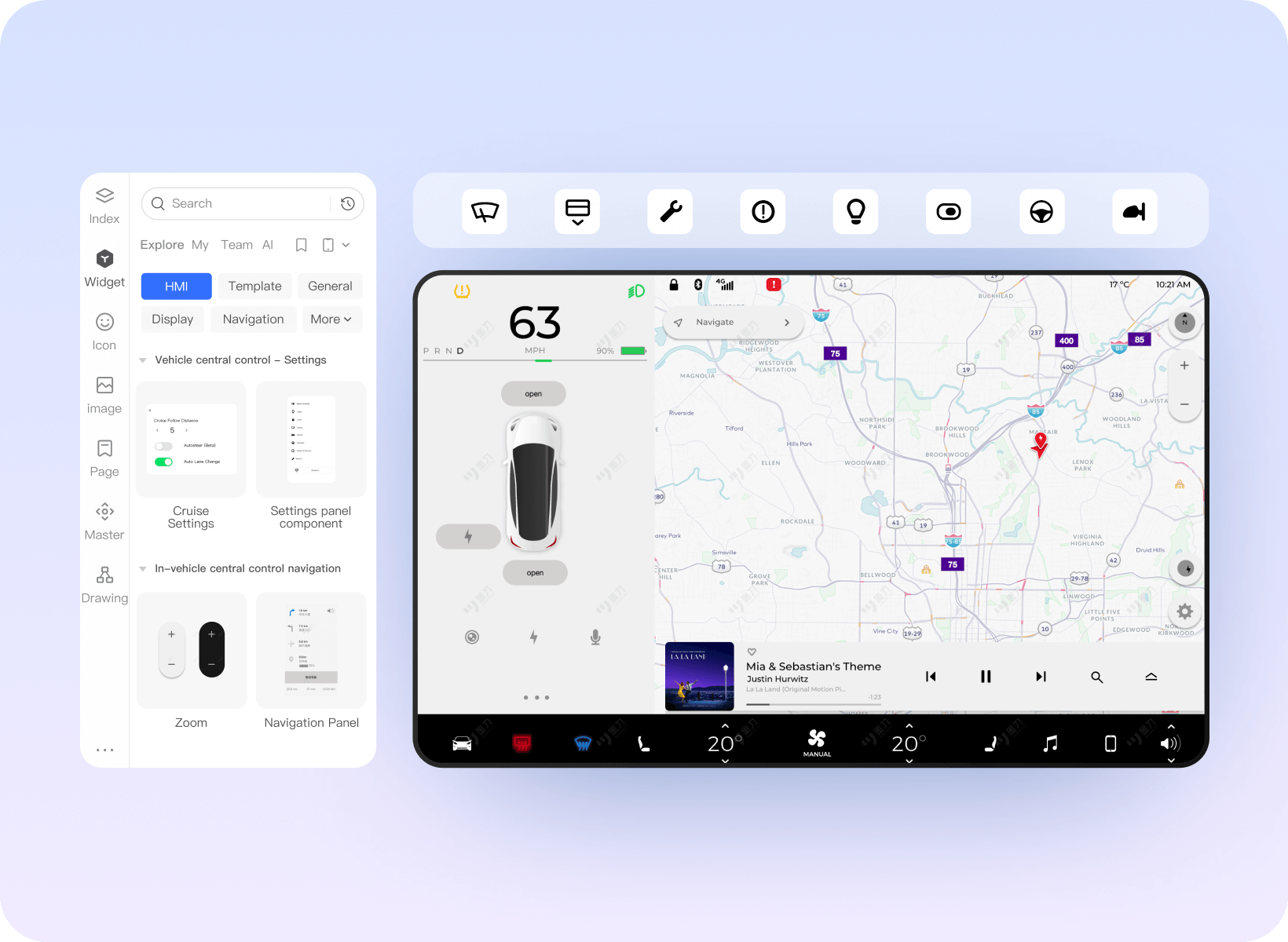
Explore connected-device and HMI interactions

Icons and controls for HMI concepts

Gesture and mouse interaction behaviors

Demonstrate and simulate the real experience of the HMI system.
Bring the workflow into your team
Keep product work together
Keep requirements, prototypes, design files, and diagrams in the team workspace.
Flexible Team Management
Organize team access, review recorded activity, and manage project handovers when responsibilities change.
Bring existing design assets
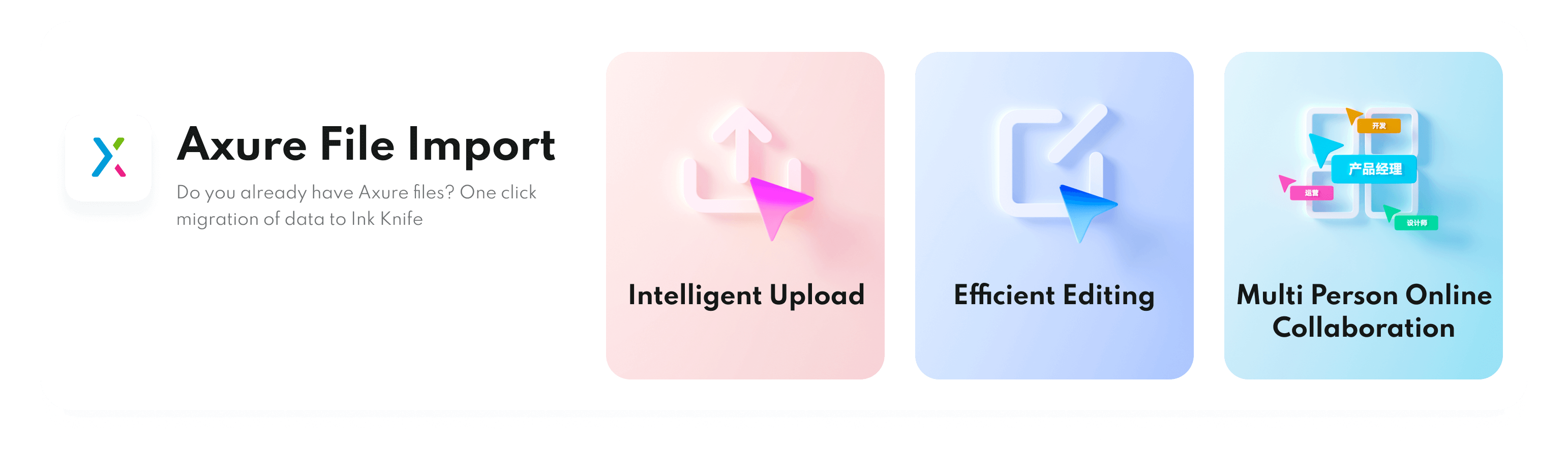
Bring supported design files into the workflow and check their layout and interactions after import.
Shared design assets
Share reusable assets with the team so new work starts from the same resources.