

A flowchart maker is useful when its editing and sharing model fits the work: a product journey, a team process, a technical diagram or an illustration for a document. The same list of shapes does not make every tool equally suitable for each task.
These ten options cover those different contexts. Compare one real diagram, including its exception path, and check where the editable source will live.
Ten flowchart makers and the work they suit
The choices below are grouped by practical fit. Free entry plans, trials and paid products have different limits; verify the features needed by your workflow.
1. Mockitt: product flows and design discussion
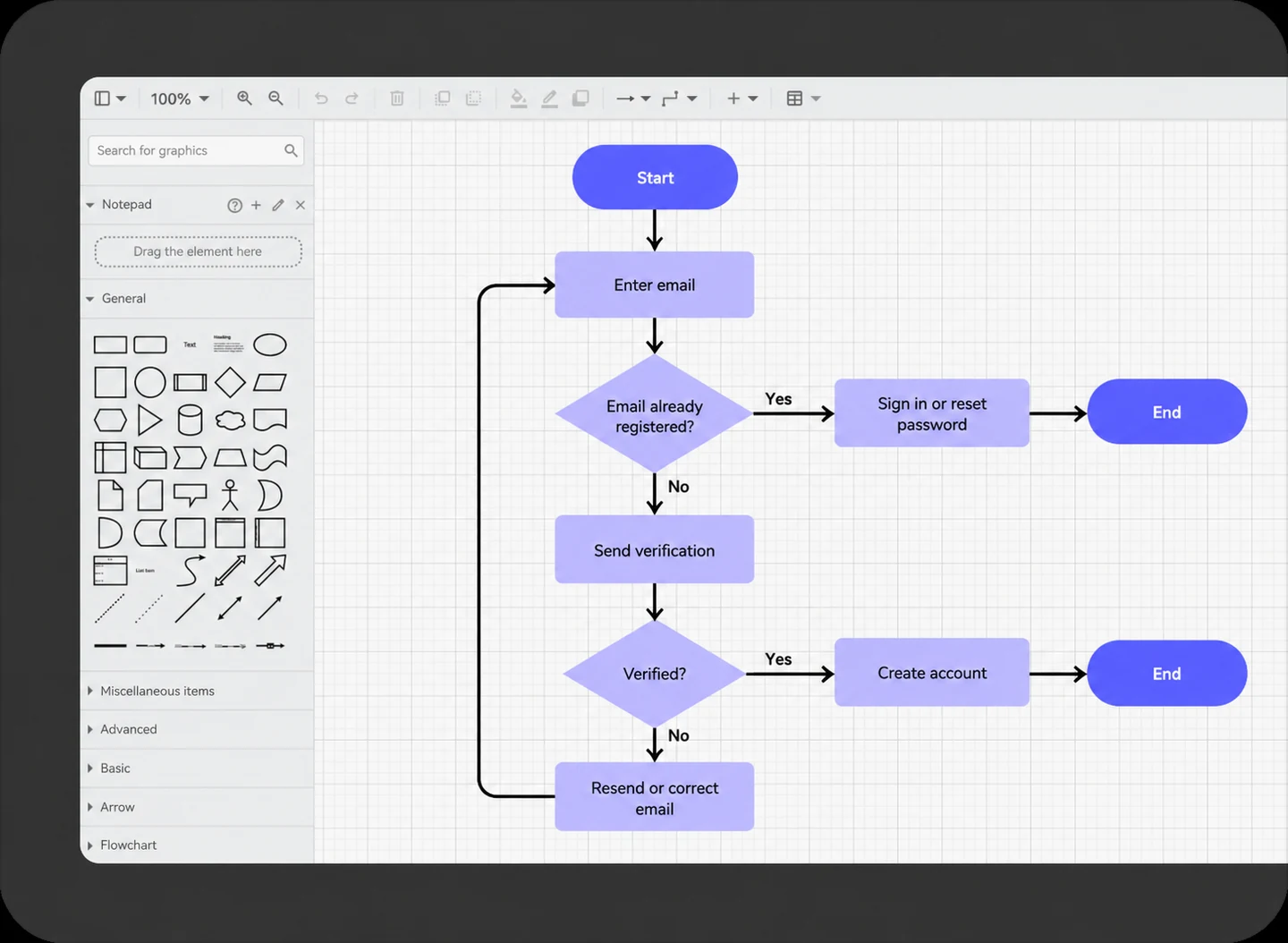
Mockitt Diagram offers shapes, connectors, templates and alignment in a browser workspace. It is useful when the team needs to map a product route before discussing the related interface screens.
For an account-signup flow, include the existing-account and unverified-email routes as well as the successful path. A diagram makes the decisions visible; a prototype is a separate way to review what happens on the screens. Check workspace and file limits before choosing a plan.
2. Boardmix: team processes developed on a whiteboard
Boardmix combines flowchart tools with notes, comments and real-time editing. It fits a process workshop where the participants need to arrange steps and discuss responsibilities on the same board.
Keep the agreed process in one clearly marked area and open questions beside it. After the discussion, label decision outcomes and remove abandoned branches before sharing the chart. Confirm board, object and access limits for the chosen plan.
3. Creately: a shared process workspace
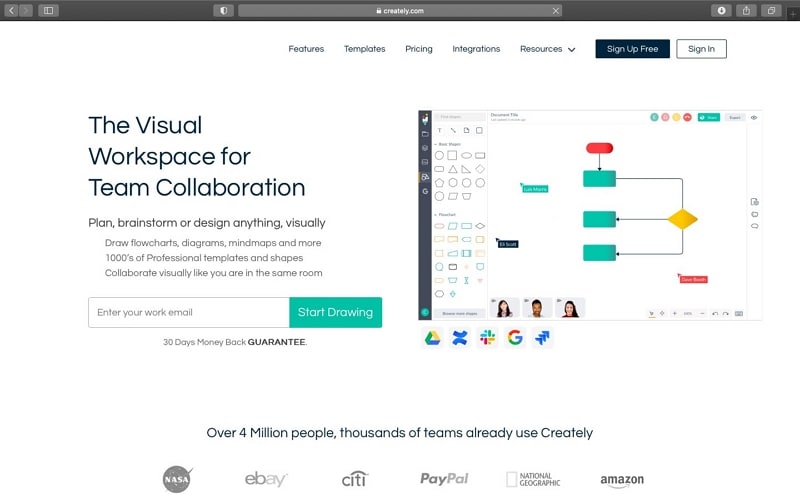
Creately offers a collaborative visual workspace with diagram shapes and templates. Consider it for a process that several people need to organize and update together.
Start with a template whose structure matches the process, then replace its labels with actual actions and decisions.
Use consistent styles to distinguish responsibilities, while keeping the meaning clear in the text.
Its free plan limits diagram size and some output features. Confirm the planned document size and export before inviting the whole team.
4. Gliffy: diagrams in Confluence
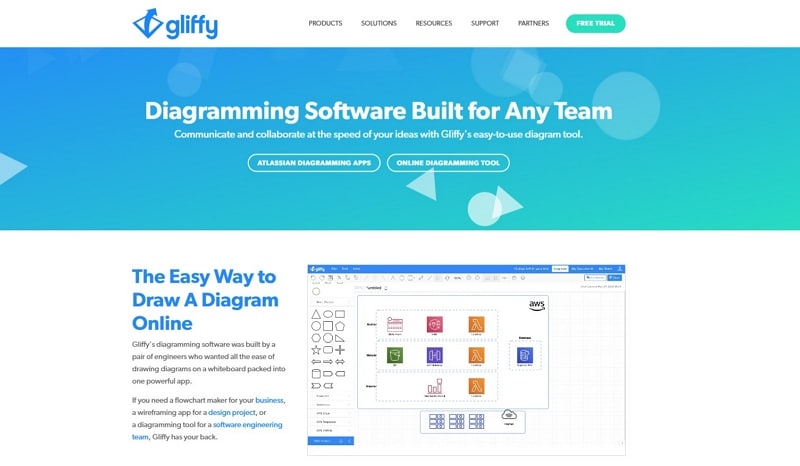
Gliffy is relevant when the process explanation lives in Confluence and the team wants its diagram in the same documentation workflow.
Its diagram editor includes flowchart shapes and connectors. Keep the surrounding page responsible for definitions and detailed policy, rather than packing every instruction into a shape.
Licensing depends on the Confluence offering and user tier. Free eligibility and evaluations are conditional.
Check the deployment and license with the administrator before selecting it for a new team.
5. Visme: flowcharts in visual documents
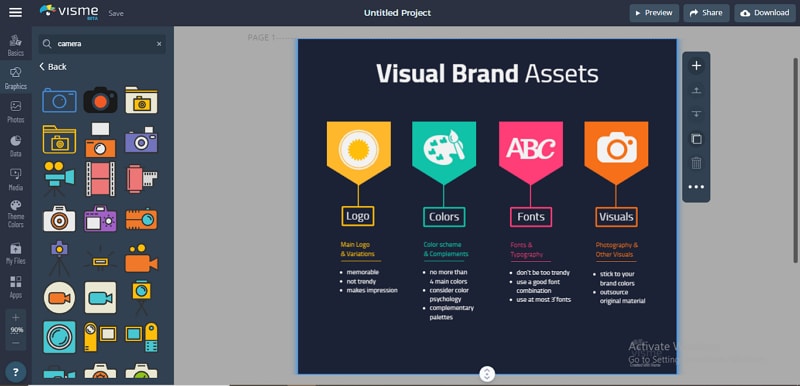
Visme offers flowchart templates, shapes, connectors and visual styling. It is useful when the chart will appear in a presentation or explanatory document.
Match the template to the process before adjusting its appearance. Keep labels and branches readable when the chart is placed in its final document or slide.
Check the required publishing or download feature in your plan, and keep the editable design for later revisions.
6. Zen Flowchart: a focused diagram editor
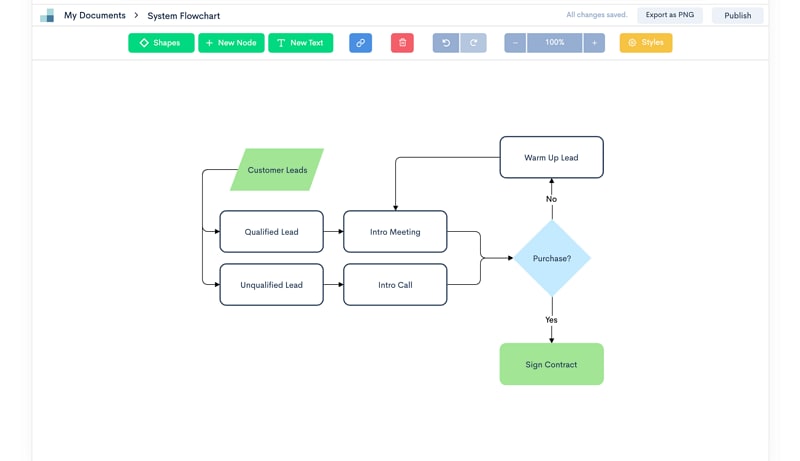
Zen Flowchart focuses on flowchart editing with shapes and connectors. It is an option to evaluate for a straightforward process rather than a large mixed-media workspace.
Try a short chart with one decision and move a node after connecting it. Check that the editing style fits the way you work.
Confirm that the sharing and export options suit the person who will receive and maintain the flowchart.
7. Visual Paradigm Online: technical diagram variety
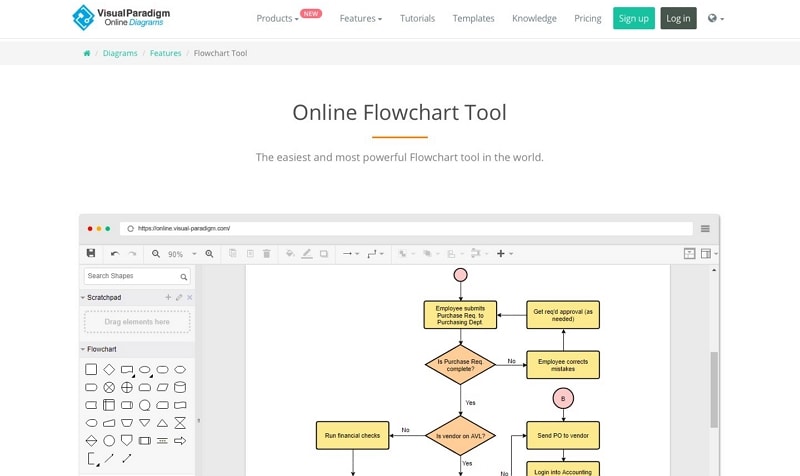
Visual Paradigm Online offers a browser flowchart editor, templates, alignment guides and collaboration. It also supports other technical and business diagram types, which can matter when a flowchart is only one part of the documentation.
Choose the online product deliberately; Visual Paradigm also has a separate desktop offering. Check edition and export requirements for the diagrams you need.
8. Lucidchart: shared diagram review
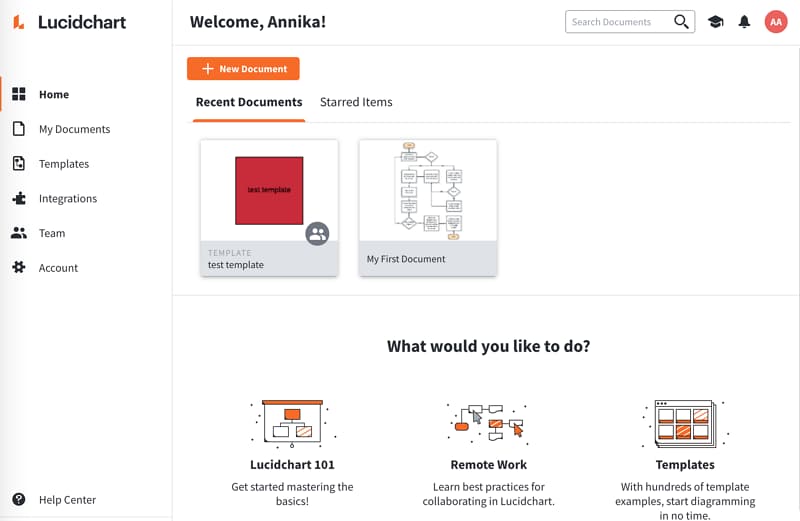
Lucidchart provides templates, shape libraries and collaborative editing. Consider it when reviewers need to revisit and revise the same diagram; confirm document and feature limits for the intended plan.
9. Microsoft Visio: Microsoft-centered diagramming
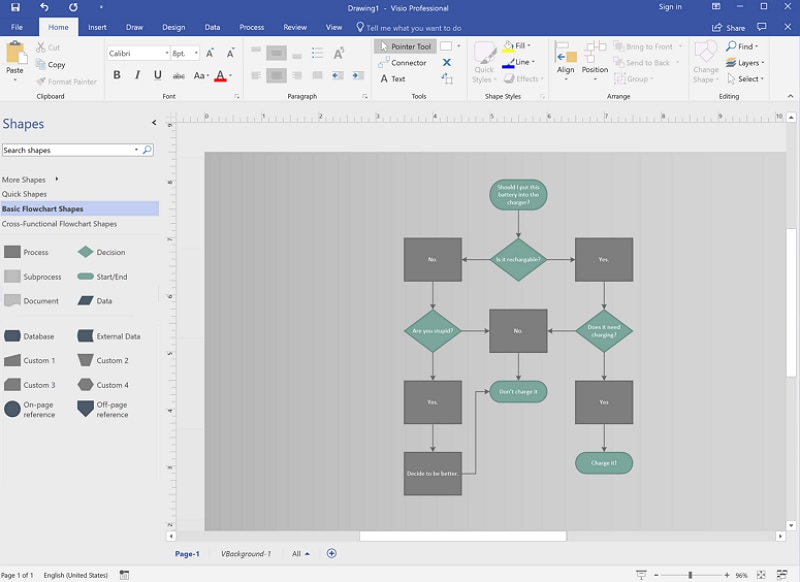
Visio is a dedicated diagramming option within Microsoft’s product range. Its web and desktop capabilities depend on the license, and some Microsoft 365 subscriptions include a limited web experience.
Choose the plan around the actual diagram type and editing environment. A Microsoft account or an Office document alone does not establish that every Visio feature is available.
10. Miro: flowcharts within team workshops

Miro combines flowchart shapes and templates with a collaborative whiteboard. It suits process mapping alongside workshop notes and related material. Confirm board access, export and plan limits before making it the maintained home of a process.
Choose around the diagram’s destination
| Tool | Choose it when | Trade-off to check |
|---|---|---|
| Mockitt | A product team is mapping a user route before reviewing the associated interface. | Keep process logic distinct from what a clickable prototype demonstrates. |
| Boardmix | A workshop needs to turn discussion and notes into an agreed process. | Separate open questions from the maintained flow and confirm the board’s limits. |
| Creately | Several people need to arrange and update a shared process workspace. | Account for the whole diagram size and the required output in the plan. |
| Gliffy | The process is documented and maintained in Confluence. | The deployment and user tier determine the applicable license. |
| Visme | A flowchart is an illustration in a report, lesson or presentation. | Choose a structurally suitable template and keep the editable visual document. |
| Zen Flowchart | You need a focused node-and-connector diagram rather than a large mixed-media board. | Check the editing, sharing and output requirements with a small complete chart. |
| Visual Paradigm Online | A flowchart accompanies other technical or business diagram types. | Choose the online edition and output you need; a separate desktop product also exists. |
| Lucidchart | A shared diagram document will receive recurring team review. | Confirm document limits and who can view, comment or edit. |
| Microsoft Visio | The team’s diagram workflow belongs in its Microsoft environment. | Web, desktop and included subscription capabilities differ. |
| Miro | The flowchart is part of a broader team workshop and board. | Choose how the final process is preserved after the workshop and check access/export. |
For a signup process, ask a reviewer to follow an email that already has an account and an email that has not been verified. The first needs a sign-in or recovery route; the second needs an explicit resend or correction path. Those requirements matter more than a tool’s decorative template style.
Create A Simple Flowchart Online
To start a product flow in Mockitt, write the user’s goal and the conditions that change the route. The signup example needs both a successful route and recovery paths.
Open a diagram workspace and choose a template or a blank canvas.
Add actions and decisions using the available shape library. Keep one meaningful action per box, and use a separate diamond for a condition.
Connect the shapes and label each outcome. Use alignment and spacing to keep branches readable.
Trace the successful and unsuccessful paths with a reviewer. Keep the editable diagram, then share or export the agreed version using the options available in your account.