Mockitt for design teams
Keep design decisions clear from first draft to handoff
Create reusable interface patterns, explore how they behave and review the details together. Mockitt gives design teams a shared place to develop the UI and explain the experience that engineering will build.
Agree the pattern before it appears everywhere
A settings panel may look simple until it needs a long organization name, an unavailable option and an error message. Designing those cases together gives the team a clearer pattern to reuse across the product.
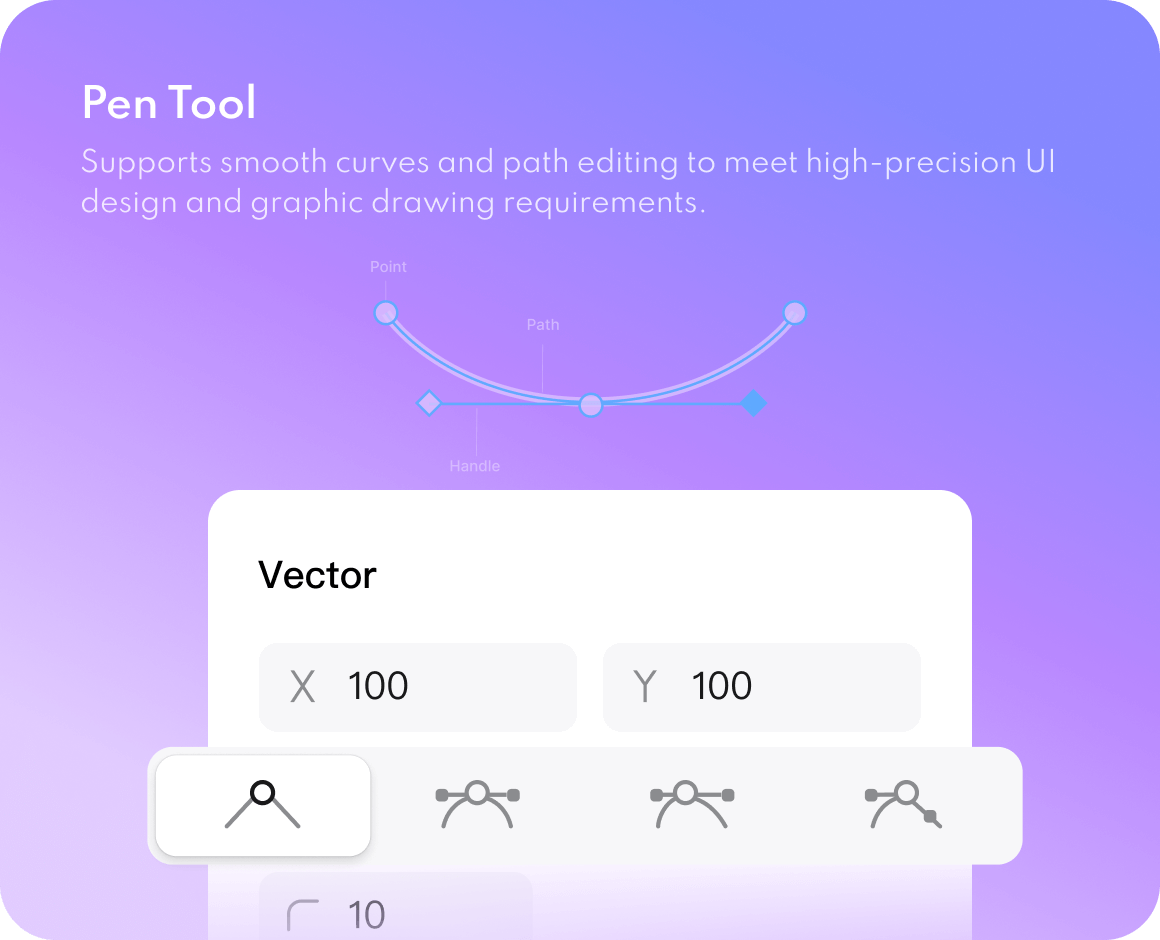
Use Mockitt Design to create the interface with vector tools, components and shared variables. Work through layout and state differences before treating the panel as a finished component. The result should explain what stays consistent and what changes with the task.
Review the experience, not just the individual screens
Choose a real task
For an account settings flow, define what someone needs to change and how they know it worked. Note the information they need before saving, including any consequences of the change.
Design the important states
Create the editable, unchanged, invalid and saved states. Check long text and narrow layouts. Explain which parts of a component change and which parts remain consistent as the user moves through the task.
Connect the flow
Use Mockitt's prototyping tools to link the screens and actions. Include canceling and returning to the previous view. Invite a reviewer to complete the task without a guided tour of the interface.
Resolve the feedback
Separate a visual preference from a problem that prevents the task. Update the relevant component or screen, then review the affected states again before handing the design to engineering.
Make an account settings handoff easy to follow
Keep accessibility expectations with the interaction notes. The prototype can illustrate focus and feedback, but engineering still needs the intended keyboard order, names and announcements. Describe those decisions explicitly rather than asking a developer to infer them from appearance.
| Design decision | What to show | What to explain |
|---|---|---|
| Unsaved changes | Changed field, Save action and Cancel route | What happens when the user leaves without saving |
| Validation | Field error with the entered value retained | When the error appears and how the user can correct it |
| Successful save | Updated value and confirmation | Whether the change affects the current session or another part of the product |
| Reusable pattern | Component variants and spacing | Which design-system pattern owns the behavior |
Explore a direction with AI, then make it yours
Use the AI UI design generator to explore an editable draft from a brief. Provide the audience, task and constraints so the first result has a useful starting point. Keep the parts that serve the task and replace those that do not.
Before the design becomes a shared pattern, align it with your components, content and visual rules. AI can offer a layout to discuss; it cannot decide whether that layout fits your users or should become part of the team's design system.
Hand over decisions alongside design details
Use developer handoff views for dimensions, styles and design assets. Share the agreed prototype and annotate behavior that a static screen cannot explain. If you export a code draft, review it with the developers who will adapt it to the application.
A good handoff also makes the next conversation clear: which questions are resolved, which states remain open and who should review a change. Keep that information concise so the team can use it while implementing the design.
Questions from your team
Can a team maintain reusable design resources?
Mockitt Design supports shared components, styles and variables. Start with patterns your team uses often, give each one a clear purpose and review changes in the screens that depend on it.
Should we start in the design tool or the prototyping tool?
Start with the uncertainty you need to resolve. Use the design workspace for detailed UI and reusable visual patterns; use a prototype to review how the task moves through screens and states. Many projects need both.