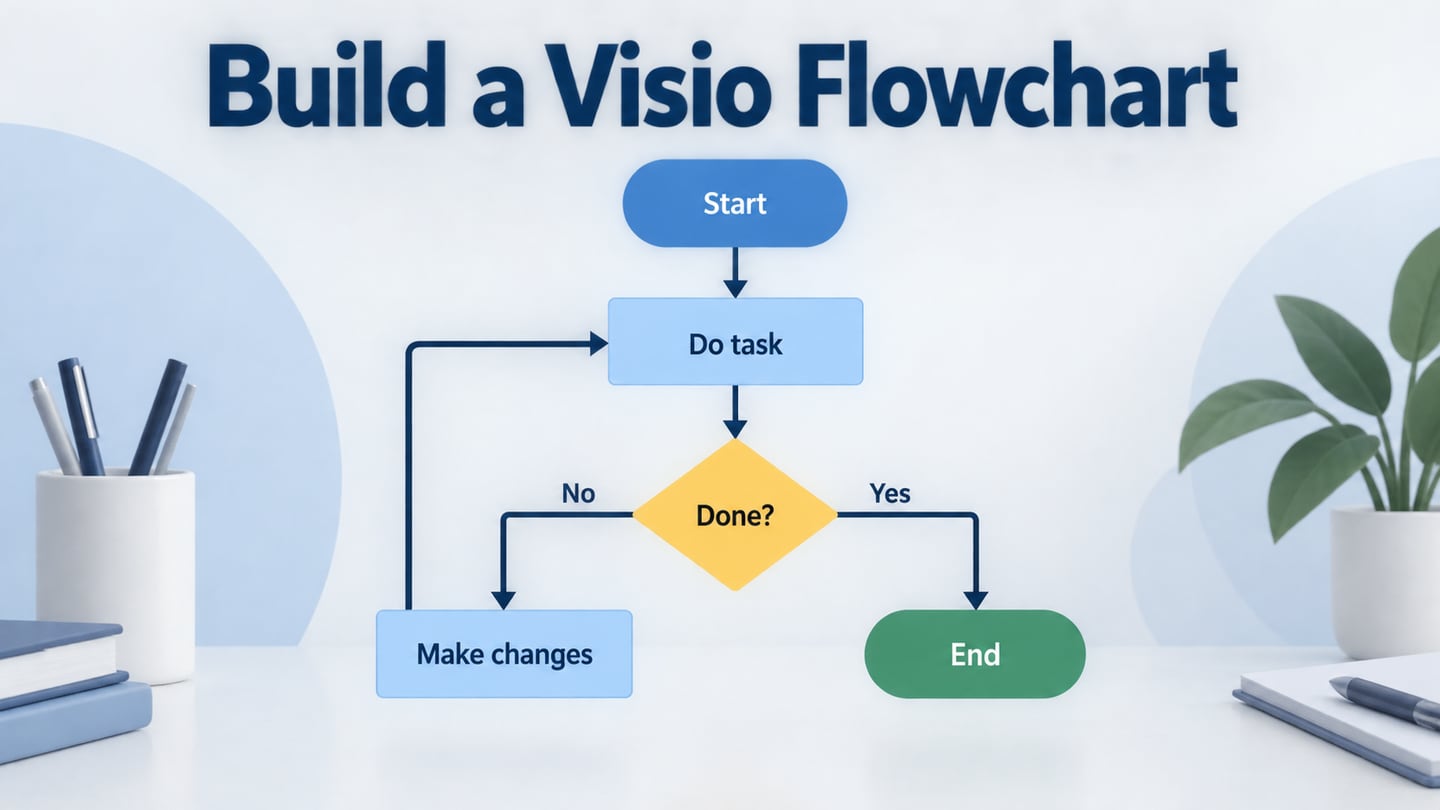
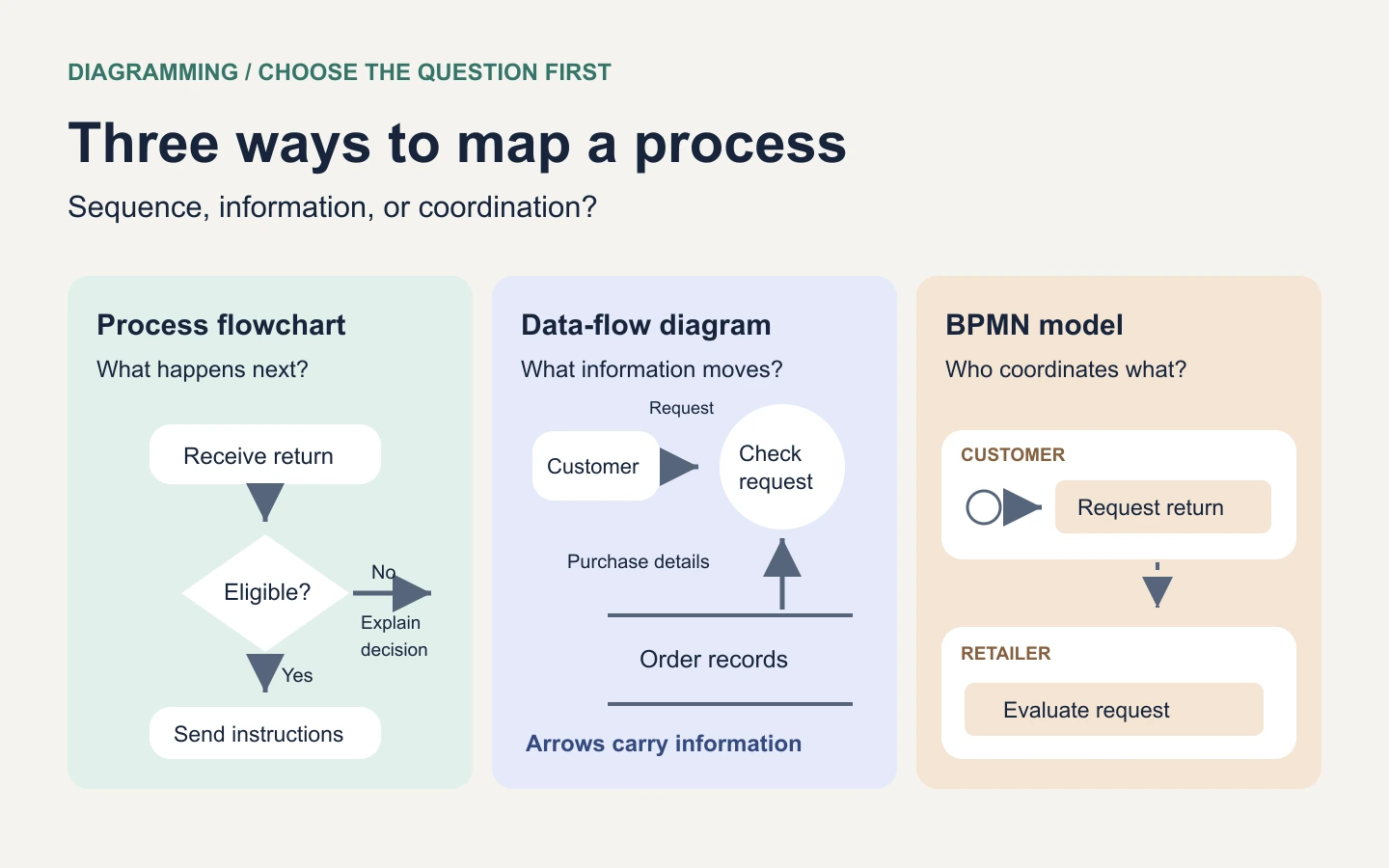
Use a process flowchart to show what happens next, a data-flow diagram to show what information moves, and a BPMN process model to describe events and coordination using a formal notation. Add swimlanes when the important question is who does the work. These formats overlap in appearance, but their arrows do not all mean the same thing.
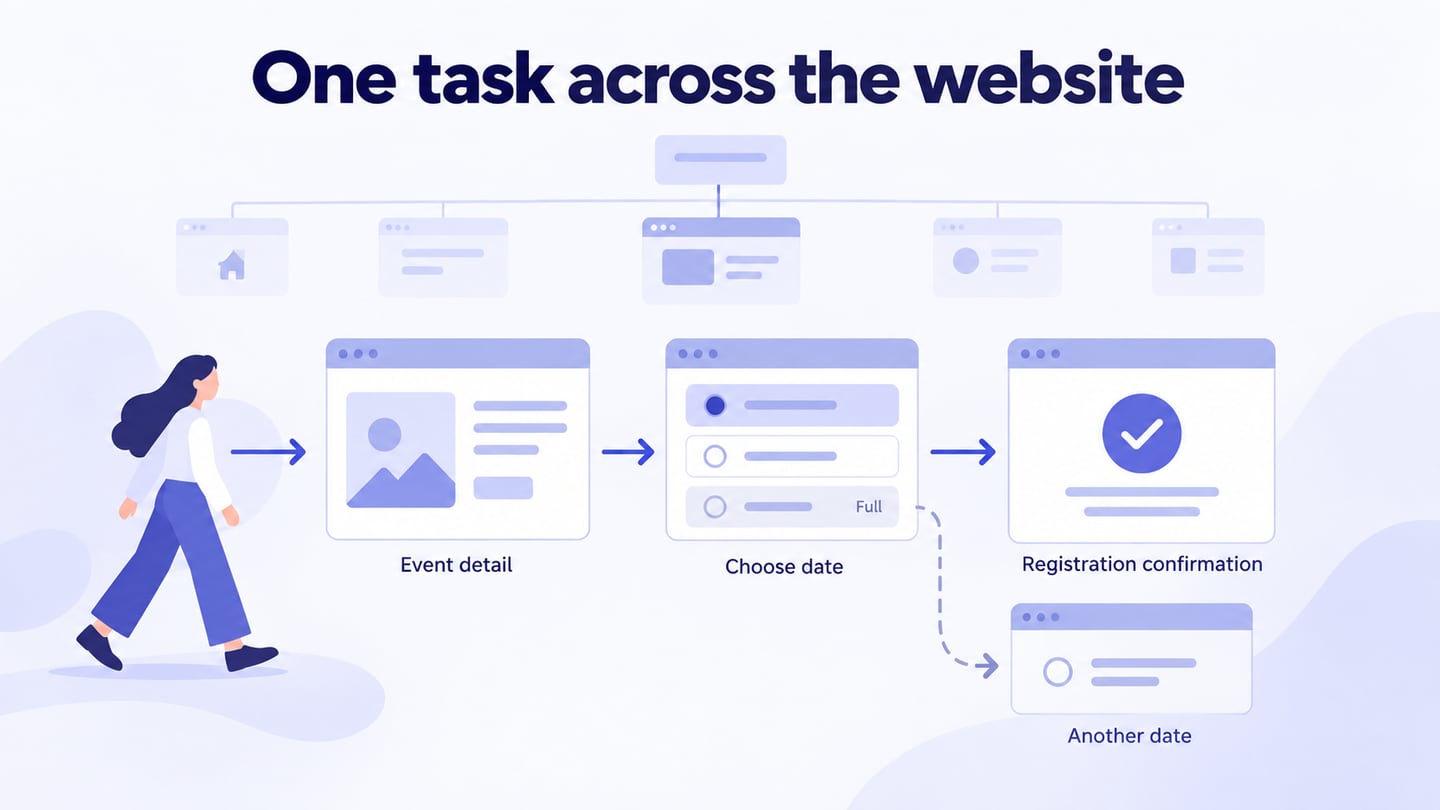
If you are documenting a procedure for the first time, start with a simple process flowchart. A few labeled steps and decision branches are usually enough to expose a missing handoff or an unresolved exception. You can build that first map in Mockitt's online flowchart workspace, then add detail as the question becomes clearer.
Three flowchart and process-diagram formats compared
There is no single list of flowchart types used by every discipline. A workflow chart may be a process flowchart; a cross-functional chart adds responsibility lanes. A data-flow diagram and a BPMN model have their own conventions. The distinctions below help you choose a useful starting point without treating every box-and-arrow diagram as interchangeable.
| Format | Main question | What an arrow represents | Typical use |
|---|---|---|---|
| Process flowchart | What happens next, including decisions and exceptions? | The sequence of work or control | A return procedure, approval route, troubleshooting guide, or manufacturing process |
| Data-flow diagram, or DFD | Where does information come from, and how is it transformed or stored? | A named flow of data | Order processing, system boundaries, integrations, and data requirements |
| BPMN process model | How do participants, tasks, events, and branches coordinate? | Sequence within a participant or messages between participants, using different connectors | A business process that needs a shared formal notation |
For example, a return can fail because the steps are unclear, because the warehouse never receives the order number, or because nobody owns the refund approval. Those are three different problems. Drawing more boxes on one diagram will not necessarily distinguish them.
1. Process flowchart: explain the order of work
A process flowchart shows activities, decisions, loops, and endpoints. It is useful for explaining a procedure to a new team member or finding unnecessary steps in an existing workflow. Use action labels such as “Check the return window” instead of vague labels such as “Process.”
A basic manufacturing example follows raw material through inspection, assembly, quality checking, and shipment. The quality decision needs both a passing route and a failing route. If a failed item goes back for rework, show where it returns and what determines whether it can proceed.
Example: an online store's return procedure
Suppose a customer wants to return a damaged lamp. The process starts when the return request arrives and ends when the customer receives a final decision. A first draft might contain these steps:
- Receive the request. Capture the order reference and the item being returned.
- Check eligibility. Ask “Is this item eligible under the return policy?” Label the two branches “Yes” and “No.”
- Send return instructions. The eligible route explains how to send the item back. The ineligible route explains the decision and the available next step.
- Receive and inspect the item. Compare the parcel with the request. If it cannot be matched, route it to investigation rather than directly to a refund.
- Record and communicate the outcome. End with the decision sent, not with an ambiguous “Done.”
This is an illustrative process, not a recommended returns policy. Its useful feature is that each branch reaches an outcome. The next conversation can focus on the actual policy, the investigation owner, or the point where customers need an update.
When to add a cross-functional or swimlane view
Swimlanes group steps by the role, team, or system responsible for them. Add lanes when a sequence is clear but ownership is not. In the return example, support checks the request, the warehouse inspects the parcel, and finance issues the refund. A line crossing from the warehouse lane to the finance lane makes the handoff visible.
A lane tells you who owns a step; it does not prove that the handoff happens on time. Add the item being handed over, such as an inspection result, and ask the receiving team what makes it complete. If a step has two owners, split the work or clarify the responsibility instead of placing it halfway between lanes.
A swimlane flowchart can remain informal. You do not have to adopt BPMN just to divide a process into roles. An organization chart, by contrast, shows reporting relationships rather than the order of work.
2. Data-flow diagram: trace information through a system
A DFD follows information rather than a person's sequence of actions. Its core elements are external entities, processes, data stores, and labeled flows. IBM's explanation of data-flow diagrams distinguishes the logical view of required information from the physical view of its implementation.
For the same return, the customer is an external entity; “Check eligibility” is a process; order records are a data store; and “Return request” is a flow. Label arrows with the information they carry. “Order number and purchased item” is more useful than “Data.”
What the return example needs to carry
| From | Information | To | Question to resolve |
|---|---|---|---|
| Customer | Order reference, selected item, and return reason | Evaluate return request | Can the request identify one purchased item unambiguously? |
| Order records | Purchase date and item details | Evaluate return request | Which information determines eligibility? |
| Warehouse inspection | Request reference and inspection result | Determine refund outcome | Can finance match the result to the correct request? |
| Determine refund outcome | Decision and next action | Customer notification | Does the message explain what happens next? |
The table exposes a different defect from the process chart: a refund step can exist even when the information needed to execute it is missing. Use this view to identify required fields and interfaces before specifying individual screens.
Keep processes and stores distinct. A process changes or evaluates information; a store holds it. A labeled data flow is not a “Yes” branch or a clock. If you need to explain waiting, retries, or exact execution order, keep that behavior in a process view rather than overloading the DFD.
3. BPMN: model events and coordination with a formal notation
Business Process Model and Notation, or BPMN, provides defined symbols for activities, events, gateways, participants, and their connections. It is useful when several teams need to interpret a detailed process consistently. Its notation is specified by the Object Management Group.
In a BPMN collaboration, a pool represents a participant, and lanes can divide responsibilities within it. A solid sequence flow stays within a pool; message flows describe communication between separate participants. A gateway describes branching or joining behavior. These distinctions carry meaning, so a decorative mix of symbols is not automatically a valid BPMN model.
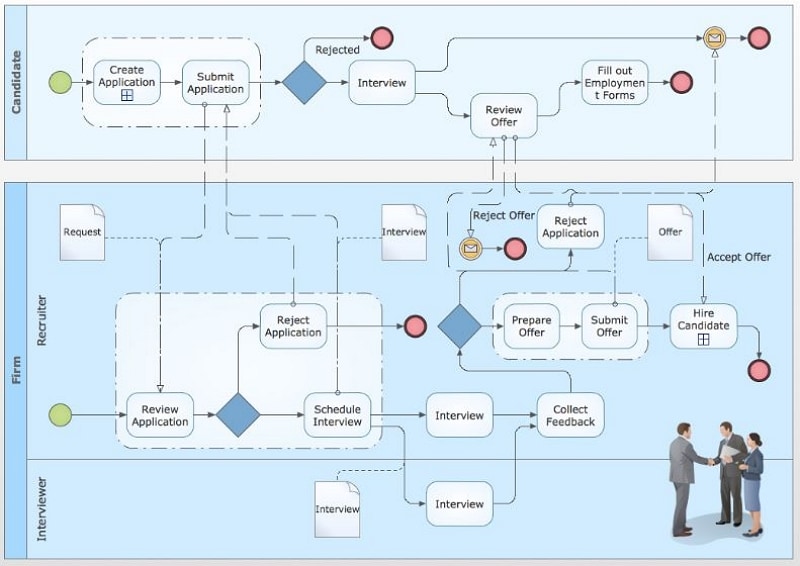
For the return scenario, you might separate the customer from the retailer, then divide the retailer's work into support, warehouse, and finance lanes. A message from the customer initiates the request; the retailer's sequence connects eligibility checking and the next internal activity. A timeout or an unanswered request may deserve an event when it changes the process.
Use BPMN when that precision helps the intended readers. A simple sequence may be better for a customer-facing instruction sheet. Drawing BPMN shapes also does not make a diagram executable: automation requires an appropriate engine, implementation details, and validation beyond the picture.
Create a simple flowchart in Mockitt
Begin with the return process, not with the entire business. Write its starting trigger and final outcome above the canvas. Keep the first map small enough that support, warehouse, and finance can follow one request from beginning to end.
- Place the main steps. Use rectangles for actions such as “Check eligibility” and “Inspect returned item.” Arrange them in a consistent direction.
- Connect the sequence. Connect each step to the next. Use spacing and short labels so readers can follow the route without tracing overlapping lines.
- Add the first decision. Place a diamond at “Eligible for return?” Label the outgoing branches and give each a clear destination.
- Complete the exception route. Add “Explain decision” to the ineligible branch. If an investigation can return to the main path, show the condition for that return.
- Review the diagram with its owners. Ask one person to walk through a normal request and another to try an exception. Amend the step where their explanation differs from the map.
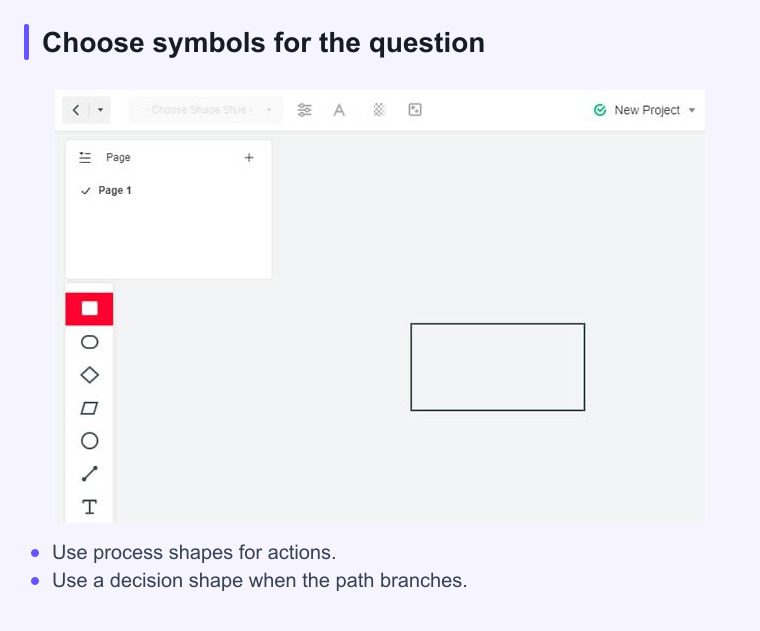
The guide example shows the basic shape-and-canvas approach. The same reasoning applies when you start from reusable resources: replace the sample labels, remove irrelevant branches, and review the resulting process. A template is a starting point, not evidence that the process fits your team.
Connect the diagram to the design work
A process map explains the route; a prototype lets a team review the proposed screens along that route. After the return flow is clear, identify the screens needed to submit a request, see its status, and understand the outcome. Keep shared feedback attached to the relevant step or screen, and check access before inviting reviewers.
For the interface side of this work, the UX flowchart guide explains how a user's route connects to design decisions. Keep that view distinct from internal finance or warehouse procedures when customers do not need to see those details.
Choose the smallest diagram that answers the question
Start with sequence, information, or coordination. Use a process flowchart for the steps, a DFD for the information those steps depend on, and BPMN when formal event and participant relationships matter. Add swimlanes when responsibility is the missing piece.
Before sharing, follow every decision branch to an outcome, check that labels have one meaning, and confirm who owns unresolved questions. When the process changes, update the affected view and check that its names and boundaries still agree with the others.