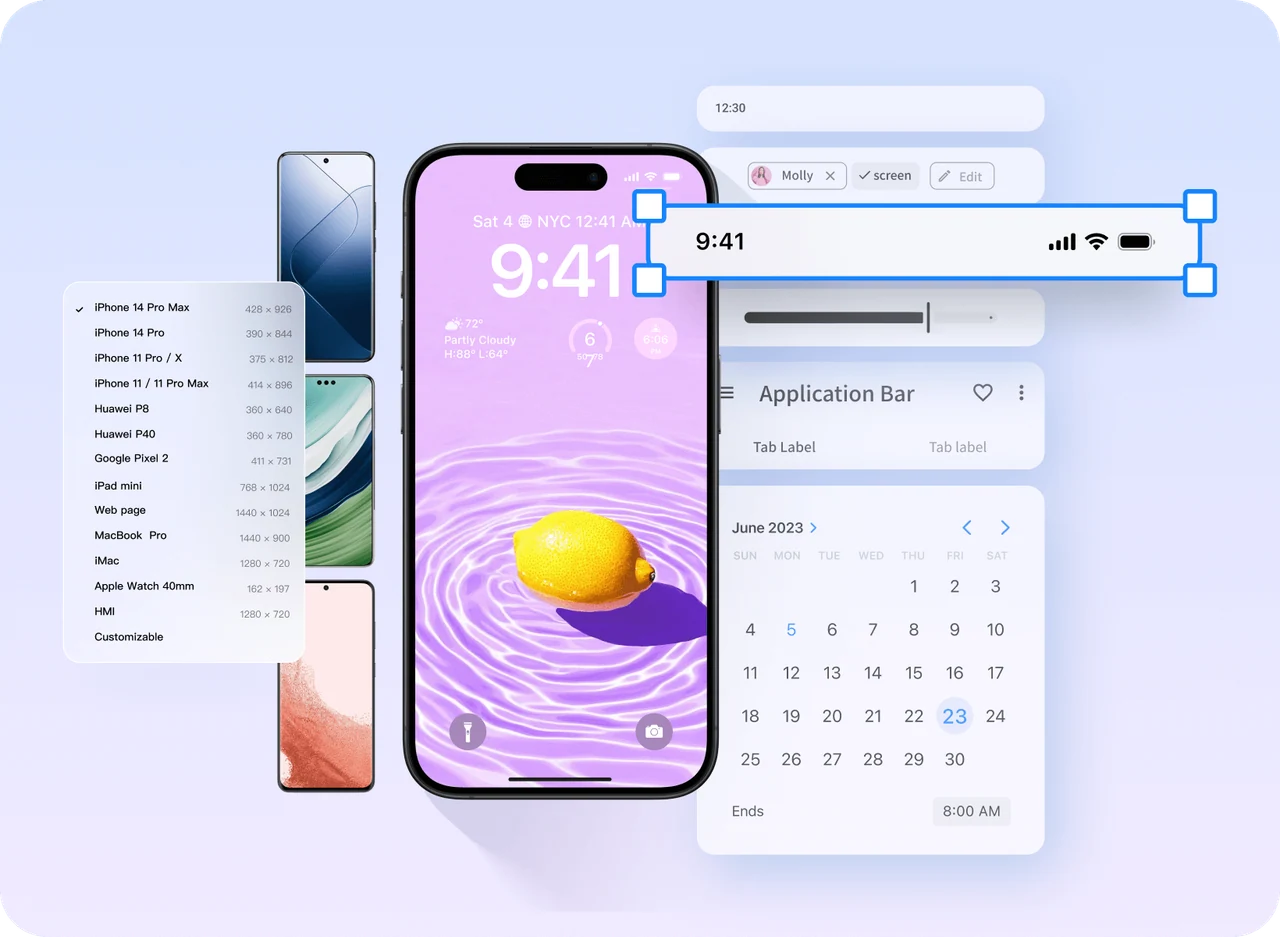
Mobile commerce
Plan a browse-to-order journey
Use a product list, detail page, and order flow to discuss navigation. Add choices, unavailable items, payment failures, and a clear result before the handoff.
Compare app prototype workflows ↗Mockitt · Prototype starting points
Start with a structure that fits the task.
Explore visual references for mobile apps, websites, dashboards, and mini-apps. Choose a useful page structure, replace the content, and connect the interactions to make a prototype your team can review.
Narrow the search first
Start with the platform and the work the user needs to finish. A useful template or reference reduces setup work; it should not decide the business rules for your project.
Visual references with a practical next step
Explore the page structures below, then open a workflow guide to plan the screens and states your project needs.
Use a product list, detail page, and order flow to discuss navigation. Add choices, unavailable items, payment failures, and a clear result before the handoff.
Compare app prototype workflows ↗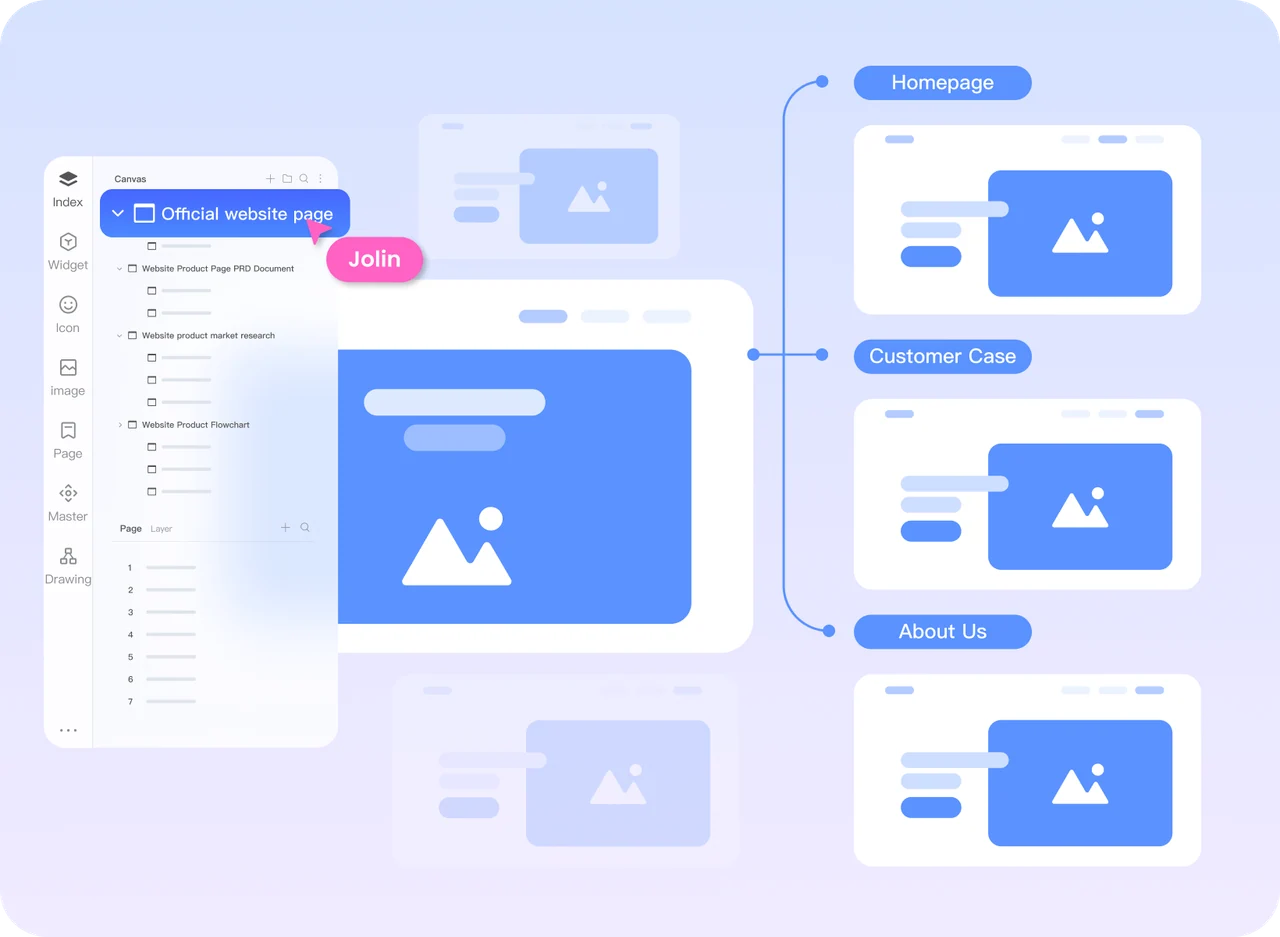
Start with the information a visitor needs to act. Plan the primary action, the form or destination behind it, and the confirmation that closes the loop.
Explore mobile landing pages ↗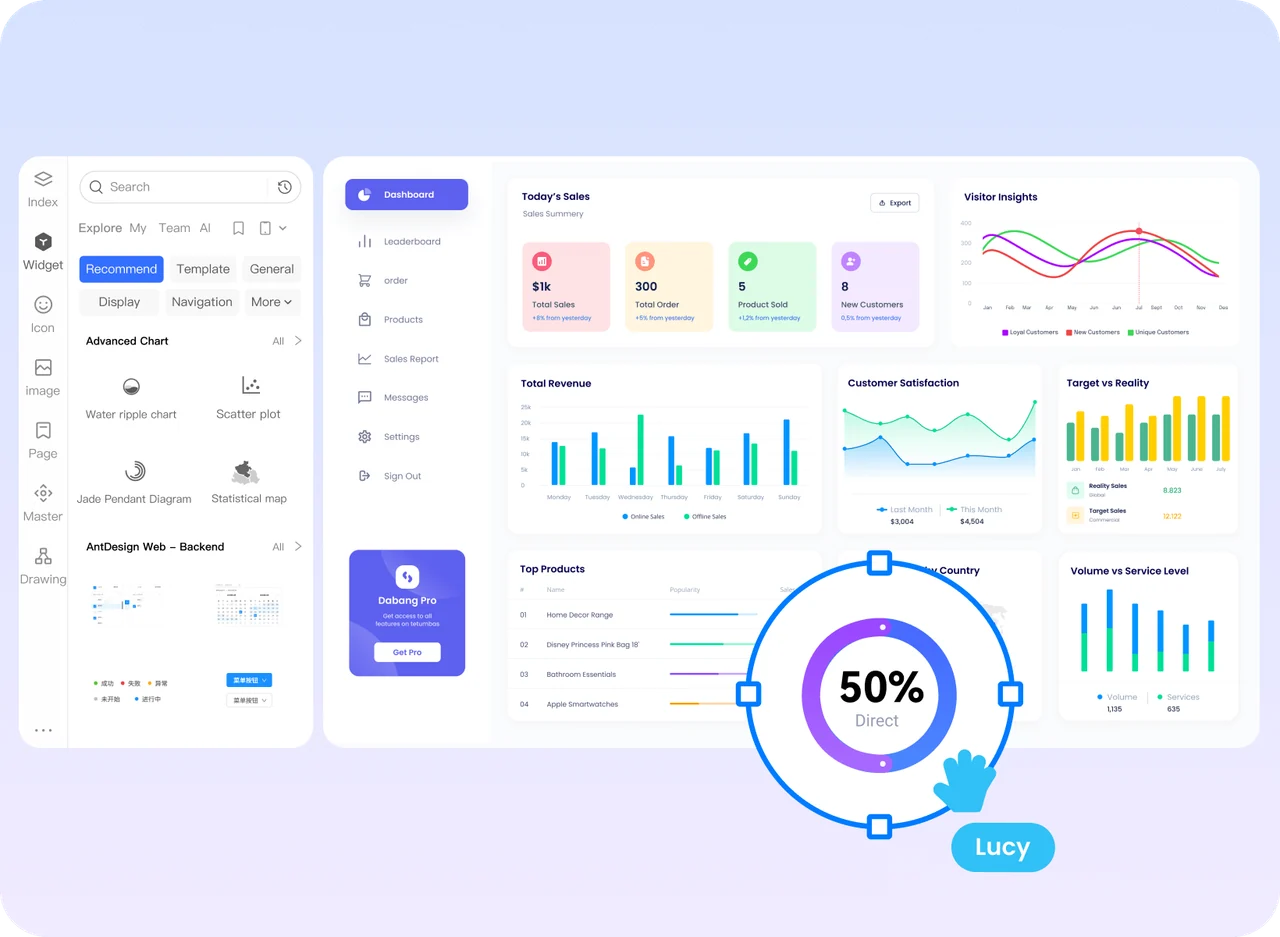
Use a dashboard structure to organize data, filters, and business actions. Include empty results, restricted actions, and a recoverable error path.
Explore dashboard workflows ↗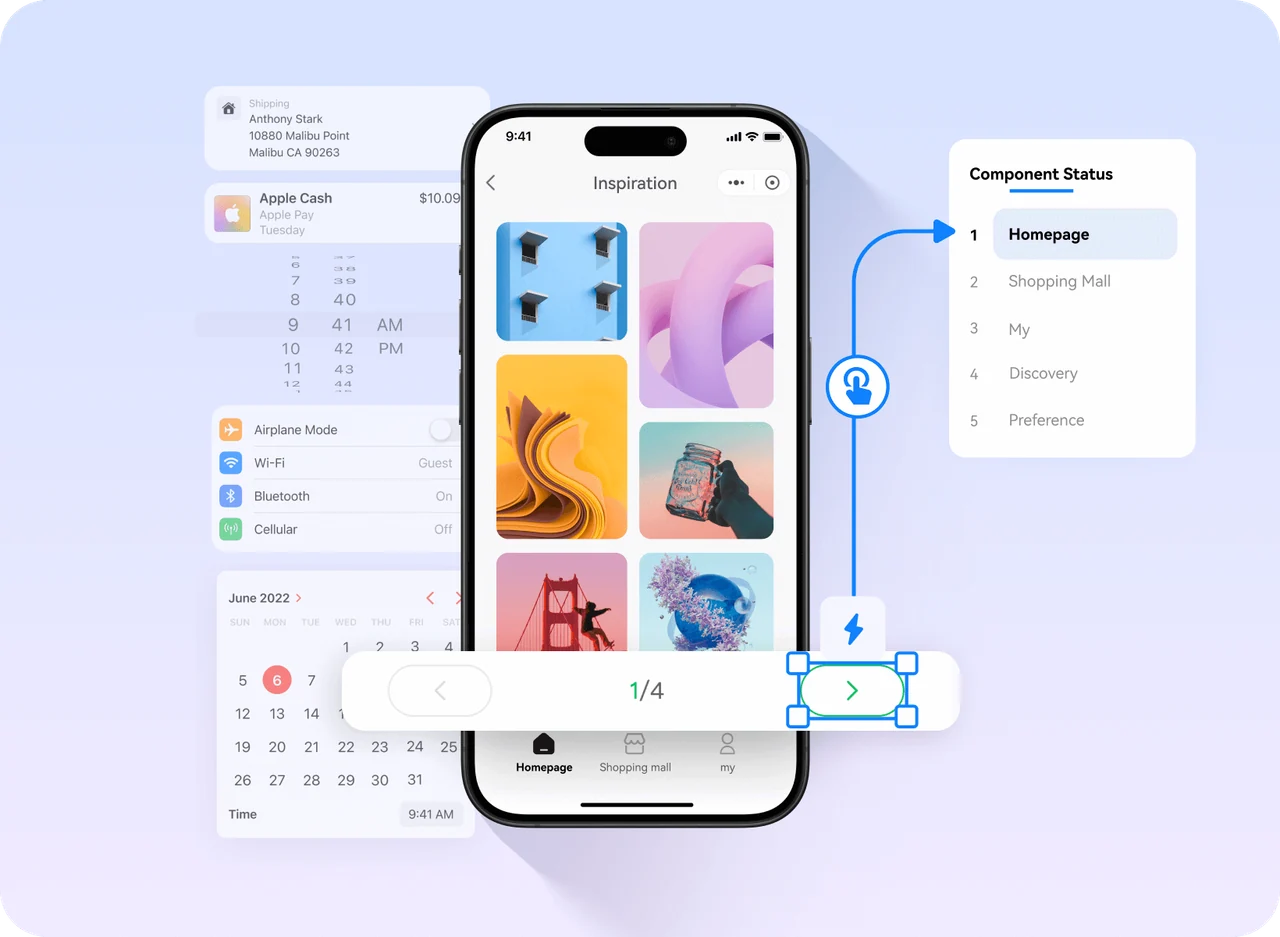
Begin with a single service, booking, or purchase task. Keep the return route and the result clear when the experience opens inside another app.
Explore mini-app prototyping ↗From a reference to your prototype
A template helps with the starting layout. Your project still needs the right content, rules, and transitions.
Keep the entry points and pages for the primary journey. Remove extra modules instead of carrying the entire reference into the project.
Update labels, images, fields, and states. Keep repeated buttons, cards, and navigation consistent.
Walk through create, edit, submit, error, and return actions. Add the missing result states before asking the team to review.
A practical adaptation workflow
Page hierarchy, layout, and reusable patterns
Real labels, fields, constraints, and states
Connected interactions, clear results, and handoff notes
Choose a useful starting point
A reference helps when you already know the kind of interface you need. A blank canvas gives you control over an unusual workflow. An AI draft can help you explore the first structure when you have a clear task but no layout yet.
For projects with a defined information architecture or a workflow that needs a custom structure.
For borrowing a familiar page layout, then replacing the content and interactions with your own.
Describe the audience, task, pages, and constraints. Review the generated result before building on it.
From a personal draft to a shared decision
Share the adapted prototype with product, design, and engineering. Review the same journey and leave comments on the screens where a decision is needed.
Confirm the entry point, the task, the successful outcome, and which pages belong in the next release.
Review loading, empty, error, selected, and success states. Check text and controls on the intended device.
Agree on fields, data, access rules, and platform behavior. The prototype explains the interface; the implementation supplies the production system.
Questions, answered
You will find visual references and English workflow guides for app, website, dashboard, mini-app, and large-screen projects. They help you plan a prototype; the example cards are not native template download links.
Check the specific template’s license and included assets first. Then replace its content, business rules, and interactions. A reusable layout is not a finished product specification.
Use a template or reference when its page structure fits your task. Start from a blank canvas when the information architecture or workflow is unusual. You can also borrow only the components that are useful.
Yes. Describe the task and required states, use Mockitt AI to explore a draft, and then continue refining the prototype. Review the output for business accuracy and completeness.
No. Access and usage rights depend on the individual resource. Check its terms before you use it; a public preview alone does not grant a license.
Make the next review count
Replace the sample content, connect the interaction, and share a prototype worth reviewing.