MockittDiagram
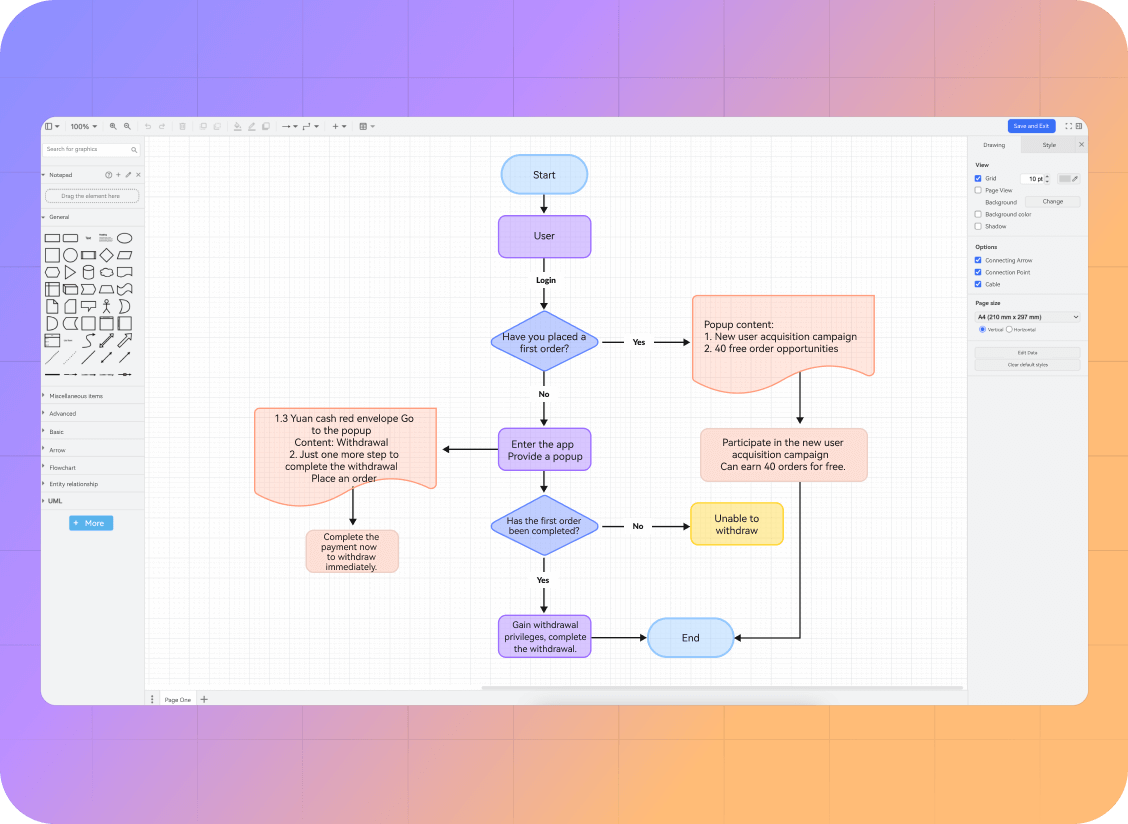
Create Flowcharts and Visualize Complex Logic
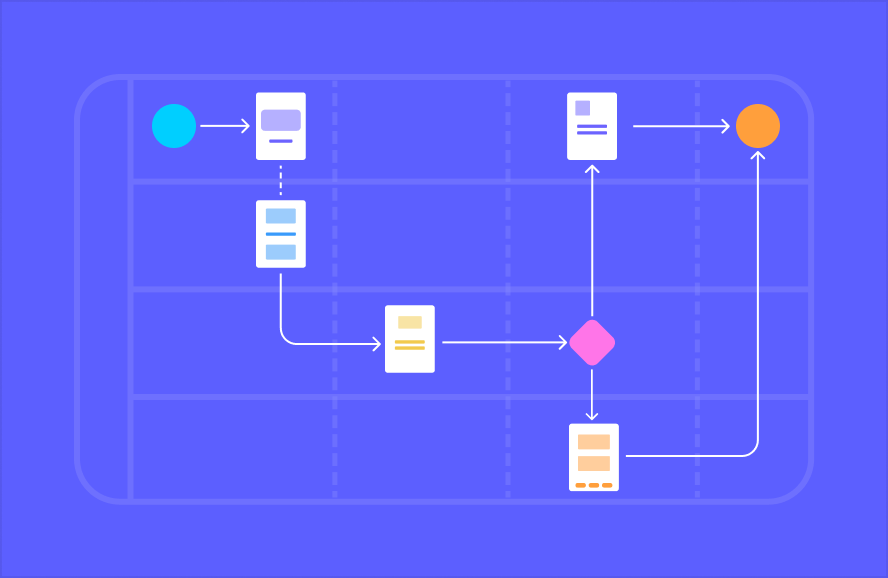
Map a process with shapes and connectors, or start a diagram from a text prompt. Edit the steps, decisions, and handoffs with your team.
Map a process with shapes and connectors, or start a diagram from a text prompt. Edit the steps, decisions, and handoffs with your team.
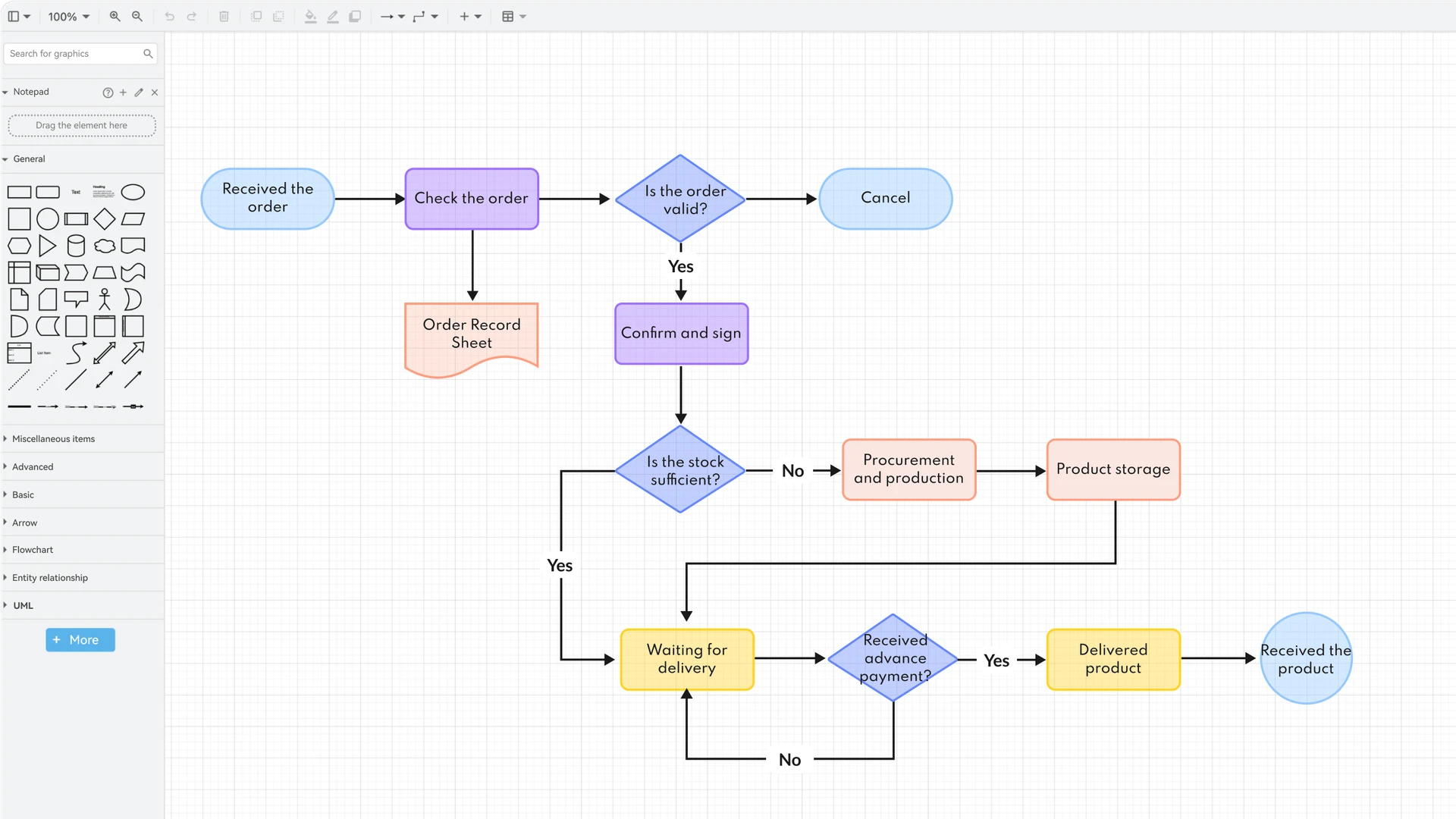
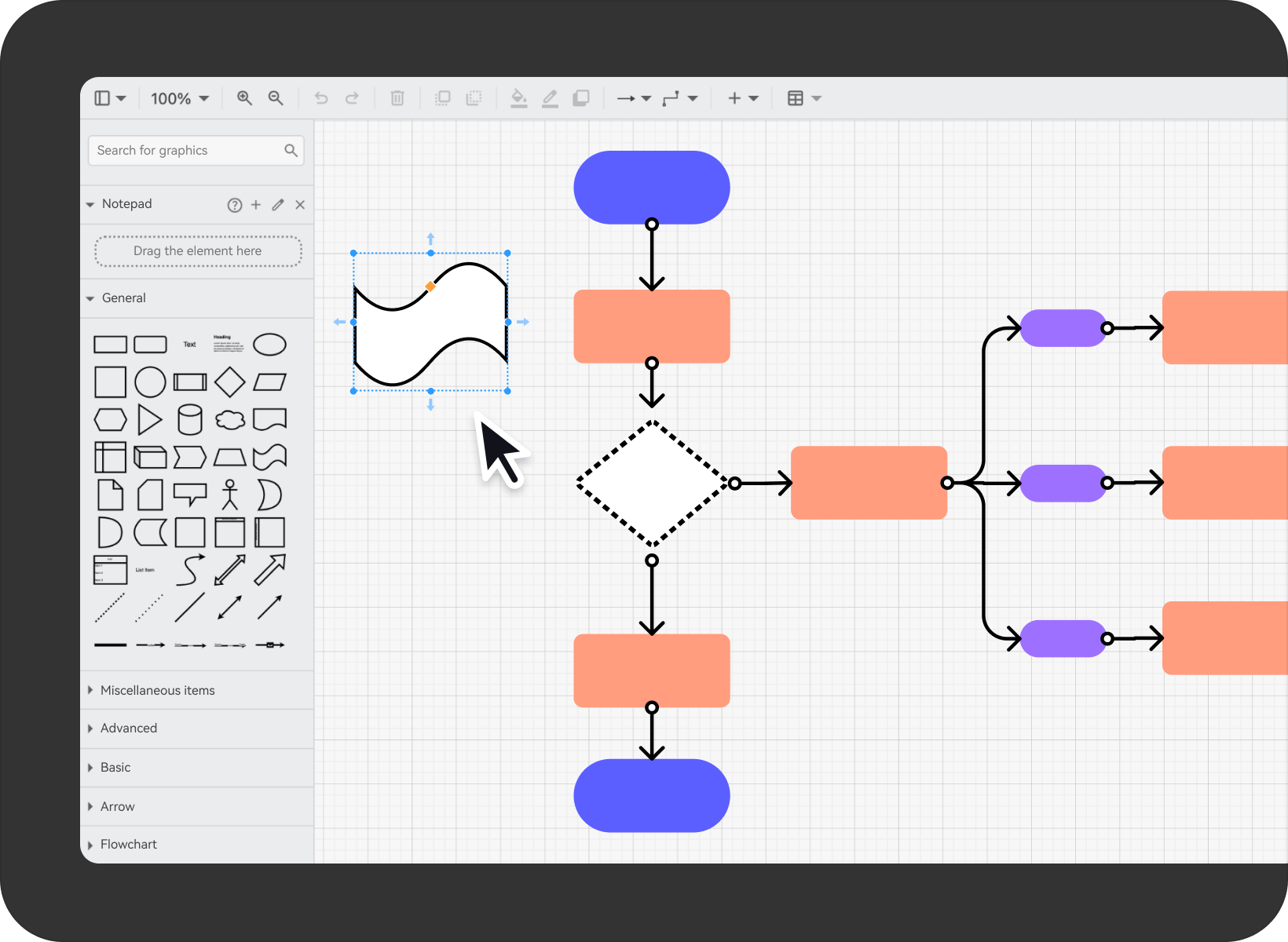
Drag-and-drop editing
As free as sketching
- · Move and adjust shapes and connectors with drag-and-drop editing to build your own flowchart. What you see is what you get.
- ·Use automatic alignment and snapping to position shapes and organize the layout of your flowchart.
- ·Expand your diagram across the canvas and use zoom to move between the overall structure and individual relationships.
Choose a diagram for the question you need to answer
- ·Use flowcharts, UML diagrams, organization charts, and entity relationship diagrams to explain processes and systems.
- ·Choose shapes and connectors that fit the diagram, and use clear labels for each step or relationship.
- ·Use different diagram types for different views of the same project, such as a process flow and a data model.
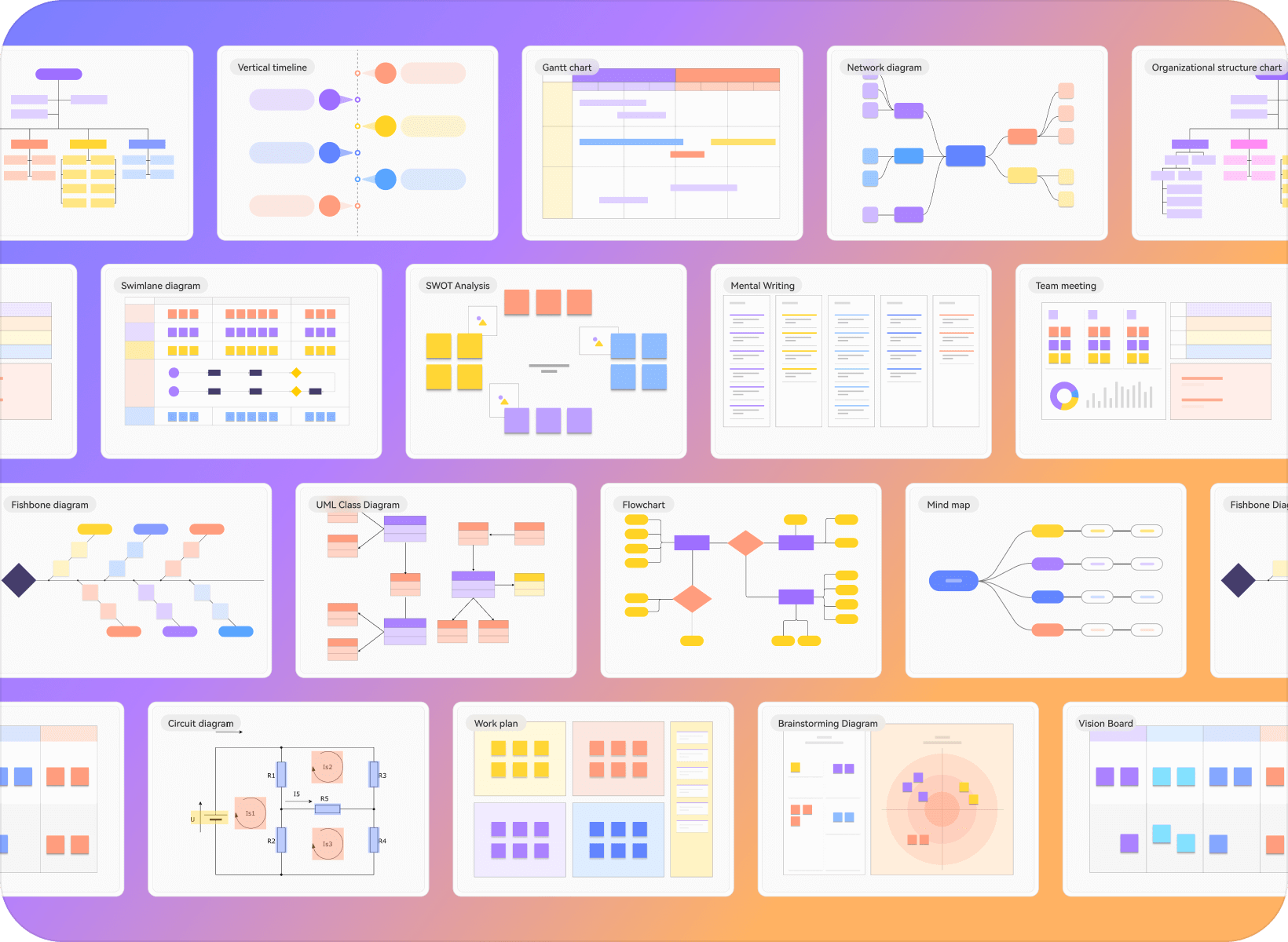
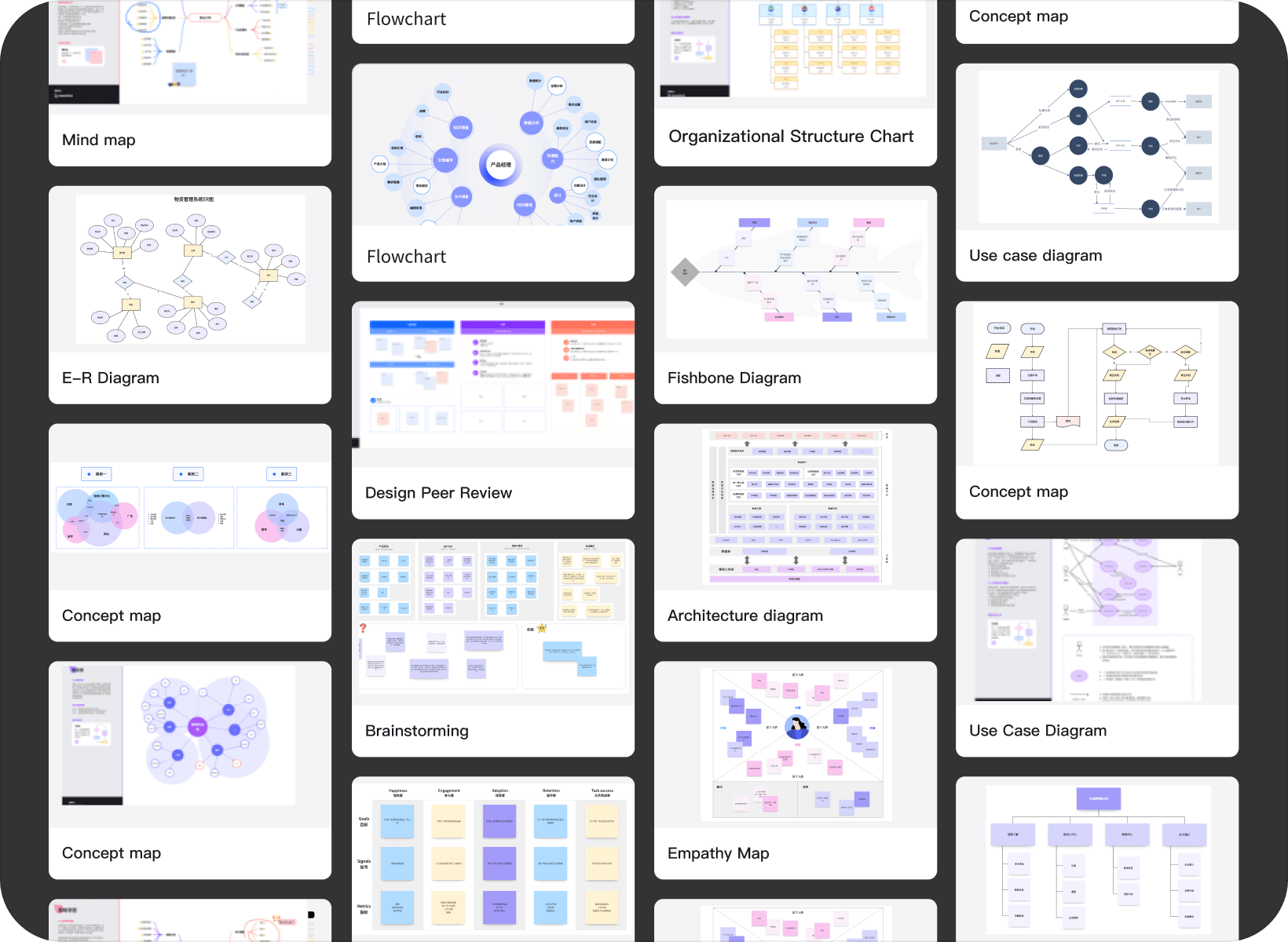
Start from a template and make it your own
- ·Start with a flowchart, organization chart, or UML template and adapt it to your process.
- ·Choose a template by the diagram you need and the information you want to explain.
- ·Rename steps, change connectors, and add missing branches as you work through the details.
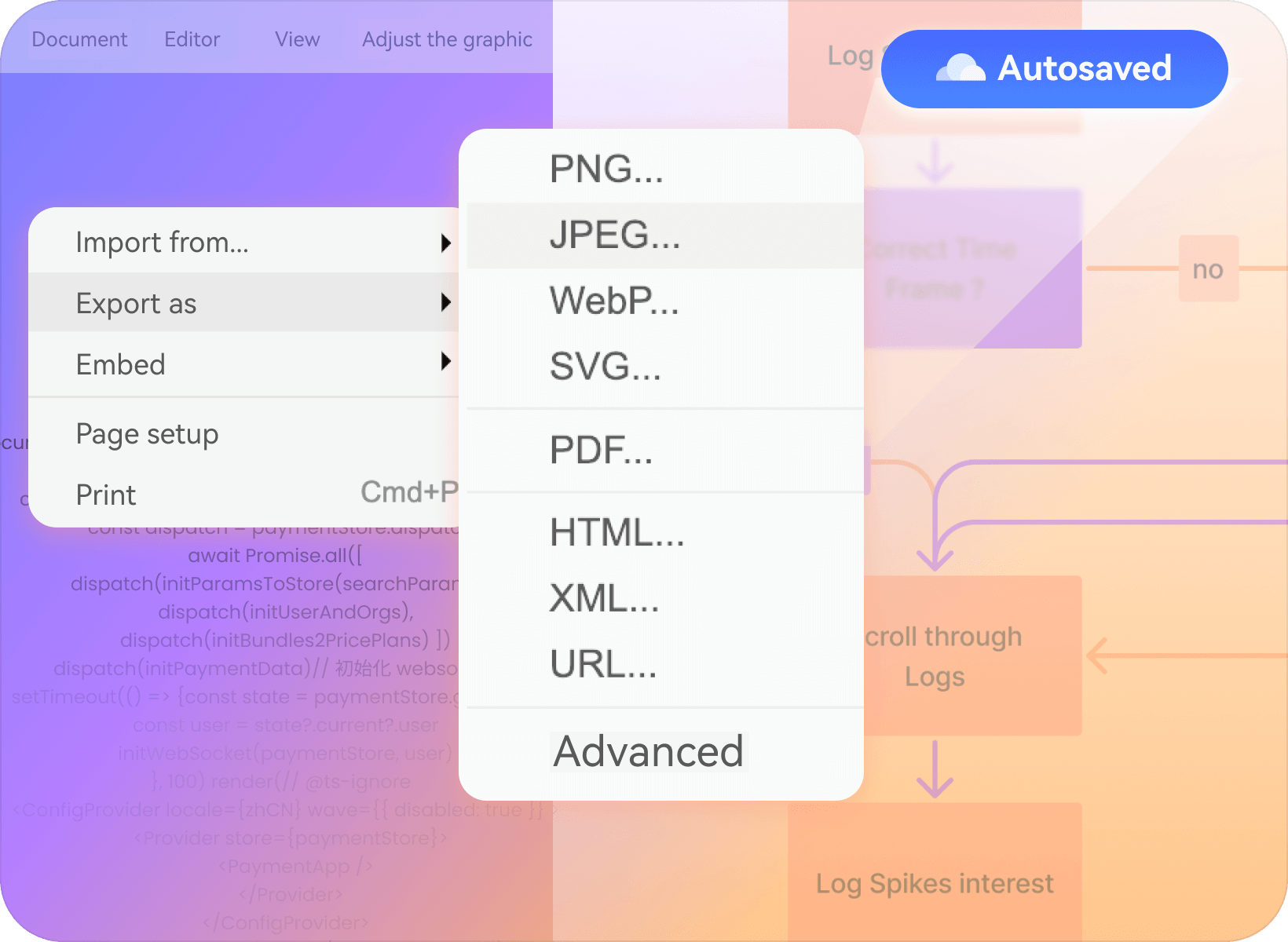
Save and share your diagrams in the cloud
- ·Auto-save, no manual intervention required, with project content saved in real time.
- ·Access cloud-saved diagrams across devices while signed in to your account, and manage who can view shared work.
- ·Export a diagram when you need to include it in a document, presentation, or review.
From business processes to system diagrams
Flowchart
UML
Diagram
Diagram
Sequence
Diagram
Diagram
ER
diagram
diagram
Network topology
diagram
diagram
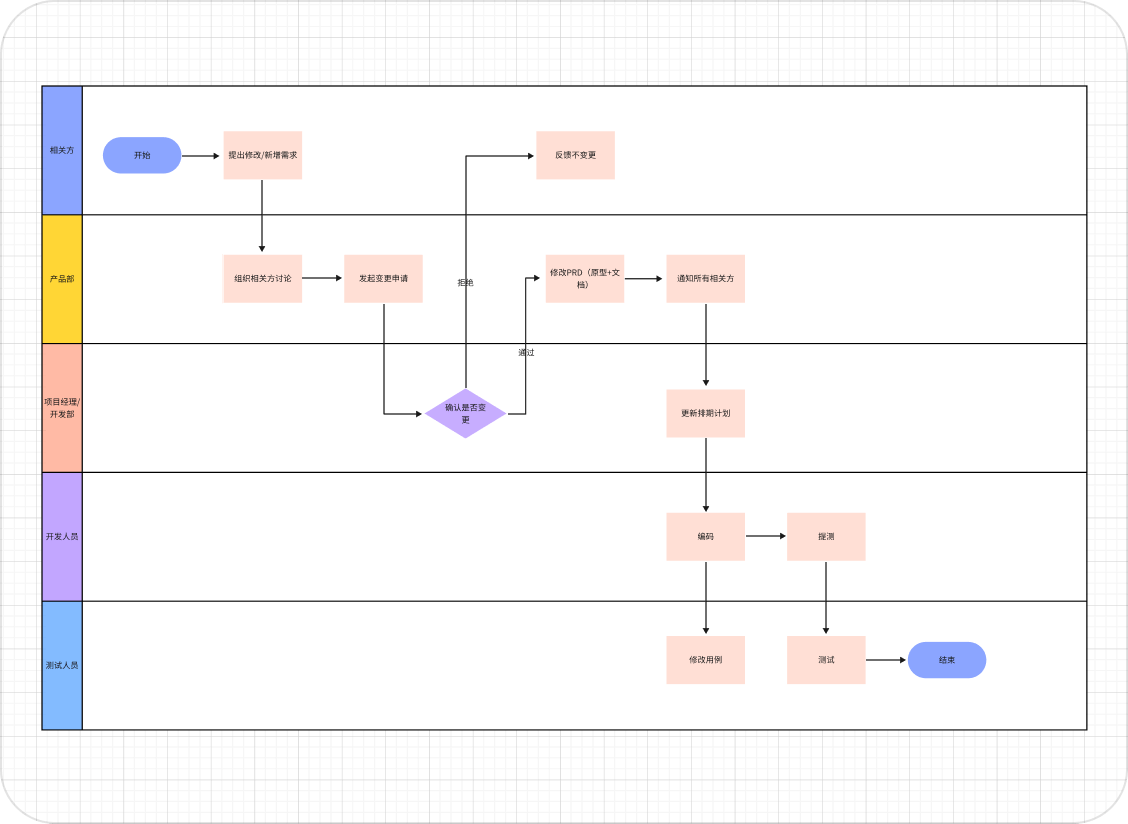
Swimlane
Diagram
Diagram
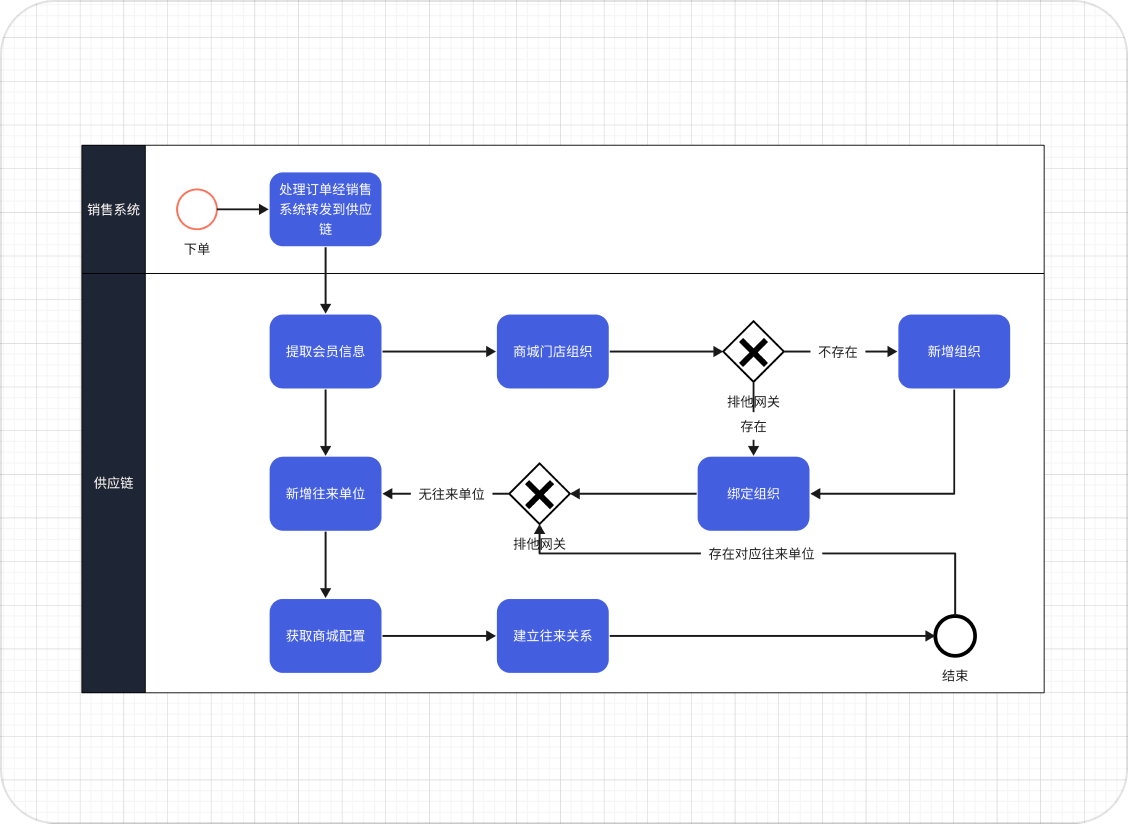
BPMN
Business process mapping
Visualization of the team's workflow
Approval process display
Production process planning
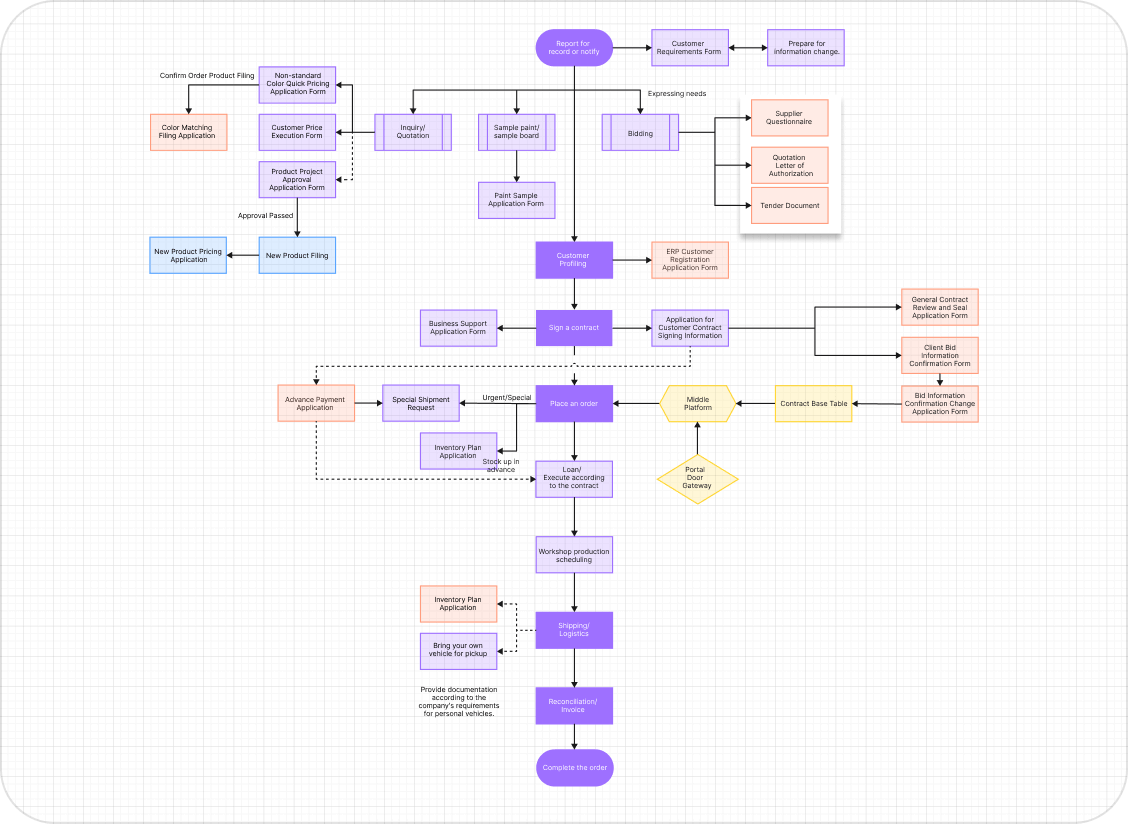
Modeling Relationships Between Classes
Object-Oriented Code Structure Demonstration
Project Architecture Abstraction
Facilitate the team in reaching a shared understanding
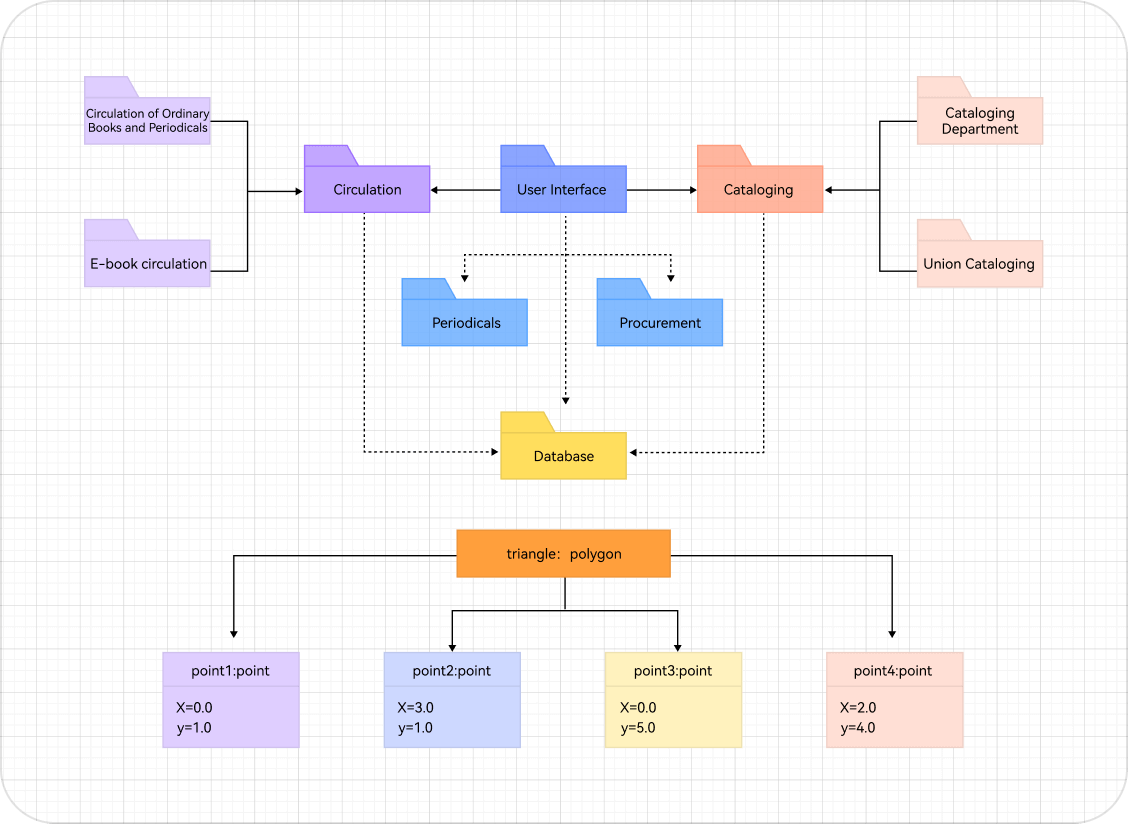
Data Exchange Sequence Between APIs
Network Protocol Timing Modeling
Message flow between entities in business processes
Ensures data accuracy during implementation
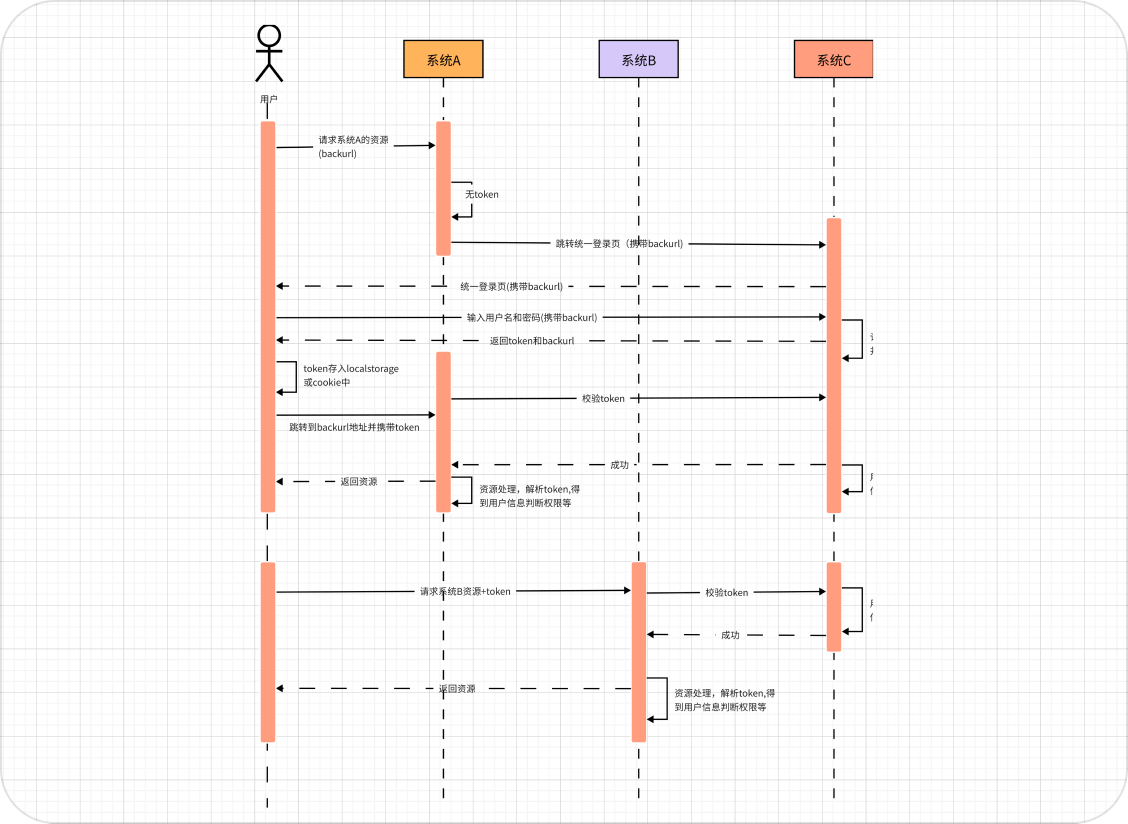
Modeling Relationships Between Data
Help the team clearly understand the data structure
The Foundation of Robust Data Models
Facilitates data operation expansion
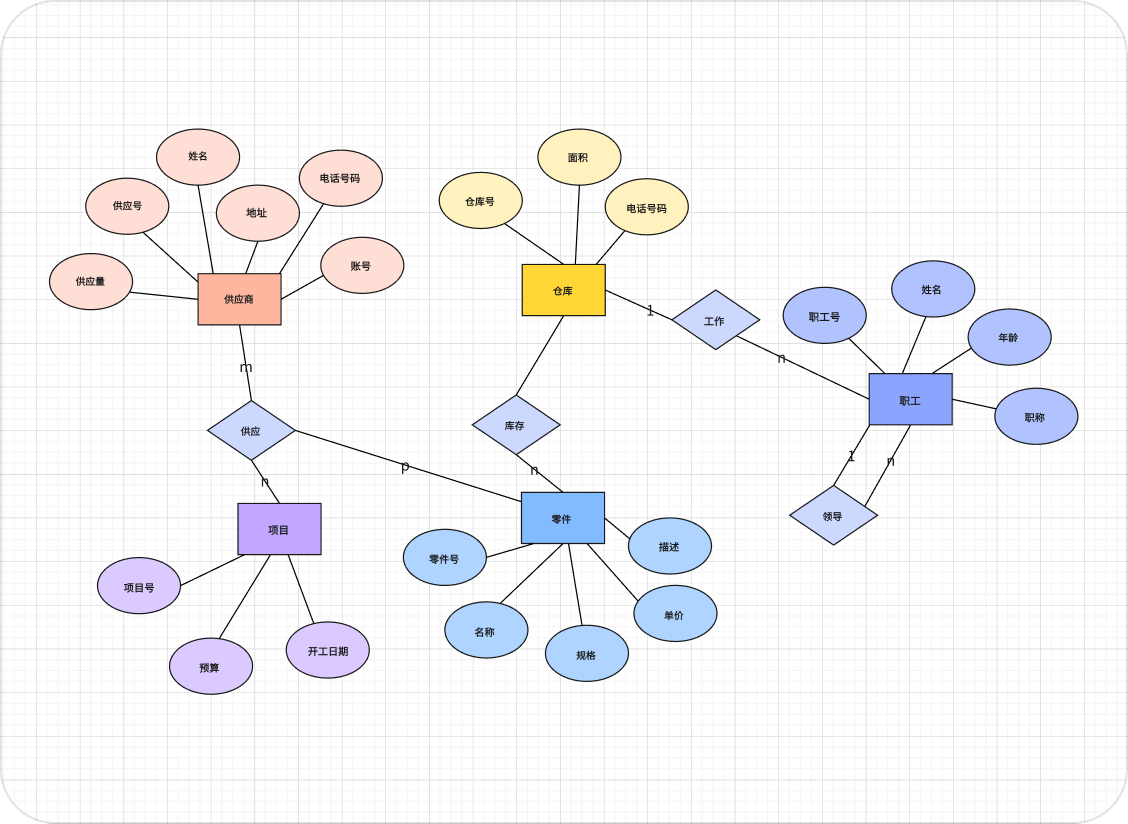
Network infrastructure planning
Server room network configuration
Data Exchange Line Display
Facilitates data operation expansion
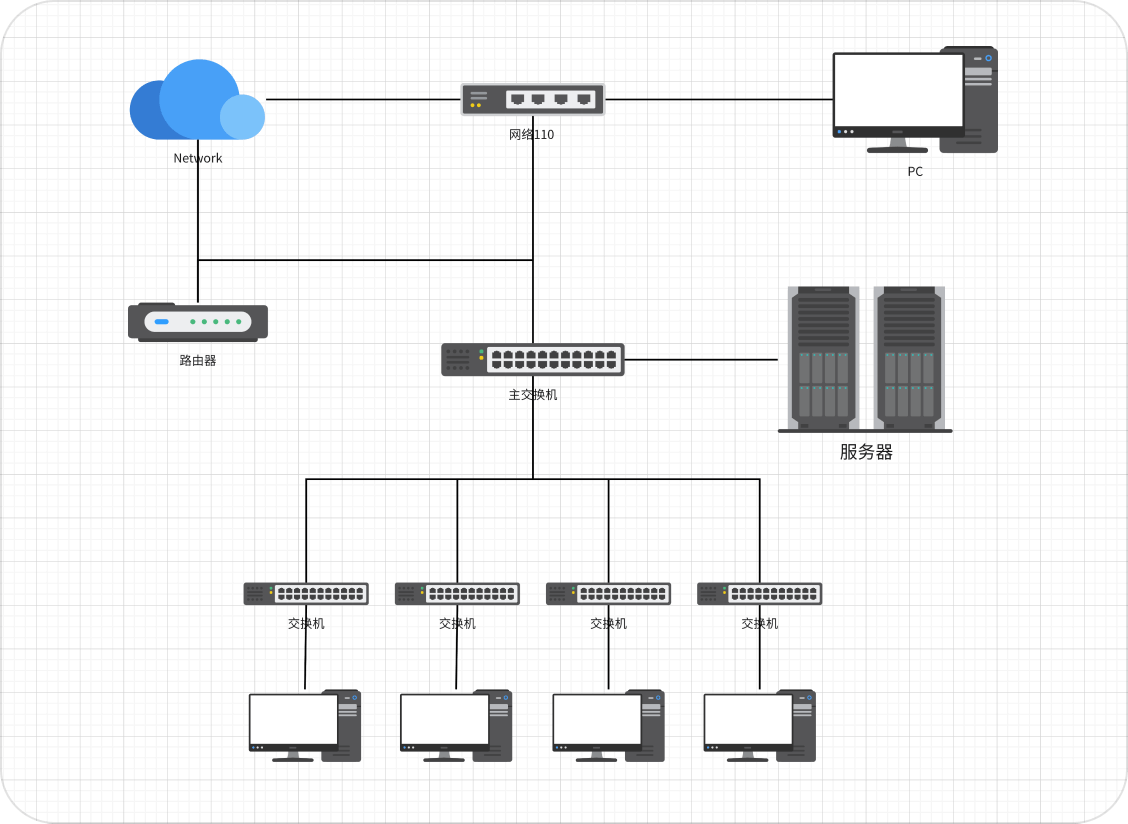
Network infrastructure planning
Server room network configuration
Data Exchange Line Display
Facilitates network operations and fault localization
Network infrastructure planning
Server room network configuration
Data exchange line display
Contributes to network operation and fault localization
Map the details of your next project

 Product
Manager

 Development
Engineer
Development
Engineer

 Operations/
Marketing
Operations/
Marketing

 Academic
teaching

 Human
Humanresources
Map user flows and functional architecture for the product
Assist the team in organizing product components
Clearly demonstrate product logic to stakeholders
Create sequence diagrams and UML class diagrams to establish the technical
architecture and data model
Lay a clear foundation for code implementation
Reduce development risks
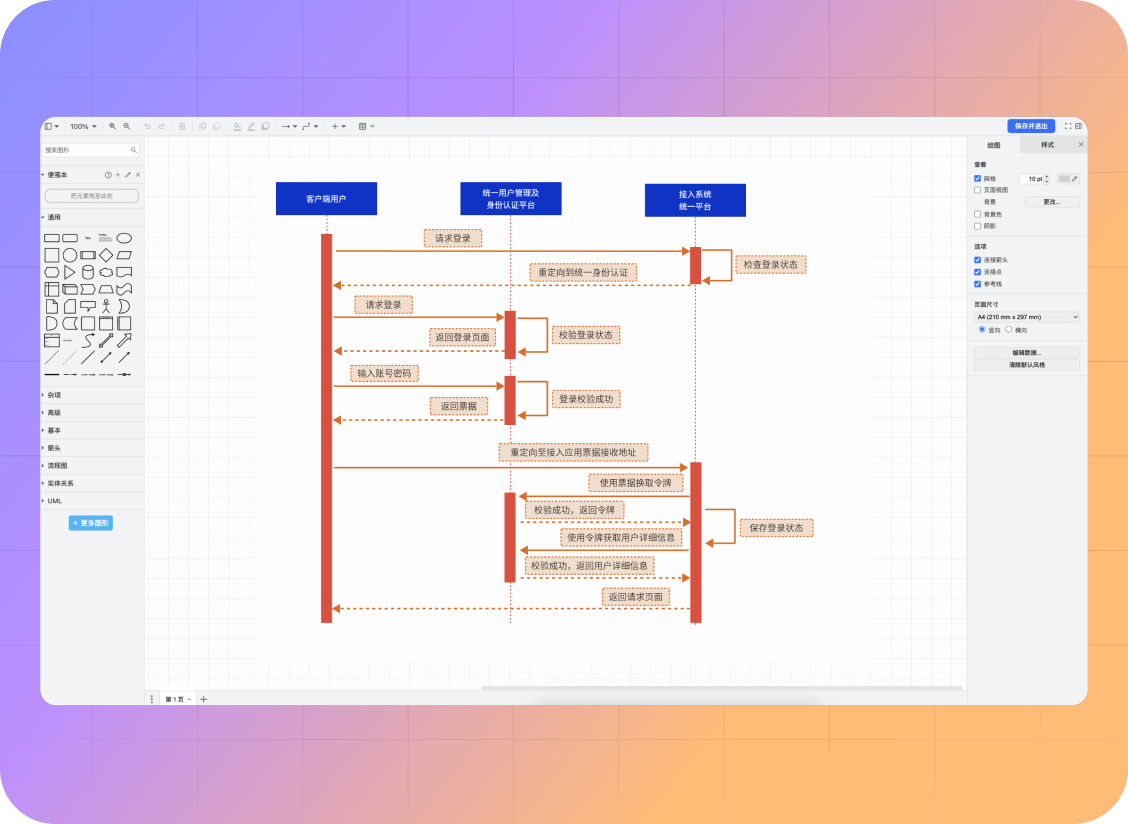
Map out activity workflows and marketing strategy diagrams, plan marketing
campaigns, conversion paths, and content production processes
Ensure clear and transparent implementation steps
Ensure clear and transparent implementation steps
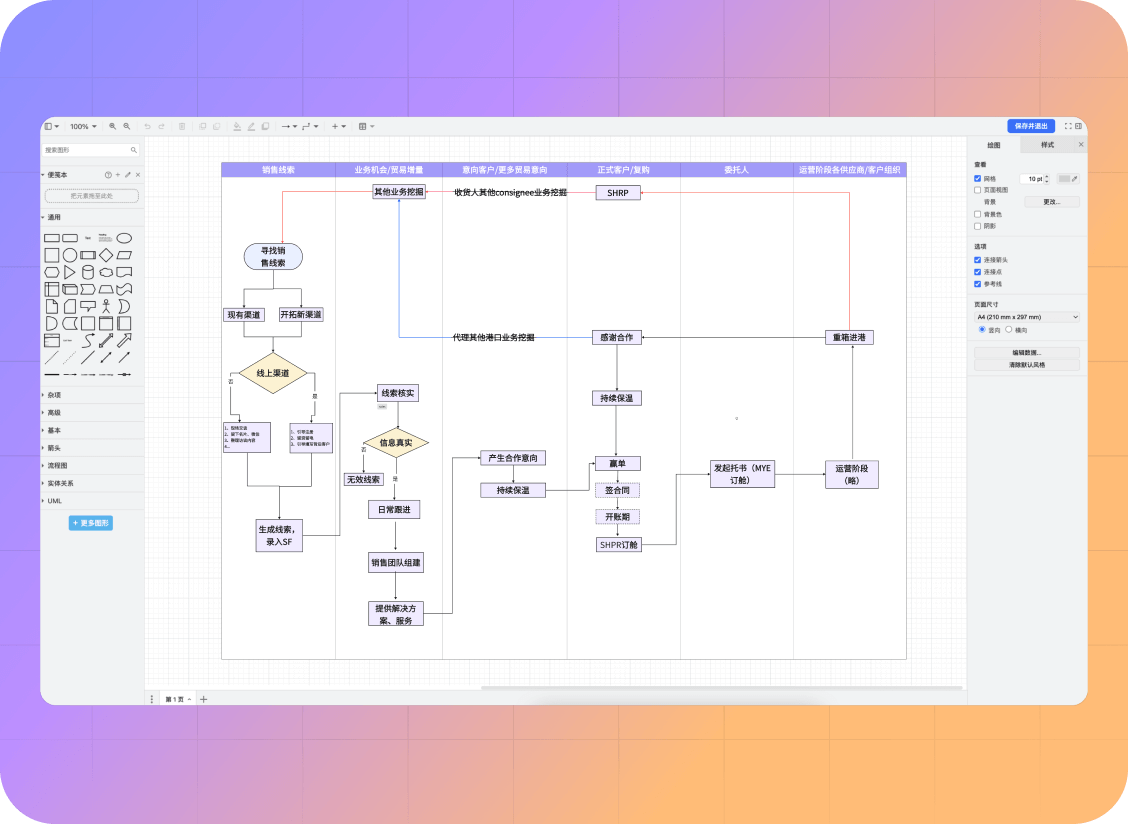
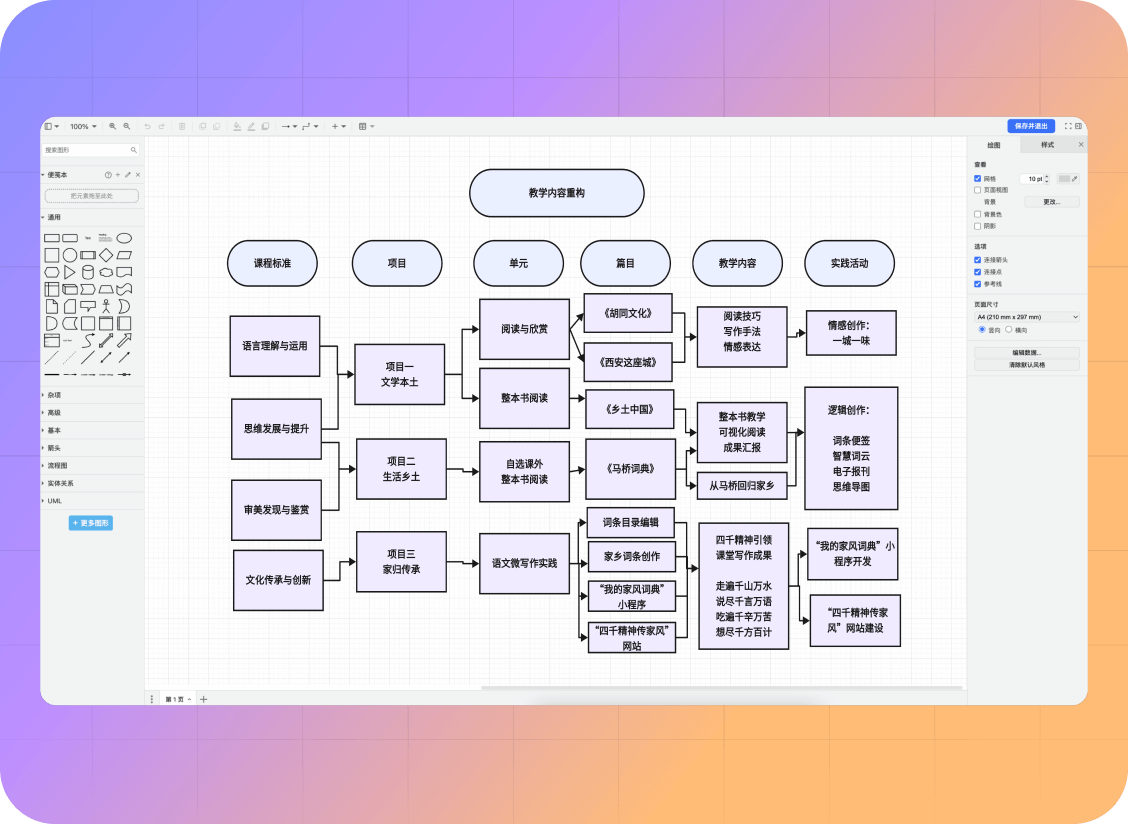
Teachers prepare teaching materials; students organize study plans. Both can use mind maps and sequence diagrams to clarify key points
Achieving clarity at a glance
Achieving clarity at a glance
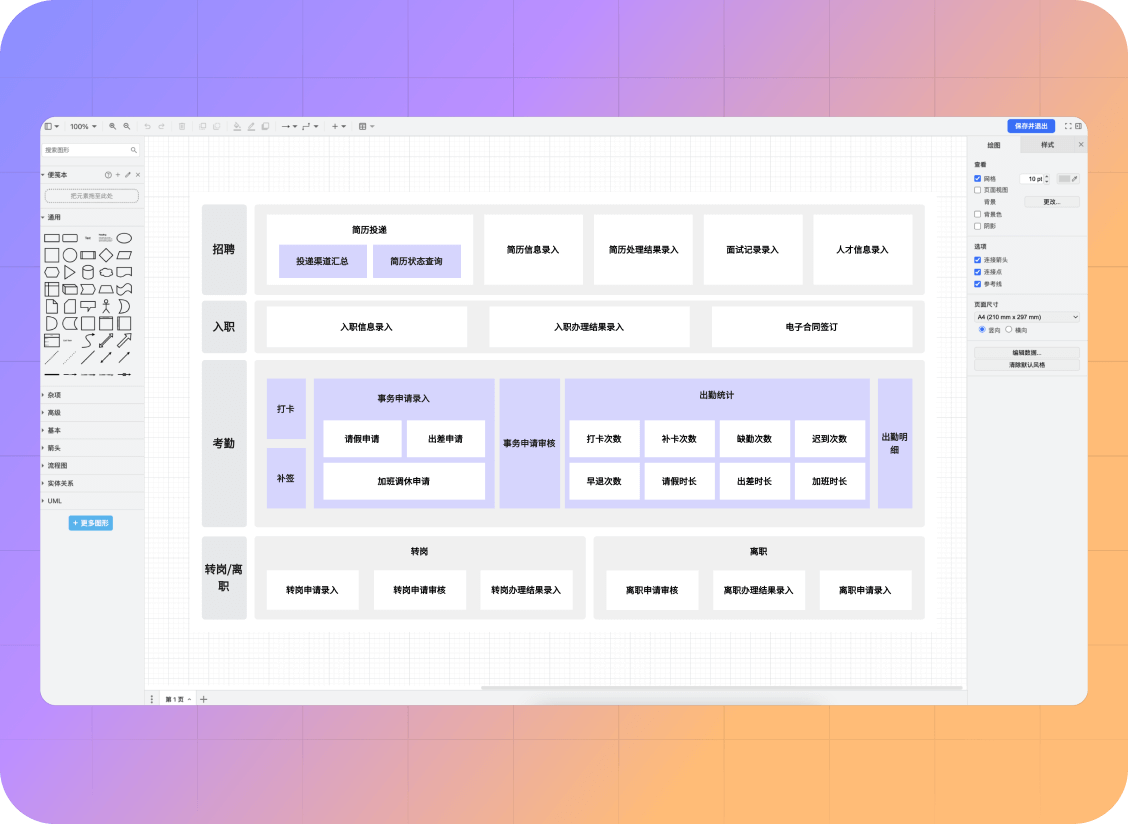
Organize company hierarchy and departmental structure
using organizational charts and flowcharts
to empower management and enable clearer division of labor and collaboration.
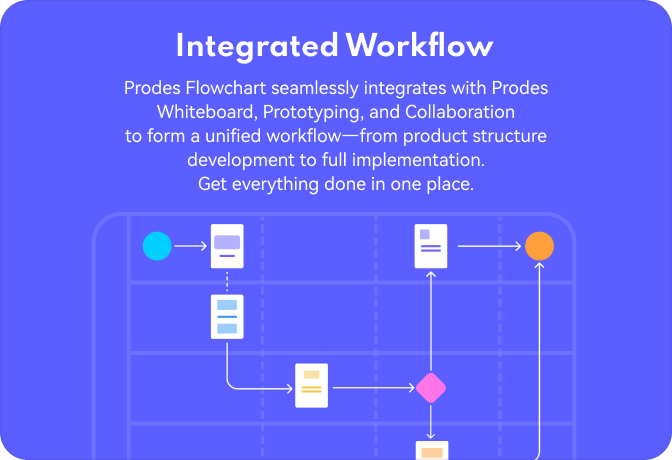
Keep diagrams connected to the product work
Integrated
Workflow
Workflow
Use diagrams alongside whiteboards and prototypes to connect process decisions with the screens your team is designing.
A stable cloud
storage foundation
storage foundation
Keep flowcharts in your cloud workspace
so your team can return to shared diagrams,
review changes, and continue working across devices.

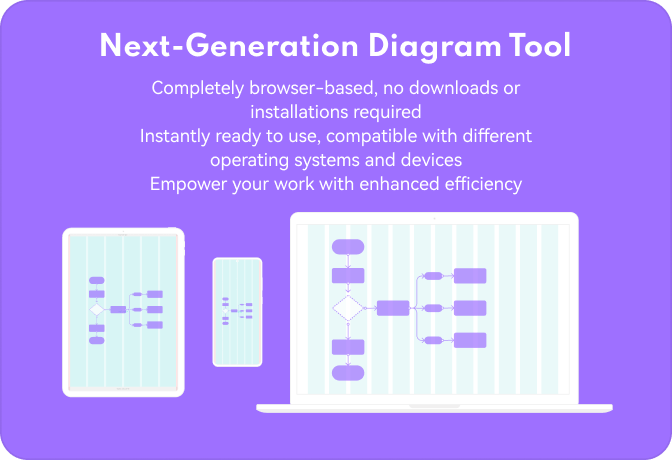
Next-Generation
Diagram Tool
Diagram Tool
Open the diagram editor in your browser and continue working from a supported device.