What needs to happen?
Break a broad goal into trackable tasks. Give each task an owner and a clear definition of done.
Outcome → work items → owner
Mockitt Whiteboard · Project planning
Turn the schedule into a plan everyone understands.
Map tasks, dates, milestones, and dependencies on a shared canvas. Use a Gantt chart to review what happens next, who owns it, and which work is waiting on something else.
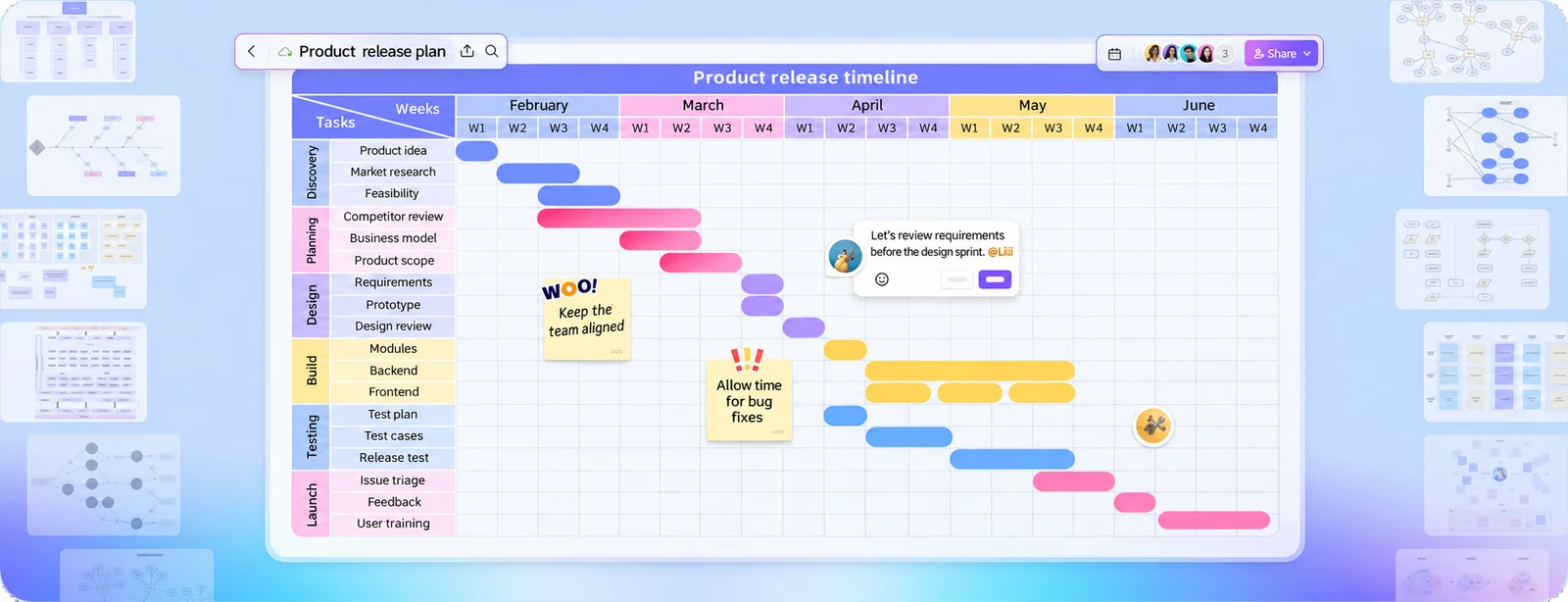
What a Gantt chart does
A Gantt chart places work on a timeline. Horizontal bars show when tasks start and finish; connections explain their order. Use Mockitt Whiteboard to discuss the plan alongside your project notes and diagrams.
Break a broad goal into trackable tasks. Give each task an owner and a clear definition of done.
Show planned start and finish dates. Add milestones for decisions, handoffs, and release dates.
Make the handoffs visible. When a task slips, review which later tasks are affected before moving the dates.
Build the first version
Start with the next deliverable, then work backward through the decisions and tasks it requires. Keep the first plan small enough for the team to review together.
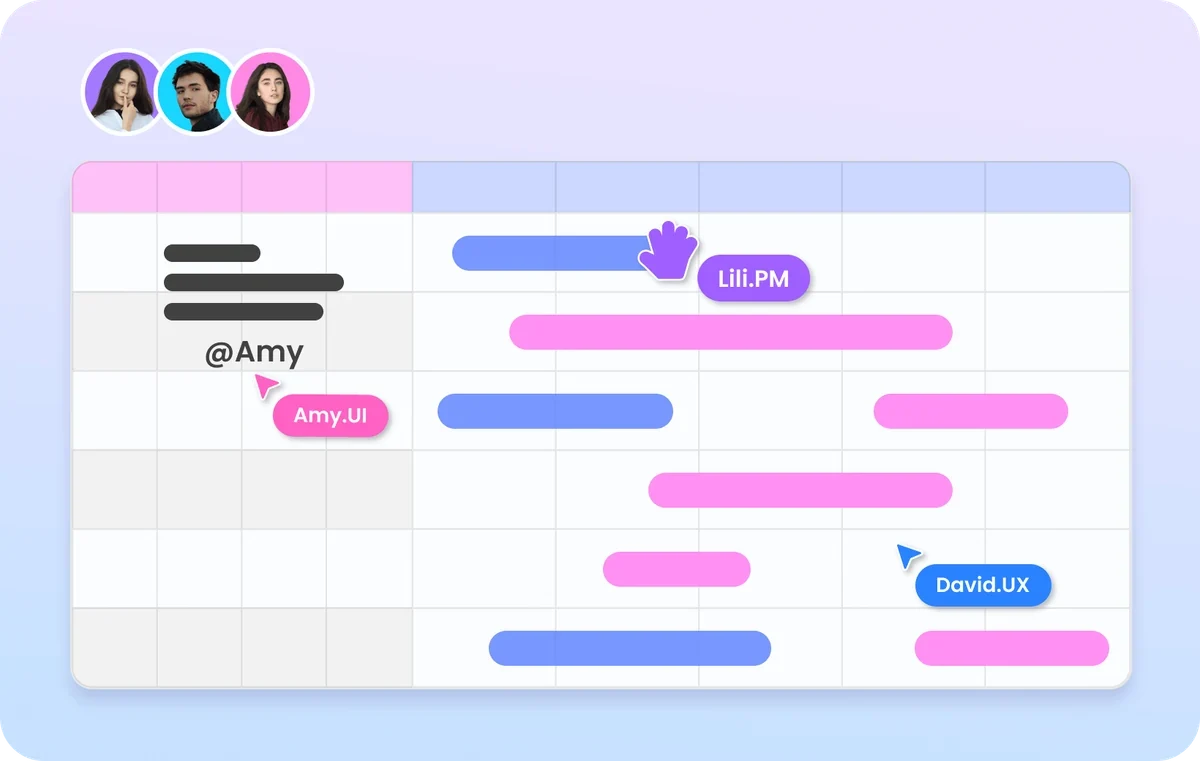
Tasks, milestones, and dependencies
A timeline becomes useful when it explains the order of the work. Separate tasks that can run in parallel from tasks that need a completed input.
Include a specific task name, an owner, planned dates, and an acceptance condition.
Mark a decision or completed outcome, such as an approved design or a release candidate. A milestone is not another week-long task.
Record the input a task needs before it can start. Review the chain when a scope change or delay appears.
Review the same plan
When a plan changes, the team needs more than a new date. Leave the reason, the affected task, and the next decision next to the timeline.
Discuss the tasks and handoffs affected by a change before updating the schedule.
Capture the owner, the agreed action, and the next check-in so the review produces an actionable result.
Share the current plan and explain what changed. Update the chart from confirmed progress rather than assuming a calendar date means a task is complete.
Example review notes · fictional project
I’ll add the error and retry path before Thursday’s review. The handoff stays on Friday.
Owner: design lead · check-in: ThursdayAdd the retry behavior to the test scope so it is included in acceptance.
Dependent task: acceptance testingRelease review packet
Review and handoff
Before sharing, walk through the critical handoffs. Make sure the next team has the information it needs, not just a start date.
Highlight decisions, late tasks, and dependencies that need confirmation.
Record the decision beside the relevant task and assign a follow-up owner.
Update the schedule, share the current version, and agree on when the team will check progress again.
Three ways to use the timeline
These examples show different ways to organize a plan. Use them as references, then confirm the real scope, owners, dependencies, and dates.
| Task / owner | W1W2W3W4 |
|---|---|
| ScopeProduct | |
| DesignDesign | |
| BuildEngineering | |
| LaunchTeam |
Connect requirements, design, build, validation, and release decisions.
Use this project brief ↗| Task / owner | W1W2W3W4 |
|---|---|
| BriefMarketing | |
| CreativeDesign | |
| ReviewTeam | |
| LaunchMarketing |
Bring the brief, creative assets, review, launch, and retrospective together.
Use this project brief ↗| Task / owner | W1W2W3W4 |
|---|---|
| PlanResearch | |
| RecruitResearch | |
| SessionsResearch | |
| SynthesizeTeam |
Plan recruitment and sessions, with time to synthesize and share findings.
Use this project brief ↗Start with the next deliverable
Choose a project type and add a name. Copy the starting brief, then fill in real owners and dates. Nothing here connects to or changes your project data.
Start with the deliverable, then confirm the tasks, owners, and dates with your team.
Questions, answered
It is useful when work has a defined time frame, several tasks, and dependencies. Common examples include a product release, campaign launch, research study, or cross-team implementation.
A list shows what needs doing. A Gantt chart also shows when the work happens, which tasks overlap, and which tasks depend on earlier work. The task list can be the input to the timeline.
Begin with one deliverable, list the work it requires, and assign owners. Add the likely order and duration, then review the assumptions with the people doing the work.
Use the whiteboard for visual planning and team review. Keep progress current by updating the plan from the team’s confirmed status; automatic time tracking and repository synchronization are separate from drawing a timeline.
Make the next review count
Map the timeline, discuss the dependencies, and agree on what happens next.
The approval flow needs one more error state. Does that affect the engineering handoff?
Task: review the checkout prototype