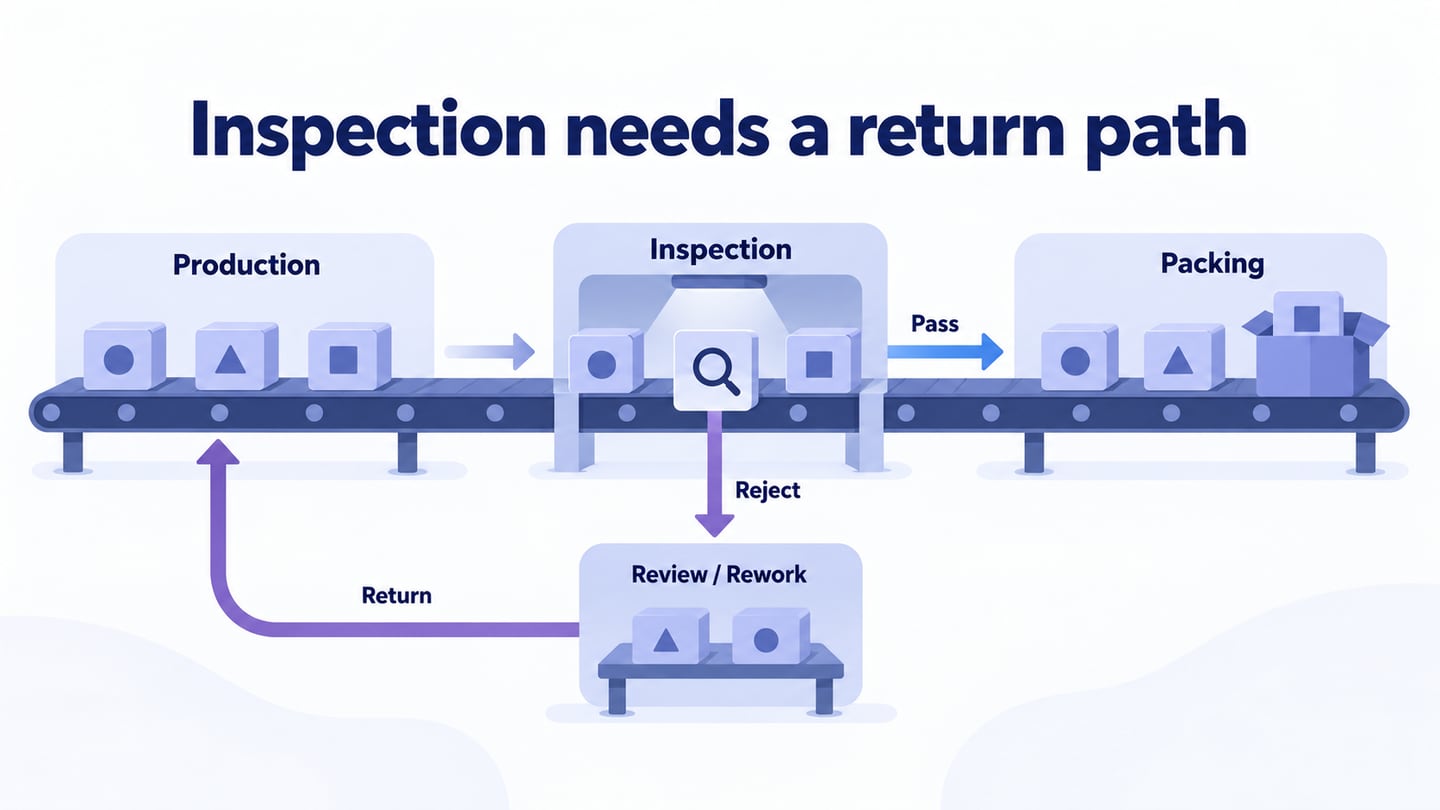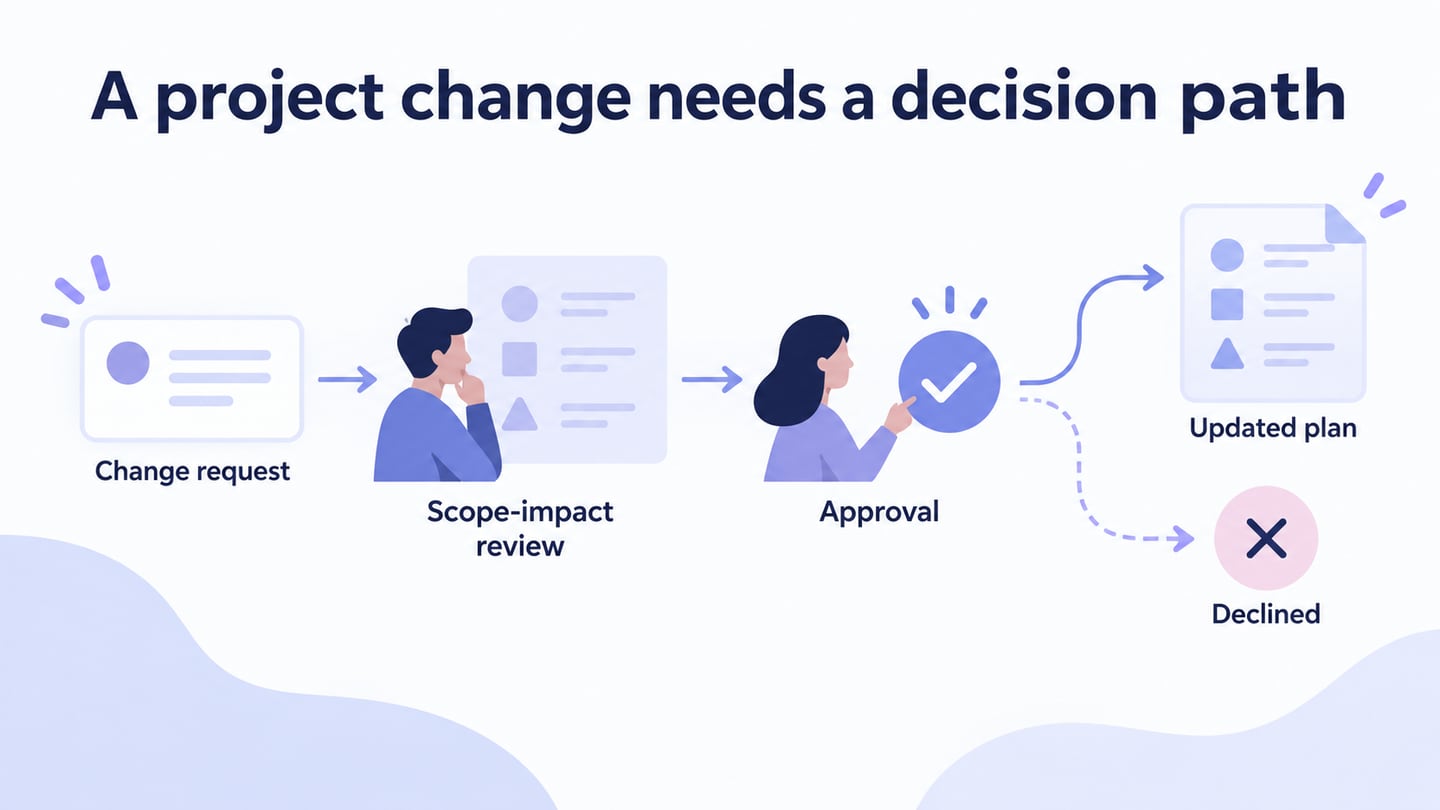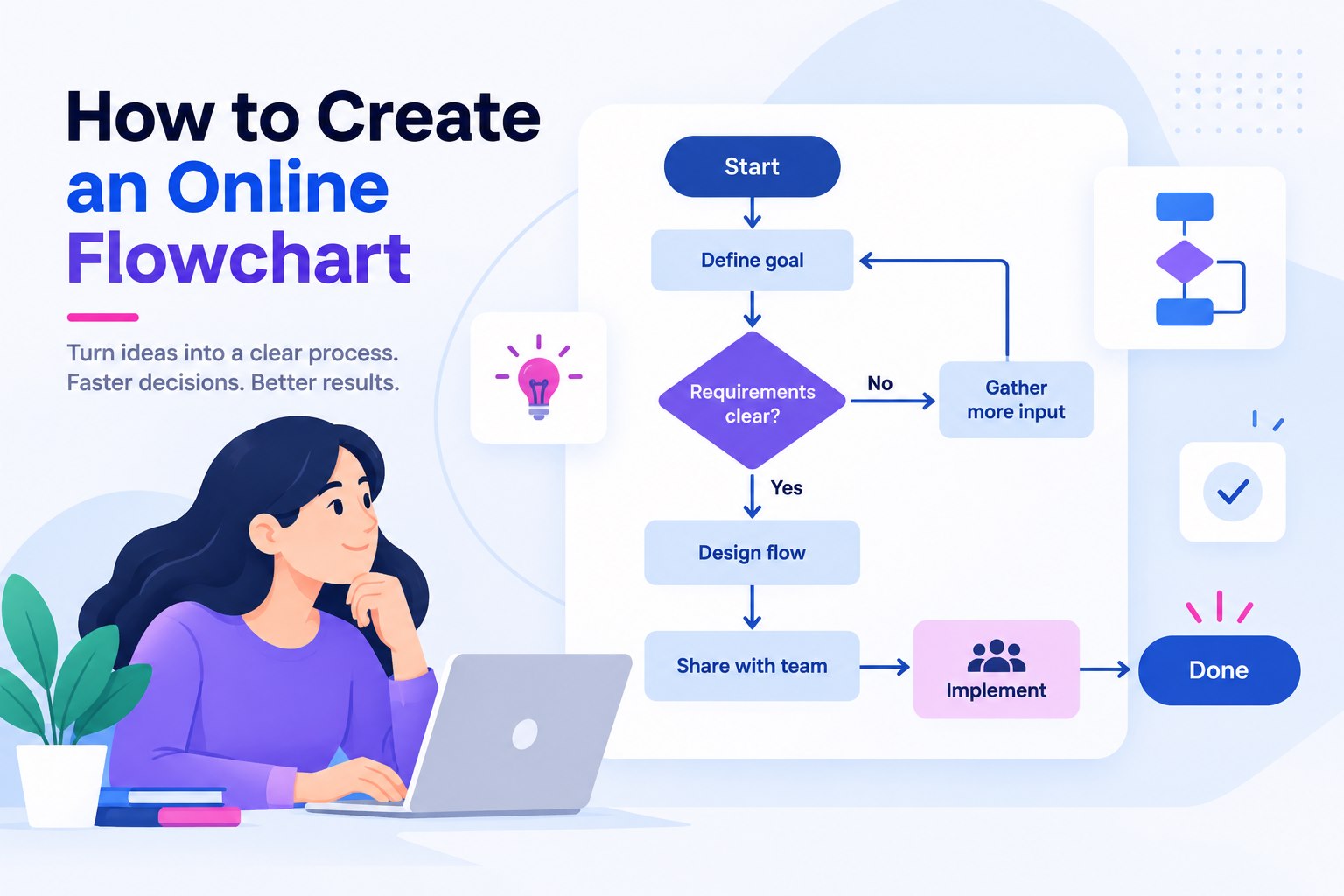
An online flowchart maker should leave you with a diagram that another person can follow, review, and update. Start with one real process: list the request, the decision, the owner, and the recovery route. Then build the flow in a shared canvas, connect each state, and invite reviewers before you polish the colors. This produces a usable process map instead of a collection of decorative shapes.
For a team that needs editable screens, connected flows, and review in one place, begin with Mockitt’s online flowchart workspace. The goal is not to claim that every flow needs a new tool. It is to keep the working source visible when a process is still being agreed.
Define the output before choosing a tool
Write the sentence the flowchart must answer. “How does a service request move from intake to completion?” is a better brief than “make a flowchart.” It tells you which nodes, decisions, and handoff evidence matter.
- Start: the event that creates the work.
- Actions: the few steps an owner performs.
- Decisions: the conditions that send the request down different paths.
- End states: completed, rejected, paused, or returned for information.
- Evidence: the message, approval, or record that proves the step happened.
This output-first brief also tells you whether an online canvas is useful. A simple poster can be designed in a document. A changing process benefits from a source that keeps the flow editable while reviewers discuss it.
Build a service-request flow
- Create a new flow and name it after the process, owner, and review date.
- Add the start event: Request received.
- Add the first check: Required details complete? Connect “yes” to Assign owner and “no” to Ask for missing details.
- Continue the main path with Schedule work, Confirm completion, and Close request.
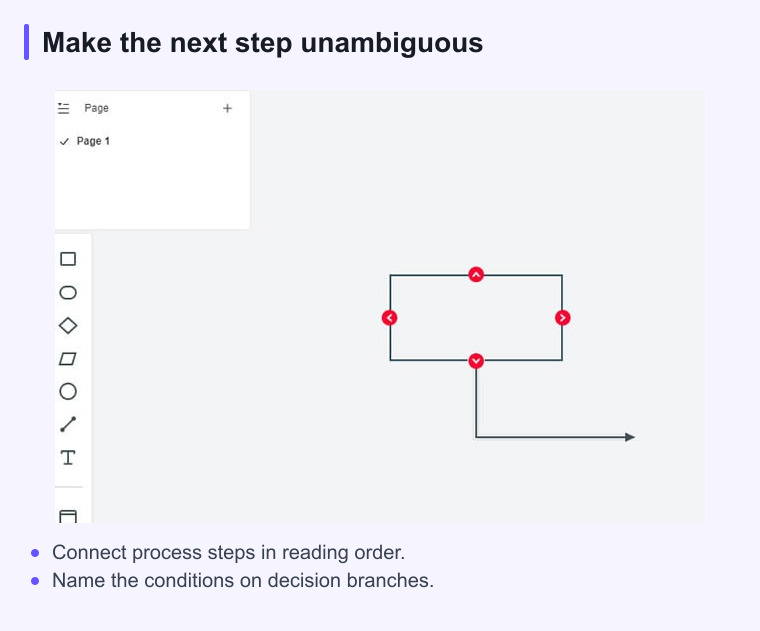
- Return the missing-details path to the check. A connector that ends in empty space is a missing decision, not a finished design.
- Label each connector with the condition that a reviewer can test.
Keep each node short enough to scan at the zoom used in review. Put operational detail in a note or linked specification. The flow should show sequence and responsibility; it should not become a wall of prose.
Review the flow with the people who run it
Invite one person who receives the request, one who performs the work, and one who handles exceptions. Ask them to trace a normal request and a failed request without your explanation. Mark every pause, loop, and ambiguous label. This test is more useful than asking whether the diagram “looks clear.”
Check these details during review:
- Every node has an owner or a clear system action.
- Every decision has a visible yes and no route.
- Waiting states say what event resumes the work.
- Rejected requests have a next action or a reason they end.
- Connectors do not cross in a way that changes the reading order.
When an online flowchart tool is the better fit
An online tool is a practical choice when the source must remain available to a distributed team, when the process is reviewed in more than one meeting, or when the same flow feeds a prototype and a handoff document. It is less useful to add a tool when the diagram is final, owned by one person, and never changes.
Use Mockitt for the working flow when reviewers need a shared, editable view. Then export or link the approved explanation where the wider team already works. Keeping the source and the published view separate makes later changes easier to trace.
Document drawing or online canvas?
A document drawing is a good fit when the process is already settled and the diagram only needs to explain it. An online canvas is a better fit when the team is still negotiating the sequence, when more than one person owns a step, or when the flow will feed a prototype, runbook, and training page. Decide by the change you expect next, not by the number of shapes on the first draft.
For example, a two-step approval can stay in a project brief. A request process with missing information, reassignment, escalation, and closure needs a source that can show those paths without making the brief unreadable. Keep the published brief concise and let the editable flow carry the detail.
Make review access part of the flow
Before sharing, decide who can edit and who only needs to comment or read. Give reviewers a clear question: “Can you complete this request from intake to closure?” Capture comments beside the node they change and record the decision in the flow’s review note. A diagram that has no owner or review date tends to become a screenshot that everyone trusts and nobody updates.
When the review is complete, keep the approved version identifiable. A short label such as “service request — approved flow — 12 Nov” is enough for a team to distinguish it from an experiment. If the process changes, update the source first and then replace the document view.
Share-ready checklist
- The title names the process, owner, and version or review date.
- The first screen shows the normal path and the main exception.
- Every connector has a readable direction and condition.
- Reviewers can identify where to comment or request a change.
- The destination of the editable source is documented for the next owner.
A strong online flowchart is a small operational contract. It tells people what happens, who acts next, and how the process recovers when reality does not follow the happy path.