Mockitt AI · Video creation
AI Video Generator
Give your next product story a first cut.
Bring an idea, product screenshots, or a reference video. Use Mockitt AI to develop the story, plan the shots, and generate video with narration. Keep working in the same conversation to adjust the opening, pacing, and voice.
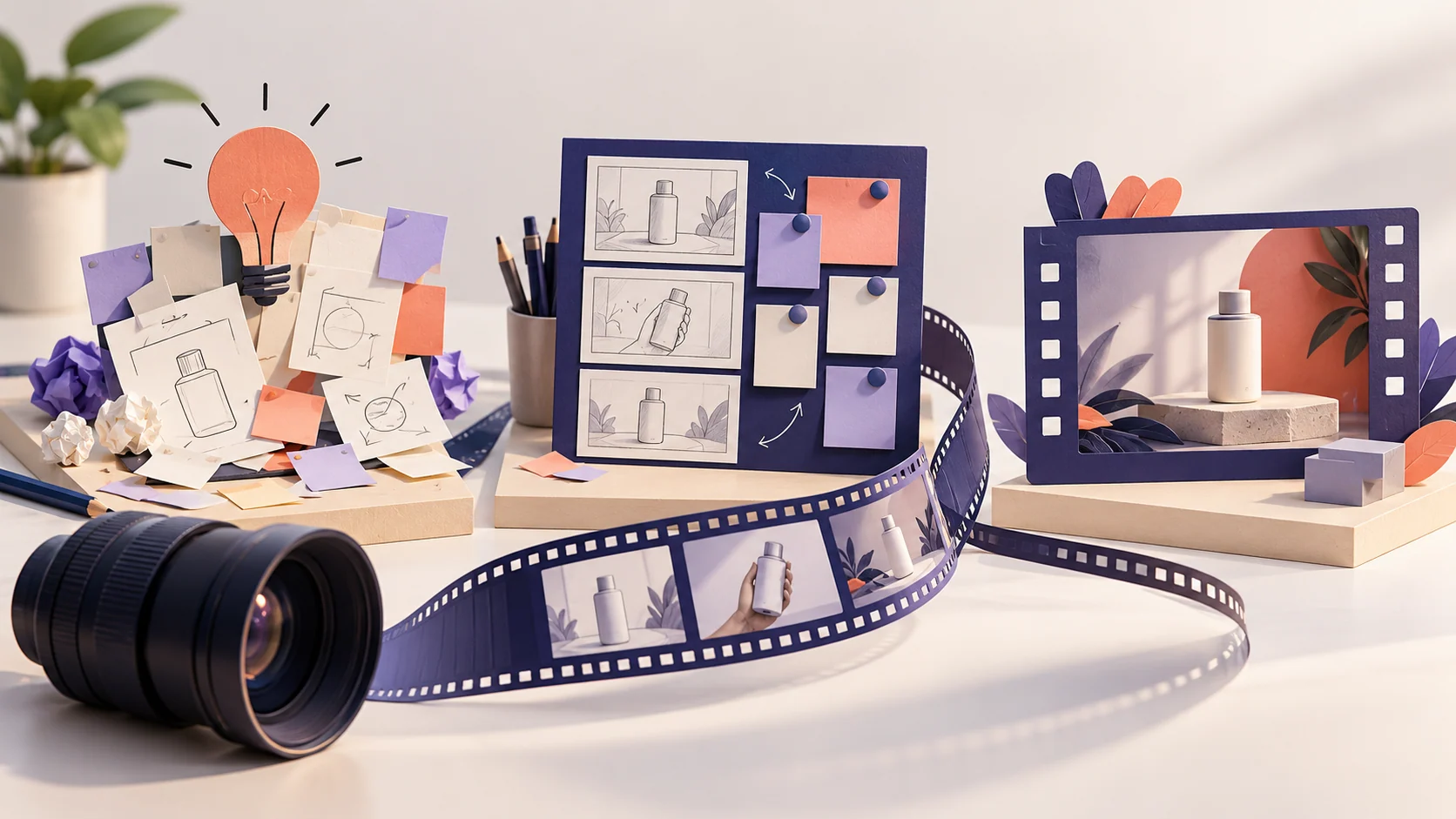
Start with something worth showing
A useful product video explains one situation clearly. Tell Mockitt AI who will watch, what they need to understand, and which product details support that message. Add the screenshots, recordings, or brand materials you want it to use.
For a feature walkthrough, show the action and its result. For an announcement, lead with what changed. For a social clip, narrow the story enough that viewers can follow it without knowing your product already.
Product introductions
Introduce one audience problem and show how a real feature fits into the workflow. Keep the ending focused on a relevant next step.
Feature demonstrations
Use available screenshots or recordings to explain an operation. Identify the detail that needs a close-up and the result viewers should notice.
Short-form versions
Adapt an approved story to a shorter duration or different frame. Reduce the message as well as the runtime; simply accelerating narration makes a demo harder to follow.
Example brief · Fictional product
A 30-second video that leaves viewers with one idea
Imagine a fictional whiteboard app called MeetingCanvas. For this brief, its features are shared editing, grouping notes, and exporting a board image. The plan is a vertical video for product and design teams: show how scattered meeting notes become a useful handoff.
| Time | Shot and action | Narration | On-screen emphasis |
|---|---|---|---|
| 0–3 sec | Start with scattered meeting notes, then zoom in on an unanswered follow-up. | The meeting is over. What happens next? | Keep the decisions. |
| 3–8 sec | Show the board and move notes into Decisions, Actions, and Open Questions. | Put the discussion in one place, then group it by outcome. | Decisions · Actions · Questions |
| 8–14 sec | Hold on one confirmed decision, one next action, and one unresolved question. | Separate what is settled from what still needs attention. | Make the next step visible. |
| 14–20 sec | Show two contributors adding and rearranging relevant notes. | Keep working together as the conversation moves forward. | Update the board together. |
| 20–26 sec | Move from the completed board to its exported image. | Export the summary so the team can keep using it. | Take the summary with you. |
| 26–30 sec | Hold on the product name and a single next step. | Start your next meeting with a shared board. | MeetingCanvas · Explore the workflow |
On a small screen, swipe across the table to see every column.
The timing is a starting plan. Listen to the narration and watch the actual actions before finalizing shot lengths. A 15-second version could retain only the scattered notes, the three groups, and the exported summary.
From the brief to a version you can improve
Prepare the video task
Open Mockitt AI and add the video-generation and speech-synthesis Skills used by the workflow. Select a model that supports the task before asking it to produce the video.
Provide the materials
Add your product information and assets. Specify the audience, duration, aspect ratio, tone, and intended placement. Identify which details must remain accurate.
Agree on the story
Ask for two opening options and a storyboard with timing, visuals, narration, and required assets. Resolve missing screenshots or unconfirmed claims before generating the cut.
Generate and review
Continue with the video and voice skills. Watch the complete result, checking whether the narration, on-screen text, and visible product action communicate the same point.
Request a focused revision
Name the shot and the change. For example: keep the middle section, shorten the opening, slow down the product demonstration, or revise the closing line.
Borrow a storytelling approach, then make it your own
A reference can help communicate pacing, framing, or voice. Explain what you like: a question-led opening, quiet narration, close-ups of real product actions, or time for captions to be read. Ask for a new story using your own topic and materials.
If a reference URL cannot be opened, provide a permitted clip, selected stills, or a written description. A link alone does not establish access to the content. Avoid asking the system to copy another company's product claims, identity, or exact creative work.
Keep screenshots, narration notes, and brand wording together. When creating several versions, state which details must stay consistent and which can change for each placement.
Give the first cut a clear brief
Edit this example with your product facts. The requested result is a video; the storyboard gives you a chance to settle the message before production.
A few useful details
AI Video Generator questions
How is video generation different from script generation?
A script describes what to say and show. This workflow continues into visuals and narration using the relevant skills. Use the script generator when you only need a plan for recording or editing elsewhere.
Can I begin without a script?
Yes. Provide an idea, audience, and available materials, then ask for opening options and a storyboard. Reviewing those first helps keep the video aligned with the intended message.
Can I revise only part of the video?
Describe the shot, narration, or timing you want changed and state what should remain. Review the resulting version to make sure the requested change also fits the surrounding sequence.
Can I use my own product assets?
Provide the screenshots, recordings, brand assets, and notes you want included. Explain how each should be used, and make sure you have the rights needed for your intended publication.
Will it guarantee views or engagement?
No. A clearer video can help communicate a product, but audience response also depends on the message, distribution, and placement. Use actual feedback to decide what to improve.
Bring your next task to Mockitt AI
Start with the materials you have and the result you need. Build a first version, review it, and keep working from there.