An algorithm is a procedure for solving a problem; a flowchart is one way to represent that procedure visually. Programmers use both to analyze a process step by step before implementing it. The distinction is between the logic and its representation, rather than two competing kinds of program. You can represent an algorithm as a flowchart in Mockitt to discuss the steps and decisions with others.
The definition of algorithm and flowchart
What is an algorithm?
An algorithm is a logical, step-by-step procedure for solving a problem. Once you decide to solve a problem, you must specify what to do, in what order and under which conditions. The procedure identifies inputs, calculations or decisions, and the expected result. You can express it in natural language, pseudocode or a flowchart; executable code is a further implementation of that logic.
What is a flowchart?
A flowchart represents the steps of a process or algorithm with shapes and arrows. The flowchart symbols distinguish actions, inputs, outputs and decisions; arrows show the order and possible paths. A programmer can use the picture to inspect branches and loops, while a reviewer can follow the logic without reading a programming language. The drawing still needs precise labels: a neat layout cannot fix an ambiguous condition.
Key Differences between Algorithm and Flowchart
1. Logic versus representation: an algorithm specifies the procedure. A flowchart displays that procedure. Either can be simple or complex, depending on the problem and the level of detail.
2. Information shown: a written algorithm can give exact calculations and data requirements. A flowchart makes the connections between those actions and decisions visible. Both should describe the same behavior.
3. Rules and conventions: an algorithm must be unambiguous for its intended inputs. A flowchart also uses visual conventions, such as diamonds for decisions and labels on the outgoing branches. Neither is exempt from logical correctness.
4. Creating and changing it: pseudocode is often quick to edit as text; a flowchart may require moving shapes and reconnecting arrows. A small diagram can be quick to draw, while a large one needs careful organization.
5. Finding mistakes: a diagram can expose a missing path, while pseudocode can make a calculation easier to inspect. Trace example inputs through both. Neither representation automatically finds every bug.
6. Audience: natural-language steps can explain a rule in ordinary words. A flowchart adds a visual route through those steps. Choose the form that helps the reader answer the current question.
One procedure in two forms
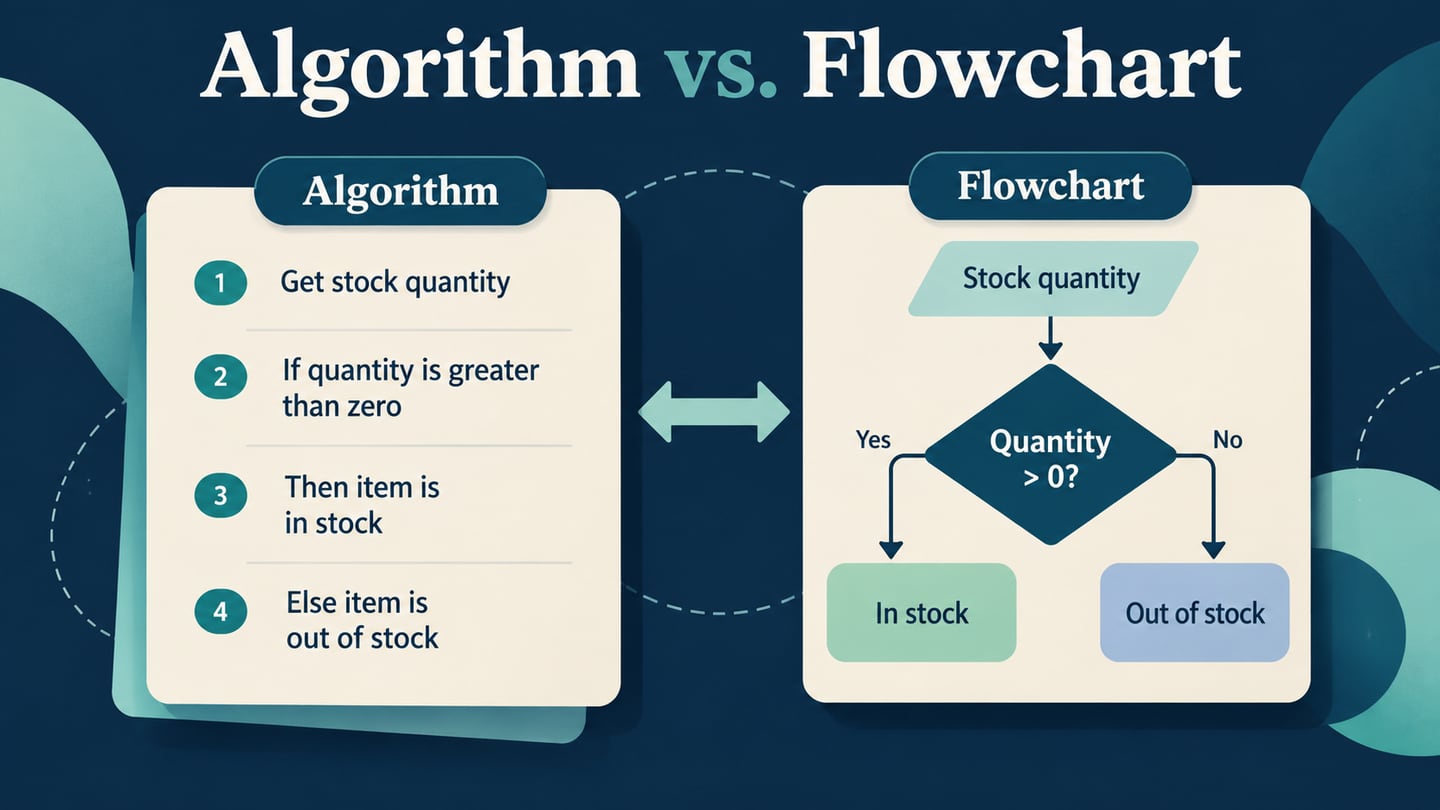
Consider a stock check whose input, quantity, is a non-negative whole number. Read the quantity; if it is greater than zero, output “In stock”; otherwise output “Out of stock”; then stop. These instructions are the algorithm. Its flowchart uses an input shape, a quantity > 0? decision and two labeled output paths that join at End.
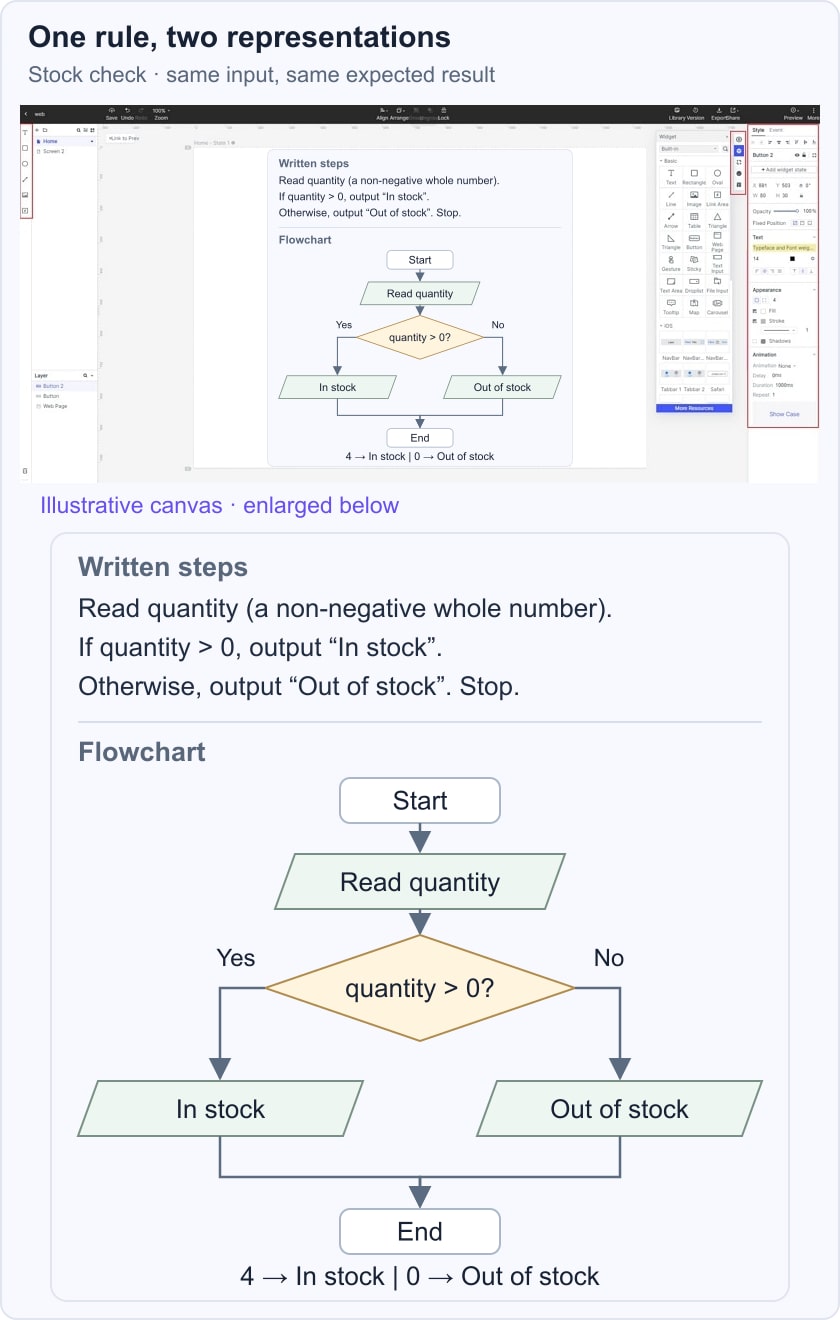
Trace quantity = 4 through the Yes branch to “In stock,” and quantity = 0 through No to “Out of stock.” A yes/no decision flowchart makes the two routes easy to compare. Negative values and nonnumeric input fall outside this small example; a real inventory system needs an explicit validation rule for them.
Advantages of the Flow Chart
A flowchart is a visual way to communicate the logic of a system. It documents the order of actions, supports discussion and can make a missing branch or unexpected loop easier to notice. It can guide program development and help the next maintainer understand the intended behavior, provided the diagram stays synchronized with the implementation.
Disadvantages of the Flow Chart
- If the logic of an algorithm is complex it could result in a complex flow chart which would be tough to understand and interpret.
- When the logic changes, update the affected shapes, labels and connectors. An editable flowchart does not always need to be recreated from scratch.
Advantages of the Algorithm
Breaking a problem into explicit steps identifies the inputs, variables, decisions and outputs needed to solve it. Smaller procedures can be discussed and implemented separately. An algorithm also provides a basis for tracing examples and comparing possible solutions; efficiency depends on the chosen operations, not simply on writing the steps down.
Disadvantages of the Algorithm
- The inputs and stopping condition must be clear. Termination is a requirement for a finite algorithm, not a disadvantage.
- A vague goal such as “make the result attractive” needs explicit criteria before it becomes a procedure a computer can follow.
- Detailed written steps can become difficult to scan. Use subprocedures or a diagram when that makes the logic clearer.
Conclusion
An algorithm describes what must happen to solve a problem. A flowchart shows one visual representation of those steps. Use the same inputs and expected results when comparing them, so differences in formatting do not hide differences in behavior.
Create a simple flowchart online
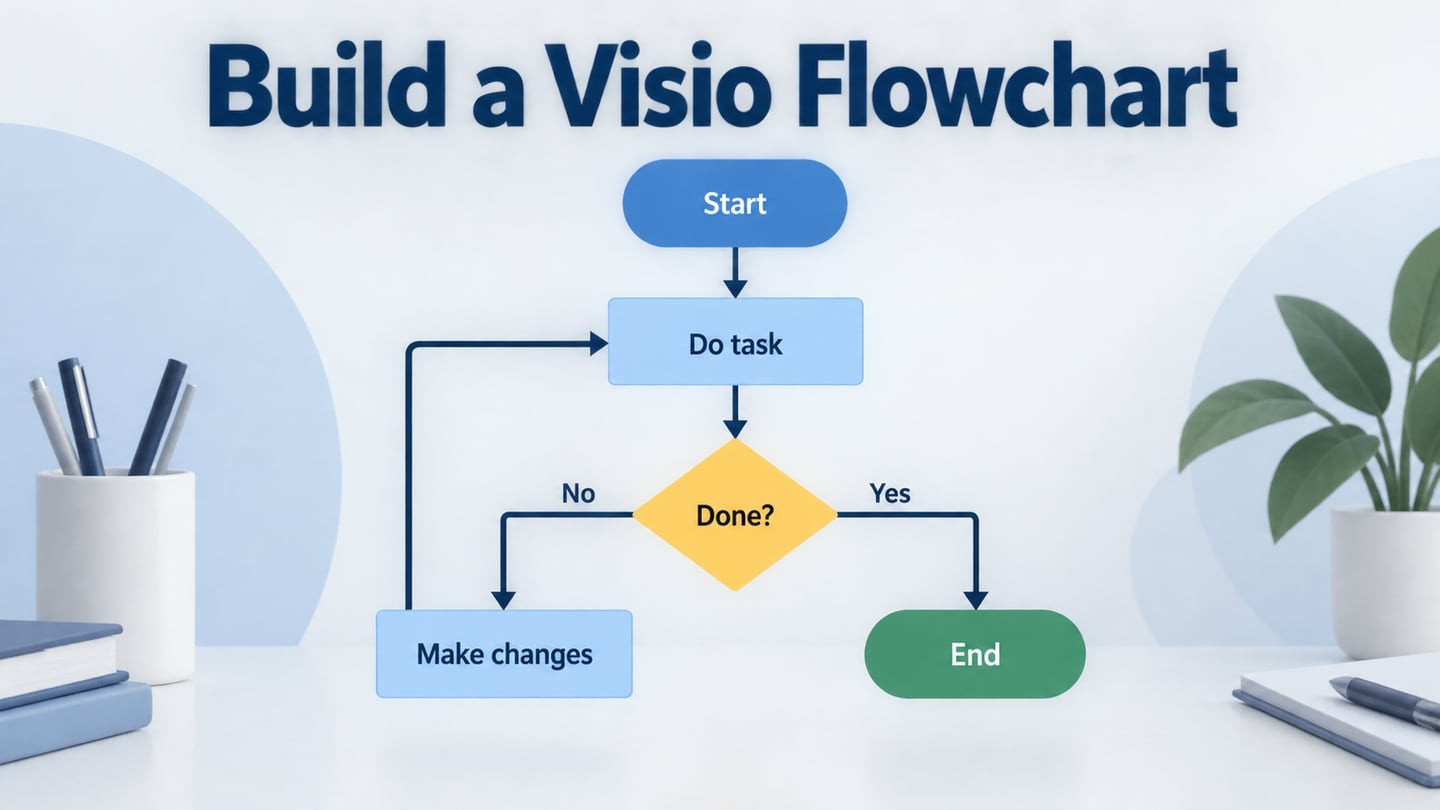
In Mockitt, arrange the stock-check input, decision and outputs on a canvas, then label both routes before sharing the diagram for review. Ask a reviewer to trace the zero-stock case as well as a positive quantity.

Keep each shape focused on one action or question, and separate the branch labels from the output labels. The historical Mockitt workspace image shows the editing environment; the stock-check example illustrates the particular logic being reviewed.
After a change, retrace both paths and check that each reaches End. Drawing and sharing the diagram supports discussion; it does not execute or prove the algorithm. An executable educational environment such as Flowgorithm’s documented tutorial has its own runtime and shape behavior.