Mockitt for product managers
Give your team a product they can discuss
Turn a product brief into a clickable flow, work through the difficult states, and keep review decisions beside the screens they affect. Mockitt helps product managers move a proposal from discussion to a shared plan for development.
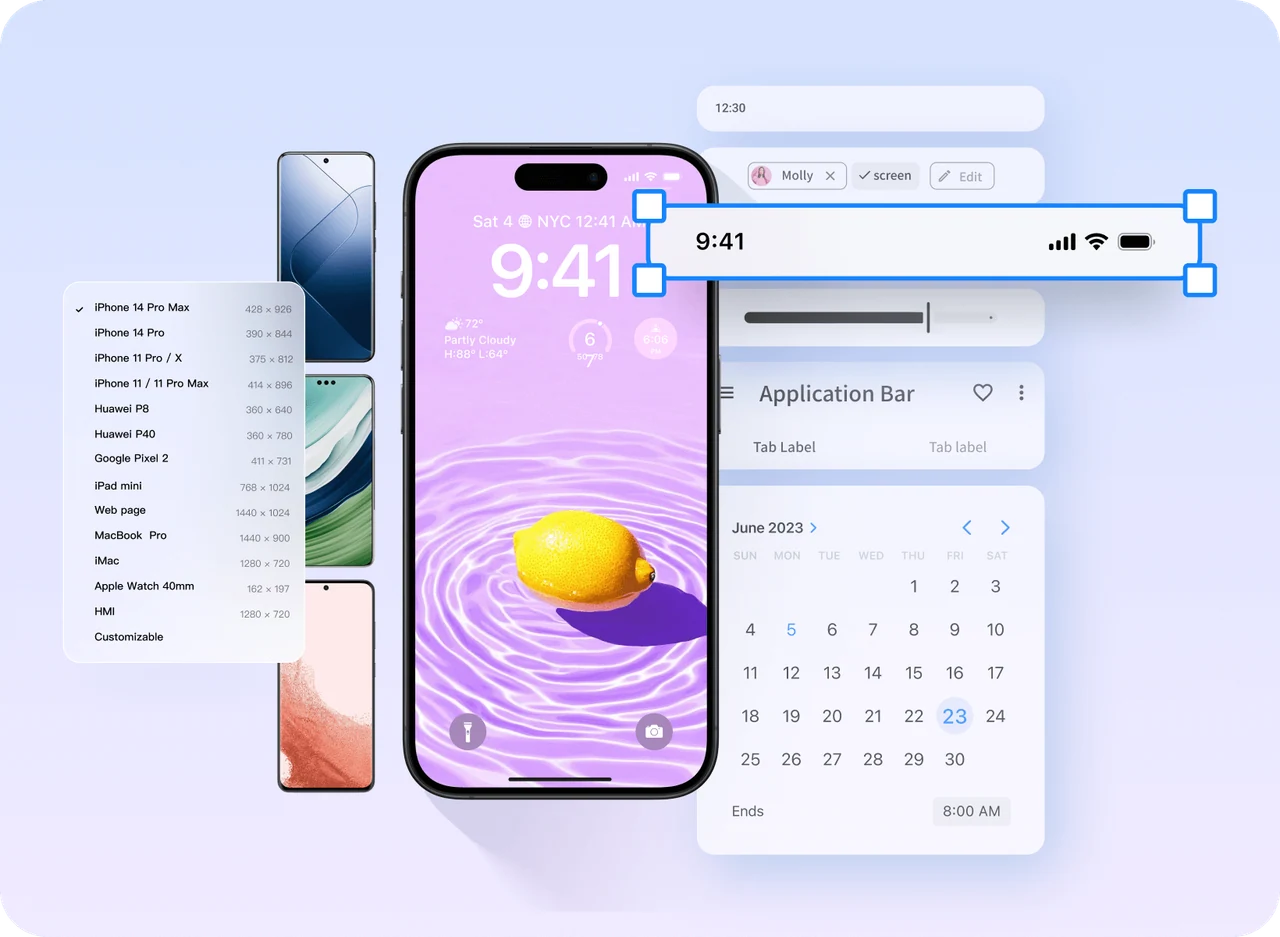
Show what the requirement means in use
A sentence such as ‘let customers change a booking’ leaves several decisions open. Which bookings can change? What happens when the preferred time is full? Does the original booking remain available until the change is confirmed?
Use Mockitt Prototype to put those rules into a reviewable journey. Lay out the booking, available times, review and confirmation screens. Add the unavailable state and the route back. Your team can then discuss the same behavior instead of imagining different versions of the requirement.
Move from a brief to a decision the team can use
Frame the task
Write down the intended user, the change they need to make and the constraints that matter. Separate known rules from questions that need an answer. Keep supporting research close enough that reviewers can see why the task matters.
Build the smallest complete flow
Create the screens needed to finish that task. Use reusable components for repeated controls, then connect the screens and important states. A complete narrow journey is more useful for review than a large collection of disconnected screens.
Review the uncertain decisions
Share the prototype and ask colleagues to complete the task from a known starting point. Invite feedback about eligibility, wording and recovery paths. Comments attached to a screen give each discussion a clear reference.
Record what changes next
Revise the flow and summarize accepted decisions, unresolved questions and implementation dependencies. Keep the reviewed prototype alongside the written requirements so a developer can follow both the rule and its visible result.
Work through a booking change before development
Start with sample data for a fictional appointment service. The goal is to agree how a reschedule works, including cases where the first choice cannot succeed.
| Decision | Prototype evidence | Review question |
|---|---|---|
| Which booking can change? | Upcoming booking with an available or unavailable change action | Is the eligibility rule visible before the user starts? |
| What if a time becomes unavailable? | Time selection with an unavailable option and another route | Can the user choose again without losing the current booking? |
| When is the change final? | Review screen followed by a clear confirmation | Can someone explain the new date and what happened to the old booking? |
| What must engineering still resolve? | Notes about availability checks and confirmation delivery | Which behavior needs a backend decision rather than another design screen? |
Use AI to get a first draft on the table
Describe the task, important screens and business rules in Mockitt AI to generate an editable starting point. Include the uncomfortable cases in the brief: no available time, an expired booking or a user returning to change their choice. Refine the result before asking the team to review it.
When the written brief needs structure, the AI PRD generator can help organize a draft. Your team still decides the scope and checks the rules. Keep a short list of open questions rather than allowing a plausible-looking draft to turn assumptions into requirements.
Keep the discussion close to the work
Use shared editing for working sessions and a prototype link for focused reviews. A designer can refine the interface while a product manager clarifies the rule and a developer flags an implementation dependency. Comments help keep each conversation attached to the relevant part of the experience.
Before handoff, agree which version the team will implement. Make changes to requirements explicit, especially when they affect a state that has already been reviewed. For larger teams, explore Mockitt Enterprise for shared work and team access.
Questions from your team
Do I need to be a designer to create a product prototype?
You can start with basic components and a rough layout. Focus on the task, screen order and rules first. Bring in design expertise when visual decisions, accessibility or a more detailed interaction need it.
Does a prototype replace the PRD?
No. A prototype shows the experience; written requirements explain rules, constraints and dependencies that may not be visible on screen. Use them together and keep the agreed behavior consistent.