Mockitt - Flowchart Maker
Flowchart - Help Your Work More Efficient and Effective
- Complete guide on creating all types of flowchart.
- Plenty of flowchart examples and templates for inspiration.
- Best flowchart software recommendation.
- Basic flowchart knowledge to understand flowchart better.
Steps to Create a Flowchart Online
A flowchart is beneficial to get a whole picture of several steps of a process. This generic structure can be adapted for a variety of purposes such as an administrative or service process, manufacturing process, or a special project plan. You can draw a flow chart online easily with the right set of tools. The internet is full of softwares to draw a flowchart online but what are the best ones?
How to Draw a Flowchart Online
Microsoft Visio can be used as a flow chart drawer and as an online flowchart drawing software.
1. Go to the Microsoft Visio website and Signup.
2. Go to Flowchart from the categories list.
3. Select the Flowchart template and click create.
4. Select vertical and horizontal for the swimlane orientation and click OK. You can also change the Flowchart orientation from the flow chart section.
Ways to add swimlanes to your flowchart
1. Right-click on the swimlane header, and then in the shortcut menu insert 'Swimlane' Before or Insert 'Swimlane' after.
2. Keep the pointer over one of the swimlanes corners. Click on the little appearing Insert 'Swimlane' Shape arrow.
3. Click on Swimlane in the insert group located on the Flowchart tab. A swimlane is added once you have selected a swimlane.
4. Select a swimlane shape from the flowchart shapes stencil and drop it where you would like it to appear in the flowchart.
Change The Text In Flowchart
1. Click on shapes containing placeholder text and edit the label in the diagram and swimlanes.
2. Use the text block tool, click a label and drag it to another new location from the home tab in the tools group.
3. Click on the flowchart tab and design group and click Rotate Lane Label to change the label text orientation.
Organize and Group Various Shapes
1. You can use separator lines from the flowchart Shapes stencil and indicate phases in your process. Mark a phase change by dropping one on the swimlanes. Change the label by typing while the phase is being selected.
2. Containers are used to add a border that circles groups of related shapes. First of all, select shapes you want to group, and then click on the container, on the Insert tab, in the diagram parts and select one from the gallery.
Rearrange Swimlanes in several steps
1. Click on the pointer tool, in the group tools located on the home tab.
2. Click on the heading of the swimlane to move it, so the swimlane is picked.
3. It is necessary that the pointer displays the Move icon.
4. Drag the swimlane and drop it wherever you like it.
5 Online Flowchart Drawing Software
1. Wondershare Mockitt
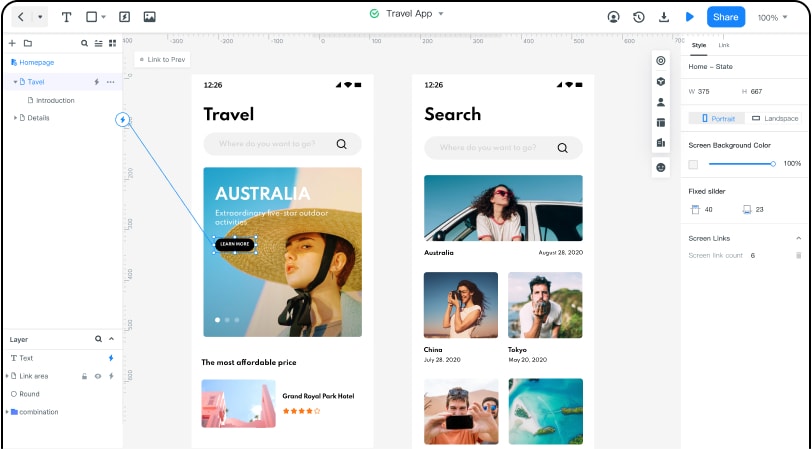
Wondershare Mockitt can assist you to draw flowchart free. UI/UX developers and beginners can create a simple flowchart in 4 easy steps; Mapping out the process highlights, filling the key details, test, and gather feedback and at last export or publish the flowchart. You can create a flowchart online without writing a single line of code. This tool provides a sleek and organized workspace. UI/UX designers can create prototypes faster with Mockitt's pre-defined library full of built-in templates and UI assets.
Features of Wondershare Mockitt includes timeless collaboration and real-time changes made by crewmates. This tool is proficient in creating multiple graphics that will be displayed on any Android and iOS devices. You can easily blend object templates, add combos, and predefined widgets and icons into your graphic design projects. This tool allows you to generate a QRcode or URL and share your project details with clients and stakeholders and receive feedback.
2. Creately
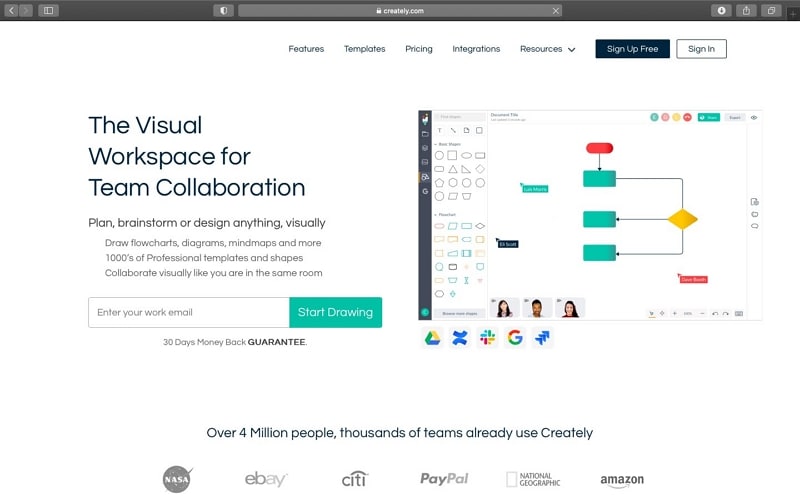
Creately is a free flowchart drawing software. Beginners can use creately to make simple flowcharts quick and easy. They have added an extensive pre-defined library of templates ranging across topics and industries and everything UI/UX user might need. They have added many samples to adapt that fits you the most. Their user interface is clean and easy to operate. Common shapes are arranged and can be simply be added to any flowchart structure with drag and drop moves. An updated contextual toolbar is also added to suggest shapes while working on a project. It has many real-time collaborative features. You can sign up with them for a demo account.
3. Gliffy
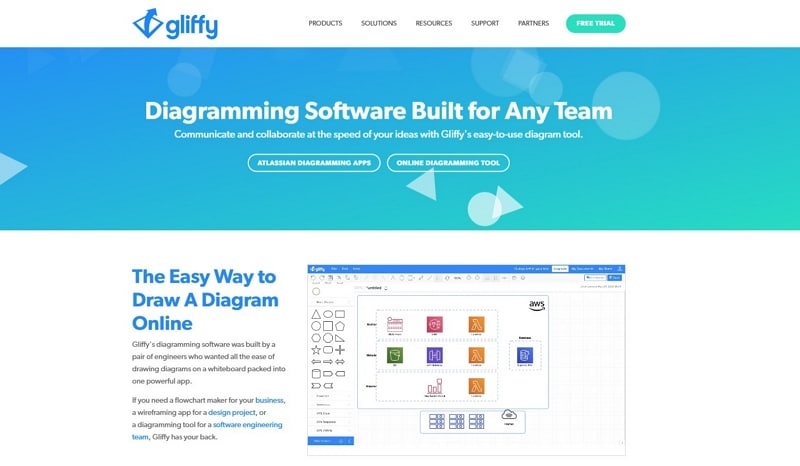
Gliffy is a flowchart drawing software free of cost as they offer a free 14-day trial. It is another flowchart maker based on the drag-and-drop building feature. Built-in themes and templates are available for a head start and you can track changes. Its key features include shapes added to the grid line, object importing, and roll back to the previous action due to an error, simple editing, and many sharing options. A variety of flowchart colors in the customization pallet for better visualization. Gliffy starts with a price of $4.99 per month but as we have discussed at the start it comes with a trial option.
4. EdrawMax
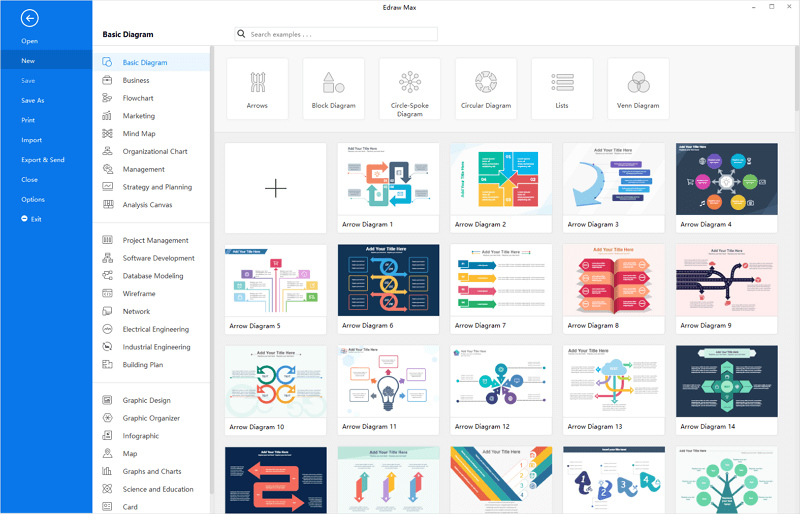
EdrawMax stands out in the flowchart drawing software competition because of its pre-defined templates, shapes, and icons. The main key features of this are robust templates stockpile and awesome graphic elements. Although some app integration would have given a special touch. It mostly works like PowerPoint. They are also offering unconventional data integration. You can export your projects or drawings with a variety of file formats such as PDF, Visio, Word, PPT, HTML, JPEG, and more. EdrawMax charges from $8.25 per month and also offers a free 30 days new user trial with many features.
5. Cacoo
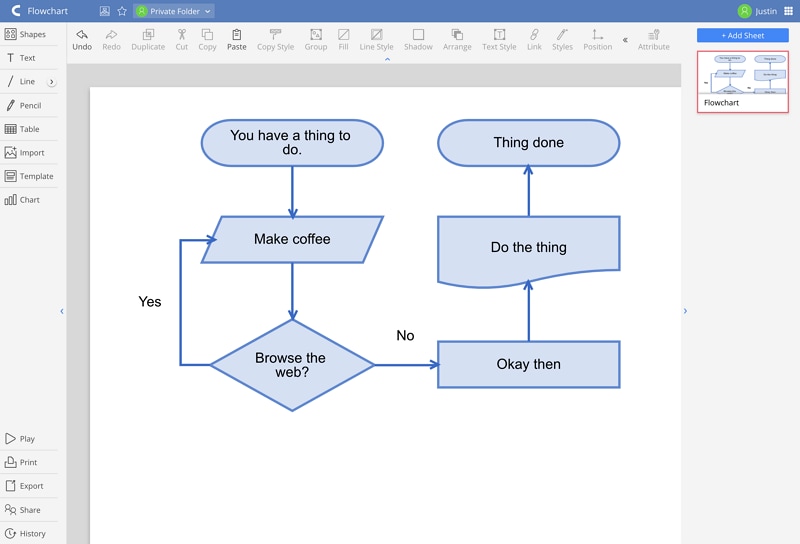
Cacoo gives you many benefits such as editing, tracking changes, and collaboration regarding flowcharts by easily sharing embed links. Team assets can be organized with project folders. Cacoo offers you to save work directly and monitor project status with continuous notifications. Cacoo's user interface is quite simple and easy to navigate, it won't be a big problem if you are not tech-savvy. The available integration makes it smooth to work with the flow. Integrations listed include Google Docs and Drive, Typetalk, Adobe Creative Cloud, Dropbox, Slack, Box, and Visio. Cacoo is offering access to their workspace for $5 per month and also has a 14-day free trial.
