



Online Wireframes for Clearer Page Structure
Plan the content, navigation and main actions before deciding the visual style. Build low-detail wireframes in Mockitt, connect the key screens and review the structure with your team.
 Try for Free
Why Choose Mockitt for Wireframing?
Lay out the content before polishing the screen

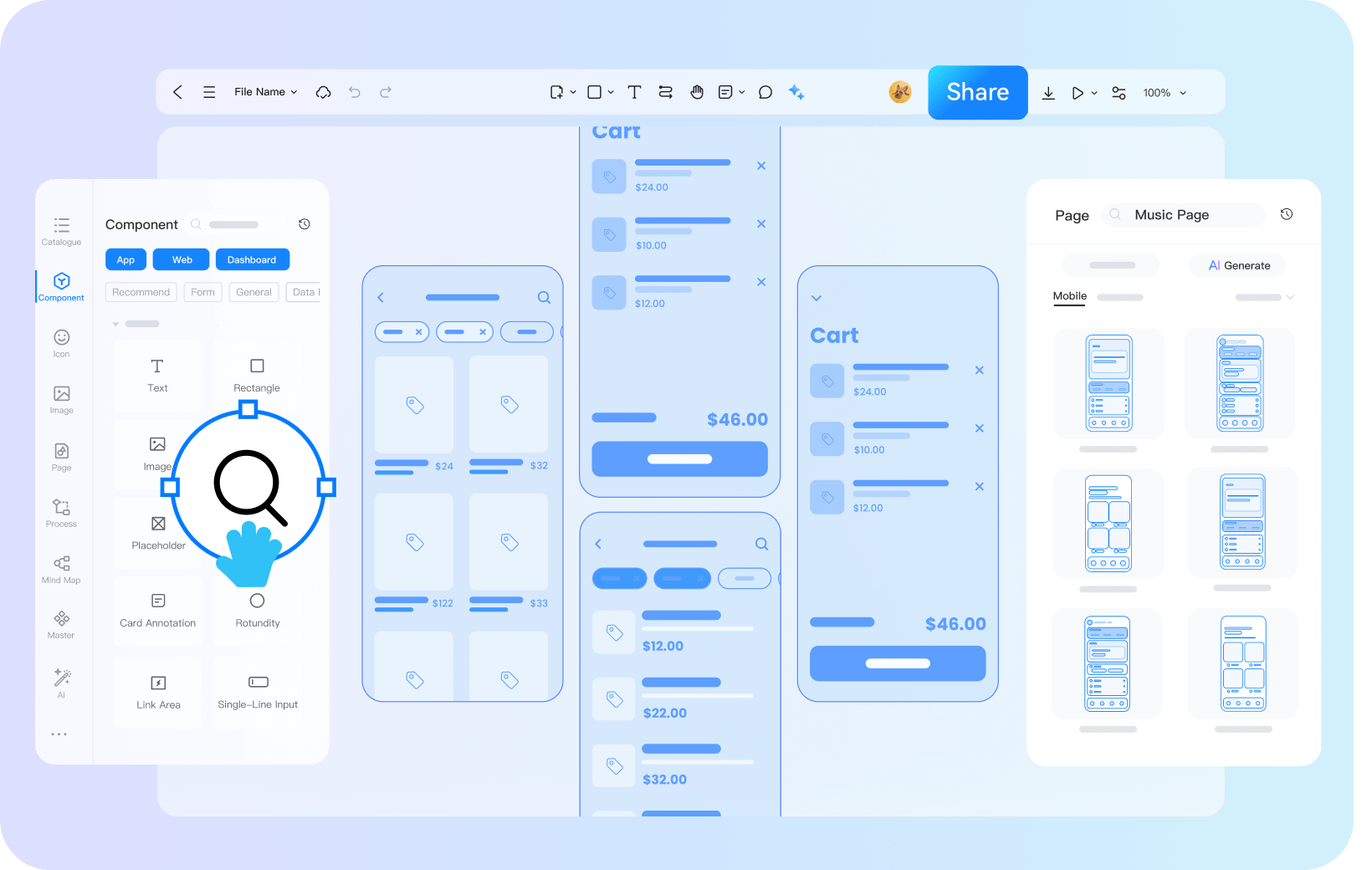
Start with familiar controls
Use text, buttons, navigation and tables to show what belongs on the page. Choose components for their purpose rather than their finished appearance.

Arrange the page hierarchy
Drag components into place, then adjust the order, spacing and grouping. Make the main action easy to find and keep supporting information near the decision it informs.

Keep the visual detail deliberate
Use simple borders, restrained colors and realistic labels to keep the discussion on structure. Add styling only when it helps explain a state or a hierarchy.
Adapt a layout to the question you need to answer

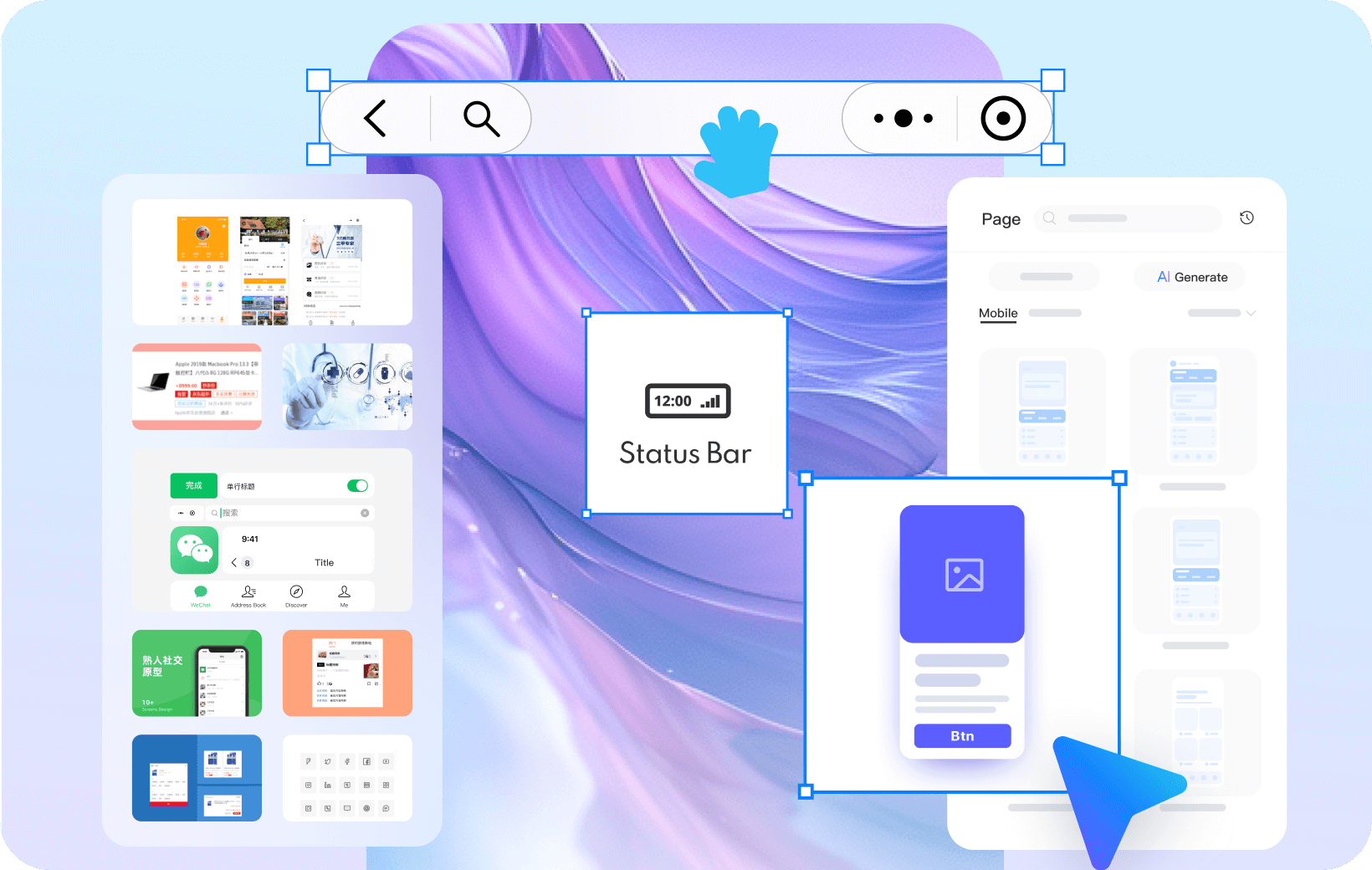
Choose a relevant starting structure
A catalogue, a booking form and an admin list need different content priorities. Start with a layout close to your task and remove elements that do not help the user complete it.

Replace placeholders with useful content
Use representative headings, field labels and example records. Check long text and empty results before the team treats the layout as settled.
Discuss the structure while it is easy to change

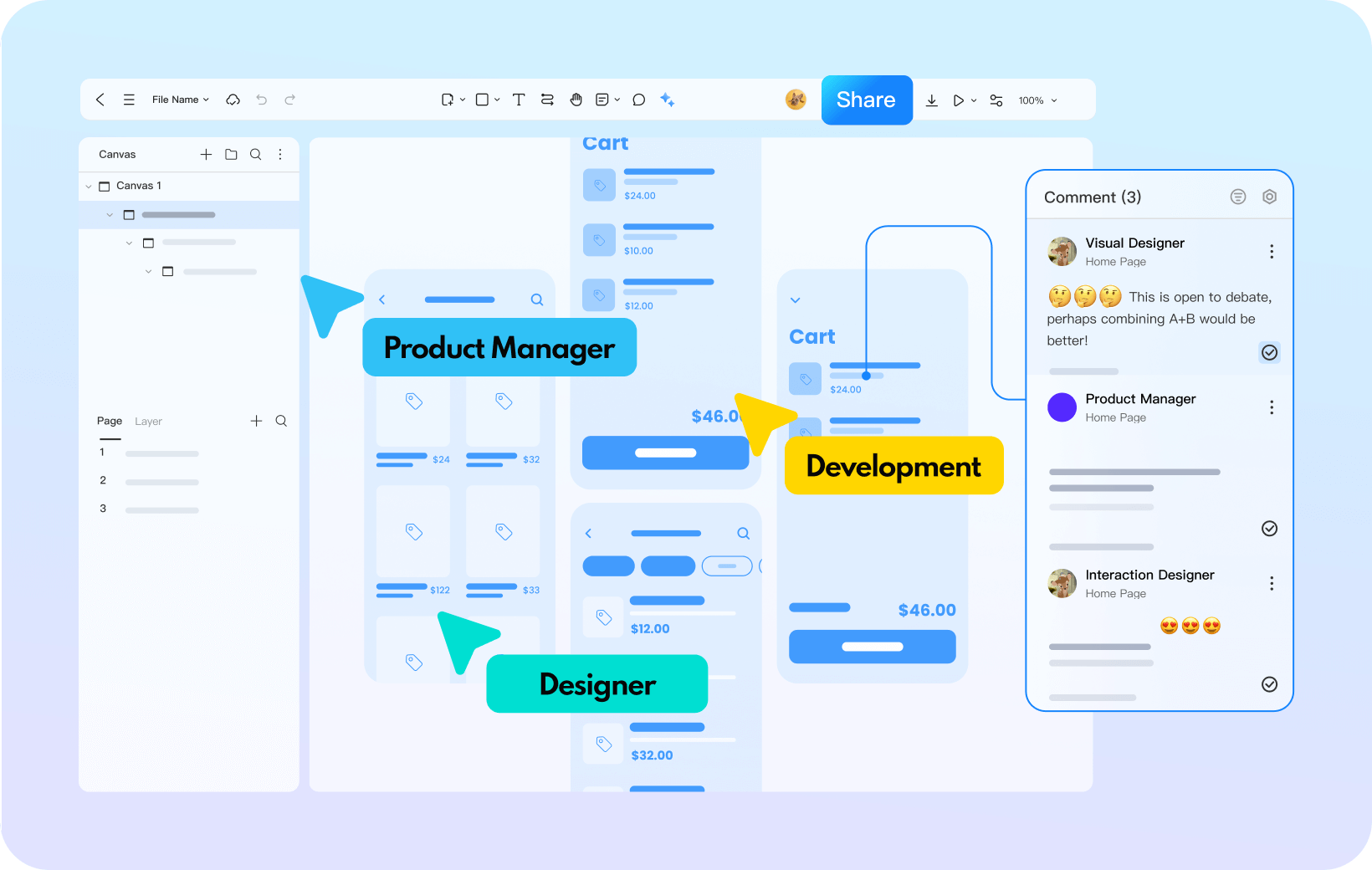
Work on the same wireframe
Edit the wireframe with teammates in a shared project. Compare alternative arrangements and agree what information the screen needs before developing the visual design.

Explain what needs a decision
Leave comments on the relevant element and explain the concern: missing information, unclear grouping or an action in the wrong place. Record the decision so the next revision has a clear purpose.
Connect the wireframes to check the route

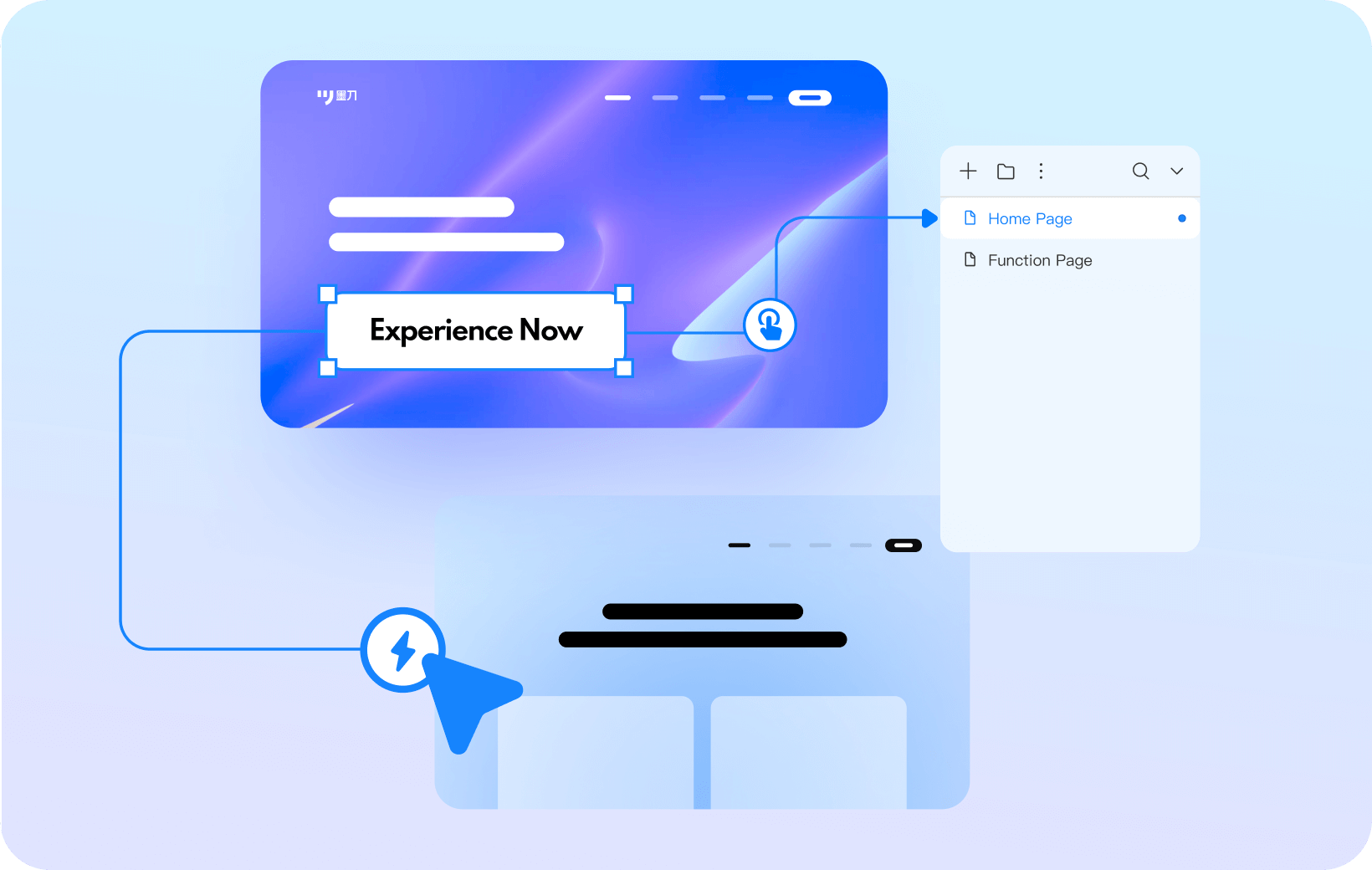
Link the essential screens
Connect a list to its detail page, or a form to its review screen. Include the return route so a reviewer can change a choice without losing the task.

Review the flow before adding detail
Ask someone to attempt the task through the linked wireframes. Note where they look for information or hesitate about the next action, then revise the structure before polishing the UI.
Three wireframe tasks to review before visual design
 Mobile structure
 Admin list structure
 Website structure
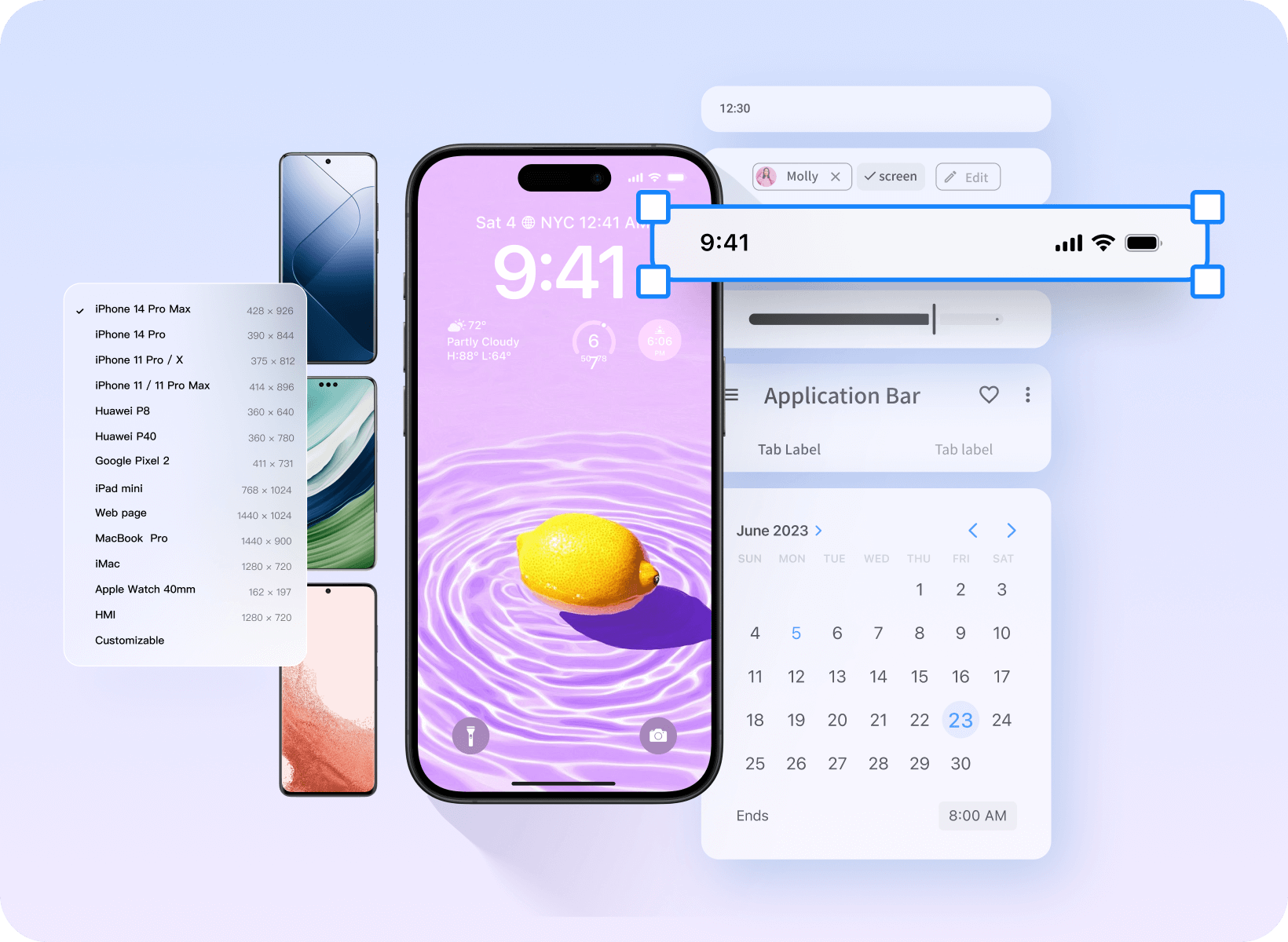
Plan a mobile task with only the necessary detail

Show the information needed for the next decision

Use realistic labels before choosing a visual style

Check the route between list, detail and confirmation
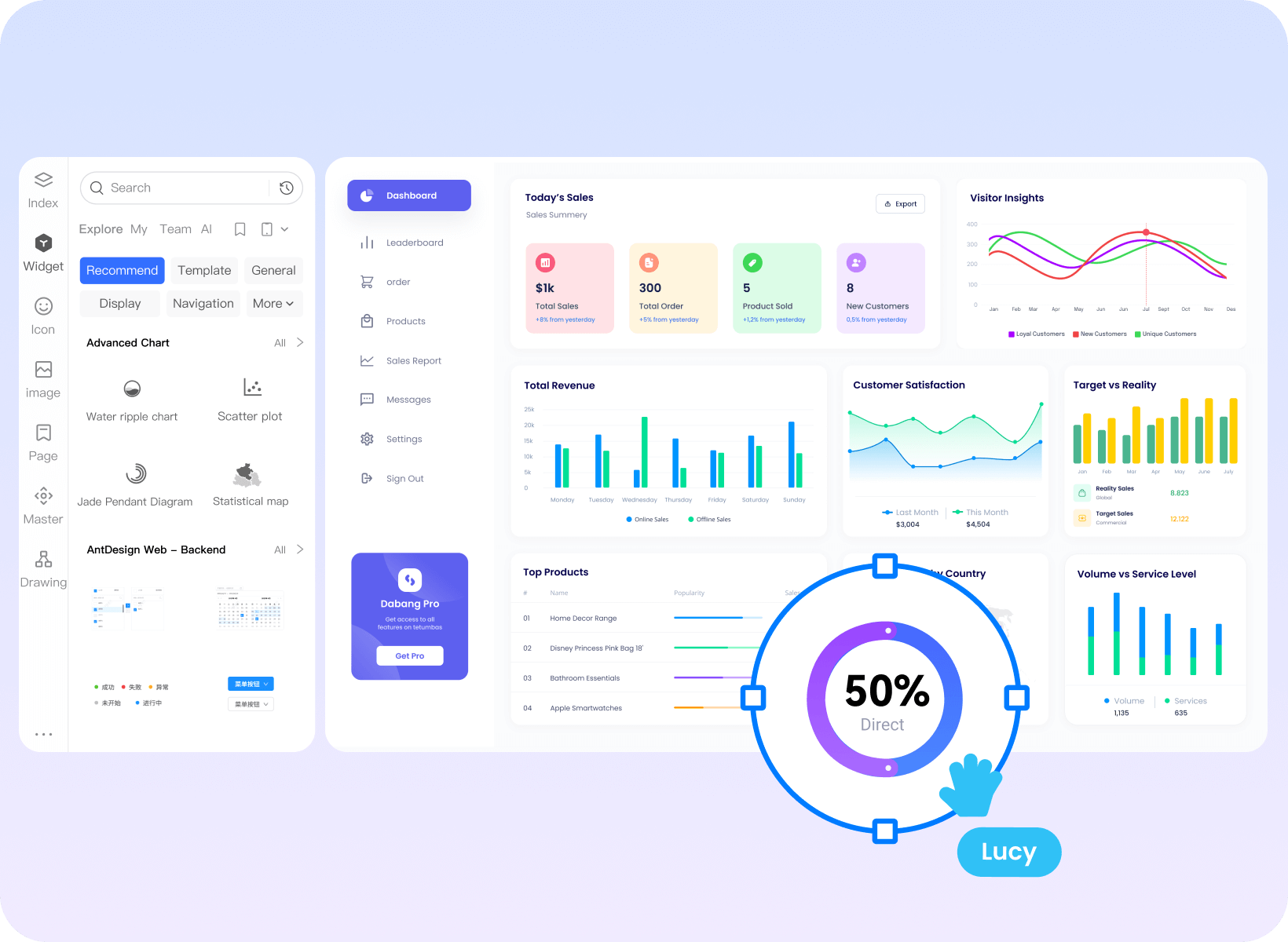
Decide what belongs in the admin list

Choose columns by the task they support

Place search, filters and primary actions deliberately

Include no results and missing information in the review
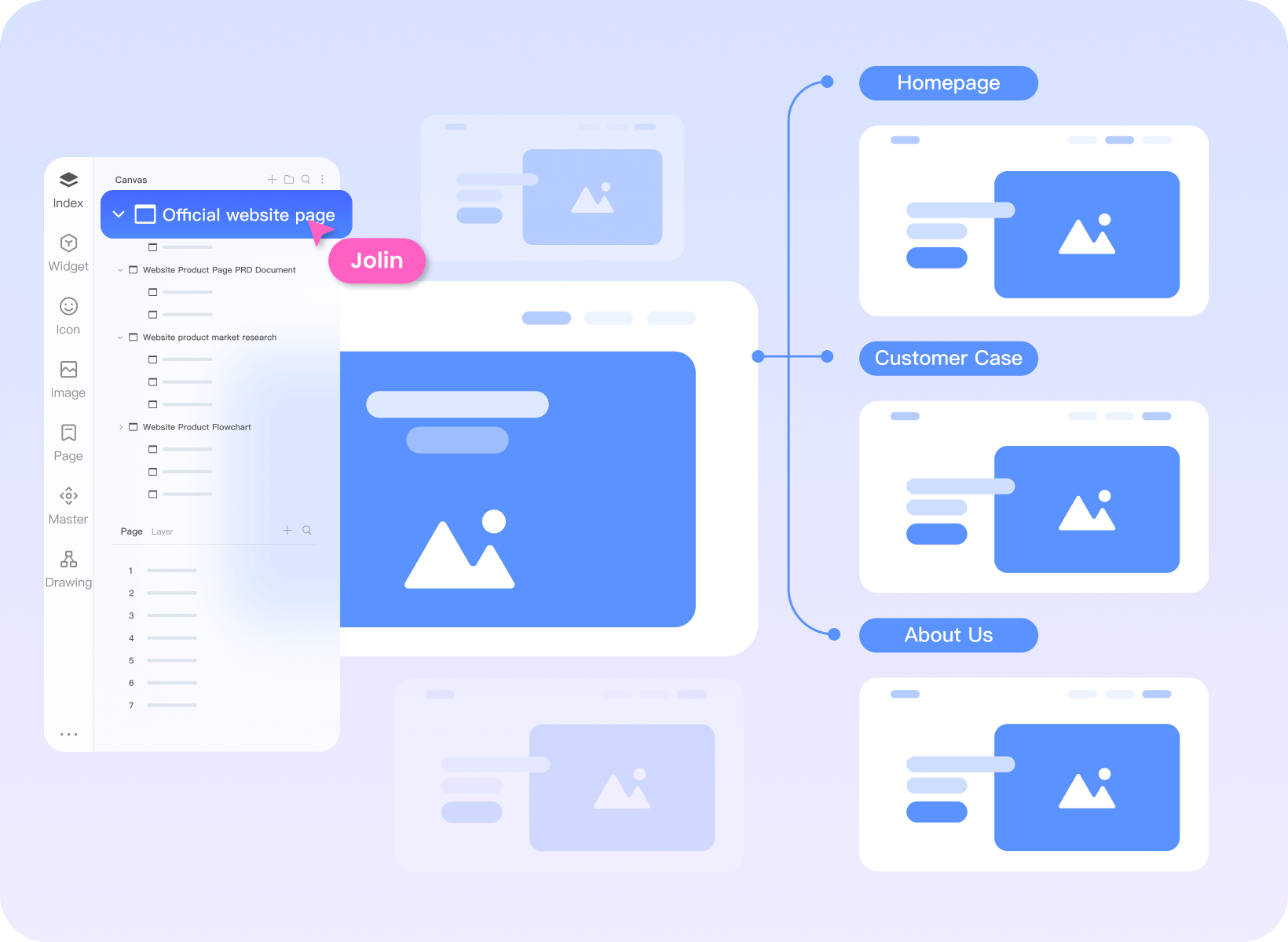
Agree the website structure before styling pages

Outline the main pages and how they connect

Give each page one clear purpose and main action

Review hierarchy with representative content
Keep team work connected
Shared product context
Keep requirements, prototypes and design material available to the people reviewing the work.
Team access and organization
Organize shared projects and agree who can access and edit the work. Review team access as responsibilities change.
Bring existing work into the review
Import supported design files, then inspect the result and adjust the elements that need attention.
Reusable team resources
Share approved design assets so the team can reuse the same patterns across projects.