 Review Requirements Before Design and Development
AI PRD
Review Tool

for Clearer Requirements
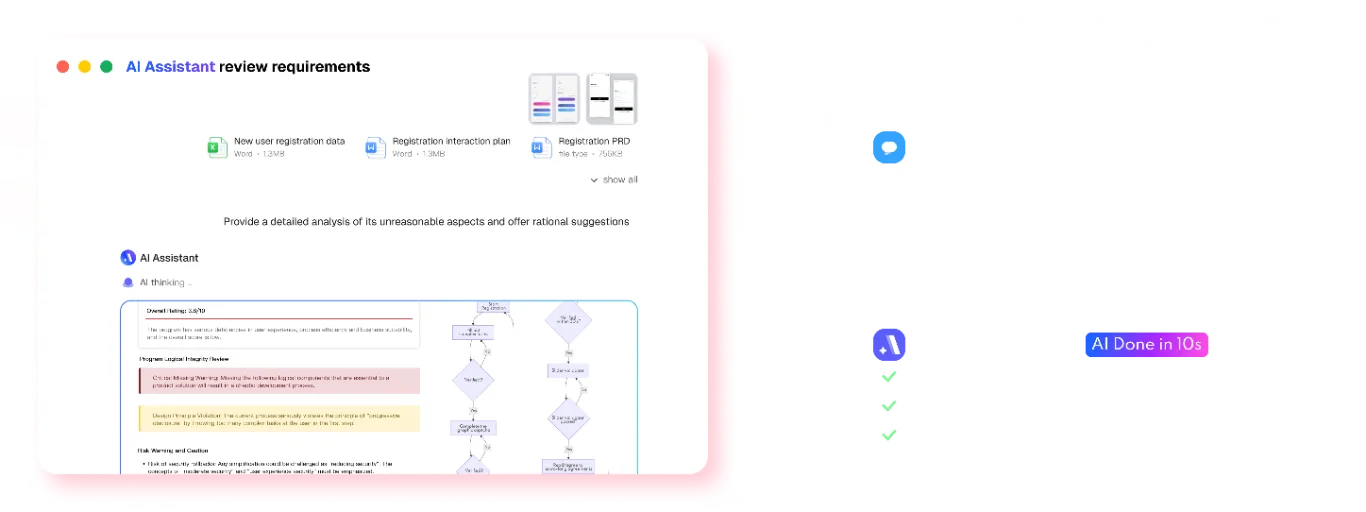
Review your PRD with AI for unclear wording, logic gaps, missing edge cases, and questions your team should resolve before implementation.
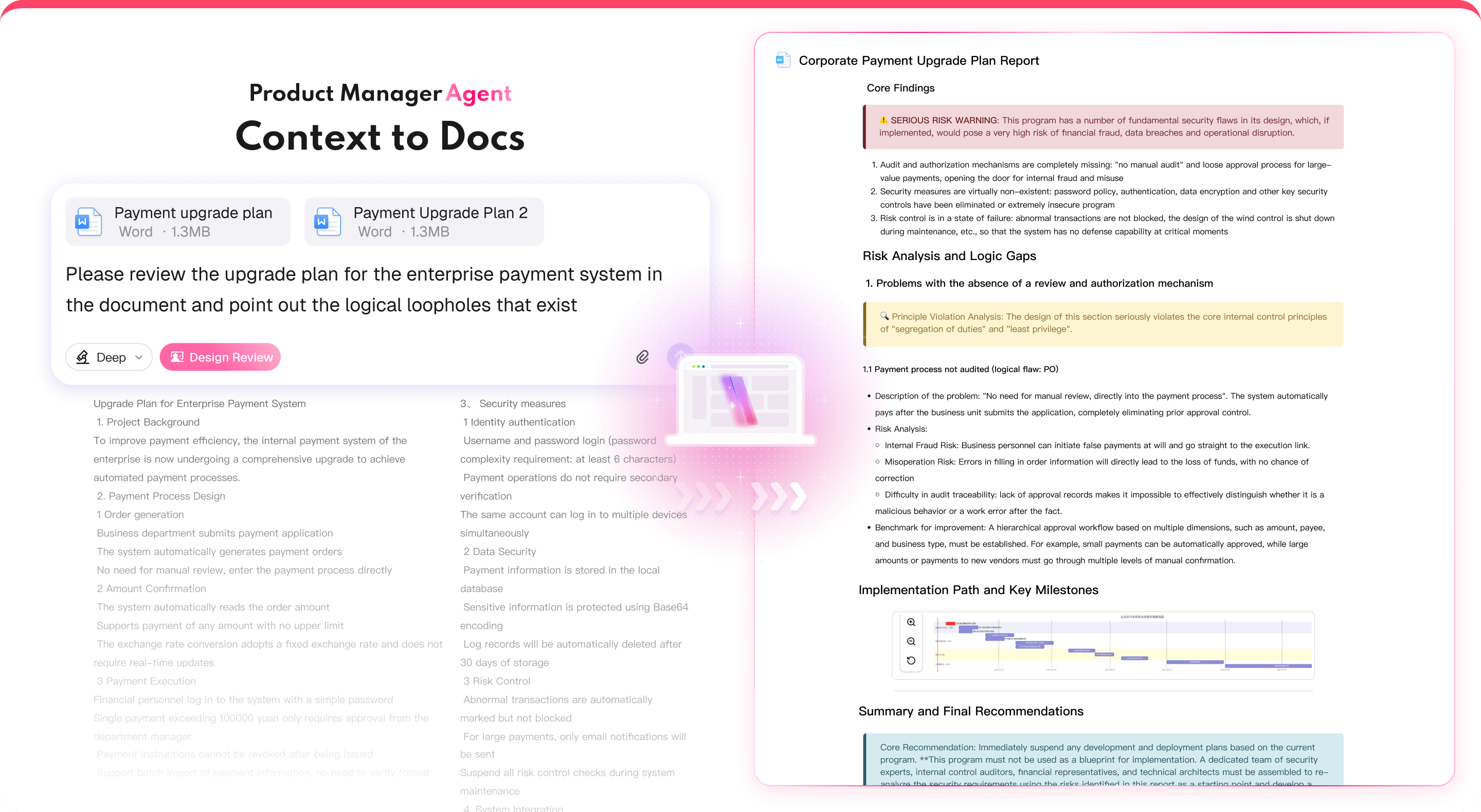
What an AI PRD Review Can Check
Use Mockitt AI for a first pass over product requirements. It highlights areas to clarify so product, design, and engineering can discuss the same draft.


Review a PRD in 3 Steps
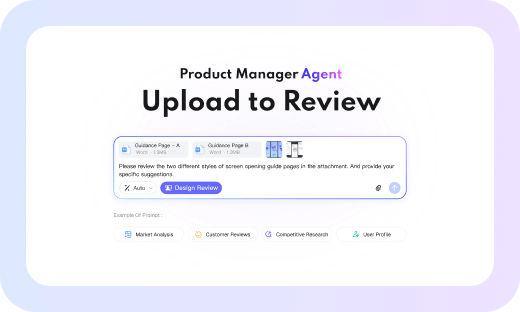
Step 1: Add your PRD
Write in Mockitt or paste existing requirement text, then select the sections you want to review.
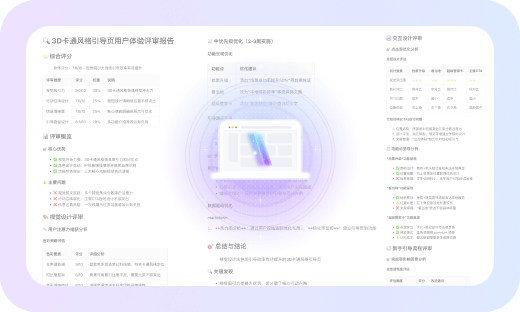
Step 2: Ask Mockitt AI to review
Mockitt AI organizes questions about completeness, consistency, feasibility, and edge cases for team review.
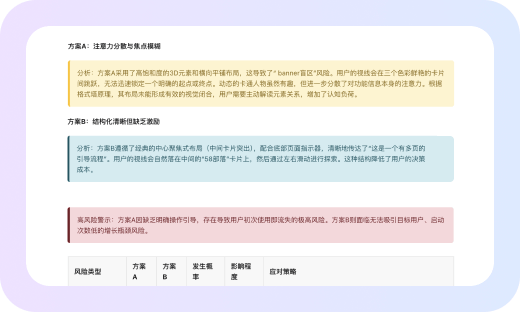
Step 3: Refine the document
Review the highlighted findings, clarify the requirements, and share the updated draft with your team.
Make Requirement Review Easier to Discuss

Explore More Mockitt AI Workflows
Move from requirements review to research, planning, prototyping, and developer handoff with focused AI workflows.

AI Requirements Review
Review a PRD draft for unclear wording, missing scenarios, and consistency questions.

AI Product Research
Organize competitor and market research into a reviewable product brief.

AI Product Plan Generator
Structure product goals, assumptions, and planning questions for team discussion.

AI UI Design Generator
Describe requirements and review a generated UI design draft.

Image to Prototype
Turn a sketch or screenshot into an editable prototype draft.

AI PRD Generator
Start a structured requirements draft for product and engineering review.

HTML to Prototype
Import supported HTML into an editable prototype draft.

Design to Code
Export a supported code draft for developer handoff.

AI Test Case Generator
Turn PRD or prototype details into test-case drafts for review.