Mini-app prototyping

A focused mobile journey.
A complete experience.

Turn a booking, shopping, or service idea into a mini-app prototype. Use Mockitt to design the screens, connect the interactions, and show how people finish the task and return to the host product.

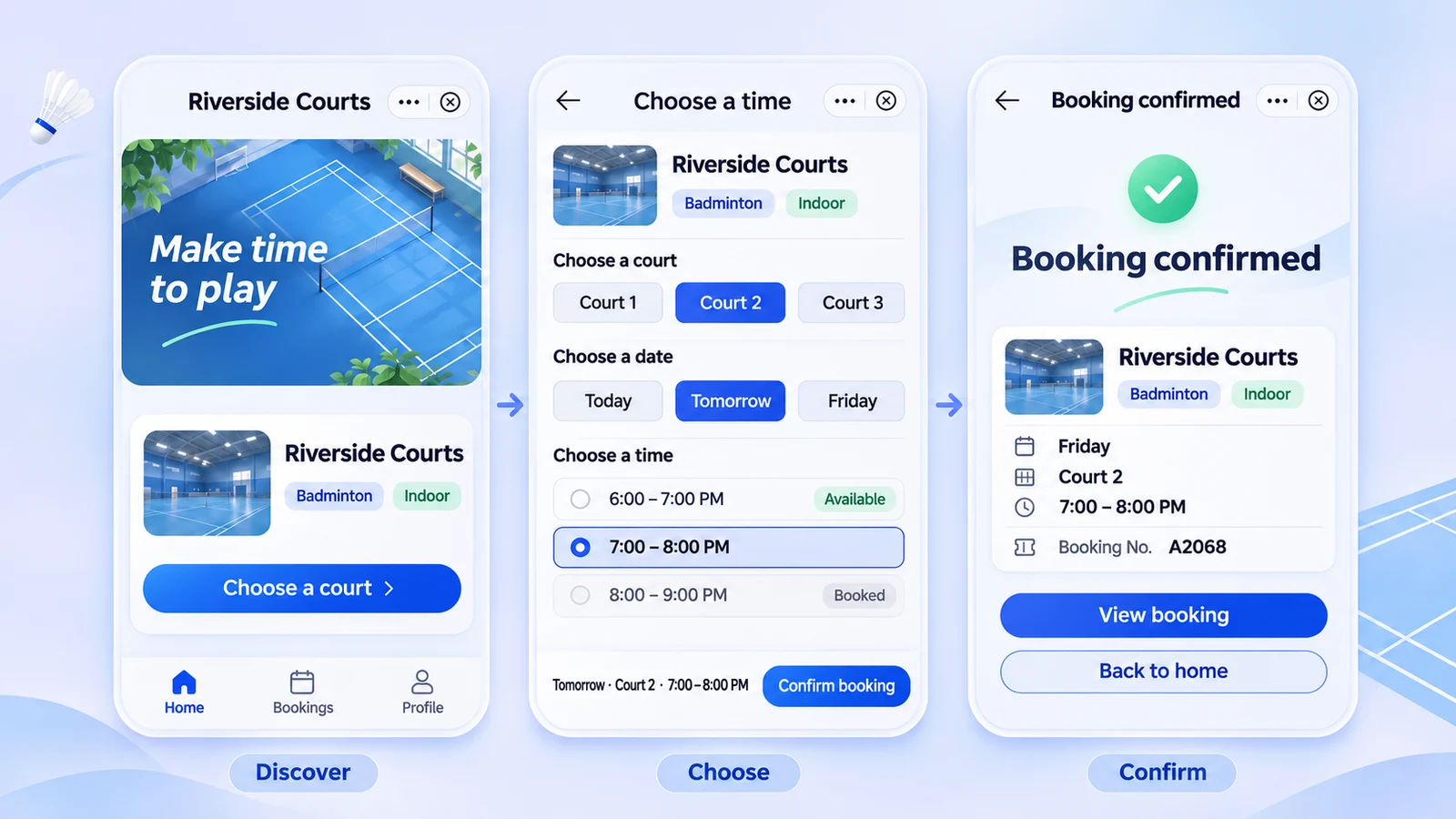
Sports booking mini-app concept with venue discovery, time selection, and a reservation result.
Reusable componentsClickable flowsAI-assisted draftsTeam review

Design around the job to be done

A lightweight entry should not mean a missing next step.

A mini-app gives people a focused task inside a larger product or platform. Define the core journey first, then add the states that make it work when someone goes back, changes a choice, or returns later.

01Service booking

From finding a service to finding the reservation.

Show the location, service, date, and available time. Let people check their choice before confirming and find the booking afterward.

Discover → Choose a time → Confirm → My bookings
02Shopping

Connect product choice to order details.

Make options, quantities, addresses, and the order summary agree. Include unavailable items, missing selections, and a way to change the order.

Browse → Select options → Review order → Result
03Workplace services

Keep requests and their progress connected.

Plan room booking, equipment requests, or issue reports. Show what the requester and reviewer can do at each stage.

Choose service → Add details → Submit → Track progress

People may skip the home screen. Give shared links and saved items a recognizable title, a useful return path, and the right current state.

Map the journey →
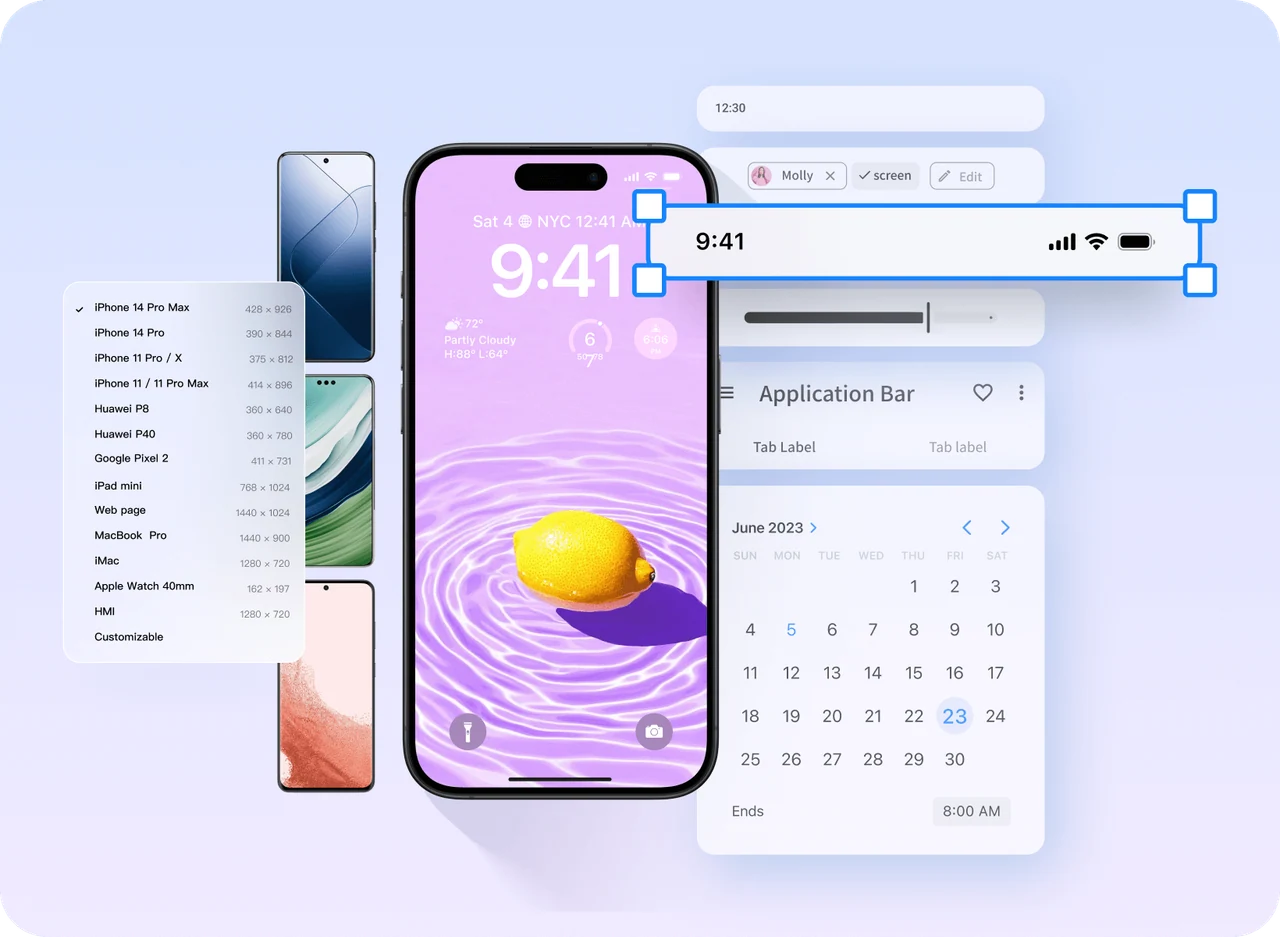
Mockitt mobile page with reusable calendar, navigation, and interface components.

01 / Components and page layout

Familiar patterns.
A clear primary action.

Build the interface with text, images, fields, cards, and navigation. Reuse recurring elements so a button or status means the same thing across the flow.

Make room for the host.

Account for the platform's navigation, menus, and safe areas. A layout intended for one host should not be copied into another without review.

Give each screen a next step.

Make “Choose a time” primary on the venue page and “Confirm booking” primary on the review page. Keep secondary actions visually quieter.

Carry the system through every state.

Use consistent field hints, selection styles, and feedback. Keep errors beside the relevant information and show more than color alone.

02 / Make recovery part of the flow

The time slot filled up.
The journey can still continue.

A booking prototype needs more than a success screen. Show what changes when a time becomes unavailable, keep the venue and date, and let the visitor choose another slot without starting over.

01 / EXPLAIN THE CHANGE
COURTSIDE · RESERVATIONS

Review your booking

Riverside Sports Center
Court 2 · Saturday

6:00–7:00 PM
That time just filled up.
Your venue and date are still selected.
Choose another time
02 / KEEP THE CONTEXT
COURTSIDE · RESERVATIONS

Choose a new time

Riverside · Court 2
Saturday

◉ 7:00–8:00 PM
○ 8:00–9:00 PM
Review booking
03 / CONFIRM THE RESULT
COURTSIDE · RESERVATIONS

Court reserved.

Riverside · Court 2
Saturday, 7:00–8:00 PM

View my booking

An example recovery path: explain the unavailable time, preserve the selection, and confirm the new booking.

Update related information.

When the selected time changes, update the review screen and the result. Going back should show the current choice.

Distinguish different failures.

An unavailable time calls for a new choice. A network failure calls for a retry. An unknown result calls for checking the booking record.

Explain why sign-in is needed.

Place sign-in at the point where the task requires it. Preserve selections if someone returns from authentication or cancels.

Pages, overlays, and states

Show what a control does, not just where it sits.

Connect screens for the main journey and use states for smaller changes within a page. Preview the flow from discovery to completion, then try going back, closing a panel, and reopening an item.

Navigation connects the journey.

List to detail, detail to selection, and selection to review should form a path a teammate can follow.

States explain local changes.

A selected card, unavailable time, or expanded detail needs recognizable feedback without unnecessary new screens.

Explore Mockitt prototyping
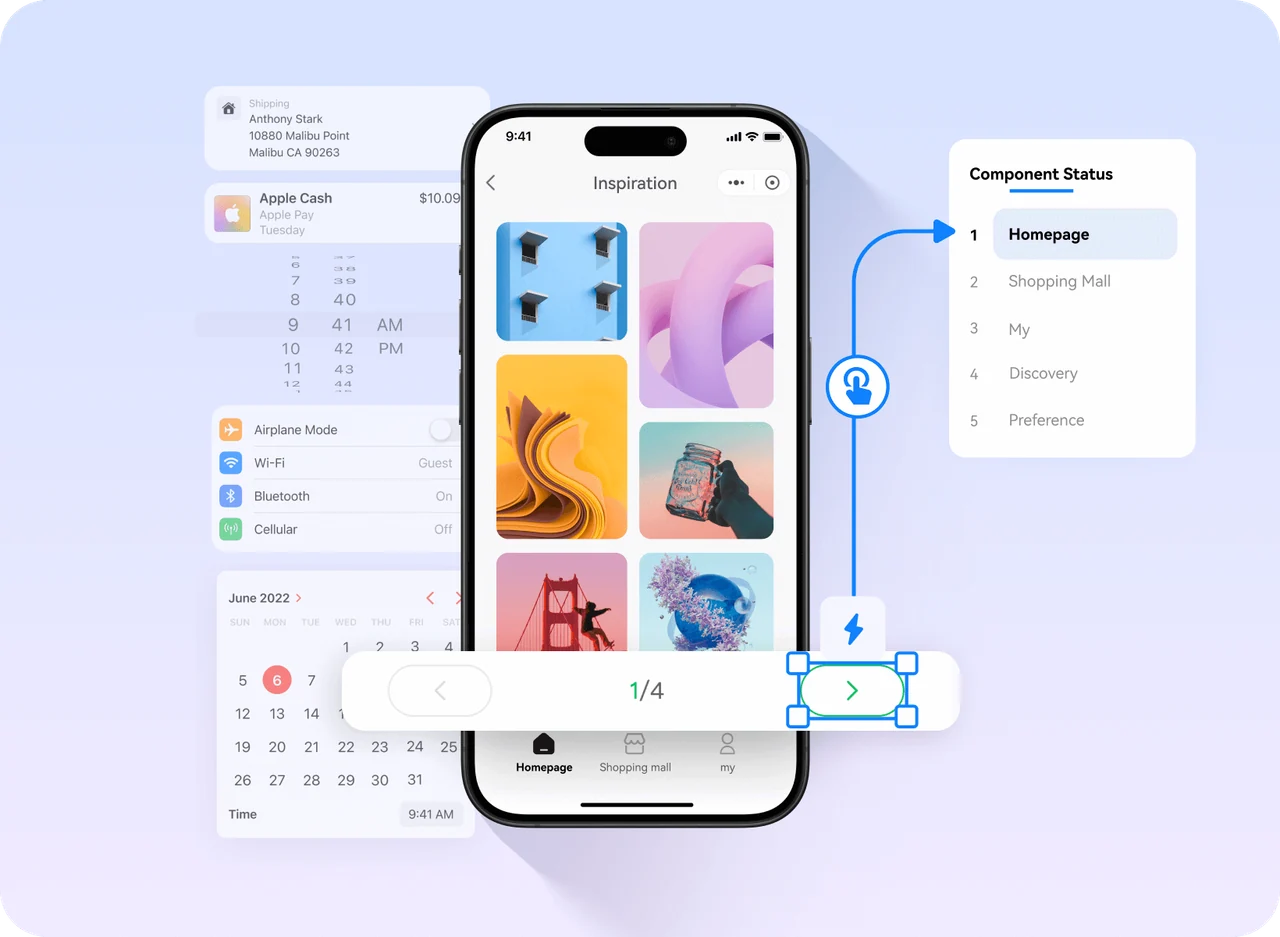
Mockitt mobile gallery prototype linking carousel controls to component states.
Use connected screens and component states to make changes visible in a prototype.

03 / Choose a useful starting point

Borrow a structure.
Make the journey your own.

Choose a starting point by the task, not just the look. A reusable layout is most useful when its fields, navigation, and states fit the experience you need to design.

Build the interface system.

Establish cards, fields, navigation, and state styles that can be reused throughout the mini-app.

Explore UI design →

Map the service journey.

Start with entry, selection, confirmation, and a record the visitor can return to.

Browse prototype starters →

Explore a first draft with AI.

Describe the pages, information, and changes a user needs to see. Refine the resulting draft in context.

Build a mini-app brief →

04 / Give AI a concrete task

Describe the screens and decisions that matter.

Generate a brief with the core pages, fields, and recovery paths. Copy it into Mockitt AI and add your brand, audience, and host platform before exploring a first draft.

Include the host context.

Describe the entry, navigation, sign-in handoff, and return path.

Make the unfinished states visible.

Include unavailable options, pending requests, and failures that preserve the user's work.

AI access and usage depend on your plan. View pricing.

Your mini-app design briefReady to customize

05 / Review and handoff

One shared prototype.
More specific conversations.

Bring product, design, and engineering into the same flow. Use a preview link, comments, and design specifications to connect the interface to the decisions behind it.

01Product

Agree on the rules.

When is a booking confirmed? Who can change it? When can it be canceled? Make each rule visible in the relevant state and note any open decision.

02Design

Review actual content.

Try longer names, scrolling, keyboard states, and safe areas. Check that the main action remains reachable and the path back stays clear.

03Engineering

Connect the flow to implementation.

Identify fields, API responses, permissions, and platform capabilities. Use the prototype to agree on scope before building the live service.

Questions before you start

Plan the small experience completely.

What is a mini-app prototype?

It is a model of a focused mobile journey inside a larger product or platform. The prototype shows the interface, navigation, actions, and feedback before the service is implemented.

Can I build the prototype without writing code?

Yes. Use components, page links, overlays, and states in Mockitt to express the journey. Real sign-in, booking inventory, payments, or storage require development and the host platform's supported capabilities.

How is it different from an app or a mobile landing page?

A standalone app owns more of its navigation and installation experience. A mobile landing page commonly starts from a browser link. A mini-app operates within a host, so the surrounding navigation, permissions, and return behavior are part of its design.

Can I start from a reusable layout or AI draft?

Yes. Choose a layout close to your task, or describe the required journey to Mockitt AI. Then review the screens, revise the content, and add the states your business rules require.

Does a prototype link launch the mini-app?

No. It shares the design for preview and review. Launching a working mini-app requires the appropriate application code, integrations, platform configuration, and any required review.

From the first screen to a connected journey

Give your mini-app idea something to click through.

Build the pages. Connect the states. Share the experience.