A flowchart creator should help you keep a process understandable after its first draft. Shapes and connectors are only the starting point: the editable source, labels and review process matter when a step changes.
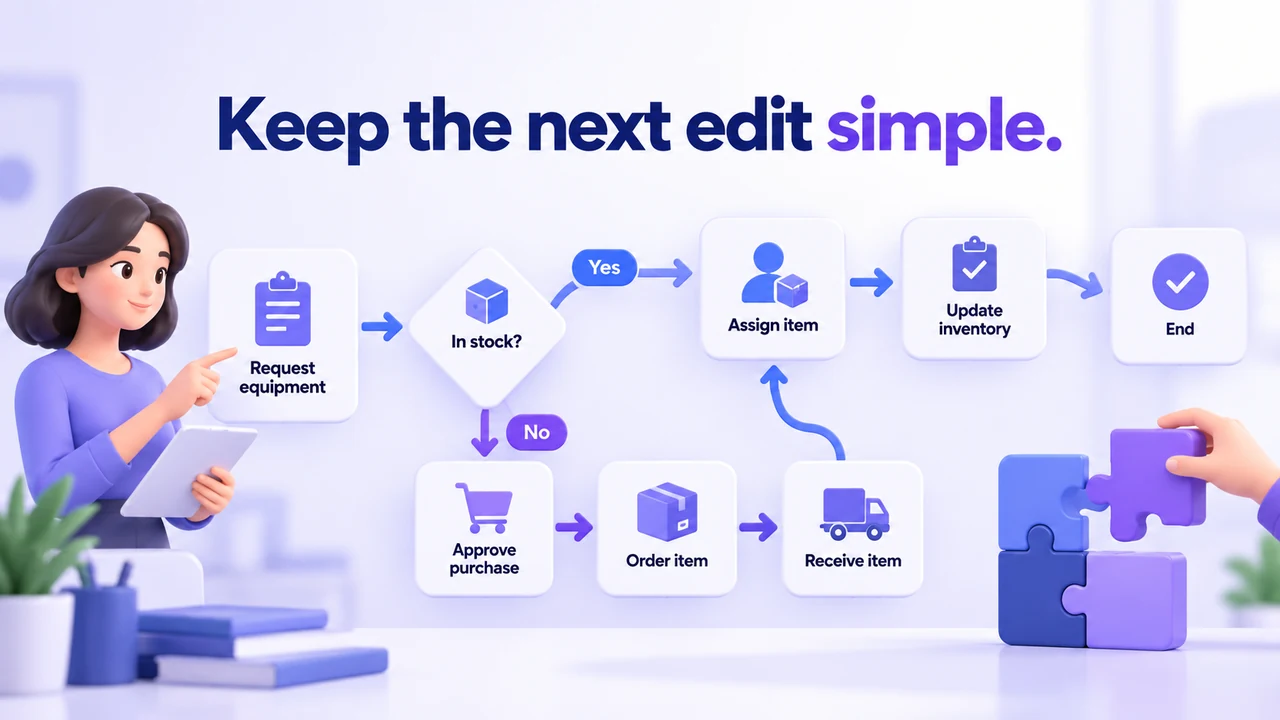
The six options below cover product planning, team whiteboards, editable diagram files and presentation-oriented work. Start with the equipment-request example: after assigning an item, add an inventory-update step and check that the route still reads correctly.
Six flowchart creators for different deliverables
Choose the place where the diagram will be maintained, then verify that it supports the editing, sharing and export your team needs.
1. Mockitt: keep the process close to design work
Mockitt Diagram offers browser-based shapes, connectors, templates and alignment tools. Use it for a product or service flow that needs to stay understandable while the associated interface design changes.
For the equipment-request example, label the stock decision before styling the chart. After adding the inventory-update step, trace both the in-stock and purchase routes. Keep the diagram editable so the next process owner can change an action without reconstructing an exported image.
2. Boardmix: maintain the diagram with its discussion
Boardmix places a flowchart on a collaborative whiteboard with notes and comments. This is useful when the people maintaining the process need to discuss missing decisions or ownership beside the drawing.
Separate agreed steps from open questions and resolve those questions before sharing the final chart. Check board permissions and the export available in your plan; an editable board and an exported illustration serve different purposes.
3. draw.io
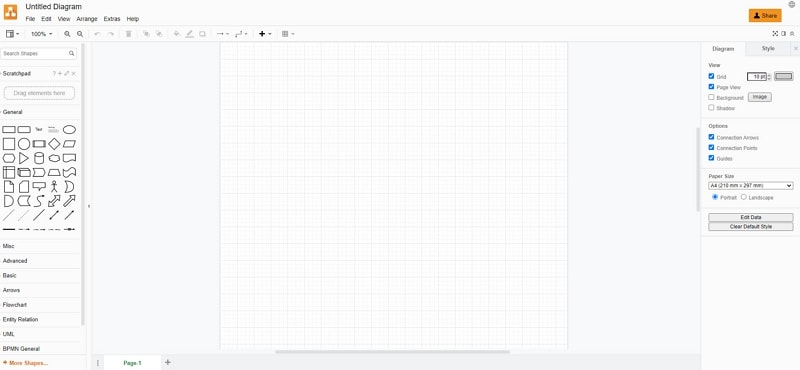
draw.io is a free diagram editor with browser and desktop options. It is useful when the editable file and its storage location are important to the handoff.
The browser editor can start without a draw.io account. Your chosen storage service may require its own account and sharing permissions.
The editor supports flowcharts and other diagram types, including organization charts, UML and network diagrams. Use the libraries you need rather than adding unfamiliar symbols to a simple process.
Templates and shape libraries support many diagram types. Start with a flowchart template or a blank page, then use attached connectors so moving a shape does not leave loose lines.
Save the editable diagram as well as the image or PDF used in a document. Confirm the recipient can open the source file before treating the handoff as complete.
4. Lucidchart
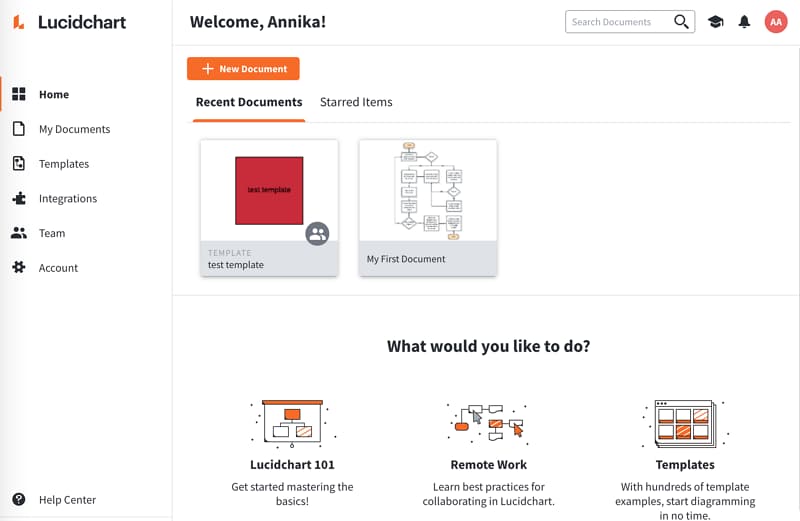
Lucidchart provides templates, shape libraries and collaborative diagram editing. Consider it when reviewers need to comment on and revise a shared diagram.
Start with a blank document or a template that matches the process. Check the document and feature limits of the intended plan before moving a large working diagram into it.
Give reviewers the appropriate access and ask them to follow a complete path, including a rejection or exception.
Keep labels specific enough that a new maintainer can distinguish an action from a decision.
5. Visme
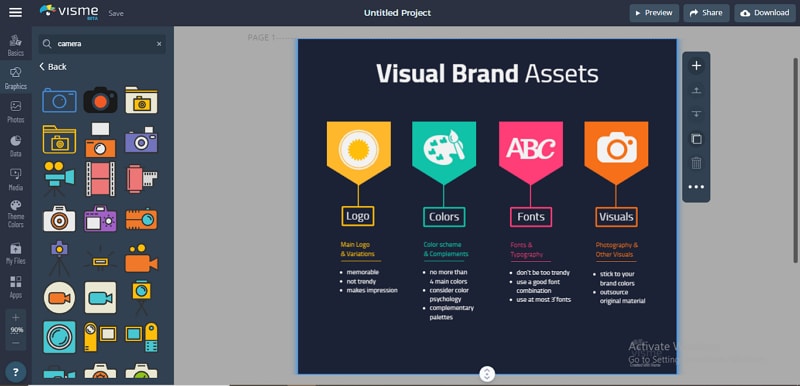
Visme combines flowchart templates and connectors with tools for visual documents and presentations. It fits a diagram whose final destination is a report, lesson or presentation.
Choose a template for its structure, then adjust colors, typography and spacing. Confirm the sharing or download format you need is included in your plan, and retain an editable version for future changes.
6. SmartDraw
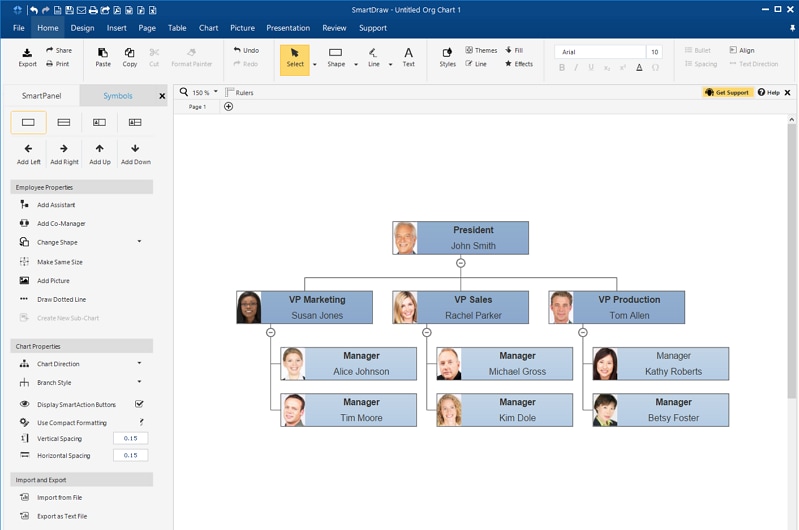
SmartDraw offers flowchart templates and diagramming tools. It is an option when a team needs structured diagrams as part of a broader documentation workflow.
Evaluate its editing and output workflow with a representative chart before choosing a license. A trial is an opportunity to check fit; it should not be treated as a permanently free production plan.
Create a Simple Flowchart Online
To create a maintainable flowchart in Mockitt, first write the starting event, final result and decisions in plain language.
Open a diagram workspace and choose a suitable template or begin with a blank canvas. Keep one action in each process shape and phrase each decision as a question.
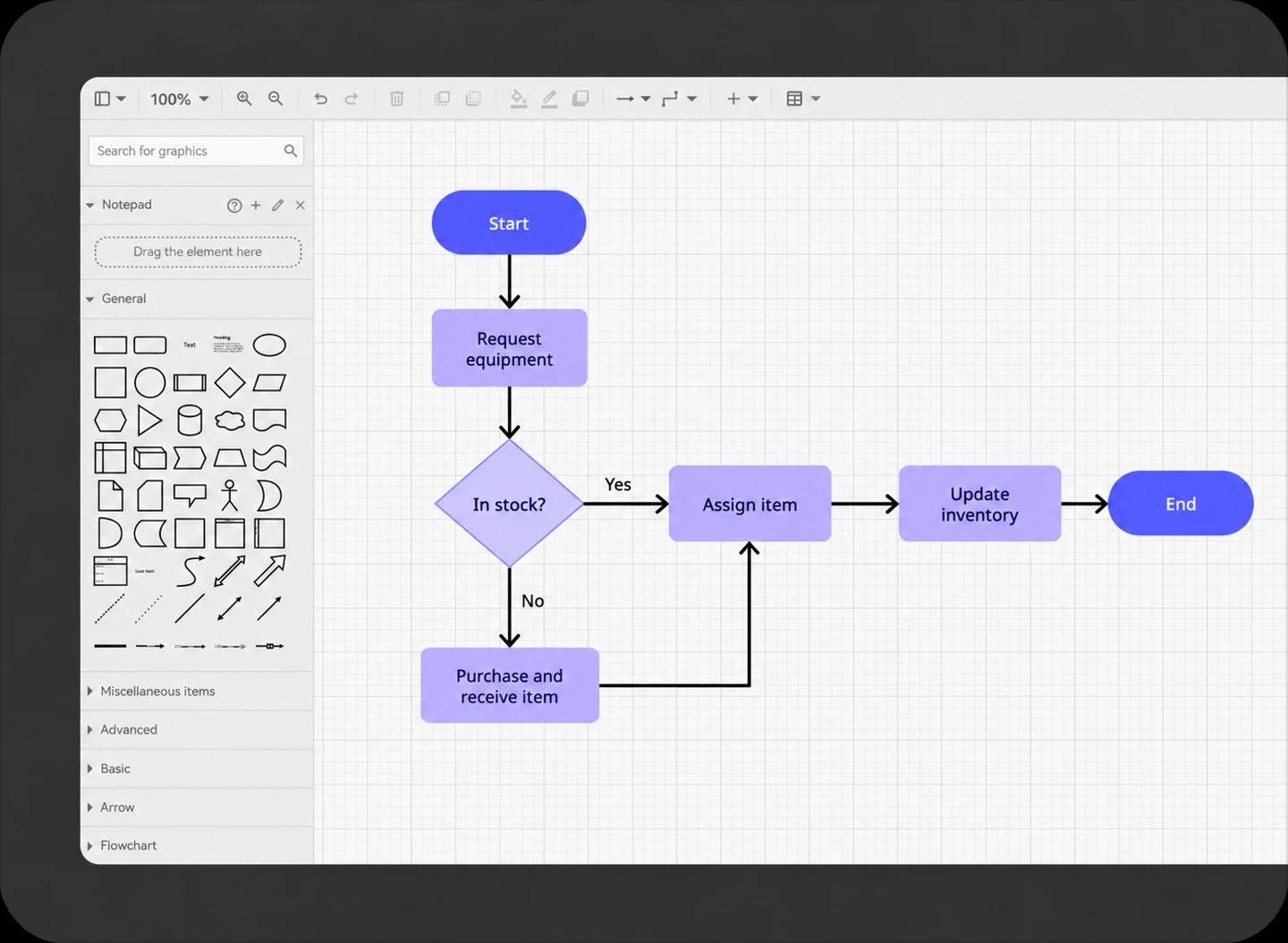
Connect the actions in order, label each decision outcome and include the path taken when the normal route cannot continue. For the equipment example, the out-of-stock branch needs its own purchase and receipt steps.
Use the shapes and alignment controls to keep the diagram readable. Move a shape after connecting it and check the line attachment.
Review the chart with its owner, keep the editable source and share the version the reader needs. If the process changes, update that source before replacing its exported copies.