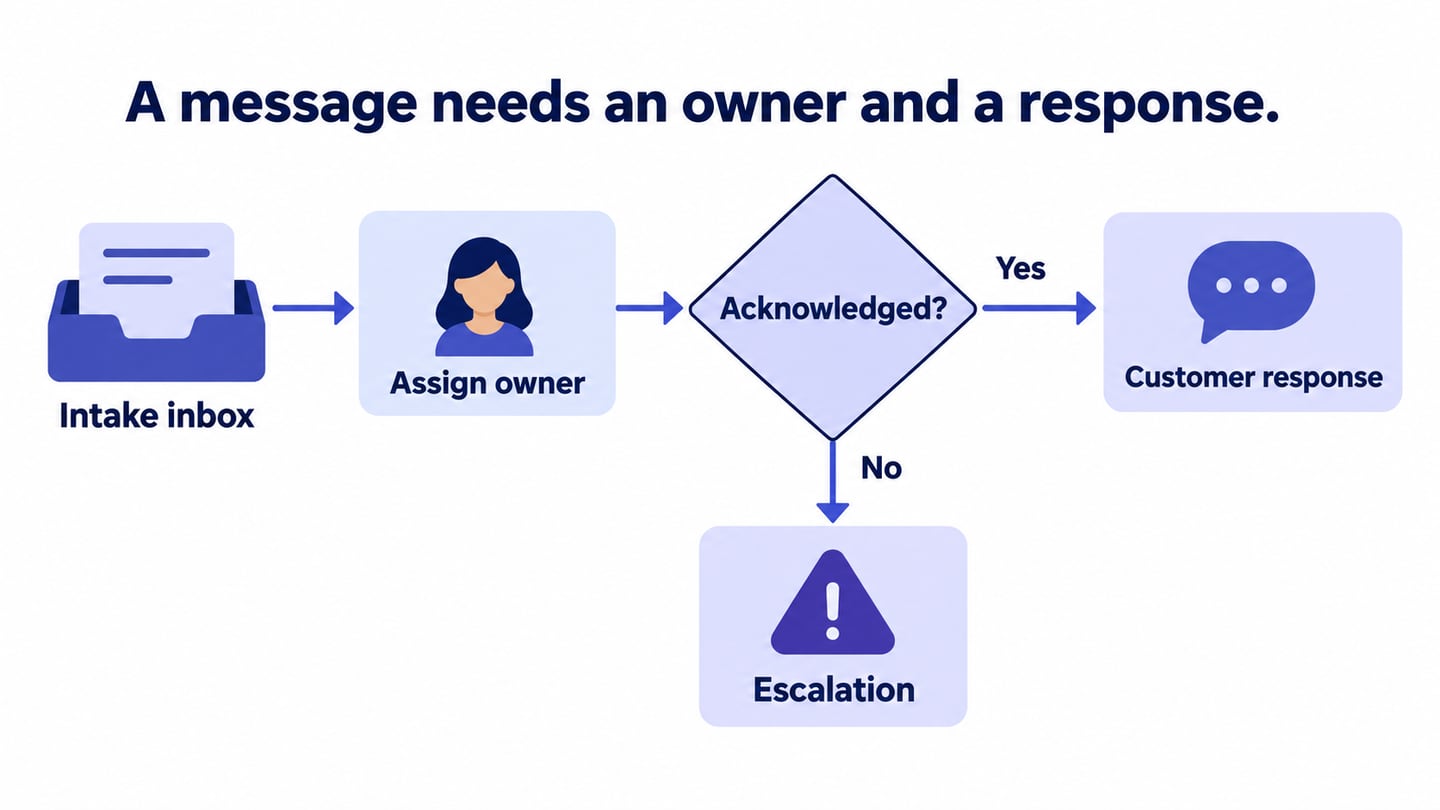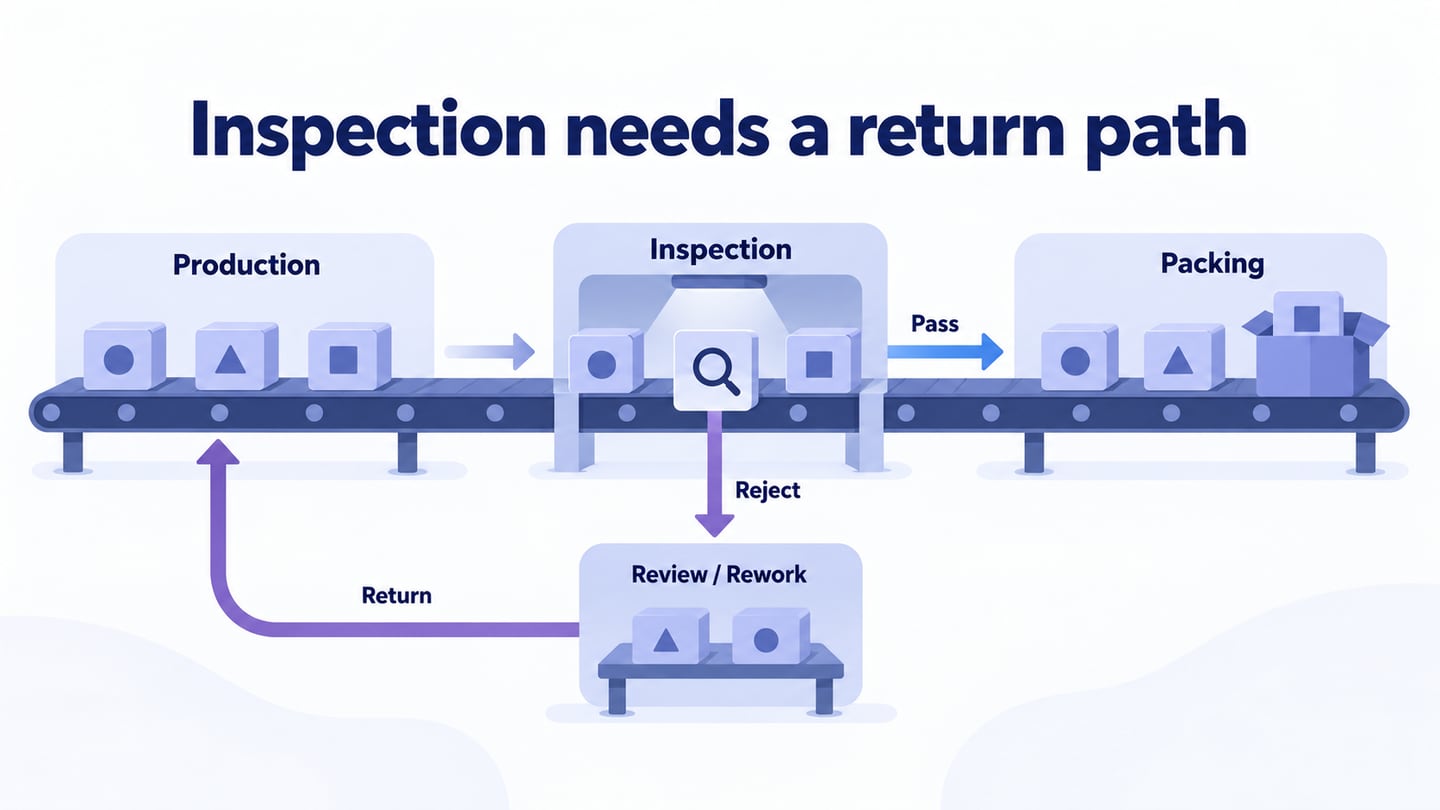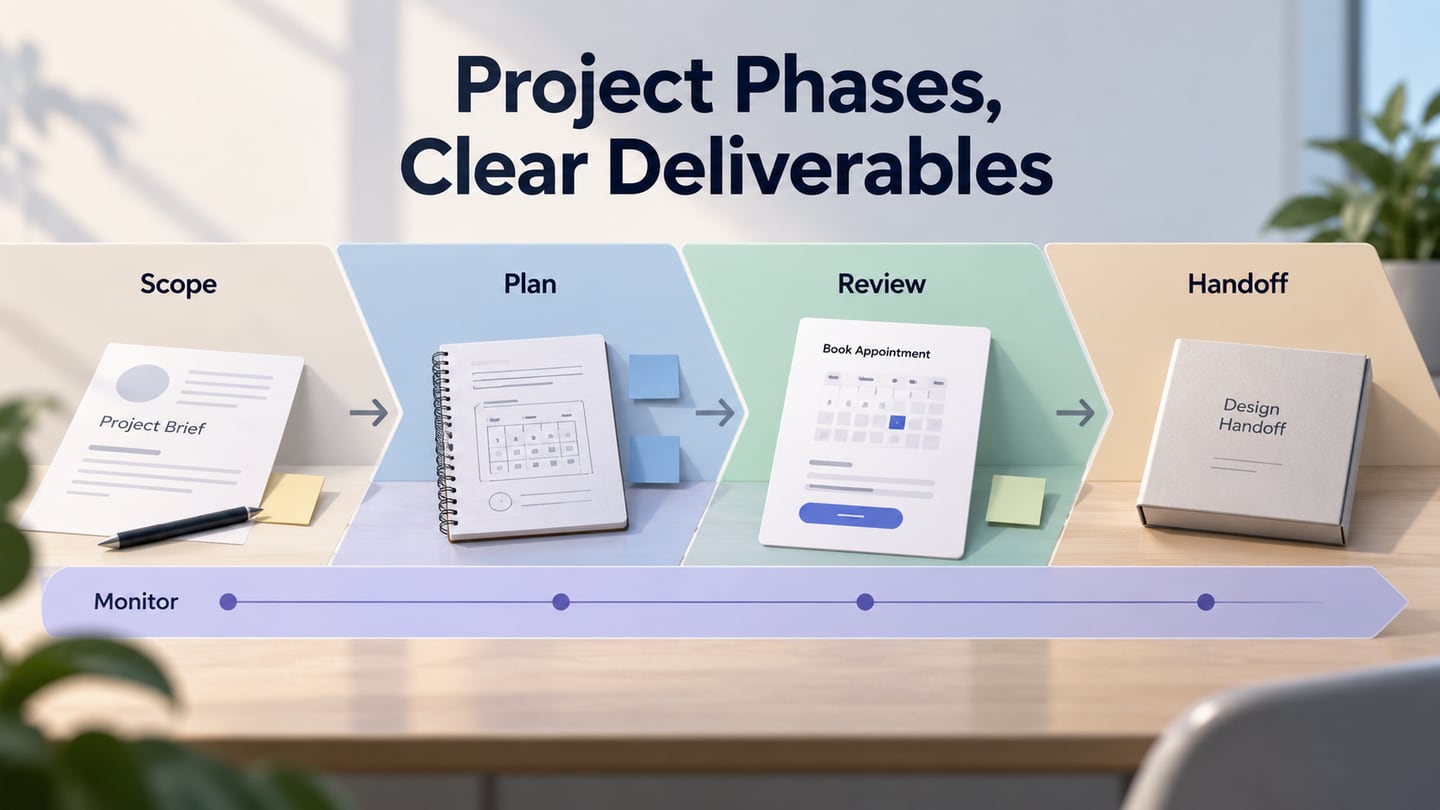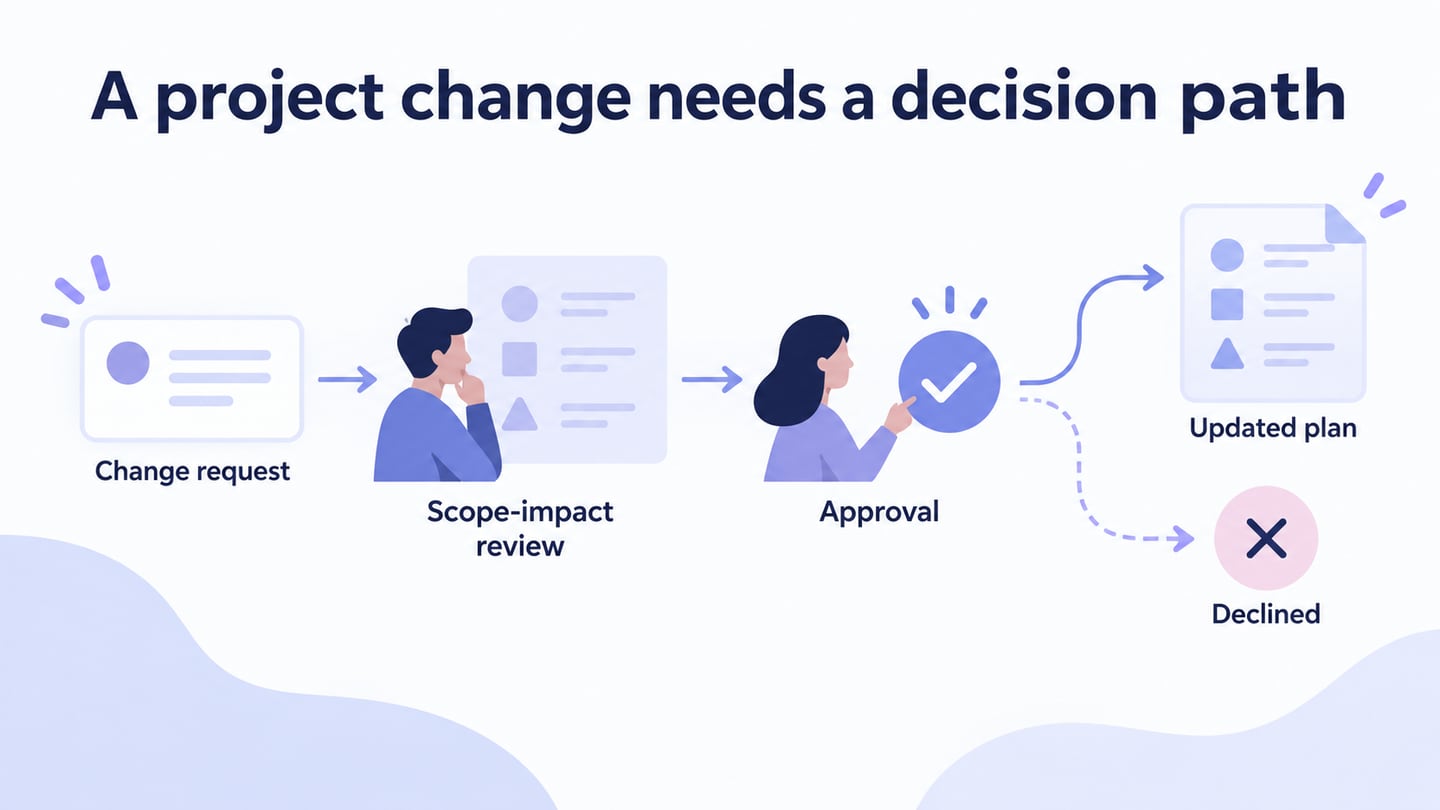
A project flowchart shows the actions and decisions used to move work through a project. It can clarify review gates, responsibilities, and exceptions. Build it in a project flowchart editor when those relationships matter more than dates on a timeline.
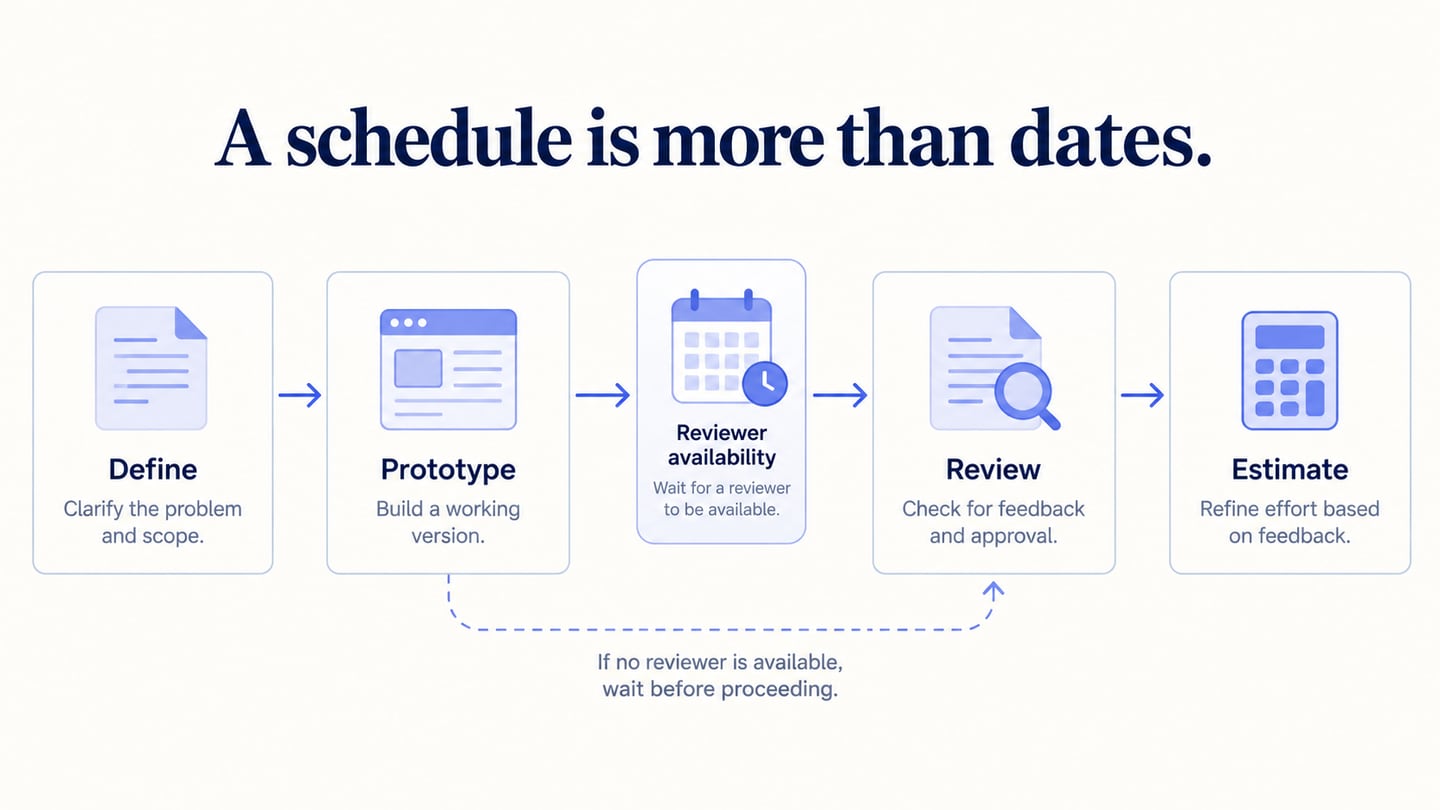
A flowchart is not a substitute for a schedule, dependency analysis, or status record. It explains the process; separate project records show when work is planned and what has actually happened.
Compare the construction, purchasing, and project examples, then choose a drawing approach that fits your diagram. Use the examples to choose the right scope rather than copy their rules into an unrelated project.
What is Project Flow Chart?
A project flowchart visualizes a defined project-management process, such as initiating work, approving a change, or accepting a deliverable.
Use it to show which action happens next and what evidence is needed at a decision. A box labelled “Review” is incomplete if nobody knows who reviews or what outcome allows progress.
Identify the responsible roles and handoffs. The diagram supports a shared understanding, but the team still needs to agree on the rules and use the process.
Sketching on paper can help establish the first sequence. Move to an editable diagram when the team needs review, distribution, or ongoing revision.
Examples of Project Flow Chart
The examples use different subject areas and levels of detail. Read them as illustrations of structure, not universal project policies or delivery-duration benchmarks.
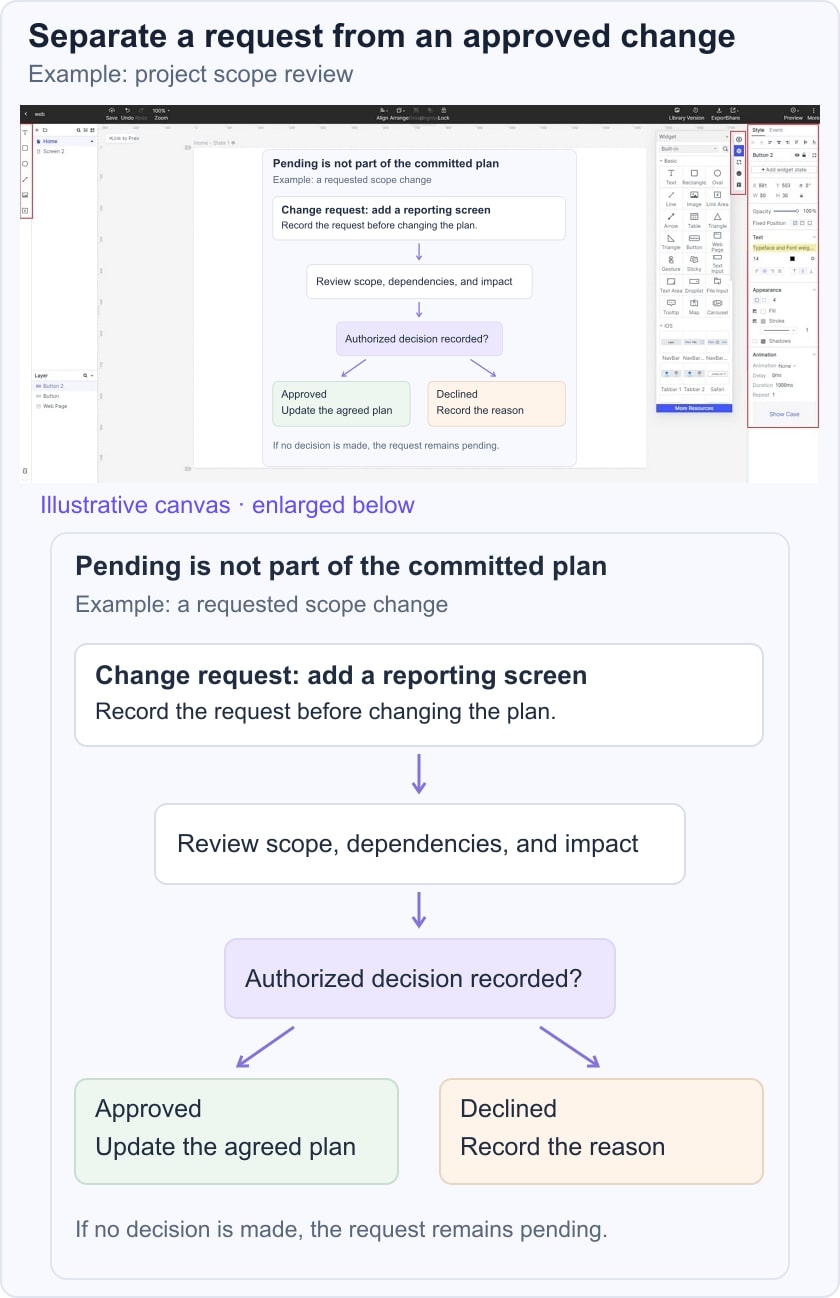
For a smaller project example, map a requested scope change. Record the request, assess its impact on the agreed work, send it to the authorized decision maker, and either update the plan after approval or record why it was declined. A pending request should remain visibly outside the committed plan until a decision is made.
1. Construction Project Flow Chart
The construction example shows a contract-administration process. Its useful feature is the separation of actions and decisions across a long sequence. The specific contract rules belong to that example and require appropriate expertise before any real use.
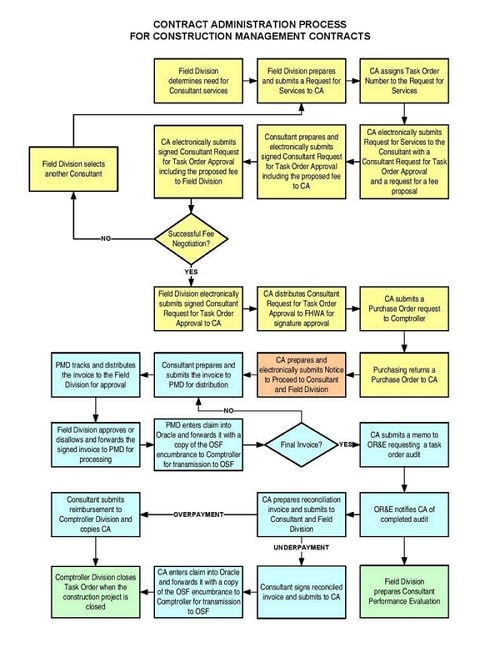
When adapting the structure, preserve the distinction between receiving information, reviewing it, and authorizing the next action. A similar-looking box does not mean the same role or approval rule applies.
2. Project Process Flow Chart
The purchasing example shows several handoffs and review stages. Any duration printed on the diagram is specific to that example, not a benchmark for your project. Focus on how the process identifies inputs, decisions and completion.
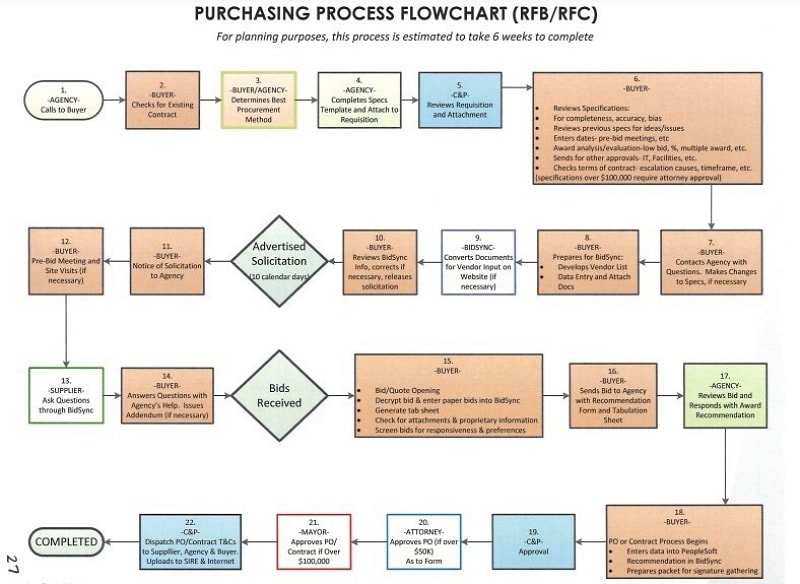
Use consistent shape sizes and readable labels. Explain exceptions and responsibilities in text or annotations rather than relying on a particular font or color to imply financial significance.
3. Project Delivery Workflow Example
The third example moves through audience, content, structure, design, testing, publication, and maintenance. It is closer to a website-delivery workflow than a universal project-management method.
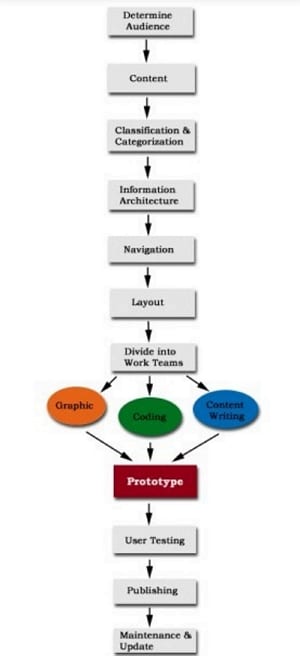
Use it to discuss major stages and review points, then add the decisions your own project needs. Do not treat the diagram as evidence of a manager’s skill or a complete delivery plan.
Tools for project flow chart
These four options suit different places where a project flowchart may live: a product workspace, a collaborative whiteboard, a shared drawing or a Confluence page. Choose around the people who will update it.
1. Mockitt
Mockitt provides a browser-based design and diagramming workspace. Use its shapes, connectors and templates to arrange project actions and decisions, then share the diagram with the relevant reviewers.
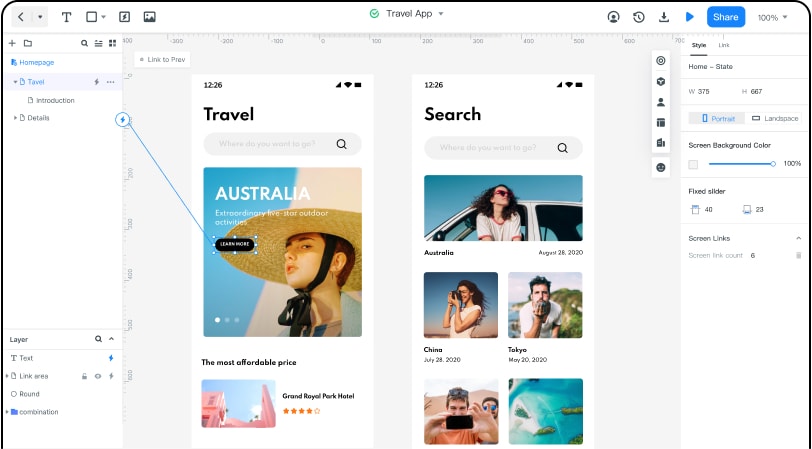
Prototypes can provide context when a project decision concerns interface behavior, while the flowchart records how that decision proceeds.
Keep the diagram owner and scope clear so later changes do not create conflicting versions.
2. Boardmix: discuss project handoffs on a shared board
Boardmix provides flowchart shapes, connectors, templates and real-time editing on a whiteboard. Place the change-request flow beside the assumptions and questions that the project team must resolve. Comments can capture a disputed handoff without turning that discussion into another process step.
For a project review, identify the person responsible for each action and label the approval and revision routes. Confirm board access before the meeting and keep the agreed flow separate from unresolved ideas. A collaborative board helps document the agreement; it does not assign work or enforce approval automatically.
3. Google Drawings
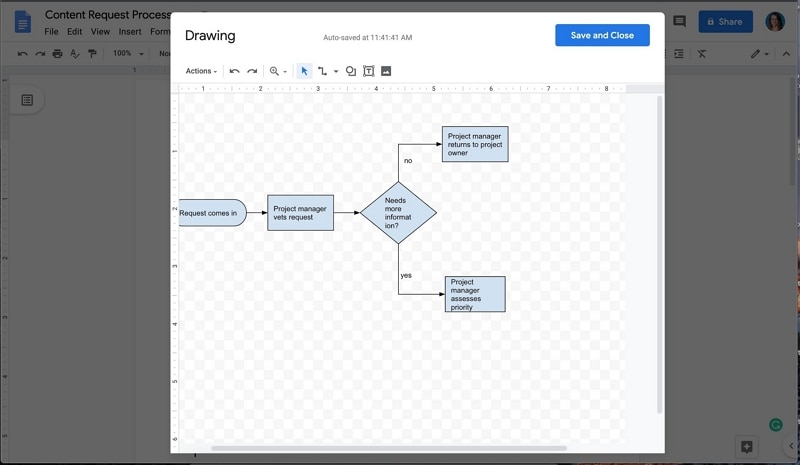
Google Drawings supports shapes, lines, and text for simple diagrams. It can fit a lightweight project flow when the team already works with shared Google documents.
Review the sharing settings and the manual effort required to maintain a larger diagram. A basic drawing is useful when it communicates the process clearly, even without specialist notation features.
4. Gliffy
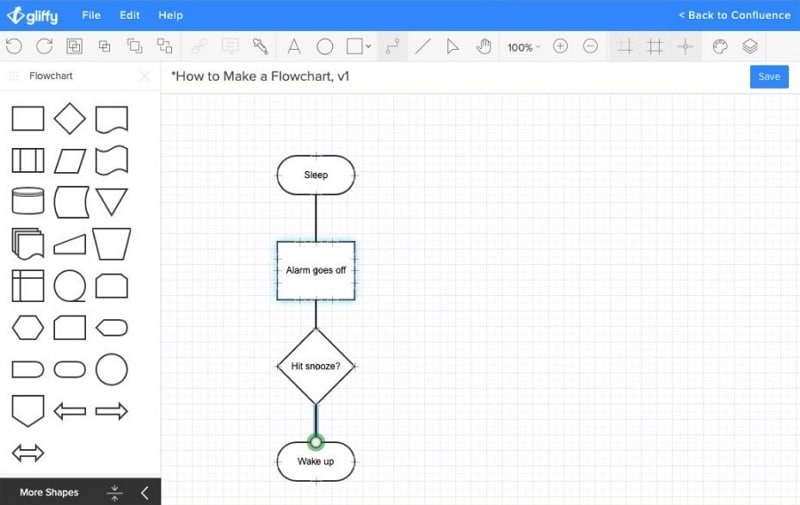
Gliffy focuses on diagramming in Confluence. It can be relevant when project documentation and diagrams are maintained together in that environment.
Evaluate its current integration, editing, and plan requirements for your documentation workflow. Regardless of tool, test the chart with an approved change, a declined change, and a request needing more information before treating it as an operating reference.