Try Mockitt Free
Mockitt and Axure for Interactive Prototypes
Choose Mockitt for browser-based prototype editing and shared review, or evaluate Axure RP when detailed conditional interactions are central to your work. Compare the same user flow in both tools.
Compare How Your Team Builds and Reviews a Prototype
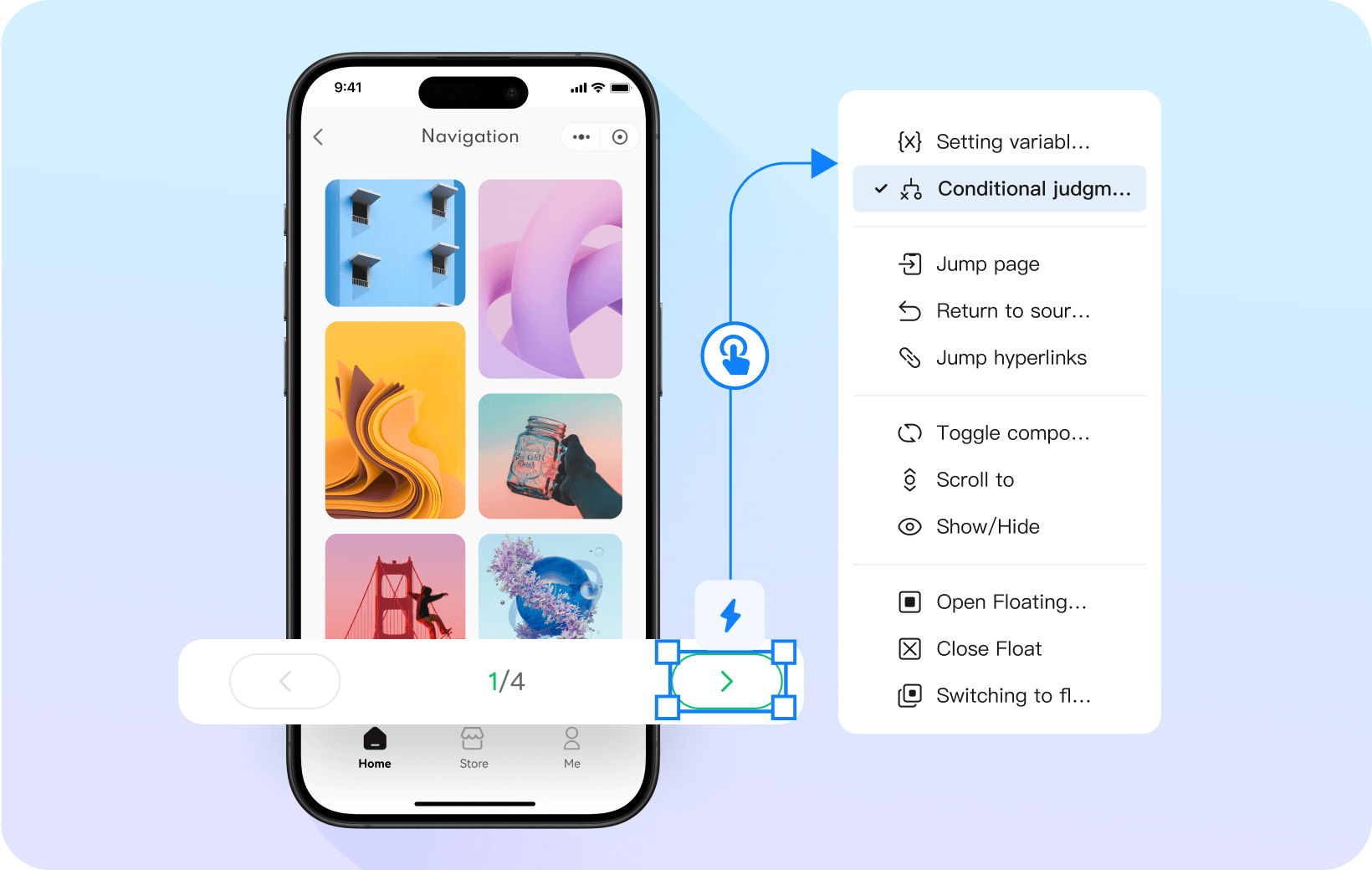
Build Conditional Interactions

Mockitt provides conditional logic and interactive features in a visual editor, so teams can test flows without writing interaction code.

Axure RP provides a visual condition builder, variables, and interaction actions. You can model conditional behavior without writing JavaScript.
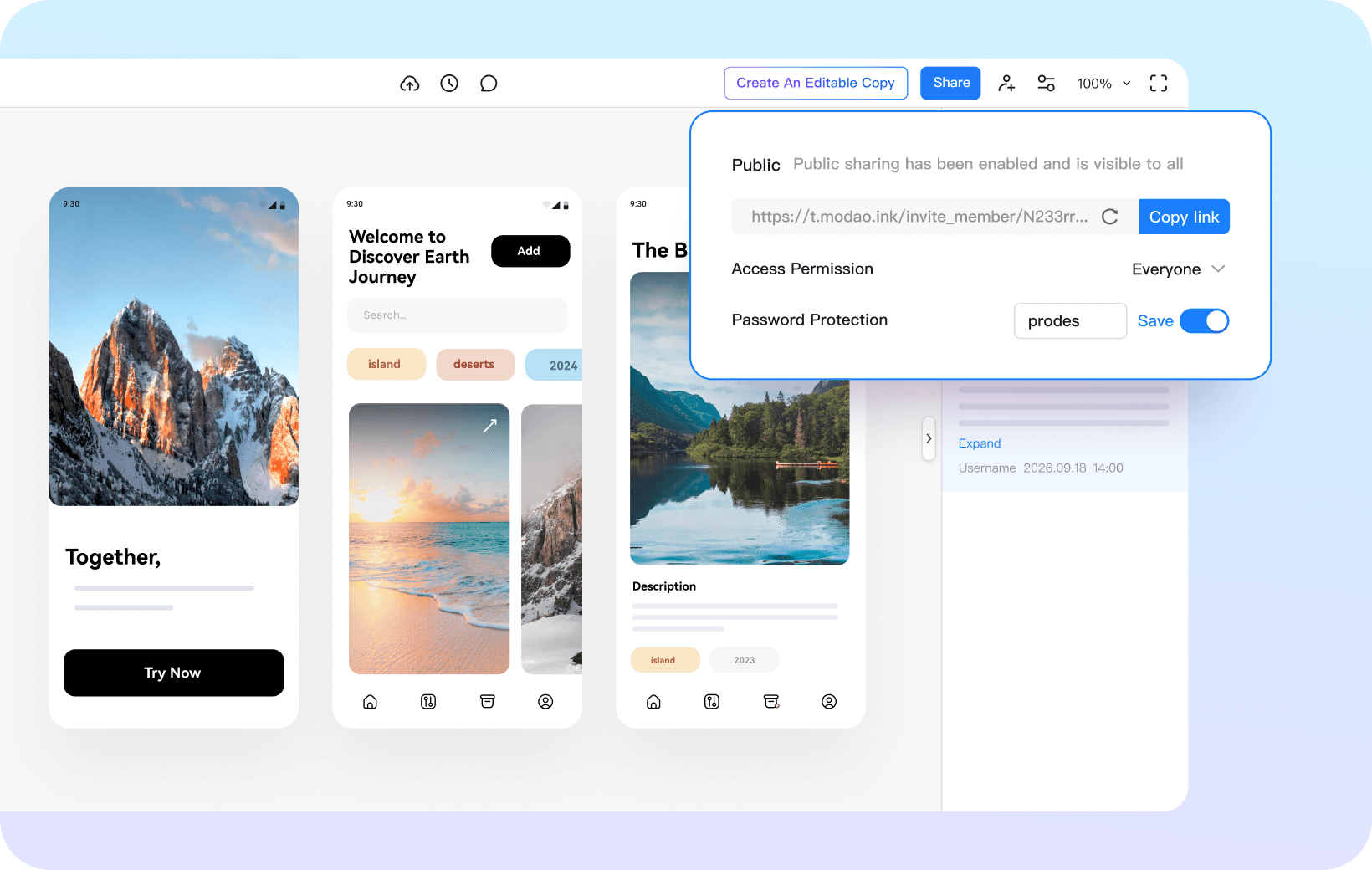
Choose an Editing Workflow

Mockitt uses a visual interface with templates and reusable components to help new users start prototyping.

Axure RP uses a desktop editor with detailed interaction controls. Try a representative flow to see whether its authoring model suits your team.
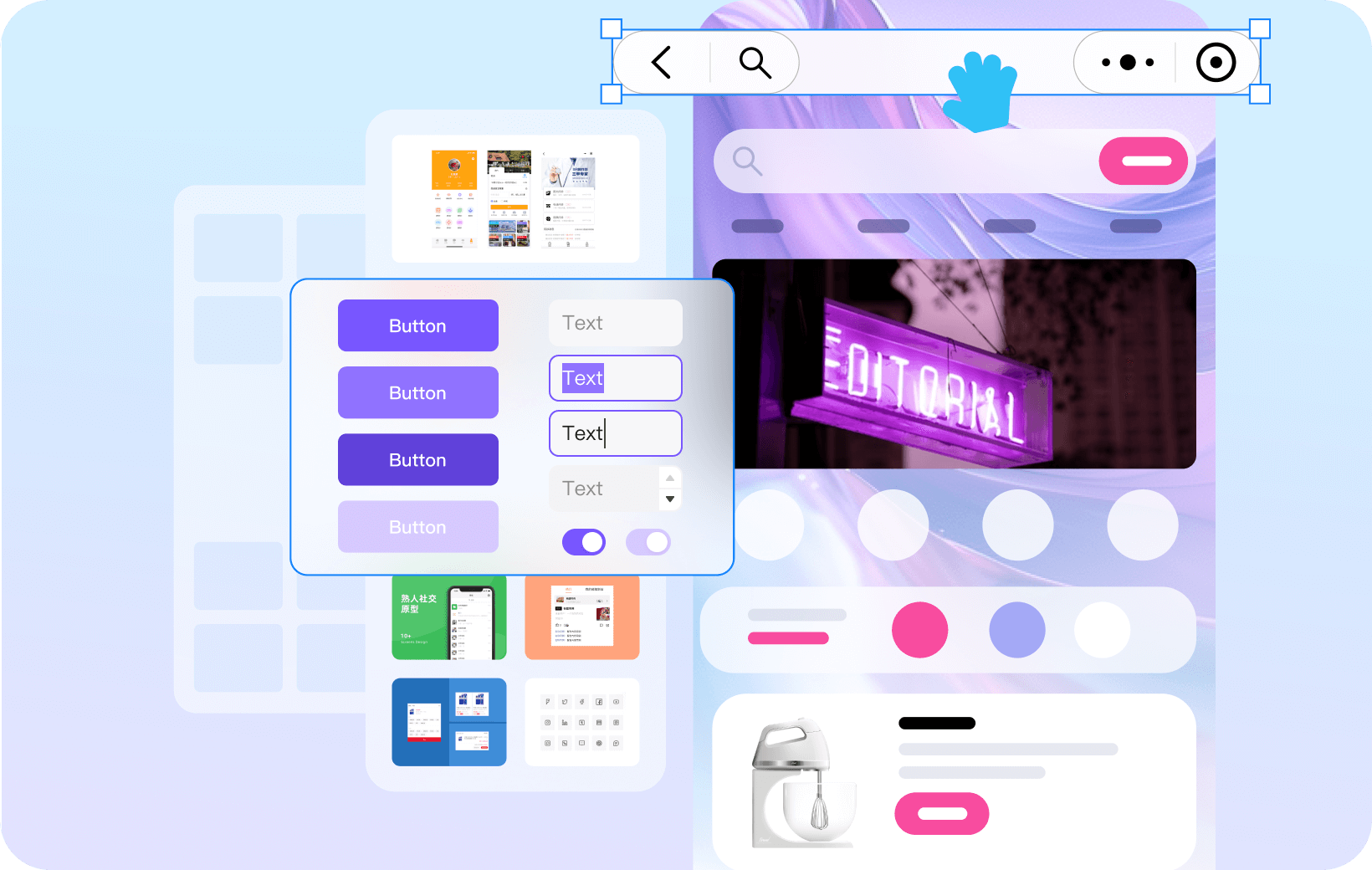
Extensive built-in UI libraries

Mockitt offers reusable interface components for navigation, forms, and data displays. Start with a library component, then adapt its content and behavior to your prototype.

Axure RP includes widgets and supports reusable widget libraries. Compare the components your project needs, including custom states and repeated patterns.
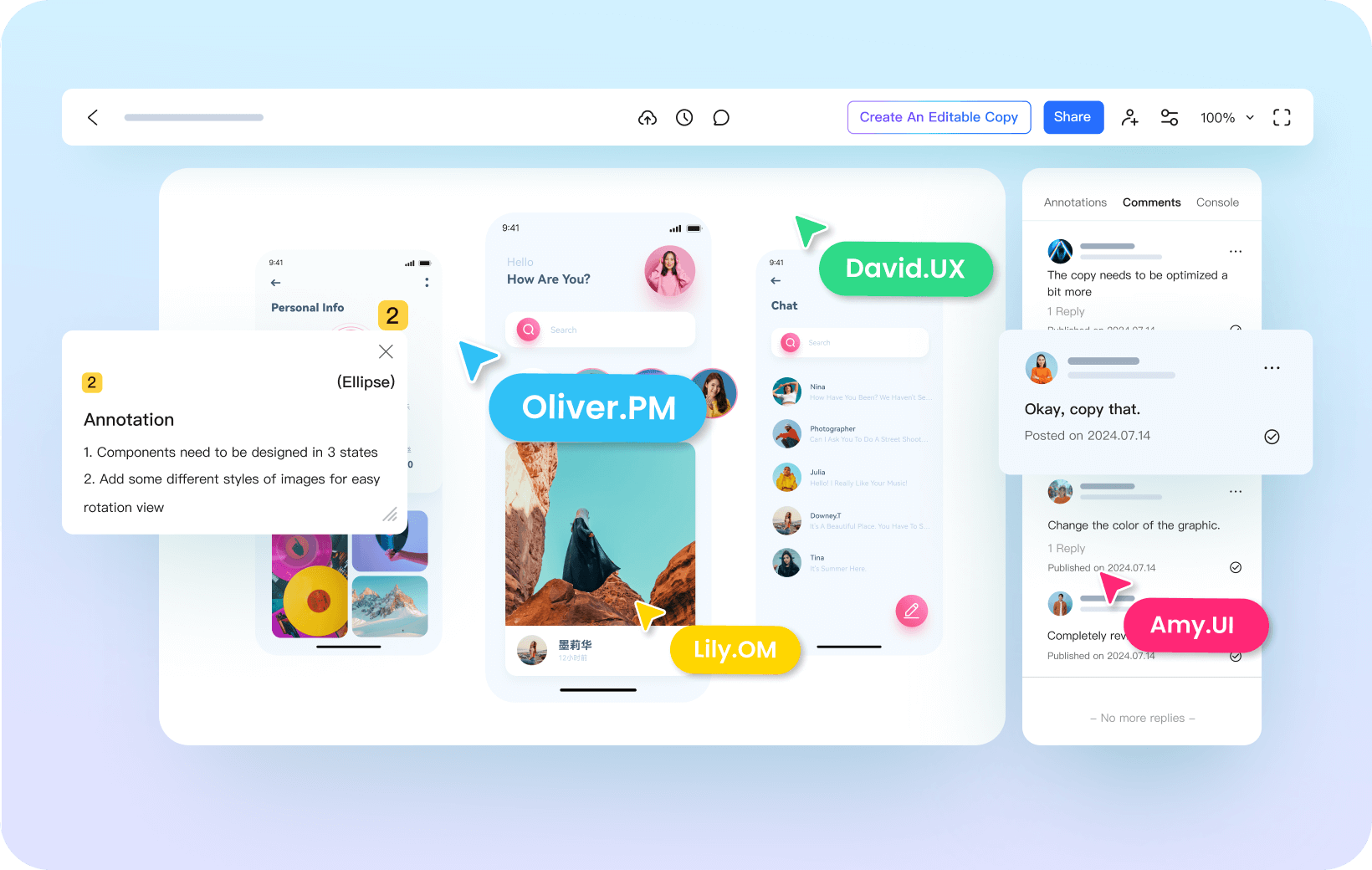
Compare Shared Editing and Review

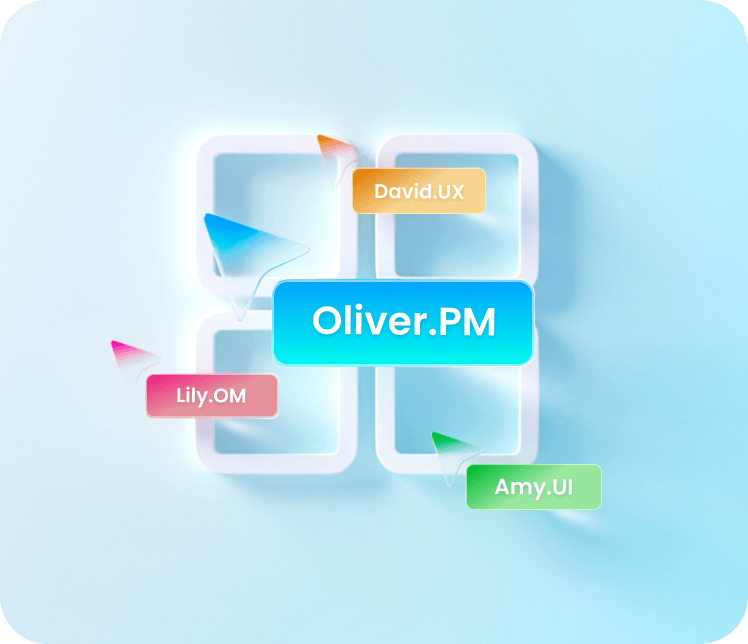
Mockitt brings shared editing, prototype links, and comments into an online workspace. Invite colleagues to review the same flow and discuss changes in context.

Axure supports team collaboration through Axure RP Team Projects and Axure Cloud. Team Projects use local copies with check-in and check-out, while Cloud supports hosted prototypes and comments.
All-in-One Product
Design Platform

Mockitt brings whiteboarding, diagrams, interface design, and interactive prototypes into one product. A team can map a journey, build its screens, and share a prototype for review.

Axure RP focuses on detailed interactive prototypes. Axure Cloud adds publishing, sharing, and feedback, so include that workflow when comparing the tools.
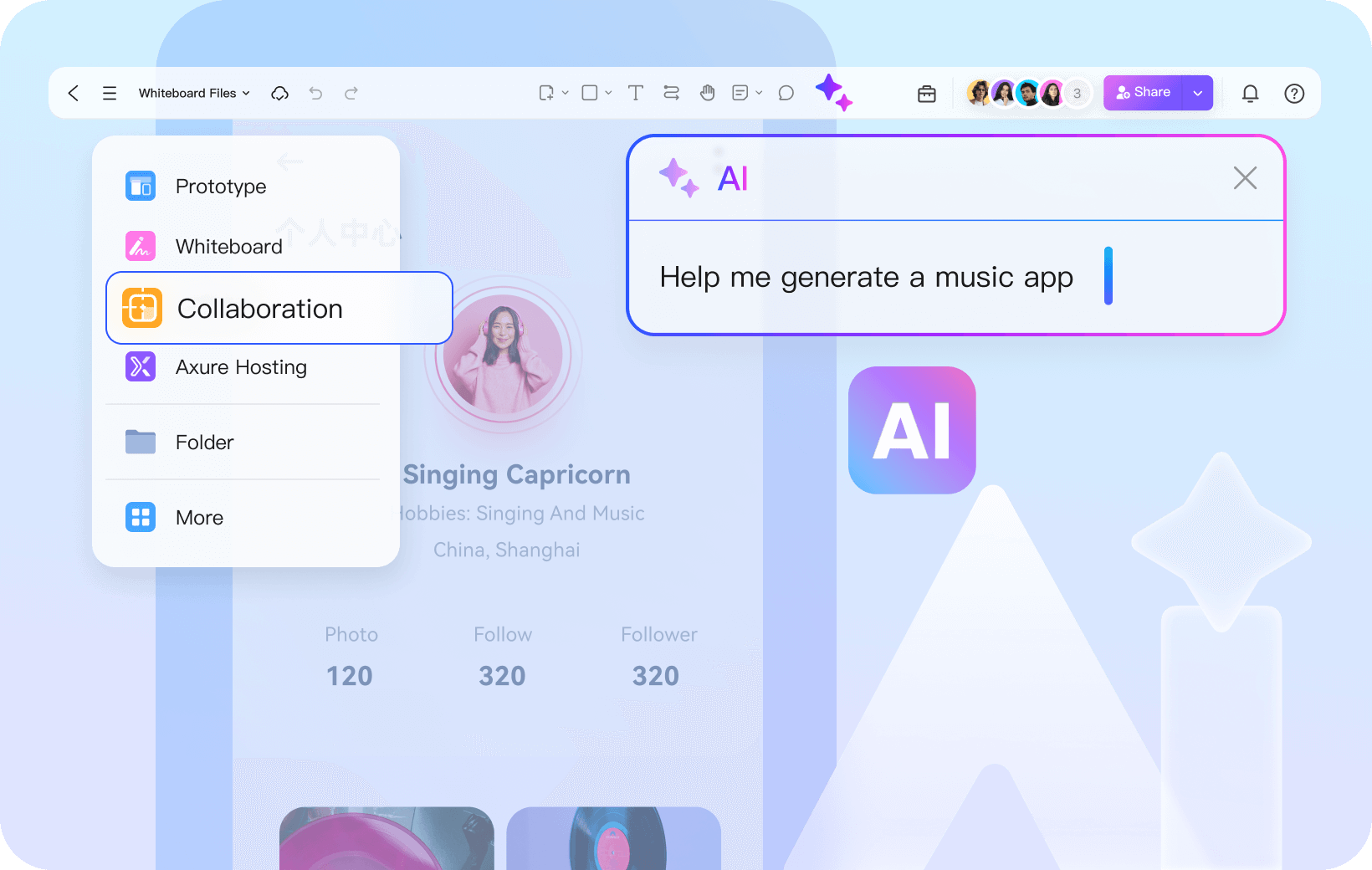
All-in-One Product Design Platform
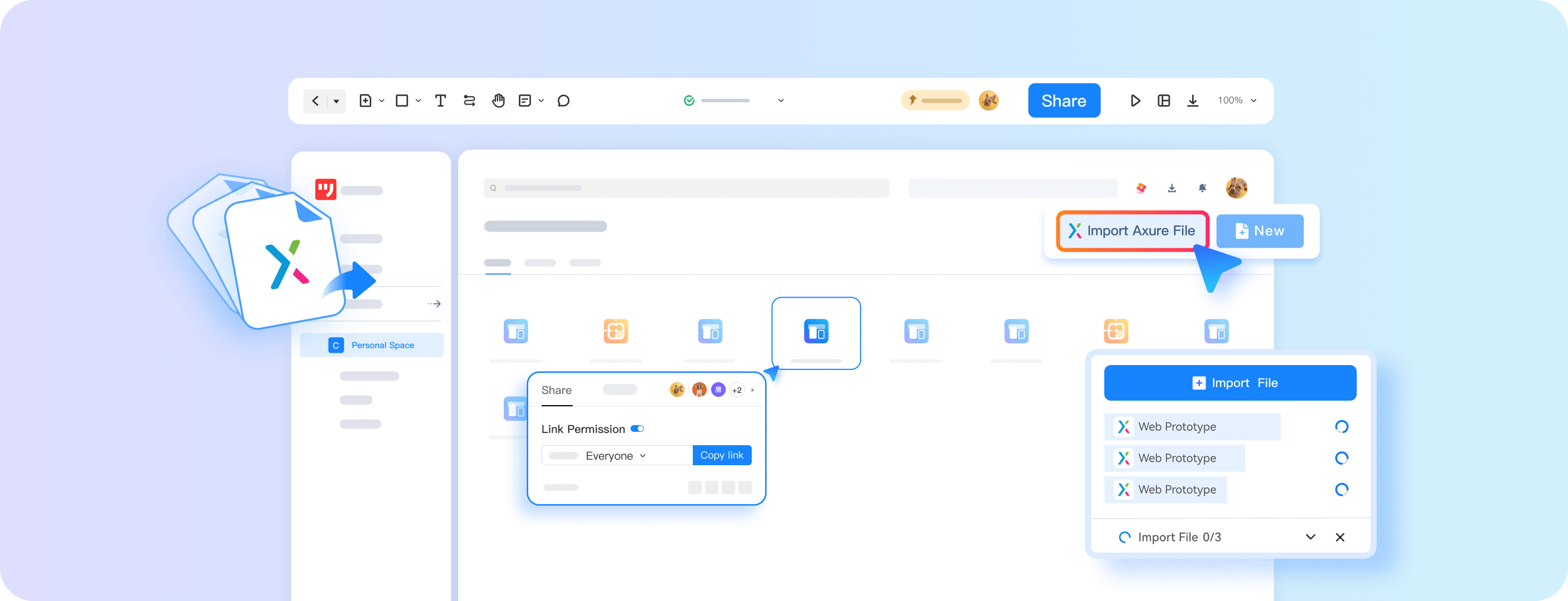
Import Axure Files
Mockitt supports importing Axure files so teams can continue refining existing prototype work in Mockitt.

Share an Imported Prototype
Publish a review link after checking the imported screens and interaction paths.
Review Before Continuing the Design
Import a representative file first. Check fonts, component styles, and interaction behavior before migrating a larger project.