Mockitt AI · From working notes to useful documents
AI Document Generator
Turn your working notes into a document people can use.
Create editable Word documents from project notes, meeting decisions, and reference files with the Mockitt AI desktop app. Tell it who will read the document and what they need to do. Build a clear first draft, then revise individual sections without starting over.
File tasks use the desktop app for Windows or macOS.
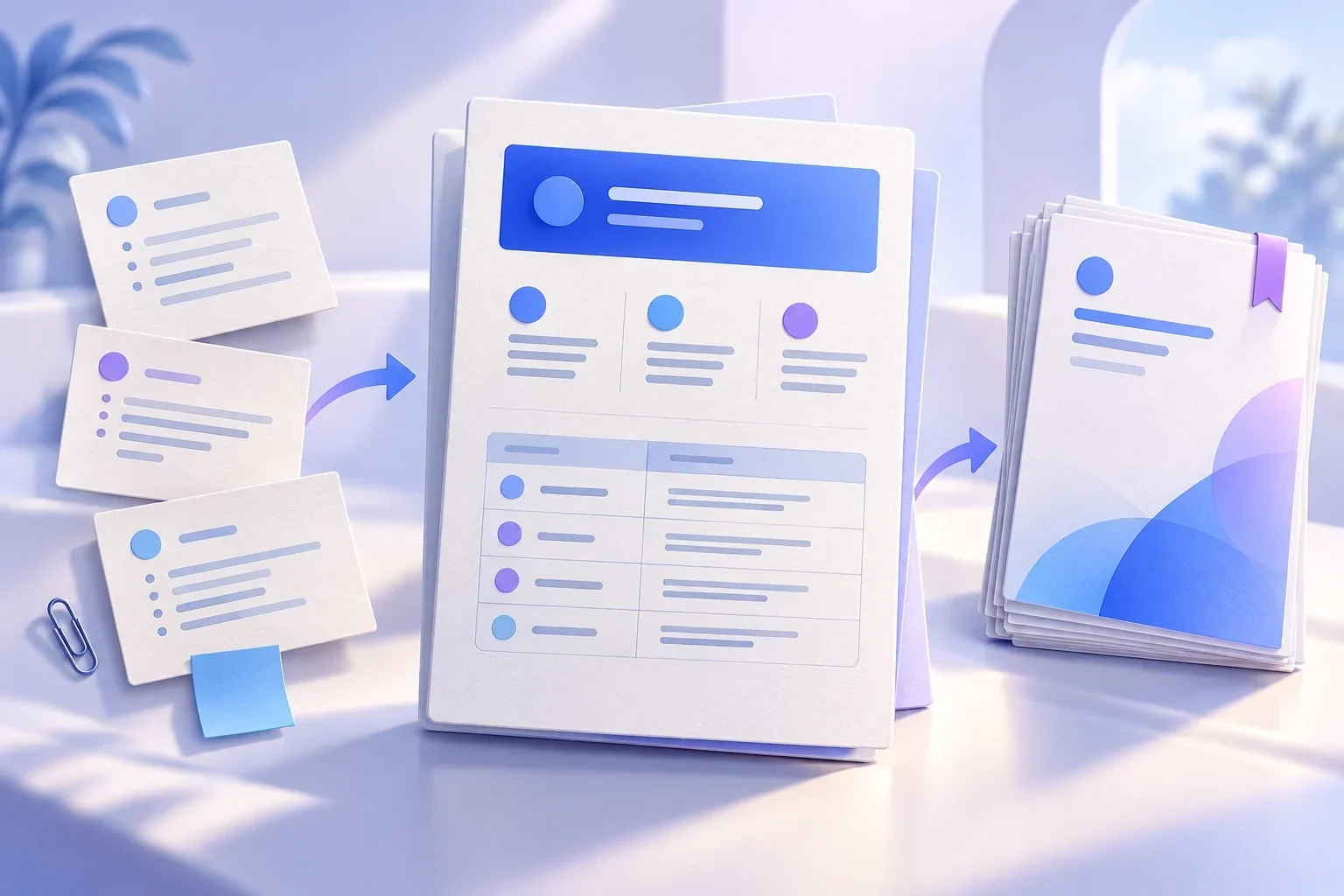
Choose the task you need to complete
Project reports
Put progress, blockers, and decisions on the first page. Supply the reporting period and project records so completed work stays separate from proposed next steps.
Meeting summaries
Separate discussion from decisions. Turn agreed actions into a table with an owner and a due date; leave unresolved assignments open instead of inventing them.
Implementation guides
Organize the scope, prerequisites, steps, and expected results. Provide current operating instructions so the document uses real menu names and configuration values.
SOPs and team handoffs
Explain who receives the work, what they do, and what the next person needs. Keep existing response times and approval rules visible throughout the draft.
Start with the reader and the source material
A project sponsor needs a short explanation of what changed and which decision is overdue. An implementation teammate needs prerequisites and a reliable sequence of steps. The same notes can support both documents, but the order and level of detail should differ.
Place the files for this task in a clearly named folder. Identify the current versions and distinguish required sources from background reading. Ask the app to confirm which files it can read before requesting a complete report. If an old plan conflicts with a recent meeting note, surface that conflict instead of silently choosing a version.
Keep facts intact while improving the structure
Suppose your notes say: interviews finished on March 3; the March 5 prototype review did not pass because bulk-import errors remain undefined; a second review is tentatively planned for March 8. A useful report preserves those three different states: completed work, an unresolved decision, and a tentative date.
Do not turn a proposed review into a confirmed milestone or an open question into a product commitment. Ask for a short summary first, followed by a decision table. When shortening the draft, keep the issue, decision owner, and next action rather than adding broad background paragraphs.
| Item | Status | Owner | Next action |
|---|---|---|---|
| Research interviews | Completed March 3 | Alex | Attach the interview summary |
| Bulk-import error handling | Decision needed | Product lead | Confirm which failures stop the import |
| Prototype review | Tentatively March 8 | Jordan | Confirm the date after the scope decision |
On a small screen, swipe across the table to see every column.
Write procedures around actions and handoffs
A procedure should let the next person continue the work. For a customer-feedback SOP, describe the input, responsible role, action, and output at each stage: receive the request, assign it, record progress, and confirm the result. A list of department names alone does not explain the handoff.
An operating guide needs a different structure. Put access requirements before the first action and state what success looks like after each step. If the source material omits a permission, configuration value, or escalation contact, keep that gap explicit until the responsible teammate supplies it.
Revise the section that changed
Use a chapter name or quoted sentence to locate an edit: ‘Update only the escalation steps in section 3. Keep the terminology, numbering, and all other sections.’ For broader changes, check the connected sections as well. Changing who approves a request may also affect the responsibilities table and final handoff.
Open the Word file in the software your team uses before sharing it. Check heading levels, table breaks, lists, and page layout. A clear draft still needs the right facts and usable formatting, especially when it will become an operating document rather than a one-time summary.
From your materials to a useful result
Choose the material
Select the notes and reference files for this task. Identify their versions, the reporting period, and any conflicting instructions.
Describe the finished document
Specify the reader, purpose, sections, and .docx output. Explain which parts should be tables and which should be short paragraphs.
Review and revise
Check facts before polishing the wording. Request changes by section, and name the tables, numbers, or terms that must remain unchanged.
Open and share the file
Check the result in your team's document editor. Confirm the layout and outstanding questions, then save the version you want others to use.
Illustrative task brief
A project report with a clear decision to make
Continue with a focused revisionShorten the summary to three bullets. Keep every open decision, its owner, and its next action. Preserve the tentative date in the review section.
This example uses fictional project records. Replace them with your own sources and decisions.
A few useful details
AI Document Generator questions
Can Mockitt AI generate a Word file?
The desktop app supports document-generation tasks, including Word files. Specify .docx, the output folder, and the required structure. Open the result to check the content and layout before delivery.
How is this different from an AI PRD generator?
This page covers working reports, procedures, and handoff documents. A PRD focuses on product scope, behavior, user flows, and acceptance criteria. Use the dedicated AI PRD workflow for that task.
Can I combine several files into one document?
Provide the relevant files and ask the app to identify what it read, organize the topics, and flag conflicts. With a large source set, start with the core documents and develop the report section by section.
What if the source material is incomplete?
Ask for an open-questions list alongside the draft. Keep the main text grounded in the available records. Missing names, dates, figures, and decisions should remain unresolved until you supply them.
Can I edit the Word document in the prototype editor?
A Word document and an interactive prototype are different outputs. Continue editing the document in compatible document software; use Mockitt's prototype tools when you need screens and user flows.
Bring your next task to Mockitt AI
Start with the materials you have and the result you need. Build a first version, review it, and keep working from there.