 Try Mockitt Free
Use AI to explore design ideas
-
Describe a screen, component, or piece of interface copy. Use the generated options as a starting point for your design.
-
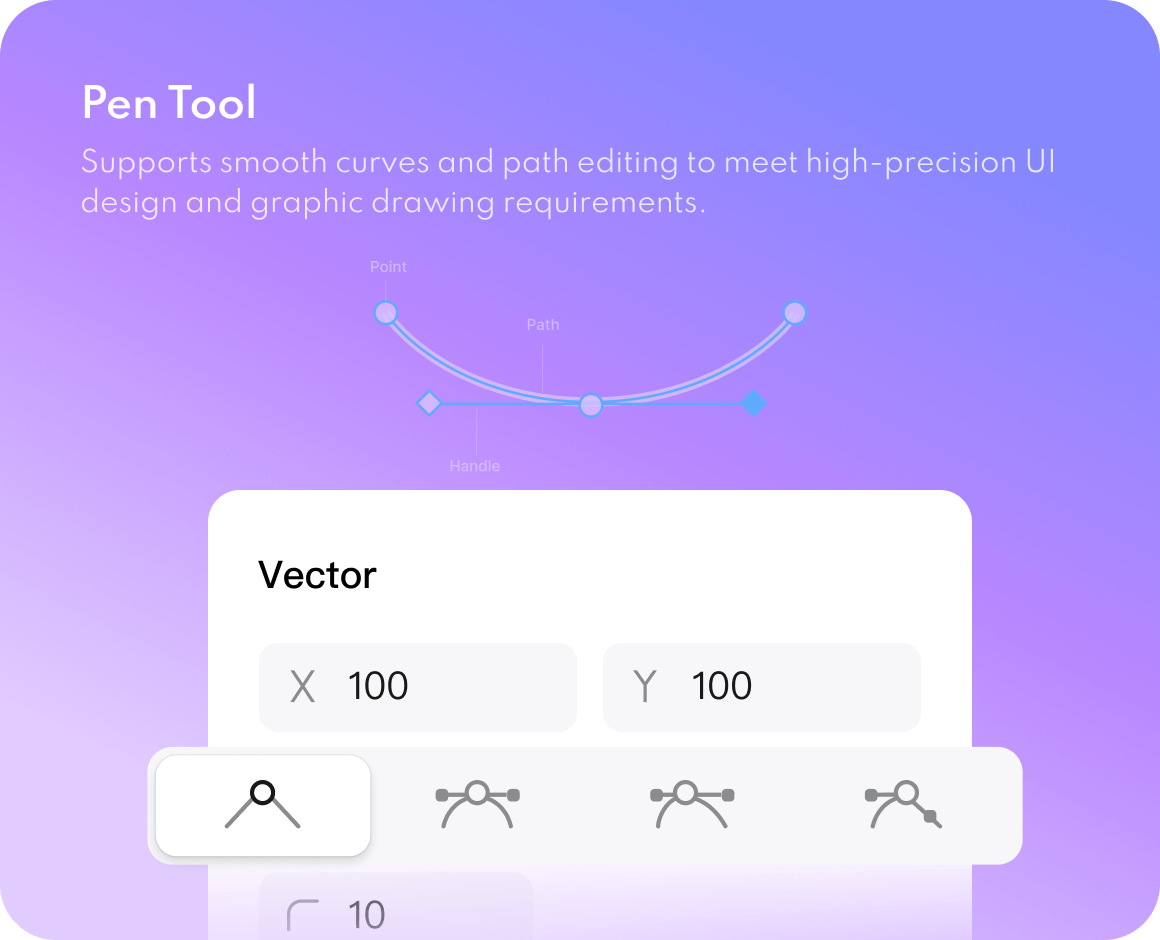
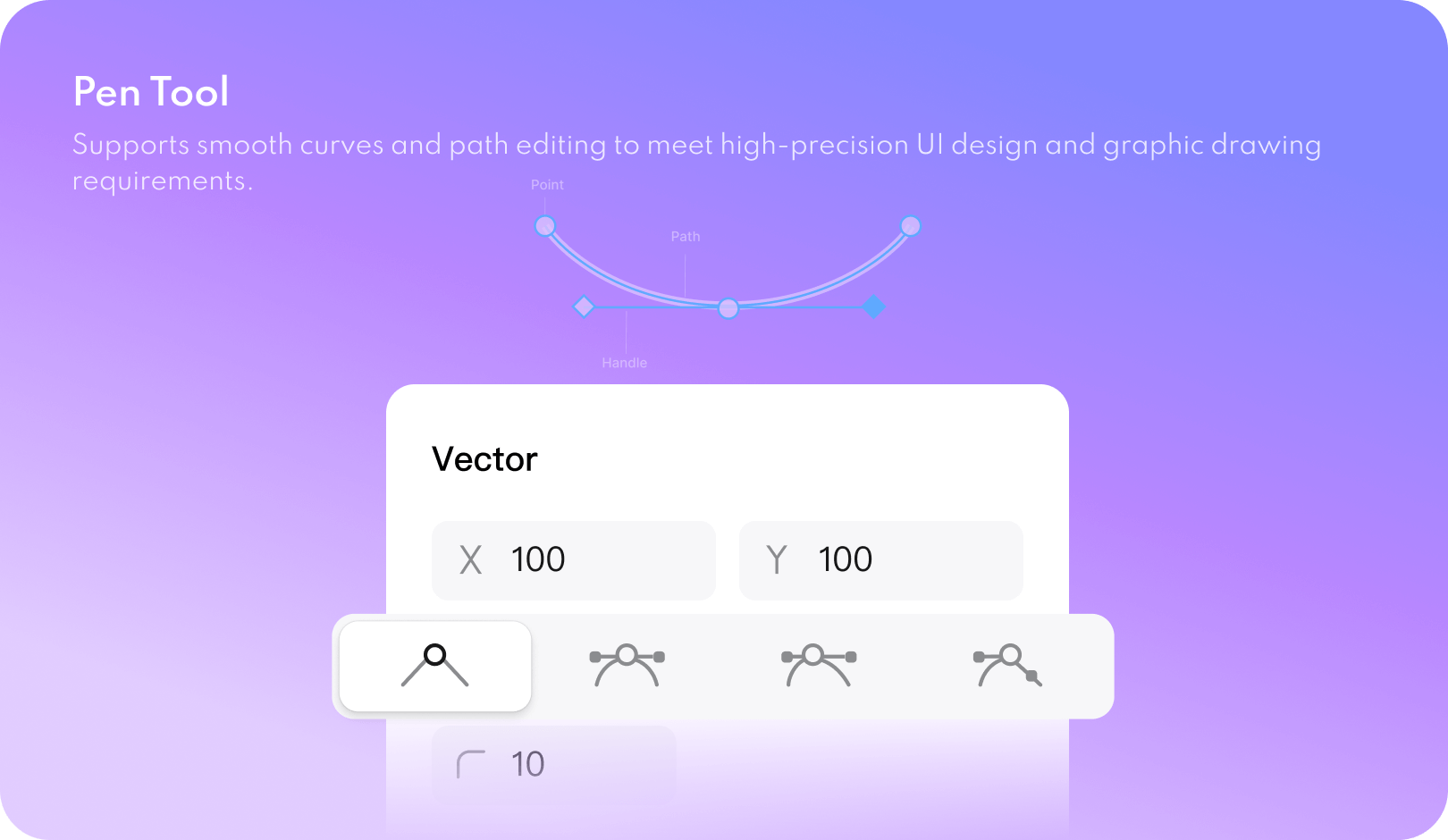
Draw and edit vector icons and interface elements. Adjust layouts for the screen sizes your product needs.
-
Start from built-in templates and components, then adapt their layout and styling to your product requirements.
Explore UI options with AI
Professional vector design
Vast resources and templates
Build a reusable design system
-
Use color, text, and number variables to manage shared design decisions. Update a variable to change the elements that use it.
-
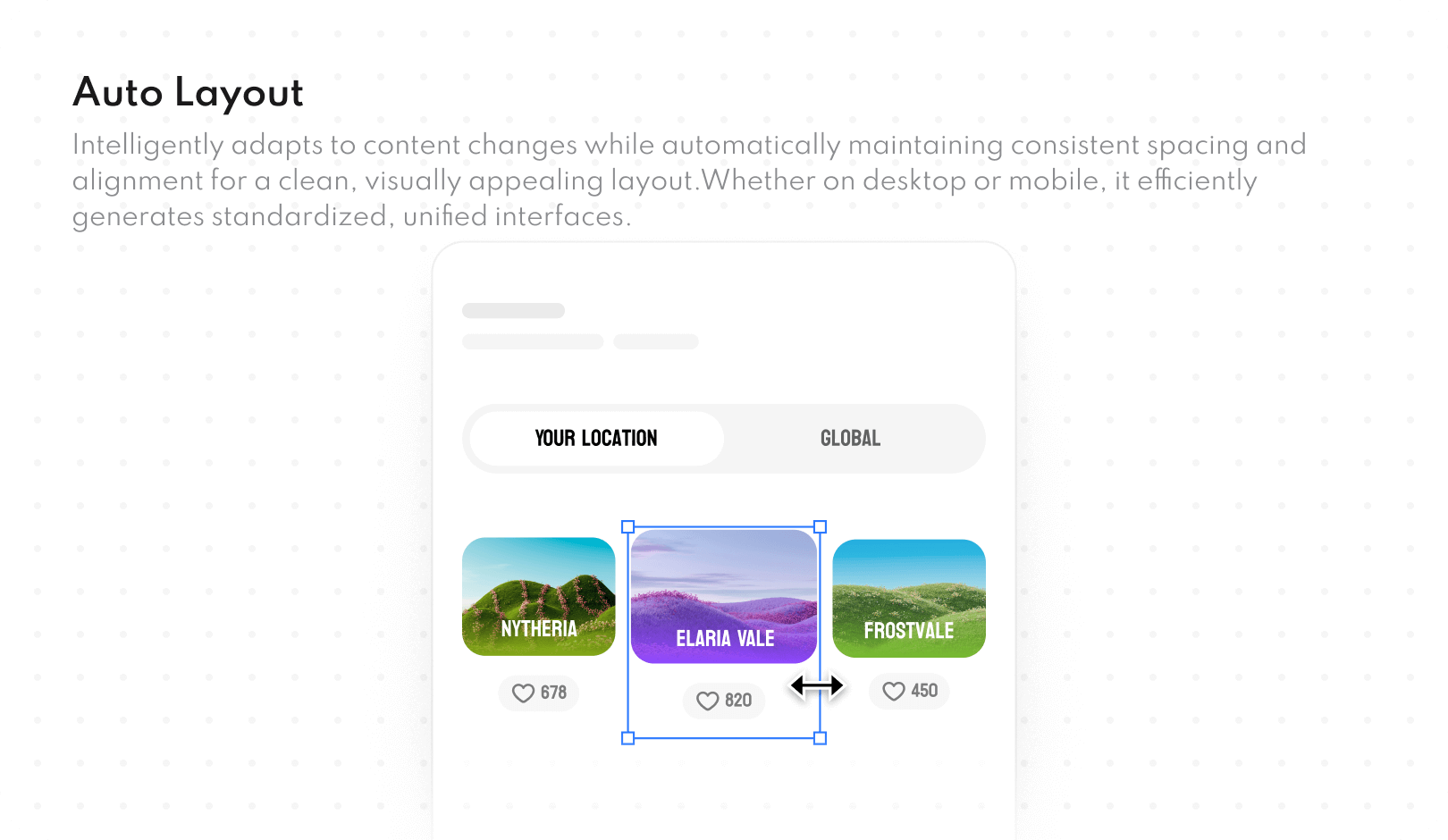
Create reusable components with variants and interaction states. Use auto layout to control spacing as content changes.
-
Switch between theme styles, such as dark and light mode, using shared variables to keep related design elements consistent.
Shared design variables
Components and auto layout
One-click theme switching
Edit and review designs together
-
Real-time collaborative editing with visible cursors and changes shown as teammates work side-by-side.
-
Add comment threads beside the design and mention a teammate when a decision needs their input.
-
Keep documents in a shared cloud workspace and manage member permissions for editing and review.
Real-time collaboration
Comments on the design
Cloud Management and Permission Control
Share the components your team uses
-
Publish frequently used components and styles to a team library so designers can reuse the same building blocks.
-
Organize shared design resources and manage access so teams can find and use the current assets.
-
Integrate third-party resource plugins to add design resources to your workspace.
Team Resource Library
Organization asset library
Additional design resources
Share design specifications and code drafts
-
Export code drafts for supported development targets, then review and adapt the output to your project's framework, accessibility, and implementation requirements.
-
Export design elements as resource files that developers can inspect and integrate into the application.
-
Use developer mode to inspect code, styles, and dimensions alongside the design when reviewing implementation details.
Design-to-Code Export
Intelligent Image Cropping and Resource Export
Connect the R&D process
UI design tools for your team
from vector editing to design handoff
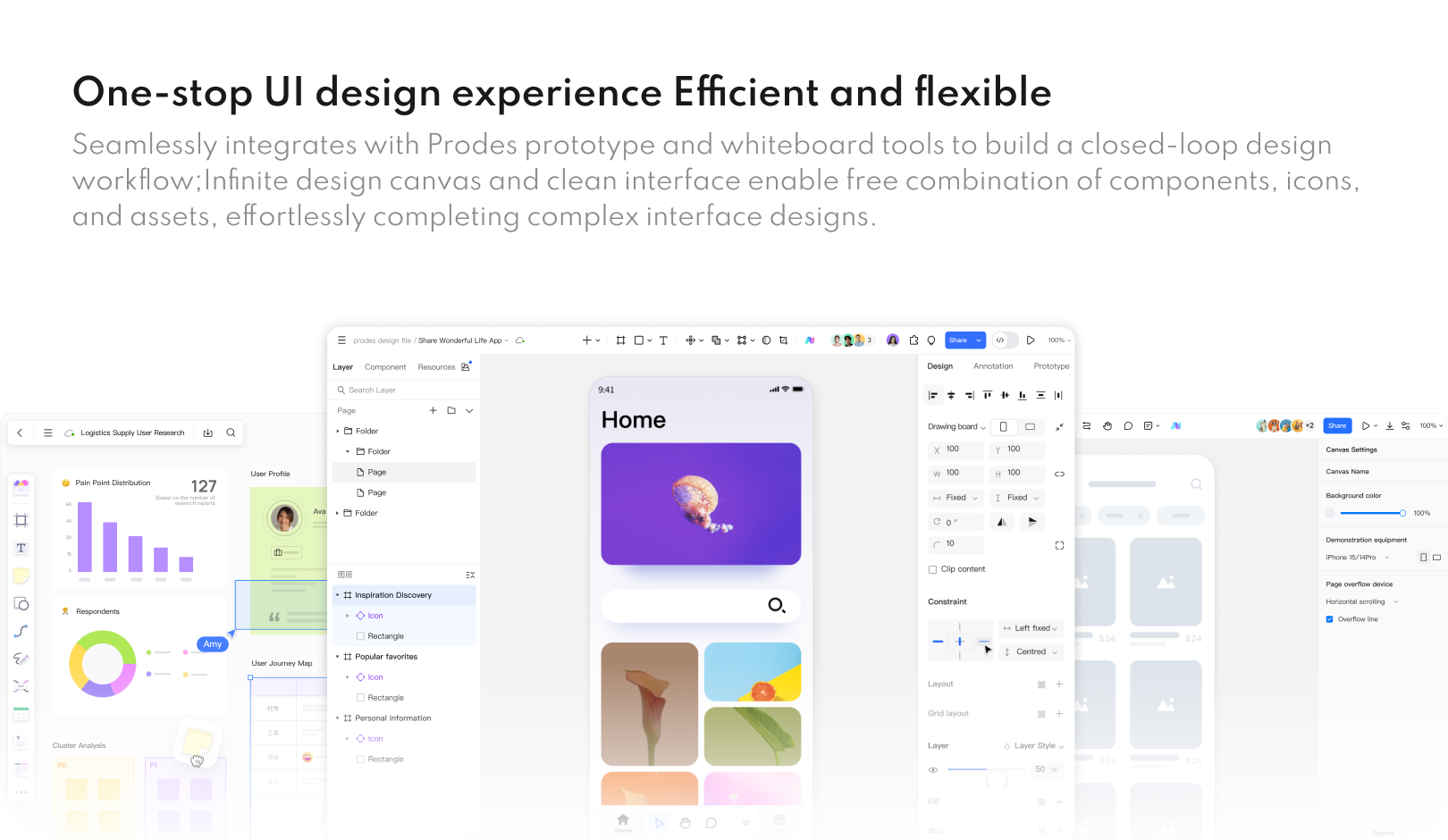
Build interface elements, manage shared components, and prepare designs for developer handoff.
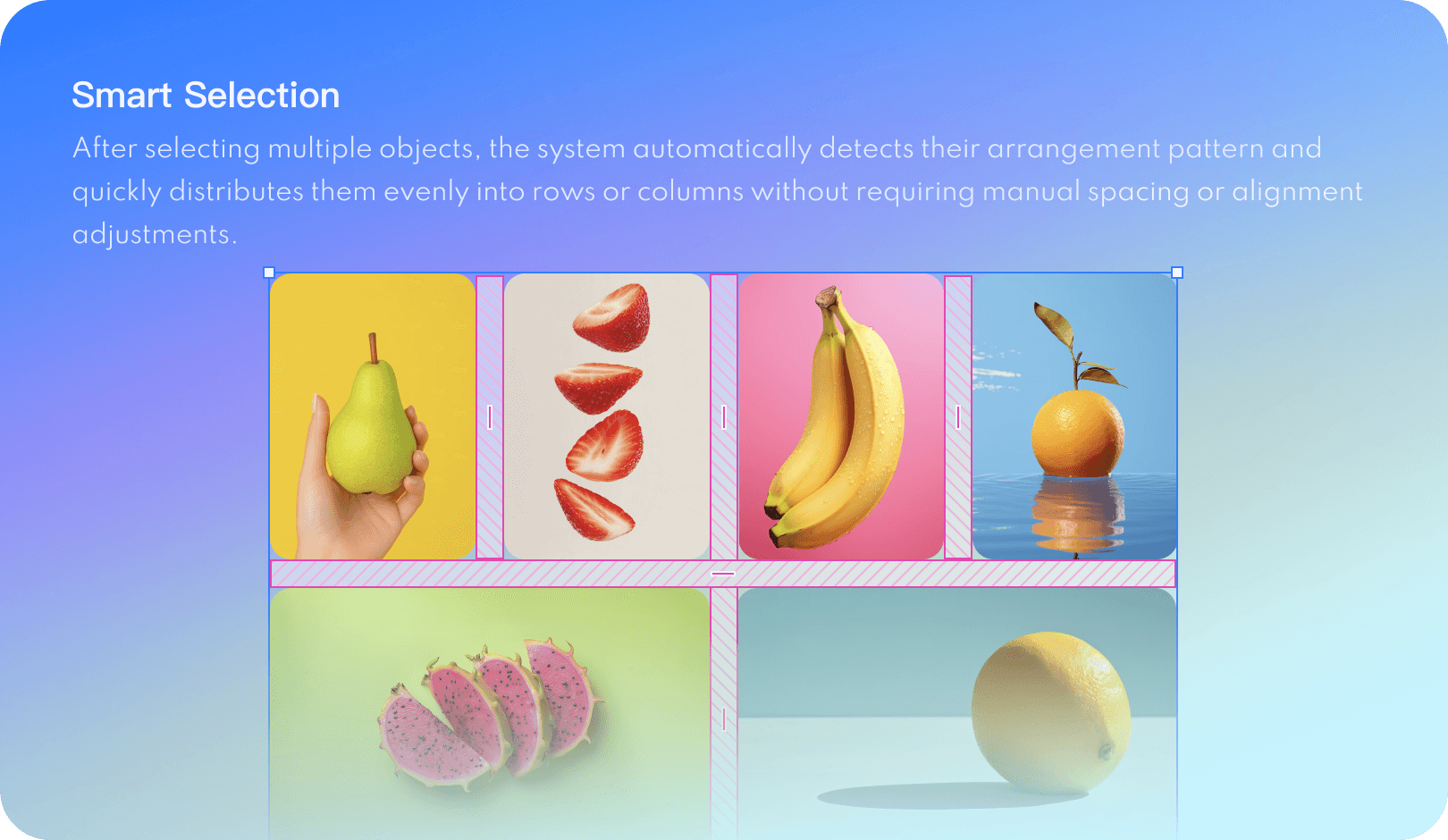


Why Choose Mockitt Design
Keep interface editing, team libraries, and design review in one workspace.
Keep design work connected
Move between interface design, prototypes, and developer review in the same project.
Reuse shared components
Use team libraries and reusable styles to keep recurring interface elements consistent.
Review the implementation details
Share design specifications and exported resources so developers can inspect the intended layout.
Start with reusable design resources
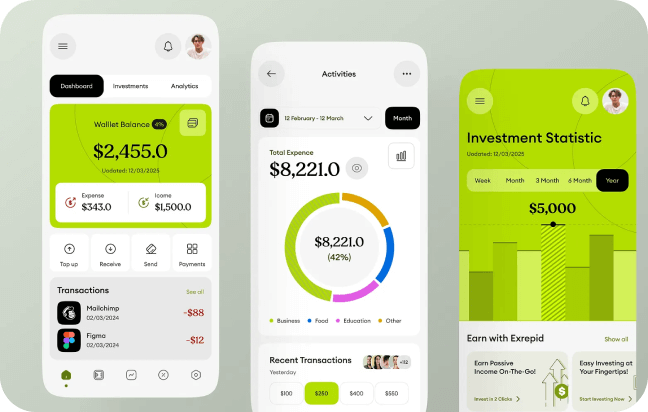
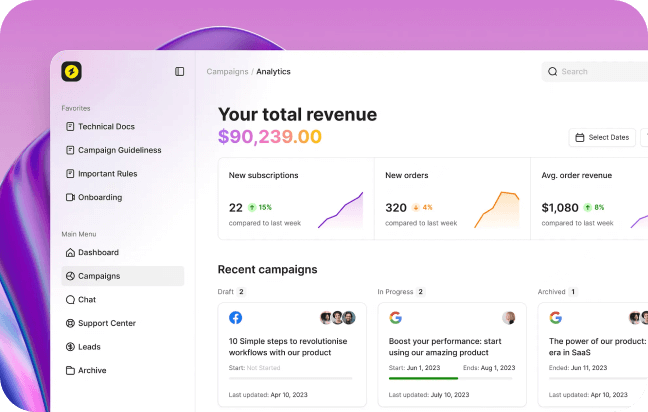
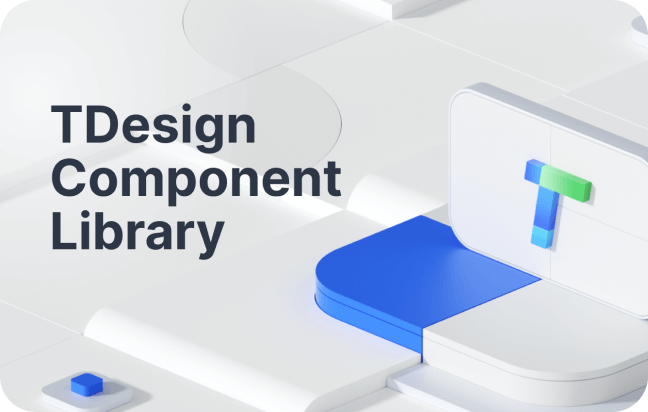
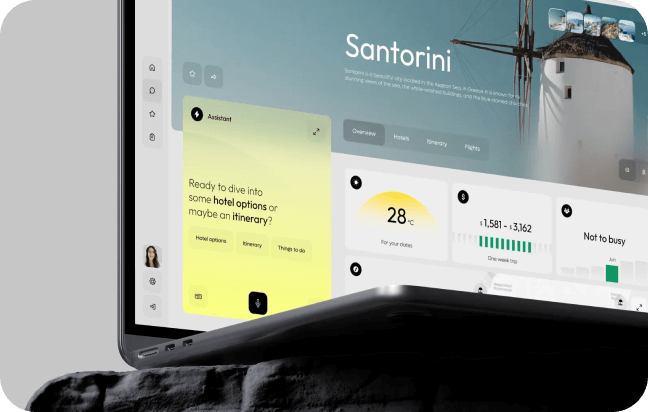
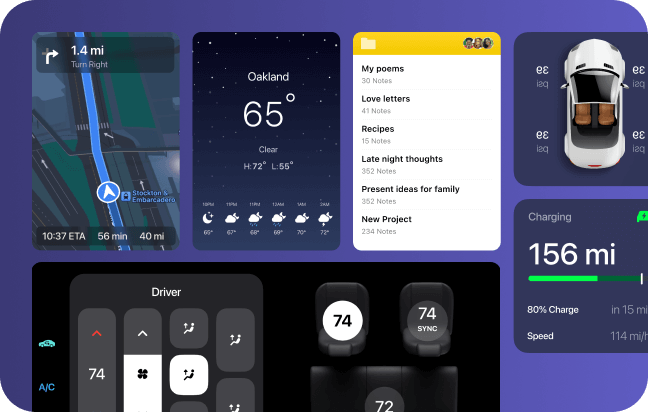
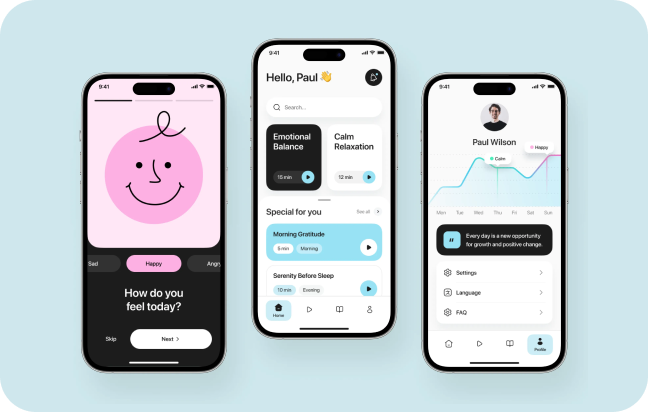
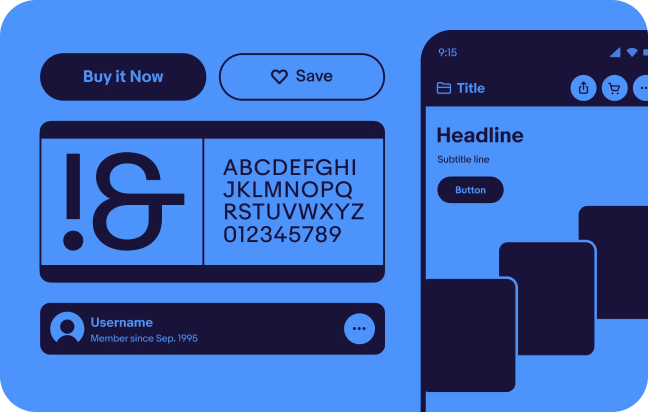
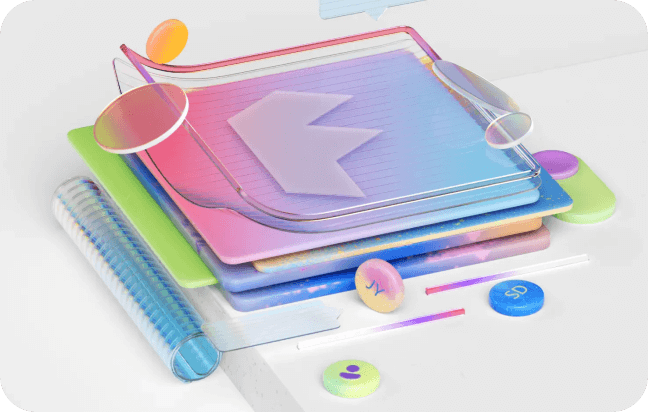
Add design resources through plugins in the editor.
Add design resources through plugins in the editor.
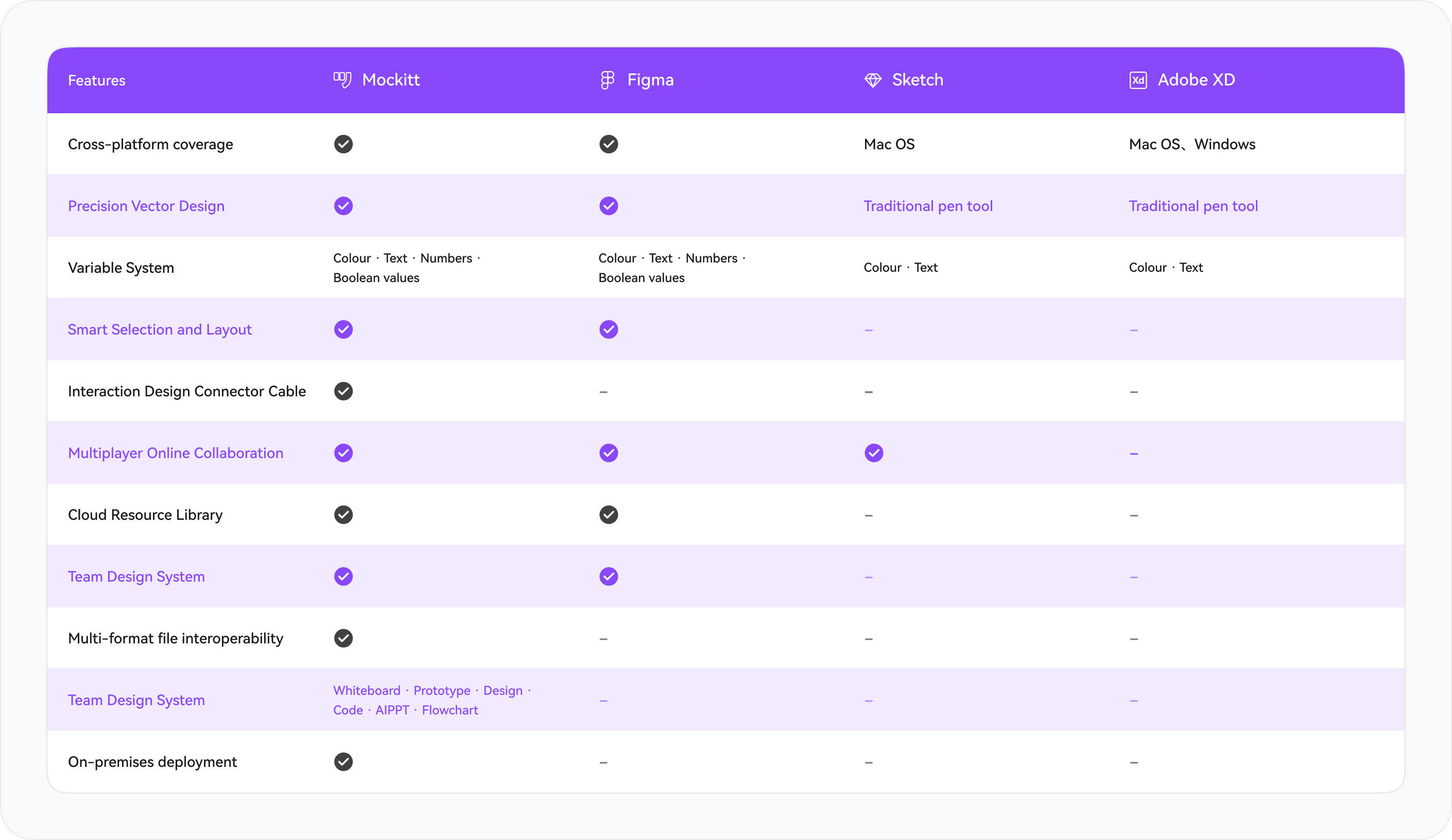
Compare design workflows
Compare the editing, collaboration, and handoff features your team uses.
 Try for Free