 Start with a clear product idea
AI UI Design
Generator

for Editable Drafts
Describe a web or mobile screen in plain language and get a structured UI draft. Review the layout, refine the components, and keep shaping the experience in Mockitt.
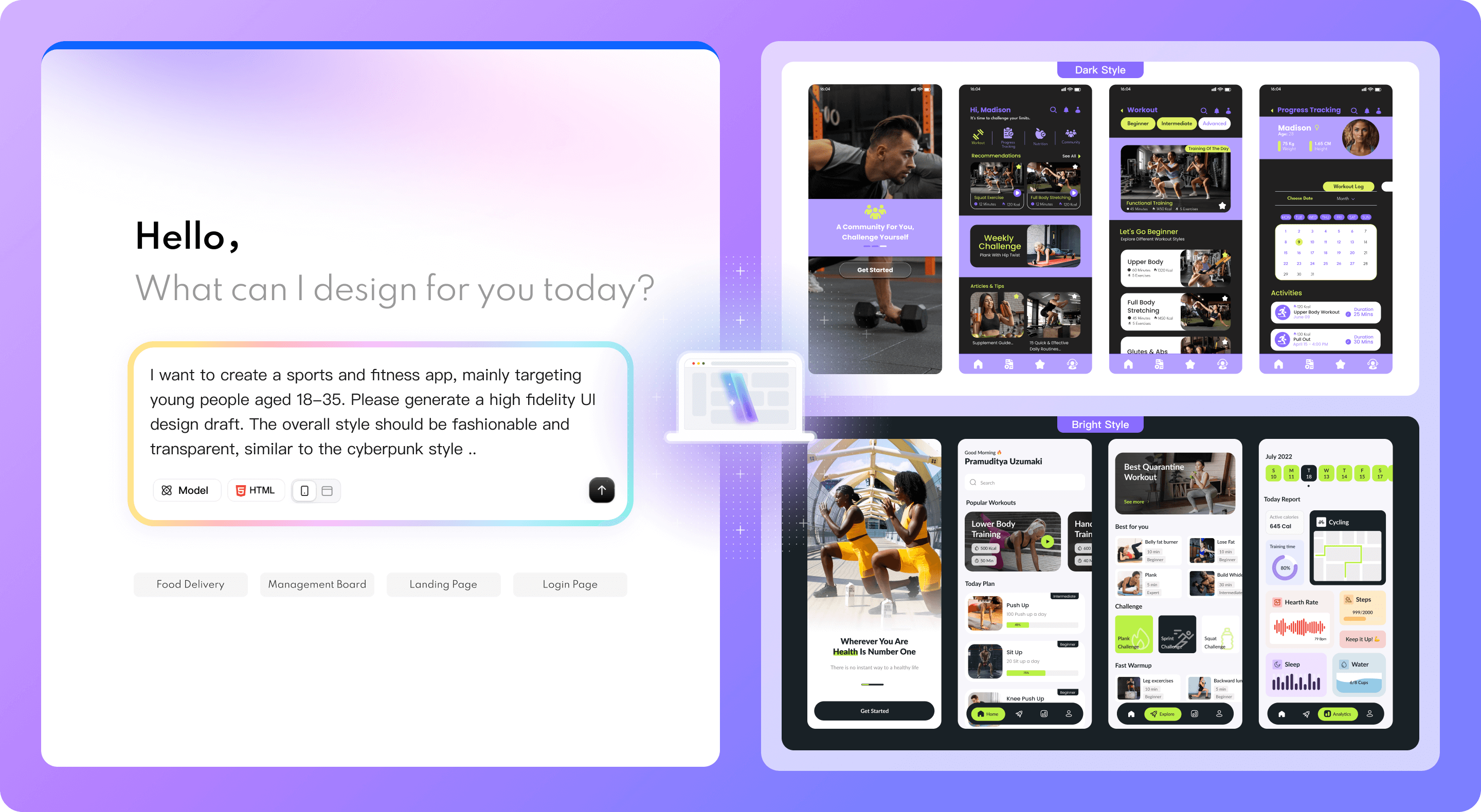
An AI UI design generator for editable drafts
Mockitt turns a product description into a structured UI draft with editable layers and components, so your team can review the design and continue editing it.

Explore a direction

Edit the UI structure

Plan for web and mobile
How to use an AI UI design generator
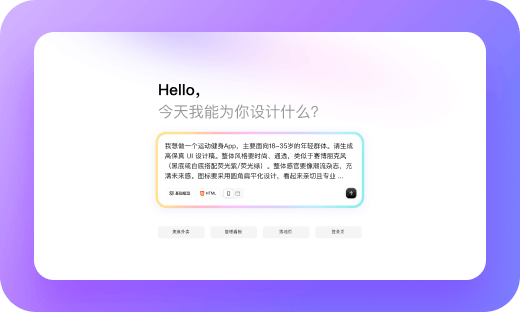
1. Describe the interface
State the screen type, user goal, key modules, target platform, and visual style. Specific requirements give the first UI draft useful structure.
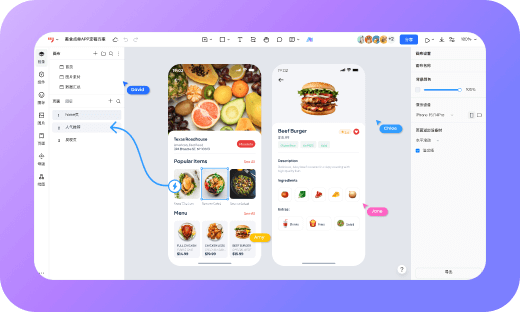
2. Review the generated draft
Review the proposed screens, information hierarchy, copy, and visual direction. Treat the result as a starting point and note what needs to change.
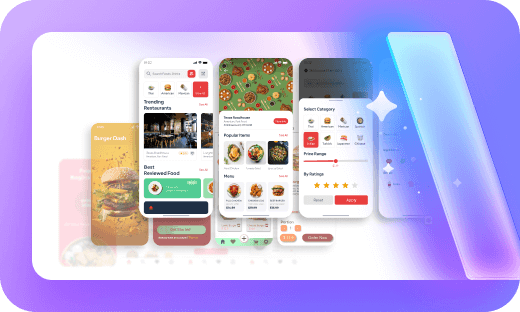
3. Refine the layout and components
Choose a direction, refine details with AI chat where available, and edit the draft directly in Mockitt. Check content, states, and interactions before sharing it for feedback.
 Focus on
Product Decisions
Focus on
Product Decisions ,
not Repetitive Setup
,
not Repetitive Setup
Focus on
Product Decisions,
not Repetitive Setup
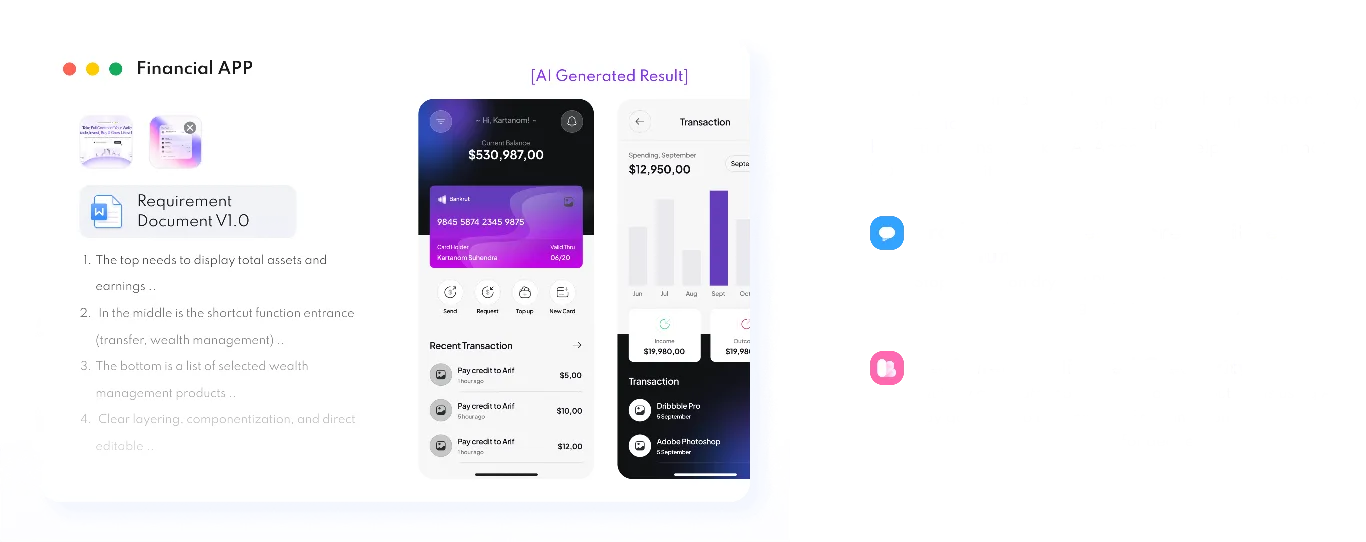
Explore Mockitt AI workflows
Start from a prompt, screenshot, HTML file, or product requirement. Choose a workflow, then review and refine the result with your team.

AI UI Design Generator
Describe a web or mobile screen and generate a structured UI draft to review and refine.

Image to Prototype
Turn sketches or screenshots into editable prototype drafts, then refine the flow.

HTML to Prototype
Convert supported HTML code into an editable prototype, then review the layout and interactions.

AI PRD Generator
Organize product requirements into a structured draft for your team to review and clarify.

Design to Code
Generate a code draft from the design, then review and adapt it to your application.

AI Requirements Review
Review requirements for gaps, unclear statements, and logic that needs further discussion.

AI Product Research
Explore a product or market question and draft research findings for your team to verify.

AI Product Plan Generator
Turn a product idea into a planning draft with goals and priorities to discuss with your team.

AI Test Case Generator
Draft test cases from requirements or prototypes, then check coverage and expected results.