Looking for A Figma  Alternative?
Try
Mockitt Design
Compare visual design, prototype review, and file migration for your product team.
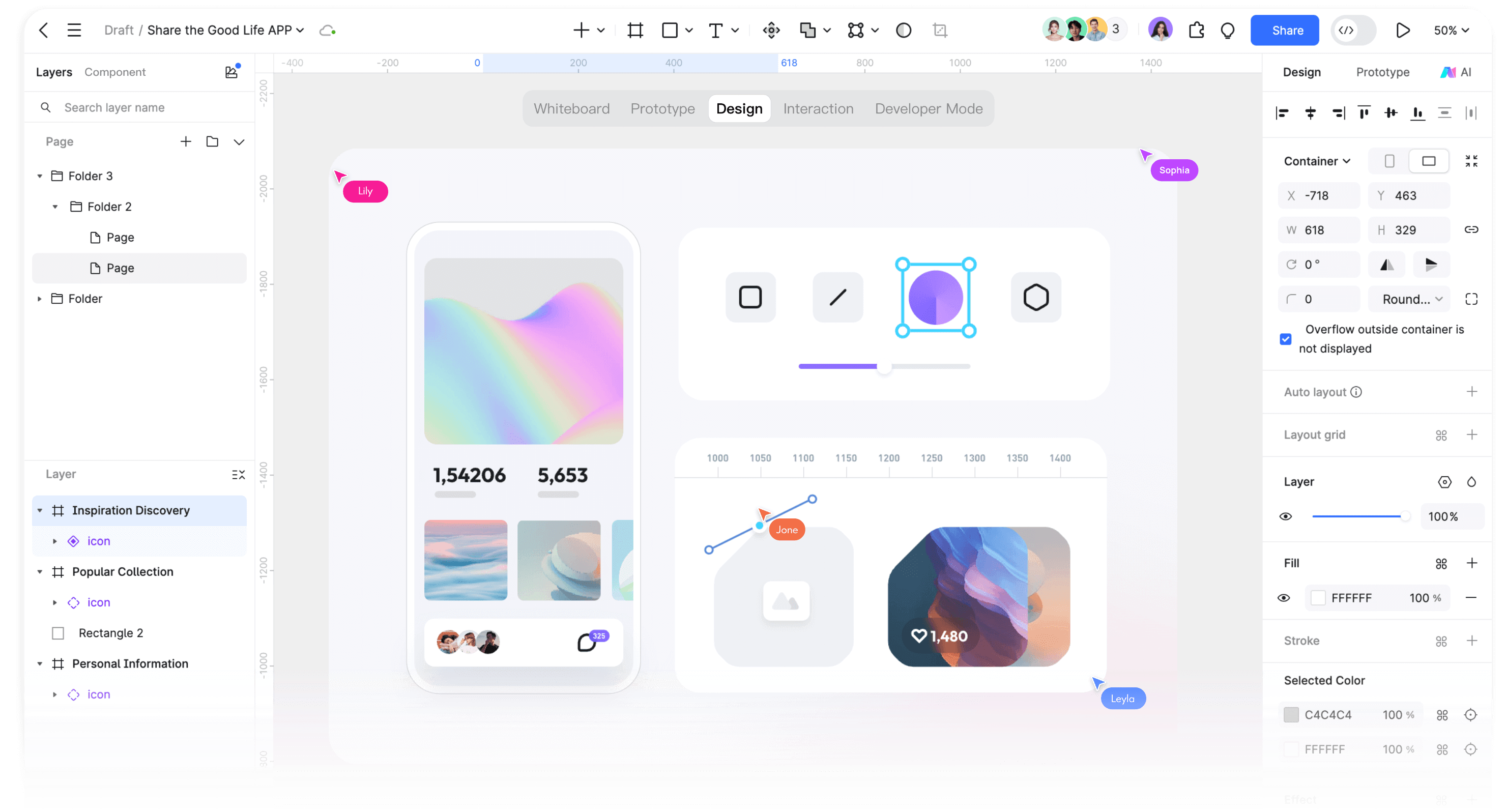


Compare Your Design and Handoff Workflow
Both tools support interface design and prototyping. Use your components, collaboration needs, and handoff requirements to choose between them.

Feature Coverage
Core Features for Design and Prototyping
-
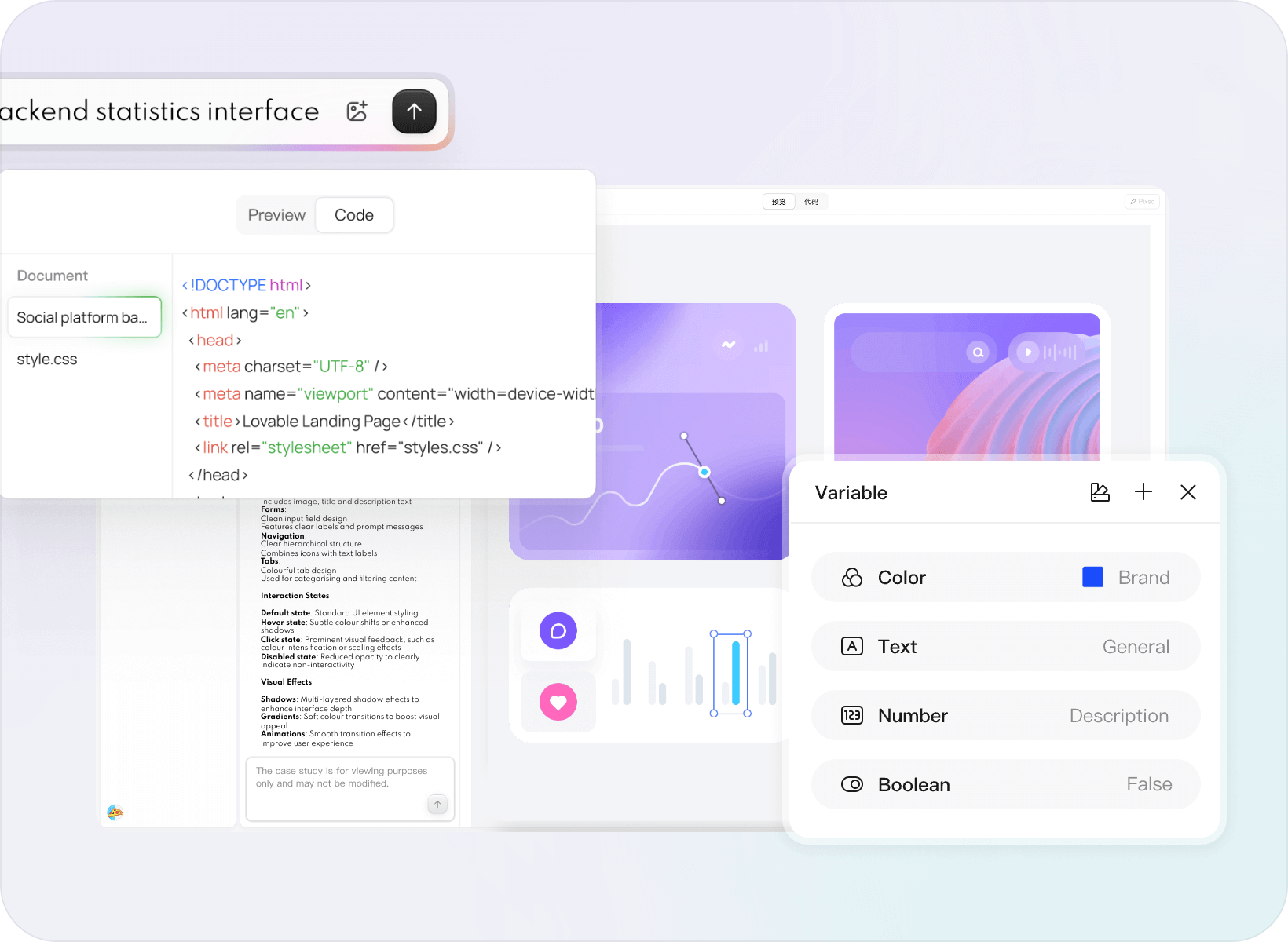
· Mockitt design supports variable management, component variants, real-time collaboration, AI-assisted design generation, design-to-code workflows, Figma file import, and built-in component libraries. Feature availability can vary by plan and file content.
-
· Figma offers reusable components and libraries, interactive prototypes, and Dev Mode for inspecting designs and preparing developer handoff.

Performance Experience
Collaboration Performance and Hosting
-
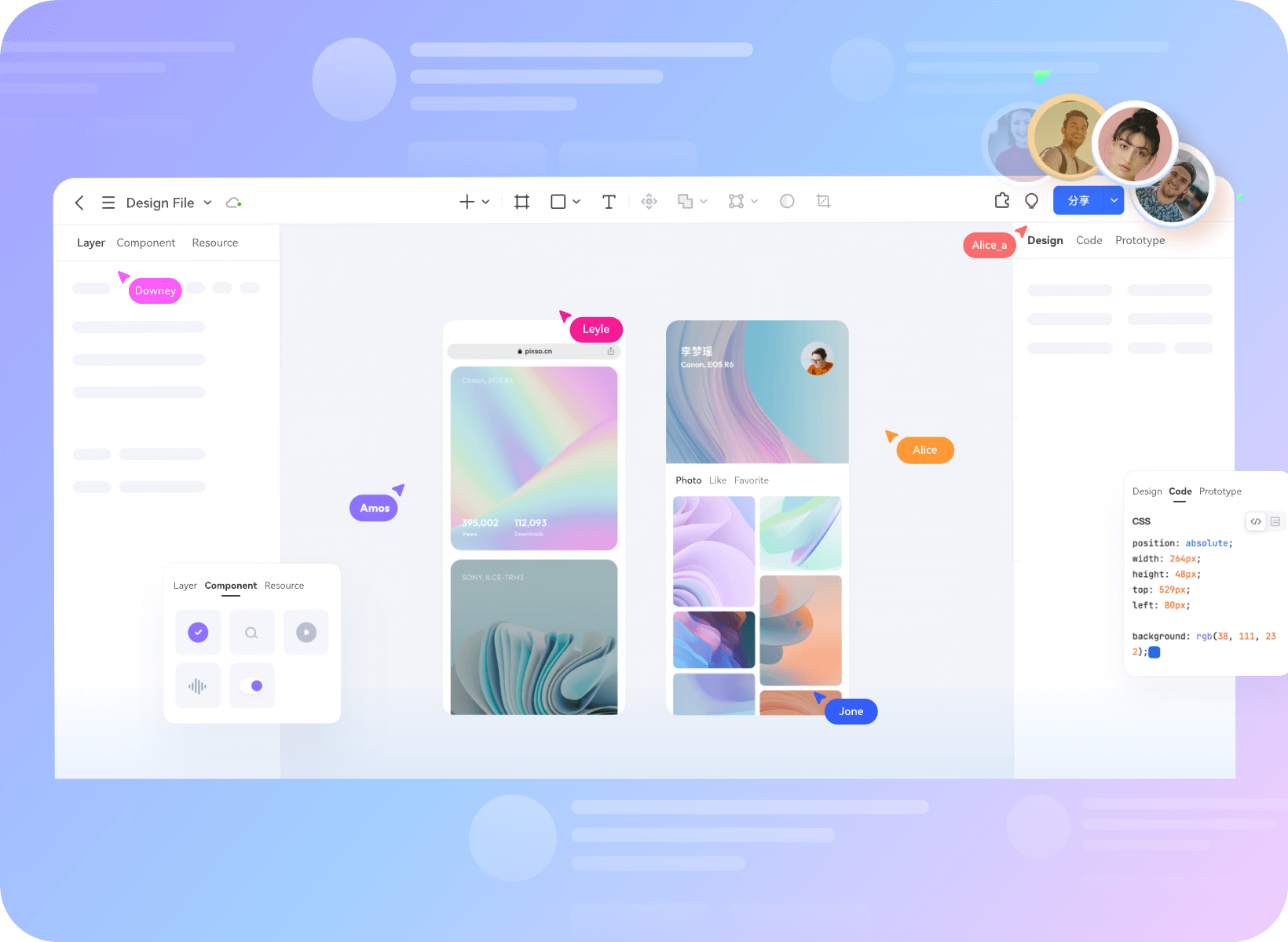
· Mockitt provides cloud collaboration and supports deployment options for eligible plans. Actual response time and file performance depend on network, file complexity, region, and plan.
-
· Response time for Figma and Mockitt can vary with network conditions, region, file complexity, and plan.

Security Compliance
Enterprise-Grade Security & Compliance
-
· Mockitt offers security and governance options for eligible enterprise plans. Confirm certifications, deployment location, and data-processing terms with Mockitt for your organization and region.
-
· Review each provider's current data-processing terms, deployment options, and compliance requirements for your organization before selecting a plan.


AI-Assisted Workflows
Compare How You Refine an AI Draft
-
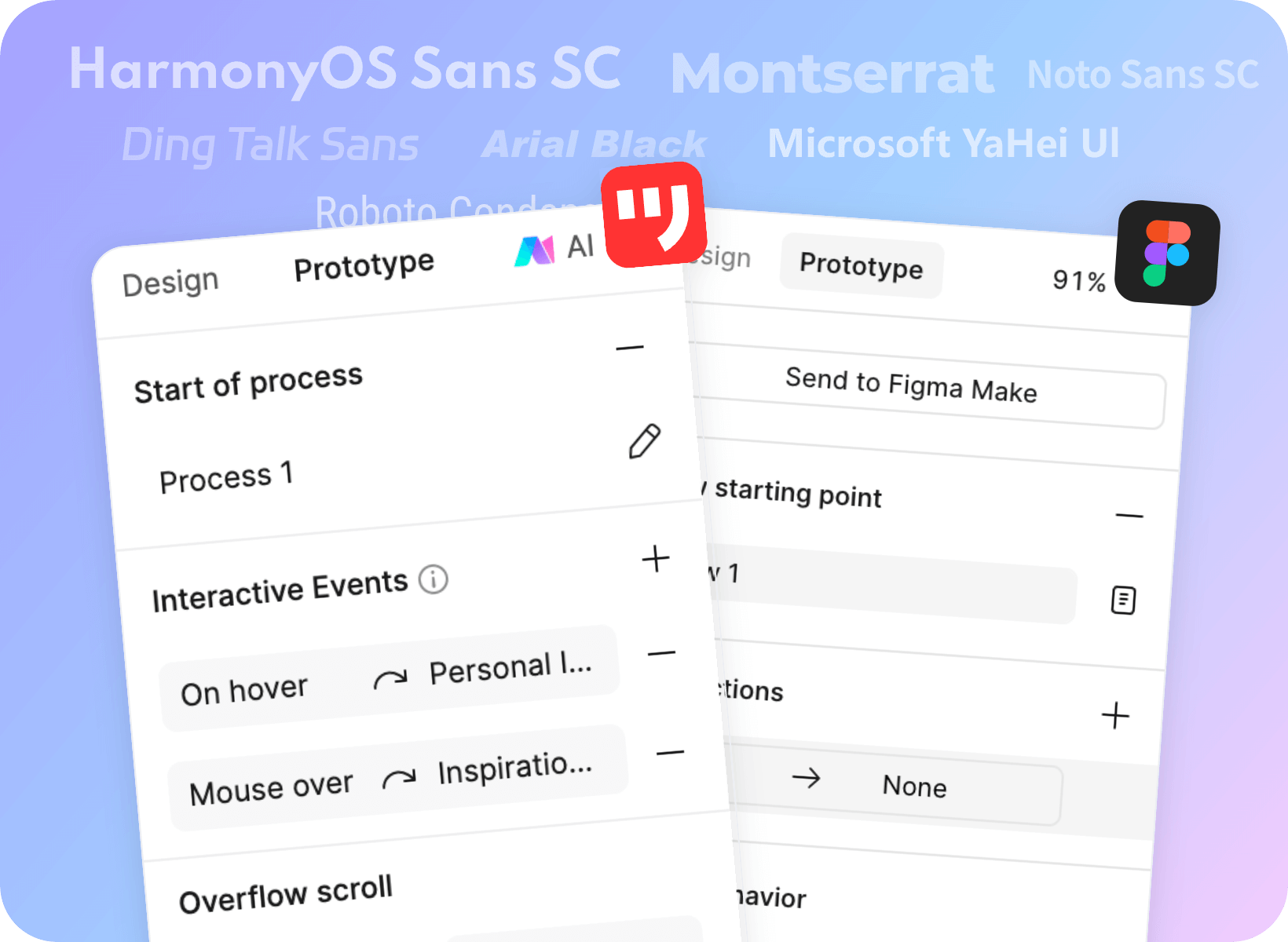
· Mockitt AI can help produce a starting design. Continue by editing the layout, connecting screens, and reviewing the flow with your team.
-
· Figma provides native AI features and Figma Make for prompt-driven building. Try the same brief in each product and assess the editing and review workflow.
Seamless Figma
Import


Import Figma files into Mockitt and continue editing
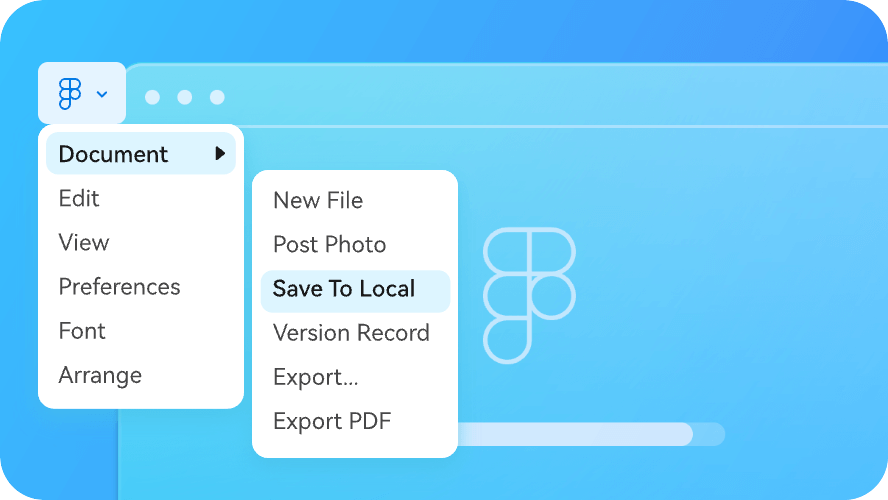
1. Open the design file in Figma
Use File → Save local copy to download a .fig file. You need permission to copy or export the design.
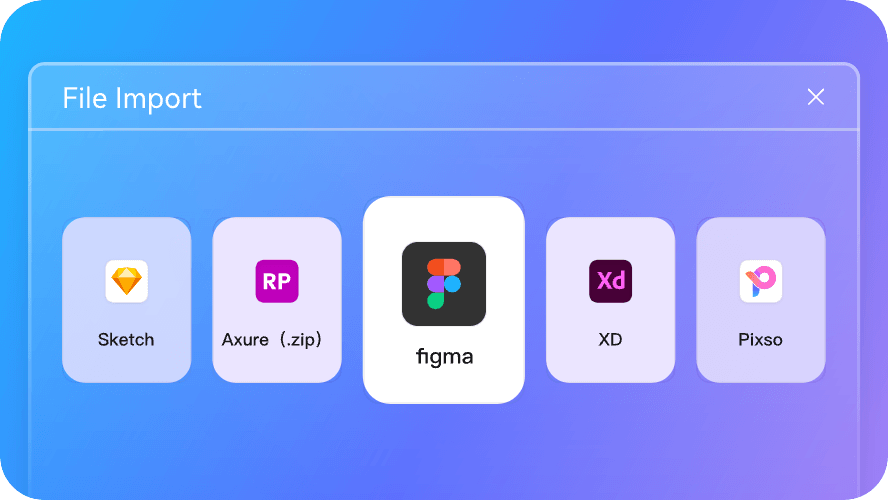
2. Enter the Mockitt workspace
Choose the Figma import option and select your saved .fig file.
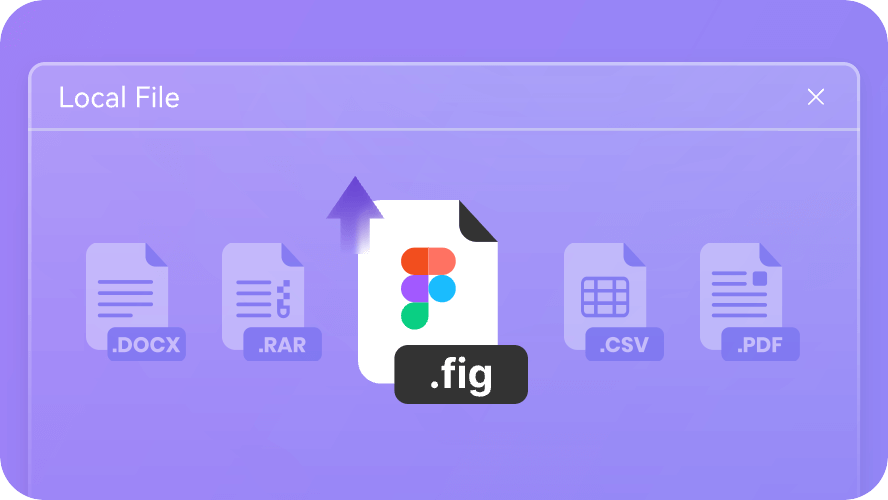
3. Review the imported design
Check fonts, components, layout, and interactions before continuing with the imported file.
Better Product Design
Starts with Mockitt