AI-Powered Generation
Specific Skills
Describe a screen or product idea, then review and refine the generated design.
Both Mockitt and Uizard support AI-assisted design and interactive prototypes. Compare how you edit screens, connect a complete flow, and gather team feedback using the same product task.
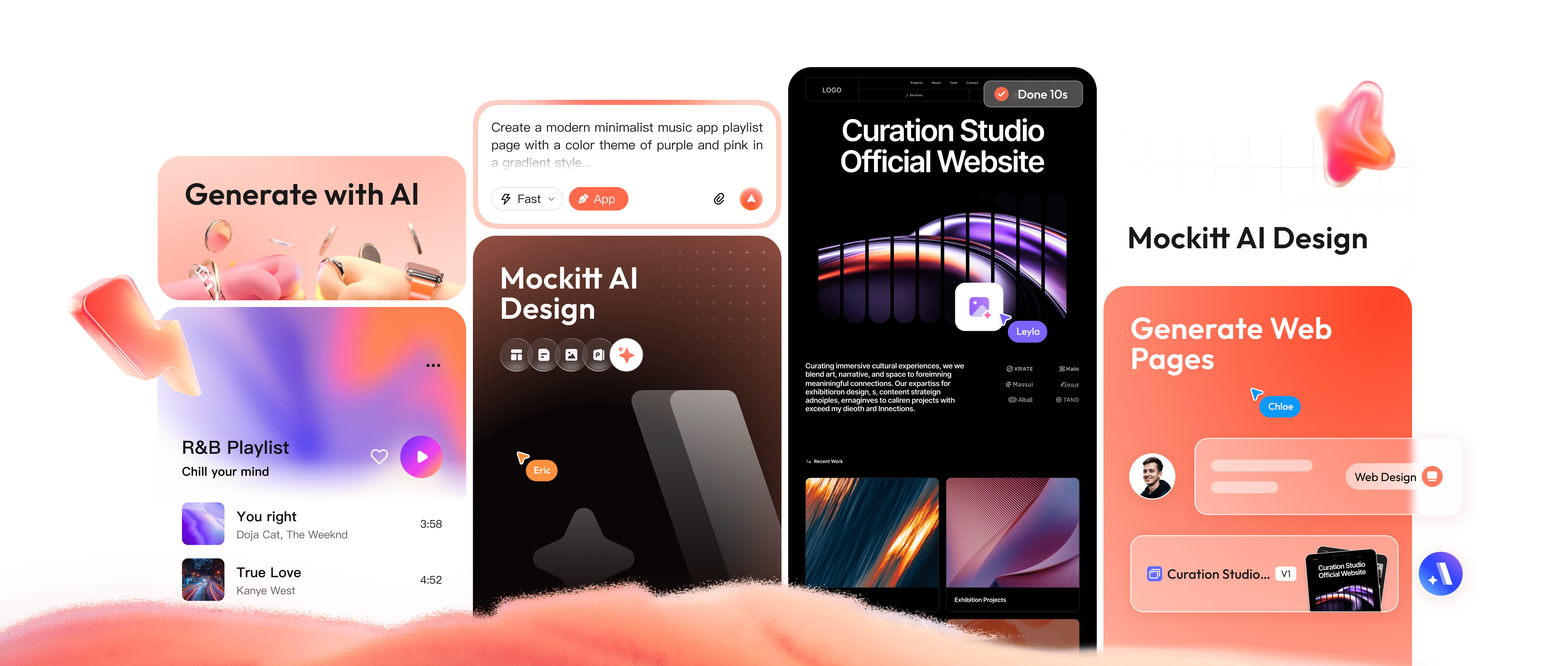
Explore an AI-assisted draft, refine it visually, and connect the screens your team needs to review.
Describe a screen or product idea, then review and refine the generated design.
Edit the layout, content, and supported component properties to fit the task you are prototyping.
Build clickable prototypes with advanced animations, gestures, and state management.
Real-time multiplayer editing, comments, version history, and design system management.
Compare AI-assisted design and interactive prototyping workflows in Mockitt and Uizard.
| Task | Mockitt | Uizard |
|---|---|---|
| AI design | AI-assisted screen drafts | Autodesigner screen drafts |
| Text input | Describe the intended UI | Describe a project or screen |
| Visual editing | Edit the design on a canvas | Edit generated mockups |
| Screen content | Components and design assets | Components and design assets |
| Interaction review | Configure the required states | Preview linked screens |
| Prototypes | Connect screens into a flow | Link screens into a flow |
| Collaboration | Shared editing and comments | Real-time team collaboration |
| Review output | Interactive prototype link | Interactive prototype link |
| Best evaluation | Try your main task and exceptions | Try your main task and exceptions |
| Handoff | Share design details and behavior | Share the design and flow |
| Plan selection | Match project and team needs | Match project and team needs |
From quick mockups to interactive prototypes, Mockitt adapts to your workflow.
Design iOS and Android apps with native components, gestures, and realistic device previews.
Prototype a web application’s layouts, navigation, and key data states before development.
Prototype a landing page’s message, call to action, and sign-up flow, then use feedback to improve the design.
Establish and maintain consistent design systems with shared components and style guides.
Everything you need to know about switching to Mockitt.
Both tools provide editable AI-assisted designs, clickable prototypes, and team collaboration. Compare a complete task in each: edit the layout, connect the screens, include an error state, and share the result with a reviewer.
Plan availability, project limits, and trial terms can change. Review the current pricing page before starting a project.
Describe the user, task, screen content, and constraints. Review the resulting draft, correct missing or inaccurate details, and add the interactions needed to make the flow reviewable.
Use the export options available in your project and plan. Developers should review any code output and adapt it to the target application rather than treating a prototype export as a production release.
Eligible team plans can include multiplayer editing, comments, version history, and design system management. Check current plan limits for your team.
Explore a visual workflow that combines AI-assisted starting points with editable design and prototyping.
Try for Free