The Cross-Platform Sketch Alternative
A browser-based design platform built for Product Teams
 Try for Free
Compare Design, Collaboration, and Reuse

Cross-Platform Accessibility
Mockitt offers browser-based design and prototyping for teams working across desktop operating systems. Share preview links to review the resulting experience on other devices.
Sketch’s design editor runs on macOS. Its web app lets colleagues on other operating systems view designs, comment, and inspect files for handoff.

Real-Time Collaboration
Mockitt supports shared editing, prototype links, and comments so designers and reviewers can discuss the same screens.
Sketch supports real-time coediting in its Mac app, alongside browser-based sharing, comments, and developer inspection.
Auto-Save & Version History
Use Mockitt’s project history to review earlier design work and recover a suitable version. Agree on named review points as your team iterates.
Sketch provides document version history in its workspace. Compare how each tool stores and restores versions of a representative team document.


Extensive Built-in UI Libraries
Reuse Mockitt components for common mobile, web, and dashboard layouts, then adapt them to the task you need to prototype.
Sketch supports reusable components, Libraries, and templates. Check how each tool fits your existing design system.
Versatile prototyping scenarios
 App
 Dashboards
 Web
 Mobile Web
 Visualization
 HMI

Adaptable to various device models
Preview the Mobile Flow

Supports various gesture interactions

Use interface components and icons suited to your app

Review screens in an appropriate device frame

Batch-process standardised design
Reuse Patterns Across Dashboard Screens

Reuse components to keep repeated elements consistent

Massive navigation, pagination, and chart components.

Document the patterns and states your team will reuse
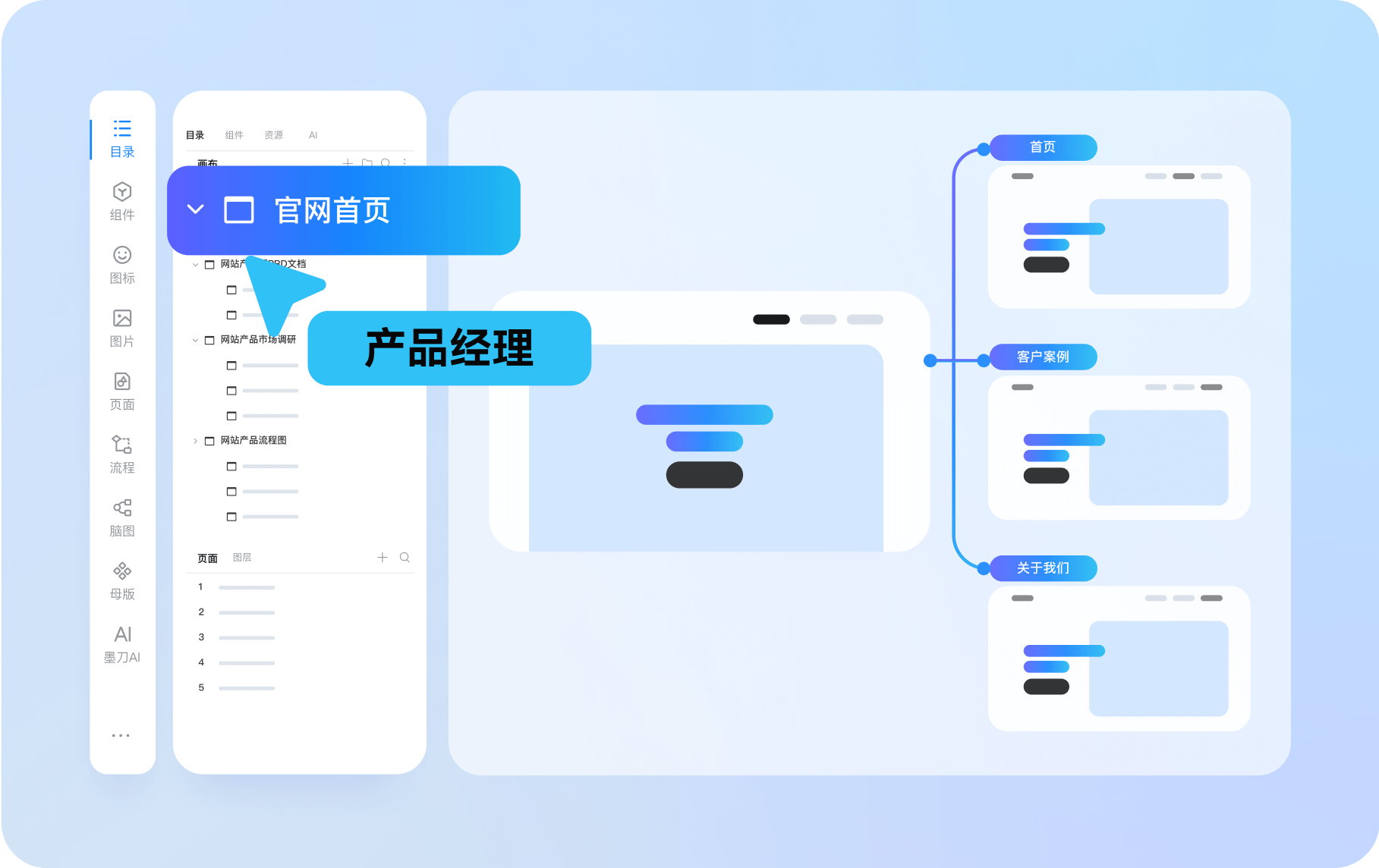
Clearly map out the website structure Prototype Website Navigation and Screens

Use a mind map to organize the website sitemap

High-frequency components such as navigation and buttons can be dragged and used directly

Supports inserting videos, maps, hyperlinks, etc

Customisable components
Prototype a Mobile Content Flow

Build list, detail, and confirmation screens

Use suitable images and icons with the required rights

Connect screens and review back navigation

Industry-specific Component Templates
Prototype a Mobile Web Campaign

Plan a product launch, event, or sign-up journey

Add transitions where they explain a change of state

Review form validation, confirmation, and return paths

Massive visualisation components
Drag-and-drop to complete large-screen prototypes

Choose charts that answer the intended data question

Use motion to explain changes without distracting readers

Rich industry templates and solutions

Supports multiple terminal types
Prototype Touchscreen and Device Interfaces

Choose clear icons and readable touch targets

Plan the touch, click, and navigation behavior

Demonstrate and simulate the real experience of the HMI system.
Enterprise Solutions Built for Efficiency
Keep Project Material Together
Collect PRD documents, prototypes, design drafts, flowcharts, mind maps, etc
Flexible Team Management
Keep project ownership and access clear as team responsibilities change
Easily implement team architecture and permission management
Efficient Enterprise
Resource Migration
Pilot a supported file import and check its layout, components, and interactions before migrating more work
Shared Design Assets
One click upload of enterprise materials, shared by all staff for quick reuse


