Online Prototype Maker
for Product Teams
Use Mockitt as an online prototyping tool for app and website ideas. Build editable screens, connect a complete user flow, and share a prototype for team feedback before development.



Build wireframes with reusable components
-
Start with a reusable UI library
Start with buttons, inputs, and navigation. For an order-return prototype, lay out an item list, a reason screen, and a review screen. -
Build wireframes by dragging and dropping
Start with a wireframe to plan content and navigation. Drag components onto the canvas, then adjust the layout without writing code. -
Keep repeated screens consistent
Copy component properties and make batch updates when you need to revise a set of screens.
Turn wireframes into clickable user flows
-
Connect screens and actions
Connect actions with click, hover, or gesture triggers. Link the selected item to its return reason, then show the review before confirmation. -
Preview realistic interactions
Preview both directions: continue to the review, return to change the reason, and show feedback when a required choice is missing. -
Reuse interactive components
Add dynamic states and in-page animations to make common patterns easier to prototype and review.
Share prototypes and gather team feedback
-
Review together in real time
Edit in the cloud with teammates and keep review, revision, and decision-making close to the prototype. -
Leave feedback where it matters
Ask a reviewer to change the return reason and explain the confirmation. Keep feedback beside the screen that needs a decision. -
Share a prototype link
Send one link for stakeholder review and keep the latest version available as the prototype changes.
Preview user flows before development
-
Preview on realistic device frames
Present an app prototype in a device frame and walk through tasks such as signup or checkout to review the flow. -
Choose the right review view
Switch between overview, presentation, and annotation views for different review conversations. -
Export for offline demos
Prepare an offline package for presentations or reviews when an internet connection is not available.
Use AI to create a first prototype draft
-
Generate an editable prototype draft
Describe product requirements and use the AI prototype generator to create a starting point for review and iteration. -
Create custom prototype components
Describe a function to generate an AI code component, then check its behavior and refine it in your prototype. -
Ask questions while you design
Get guidance on prototyping tasks and product decisions without leaving the workspace.
One online prototyping tool
for apps, websites, and dashboards
 Apps
Apps
 Admin
Admin
 Websites
 Mobile Content
 Mobile Web
 Dashboards
 HMI
HMI
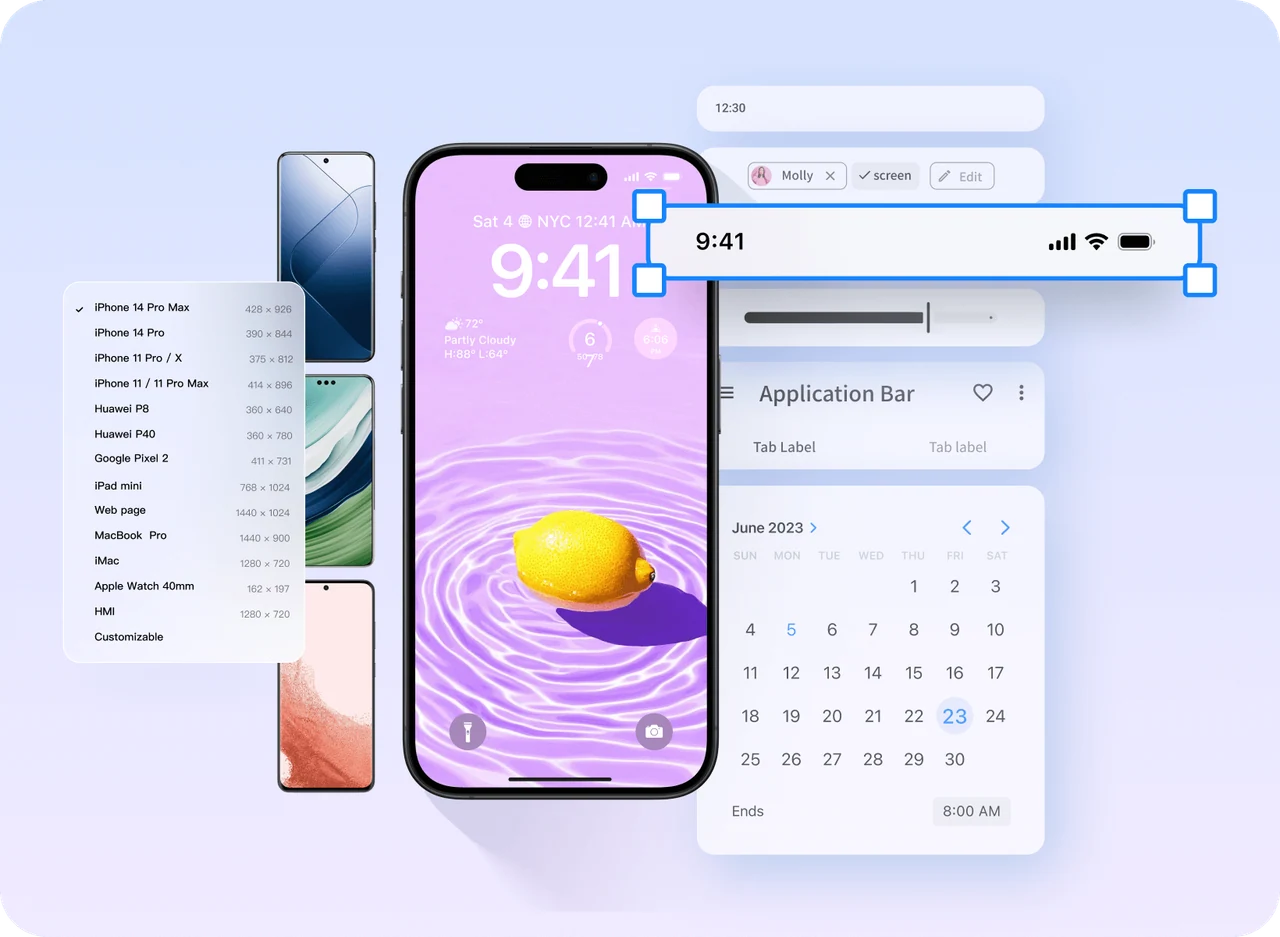
Prototype mobile app experiences with confidence

Map taps, swipes, and other gesture interactions
Android and iOS components for common app screens
Device frames for mobile previews
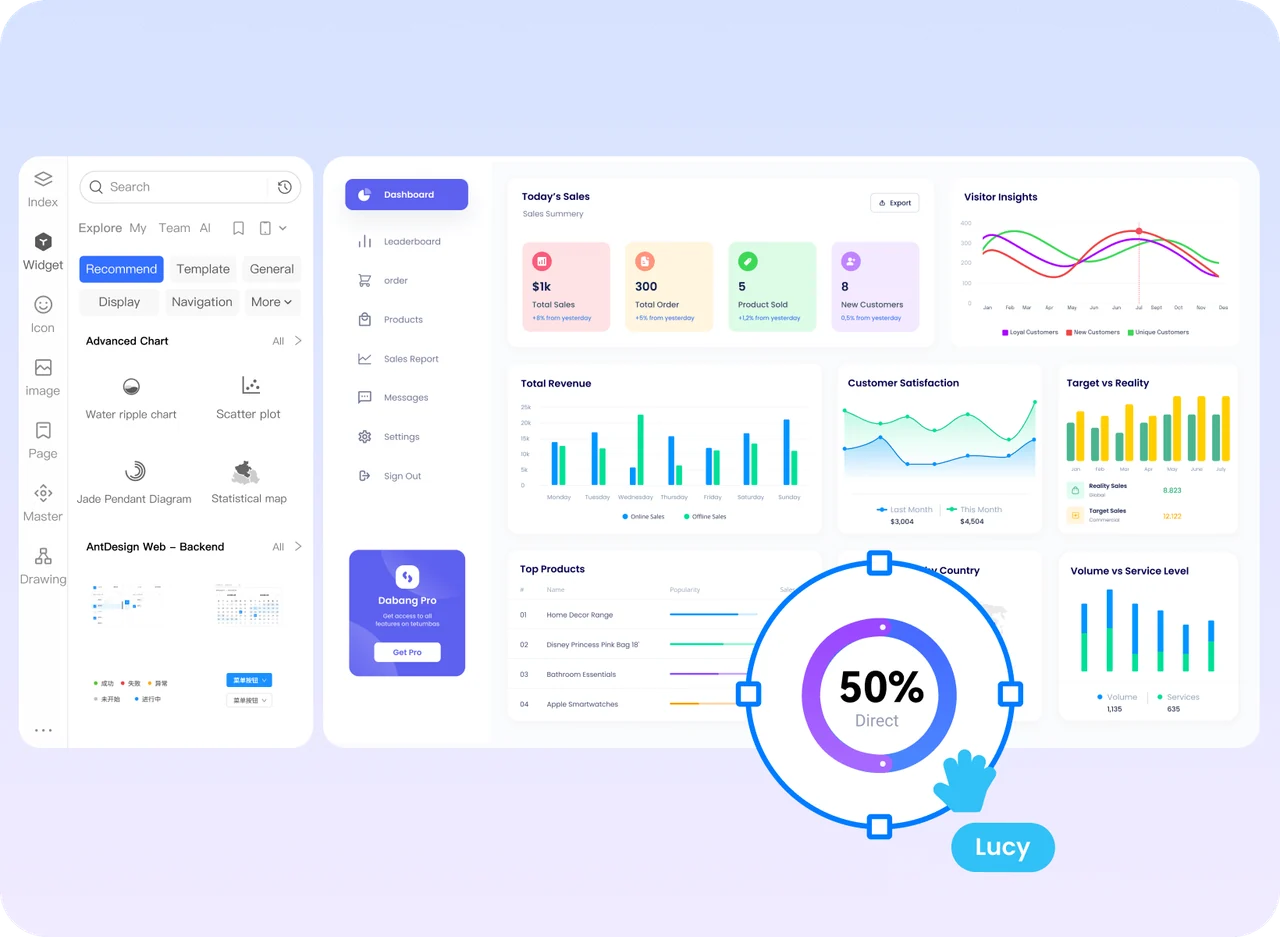
Build consistent dashboards and admin prototypes
Update shared components once and reuse the change
Navigation, pagination, table, and chart components
Templates to help teams follow a clear visual system
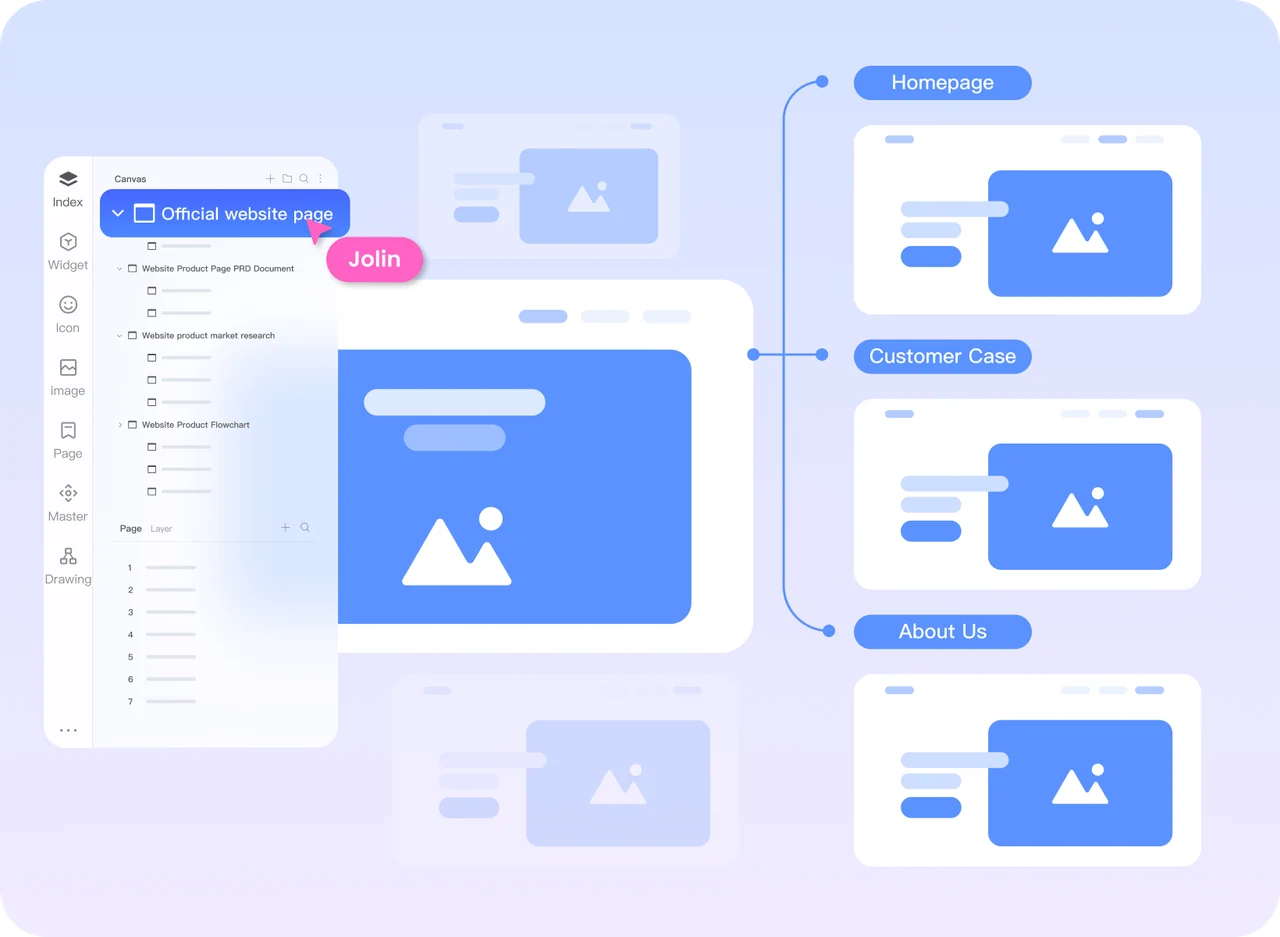
Plan website structure before you design every page
Map the sitemap and connect it to page prototypes
Drag in navigation, buttons, and other reusable web components
Add videos, maps, links, and other content to a clickable flow
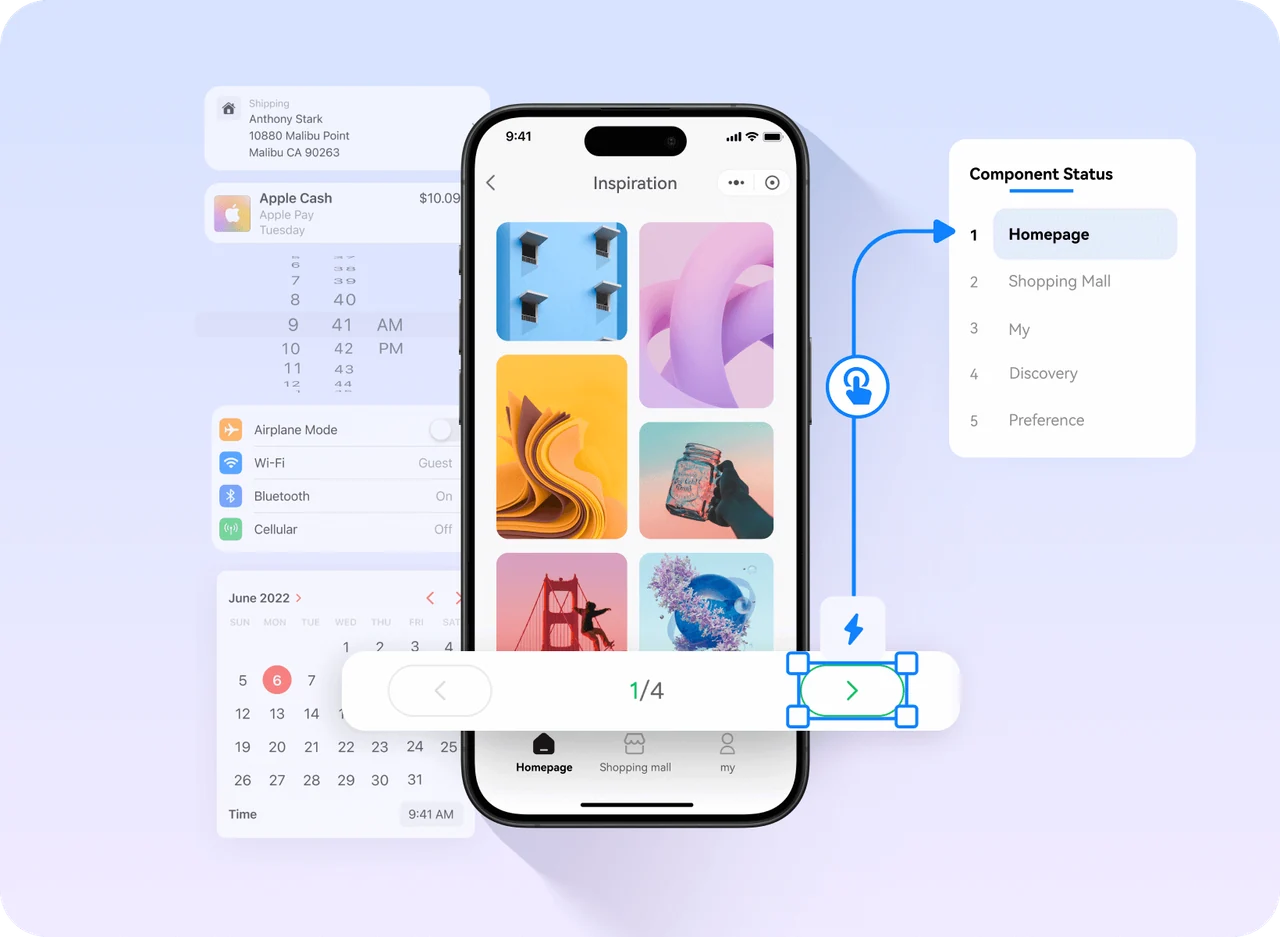
Prototype mobile browsing and selection
Build a gallery, list, or detail screen with reusable components
Images and icons for faster concept exploration
Connect browsing, selection, and return actions
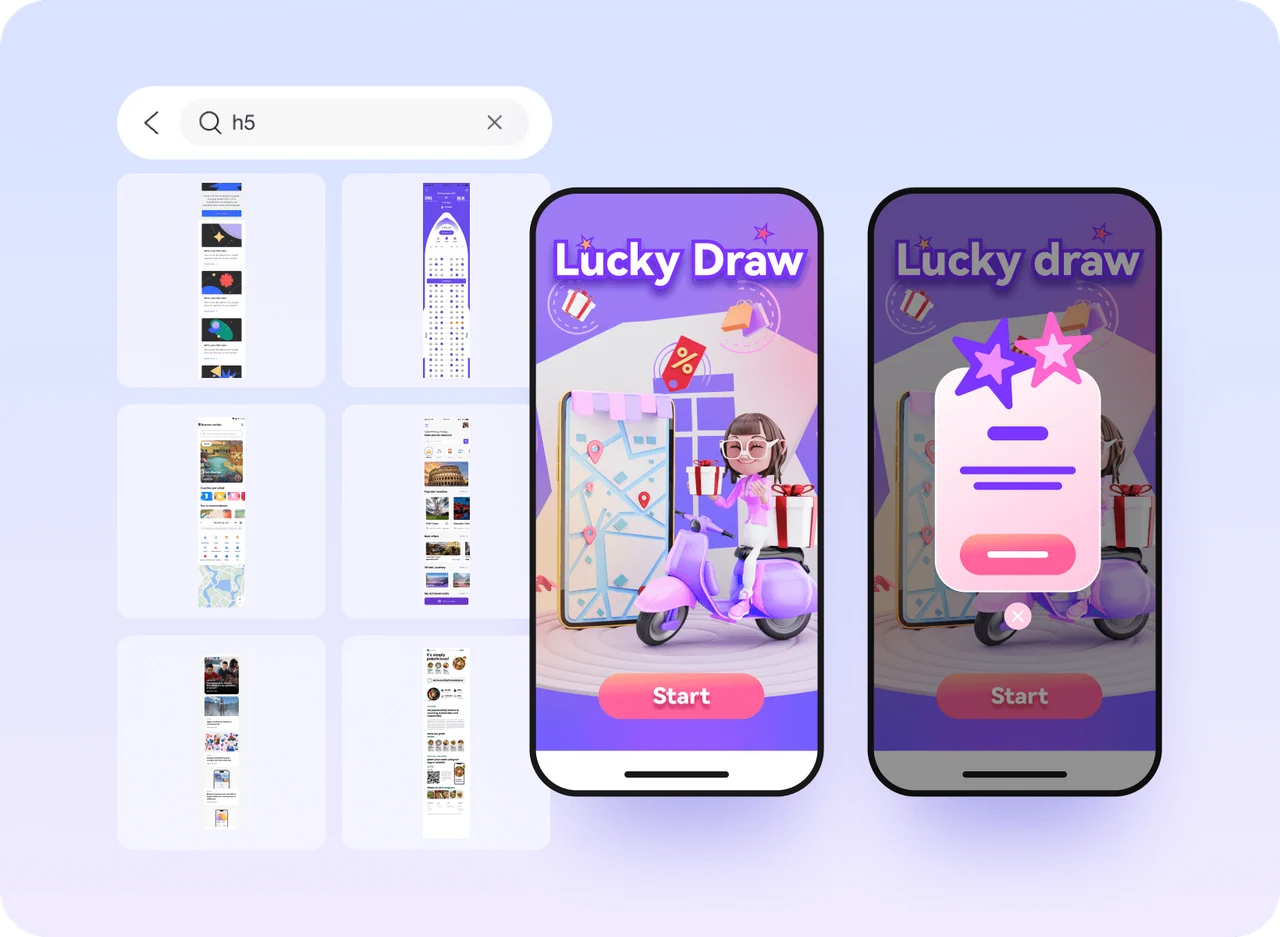
Design interactive mobile web experiences
Templates for e-commerce, gaming, tourism, and more
Animation effects for interactive mobile web demos
Interactive patterns such as prize draws and spinning wheels
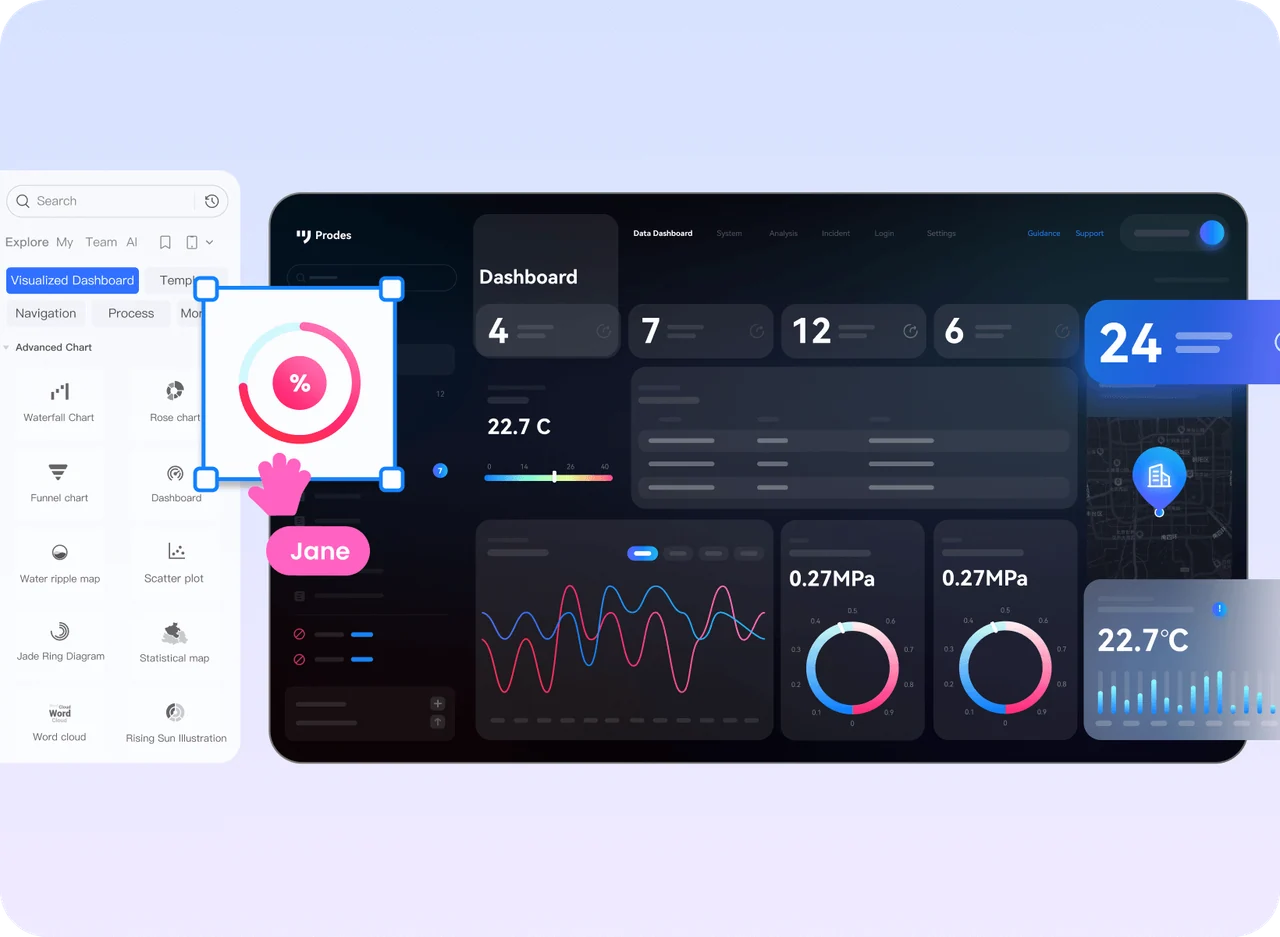
Explore dashboards and large-screen experiences
Charts and data-display components to start from
Entrance and exit animations for screen elements
Industry templates for planning a visual experience
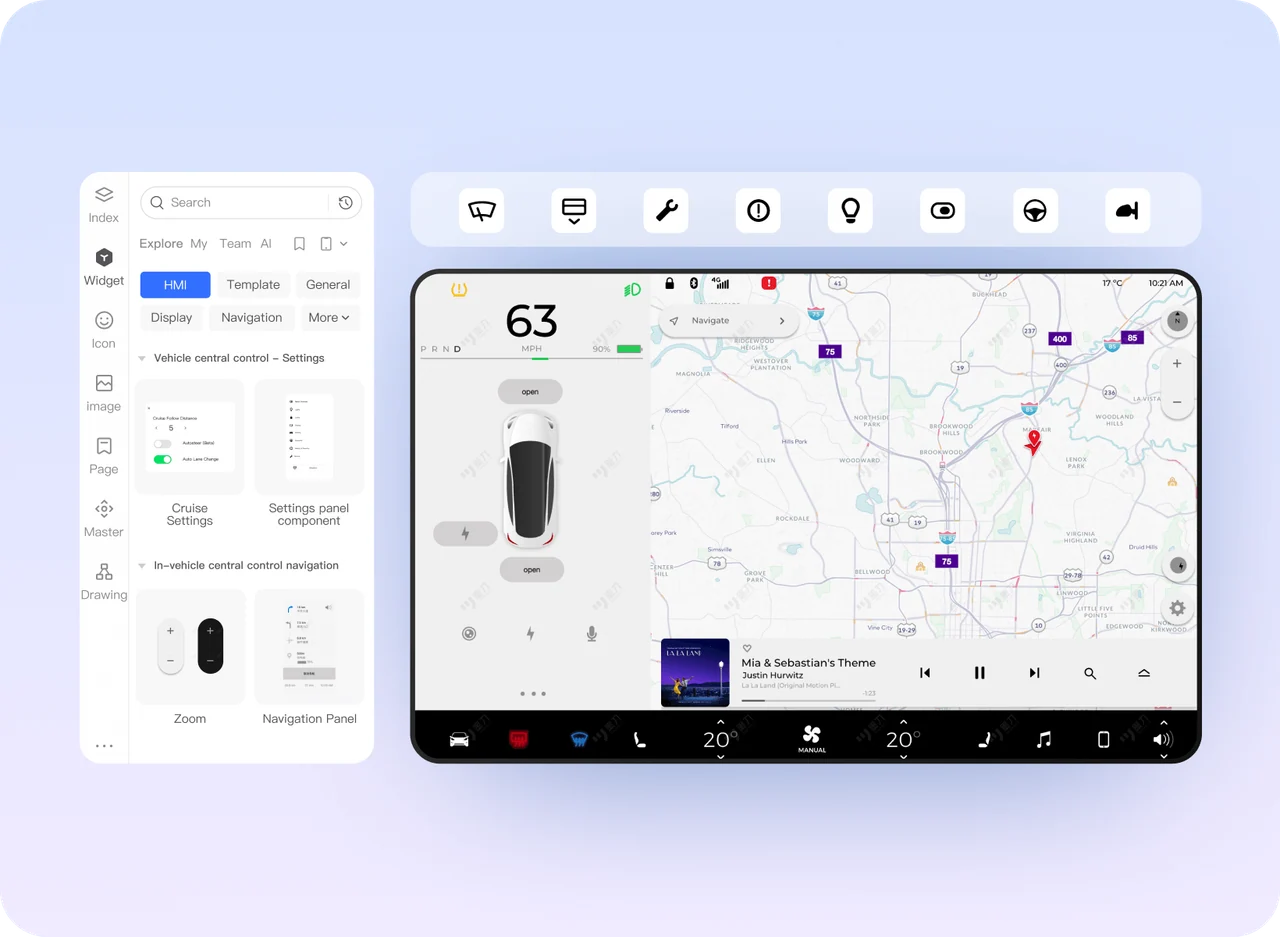
Prototype HMI and connected-device interfaces
Icons and controls for HMI concepts
Gesture and mouse interaction behaviors
Demonstrate the flow before implementation and testing
Bring existing Axure work into your review workflow
-
Import and review
existing projects
Import supported Axure files into Mockitt, then review the layout and interactions to identify any elements that need adjustment. -
Shared hosting and
project access
Host supported Axure projects so your team can access a shared version and review the prototype together. -
Choose the next design step
Refine the flow with Mockitt's templates and components. Use Mockitt Design when you need to develop the visual UI alongside the prototype. -
Compare how your team collaborates
Mockitt supports real-time editing. Axure RP Team and Enterprise use team projects with check-in, check-out, and revision history; Axure Cloud supports shared review and comments.
-
Rich Components

-
Drag-and-Drop Interactions
-
Annotations
-
Diagrams
-
Mind Maps
-
Real-device Preview
-
Multiple Link Sharing
-
Real-time Collaboration
-
Comments
-
AI-generated Prototypes
-
Multi-format Export
-
Version History
-
Widget Libraries

-
Dynamic Panel Dragging
-
Annotations
-
Flow Diagrams
-
Shapes and Connectors
-
Cloud Mobile Preview
-
Cloud Share Links
-
Team Project Collaboration
-
Comments
- AI Workflows
-
HTML Export
-
Team Project History