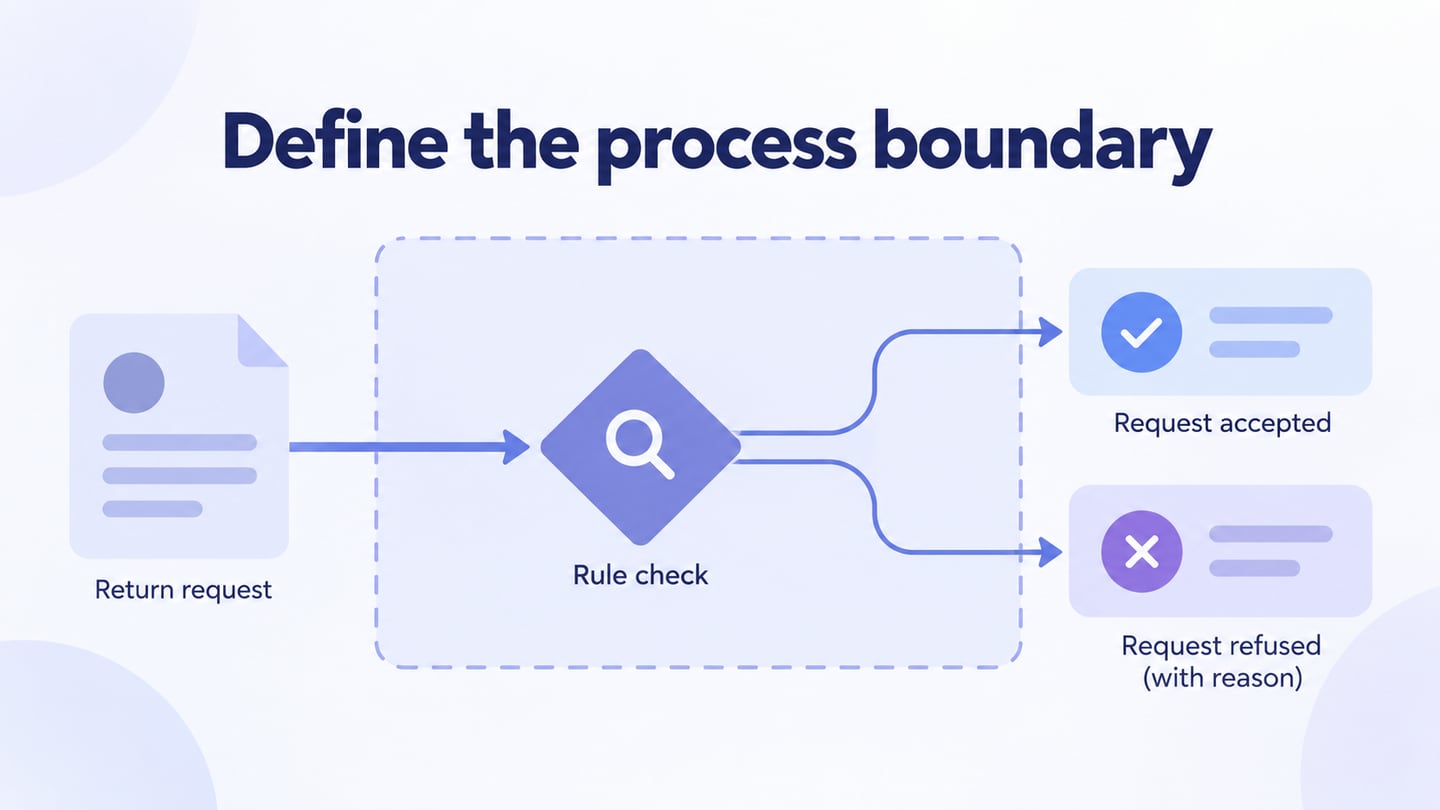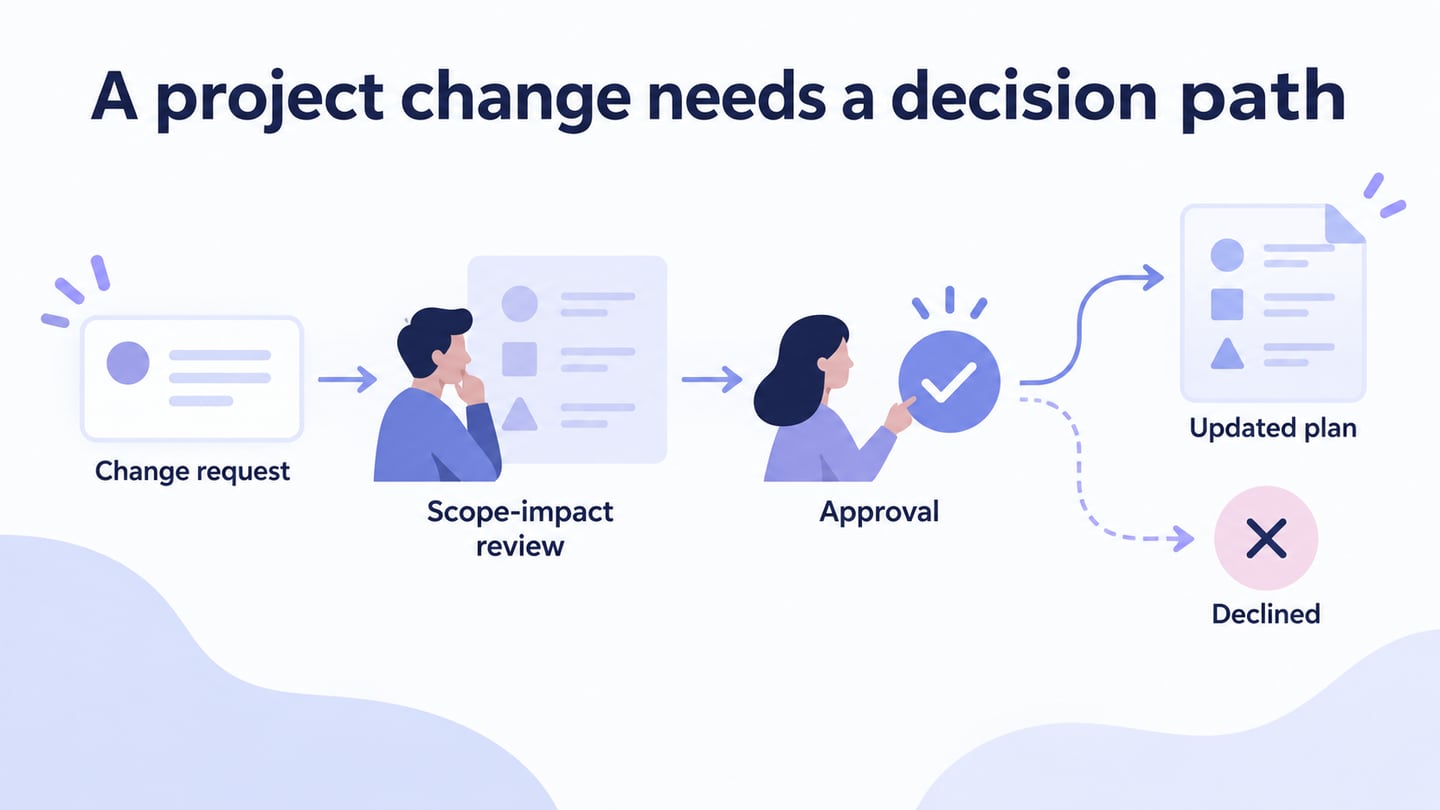
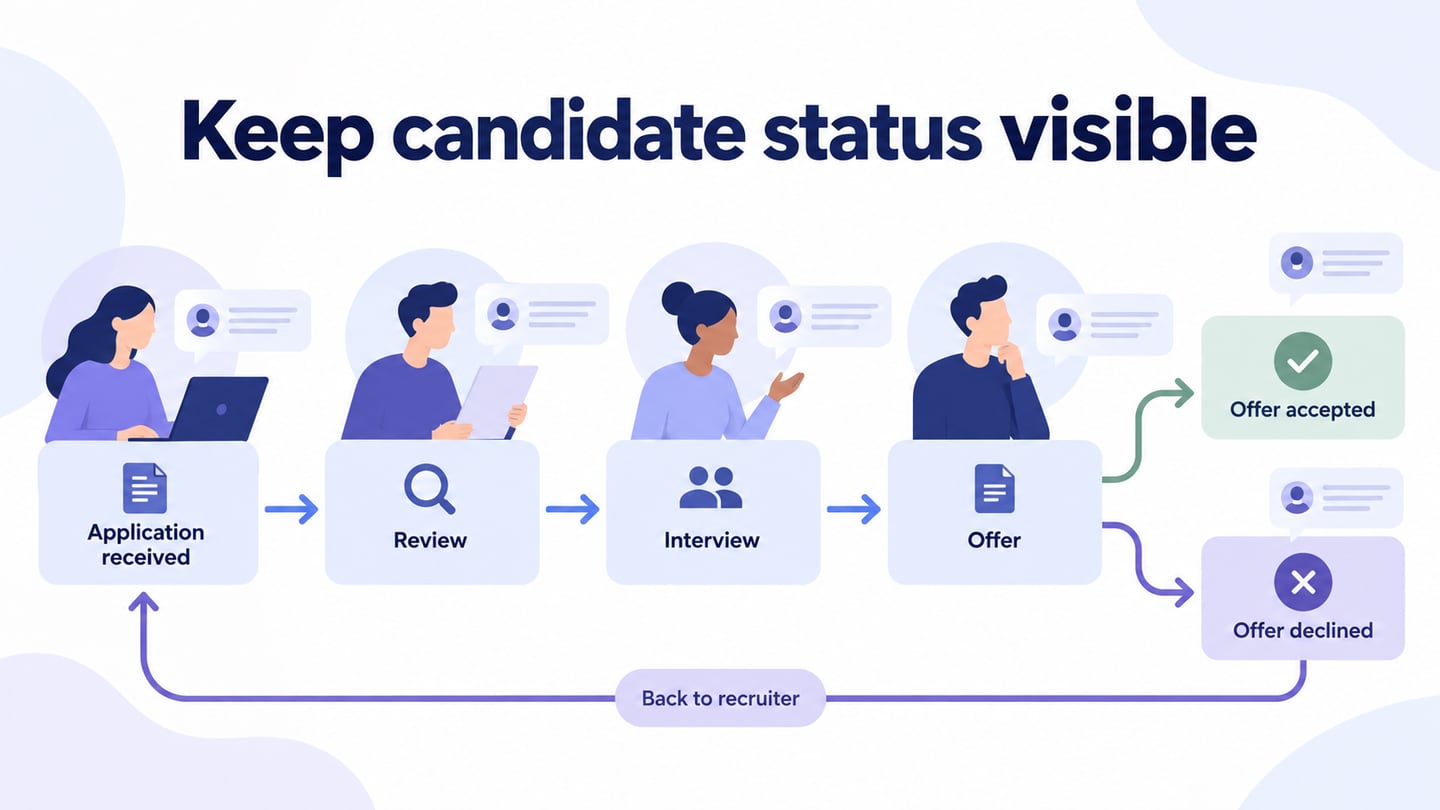
A recruitment process flowchart makes an organization’s hiring steps, responsibilities, and candidate updates visible. Use a recruitment flowchart workspace to document the agreed process with HR and hiring managers. The chart helps coordinate work; it does not select candidates or guarantee a successful hire.
What Is the Recruitment Process Flowchart
The diagram uses actions, decisions, and connectors to explain a bounded hiring process. Start with an approved need and define where this chart ends, such as offer acceptance and handoff to onboarding.
Hiring processes differ by organization, role, and context. Map your actual approvals, evaluation stages, and communication rules rather than adopting an old average for cost or time. Those benchmarks require a source and a comparable scope before they are useful.
Use the chart to find unclear ownership and missing candidate updates. A long diagram is not necessarily a better one; a separate subprocess can hold detail that would obscure the main path.
How to Create a Good Recruitment Flowchart
The six stages below are a planning framework to adapt with the responsible team. They are not instructions for a particular drawing product or a complete employment-policy checklist.
1. Identify Your Company's Hiring needs
Clarify the role before creating the candidate pipeline:
- What work and outcome does this role support?
- Which current capacity or capability gap does it address?
- What job-related skills and responsibilities are necessary?
2. Make A Job Description
Write an accurate role description and have the responsible people review it. Include the information a candidate needs to understand the opportunity:
- Job position and department
- Location
- Working hours
- Qualification and experience
- Compensation and benefits information as defined for the role and its context.
- The organization’s relevant context and the work the role will perform.
3. Recruitment Plan of Development and Execution
Choose recruitment channels that reach the intended audience and fit the role. Record who publishes the approved description and maintains it if the details change.
- Use the organization’s careers page to present the role and application route.
- Consider relevant job boards and professional communities.
- Use campus or event recruitment where it fits the role.
- Use professional social channels where relevant, with consistent role information.
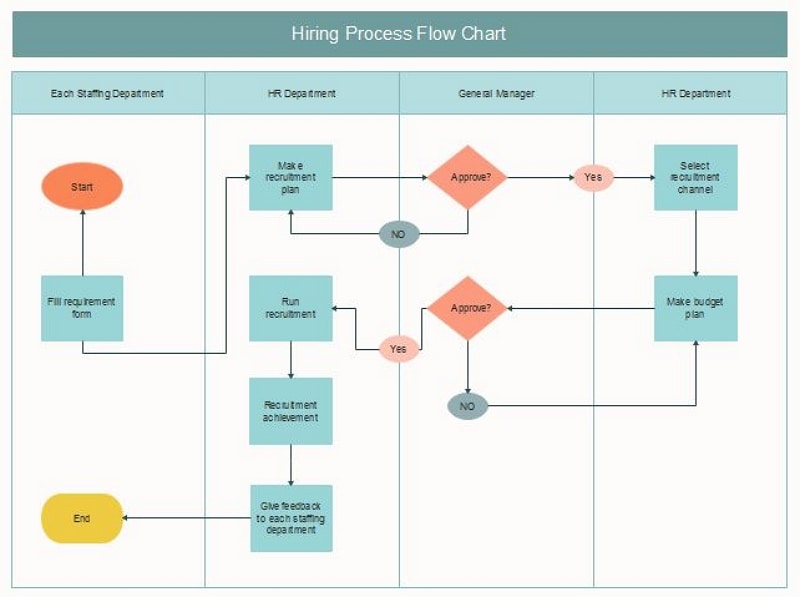
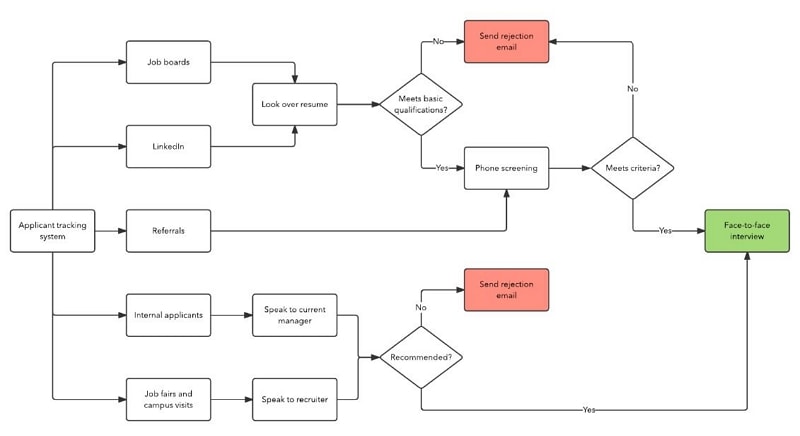
4. Process of Reviewing Applicants
Define the review criteria and ownership before applications arrive. Do not assume an old applicant-volume statistic predicts this role’s workload.
- Review the application against the agreed job-related requirements.
- Consider relevant experience and evidence consistently, recording questions that need clarification.
- Use an initial conversation where appropriate to clarify role expectations, availability, and practical requirements.
5. Conduct Interviews
Plan a consistent interview process around the role. Document who evaluates which aspect and how the evidence will be reviewed.
- Provide a suitable interview setting and communicate the process clearly.
- Use consistent, job-related questions and evaluation criteria.
- Allow candidates to ask questions and clarify expectations.
6. References and Offer
Handle references and any checks according to the organization’s approved process and applicable requirements. Keep the information sought relevant to the role:
- Clarify the reference’s professional relationship to the candidate.
- Discuss relevant responsibilities and work evidence within the permitted scope.
- Record job-related observations without replacing evidence with vague impressions.
Obtain the necessary approval before making an offer, explain the next steps, and record the candidate’s response. Do not assume that issuing an offer ends the process.
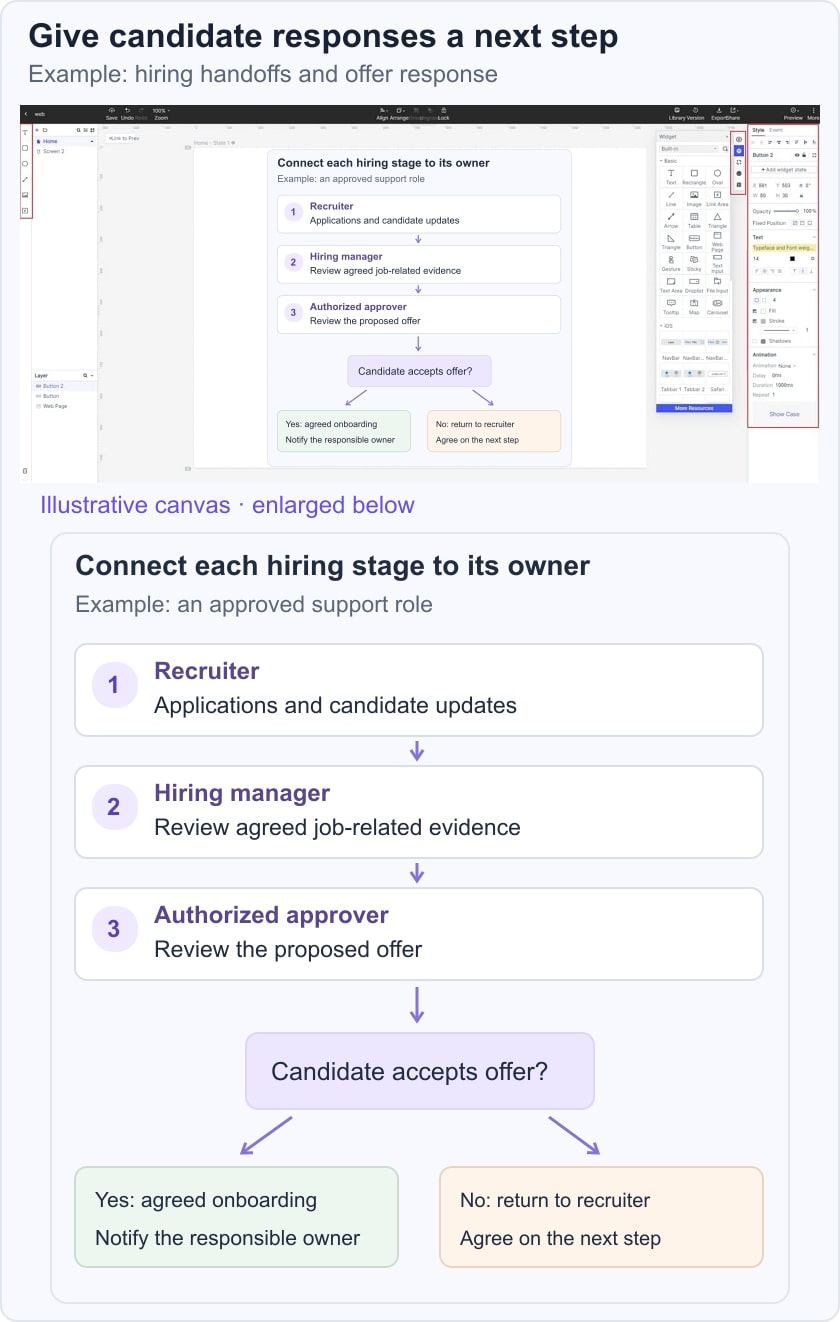
For example, map a hiring process for an approved support role. HR coordinates applications and updates; the hiring manager reviews role-related evidence; the authorized approver confirms the offer; and the candidate responds. Acceptance moves to the agreed onboarding handoff. A declined offer returns to the recruiter and hiring manager to decide the next step, rather than silently restarting or closing the vacancy.
Create A Flowchart Online
A drawing tool helps document the workflow but does not replace HR capacity, judgment, or policy. Decide separately whether any part of recruitment should be handled by another provider.
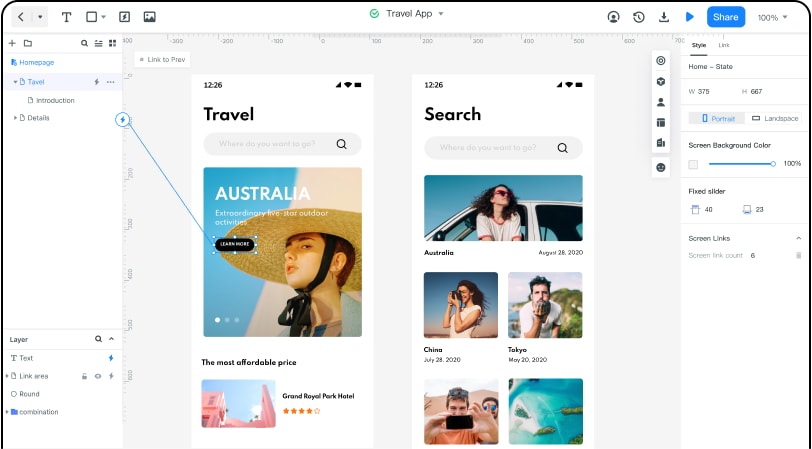
Mockitt provides editable shapes, connectors, and shared review. Use those functions to make the agreed hiring process understandable.
- Create the chart: Add the stages and decision points.
- Format consistently: Keep the same notation for the same kind of action.
- Add relevant references: Point to the approved role brief or evaluation process where needed.
- Review together: Ask the responsible people to confirm their handoffs.
- Adapt a template: Remove steps that do not belong to your actual process.
Include candidate communication as work with an owner, not as a presumed side effect of changing a status.
Steps for How to Create a Flowchart with Mockitt
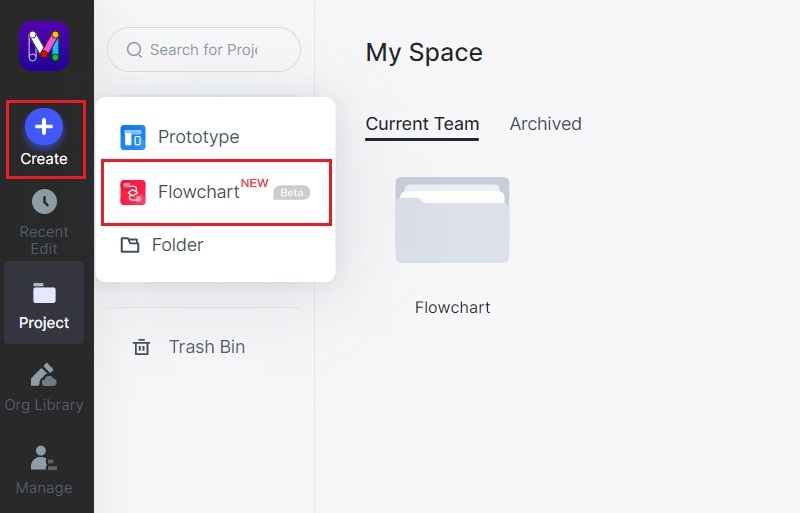
Step 1. Create a Flowchart
Create a flowchart in the current workspace. The retained screenshots show an earlier interface.
Step 2. Start Drawing the Flowchart
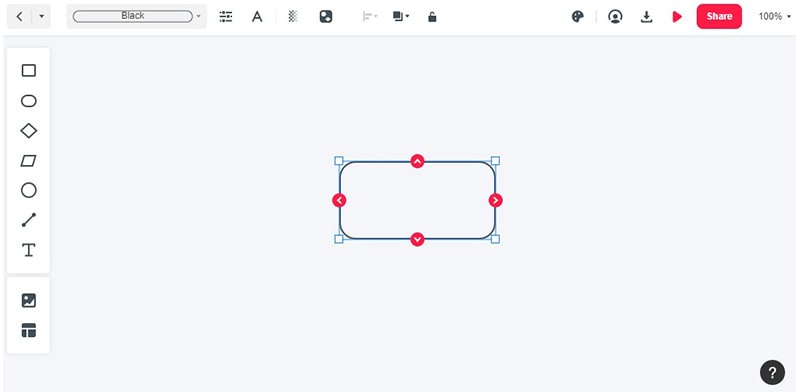
Add the role-approval, application, evaluation, offer, and response stages that apply.
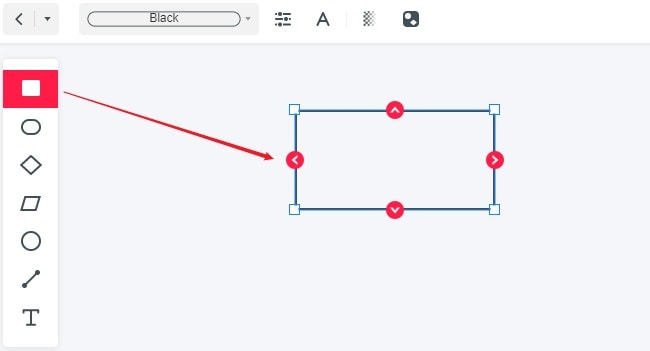
Connect the outcomes and include paths for withdrawal, declined offers, or missing information where relevant.
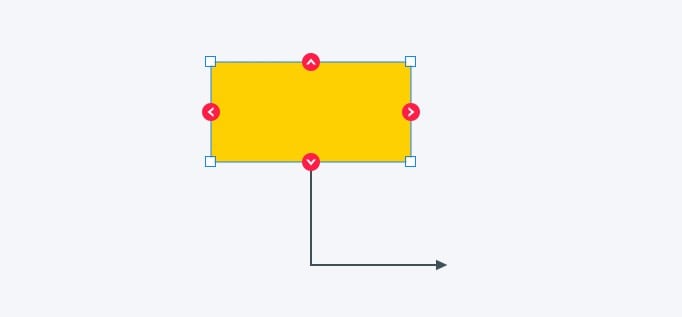
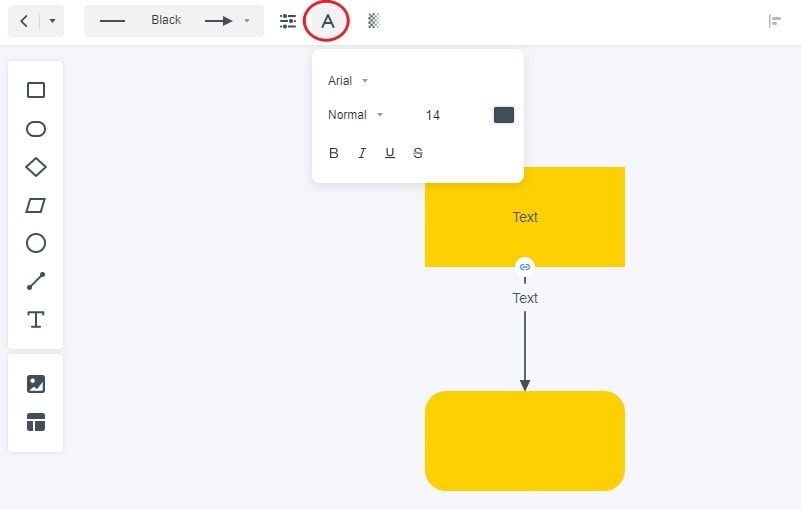
Step 3. Change the Properties of the Flowchart
- Use color as a secondary aid rather than the only indication of candidate status.
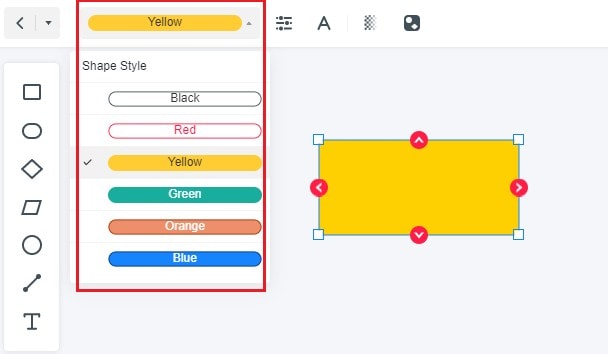
- Keep decision and action shapes consistent.
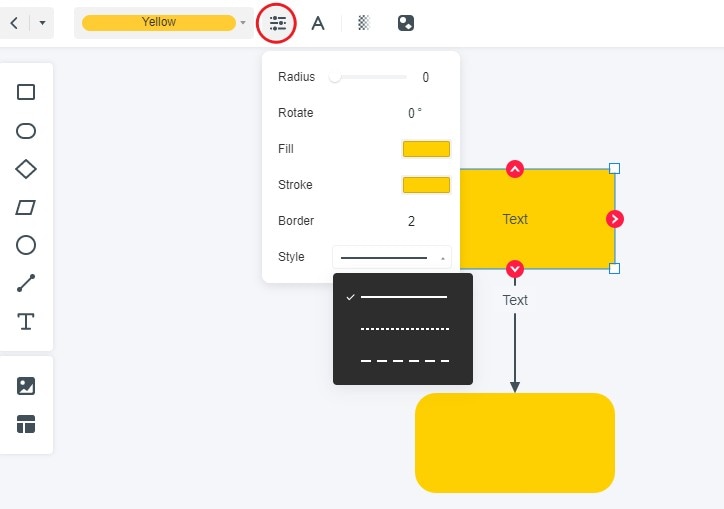
- Use readable labels and avoid placing confidential candidate details in a broadly shared process chart.
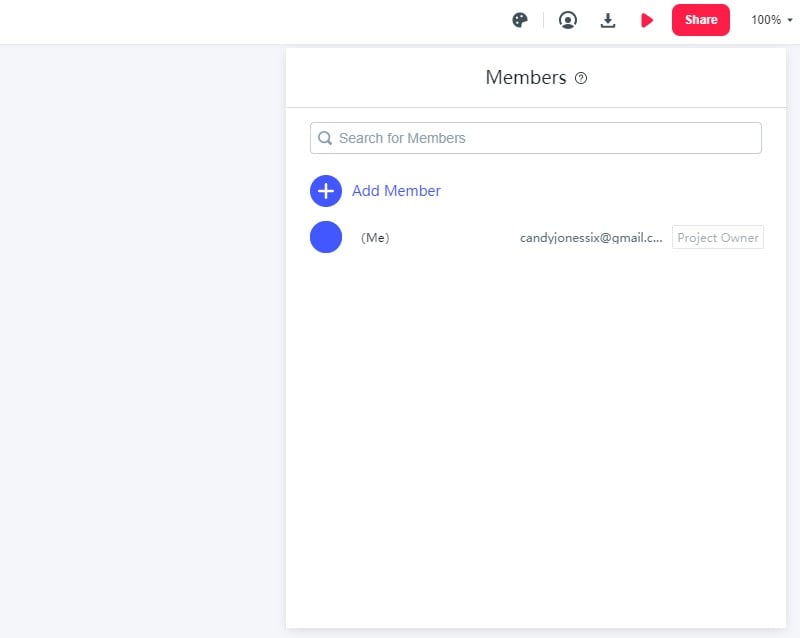
Step 4. Invite the Responsible Reviewers
Ask HR, the hiring manager, and other accountable roles to verify the work they own.
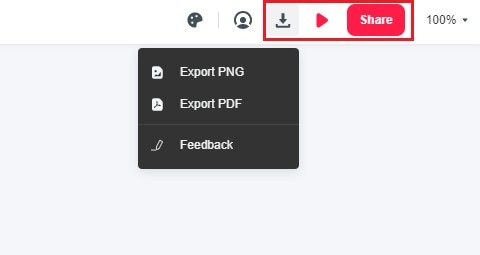
Step 5. Preview and Share the Agreed Flow
Check the diagram at its intended viewing size and share it with appropriate access settings.
Record who maintains the process and how an approved change will be reflected in the chart.
The chart should remain a process reference, not a replacement for the candidate record or a mechanism for scoring applicants.
Walk through an accepted offer, a declined offer, and a candidate withdrawal. Check that each route has an owner, a next action, and an appropriate update to the candidate.
The communication flowchart guide can help clarify those notifications and acknowledgements. Keep the diagram aligned with the organization’s real process as responsibilities change.