Mockitt AI
Generate Editable Prototypes from Text and Images
Turn requirements into editable prototypes, PRD drafts, and code drafts with Mockitt AI. Refine the output with your team before using it in your product workflow.


From your idea to an editable prototype

Automatically generate
prototypes with AI
-
Prompt-Based Generation
Describe your requirements to generate a prototype draft, then review its content, layout, and interactions. -
Multi-device Support
Generate mobile, web, or tablet layouts and adjust the draft for your target screen sizes. -
Refine with AI
conversations
Describe the layout changes you want in a conversation with AI, then review and refine the resulting prototype.

Upload a sketch
Get an editable UI draft
-
Start from the layout in an image
Use an image as a reference for a page layout. AI identifies interface elements and produces a draft you can edit. -
Use a sketch, wireframe, or screenshot
Upload a hand-drawn sketch, wireframe, or UI screenshot to explain the layout you want to explore. -
Turn the reference into a testable flow
Replace sample content with your own labels and connect the screens needed for a user task.

Refine the draft
with AI and the editor
-
Change a selected area
Select the area you want to change and describe the adjustment, such as moving a form field or simplifying a card. -
Continue in the prototype editor
Move the generated draft into Mockitt Prototype to refine the screens and work with teammates. -
Share a prototype link
Share the generated pages with teammates or clients so they can try the flow and discuss specific changes.

Draft product documents
from your requirements
-
Organize the requirements
Turn a brief into a structured draft covering features, screens, and interaction details. -
Describe how the screens connect
Explain the page structure and the relationships between actions, states, and outcomes. -
Edit the document
Revise the draft directly or describe a change to AI as requirements become clearer.

Inspect generated code
alongside the prototype
-
Review HTML and CSS
Inspect and copy generated HTML and CSS as a starting point for development. The product implementation still needs engineering review. -
Explain your implementation needs
Include your preferred styling approach and component constraints in the prompt, then check the generated output against your project. -
Plan for different screen sizes
Specify the target device size and inspect how the generated layout handles longer content and narrower screens.
From your idea to an editable prototype
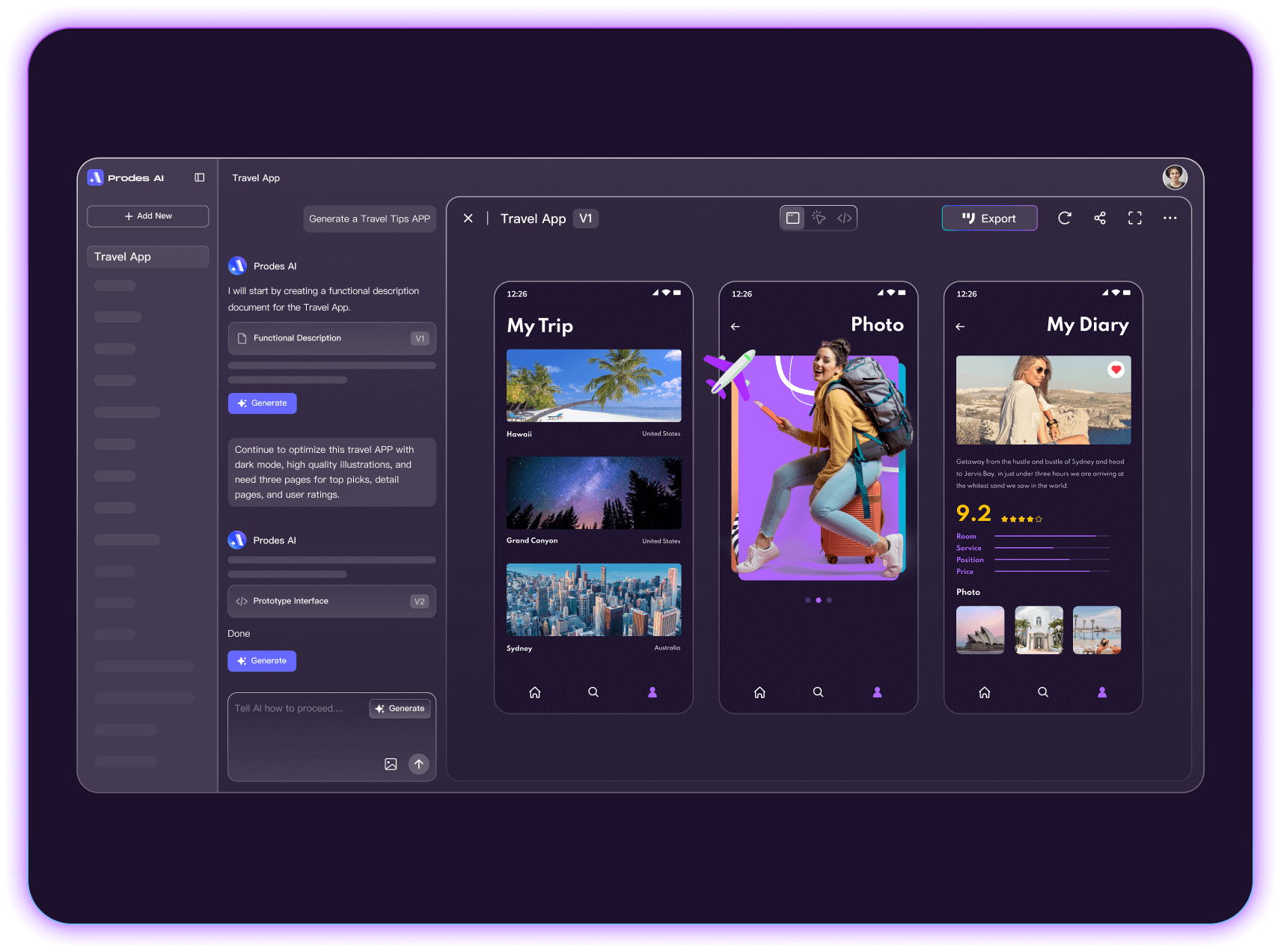
Automatically generate
prototypes with AI
-
Prompt-Based Generation
Describe your requirements to generate a prototype draft, then review its content, layout, and interactions. -
Multi-device Support
Generate mobile, web, or tablet layouts and adjust the draft for your target screen sizes. -
Iterate with Chat
Describe the layout changes you want in a conversation with AI, then review and refine the resulting prototype.
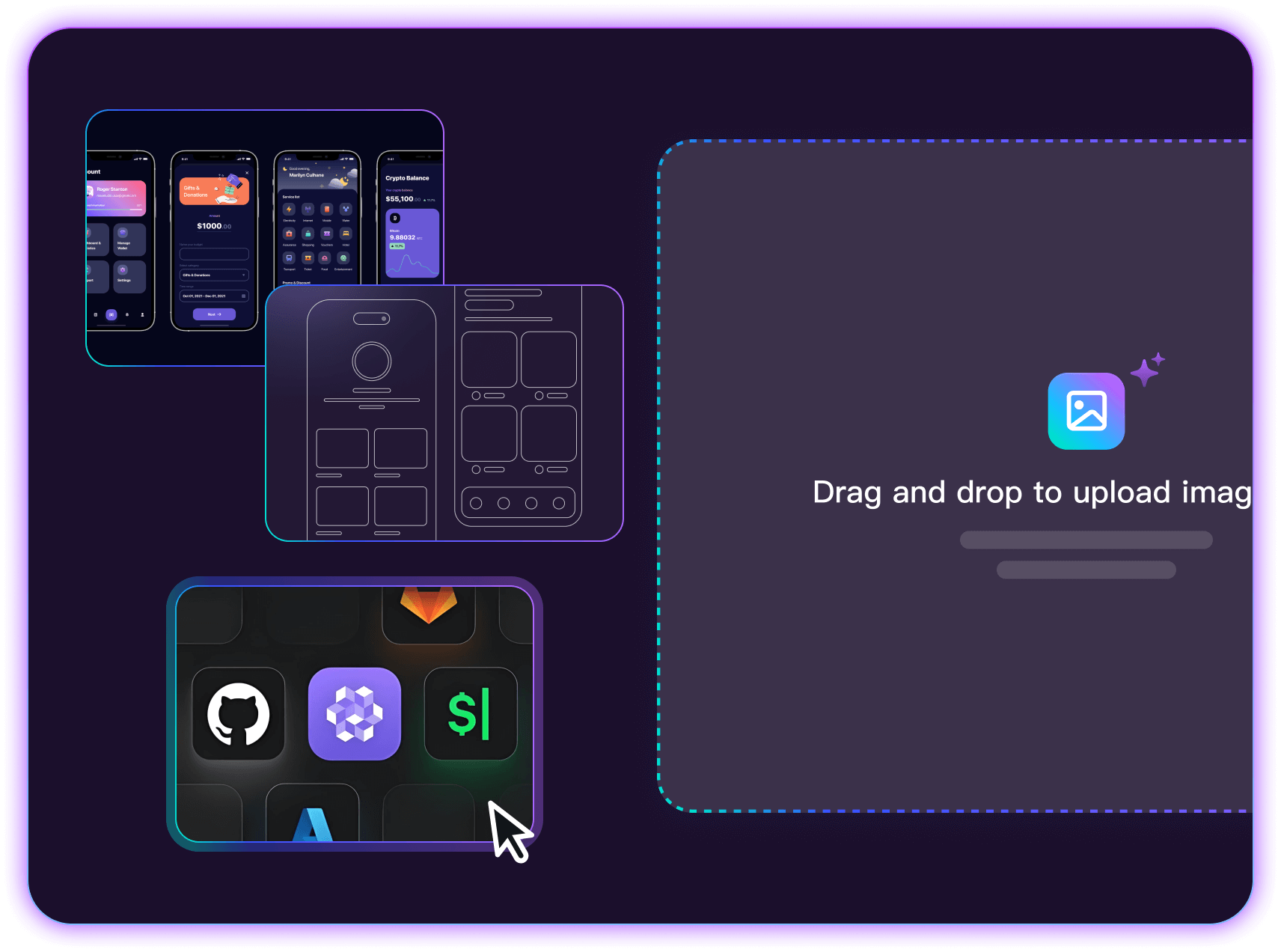
Upload a sketch
Get an editable UI draft
-
Start from the layout in an image
Use an image as a reference for a page layout. AI identifies interface elements and produces a draft you can edit. -
Use a sketch, wireframe, or screenshot
Upload a hand-drawn sketch, wireframe, or UI screenshot to explain the layout you want to explore. -
Turn the reference into a testable flow
Replace sample content with your own labels and connect the screens needed for a user task.
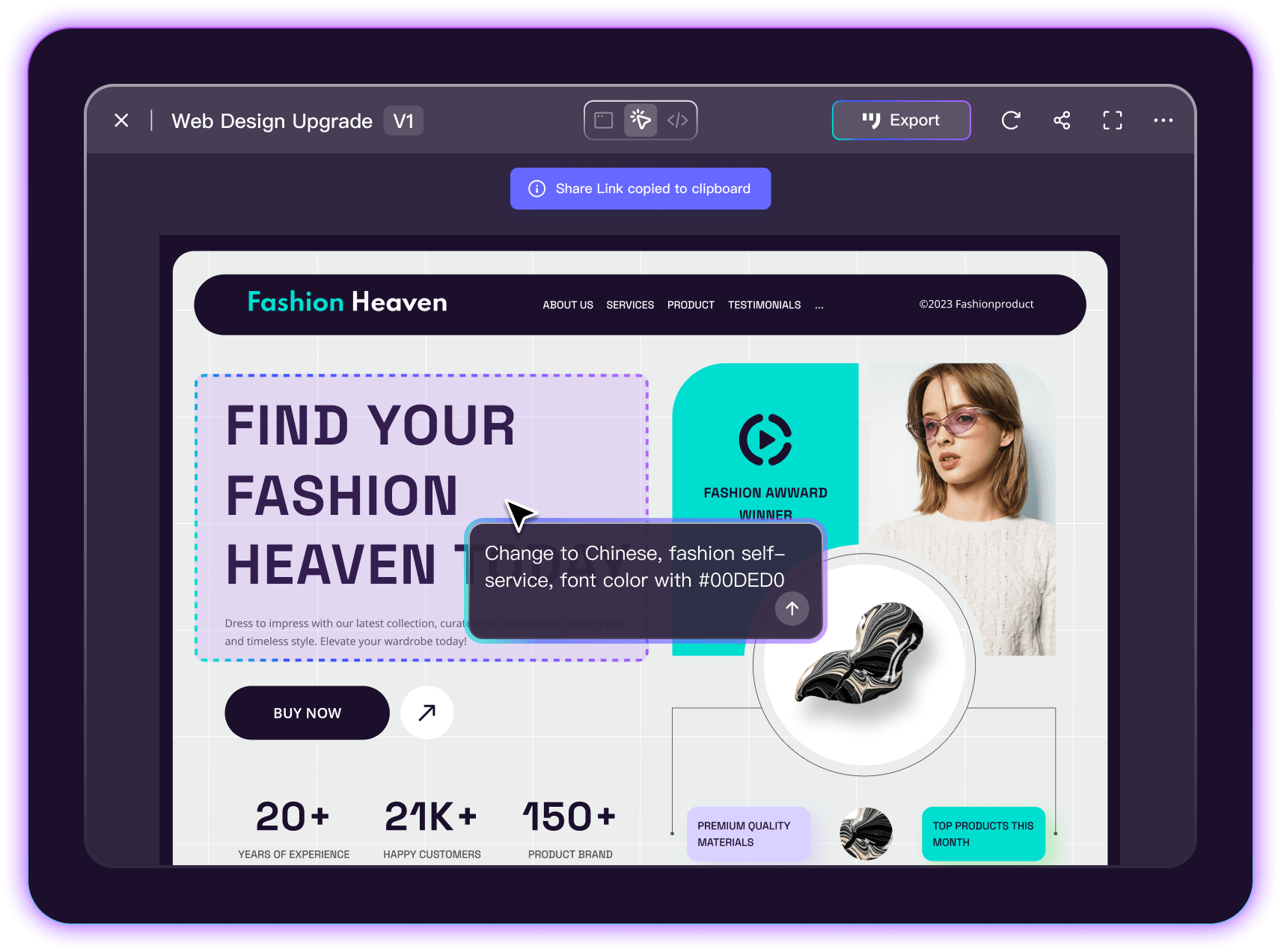
Refine the draft
with AI and the editor
-
Change a selected area
Select the area you want to change and describe the adjustment, such as moving a form field or simplifying a card. -
Continue in the prototype editor
Move the generated draft into Mockitt Prototype to refine the screens and work with teammates. -
Share a prototype link
Share the generated pages with teammates or clients so they can try the flow and discuss specific changes.
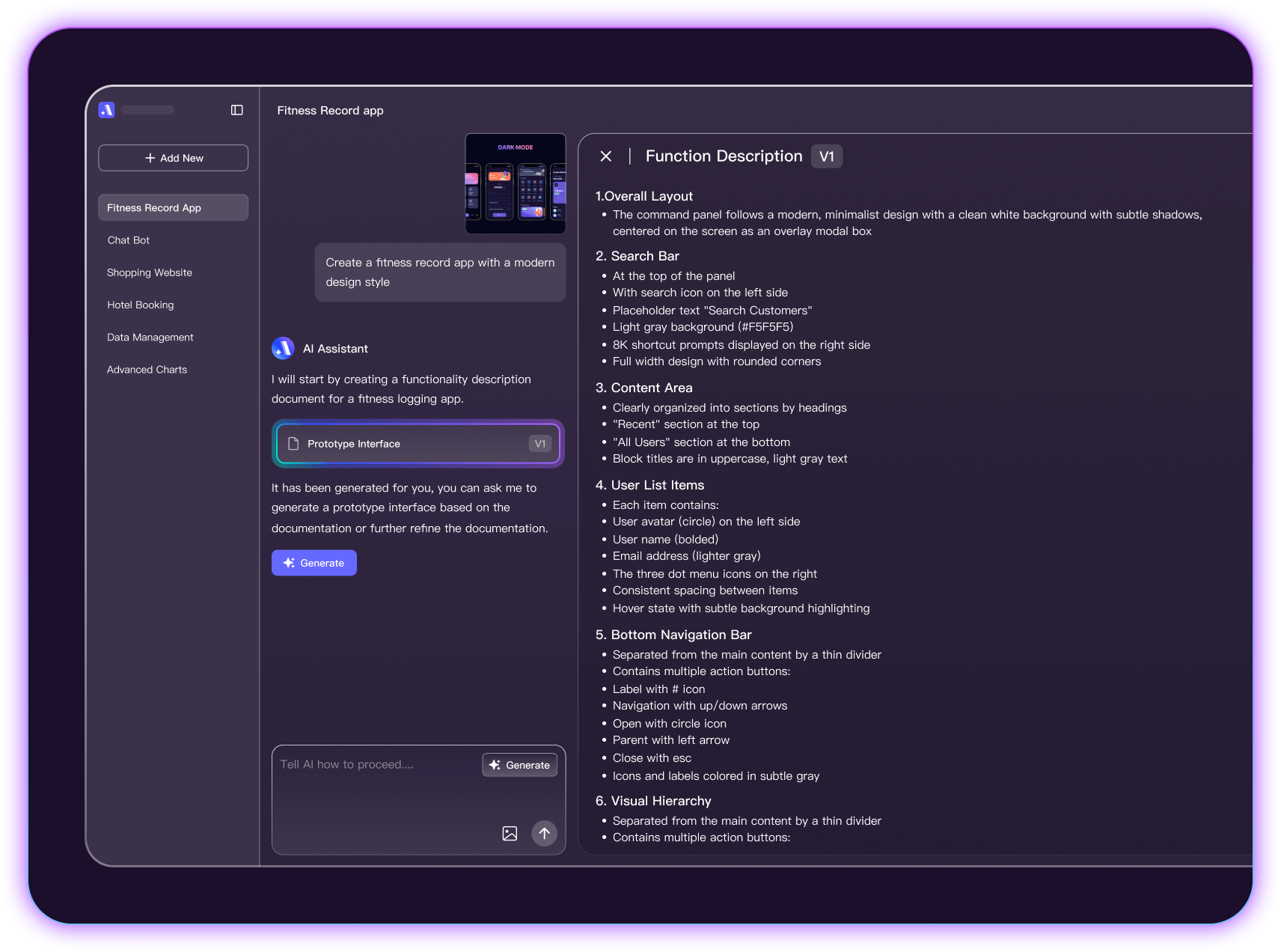
Draft product documents
from your requirements
-
Organize the requirements
Turn a brief into a structured draft covering features, screens, and interaction details. -
Describe how the screens connect
Explain the page structure and the relationships between actions, states, and outcomes. -
Edit the document
Revise the draft directly or describe a change to AI as requirements become clearer.
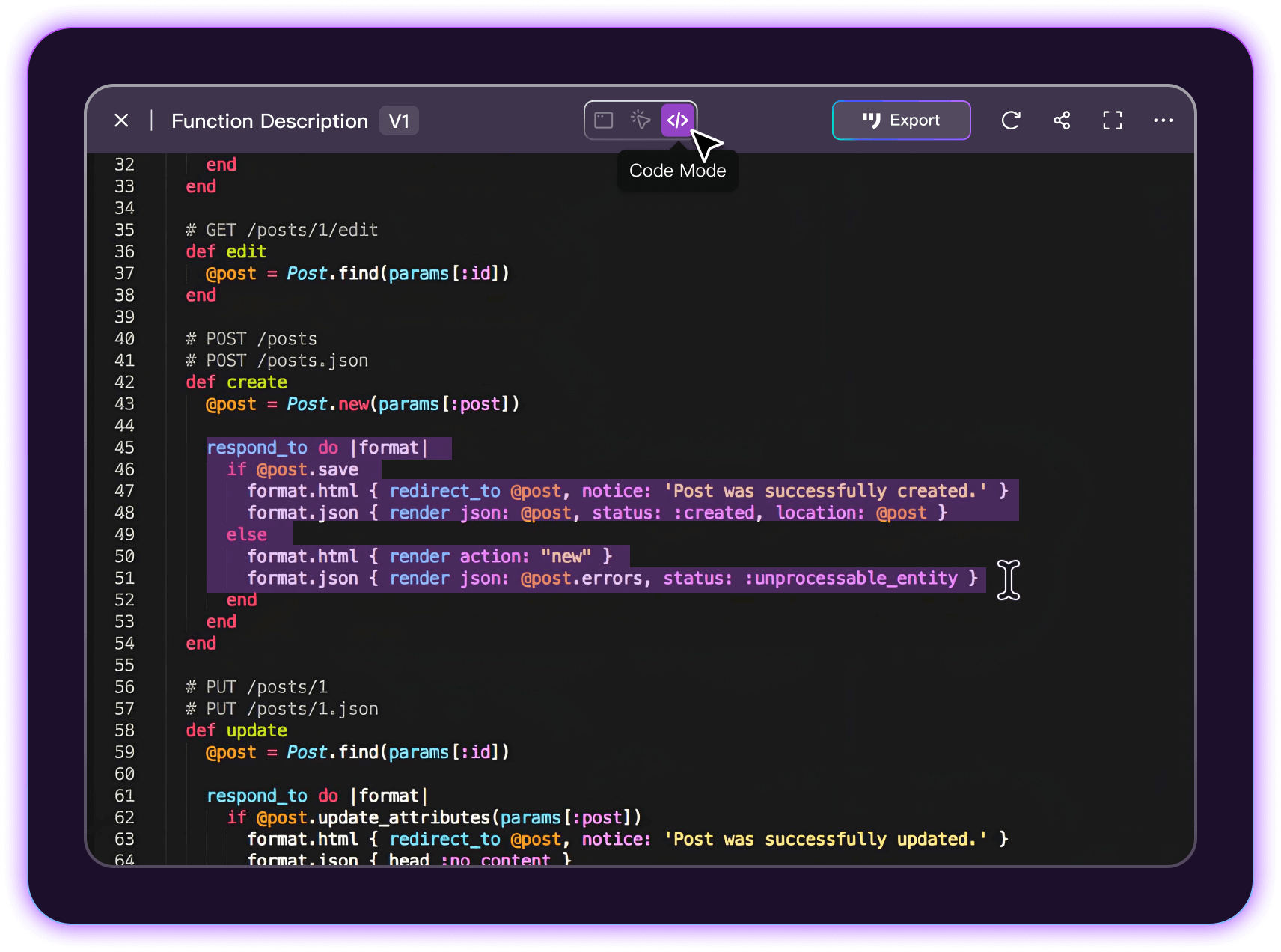
Inspect generated code
alongside the prototype
-
Review HTML and CSS
Inspect and copy generated HTML and CSS as a starting point for development. The product implementation still needs engineering review. -
Explain your implementation needs
Include your preferred styling approach and component constraints in the prompt, then check the generated output against your project. -
Plan for different screen sizes
Specify the target device size and inspect how the generated layout handles longer content and narrower screens.
Explore different interface ideas
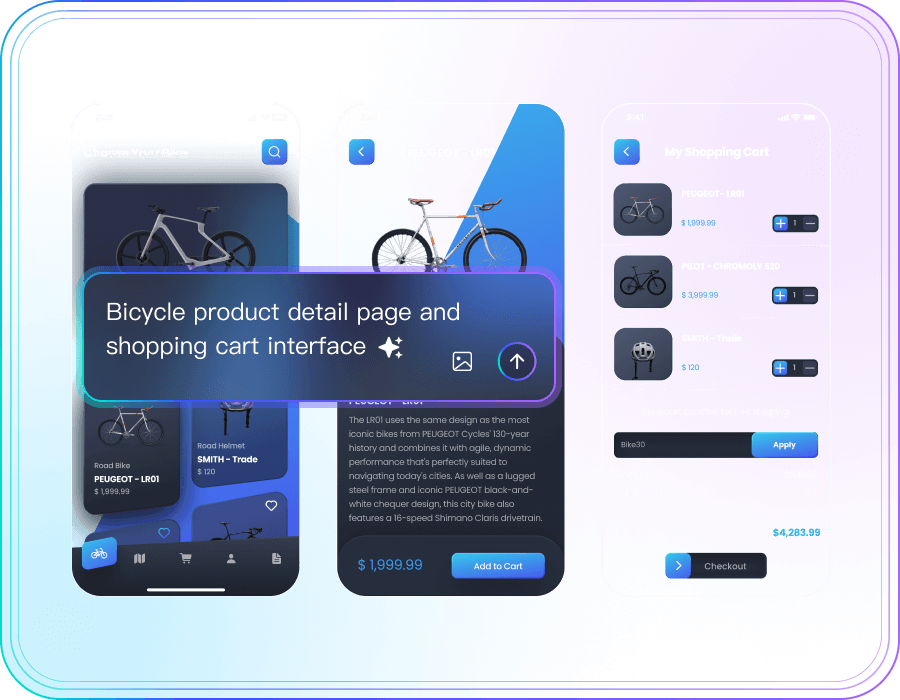 E-Commerce Platform
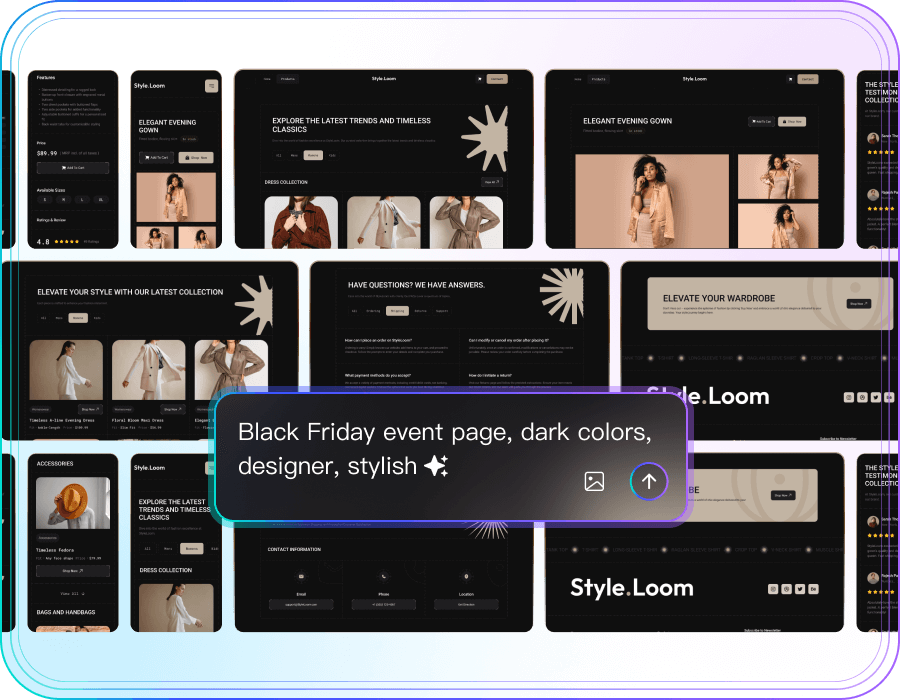 Company Website
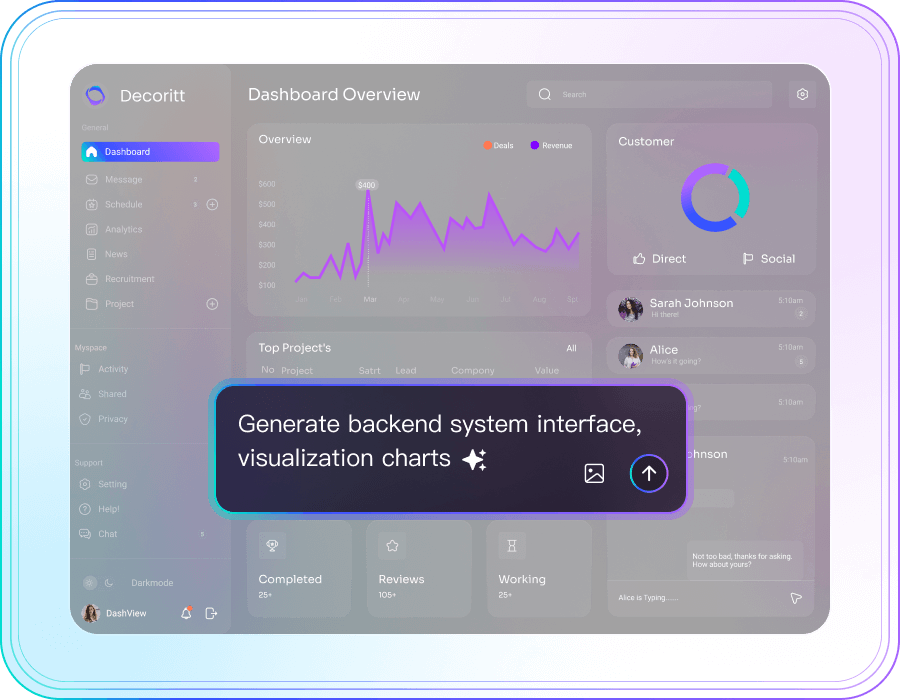 Dashboard
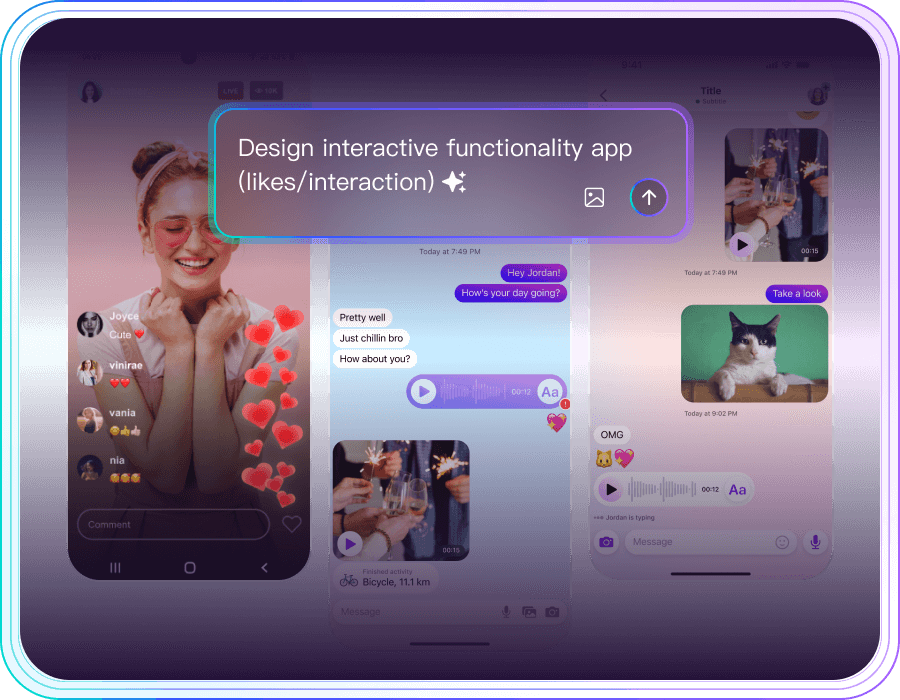 Social Media
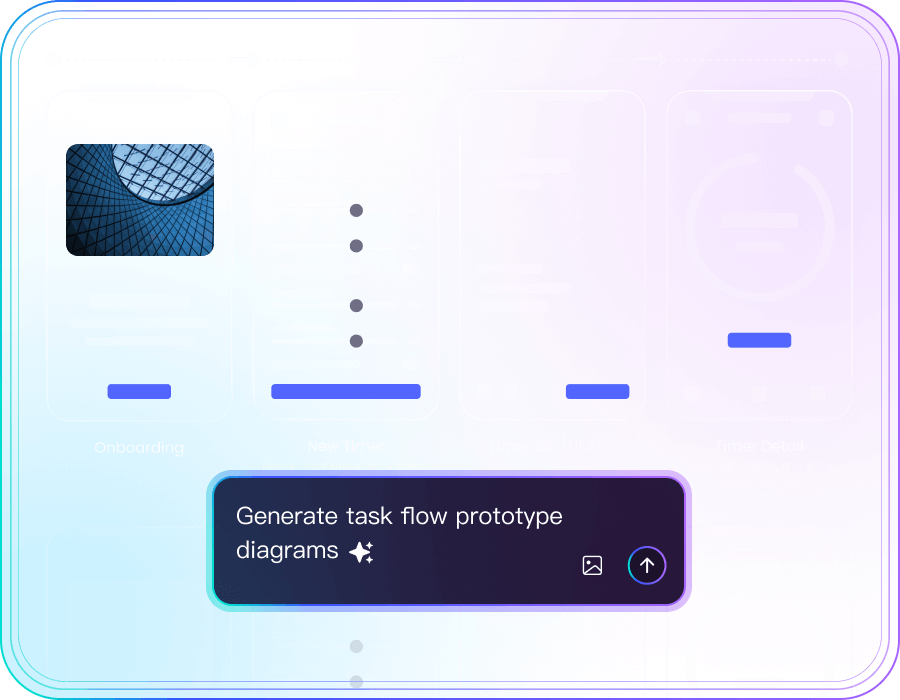 SaaS Dashboard
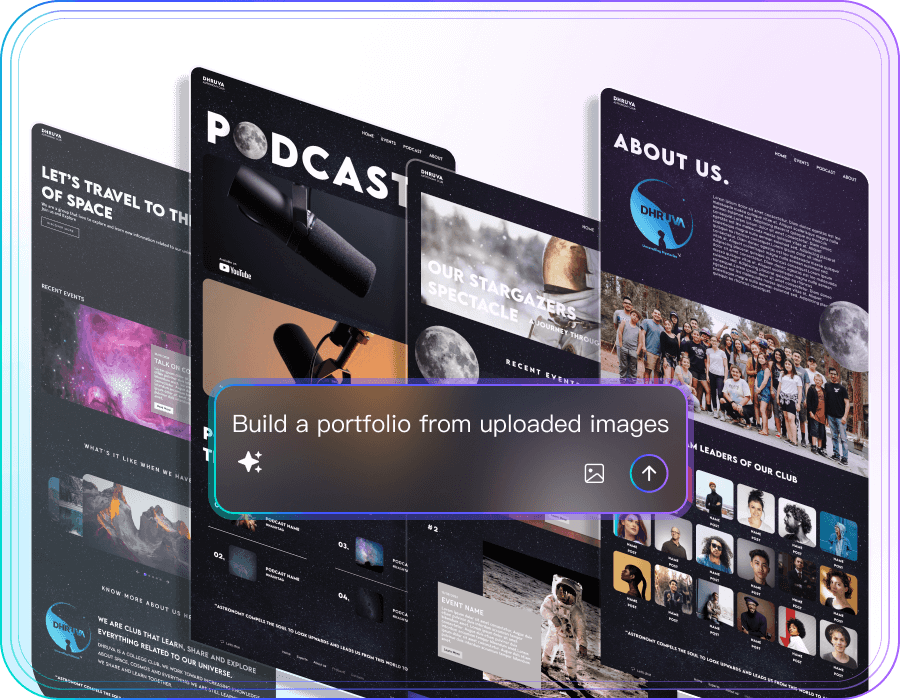 Personal project
Use AI across product planning and review
Use AI across product planning and review
Draft proposals, organize research, and identify questions for your next review.
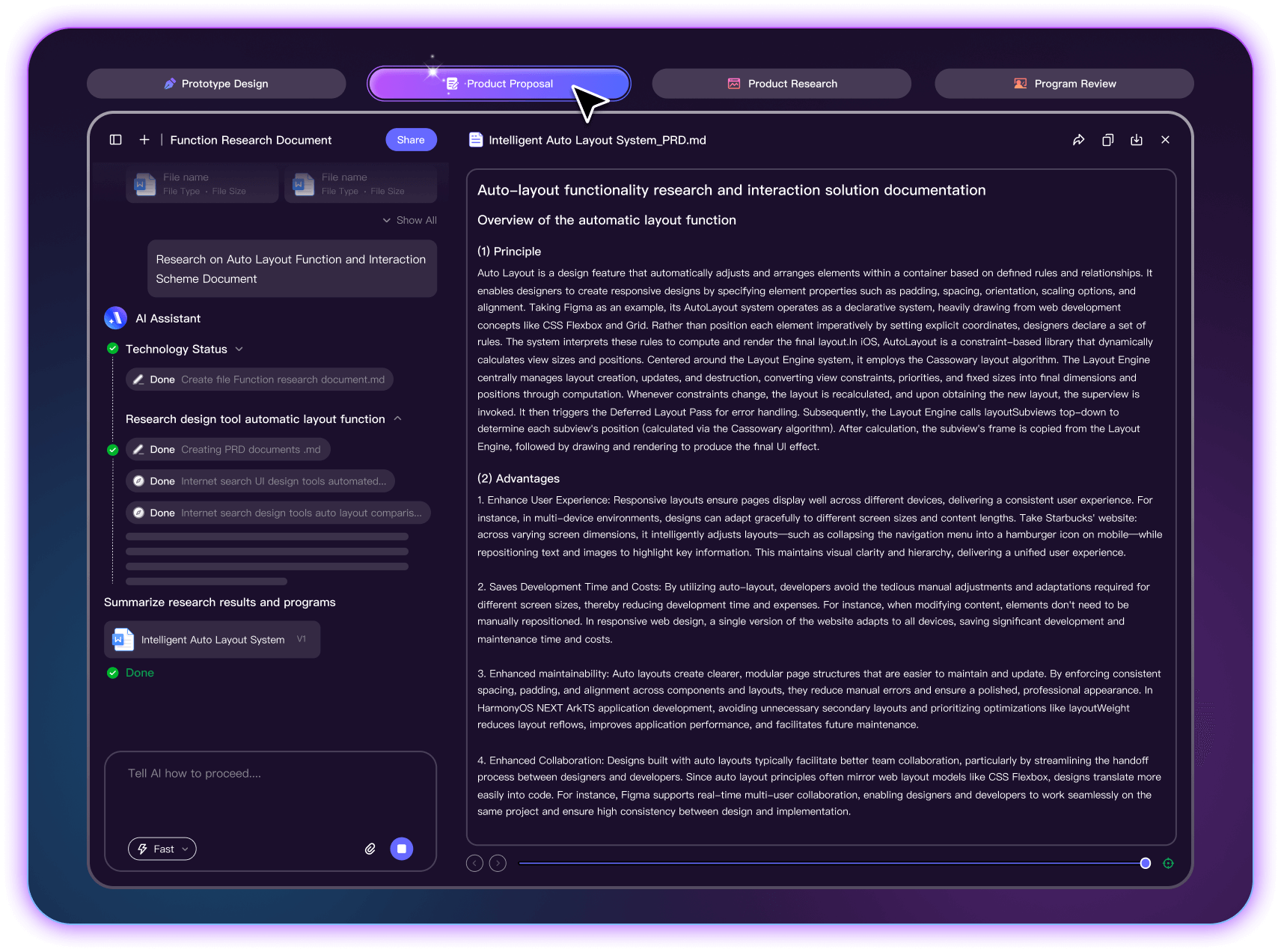
Turn a brief into a product proposal
-
Build a structured first draft
Provide the product goal, users, scope, and constraints to create a proposal your team can develop. -
Revise a section in context
Expand an incomplete section, shorten repetitive text, or clarify a requirement while keeping the surrounding context. -
Consider development and testing
Ask what developers, testers, and operations teams need to know. Use their questions to identify gaps in the proposal.
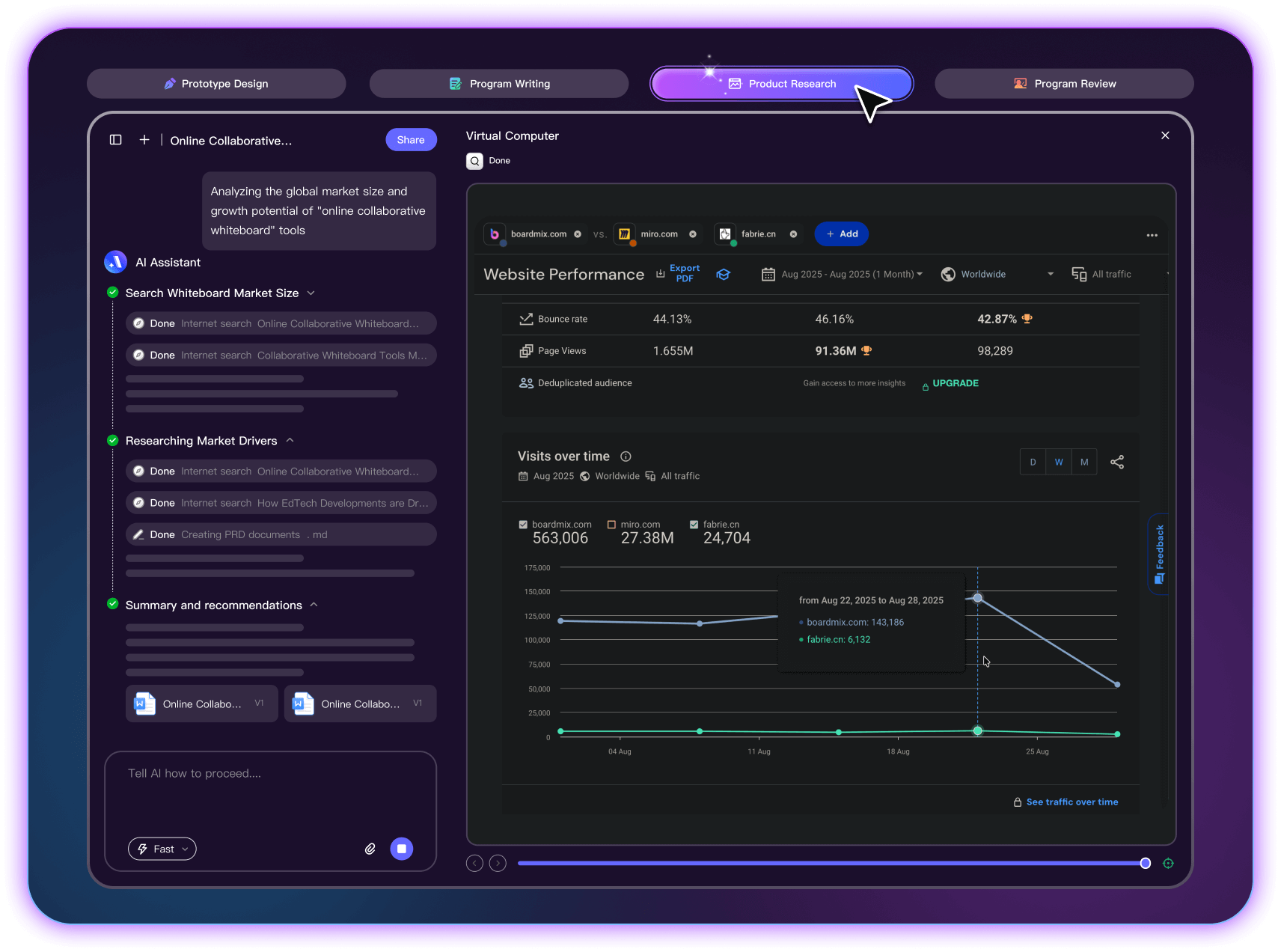
Organize product research around a question
-
Set the research question
Define the market, audience, and alternatives you want to investigate, together with the source material available. -
Compare the evidence
Compare features, business models, and user feedback. Keep source evidence separate from assumptions. -
Create a research summary
Organize the findings into a report with the key differences, open questions, and next research steps.
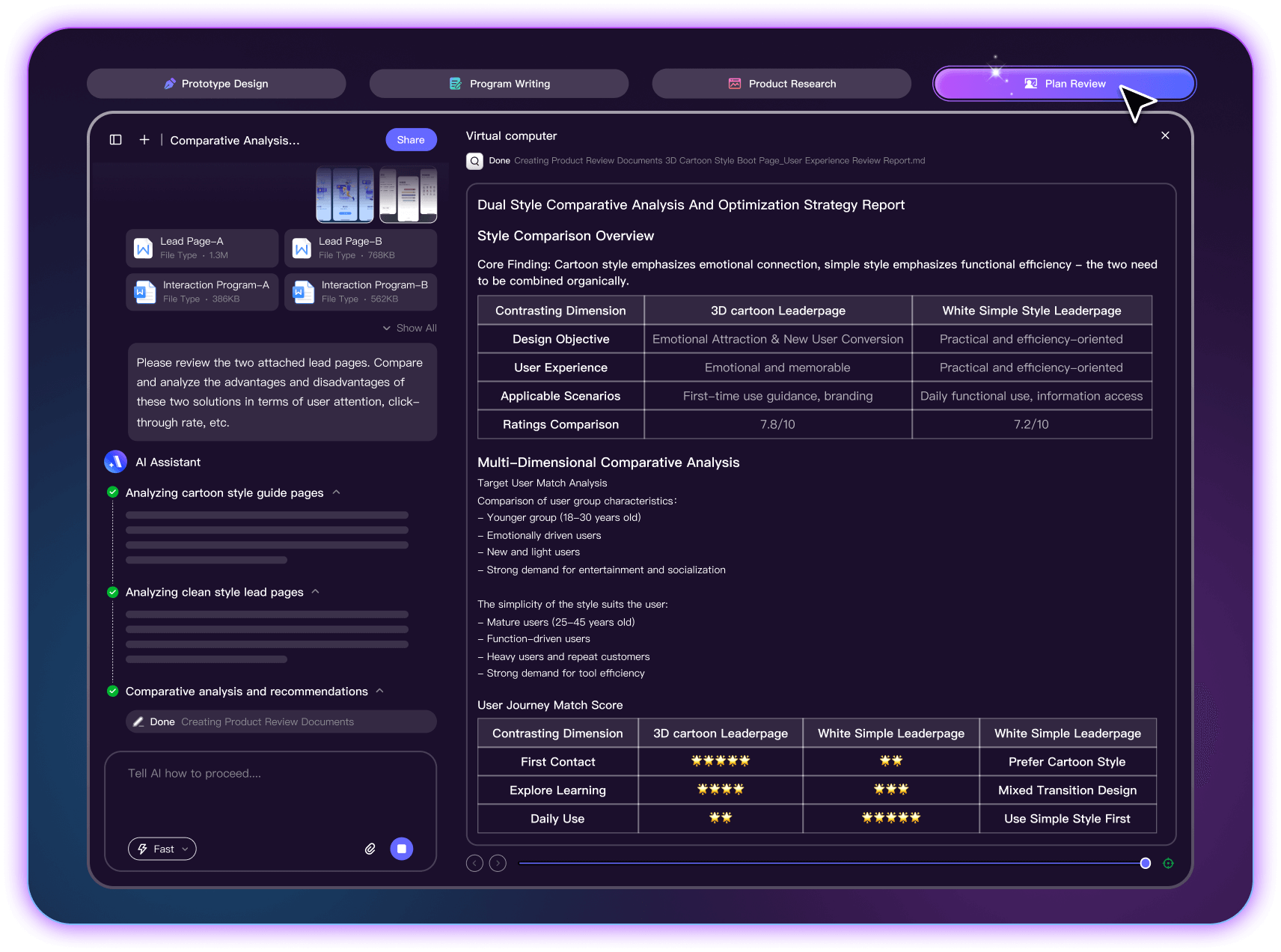
Prepare clearer questions for a product review
-
Find gaps in a requirement
Review a requirements draft for missing states, unclear rules, and questions the team needs to resolve. -
Interface Design Review
Ask for potential usability issues in a screen or flow, then inspect the suggestions in the prototype. -
Compare proposed approaches
Compare alternative approaches against the same user task, constraints, and acceptance criteria.
AI-Assisted Product Design
Built for Product Teams
Explore AI-assisted workflows for requirements,
interface prototypes,
and product planning
| Functional Features | Your Input | Mockitt AI agent | |
|---|---|---|---|
| Task Planning | Goals and Requirements | Draft Task Breakdown | |
| Process Coverage | Product Brief | Requirements and Prototype Drafts | |
| Contextual Understanding | Project Context | Context-Informed Suggestions | |
| Iteration | Requested Corrections | Revised Drafts for Review | |
| Specialized Domain Support | Interface Requirements | Editable UI Prototype Drafts |
Choose how to start your prototype
Describe the interface in natural language to generate interactive page drafts for review and editing
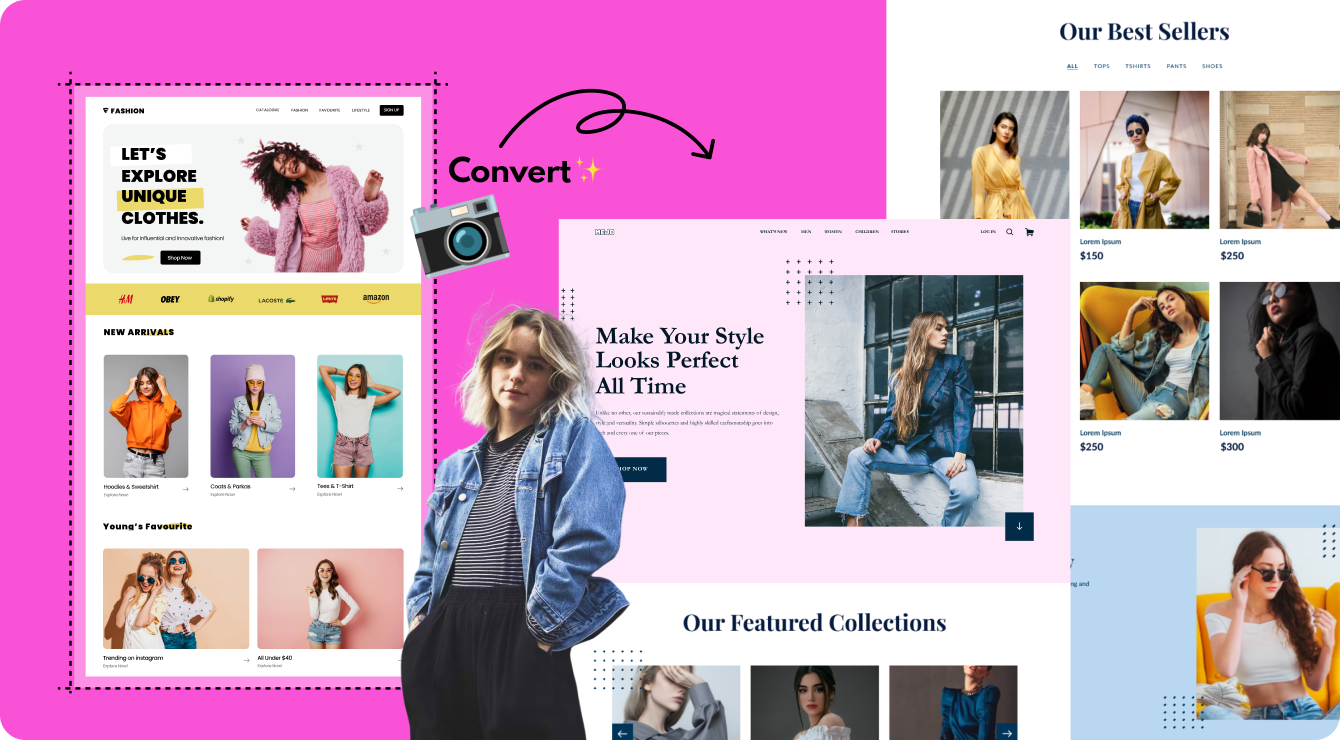
Screenshot to PrototypeUse a screenshot as a reference to generate a prototype draft, then check its structure and content
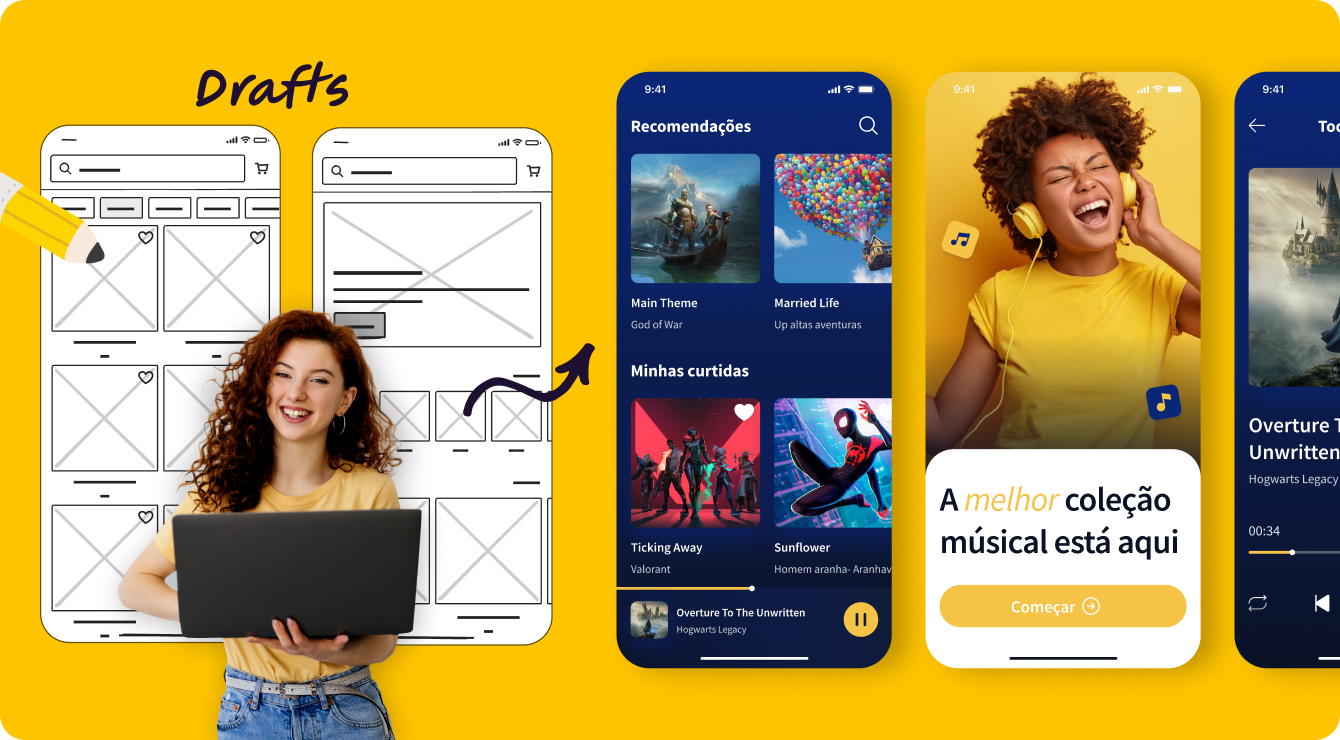
Sketch to PrototypeUpload a photo of a hand-drawn sketch to generate an editable interface draft.
Choose how to start your prototype
Describe the interface in natural language to generate interactive page drafts for review and editing
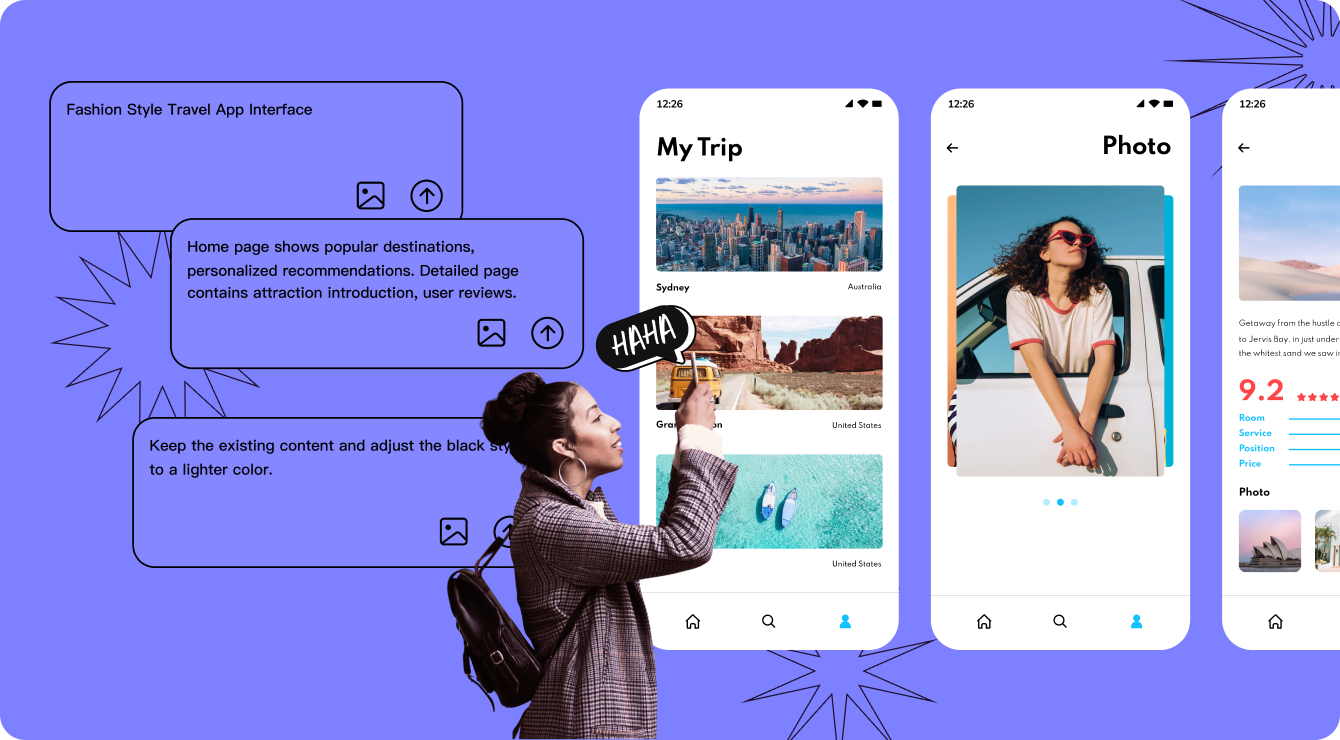
Use a screenshot as a reference to generate a prototype draft, then check its structure and content.
Upload a photo of a hand-drawn sketch to generate an editable interface draft.
Explore AI-assisted product workflows
Explore AI-assisted product workflows for e-commerce, education, and other sectors.
Adapt generated drafts to your users, requirements, and review process.