



One platform covering the entire
product design process
Prototype, design, plan, and present with your team

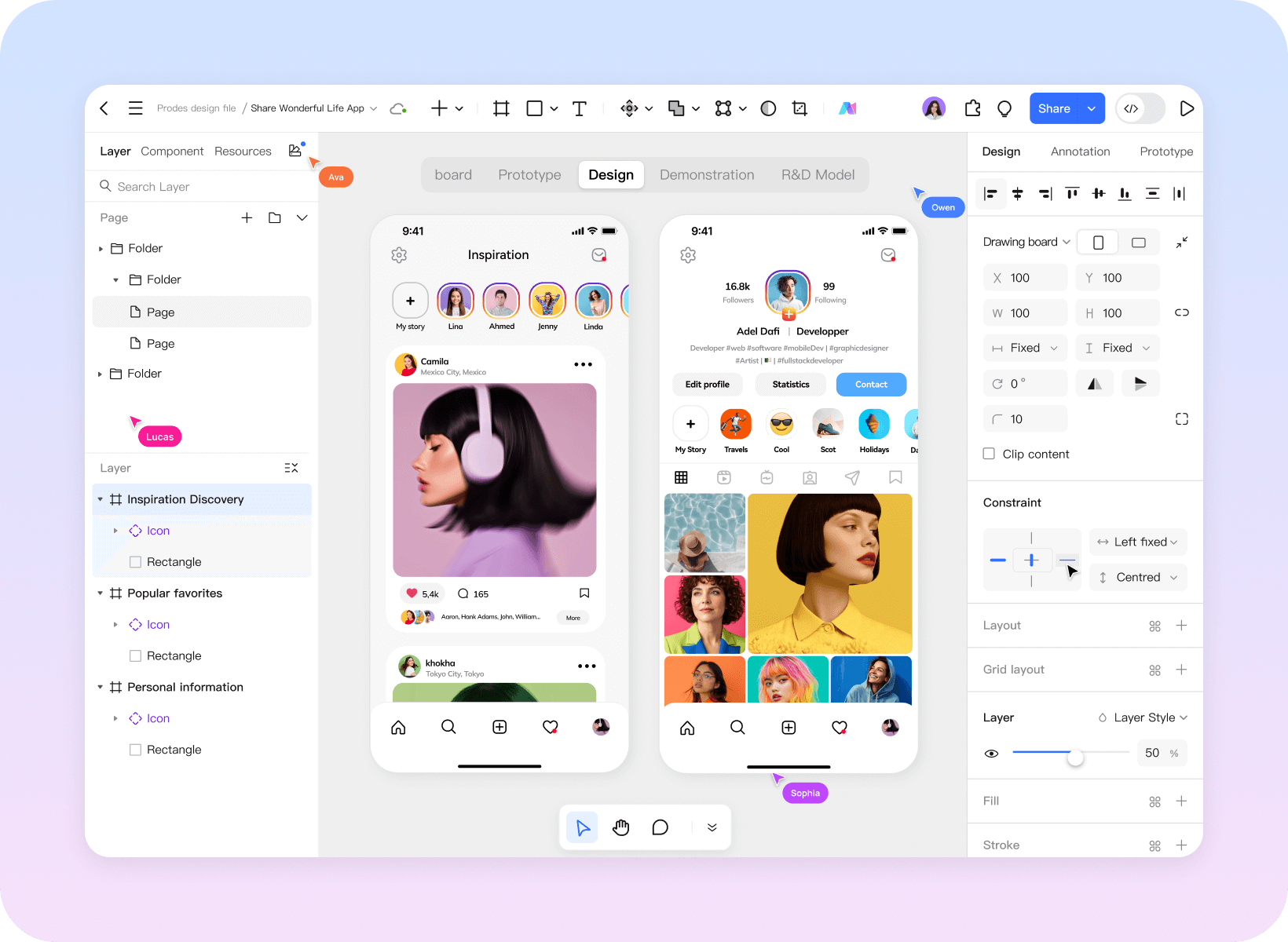
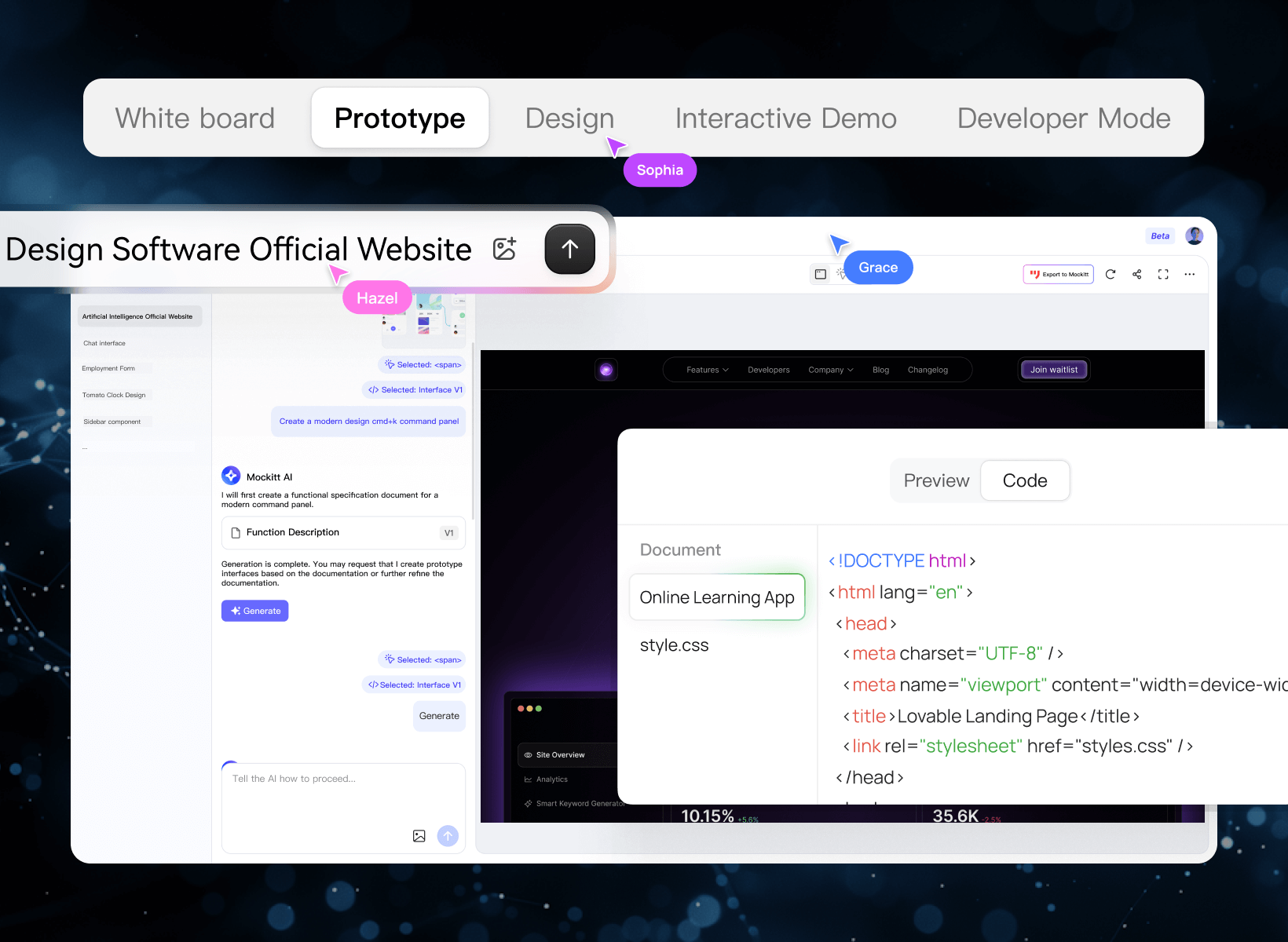
Mockitt Prototype
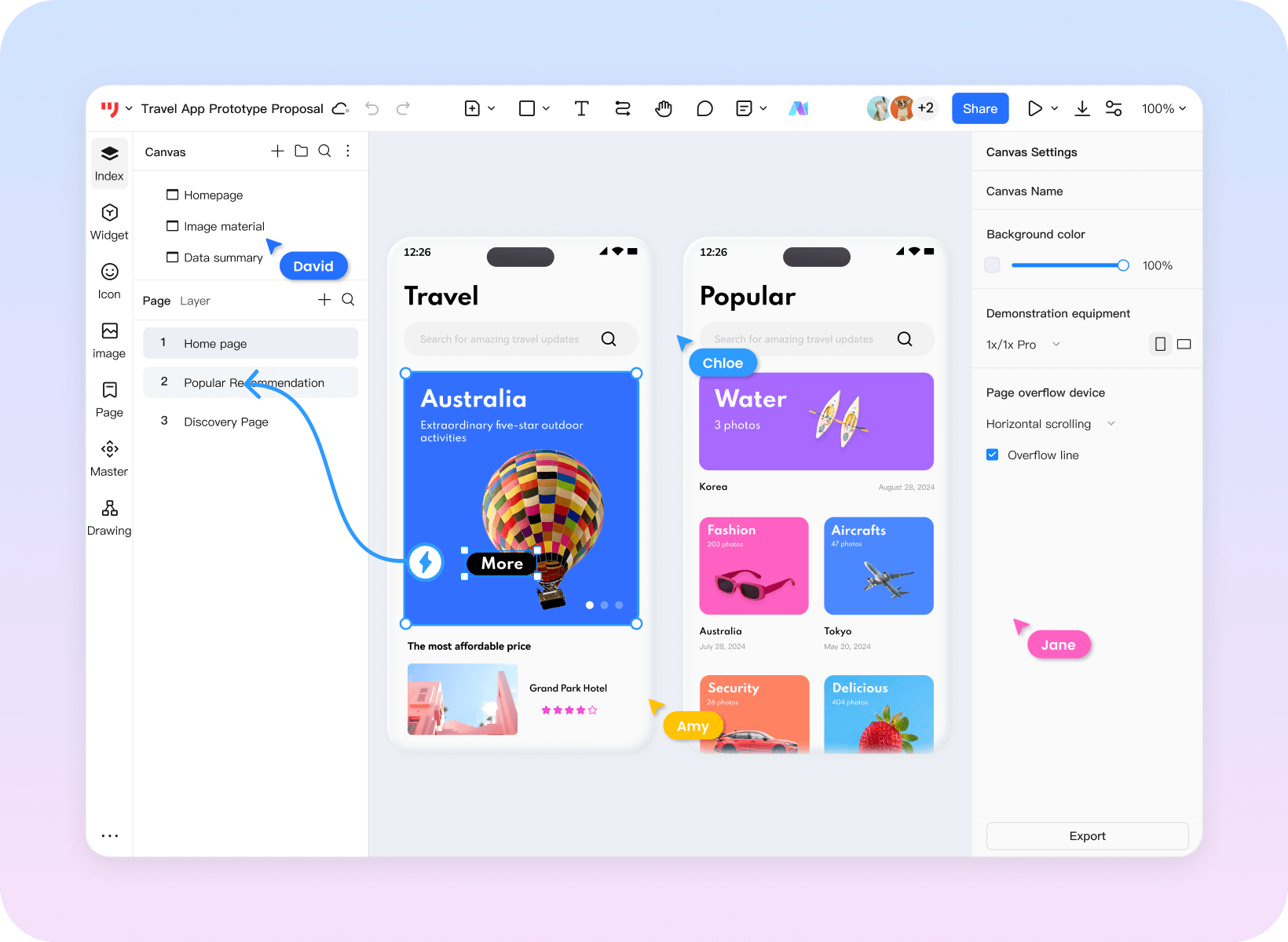
Build high-fidelity prototypes with simple drag-and-drop
Rapidly validate your product
- ·Interactive animations and device previews
- · Reusable components and templates for app and web projects
- · Supports complex interactions such as variables and logical jumps, delivering a realistic product experience.

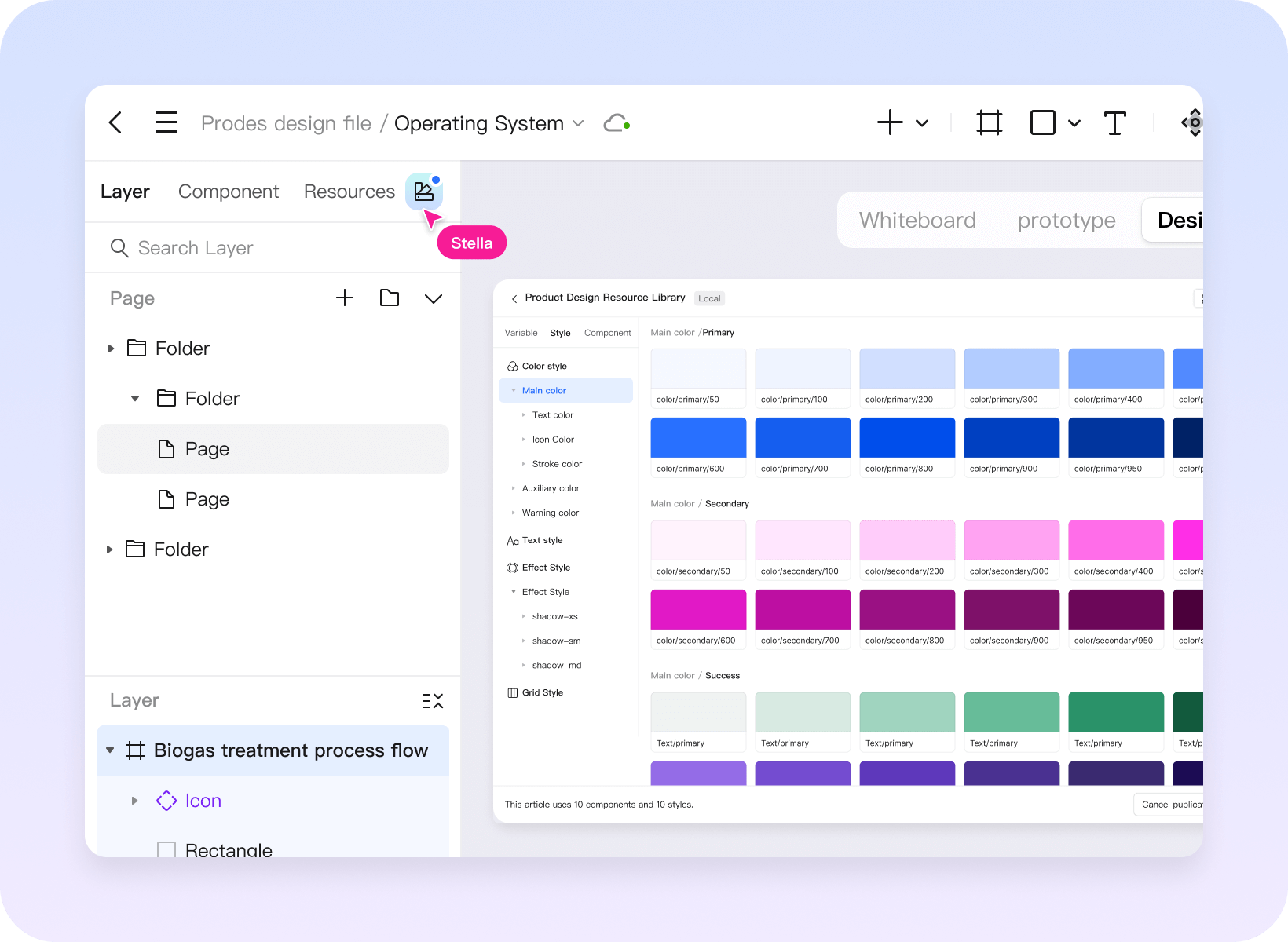
Mockitt Design
Professional-grade UI design tools Bridge the final gap between design and development
- · Complete vector toolchain for flexible manipulation of interface elements, adapting to multiple screen sizes
- · Compatible with Figma and Sketch files for migration
- · Inspect design specifications and code drafts during developer handoff

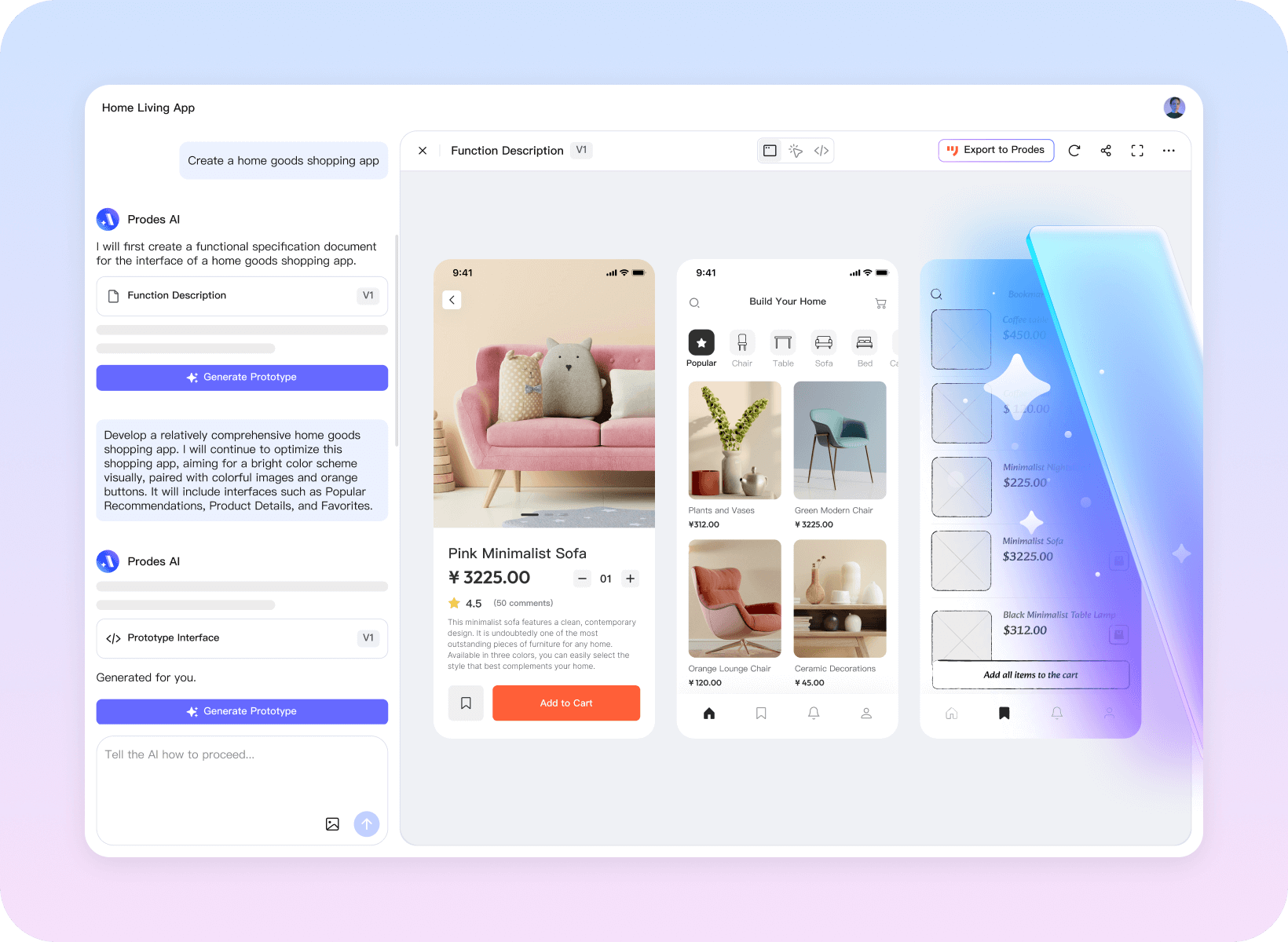
Mockitt AI
Input your ideas
Generate high-fidelity prototypes and product solution drafts
- ·AI-powered one-click prototyping with full editing and iteration capabilities
- ·Intelligent generation of product feature roadmaps to refine logic and polish details
- ·Simultaneous HTML code output for integration with development teams and support delivery workflows


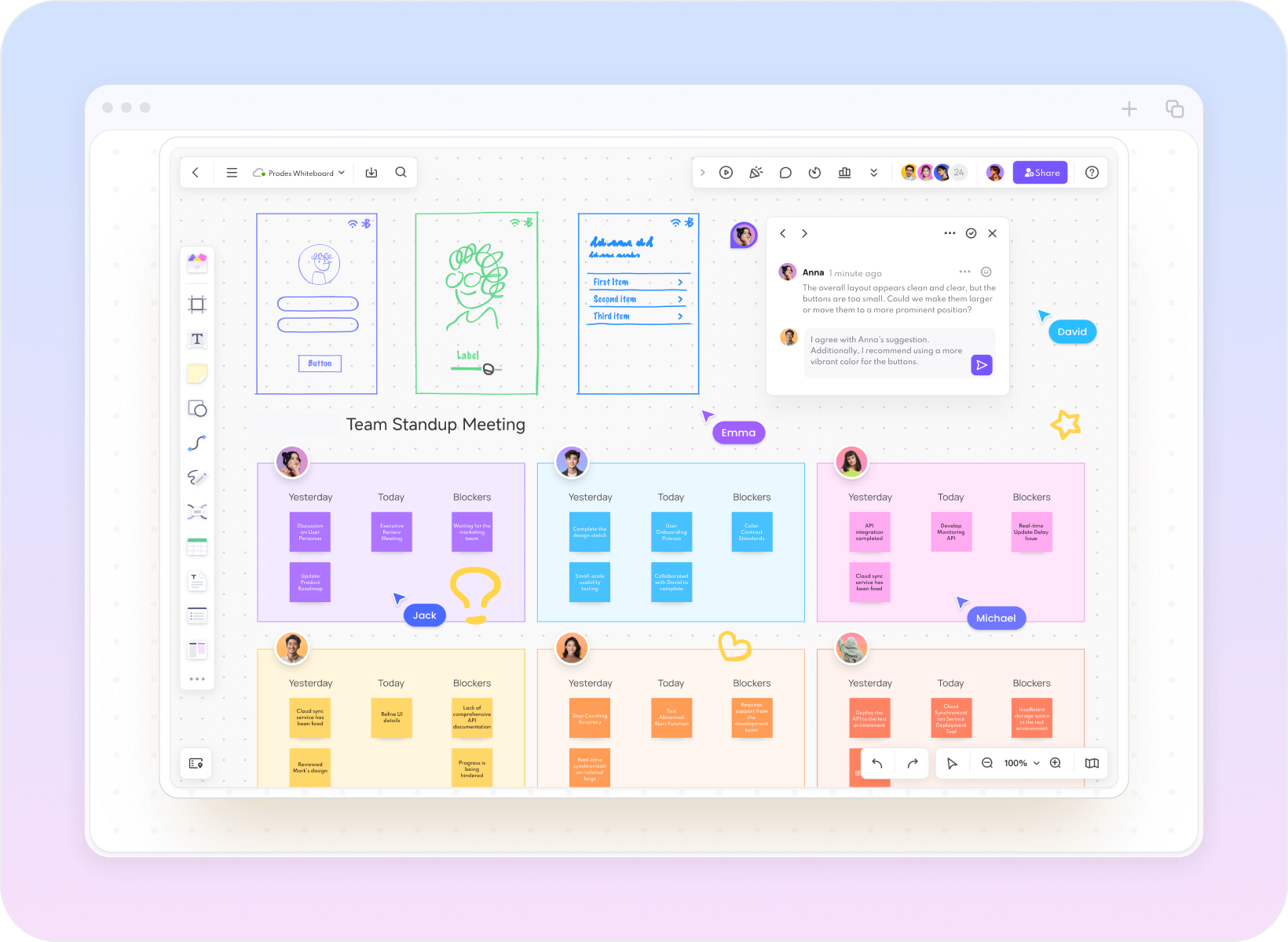
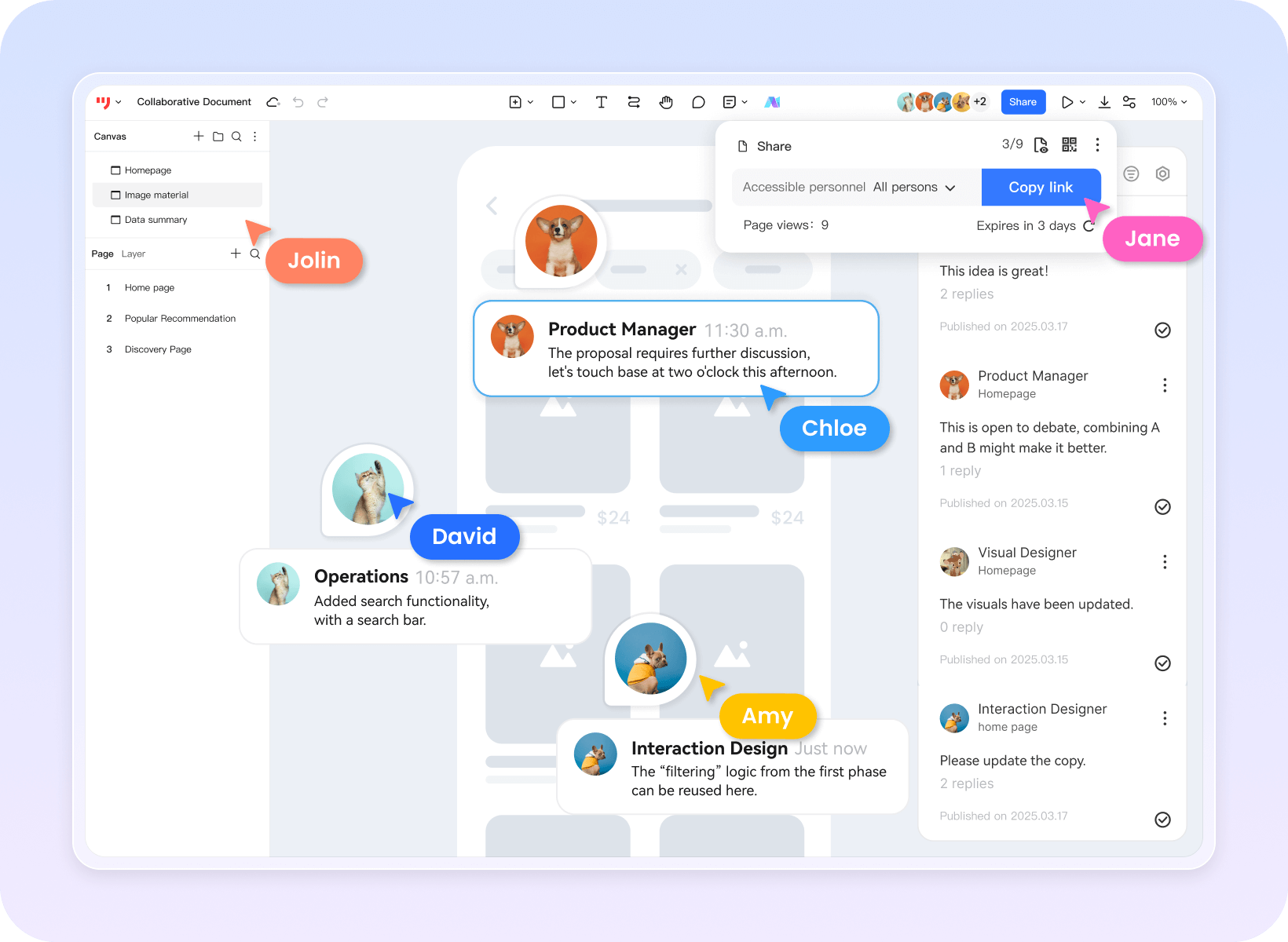
Mockitt Whiteboard
Market analysis, product planning, requirement mapping, task tracking
Effortless and intuitive team collaboration
- ·Infinite canvas supporting flowcharts, mind maps, and user journey maps
- ·Real-time multi-user collaboration with integrated commenting, annotation, and task assignment
- ·Data consolidation to unify team understanding and reduce communication overhead


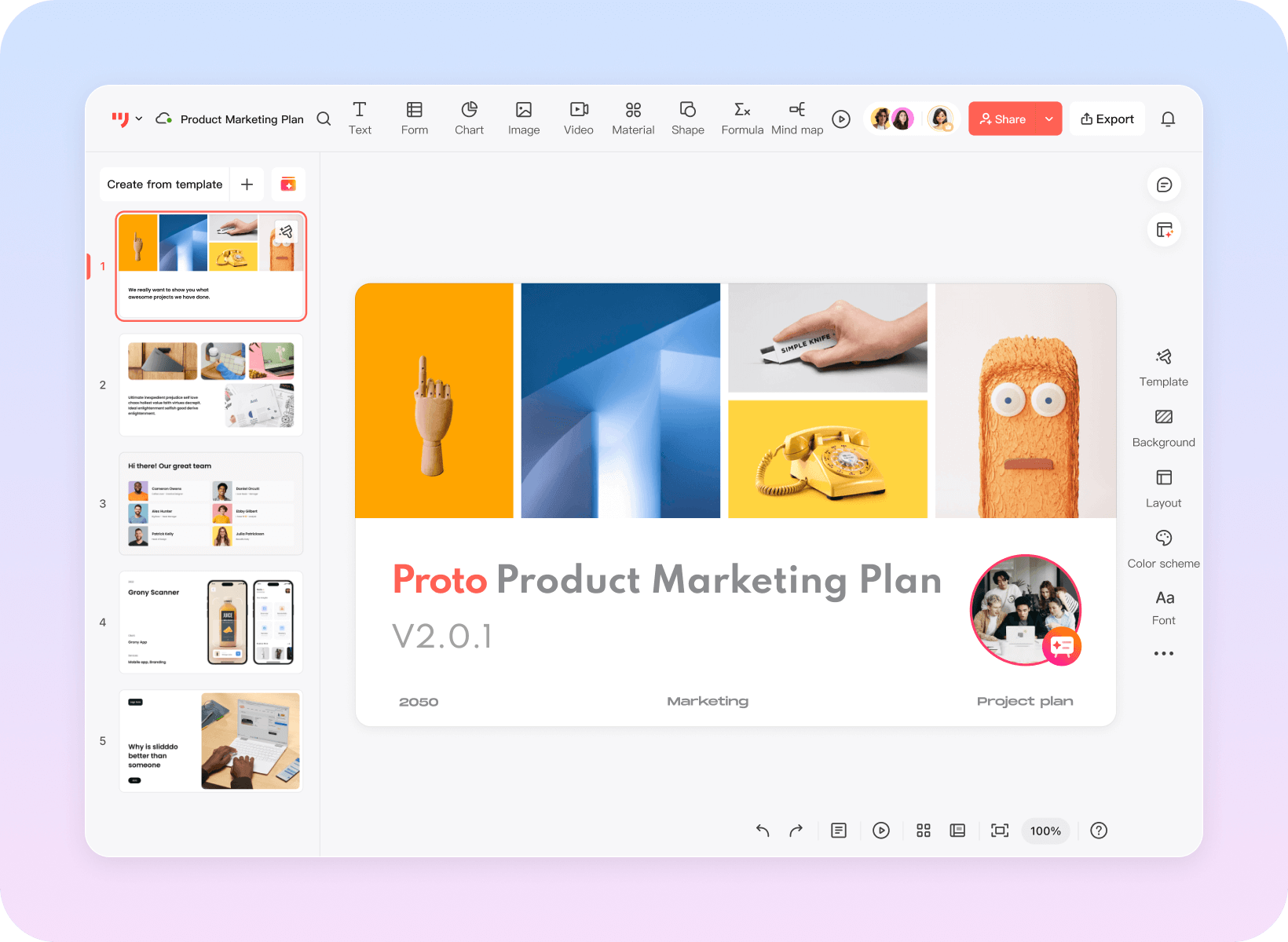
Mockitt AI slides
Turn a topic or outline
into an editable slide draft
- ·Enter your topic to generate a fully structured PowerPoint presentation
- ·Choose a template, then edit slide layouts, images, and colors
- ·One-click export to PPTX format, supporting online collaboration and commenting
One platform covering the entire product design process
Prototype, design, plan, and present with your team
Mockitt Prototype
Build high-fidelity prototypes with simple drag-and-drop
Rapidly validate your product
- · Interactive animations and device previews
- · Reusable components and templates for app and web projects
- · Supports complex interactions such as variables and logical jumps, delivering a realistic product experience.
Mockitt Design
Professional-grade UI design tools
Bridge the final gap between design and development
- · Complete vector toolchain for flexible manipulation of interface elements, adapting to multiple screen sizes
- · Compatible with Figma and Sketch files for migration
- · Inspect design specifications and code drafts during developer handoff
Mockitt AI
Input your ideas
Generate high-fidelity prototypes and product solution drafts
- · AI-powered one-click prototyping with full editing and iteration capabilities
- · Intelligent generation of product feature roadmaps to refine logic and polish details
- · Simultaneous HTML code output for integration with development teams and support delivery workflows
Mockitt Whiteboard
Market analysis, product planning, requirement mapping, task tracking
Effortless and intuitive team collaboration
- · Infinite canvas supporting flowcharts, mind maps, and user journey maps
- · Real-time multi-user collaboration with integrated commenting, annotation, and task assignment
- · Data consolidation to unify team understanding and reduce communication overhead
Mockitt AI slides
Turn a topic or outline
into an editable slide draft
- · Enter your topic to generate a fully structured PowerPoint presentation
- · Choose a template, then edit slide layouts, images, and colors
- · One-click export to PPTX format, supporting online collaboration and commenting
An AI assistant
Built for product teams
Explore ideas, draft requirements, and build prototypes
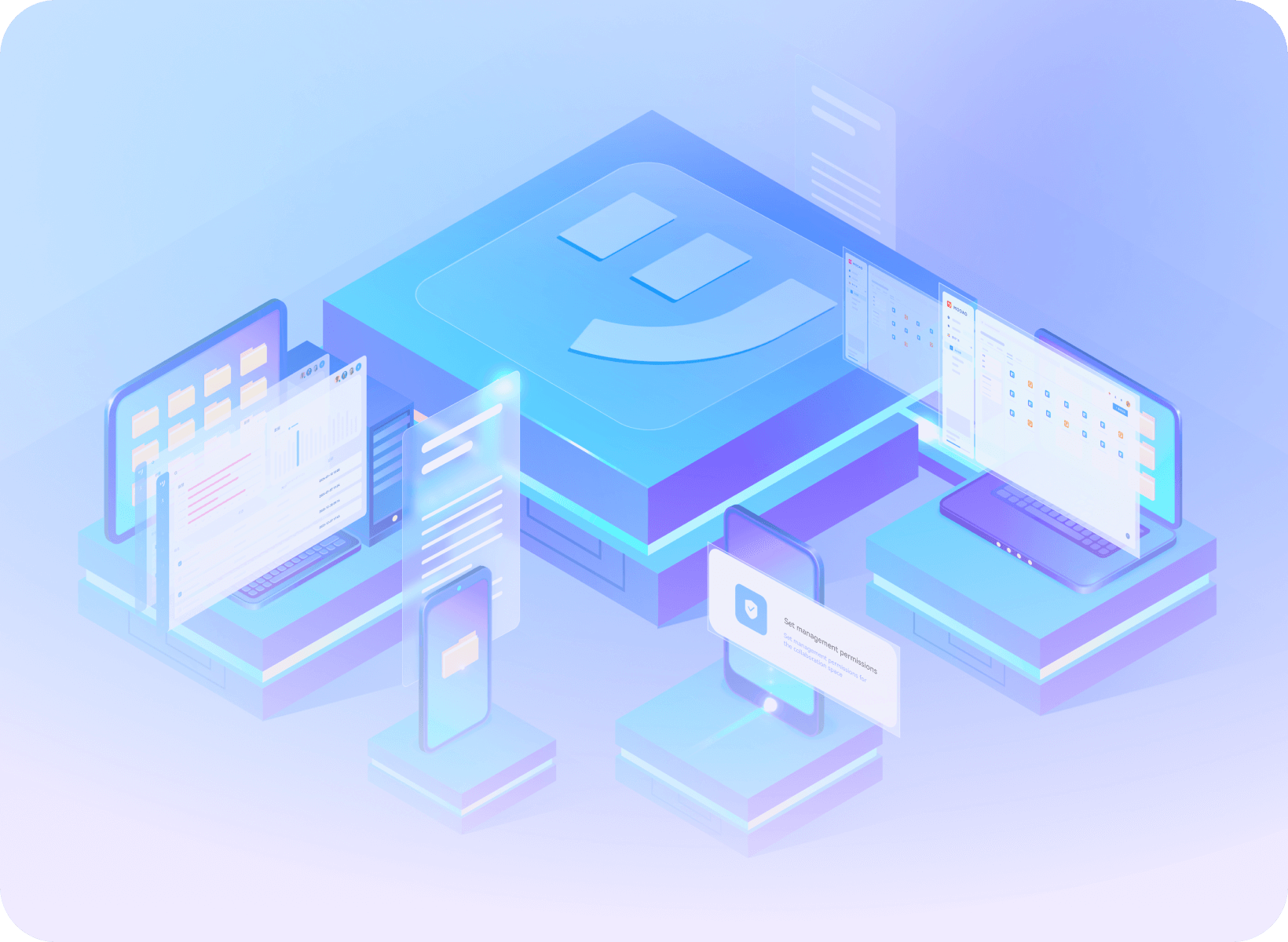
Example workflows for different teams
Explore how a team could use shared prototypes, feedback, and design resources in its own workflow.

For a financial-services workflow, prototype a task such as an account application or approval request. Let product, design, and development teams discuss the same screens, record feedback, and compare revisions before implementation.
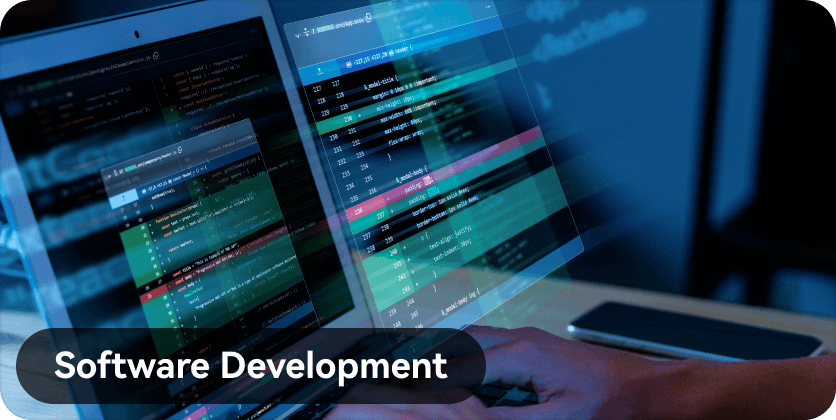
For a software project, start with reusable components and connect the screens needed for a customer task. Present the flow in a requirements review or proof-of-concept discussion, and keep comments beside the screen that needs a decision.
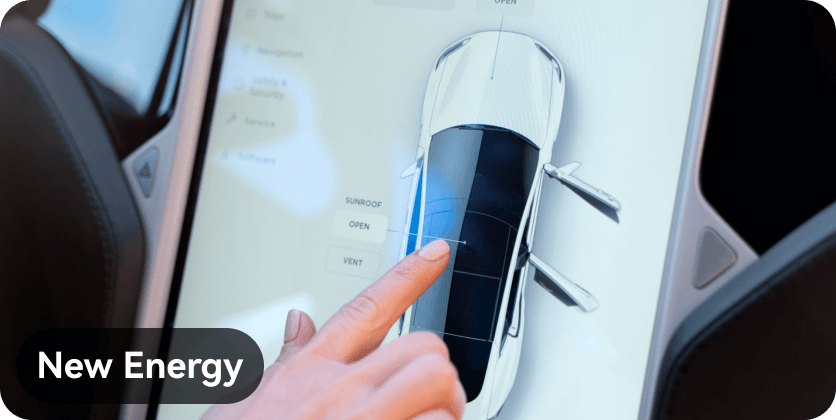
For a connected-device or automotive project, explore screen transitions, gesture interactions, and status feedback in a prototype. Use the review to identify unclear controls and missing states. Discuss deployment and data-handling requirements with the enterprise team before introducing sensitive project material.
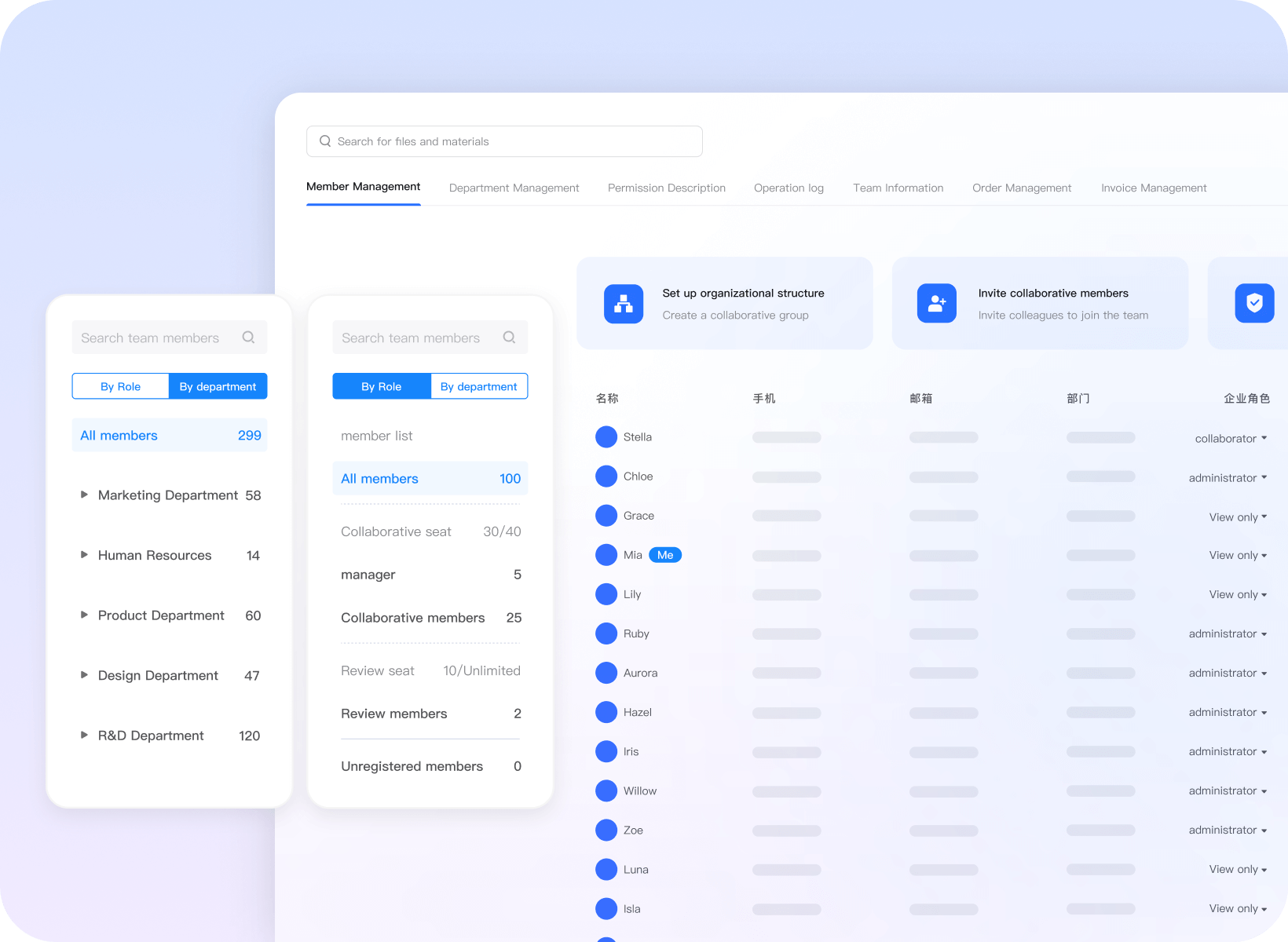
Plan the rollout with your team
Enterprise Needs Assessment

Explain your team structure, current tools, and rollout requirements.
Product Usage Training

Discuss onboarding and product training for the people who will create and review work.
Implementation guidance

Discuss setup, migration, and workflow questions with the enterprise team.
Support for your team

Discuss the support channels, availability, and service terms your team needs.