Folder/File Roles & Permissions
Overview
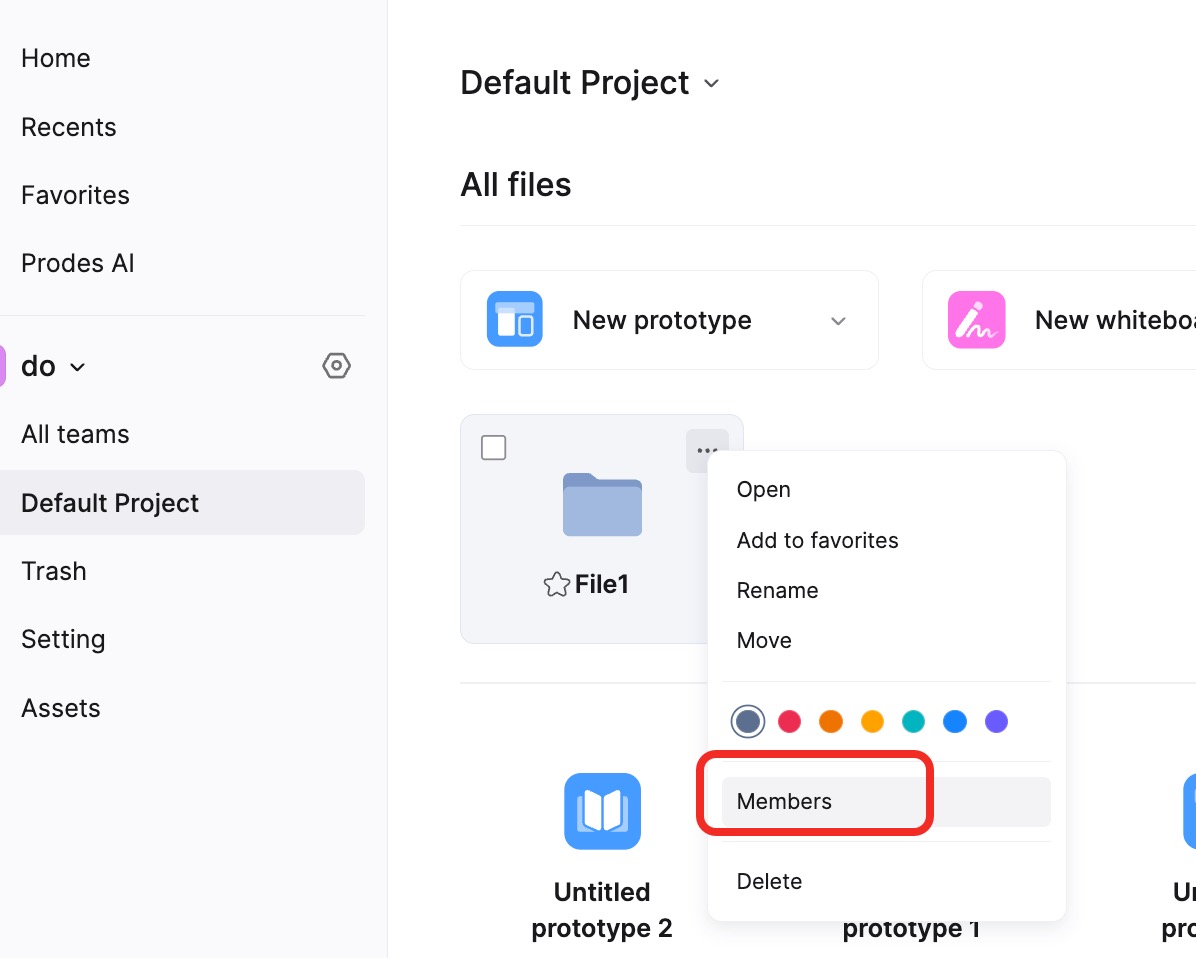
In Mockitt, managing roles and permissions for folders and files is crucial for team collaboration. Flexible permission settings allow teams to ensure data security while enabling members to perform appropriate actions based on their roles.
- Data Security: Prevents unauthorized access and operations.
- Information Management: Allows Enterprise administrators to control who can view, edit, or delete files and folders, ensuring sensitive information is protected.
Hierarchy Logic in Mockitt:
- Enterprise Workspace: The highest level of organization. It can contain multiple Teams. The Enterprise Owner manages enterprise members and their permissions.
- Team: A sub-area within the Enterprise Workspace. Multiple folders can be created within a Team. Team Admins manage folders and their permissions.
- Folder: Used to organize and store files. Folders within a Team can have specific permissions to control member access.
- File: The smallest unit of collaboration. Files are stored in folders, and each file can have distinct permissions controlling who can view, edit, or share it.
Mockitt allows Enterprise Owners and Admins to better manage data and collaboration workflows. Proper permission settings ensure efficient and secure operations.
Folder Permissions
Currently, folder roles include three categories: Admin, Can Edit, and Can View.
Note: If a member has Admin permission at the Team level, they can rename, delete, and edit folders regardless of their specific folder-level permission.
File Permissions
Currently, file roles include three categories: Admin, Can Edit, and Can View.
To set individual permissions for a file, open the file, click Share in the top right corner, select Add Collaborator, and set specific permissions for that user.
Note: Currently, you can only modify the permissions of subordinate members.