Team Management Operations
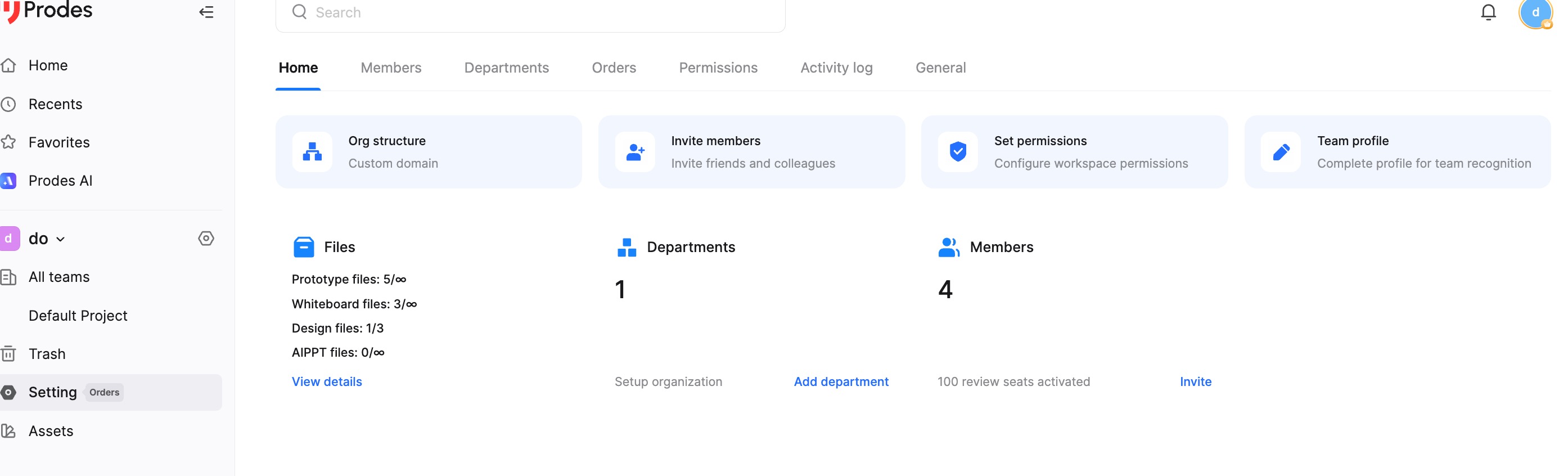
Teams
In Mockitt, a Team is a powerful feature designed for team collaboration and project management. Each Enterprise can create multiple Teams, and each Team can accommodate multiple members with specific roles and permissions.
The main functions of a Team include:
Flexible Permission Control: Teams allow for different roles and permissions settings, ensuring sensitive information is protected. Administrators can assign permissions based on a member's role and responsibilities, ensuring the security and effective operation of the team.
Support for Multi-Team Structure: An Enterprise can create multiple Teams to support different projects and requirements. Each Team can have different members, permissions, and management rules, allowing for flexible configuration based on actual needs.
Show and Hide Teams
In the Team List page, you can click the Pin icon to toggle the visibility of a Team in the left sidebar.
You can also right-click a Team in the left sidebar and select Unpin to hide it (the Team will still be visible in the main Team List on the right).
Sorting Teams
You can flexibly sort your Teams. In the left sidebar, click and hold the left mouse button on a Team to drag and reorder it.
Common Functions
Quick File Creation: Select a Team, then click the "+" button to quickly create a new file within that Team.
Team Settings: Right-click on the Team you want to manage in the sidebar. Owners or Creators can quickly modify the Team name, avatar, and description, or delete the Team.