Brief Description of Generation Principle
Based on the prompts you input, the AI identifies your intent and applies Large Language Model capabilities to convert them into HTML pages that follow your instructions.
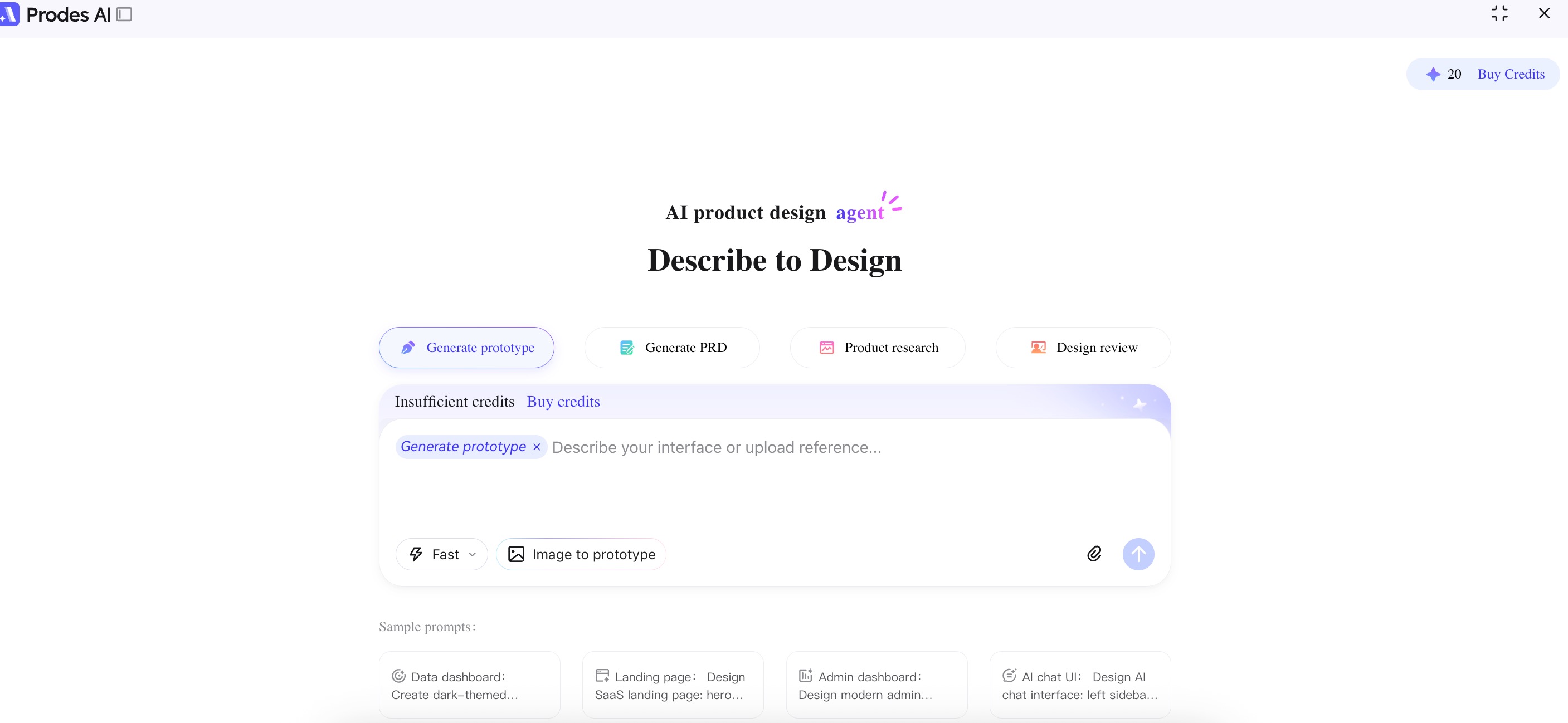
Prompt Tips
The usual structure is "Product Theme + Page Description". For example:
"An e-commerce product detail page, including main product image, price, product parameters, detailed description, and similar product recommendations."
Of course, you can also just write the theme, such as:
"An e-commerce website"
In this case, the AI is given more creative freedom, and the results may sometimes be better.
If the generated page is not the device type you want (for example, you want a PC Web interface but the AI generates a Mobile interface), simply add PC Web related keywords to the prompt, such as:
"Generate an e-commerce website, adapted for PC web"
If you want to generate multiple pages at the same time, just add keywords like "multi-page" after the normal description, such as:
"Generate an e-commerce website, multi-page"
Note: The current version supports generating a maximum of 6 pages at once, displayed in a tiled layout. The more pages you request, the higher the possibility of poor quality results. For the best outcome, we recommend generating 2-3 pages at a time.
Additionally, "multi-page" here refers to multiple pages displayed side-by-side (tiled), not interactive pages where you can click to jump between them. They are static displays.
You can also write detailed requirements, such as:
"Generate an e-commerce website, including homepage, product detail page, shopping cart, and my profile page."
Currently, native non-tiled multi-page interaction effects are also supported. For example, if the prompt includes "present in a single HTML, support click jump interaction", a single-page application with built-in interactions can be generated.
However, this method has a probability of failure. Furthermore, when importing such interactive pages into Mockitt, usually only the first screen is displayed, and the jump links will be lost. Therefore, if you need to edit the project in Mockitt later, we recommend using the tiled multi-page method.
In summary, if you write what you need clearly in the prompt, it will likely work well. Usually, you only need to consider the following points:
- Product Theme
- Page Description
- Page Size (Device Type)
- Whether it is Multi-page
Please Note: AI generation has a certain degree of randomness. While we try to minimize bad cases, they cannot be completely eliminated. If the generated result is not good, you can try Regenerating it. A poor result does not necessarily mean your prompt was written incorrectly.
Reference Cases
The product homepage provides 8 prompt examples. Clicking the buttons will input the prompts for you, which you can use as references.