Managing Team Members
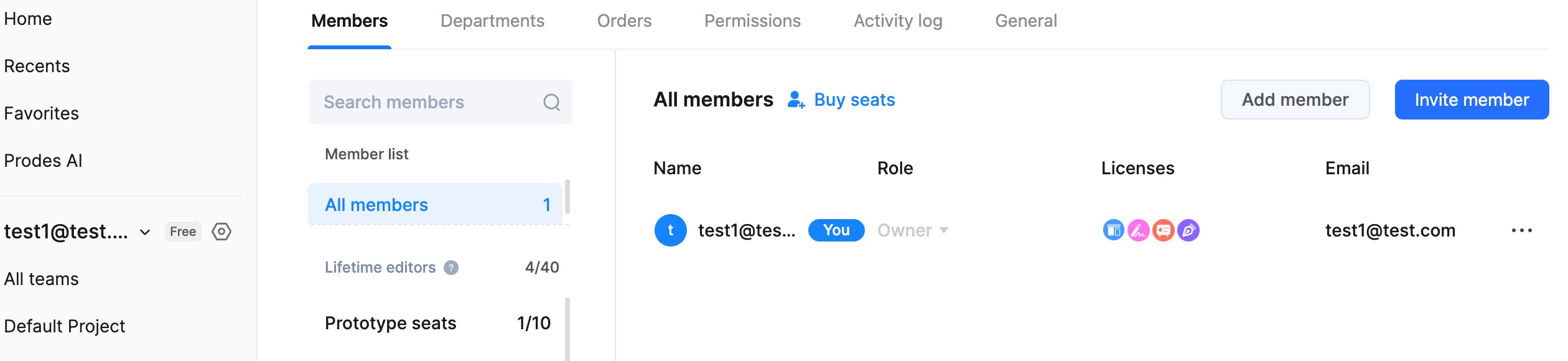
Add Team Members
In the left sidebar of the Workspace, select the Team you wish to manage. Click the Add Member button at the top to add new members.
- You can add other members from the Enterprise to this Team for collaboration.
Modify Team Member Permissions
Select the Team you wish to manage from the left side of the Workspace, then access Team Member Management to view all members in the team.
Locate the member whose role you want to change, click the dropdown menu in the "Team Role" column, and modify their permissions.
Note: Only Administrators can perform this action.
Remove Members
Select the Team you wish to manage from the left side of the Workspace, then access Team Member Management to view all members in the team.
Locate the member you want to remove, click the dropdown menu, and select the option to remove the member from the team.
Note: Only Administrators can perform this action.