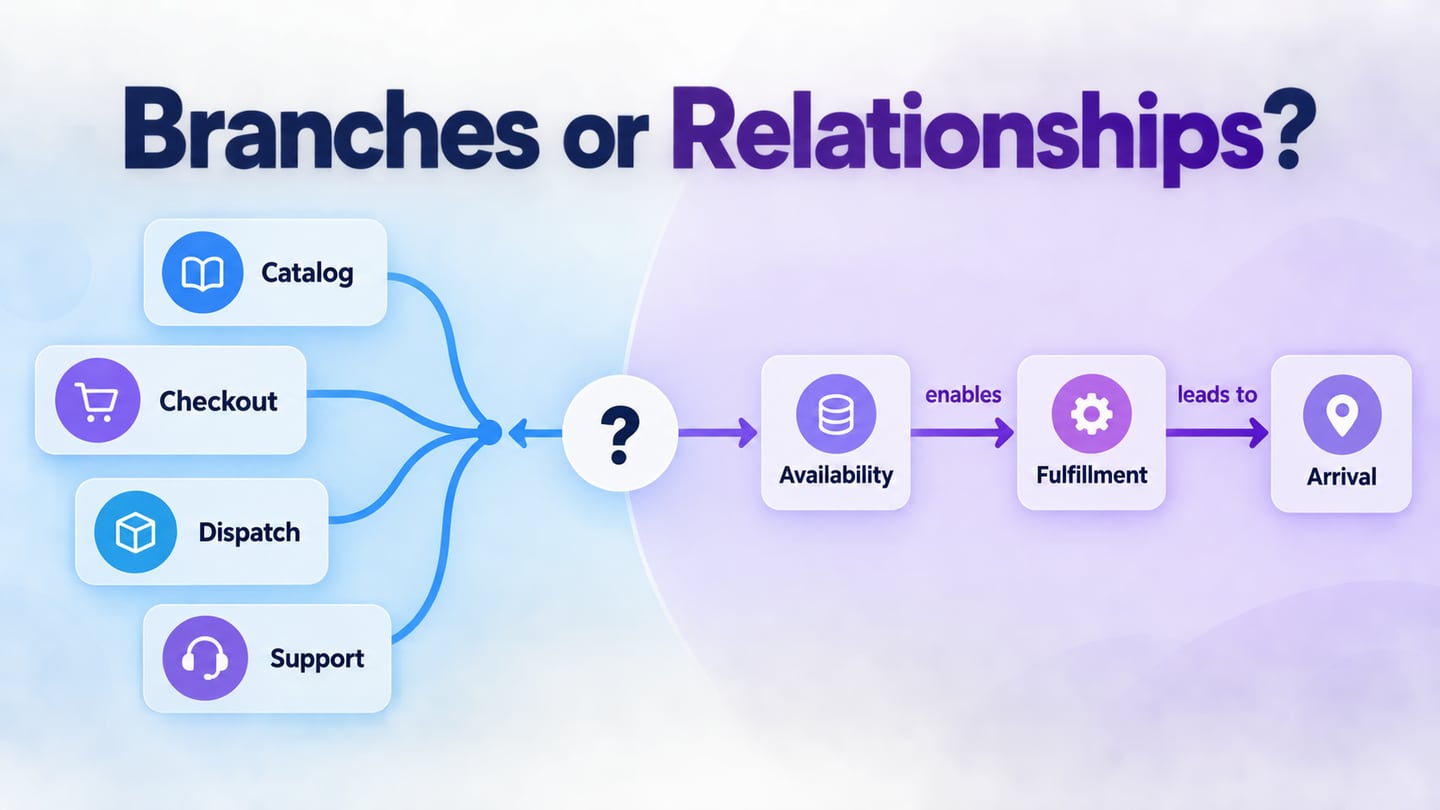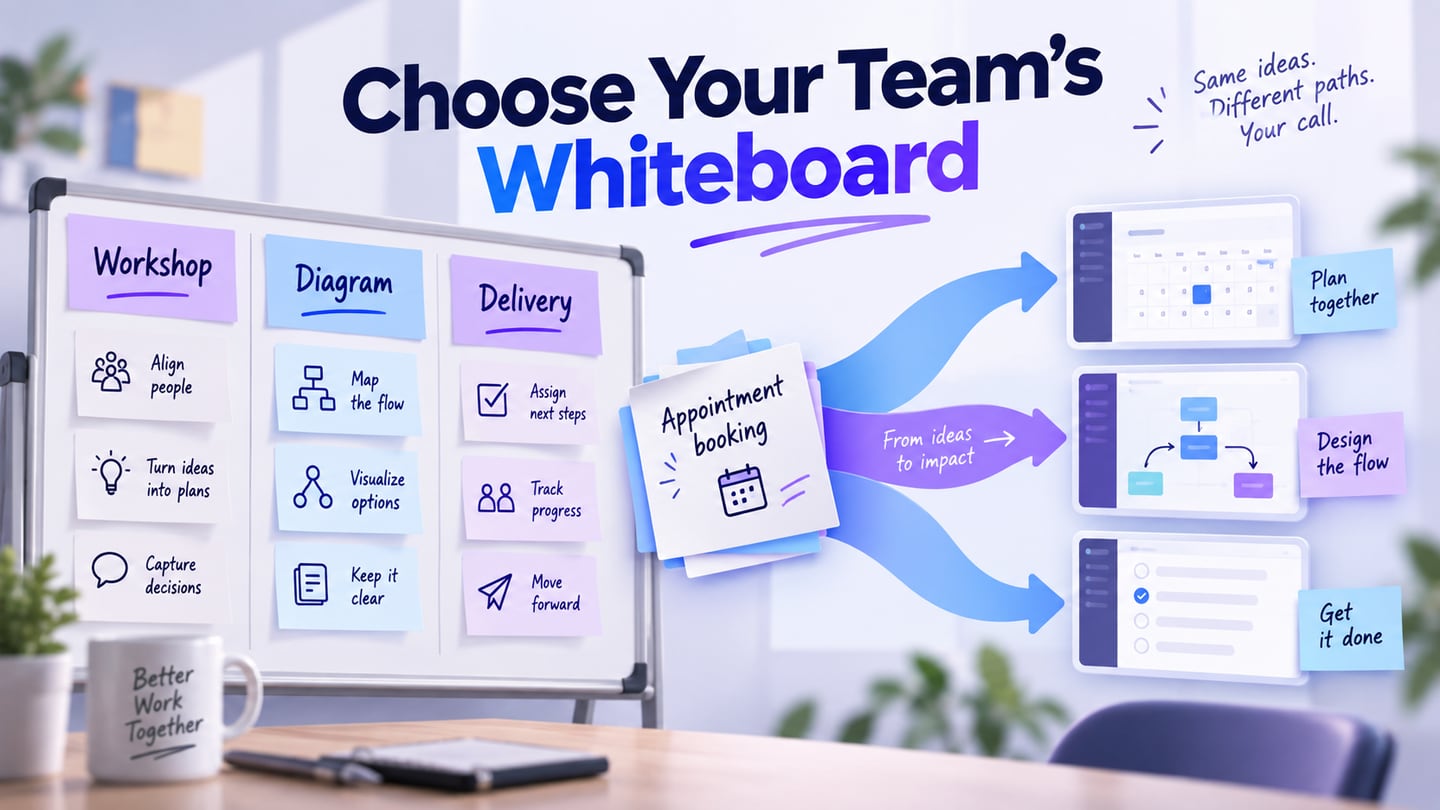
A concept map maker should help a reader understand relationships, not just arrange attractive boxes. For a shared product-planning map, Mockitt’s online whiteboard is one starting point. Review the concepts and explicitly label the relationships that matter; an AI-generated topic outline still needs that work.
This ten-tool comparison addresses a practical question: can the editor maintain a clear explanation as the map changes? Mockitt connects early mapping with product design; Boardmix puts the map beside shared workshop material. Dedicated diagram editors and presentation tools serve different handoffs.
Part 1. What Is a Concept Map?
A concept map connects concepts with labeled phrases that explain their relationships. It differs from a simple branch outline: “Urgent issue triggers Escalation” is a statement, while an unlabeled connection leaves the meaning open. Review the concept-map construction method before choosing an editor.
Evaluate the tool against the work the map must support:
- Relationships: add a readable phrase to each connection, including cross-links between separate groups.
- Evidence and context: keep supporting notes or references with the concepts so a reviewer can check assumptions.
- Sharing and maintenance: choose a readable export for the audience and retain an editable source for future changes.
Part 2. Ten concept-mapping options
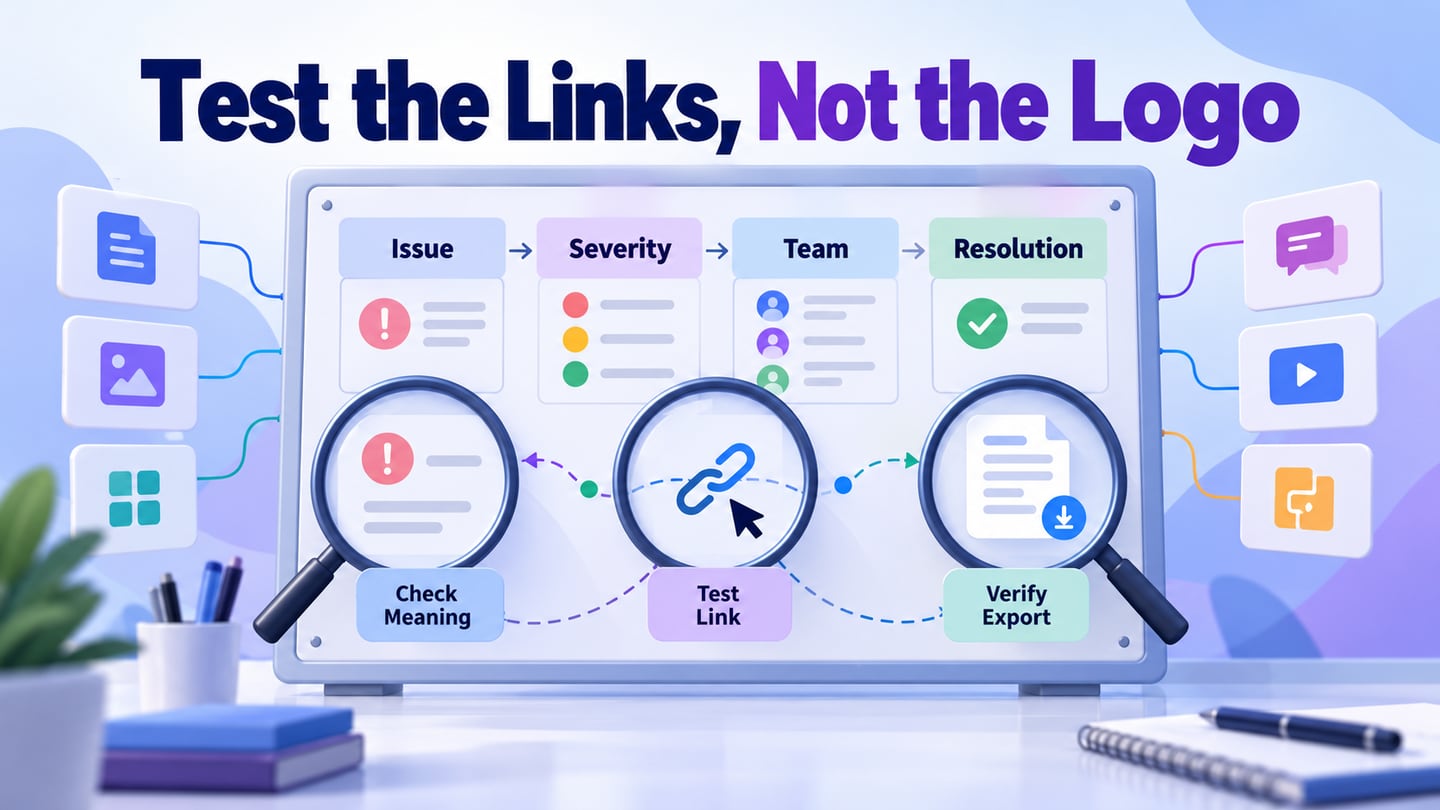
Use a support-escalation map as the trial task. Start with Customer issue, Severity, Assigned team and Resolution. Add “Severity determines Escalation route” and “Assigned team owns Resolution.” Then move a concept, add a cross-link and ask a colleague to explain one path. The best fit is the editor that preserves meaning through these edits, not the one with the longest feature list.
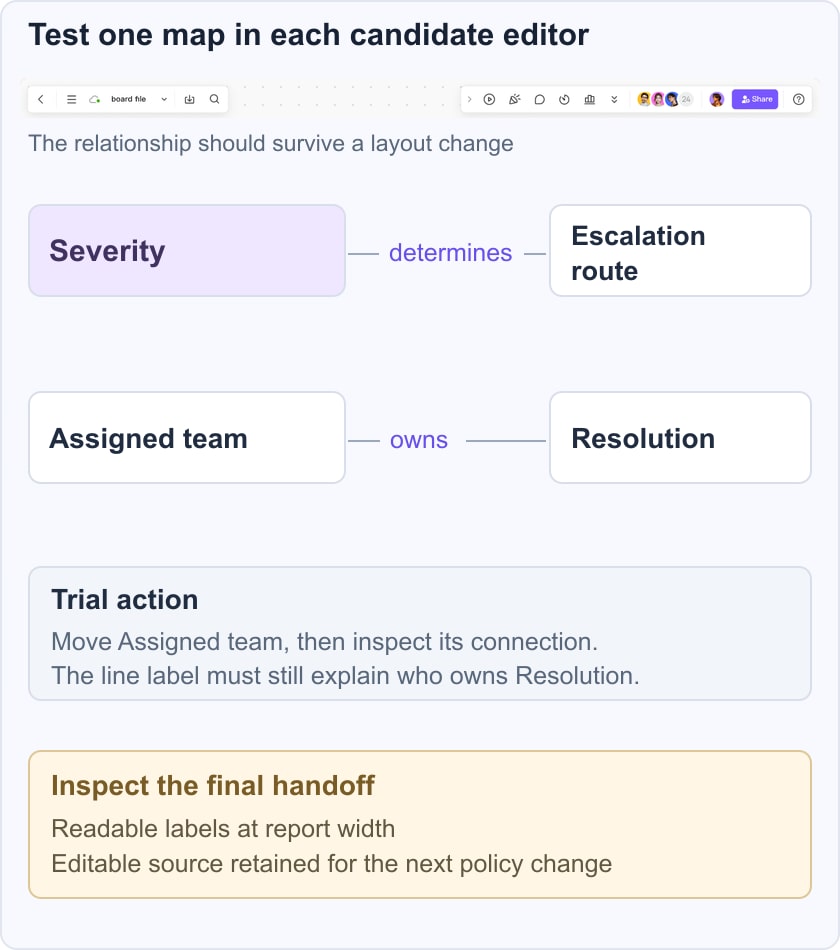
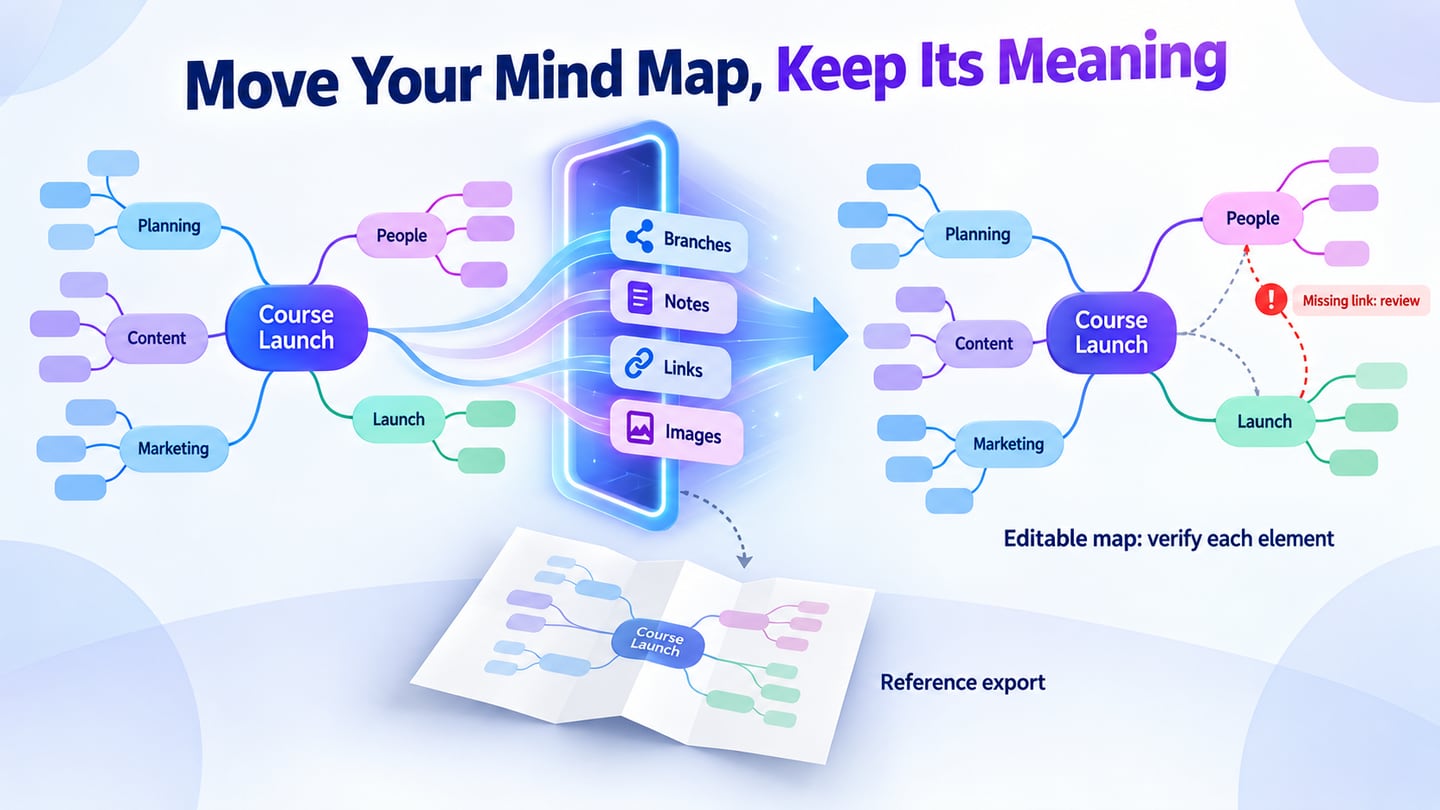
Test the final handoff too. Export at the width used in your report and check that the relationship labels are readable. Reopen the editable source and change one rule. If the result only looks right at high zoom, the map is not ready for the people who will use it.
The table below distinguishes likely starting points and the checks that remain your responsibility. These are selection criteria, not measured test results or a universal ranking.
Compare two or three suitable options with the same content before deciding.
| Tool or category | Useful starting point | Check with your own map |
|---|---|---|
| Mockitt | Mapping within a product-design workflow | Separate an idea draft from a reviewed relationship |
| Boardmix | Collaborative map and workshop context | Link meaning and access permissions |
| Adobe Express | A presentation-oriented map graphic | Node movement and readable connector labels |
| Lucidchart | Structured diagramming | Cross-links and reviewer access |
| Canva | A map alongside visual material | Readable export and the required plan |
| Visme | A styled map for presentation | Static versus interactive output |
| GitMind | Drafting and organizing topic ideas | Verify generated relationships |
| MindMeister | Branch-based mapping | The specific cross-links your concept map needs |
| FigJam | Collaborative workshop diagramming | Keep notes distinct from the reviewed map |
| CmapTools | Concept-focused knowledge modeling | Device, sharing and export requirements |
1 - Mockitt
Mockitt is a useful option when mapping is part of a broader product-design discussion. Keep brainstorming, the reviewed relationship map and the screen or flow that follows it conceptually separate, so an AI-generated outline does not silently become an approved product rule.
Features
- Diagram canvas: arrange concepts and connections for review instead of leaving all information in a long text list.
- Prototype context: use a clarified relationship to inform a screen or interaction, then validate the product behavior separately.
- Team review: ask a colleague to question an ambiguous link or missing condition before the map is treated as a specification.
- Mind-map draft: use branches to gather possible topics; convert important connections into explicit relationship statements.
2 - Boardmix
Boardmix combines a collaborative whiteboard with mind maps and diagrams. Use a diagram with labeled connectors for a concept map: a radial mind-map branch alone does not explain why two concepts are related.
Features
- Map workspace: place the concepts and their supporting notes together while keeping the final explanation distinct from raw ideas.
- Collaboration check: invite a reviewer to inspect one relationship and confirm the sharing permissions needed for your team.
- Selection check: try a cross-link and an export using the support-escalation example before committing a larger map.
For the support-escalation example, keep source notes beside the reviewed map. Connect Severity to Escalation route with “determines,” then add a cross-link from Assigned team to Resolution with “owns.” Ask a support colleague to challenge those phrases. This shared review is Boardmix’s useful role here; Mockitt is the closer continuation when the agreed rules must become a screen or interaction.
3 - Adobe Express
Adobe Express offers a template-led concept-map workflow. It is worth considering when the deliverable is a polished visual in a report or presentation. Test the exact connector behavior you need rather than assuming a graphic template has the editing model of a dedicated mapping tool.

Features
- Visual editing: combine shapes, labels and supporting graphics into a readable finished map.
- Templates: begin with a suitable arrangement, then remove decorative elements that compete with the explanation.
- Selection check: move a node and revise a cross-link before choosing it for a frequently maintained knowledge map.
4 - Lucidchart
Lucidchart’s mapping documentation is a useful starting point for teams that need diagramming beyond a simple topic tree. Test labeled connectors and the way the map shares with reviewers. Security, administration and paid features should be evaluated against your organization’s actual requirements.
Features
- Diagramming: represent systems, structures and processes with shapes and connections.
- Map maintenance: inspect how connectors behave when a concept changes position or the map gains a new relationship.
- Integration check: verify the specific workspace connection you need, including which plan and account permissions it requires.
5 - Canva
Canva’s whiteboard is relevant when a team wants to combine a map with explanatory visual material. Its broader design environment can help with presentation, but it does not remove the need to label relationships and check the exported reading size.
Features
- Visual assets: use supporting images only where they clarify a concept, rather than decorating every node.
- Collaboration: test how reviewers access and comment on the specific design you intend to share.
- Plan check: confirm which templates, assets and export options are included in the account you will actually use.
6 - Visme
Visme’s concept map maker supports shapes, lines and customizable map visuals. It is a useful candidate when the map needs to be presented alongside other visual content. Test readability before adding animation or interactivity.
Features
- Shapes and connectors: arrange a map that answers a specific question and keep relationship labels close to their lines.
- Presentation options: use interactive behavior only when the audience can access it in the chosen output format.
- Brand styling: keep labels legible and maintain a consistent visual hierarchy; a brand palette should not obscure relationship meaning.
7 - GitMind
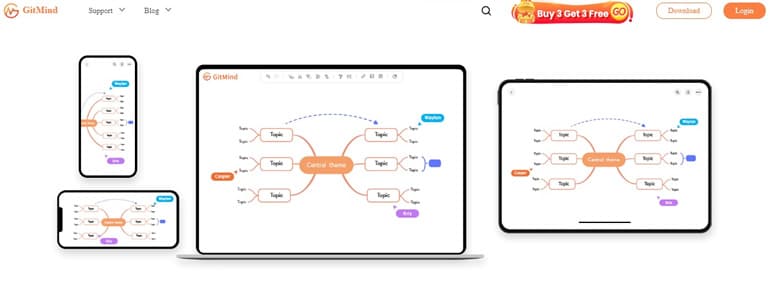
GitMind combines mind-mapping and AI-assisted idea organization. It is relevant for drafting topics, but a generated branch is not proof of a relationship. Review every factual claim and test whether the intended cross-links can be represented clearly.
Features
- Input check: confirm that the type of source material you want to use is supported in the current product.
- Review: separate source-backed concepts from generated suggestions before sharing the map as an explanation.
- Formatting: choose styles that distinguish groups without making color the only carrier of meaning.
8 - MindMeister
MindMeister is a dedicated mind-mapping option with mobile and collaborative workflows. It suits branch-based organization; test the relationship links you need if the final deliverable is a concept map rather than a topic outline.

Features
- Branch styling: use visual grouping to support the structure rather than creating a different style for every node.
- Focus check: confirm how a reviewer can inspect one branch without losing the surrounding context.
- Feedback: test the actual comment and sharing workflow with a colleague before relying on it for a recurring review.
9 - FigJam
FigJam is a collaborative whiteboard for brainstorming, diagramming and workshops. Shapes and connectors make it a candidate for concept mapping, especially when the discussion already lives in a wider product-design workspace.
Features
- Whiteboard: keep the reviewed concept map separate from raw workshop notes.
- Diagramming: label connectors and inspect the map after moving or regrouping concepts.
- Workshop fit: test whether everyone who needs to contribute can access the board under the intended permissions.
10 - CmapTools
IHMC CmapTools is designed specifically for building and sharing knowledge models represented as concept maps. It is worth testing when explicit propositions and linked concept maps are more important than a broad visual-design workspace.
Features
- Concept-focused authoring: build the explanation from concepts and linking phrases rather than starting with decorative graphics.
- Knowledge models: consider how a larger topic can be split into related maps that remain understandable individually.
- Selection check: confirm installation, sharing and export requirements on the intended devices before using it for a team workflow.
Conclusion
Choose the editor around the relationship task and the people maintaining the map. A static graphic, a collaborative whiteboard and a concept-focused editor can all be useful, but they solve different parts of the job.
Keep the editable source and check the final handoff. The Word workflow and Google Docs workflow explain how to place a reviewed map in a document without confusing a static image with editable nodes.