A project management process organizes decisions, responsibilities and evidence from a project’s start through its closure. In product development, that includes more than producing screens: the team needs a defined problem, a feasible plan, reviewable deliverables and a clear handoff. A process helps make the work visible; it cannot guarantee success.
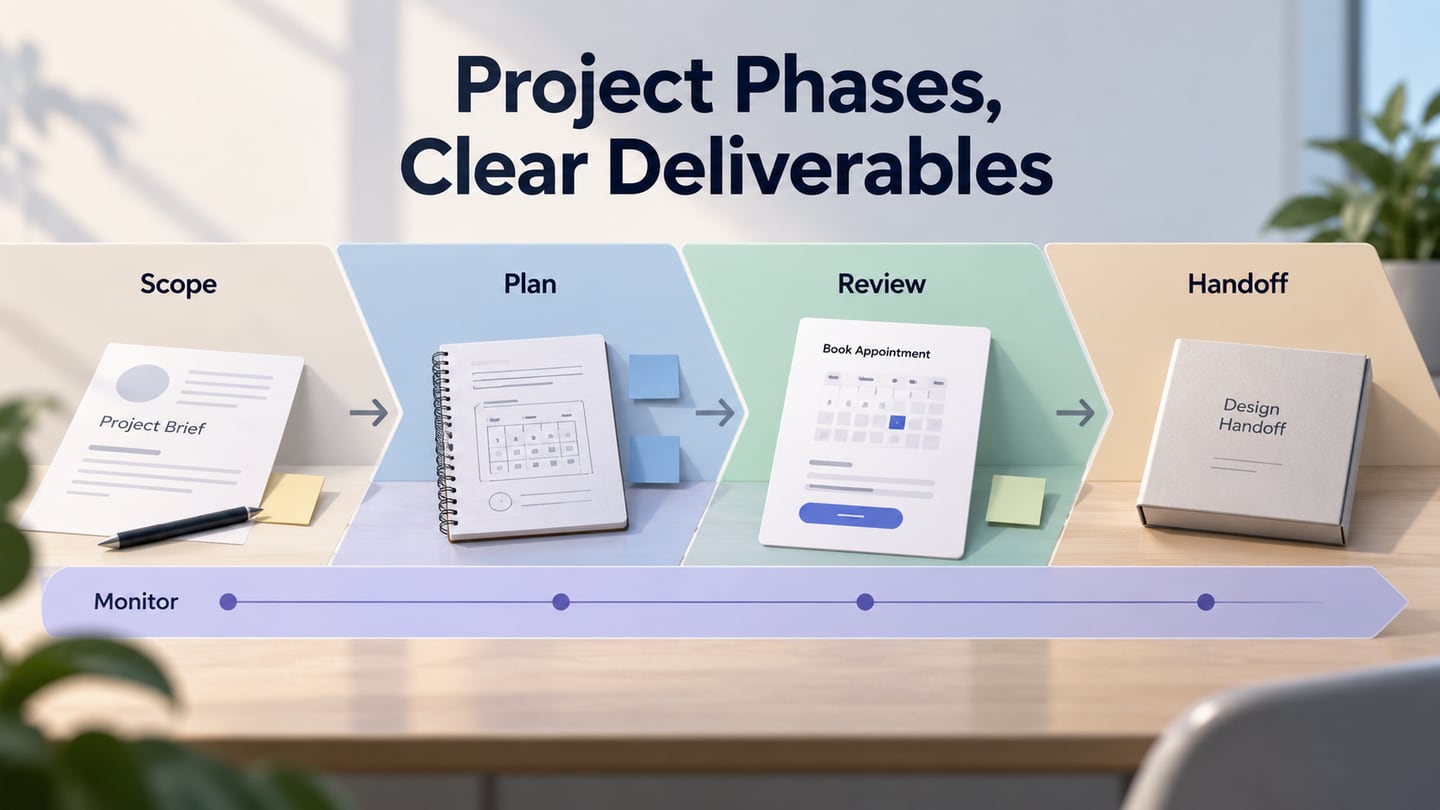
This guide uses initiation, planning, execution and closure as a four-phase example. It distinguishes those lifecycle phases from process groups and shows where a small design deliverable can be reviewed. The aim is to know what needs a decision and who supplies the evidence, not to choose a methodology for every project.
What Is a Project Management Process?
A project is a temporary effort undertaken to produce a particular result, product or service. Managing it involves clarifying the objective, coordinating the work, tracking constraints and responding to what happens. Organizations differ in their approval rules, documentation and delivery needs, so the amount of process should suit the project.
Projects can fail for many reasons, including an unclear need, unrealistic assumptions, missing resources or a solution that does not work. Ignoring coordination is one possible problem, not a universal explanation. A useful process exposes uncertainty early enough for someone to act on it.
Do not confuse process with a choice of project management methodology. A team may use different delivery approaches while still needing decisions about scope, resources, evidence and closure. The four-phase example below is a way to organize those responsibilities, not a claim that every project must follow identical steps.
Projects, Lifecycles and Process Groups
A lifecycle describes the phases a project passes through. A phase can end with a review, decision or deliverable, and the specific names depend on the organization. Some activities repeat or overlap; planning does not necessarily stop when execution begins.
PMI distinguishes process groups from lifecycle phases. Initiating, Planning, Executing, Monitoring and Controlling, and Closing are five process groups in its process-based guidance; activities from those groups can occur within different phases. The four lifecycle labels used here are:
- Initiation
- Planning
- Execution
- Closure
Monitoring and controlling run across this example: compare actual work with the plan, review changes and respond to risks. They are not a missing fifth phase that begins only after the work is complete.
A Four-Phase Project Example
Consider a project delivering an appointment-booking improvement. Each phase needs useful artifacts and decisions, while design review provides only part of the evidence required for release. The same checklist can be adapted to other projects without treating a prototype as the entire deliverable.
1. Initiation
Identify the problem, need or opportunity before committing to a solution. For appointment booking, establish whose task is difficult and what evidence shows the problem. A request for a new screen is an input to investigate, not automatically the project’s objective.
Agree on the intended outcome and whether the work is feasible enough to proceed. Record important assumptions and who can approve the scope. A concise starting brief should help the team decide what to investigate or deliver next.
Initiation Checklist
- Feasibility: Identify operational, technical and financial constraints, and the evidence needed to judge whether a solution is viable.
- Scope: State what the project includes and excludes, such as appointment selection without changing the clinic’s scheduling policy.
- Deliverables: Name the expected outputs and how each will be reviewed or accepted.
- Stakeholders: Identify people affected by the work, decision owners and those who supply specialist evidence.
- Statement of work: Record the agreed work, deliverables, boundaries and responsibilities in the form the organization requires.
2. Planning
Turn the approved scope into manageable work with dependencies, owners and review points. Plan enough detail to coordinate the next decisions, and make uncertainty visible rather than pretending that every later step is already known.
Planning Checklist
- Plan: Define tasks, dependencies and milestones, including time for review, correction and implementation testing.
- Workflow diagrams: Use a project flowchart where it clarifies a handoff or decision; a diagram supports the plan rather than replacing responsibilities.
- Budget: Estimate costs with assumptions and tolerances. Keep expected benefits separate from costs rather than presenting an uncertain return as guaranteed.
- Resources: Confirm the people, tools, access and specialist capacity required to do the work.
- Risks: Identify what could obstruct delivery, the warning signs and who will respond.
- Kickoff: Share the goal, boundaries, roles and next review points so the team begins with a common understanding.
3. Execution
Carry out the work and inspect the results as they emerge. A design team might produce a booking prototype while developers investigate scheduling integration. Those are related activities with different evidence; a successful screen review does not verify the integration.
Execution and Monitoring Checklist
- Tasks: Give work clear ownership and acceptance expectations rather than assigning vague activities.
- Briefing: Resolve questions about the task, dependencies and decision authority before assumptions spread.
- Communication: Provide relevant progress, risks and decisions to stakeholders at agreed points.
- Progress and quality: Compare results with the intended deliverables, record defects and evaluate requested changes.
- Budget and resources: Track actual use and forecast remaining needs; escalate material changes through the agreed process.
4. Closure
Close the project or phase deliberately. Confirm what has been accepted, transfer responsibility for ongoing work and document anything outstanding. Closure is not simply the date when the design files are sent. A project can also close early after an explicit decision to stop.
Closure Checklist
- Project outcomes: Compare the accepted results with the agreed objectives and identify evidence that must be collected after release.
- Team review: Discuss how collaboration and decisions worked, focusing on improvements rather than an unsupported ranking of individuals.
- Closure record: Record acceptance, handover, unresolved items and their owners; release resources that are no longer needed.
- Lessons and feedback: Preserve specific findings that another project can act on, including what should change next time.
- Budget closeout: Reconcile costs and commitments with the approved budget, explain material differences and assign any remaining financial actions.
Review a Design Deliverable in Mockitt
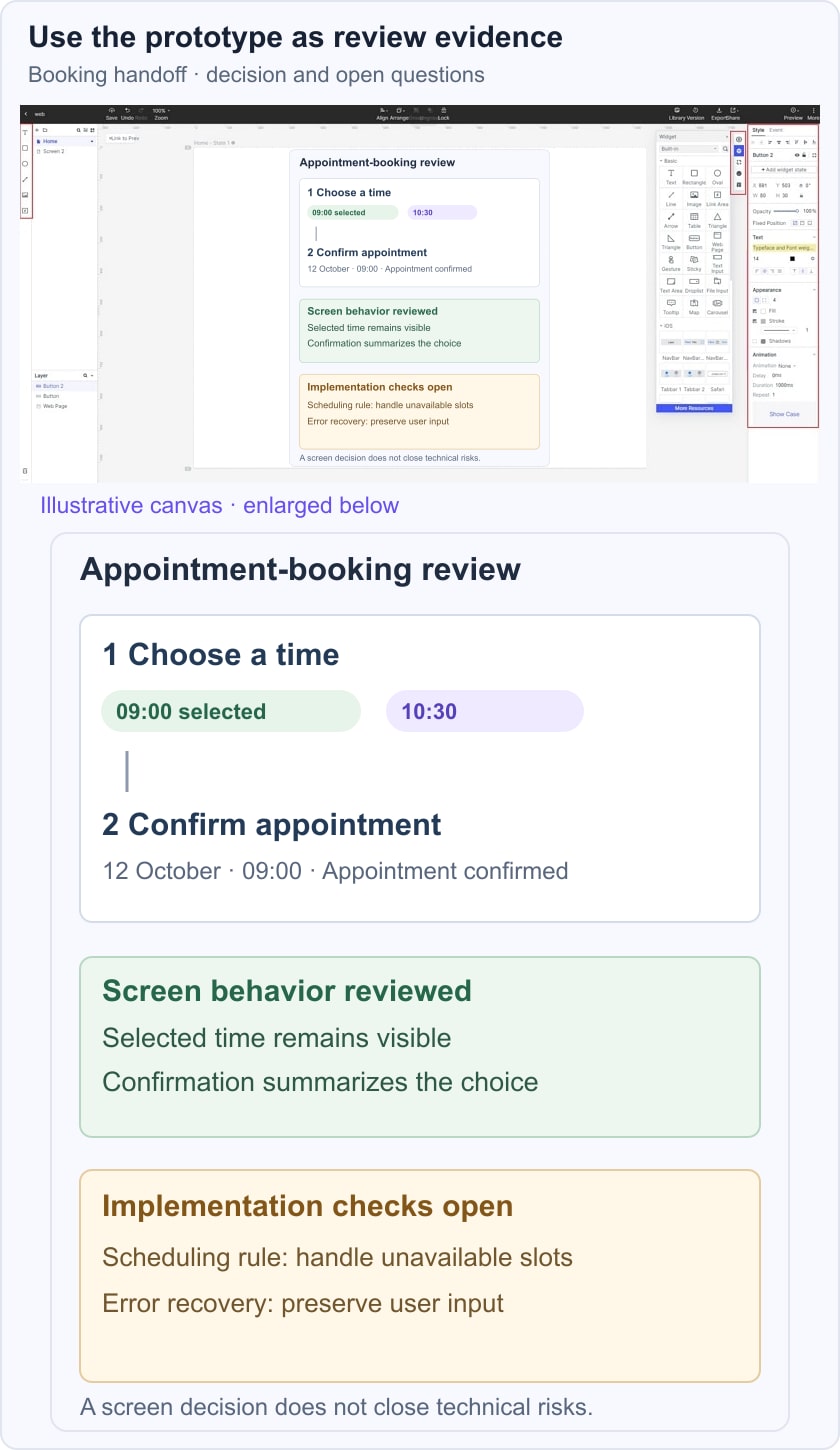
Use Mockitt for the interface evidence a design review requires. In an appointment-booking example, show the choice of time, confirmation and unavailable-slot alternative. Agree what reviewers should be able to understand before the meeting. The prototype is a design deliverable; it does not operate the booking service or manage the project budget.
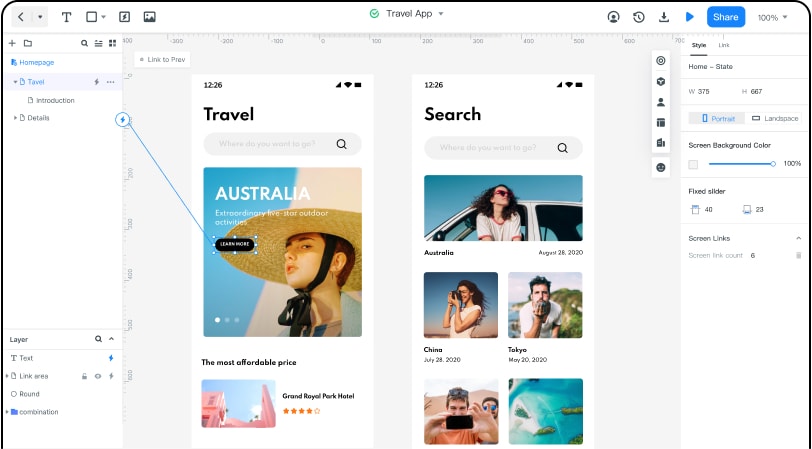
Separate the review outcome from remaining work. A team might accept the labels and screen sequence while leaving scheduling rules and error recovery for implementation checks. Record those distinctions beside the reviewed version so “design reviewed” is not mistaken for “ready to release.”
The illustrative booking review below separates accepted screen behavior from open implementation questions. Share the prototype with appropriate access and carry the decisions into the project record. Confirm saving, version and sharing behavior in the current workspace rather than assuming that any tool prevents data loss or supplies the whole project-management process.