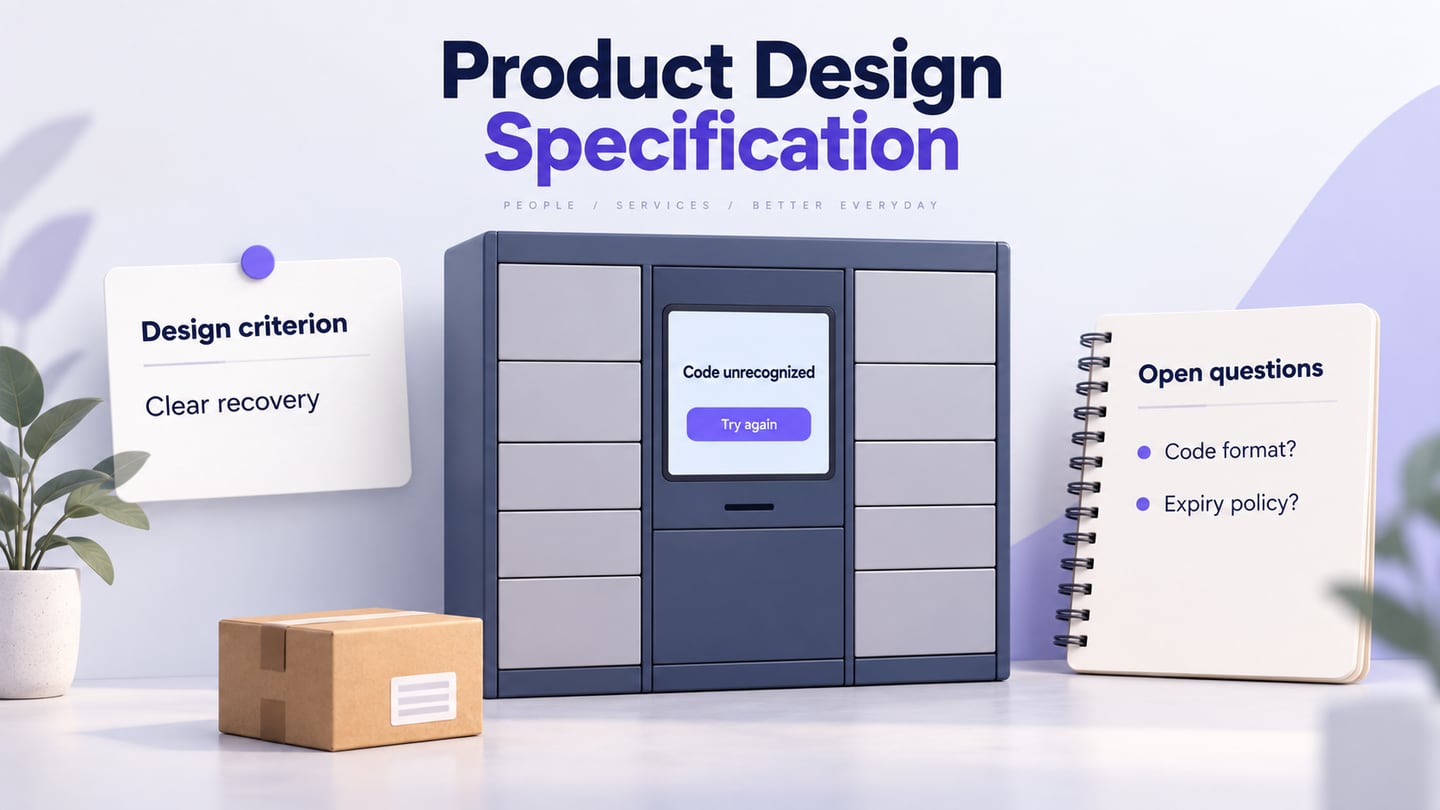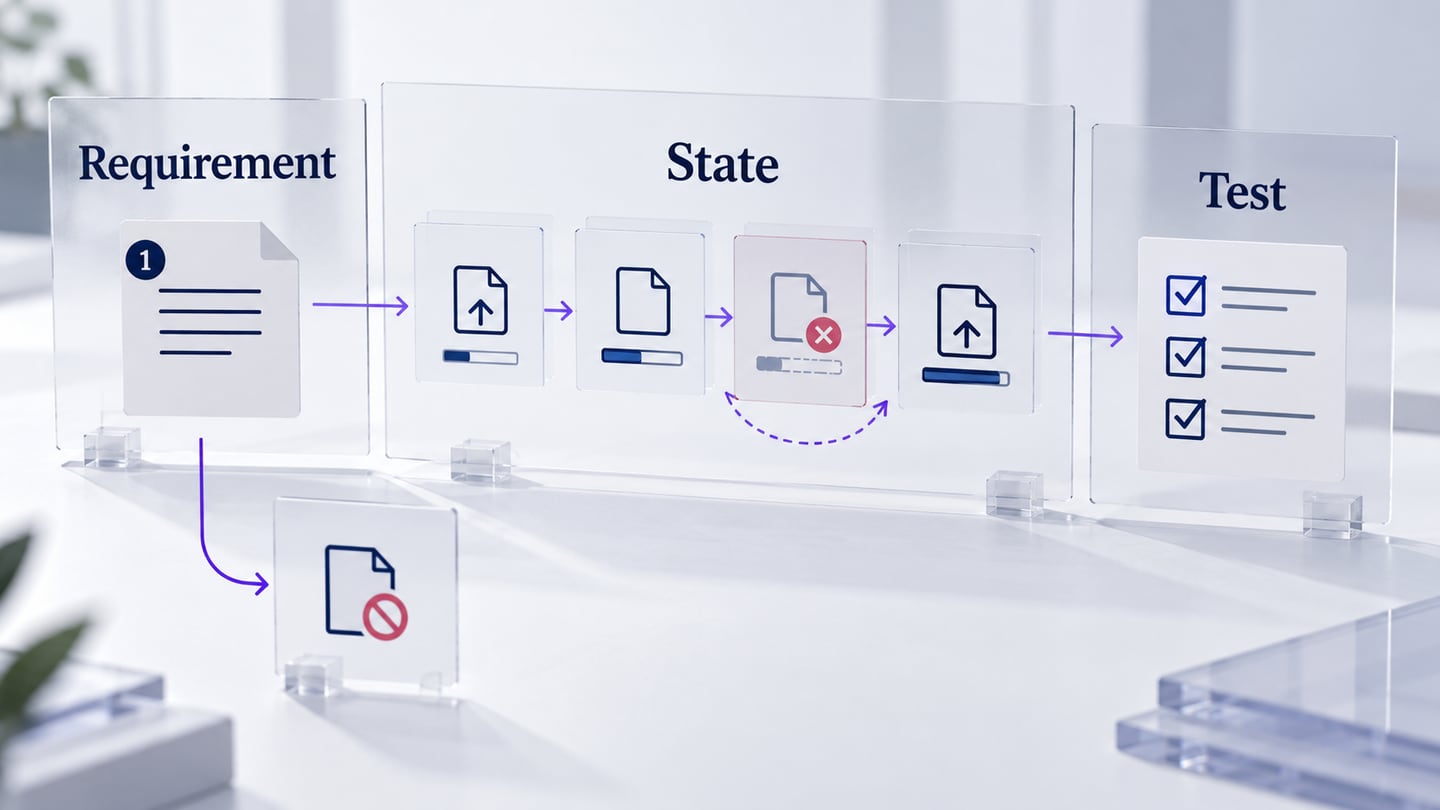
A software requirements specification (SRS) describes the behavior, interfaces, constraints, and quality requirements that developers and testers need to agree on. AI can help organize and review this material, but it cannot supply missing business rules or approve a specification.
This guide keeps the original preparation and drafting workflow, then applies it to a project portal’s file-upload feature. The example shows how to write requirements that can be checked, including interrupted uploads and denied permissions. The scenario is illustrative; no implementation or test results are claimed.
Before drafting, gather the approved product goals, relevant system boundaries, user roles, interface agreements, and known constraints. Keep a source and owner for important decisions. A useful SRS has more than an introduction: it also needs specific behavior and a way to verify it.
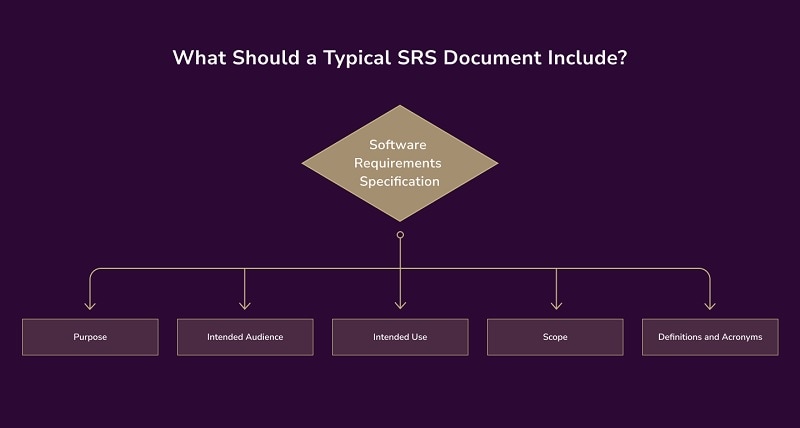 These are introductory sections; a complete specification also needs specific requirements, interfaces, constraints, and verification detail.
Purpose
State the purpose of this specification and the release it covers. For the portal example, it covers uploading project attachments and reporting their status, not every feature in the portal.
Intended Audience
Identify who will use and approve the document: engineering, QA, product, operations, and any other relevant reviewers. Separate these readers from the end-user roles whose permissions the software must enforce.
Intended Use
Explain how the SRS will support implementation, review, and verification. Keep the approved version accessible and link changes to the requirements they affect.
Scope
Describe both included and excluded behavior. In the example, selecting a file, validating it, showing upload status, retrying a failure, and enforcing roles are in scope. Automatic document editing is not.
Definitions and Acronyms
Define terms that could be interpreted differently, such as “uploaded,” “available,” “owner,” and “retry.” A file accepted by the interface is not necessarily stored and available to other users. Specify the event that marks completion.
What is a Product Use Case Template?
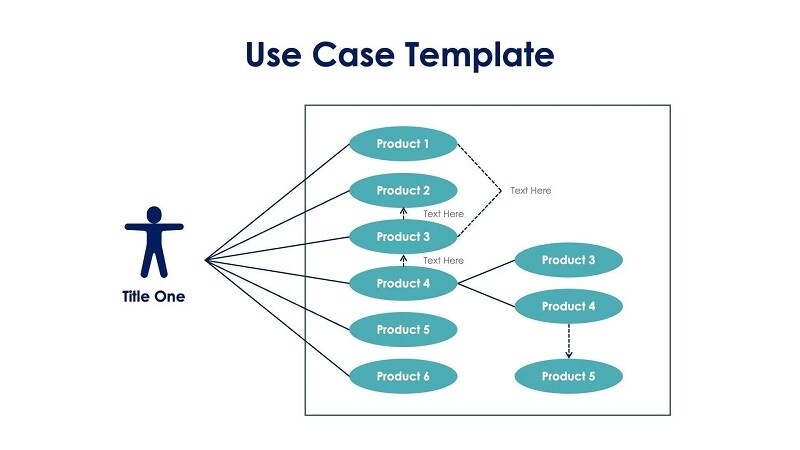
A use case identifies the actor, preconditions, action, outcome, and alternate paths. For an upload, state that the user has a project role, selects a file, receives an accepted or rejected result, and can recover from interruption. The old generic diagram below illustrates an actor-to-task relationship, not a finished upload specification.
What is a Product Requirements Document?
A PRD explains the user problem and intended product outcomes. An SRS develops the agreed behavior, interfaces, constraints, and verification detail needed for implementation. Link the documents instead of copying inconsistent versions of the same rule into both.
AI writing tools can suggest structure, identify ambiguous wording, and improve readability. They do not validate technical feasibility or completeness. NASA’s requirements checklist emphasizes clear, verifiable statements; use that principle when evaluating a draft rather than judging it by fluency alone.
OpenAI ChatGPT
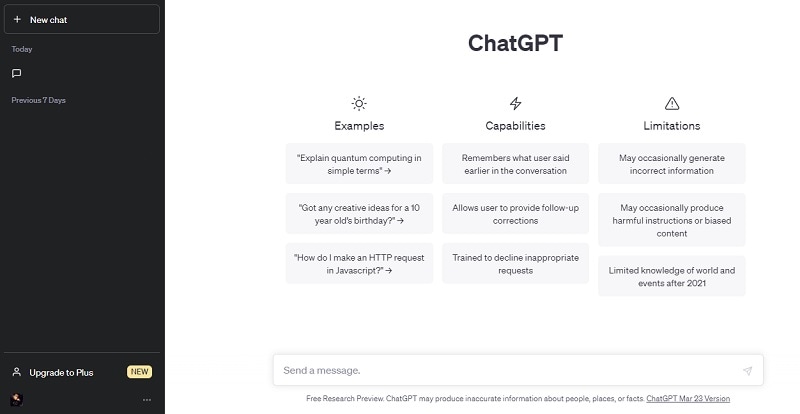
ChatGPT can help turn supplied notes into a requirements outline and a list of questions. Give it the system boundary, approved rules, and a glossary. Ask it to mark unsupported details as unresolved instead of inventing an answer. The screenshot below shows an earlier interface and is not a current model specification.
Key Features
OpenAI ChatGPT has these key features you can utilize for writing SRS documents:
- Draft structure: request a consistent format containing requirement ID, condition, expected behavior, source, and verification method.
- Review context: provide the relevant approved material in the review. Do not assume the assistant remembers every decision from earlier sessions.
Hugging Face
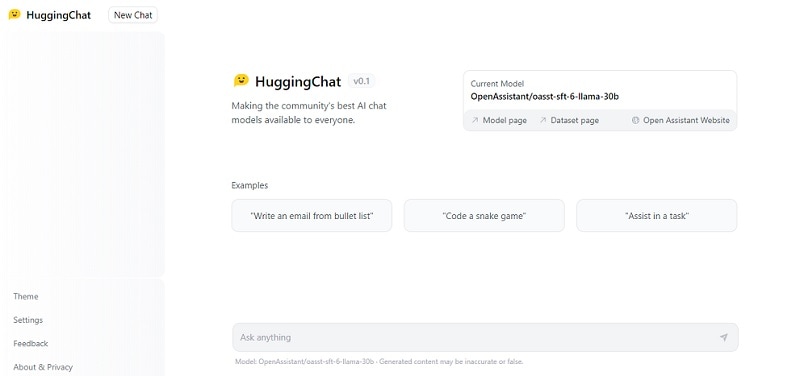
Hugging Face hosts models and tools, including HuggingChat. The older chat screenshot illustrates another way to review text with a model. Capabilities depend on the selected model and setup; the platform itself is not an SRS validation service.
Key Features
Similar to OpenAI ChatGPT, here are the key features of Hugging Face.
- Model selection: evaluate a model with a small non-confidential requirements sample before considering it for a team workflow.
- Output review: check whether it preserves conditions and exceptions when rewriting. A plausible answer still needs source verification.
Grammarly
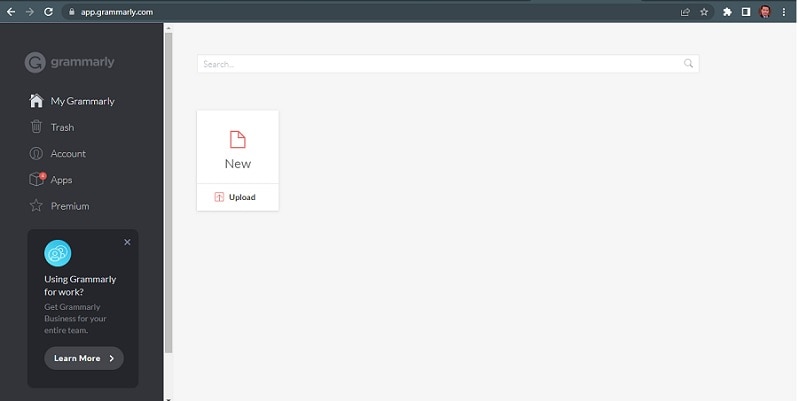
A grammar checker such as Grammarly can help identify spelling and wording issues. Apply suggestions selectively: changing “shall,” “may,” a negation, or a technical term can change the requirement. Grammar feedback is not a technical approval.
Key Features
Grammarly is equipped with helpful features to get you started. Here are its key features.
- Language review: correct clear errors while preserving requirement identifiers and agreed terminology.
- Meaning check: compare suggested edits with the source sentence, especially conditions, quantities, and permissions.
QuillBot
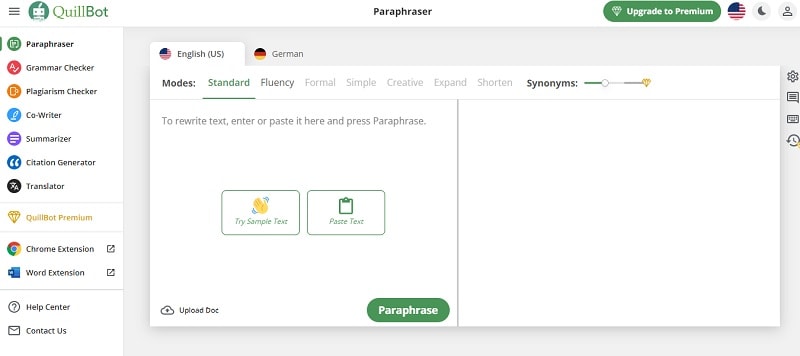
QuillBot’s paraphrasing tool can propose alternative wording. In an SRS, use that sparingly: consistency is more useful than varying a technical term for style.
Key Features
Lastly, here are the critical features of Quillbot.
- Alternative wording: ask for a clearer sentence only when the existing requirement is ambiguous. Keep the approved terms unchanged.
- Manual comparison: ensure that a rewrite has not removed an exception or turned a required behavior into an optional one.
Mockitt can help a team visualize interface behavior alongside an SRS. Use its prototype screens to show states and paths that are difficult to explain in prose. Keep the authoritative requirements and approval history in the team’s documentation system.
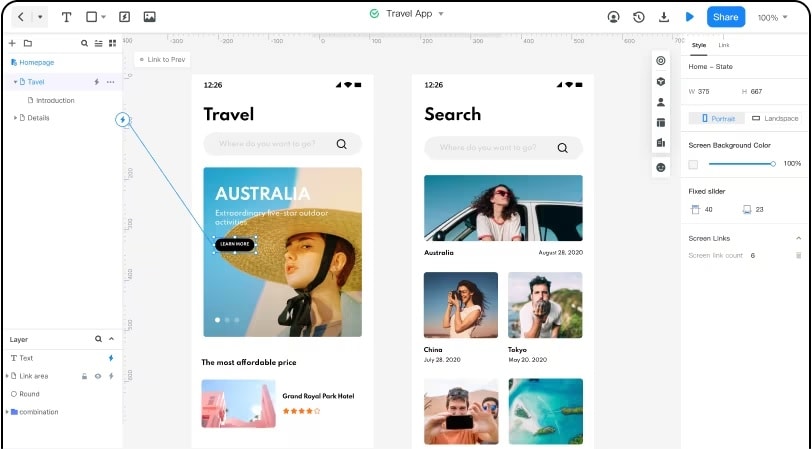
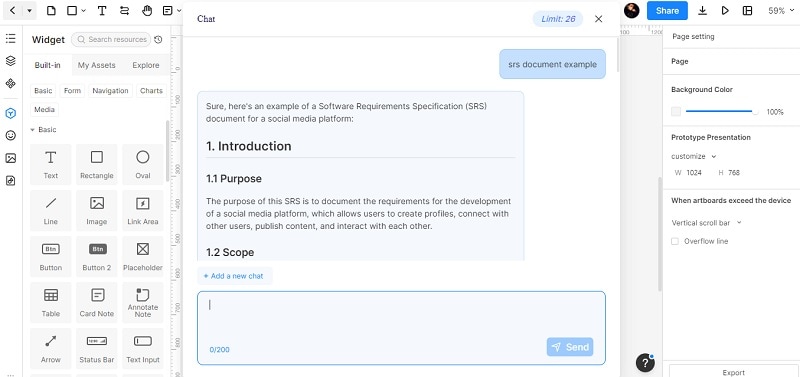
The historical assistant screenshot below shows text-drafting support in an earlier interface. A generated outline is a starting point for review, not an approved software specification. Current controls and usage limits may differ.
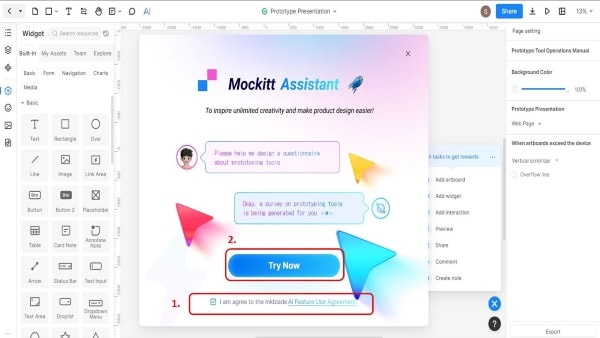 Historical interface illustration; current controls and usage allowances may differ.
Key Features
Choose a prototype structure that makes the disputed behavior visible. For file uploads, focus on the list, status feedback, retry action, and role-specific controls.
- Collaborative review: let the relevant reviewers inspect the design and record questions against the affected state.
- Version context: associate the prototype with the approved SRS version so reviewers know which requirement set it illustrates.
- Interactive paths: connect the expected interface states, including a recovery route. The prototype does not perform the upload or enforce backend authorization.
- Sharing: check access permissions and share the design reference with the people implementing and testing the behavior.
Advantages
Visualizing the interface can expose missing decisions before implementation.
- Visible states: compare the initial, uploading, completed, failed, and denied states side by side.
- Concrete feedback: discuss a specific label, message, or recovery path instead of an abstract phrase such as “handle errors gracefully.”
- Traceability: label relevant screens with requirement IDs and link back to the specification.
Limits of a prototype
A design review is useful but does not replace software verification.
- A simulated upload does not demonstrate server validation, access control, storage reliability, or actual transfer performance.
- A clickable recovery path does not prove that a retry is safe or that duplicate records cannot be created. Engineering and QA must verify those properties in the implementation.
Supported Platforms
Use the current browser-based workspace supported by your organization. Check the actual project and reviewer access before relying on it for a review session.
Pricing
Check the current Mockitt pricing and plan details for collaboration and AI allowances. Historical prices and quotas in old screenshots are not current offers.
Keep the SRS as the authoritative specification and the prototype as a linked illustration. The four steps below adapt the original Mockitt workflow to an upload feature.
For the upload example, use three numbered requirements. UPL-01: validate the selected file against the approved type and size rules, then show a specific rejection reason when it fails. UPL-02: after an interrupted transfer, offer the approved retry behavior without creating duplicate attachments. UPL-03: a viewer without upload permission cannot submit a file and receives an appropriate explanation. The exact limits and permission model require team approval.
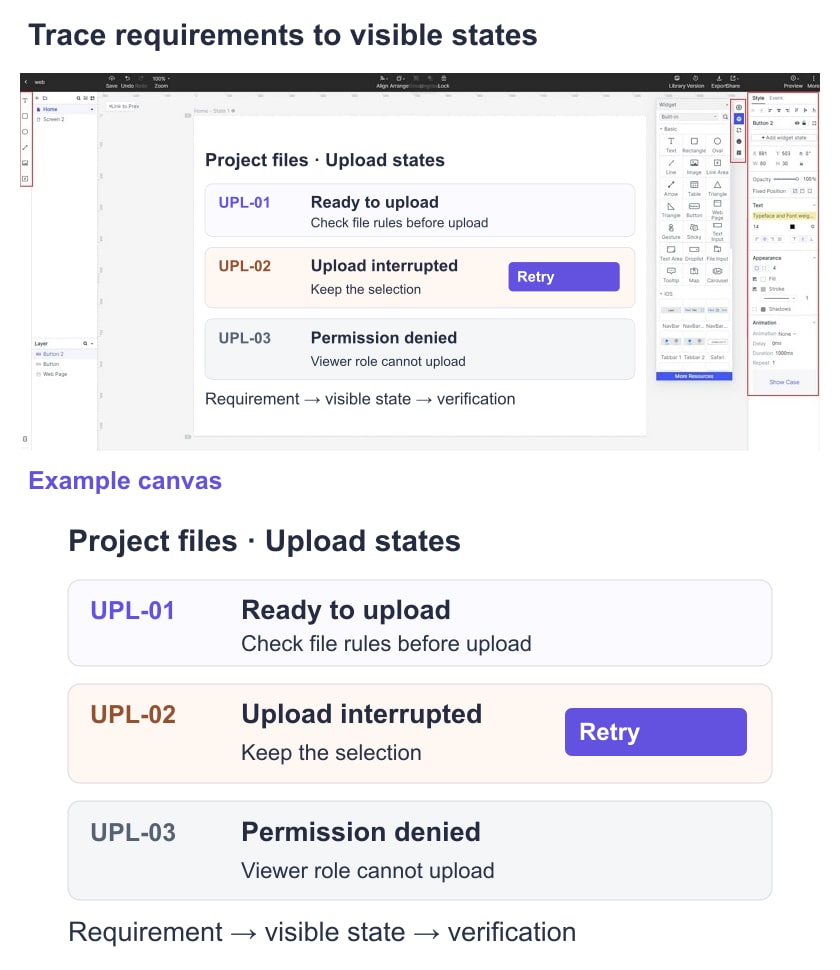
Record the interface contract separately: input fields, status values, error identifiers, and the event that means the file is available. For a non-functional requirement, identify a measure, conditions, target, and verification method. Do not replace “fast upload” with an invented time limit; assign the threshold decision to an owner before baselining the SRS.
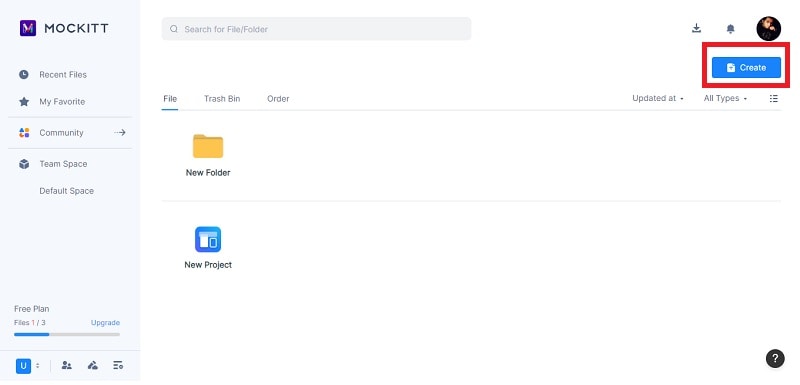
Step 1: Create the design reference. Open a prototype project and name the relevant screens by state. The retained workspace screenshot illustrates an earlier creation control; use its current equivalent.
Step 2: Draft and review the requirements. Ask AI to inspect the supplied upload rules for missing conditions, contradictions, and unverifiable phrases. Keep unanswered questions explicit. The old assistant response below demonstrates outline generation, not a complete or approved specification.
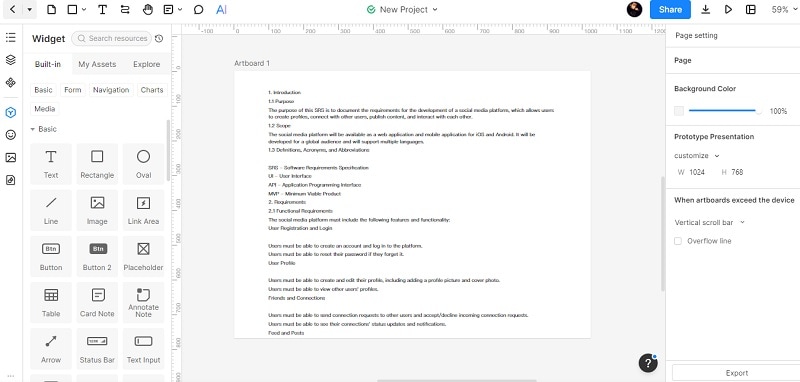
Step 3: Build the visible states. Add the upload list, progress or status feedback, failure message, and retry control. Annotate them with UPL-01 through UPL-03. You can place short notes on a canvas, as the older image shows, but maintain the full specification in the document system rather than making a canvas its only copy.
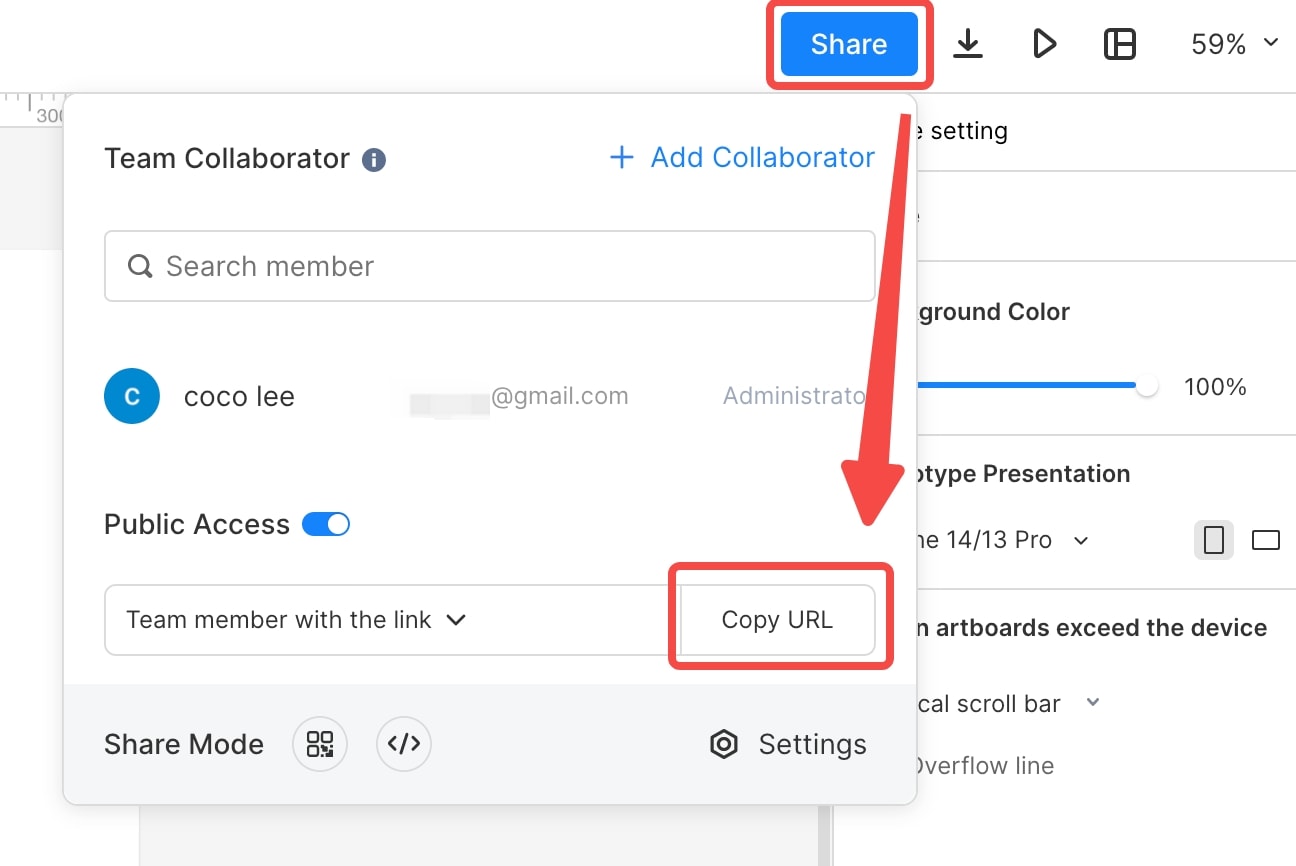
Step 4: Review and verify. Share the prototype with the appropriate access setting and ask reviewers to follow the upload and recovery paths. Record approved decisions in the SRS and hand the requirement IDs to QA. Do not assume a design-sharing feature exports an SRS to Word or proves backend behavior.
A useful acceptance example is: given a viewer role without upload permission, when an upload is attempted through the application’s supported interface, then the implementation rejects the action and no attachment is created. The prototype can illustrate the message, but the permission and stored-data checks require implementation tests. Repeat this distinction for interruption, retry, and duplicate submission.
Conclusion
An effective SRS lets a reader identify each requirement’s source, expected behavior, and verification method. AI is useful when it exposes uncertainty and helps organize that information; it is risky when fluent text hides unresolved decisions.
Use a linked prototype to make interface states concrete, then verify the actual implementation against the approved requirements. That separation keeps a readable design guide from being mistaken for a tested software contract.