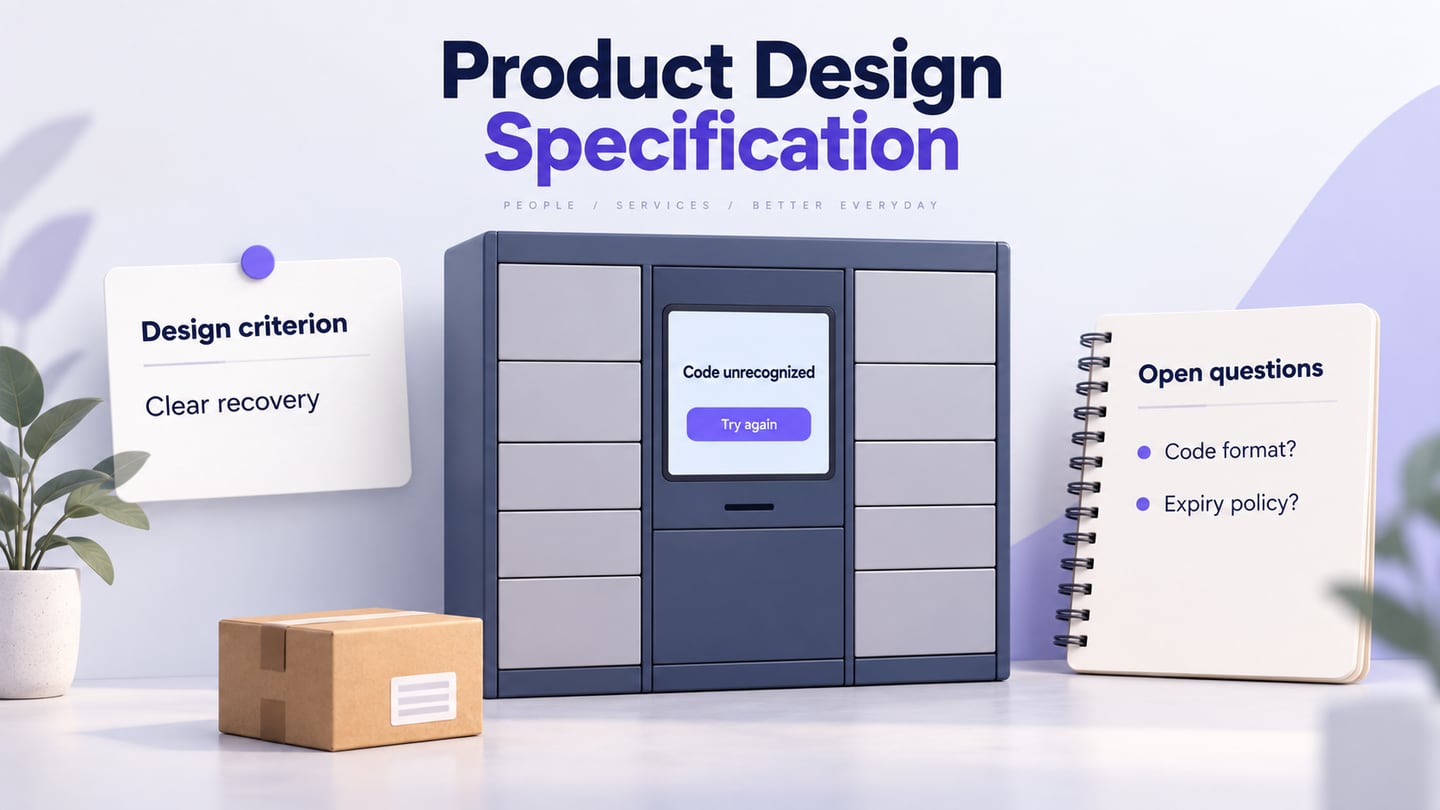
A product design specification (PDS) records the criteria a proposed product design must satisfy. It connects user needs, constraints and design decisions so reviewers can assess the same expectations. A clear specification supports development; it does not guarantee a deadline or a successful product.
Follow a preparation, assisted-writing and prototype-review workflow using a public parcel-locker pickup interface as a continuous example. Here a PRD explains the product problem and scope, while the PDS translates agreed needs into design criteria. An SRS specifies software behavior in further technical detail. Teams may name these documents differently, so agree on their purpose rather than duplicate the same text in three places.
Part I: Preparing To Write the PDS Document
Prepare the evidence and decisions before asking a tool to draft the document. The three activities below help separate what is known from what still needs confirmation.
Gather Product Information
Record the product’s purpose, operating context, constraints and source material. For a parcel locker, the interface must help an authorized recipient collect the correct parcel. The hardware, service rules and environment affect the design; do not assume that a kiosk behaves like a desktop website.
Identify User Groups and Needs
Identify recipients, service staff and other relevant users. Consider first-time use, different reading abilities and access needs. Use research and stakeholder evidence to establish needs rather than ask AI to invent representative users. Keep an owner for each unresolved question.
Define Use Cases and Criteria
Describe the normal pickup and exceptions such as an unrecognized code or an unavailable compartment. Convert broad needs into reviewable criteria: the screen must identify the current task, explain an invalid input without exposing another recipient’s information and provide a recovery action. Hardware and service specialists must confirm the underlying access rules.
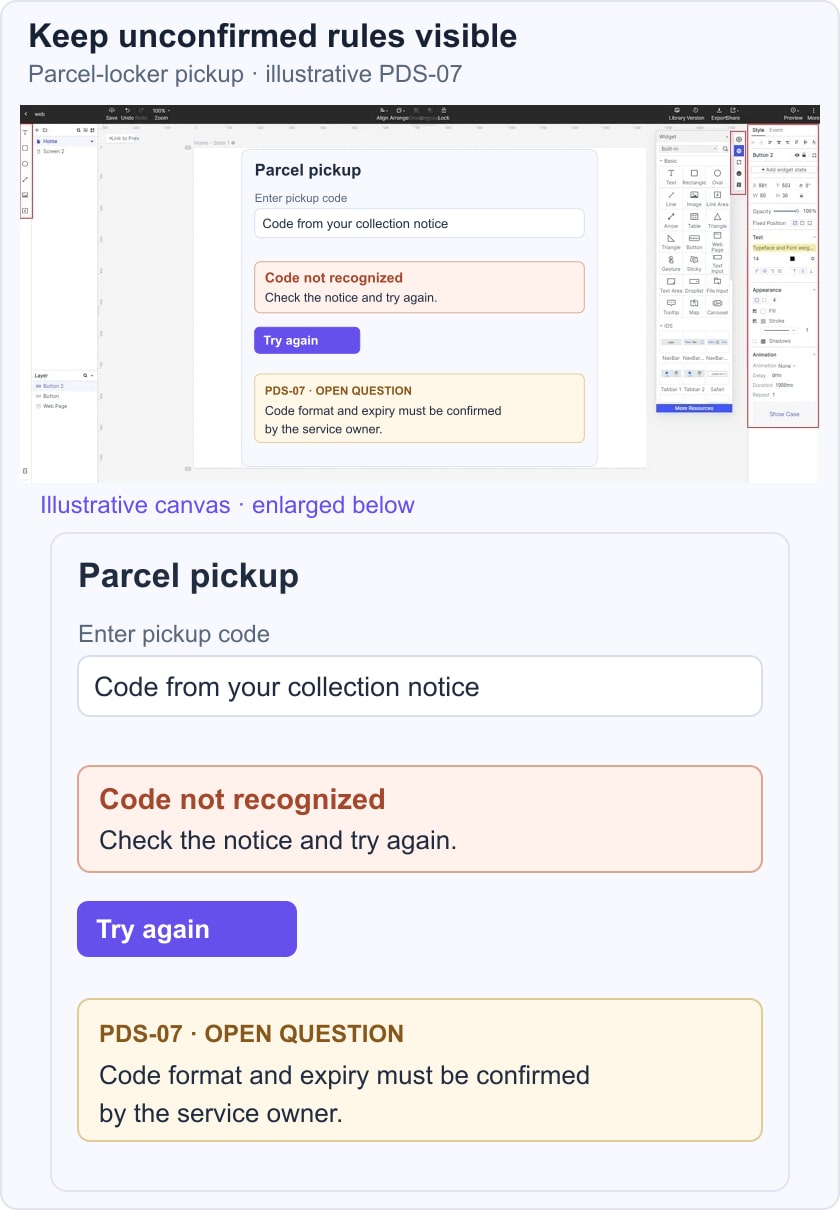
A practical PDS entry includes an ID, user need, design criterion, evidence or source, verification method and status. For example: PDS-07, recover from an unrecognized pickup code; show a clear error and allow another attempt; verify the wording and recovery in a prototype, then verify the actual code handling in implementation. Keep code length and expiry marked as open questions until the service owner confirms them.
Part II: Use Writing Tools Without Inventing Specifications
AI can organize supplied notes, propose an outline and flag apparent gaps. It cannot guarantee a complete or accurate PDS. OpenAI’s accuracy guidance recommends verifying important information because generated answers can be incorrect. Review every suggested criterion against the actual product context.
Use a drafting assistant for structure and a proofreading tool for language. Neither role replaces the people who own product, design and engineering decisions.
ChatGPT: Draft from Supplied Evidence
Give ChatGPT approved notes and ask for a structured draft. Instruct it to label missing information as an open question and to keep assumptions separate from requirements. Avoid uploading confidential documents unless your organization has approved the service and its settings.
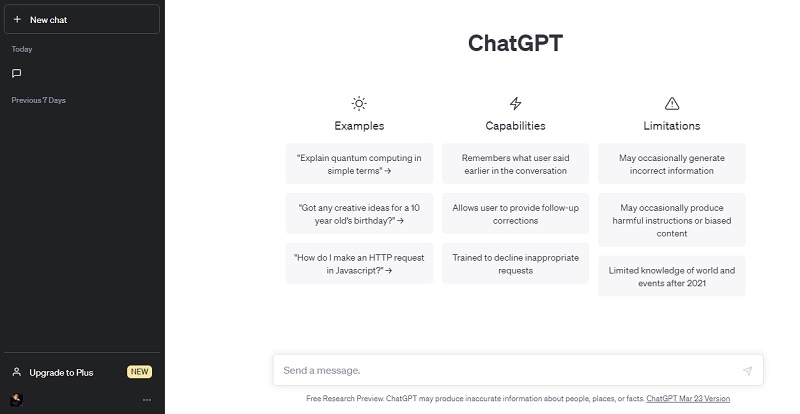 Historical interface example; verify the current assistant and its output.
A Useful Drafting Prompt
For example: “Using only the supplied parcel-locker notes, organize a PDS with user needs, design criteria, constraints, verification methods and open questions. Do not invent code length, expiry or hardware behavior. Mark unsupported details as questions for the named owner.”
- Compare each proposed criterion with its source and reject unsupported additions.
- Check that the outline distinguishes confirmed decisions from unresolved questions.
- Review wording without allowing a rewrite to change a requirement’s strength or meaning.
Grammarly: Proofread the Agreed Meaning
Grammarly can help identify language issues after the content has been reviewed. Accept suggestions selectively: changing must to should, or replacing a defined term, can alter a specification even when the sentence sounds smoother. The older screenshot below illustrates the writing workspace, not current feature availability.
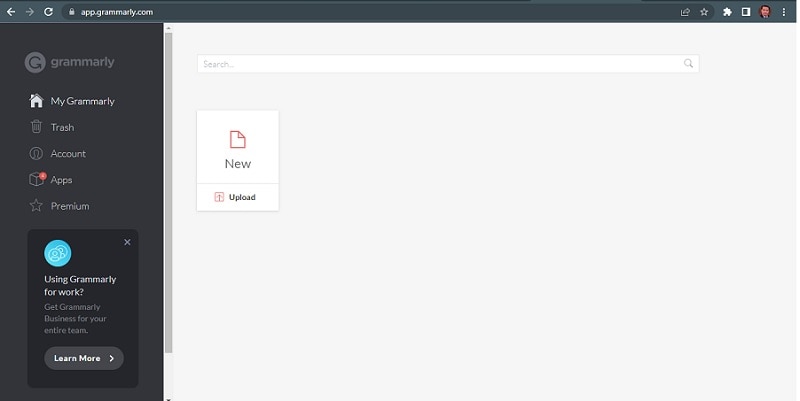
Maintain the project’s terminology while checking grammar and readability.
- Check spelling and punctuation without changing requirement identifiers or quoted interface labels.
- Review sentence suggestions against the intended meaning rather than accepting them automatically.
- Use a personal dictionary for valid project terms where appropriate; a recognized word is not proof of a correct requirement.
Check a Tool’s Actual Purpose
A marketing-content generator is not automatically a requirements tool. Copysmith’s current Describely description focuses on e-commerce product content. That does not establish dedicated PDS templates, technical validation or specification completeness.
Avoid Unverified Legacy Recommendations
An old screenshot or tool list is not evidence that a specification-writing feature is currently available. Evaluate the current service and its documentation before sending project material or relying on a template. If its purpose or availability cannot be verified, keep the PDS in the team’s maintained document system and use only verified supporting tools.
Part III: Use Mockitt to Review the Design Evidence
Use Mockitt to build and review the interface representations linked from a PDS. The maintained specification remains the record of agreed criteria; a prototype provides concrete states to discuss. Keep references in both directions so a design change does not silently contradict the document.
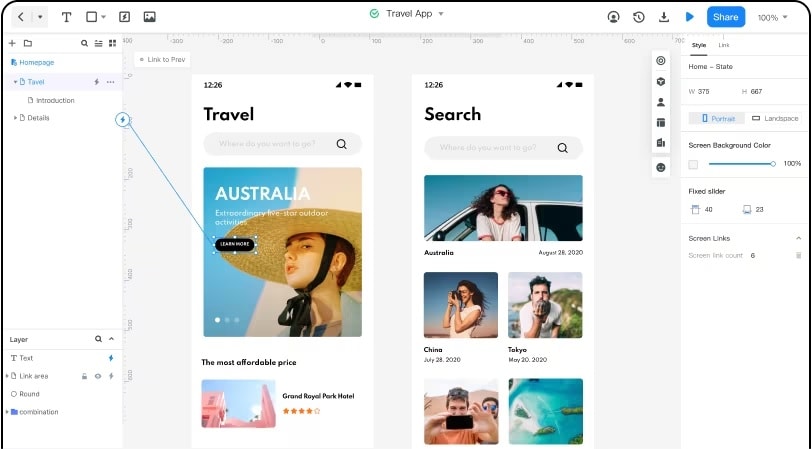
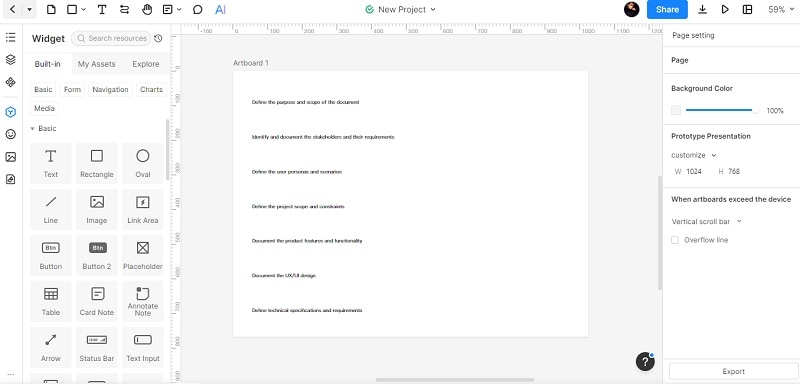
AI-assisted drafting may help produce starting text, but verify which capabilities are available in the current workspace. The retained historical screenshots illustrate an earlier prompt and canvas workflow; they are not instructions to find an identical current menu or proof that generated text is an approved specification.
What the Design Workspace Contributes
Use the workspace for these design-review tasks:
- Place related interface states together so collaborators can compare them.
- Adapt available widgets and layouts to represent the specified task.
- Connect relevant screens and share them for feedback where the current workspace supports it.
- Record the approved version and decisions in the team’s agreed review process.
- Confirm access permissions before sharing and use synthetic pickup details.
Check current Mockitt plans for the collaboration, access and export options your team needs. Historical prices and plan labels should not determine the workflow.
Part IV: Create and Review the PDS Alongside a Prototype
Keep one specification and one clearly identified design version connected throughout the review. The following four steps connect drafting, design and sharing while making each decision reviewable.
The parcel-locker example uses synthetic information. It illustrates a design process, not a tested locker service or a promise that a prototype performs physical access control.
Step 1: Set Up the Evidence and Project
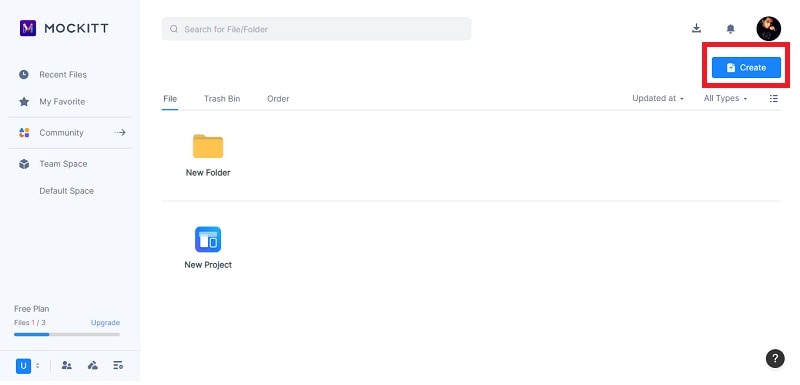
Create the project in the current workspace and give the document and design a consistent name. Collect approved notes, identify the intended device and record unresolved hardware or service rules. Keep the old project-creation screenshot below as an illustration of the task rather than an exact current menu guide.
Step 2: Draft the Criteria and Open Questions
Use the structured prompt above if an approved writing assistant is available. Review the output and assign each criterion an ID and owner. For PDS-07, record recovery from an unrecognized code; leave code format and expiry undecided until confirmed. The historical prompt image shows why a generic request still needs this additional review.
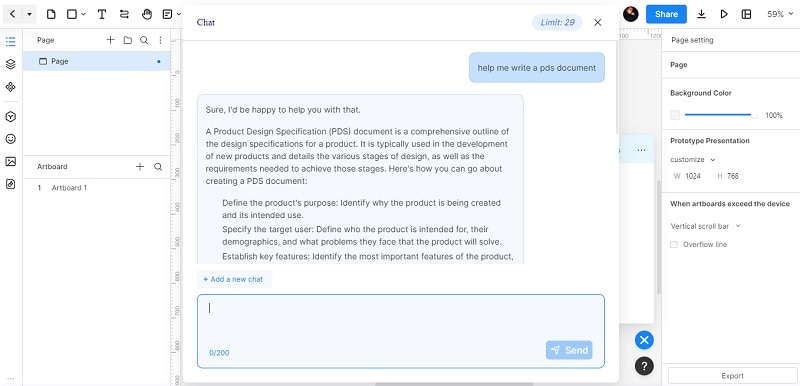 Historical draft example, not an approved specification or a current feature guarantee.
Step 3: Link the Specification to a Design
For the parcel-locker example, place the Enter pickup code screen beside a Code not recognized state with a Try again action. Link them to PDS-07. Add a note that code format must be confirmed by the service owner. Check whether the wording, action and layout support recovery without pretending to verify the actual code or open a compartment.
Step 4: Review, Resolve and Maintain
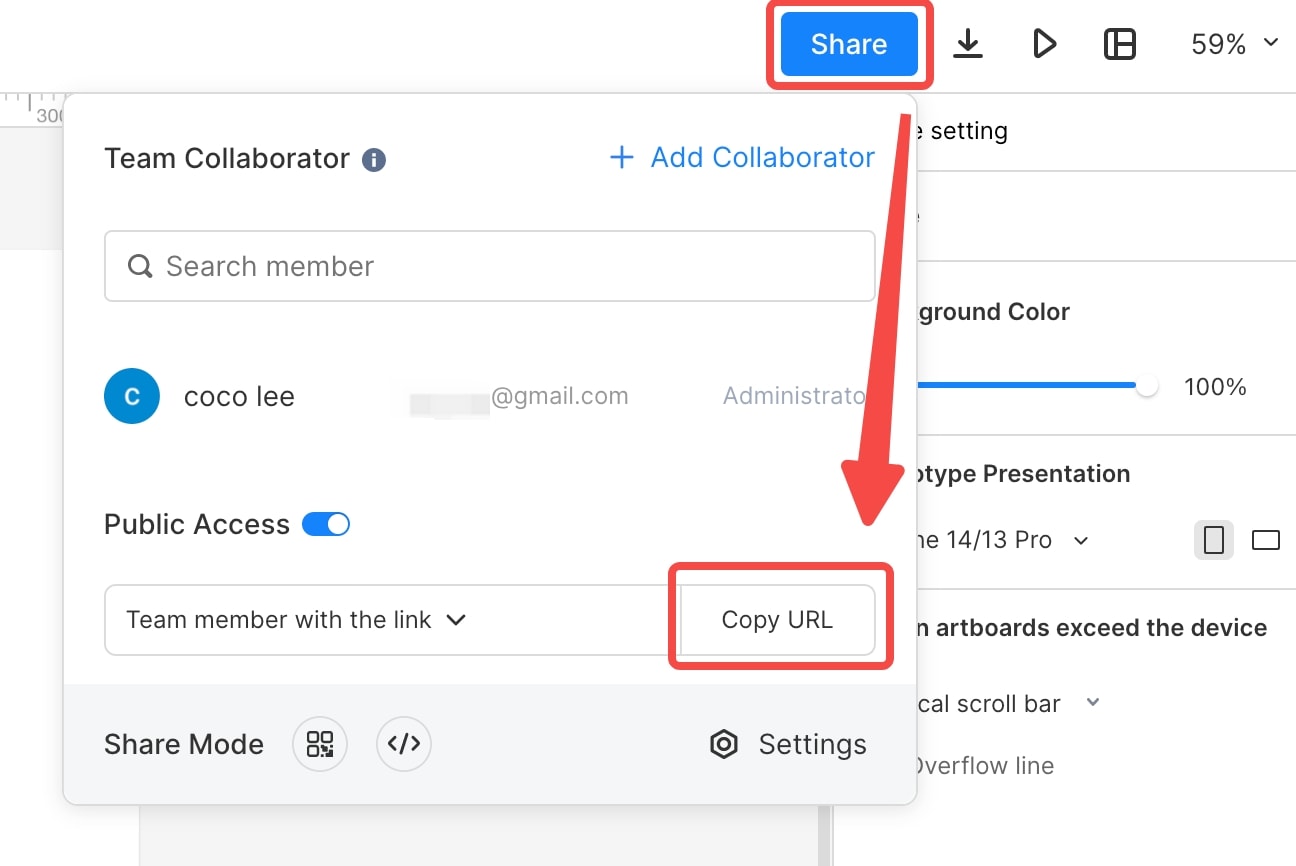
Share the design with appropriate access and ask reviewers to evaluate the named criteria. Separate observations about the interface from decisions about service behavior. Record accepted changes in the PDS, update the related states and preserve unresolved issues. Confirm current export options rather than assume the document can always be shared as PDF or HTML.
Benefits and Limits of This Workflow
A linked document and prototype make a design decision easier to discuss. They still need human ownership and implementation verification.
Useful Outcomes
- A visible interface example clarifies an otherwise abstract criterion.
- Reusable elements help keep repeated controls consistent.
- A shared review gives design, product and engineering a concrete decision to discuss.
- Linked versions make it easier to identify which design an approval refers to.
Limits to Keep Visible
- A prototype does not prove hardware behavior, permissions, accessibility or security in the implemented product.
- Assistant output, plan features and export options require verification; none guarantees specification completeness.
Conclusion
A useful PDS makes design criteria, their evidence and their unresolved questions explicit. Preserve the distinction between an agreed rule and an AI suggestion, link the relevant interface states and ask the right owner to approve each decision. The result should guide a real review, not merely look like a finished document.