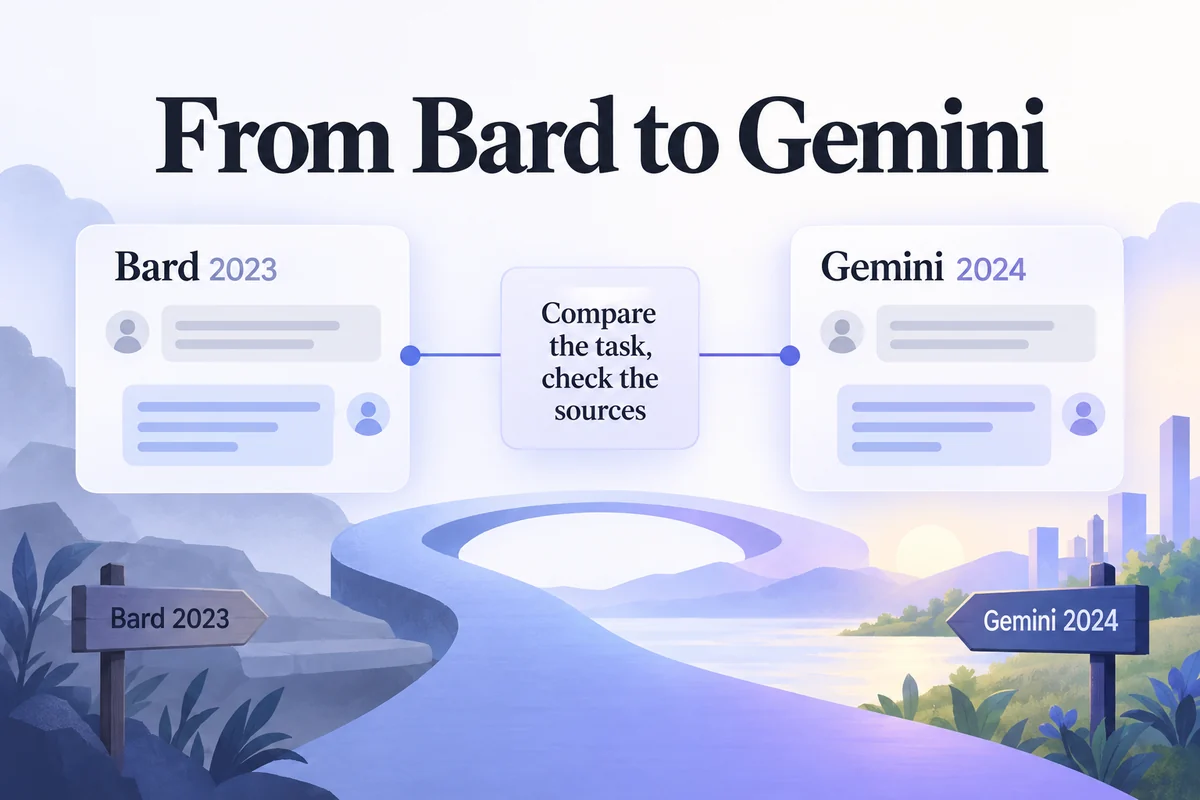
Google's response to ChatGPT began with Bard, the conversational AI product introduced in 2023. Google renamed Bard to Gemini in February 2024. If an older tutorial tells you to open Bard or select one of its early draft controls, it is describing an earlier product experience.
The naming history matters, but the more useful comparison is the task: what information you supply, what answer you need, and how you will check it. This guide explains the ChatGPT–Bard context, walks through the historical Bard interaction, and shows where a product-design tool such as Mockitt fits when a conversation needs to become a prototype.
Part 1: Why ChatGPT changed expectations for chat interfaces
ChatGPT made a conversational interface a familiar way to request explanations, drafts, summaries, and revisions. Users could ask follow-up questions rather than compose a new search query for every step. That interaction model is useful, but it also makes an assistant's fluent response easy to mistake for a verified answer.
Compare the application available to you, not just the model name. Record whether the task uses only your notes, a web search, or a connected document. If one assistant receives the interview notes and another searches the web instead, their answers are not a like-for-like comparison.
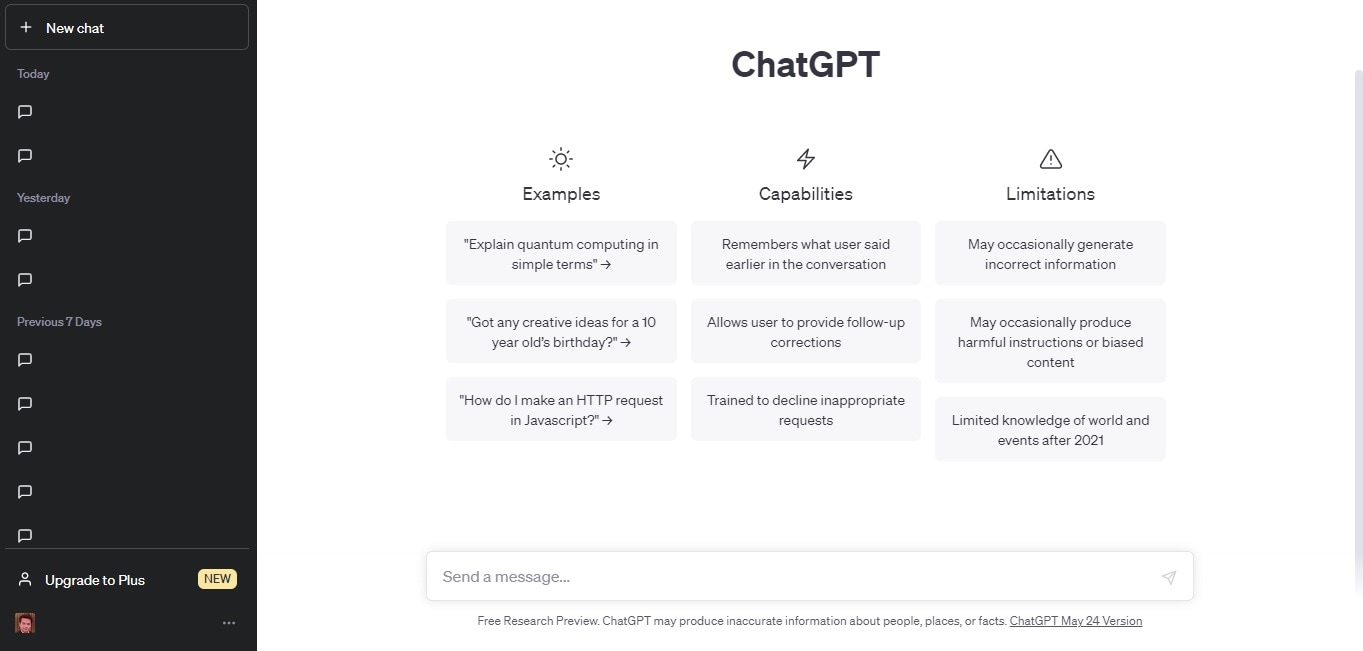
Compare assistants on one task with known source material
For a practical comparison, use a brief you can check. Suppose a team has five interview notes about account invitations. Ask each assistant to summarize the problems, separate observations from possible explanations, and cite the relevant note number. Then compare omissions, unsupported conclusions, and the effort needed to correct the draft.
Score each draft against the same three questions: did it preserve the exceptions, distinguish evidence from interpretation, and point back to the correct note? Record one example of a useful answer and one correction needed. This small comparison will not establish a universal winner, but it can show which response better fits your particular task. The official ChatGPT learning resources explain current product use.
Part 2: From Google Bard to Gemini
Google's February 2024 announcement confirms that Bard became Gemini. Use the Gemini name when discussing the current assistant, and reserve Bard for the historical product. Model names, subscriptions, and app features can change independently, so the rename should not be used to infer a specific current plan or model.
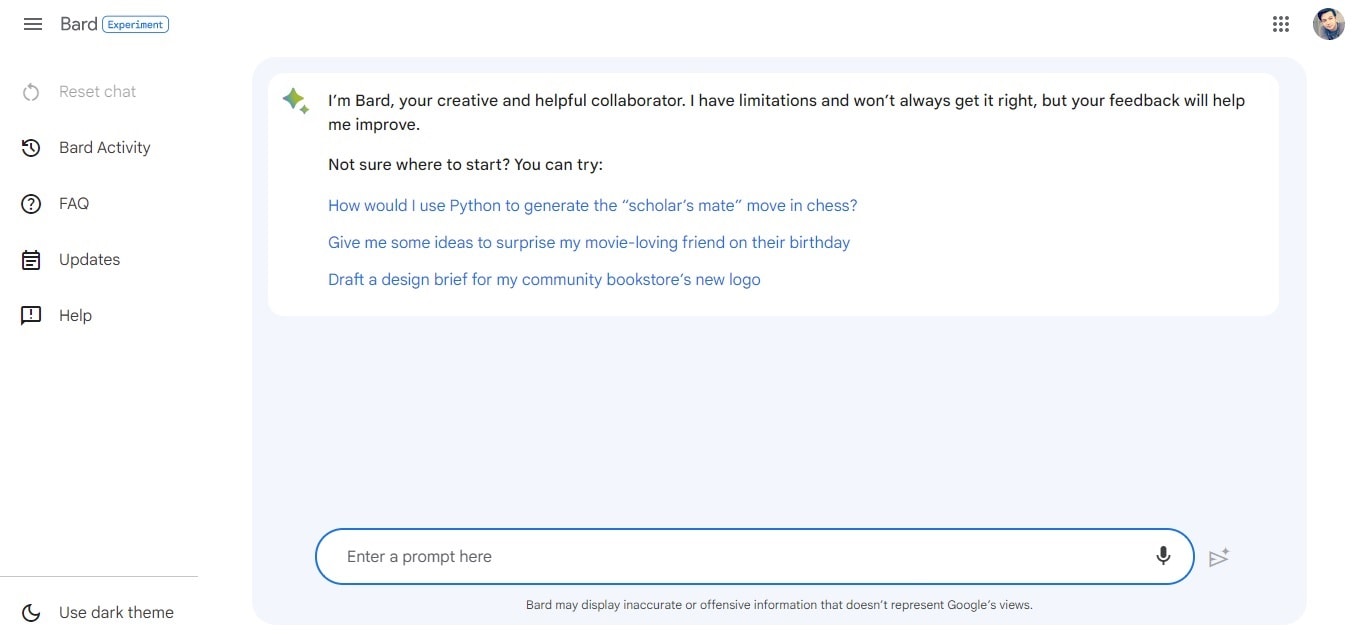
Step 1: Enter a question with enough context
The earlier Bard example asked, “What is Mockitt AI?” A broad question can produce a useful orientation, but it can also mix outdated product information with confident claims. When accuracy matters, ask the assistant to use specified source material and identify what the source does not establish.
For example: “Summarize the product page below for a design team. Separate capabilities explicitly described on the page from questions we should verify. Do not infer pricing, export formats, or supported integrations.” Supply the current page or an authorized excerpt through the features available to you.
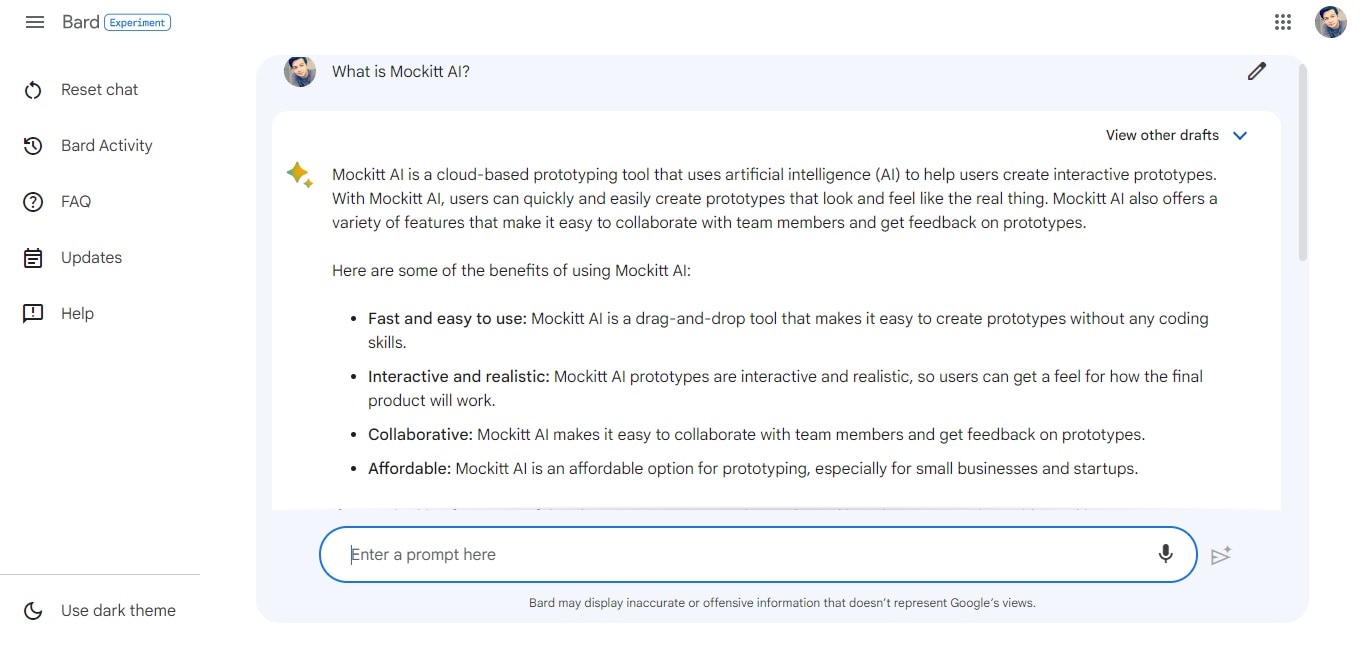
Step 2: Compare drafts for meaning, not just phrasing
Bard's earlier interface exposed alternative drafts. The useful habit is to compare how different responses interpret the task. Does one introduce a feature absent from the source? Does another leave out a limitation? Select or combine only the parts that survive the evidence check.
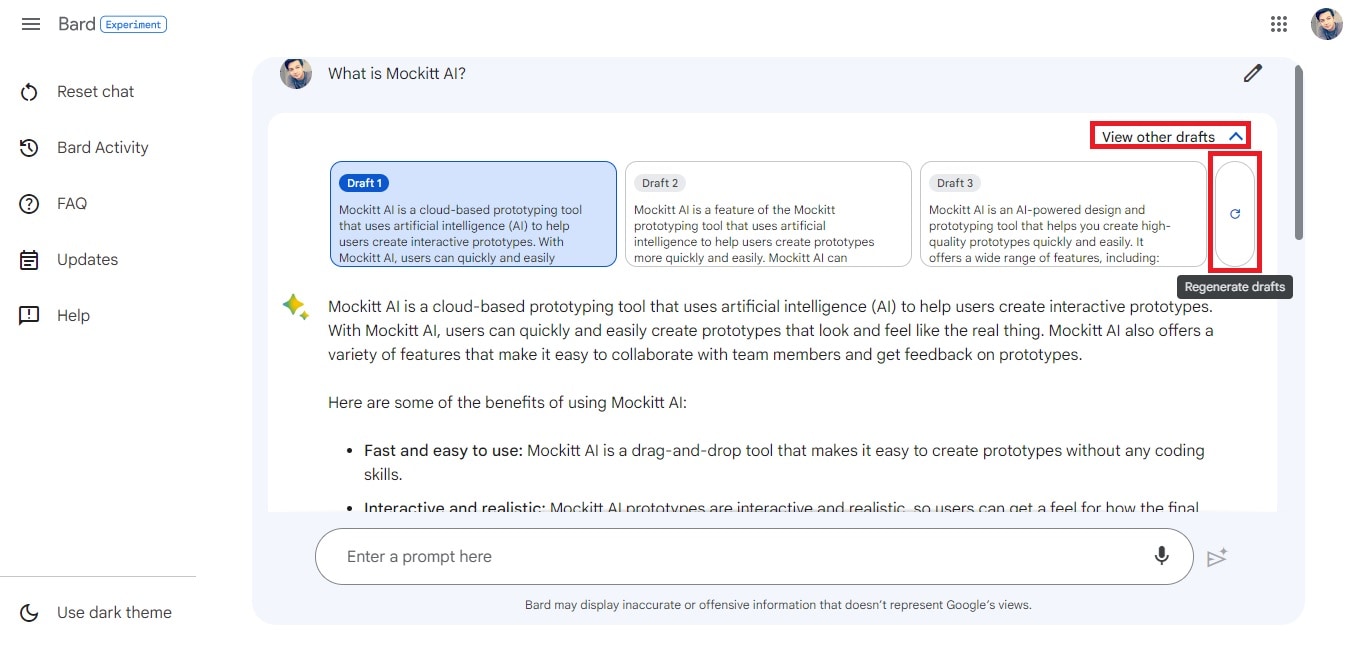
Three similar answers from one assistant are not three independent sources. If the question concerns a product capability, use the official documentation or a verified demonstration. If it concerns research, return to the notes or source material from which the answer was derived.
Step 3: Revise or export only the checked output
The earlier workflow offered options to revise the conversation or move an answer elsewhere. Before doing that, remove unsupported claims, correct terminology, and keep the source links you actually used. The act of exporting a response does not make it reliable.
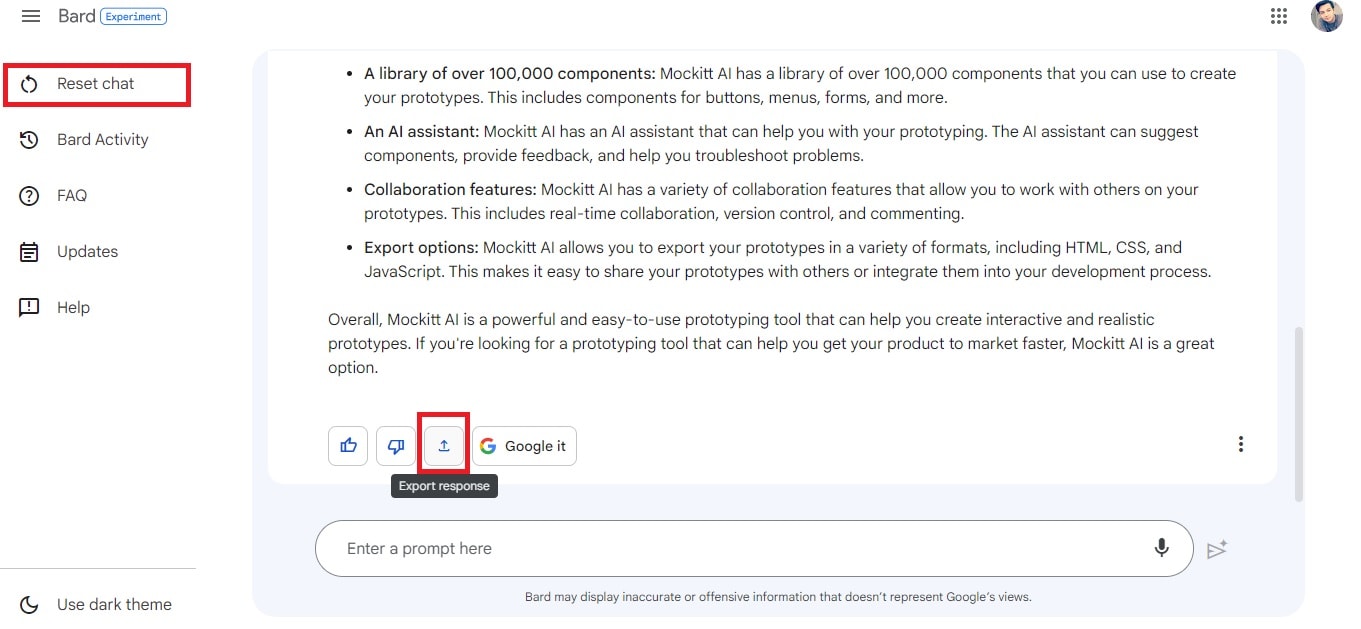
Separate product history from the current decision
Bard's launch, the Gemini rename, and later model changes are different events. An archived screenshot can establish what an earlier interface looked like; it cannot establish today's subscription, available model, or organization permissions. Describe the assistant by its documented behavior, without attributing sentience or personal experience to it.
For a current team decision, record the account type, source material, task, and date of your comparison. This makes the result understandable when an interface or access rule later changes, without presenting every product update as proof that one assistant has become universally better.
Part 3: Where Mockitt fits in this workflow
After comparing assistants on the supplied material, use the chosen outline to make one design decision visible. Mockitt helps at this stage: arranging the proposed screens and interactions. It is a product-design workspace, so evaluate it for that job rather than as another general-search assistant.
For an ecommerce support concept, a prototype might show an order lookup, a status reply, an unrecognized order, and a handoff to support. A healthcare-service prototype might test appointment-navigation wording without pretending to diagnose a patient. A travel prototype might explore itinerary preferences without claiming to make a real booking. These are design scenarios, not deployed service integrations.
The AI prototype product page describes the current route from a prompt to editable UI. The design team still needs to decide which states are relevant, check the copy, and connect the intended interaction.
Part 4: Use a draft to develop a concrete design example
Step 1: Create a project for one scenario
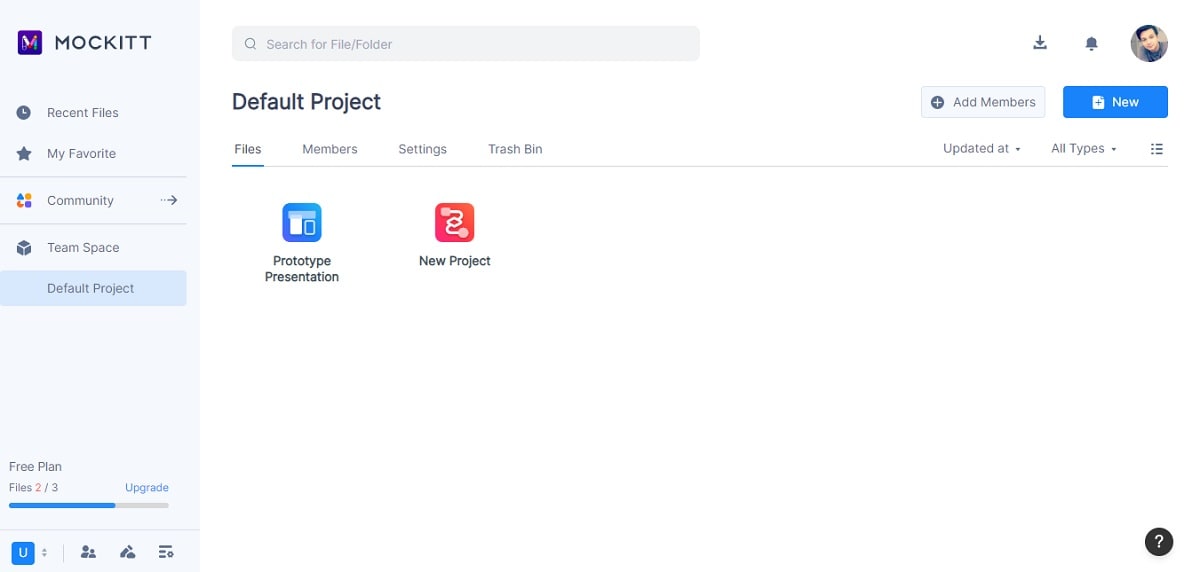
Choose a narrow idea rather than an entire application. The historical Mockitt walkthrough started a new prototype project. A fan-information website, for example, can begin with a browse page and a detail page before expanding into search and navigation.
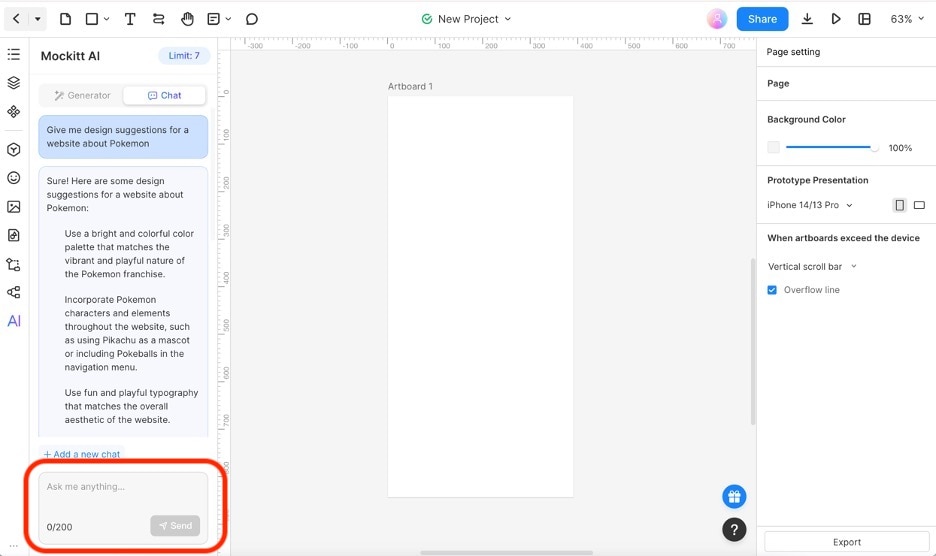
Step 2: Ask for content that belongs in those screens
The tutorial's AI Chat example explores ideas for a Pokémon website. Keep that as a fictional design exercise: ask which sections a reader needs, which information belongs on a detail page, and how a user returns to browsing. Do not copy licensed artwork or publish invented factual entries simply because the assistant suggested them.
A useful prompt specifies audience and output: “Outline a fan-information site's browse and detail screens. Include a search state and an empty result. Return section names and the purpose of each section, not unsupported character facts.” This gives the designer something to translate into a layout.
Step 3: Review the flow with another person
Create the required screens, add realistic placeholder lengths, and connect the important actions. Ask someone to find an item, inspect its details, and return to the results. Watch for labels they misinterpret and states that the generated outline omitted.
If you are designing the conversation itself, the chatbot prototyping guide explains how to include recovery and handoff. The outcome is a testable design decision. A helpful assistant draft is one input to that work, alongside evidence, product constraints, and the team's review.