Explore AI-Assisted Prototyping in Mockitt
Use Mockitt to create wireframes and interface prototypes for app and web design. A design prototype serves a different task from a general-purpose chat assistant.
ChatGPT supports web search and image generation, subject to the tools and access available in an account. The reason to compare other AI tools is therefore the task, workflow and access you need—not a blanket assumption that ChatGPT cannot search or create images. This article looks at three chat or content assistants alongside Mockitt for the separate task of interface prototyping.
The four entries below serve different purposes. Check current account requirements and feature limits, then evaluate an option with the kind of task you actually need to complete. The retained screenshots show earlier interfaces, not a current ranking or a timed comparison.
Mockitt
For a design task, first decide whether you need a written response or an editable interface prototype. A prototyping tool can help organize screens and interactions; it should not be presented as an interchangeable replacement for a general-purpose chatbot.
Mockitt is an option for teams creating interface prototypes. AI-assisted output can provide a starting point, but you still need to review the layout, content and intended interactions. A prompt does not guarantee a finished or correct prototype.
Selling Points
Wireframing and prototyping: Use a simpler screen draft to discuss structure, then add the detail needed for a particular review.
Browser-based work: Check the current editor requirements for the browser and operating system you intend to use. Browser access does not establish that a native Ubuntu application exists or that every device supports the full editor.
Collaboration: Share a project with the intended reviewers and use feedback to examine the proposed screen journey. Confirm the account and project permissions needed by each participant.
Canvas navigation: Try organizing and finding several screens in the workspace before adopting it for a larger project. Ease of use depends on the task and the team’s familiarity with the controls.
Drawbacks
Access and plan limits: Check the current plan for project, collaboration and AI-feature limits. A paid upgrade should not be assumed to provide unlimited access to every feature.
Consider for Interface Design and Prototype Reviews
Mockitt is relevant when a designer or product manager needs to discuss screens and interactions with a team. For open-ended research or general conversation, compare the chat assistants on the task itself.
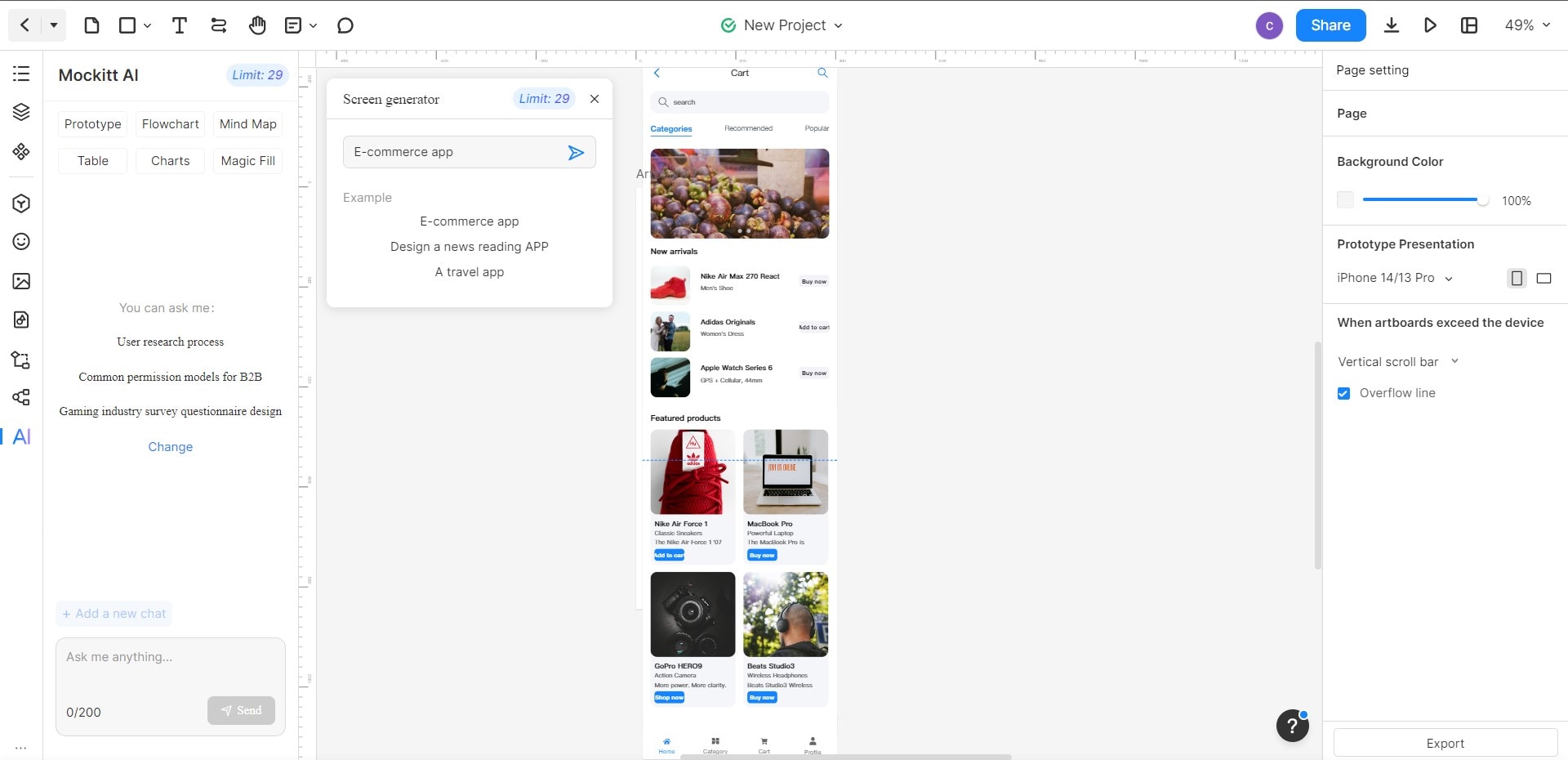
Earlier Mockitt AI Workflow: A Historical Interface Example
The steps and screenshots below document an earlier Mockitt AI interface. They illustrate the sequence of creating a project, choosing an AI prototype option and entering a prompt. Menu names, positions, access conditions and available features may differ in the current workspace.
Step 1: In the illustrated workflow, the user first created or signed in to a Mockitt account.
Step 2: The earlier interface used + New and Prototype to begin a project.
Step 3: The user selected a device-sized canvas in the new-prototype dialog and created the project.
Step 4: The earlier left-side AI panel displayed a feature-use agreement and a Try Now action, as shown below. This screenshot does not establish the current agreement or account access.
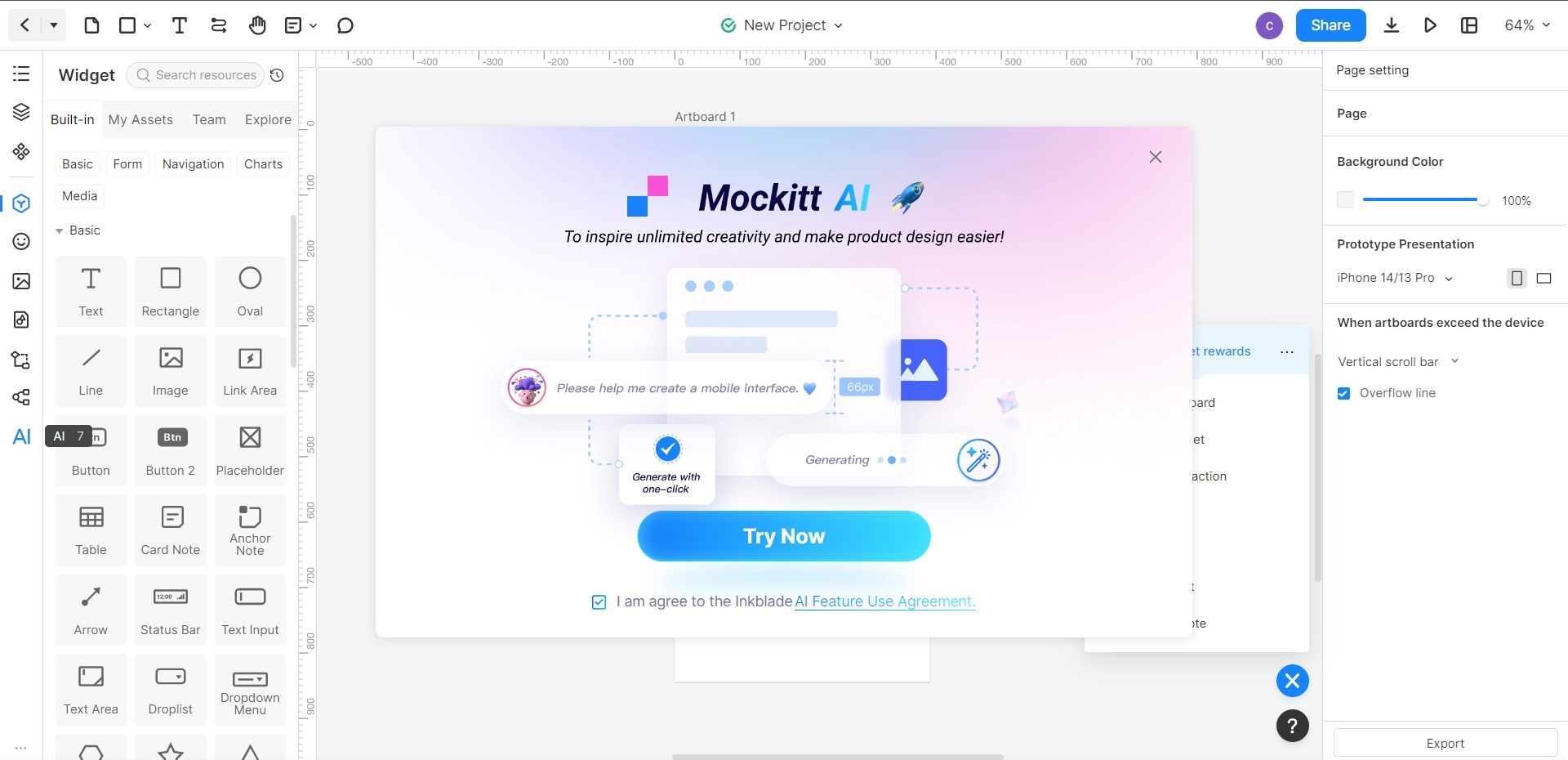
Step 5: The earlier AI panel included a Prototype option.
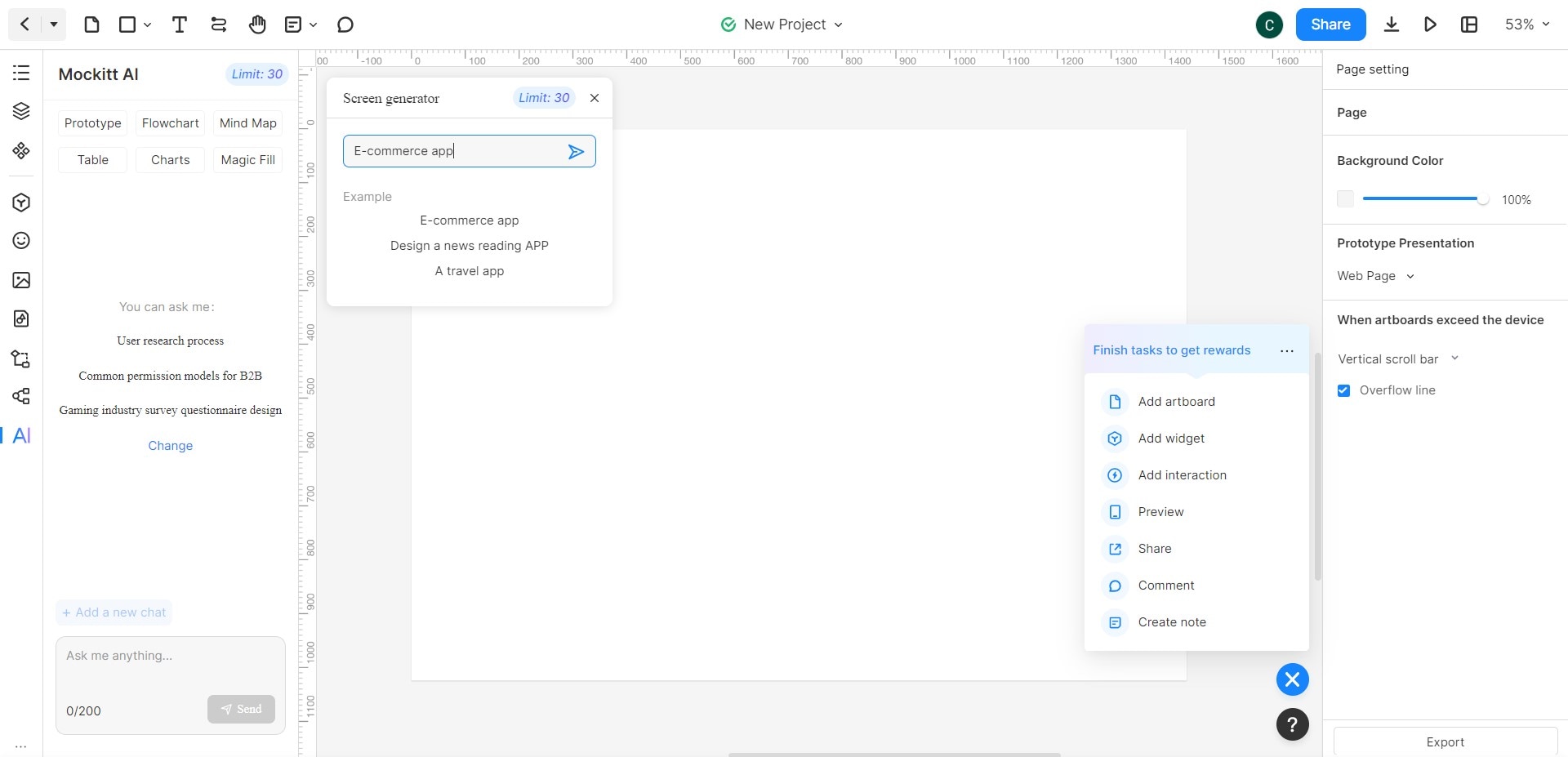
Step 6: The user entered a prompt in the illustrated screen-generator dialog. Generated screens still needed review and editing.
Tip:
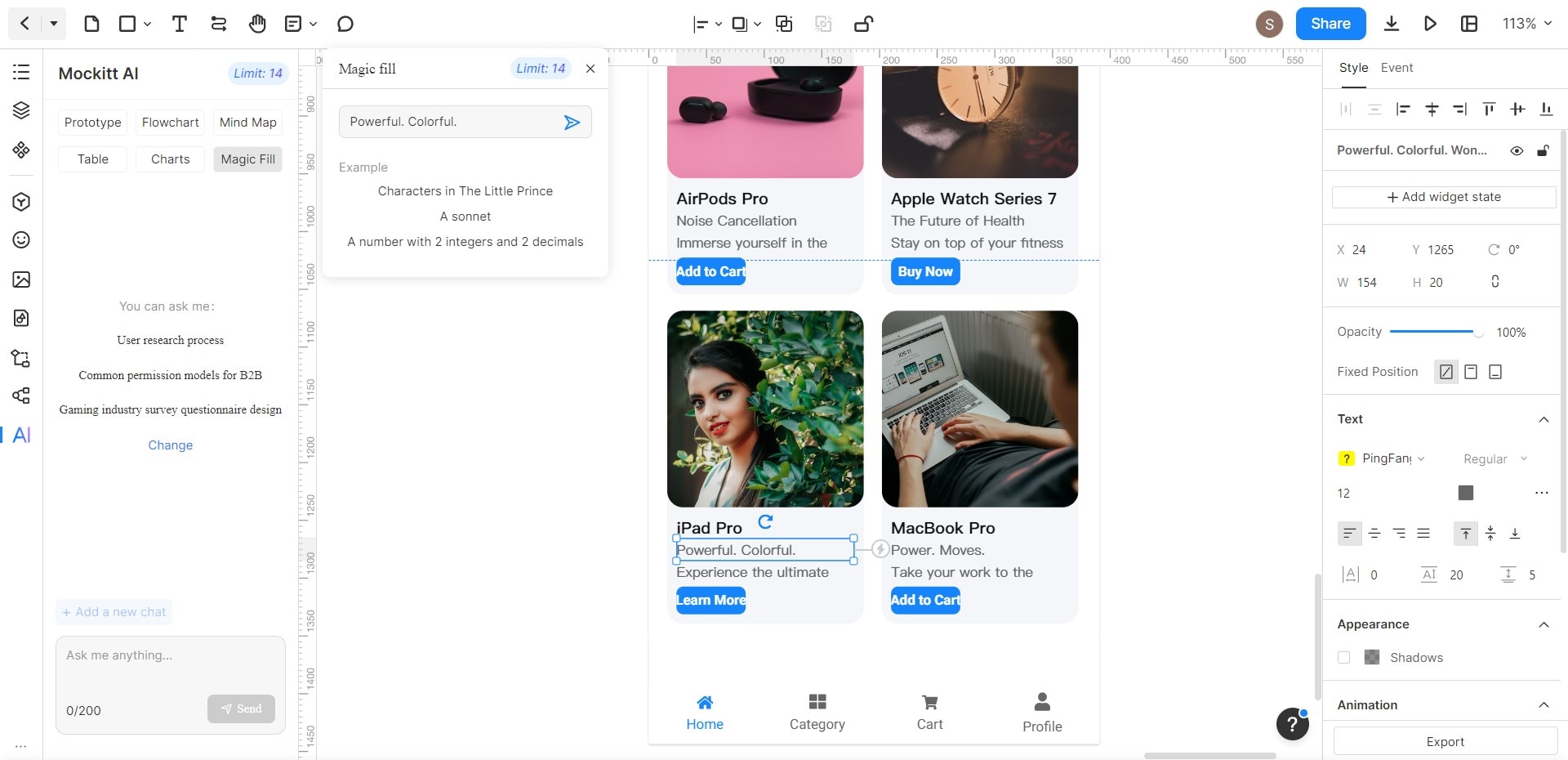
The earlier interface also included Magic Fill for drafting placeholder text. Check the generated copy and the features available in your current account.
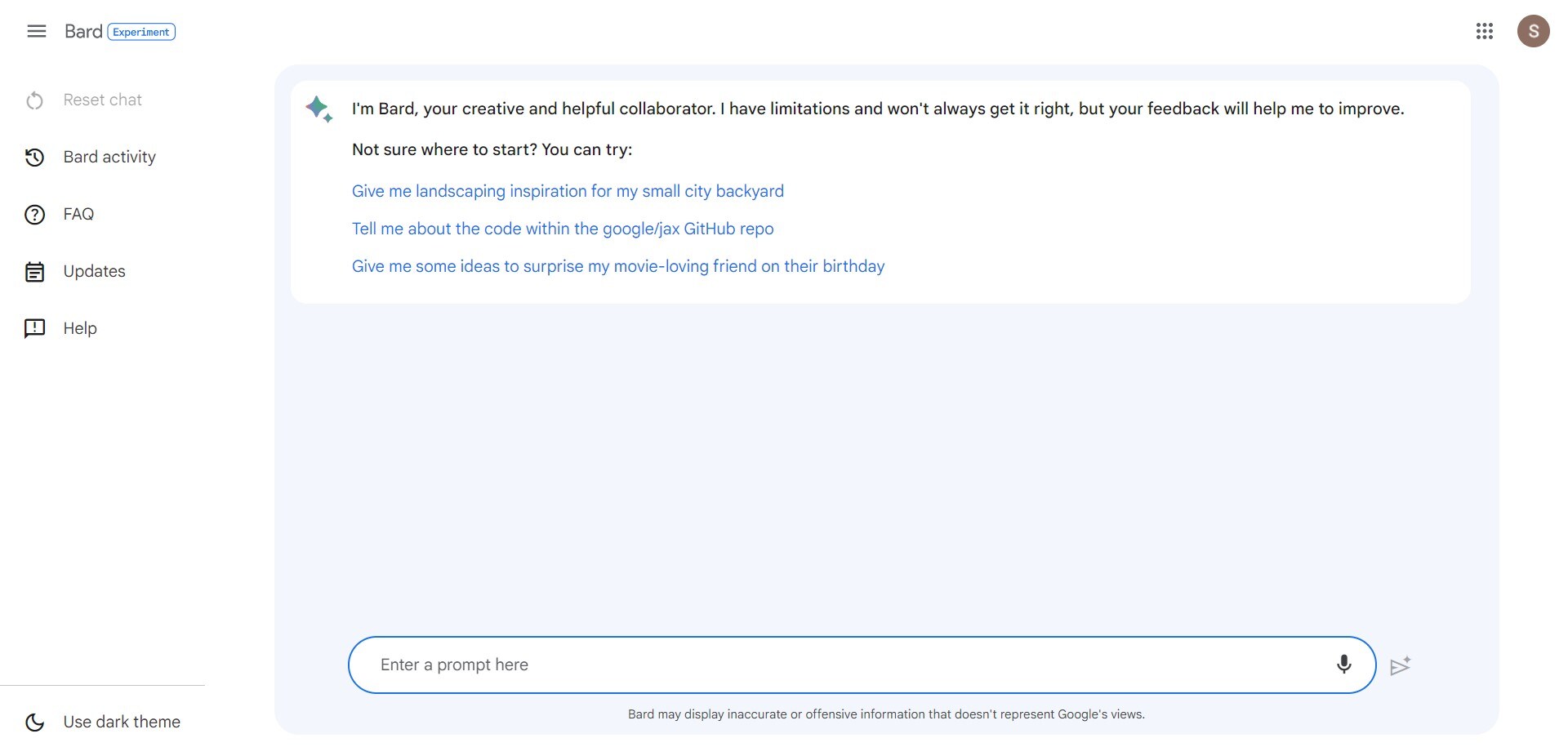
Google renamed Bard to Gemini in February 2024. Bard’s early LaMDA description should not be used to identify the current Gemini service or model. Gemini is Google’s user-facing AI assistant; check the model and tools available in your account for the task you plan to perform.
Answers, Suggestions, and Connectivity
Gemini can be considered for drafting, brainstorming and other assistant tasks. Google also documents image generation and editing for eligible users. Review factual claims and any linked sources rather than assuming an answer is correct because it comes from an internet-connected tool. The screenshot below shows the older Bard interface.
Access, Context and Accuracy
Available features and limits depend on the service, account and model. Check current requirements instead of applying an old Bard session or memory limit to Gemini. Like other AI assistants, it can produce incorrect answers, so verify important details.
Consider for Google’s AI Assistant Workflow
Consider Gemini if its available tools and workflow suit your drafting or research task. Internet access is not a unique differentiator from ChatGPT; compare the actual features and sources available to you.
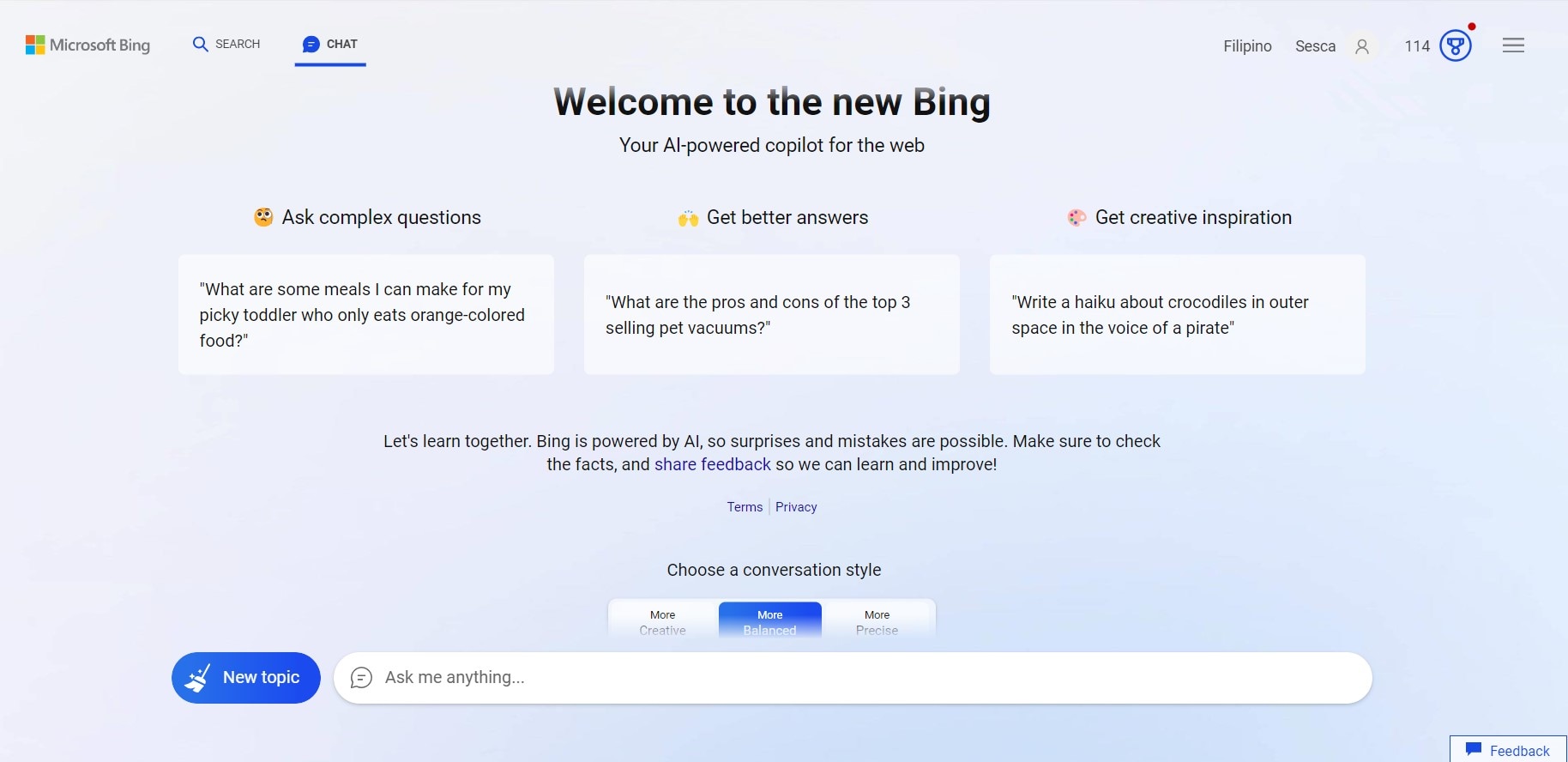
On November 15, 2023, Microsoft announced that Bing Chat and Bing Chat Enterprise were becoming Copilot. The screenshot in this section records the earlier Bing Chat experience. Use the current Copilot service and its current account requirements when evaluating it today.
Search-Assisted Answers and Source Checking
A search-assisted answer can help you find and summarize information, but it is not a guarantee of accuracy. Open the cited pages, check their dates and confirm that they support the answer. The presence of a source link alone does not validate every claim.
The older Bing Chat interface shown below included conversation-style choices. Treat those controls as historical context, not a promise that the current Copilot interface has the same options or behavior.
Check Current Limits and Verify the Answer
Usage limits and available features can vary by product and account. Check the current service information instead of relying on an old Bing Chat conversation cap, and verify important output against its sources.
Consider for Search-Assisted Questions
Copilot is an option to evaluate for questions where a sourced summary is useful. Try a representative question and inspect the sources before relying on the answer for a decision.
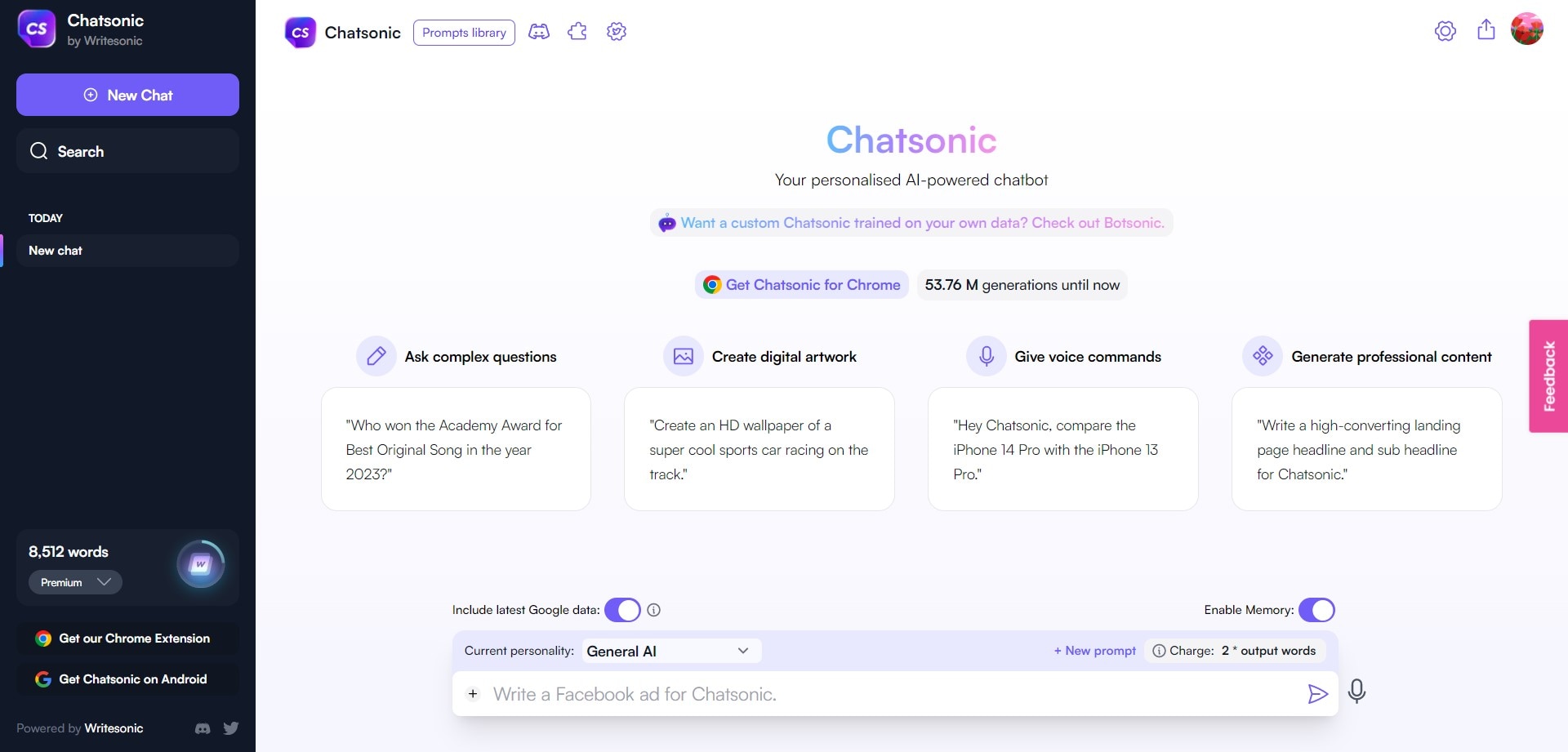
Writesonic offers Chatsonic as a marketing-focused AI chat service with access to multiple model families. It should not be described as permanently powered by one GPT-4 model. Check which models and tools your account currently provides.
Tailor-Made Content That Speaks Your Language
Writesonic’s Chatsonic documentation describes web search, file-based chat and writing-style features. These are useful capabilities to evaluate with your own source material; their availability and suitability depend on the account and task.
The documentation also describes image generation and multimodal input. A system responding to your wording is not evidence that it understands your emotions. Review generated text and images before using them, and check the current controls for the input format you need.
Account Limits and Cost
Check the limits and billing terms shown in your Chatsonic account and Writesonic’s current plan information. Do not assume the earlier 4,000-character prompt cap or output-word pricing applies to the current service. The word balance in the screenshot above belongs to that earlier interface, not a current price quotation.
Consider for Marketing and Content Workflows
Consider Chatsonic if its marketing tools, writing workflow and available models match the work you need to do. Compare the plan and the quality of a representative result rather than choosing on a universal speed claim.
Conclusion
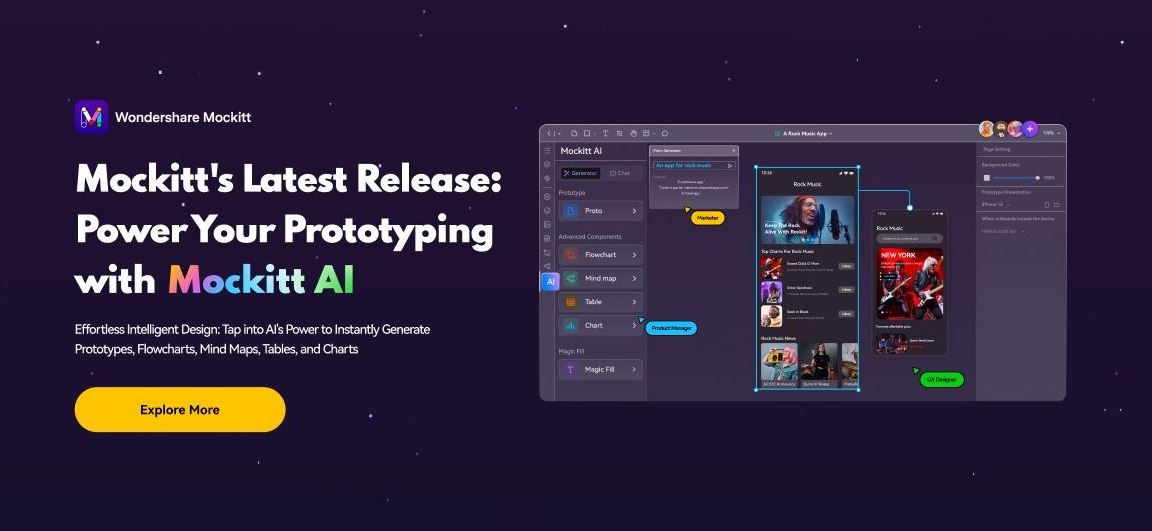
The image above is promotional artwork from an earlier Mockitt AI release; it is not a current release announcement or a promise of generation speed. Choose an assistant according to the task: drafting and research require different checks from building and reviewing an interface prototype. Compare the relevant outputs, current access conditions and the work still required to make a result usable.
For interface design, Mockitt can help you prepare a prototype for review. Check the generated content and interactions before sharing it, and use the current workspace guidance alongside the historical examples in this article.