A free AI text generator can help you try a writing task before buying a subscription. But a free account, a limited trial, and a paid product with an AI feature are different offers. Comparing them as if they all provide unlimited free writing makes the decision harder.
Compare nine tools around their actual use cases. Some are general chat assistants; others specialize in rewriting, product content, documents, or visual planning. Choose the tool that fits your material and intended output, then check its current access conditions. The product screenshots show earlier interfaces and explain the type of workflow rather than current signup steps.
Part I: 9 AI text tools and what to evaluate
Plan details for the original seven entries were checked on October 4, 2026; Claude and Boardmix on October 17, 2026.
| Tool | Free, trial, or paid? | What you can do without a continuing paid plan | Official source |
|---|---|---|---|
| Mockitt | Free plan with AI trial credits | The free plan lists 3 files, 1 workspace, and 200 AI trial credits per person. It does not state a recurring free AI allowance. | Mockitt plans |
| ChatGPT | Ongoing free tier, usage-limited | Everyday conversations, writing help, and explanations. Higher access and some features depend on the plan; no fixed message count is promised here. | ChatGPT Free |
| Gemini, formerly Bard | Ongoing free tier with an eligible Google account | General conversational and writing assistance at $0; model and feature access have limits and can vary by account or region. | Gemini plan comparison |
| WordAi | 3-day trial, then paid | Try its rewriting workflow during the trial. This is not a continuing free writing tier. | WordAi pricing |
| DeepAI | Ongoing free tier, usage-limited | Limited standard chat messages; the free-plan comparison excludes live web browsing and memory. | DeepAI pricing |
| Hypotenuse AI | Commercial product with a try-free offer | Evaluate ecommerce content generation. The public pricing page does not establish a permanent free tier or a precise trial duration; do not count it as an ongoing free recommendation. | Hypotenuse pricing |
| Writesonic | Paid platform with a free-trial entry | Evaluate content and marketing workflows under the offered trial. The current pricing page does not establish a continuing free writing allowance. | Writesonic pricing |
| Claude | Ongoing free tier, usage-limited | Conversational drafting and revision. Free access has usage limits; it is not an unlimited writing or document-processing allowance. | Claude plans |
| Boardmix | Free whiteboard plan; AI access is plan-dependent | Organize ideas and collaborate on a board. The free plan does not establish an ongoing free AI-writing allowance; AI plans have credit limits. | Boardmix plans |
If you need recurring no-cost general writing help, compare ChatGPT, Gemini, Claude and DeepAI within their free limits. If you need rewriting, visual planning or catalog content, a specialist offer can still be useful—but a trial or a free non-AI plan should not be described as permanent free AI writing.
1. Mockitt: keep product ideas close to the design
Mockitt is useful to evaluate when text is part of a product-design task: exploring a screen's content, organizing a feature, or preparing interface copy for review. It should not be treated as a substitute for every general writing application. The useful test is whether the draft helps you make a design decision and move to an editable artifact.
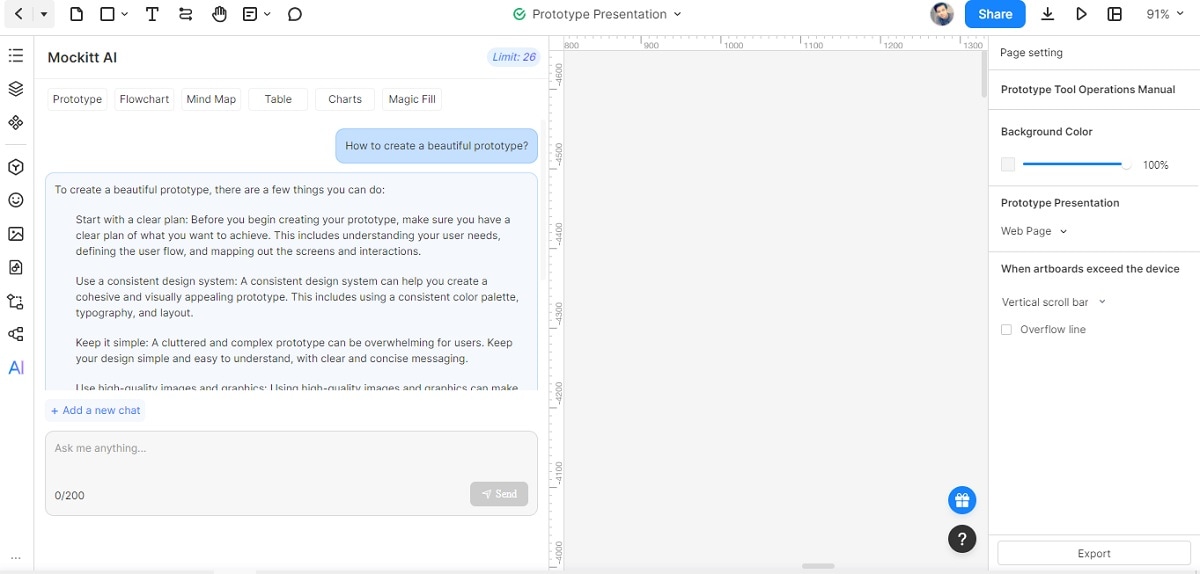
Review Mockitt's AI product overview and use a small real task before committing. A generated answer about permission roles, for example, can help identify screens to discuss, but the team must still decide which roles and rules its product supports.
2. ChatGPT: evaluate a general conversational writing workflow
ChatGPT can help draft, explain, summarize, and revise text through a conversation. Give it source material and a clear output requirement, then inspect the result. A prompt such as “Shorten these instructions without removing the exception in paragraph two” is easier to evaluate than “Improve this.”
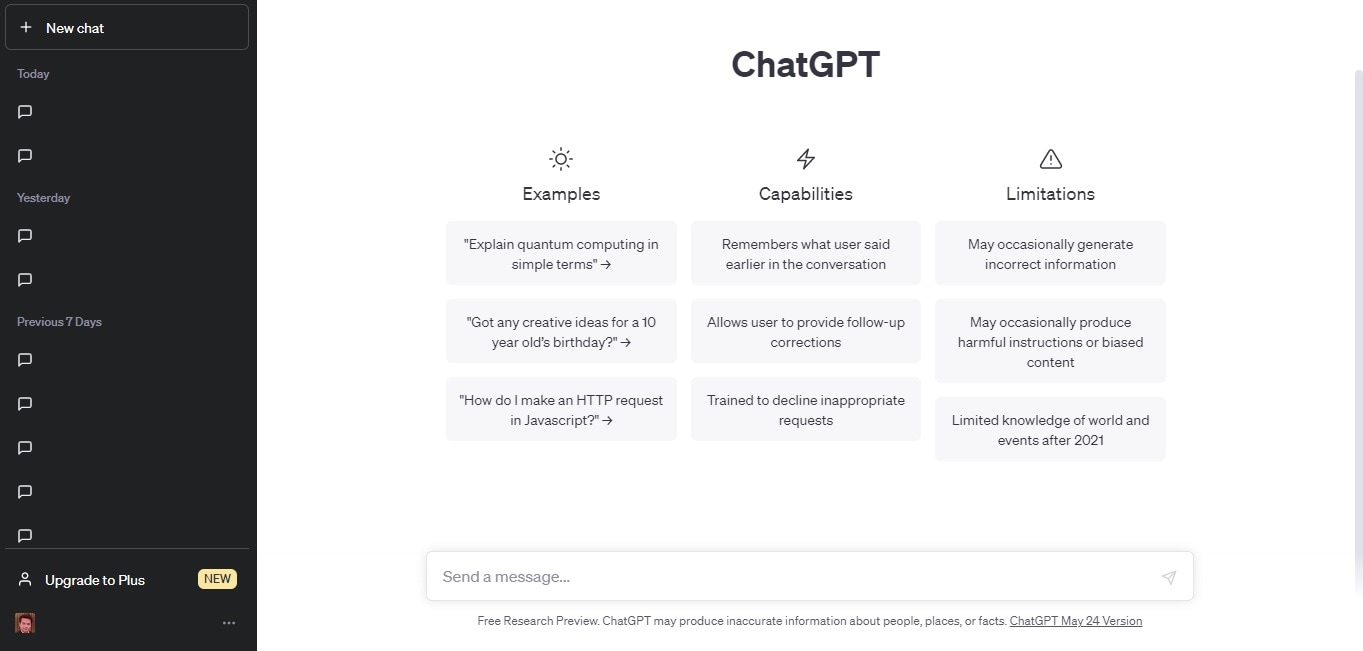
Use the official ChatGPT learning resources for current product guidance. A model's confidence does not establish accuracy; check factual statements and any cited sources before publishing.
3. Gemini: the current name for the product previously called Bard
Google renamed Bard to Gemini in February 2024. It is a general assistant, not a tool exclusively for poetry or creative fiction. Give it a bounded task and inspect the result against the material you supplied.
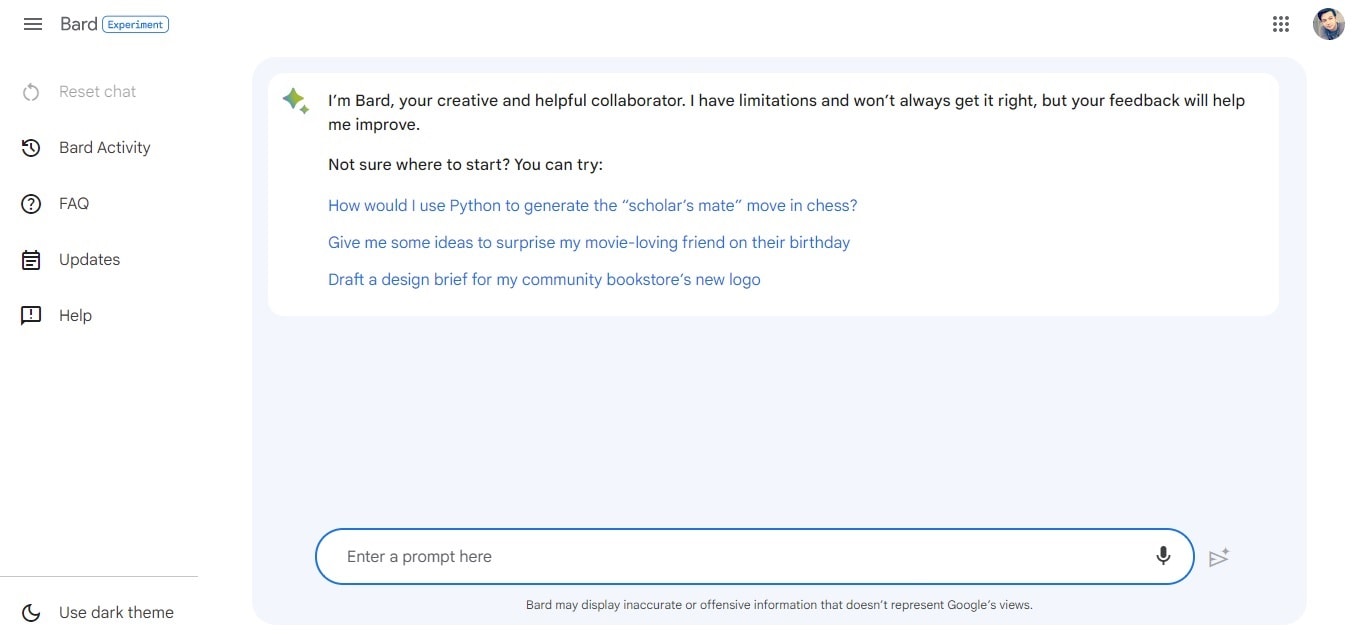
For a fair comparison, give Gemini and another assistant the same supplied material and judge factual fidelity, clarity, and the revisions needed. The Bard-to-Gemini guide explains the naming change and historical workflow in more detail.
4. WordAi: rewriting is a separate task from original research
WordAi focuses on rewriting supplied text. That may help explore phrasing, but it does not establish ownership of the source or make an unsupported statement true. Do not use an automated “uniqueness” result as proof that an article is accurate, properly attributed, or safe to republish.
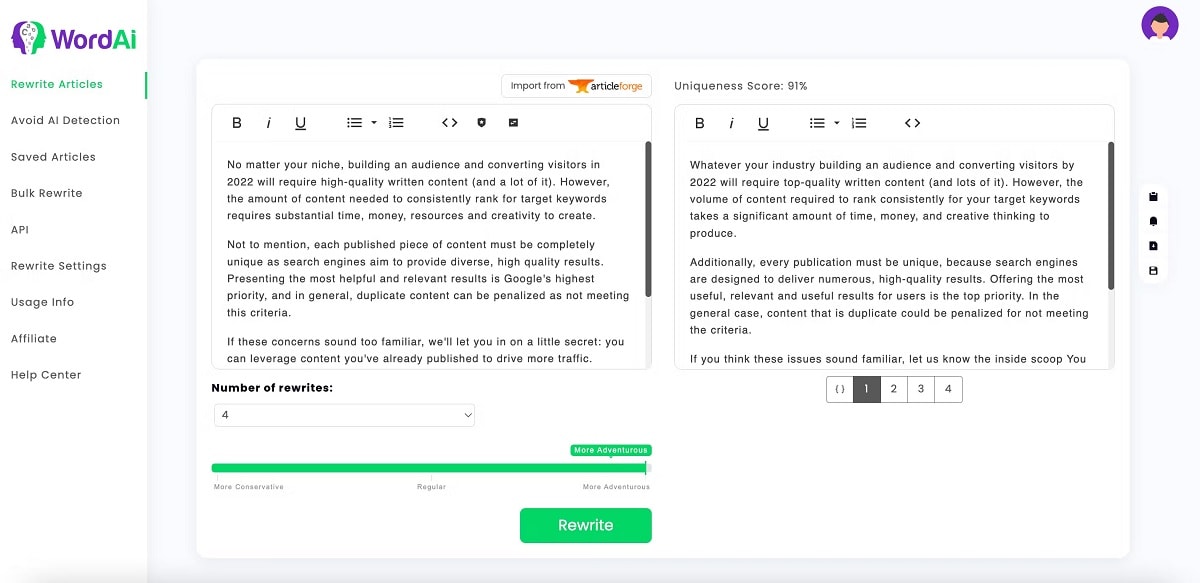
Check WordAi's current offer and distinguish trial access from a permanent free tier. Evaluate it on your own authorized text, comparing meaning sentence by sentence.
5. DeepAI: try a focused browser-chat task
DeepAI provides an online chat interface that can be evaluated for short drafting and explanation tasks. Start with a clearly bounded request, such as generating alternative headings from a supplied outline. Inspect whether the answer follows the facts and length constraint rather than choosing solely by the number of variants.
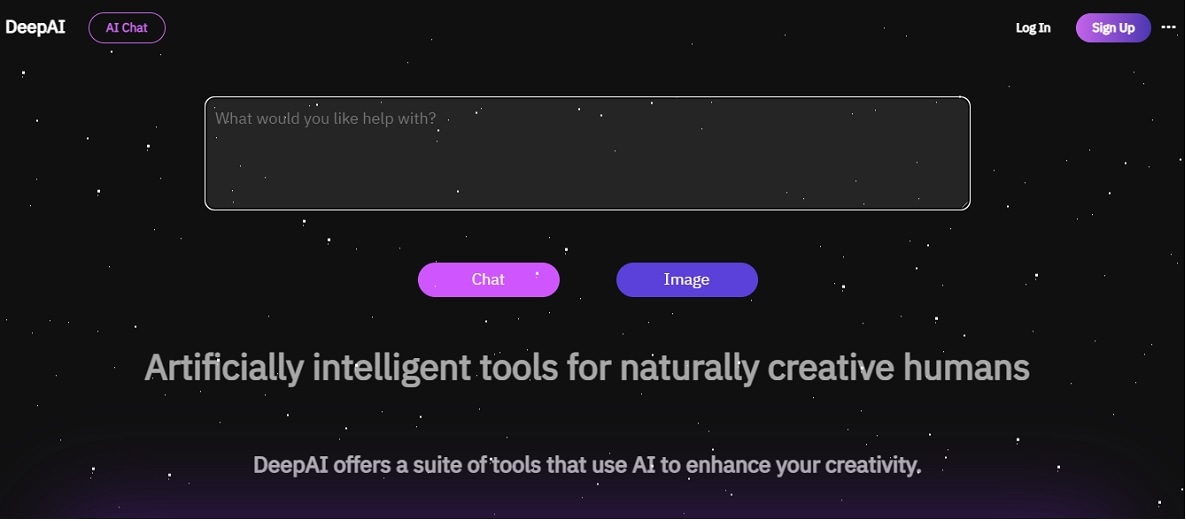
The official chat page is the appropriate place to inspect current access. Avoid uploading confidential source material without reviewing the relevant terms.
6. Hypotenuse AI: evaluate the current ecommerce focus
Hypotenuse AI's current website emphasizes an AI-first product information and ecommerce content workflow. That makes catalog quality, product attributes, and consistency across many descriptions more relevant evaluation criteria than writing a single generic paragraph.
For a catalog task, supply verified attributes and inspect whether the output invents materials, compatibility, or certifications. Review Hypotenuse AI's current product scope rather than relying on the old dashboard promotion or assuming a permanent free writing plan.
7. Writesonic: examine the marketing workflow and trial conditions
Writesonic's current positioning includes content and AI-search marketing workflows. An older Chatsonic interface does not describe the full present-day product. In particular, a promotional trial is not an unlimited free generator.
Test a task with a verifiable brief: an article outline based on your own research, a product comparison with supplied facts, or a revision of an existing page. Check Writesonic's current features and access offer, and judge the final editorial work rather than treating generated marketing copy as publication-ready.
8. Claude: draft and revise against supplied material
Claude is a conversational assistant with a free tier. Use it to draft or revise text from material you are allowed to share. For example, provide a short research note and ask for a summary that preserves the finding, the participant context and the unresolved question.
Compare the draft with the supplied passage: did it add a fact, lose a qualification or confuse a suggestion with a decision? Usage limits still apply to the free plan, so a long document workflow should not be budgeted as unlimited no-cost processing.
9. Boardmix: develop an outline on a visual canvas
Boardmix’s AI whiteboard combines visual planning with AI-assisted creation. It is relevant when the writing task begins with organizing ideas, mapping a process or discussing an outline with teammates, rather than polishing a finished essay.
For a product brief, arrange the problem, audience, proposed flow and open questions on the board. Separate supplied research from generated suggestions before turning the outline into prose. Boardmix has a free whiteboard plan, while AI access and credits depend on the chosen offer; free board access is not a promise of unlimited free AI text generation.
Part II: Use a Mockitt draft to clarify a product question
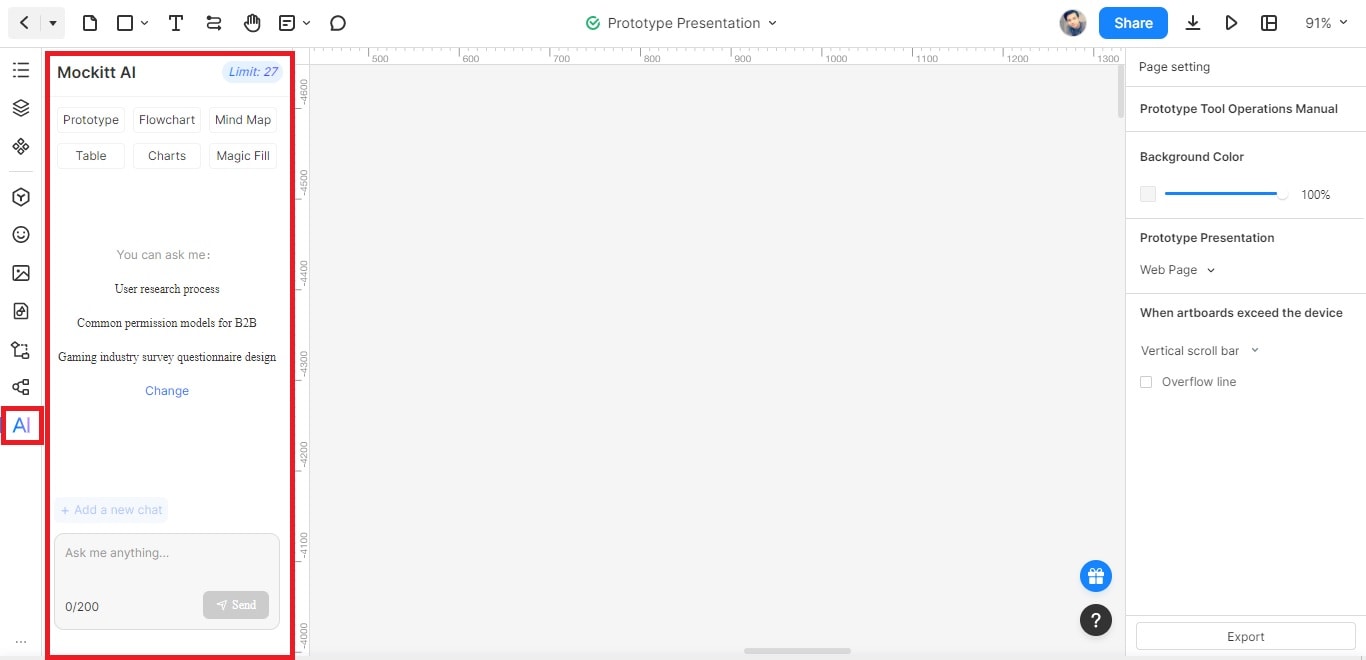
Use a three-stage workflow: open the available AI assistant, provide a request, and inspect the answer before using it. Start with a product question whose answer can lead to a concrete design decision.
Step 1: Open the AI assistant in your project
Choose a concrete product question before opening a blank prompt. “What permission models could fit a team workspace?” gives you a reviewable starting point. It is more actionable than asking the assistant to design an entire business.
Step 2: Provide context and inspect the response
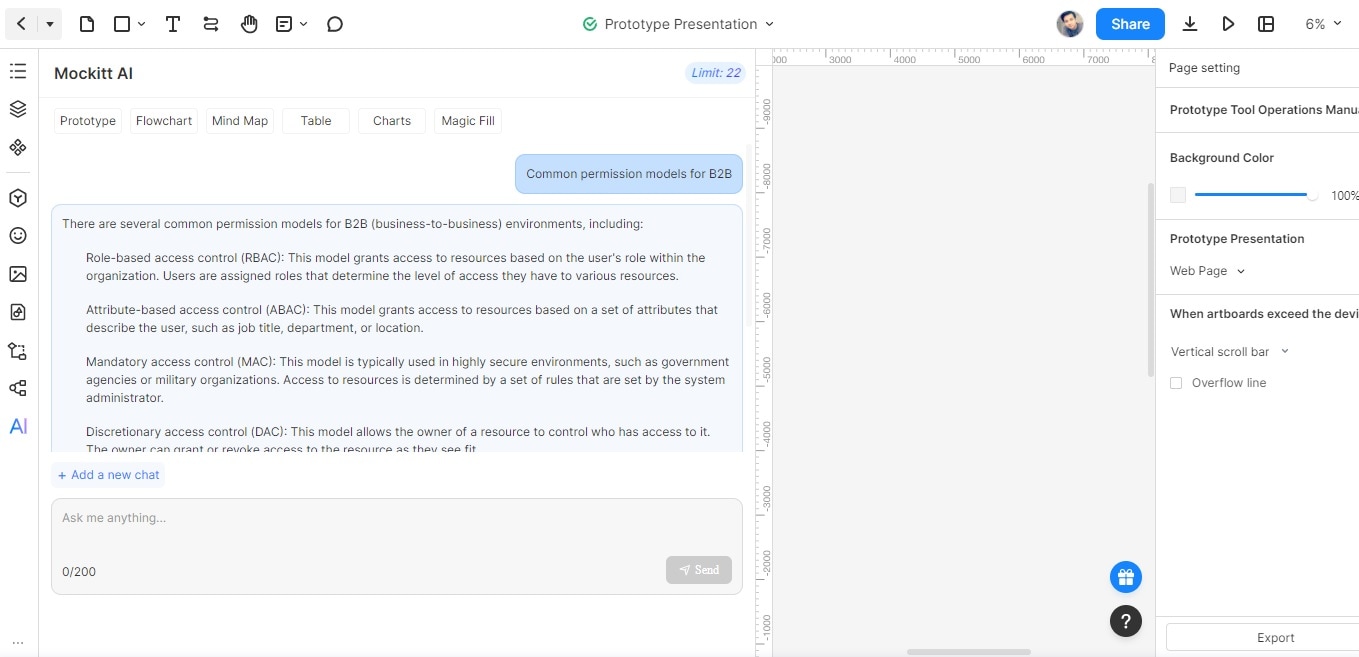
The example asks about common B2B permission models. Keep the task grounded by describing the actual roles and decisions in your product. Separate suggested terminology from the rules your team has approved; RBAC and ABAC, for example, describe approaches rather than ready-made requirements for every workspace.
Step 3: Move the useful parts into a reviewed artifact
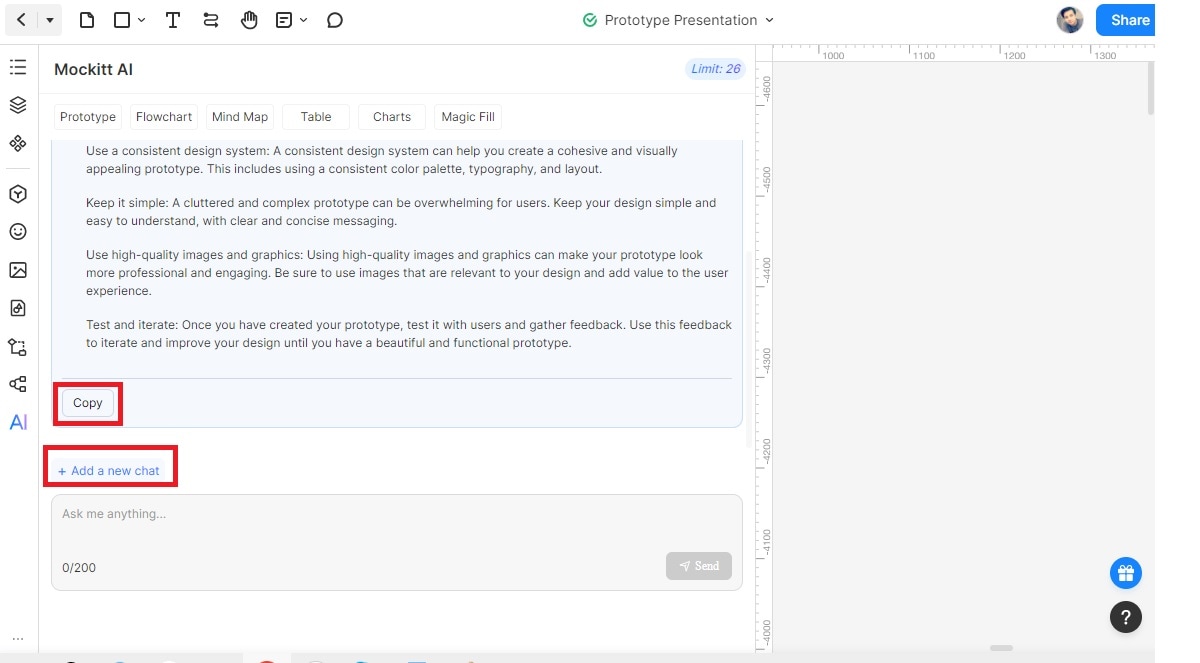
Copy the useful draft, edit it against your product decisions, and identify the screens or questions it creates. Copy and new-conversation controls help manage the working material; neither action validates the answer.
A second example: keep sample data distinct from evidence
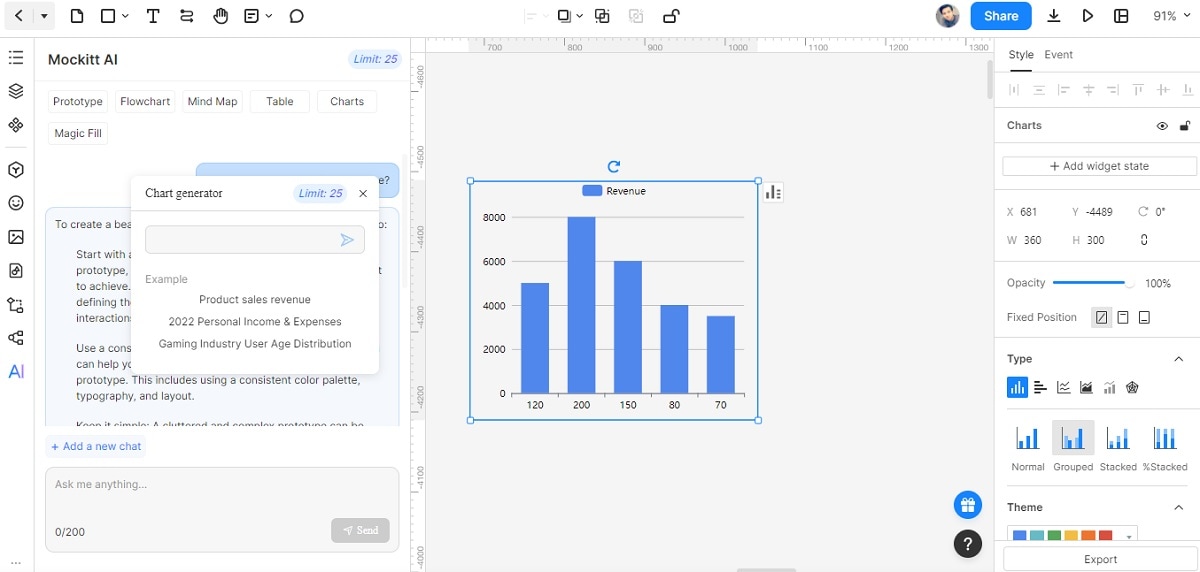
A generated revenue bar chart can help discuss presentation or layout when the values are clearly fictional. Its sample numbers are not business evidence; real reporting needs a verified data source. Check labels, units, and time periods as well as the appearance of the chart.
Choose a generator by the task and the review it requires. For product work, the strongest output is something your team can inspect, correct, and use in the next design decision—not merely a longer block of fluent text.