“Free” can mean three different things: a plan that stays free, a trial that expires, or software whose source code is open. For a prototype review, compare those terms with interaction depth, sharing permissions, and export before you choose. A small team that needs clickable flows, browser review, and a clean handoff should start with Mockitt Prototype, then run the same three-screen test in any finalist.
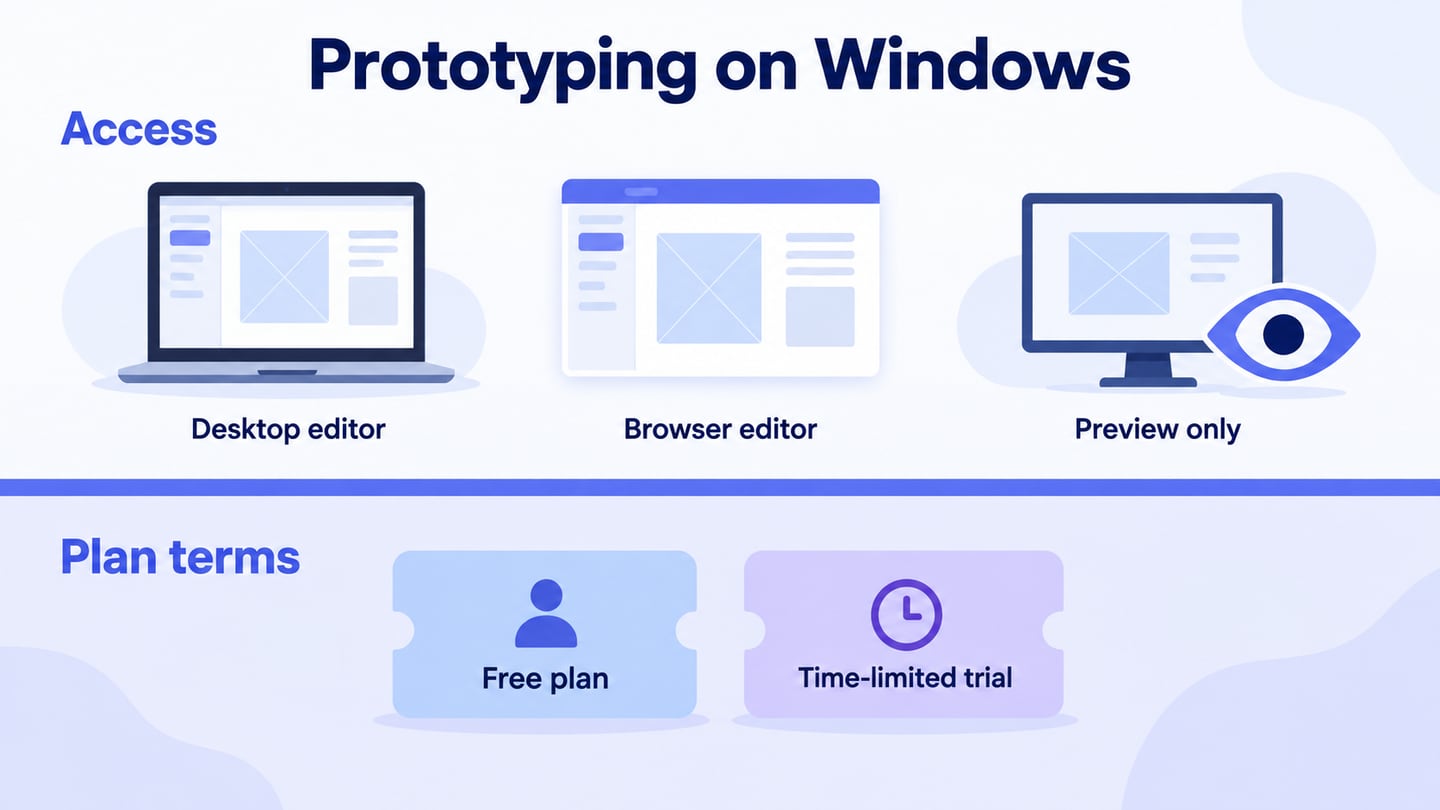
Plans change, so use these categories to narrow the field and confirm the current limits on the vendor’s pricing page before you buy. A quick test of your own review path is more useful than an old price comparison.
What “free” really means
| Meaning of free | What you can usually do | What to verify before choosing |
|---|---|---|
| Permanent free plan | Keep a limited workspace or project available after the trial period. | Screen, project, editor, reviewer, version-history, and export limits. |
| Time-limited trial | Try paid interaction, collaboration, or handoff features for a fixed period. | Expiry date, what becomes read-only, and whether reviewers need accounts. |
| Open-source license | Run or modify the software under its license, often with more setup work. | Hosting, authentication, support, imports, collaboration, and the license obligations. |
These categories are not interchangeable. An open-source editor may need infrastructure; a permanent free plan may limit sharing; a trial may be the fastest way to test advanced states but is a poor fit for a long-running project.
How the main options differ
| Tool | Best fit | Prototype depth to test | Review and output questions |
|---|---|---|---|
| Mockitt | Product teams that want screens, flows, and review in one browser workspace. | Clickable navigation, component states, overlays, and device preview. | Can the team comment on the shared route, protect access, and hand off the agreed behavior? |
| Figma | Teams already centered on a collaborative design file and shared libraries. | Links, overlays, variables, and the interaction fidelity your task needs. | Which file permissions and history length does the team require? Can developers inspect the result without extra setup? |
| Sketch | Teams whose design system and authoring workflow are built around Sketch. | Links, hotspots, overlays, scrolling areas, and responsive symbols. | Check the authoring-device requirement and the reviewer’s web access before committing. |
| Axure RP | Complex behavior that needs conditions, variables, forms, or dynamic panels. | Conditional paths, validation states, and data-driven interactions. | Compare the setup time with the review value; publishing an HTML prototype is not production deployment. |
| Proto.io | High-fidelity interaction demos that stay in a hosted review workflow. | Transitions, responsive behavior, and device-oriented preview. | Check plan limits, reviewer access, and how the final prototype is archived. |
| Penpot | Teams that prefer an open-source design and collaboration option. | Components, layouts, and the interactive path needed for the study. | Confirm hosting, support, and the exact prototype and export features required by the team. |
A price copied from an older page can make a good shortlist misleading. Record the plan name and the date you checked it in your decision notes, then confirm the limit again before purchase.
Test the workflow before you commit
- Set the brief. Create a three-screen flow: sign in, choose a plan, and confirm the choice. Write the happy path and one error path before opening a tool.
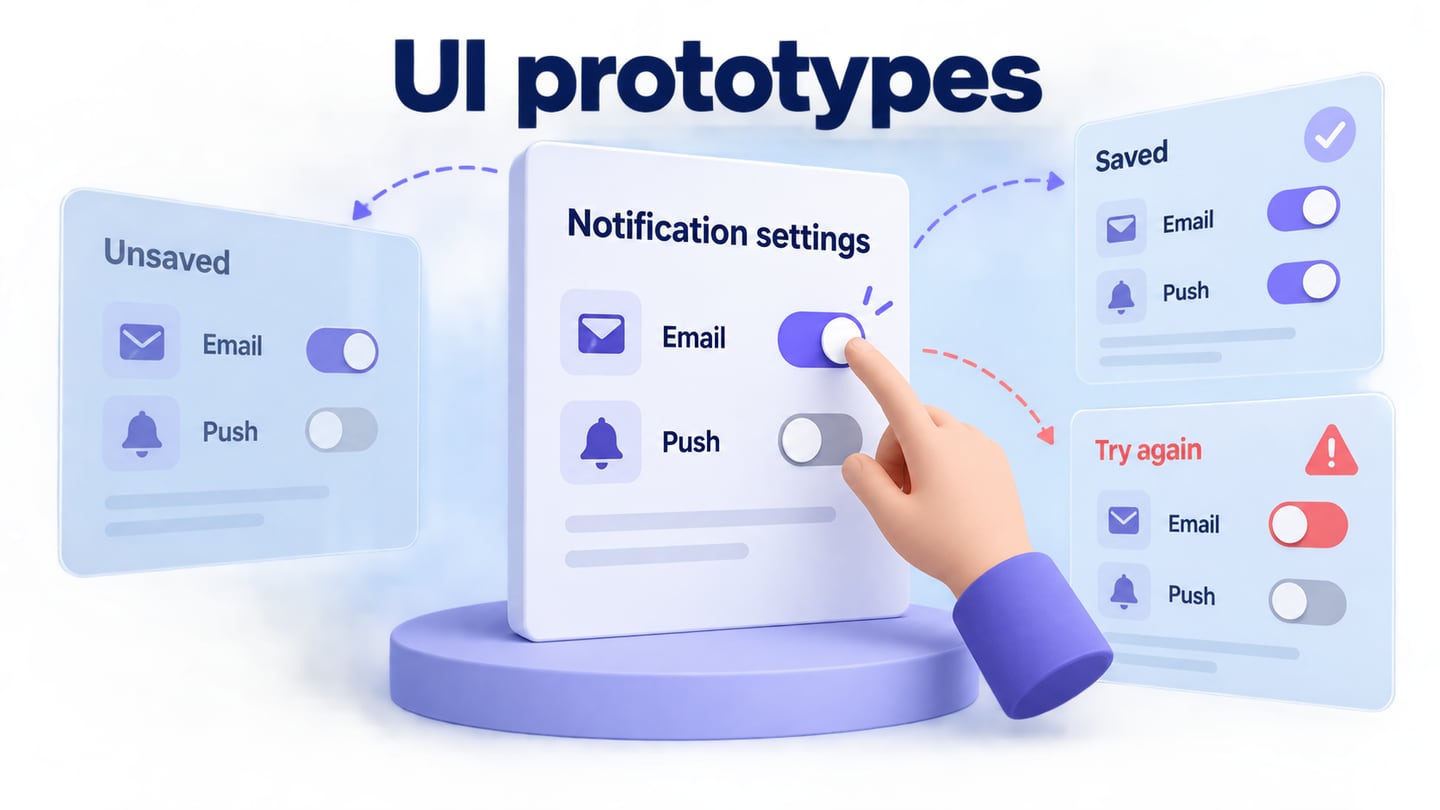
- Build the same states. Add an empty form, a validation error, a loading state, and a completed state. Do not reward a tool for a polished screenshot that cannot show the state change.
- Invite the reviewer. Send the same link to a designer, product owner, and developer. Record whether each person can open the route, comment on the relevant screen, and return to the previous state.
- Export the evidence. Save the share URL, a short screen recording or preview, and the implementation notes. Check what remains available when the free plan or trial ends.
Match the tool to your project
- Choose a permanent free plan when the project can stay within its screen, project, and reviewer limits.
- Choose a trial when advanced interaction or collaboration matters and you can complete a representative test before expiry.
- Choose open source when your team can own hosting, updates, and support as well as the design work.
- Choose the tool that preserves the evidence your next team needs: an accessible prototype, clear state notes, and a stable handoff.
For a browser-first product review, start with Mockitt’s prototype workspace and apply the test above. For a wider comparison, see the Figma alternatives guide and the prototype-making tutorial.

