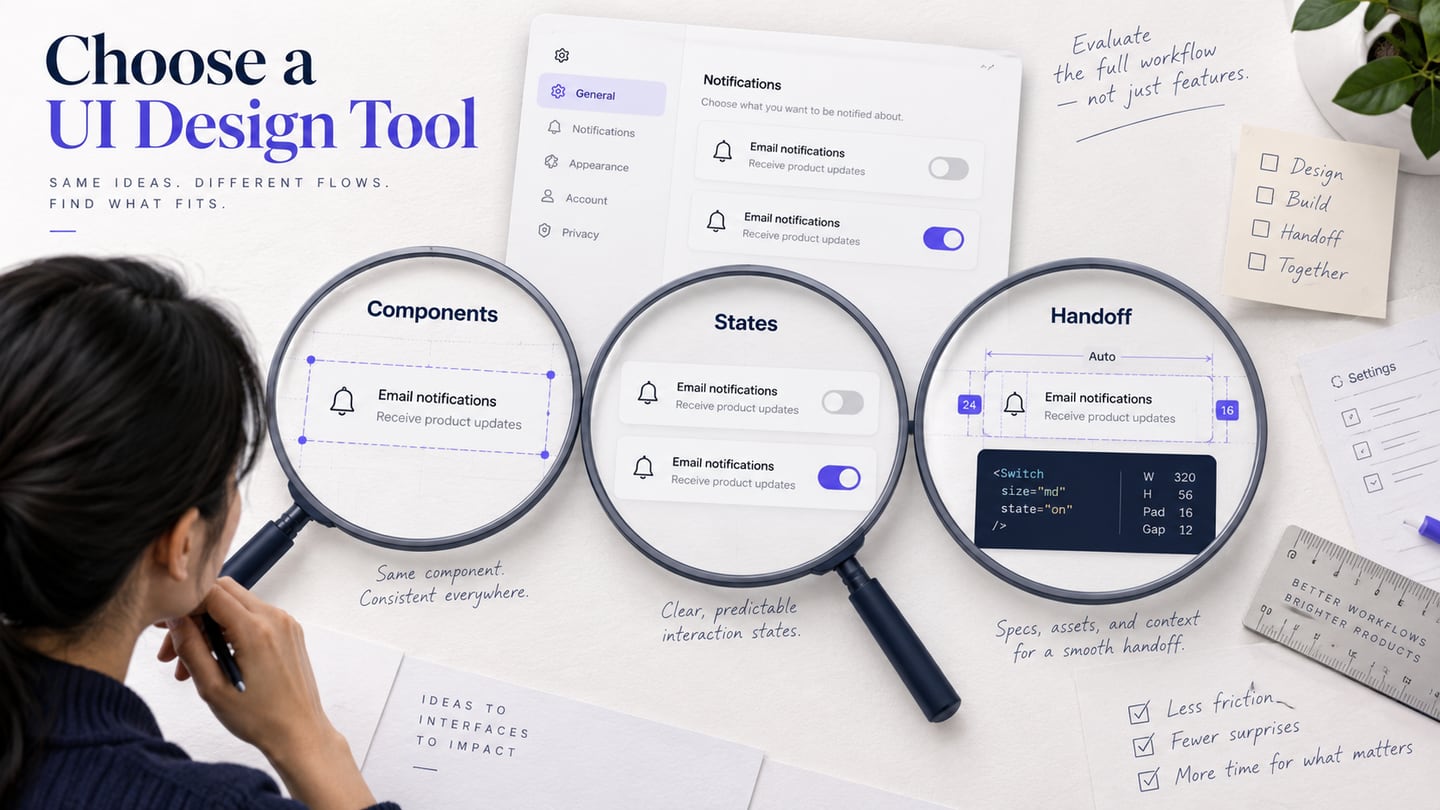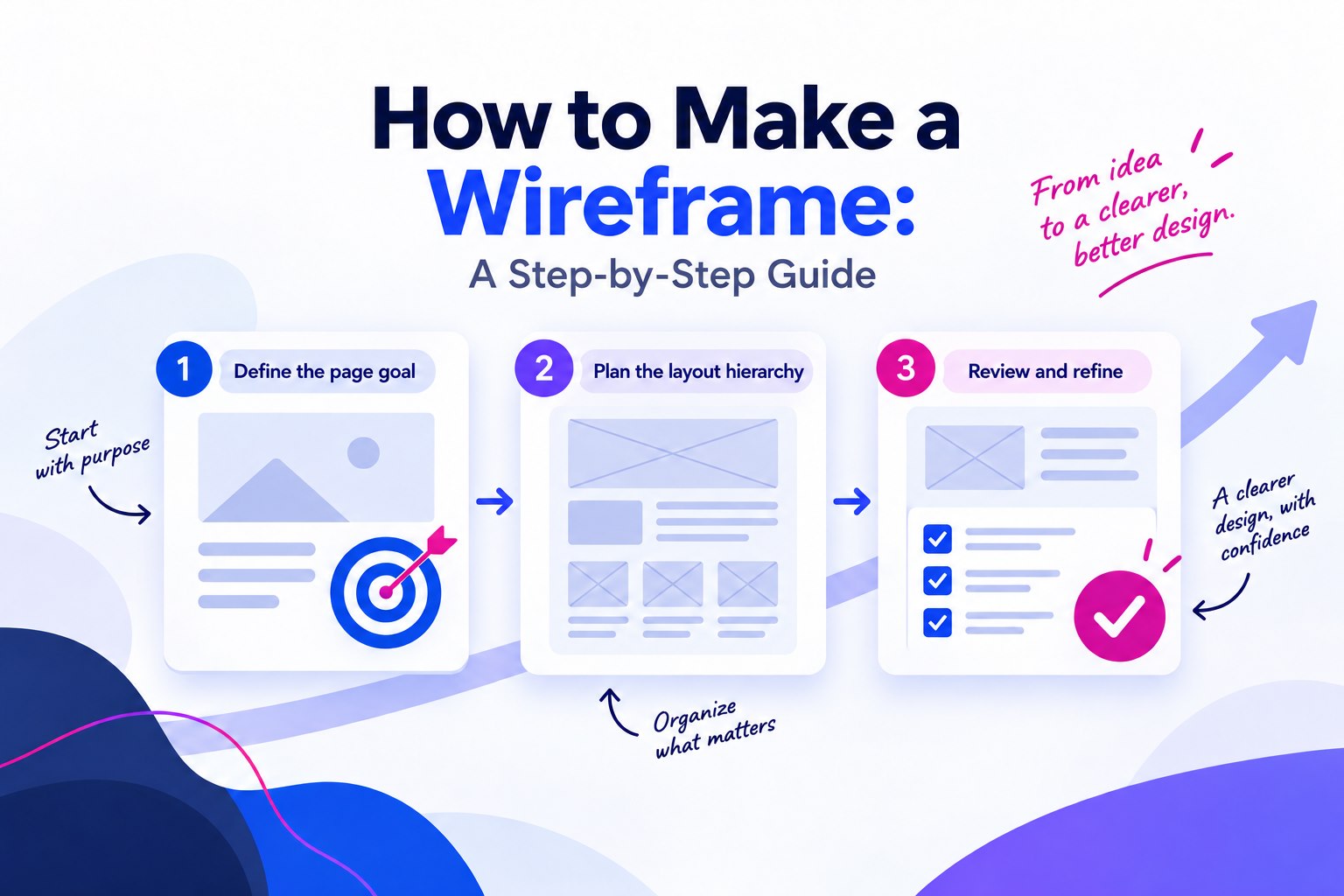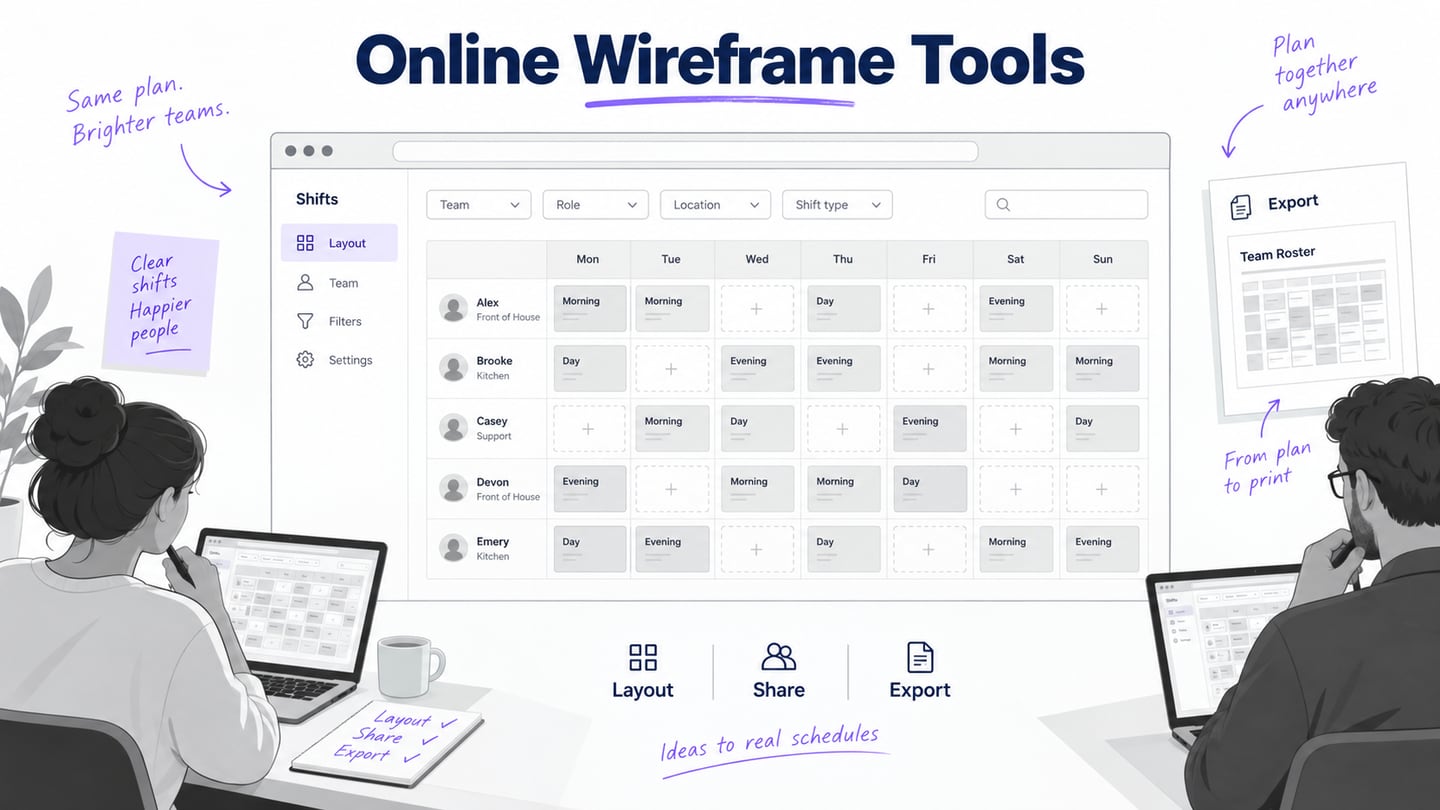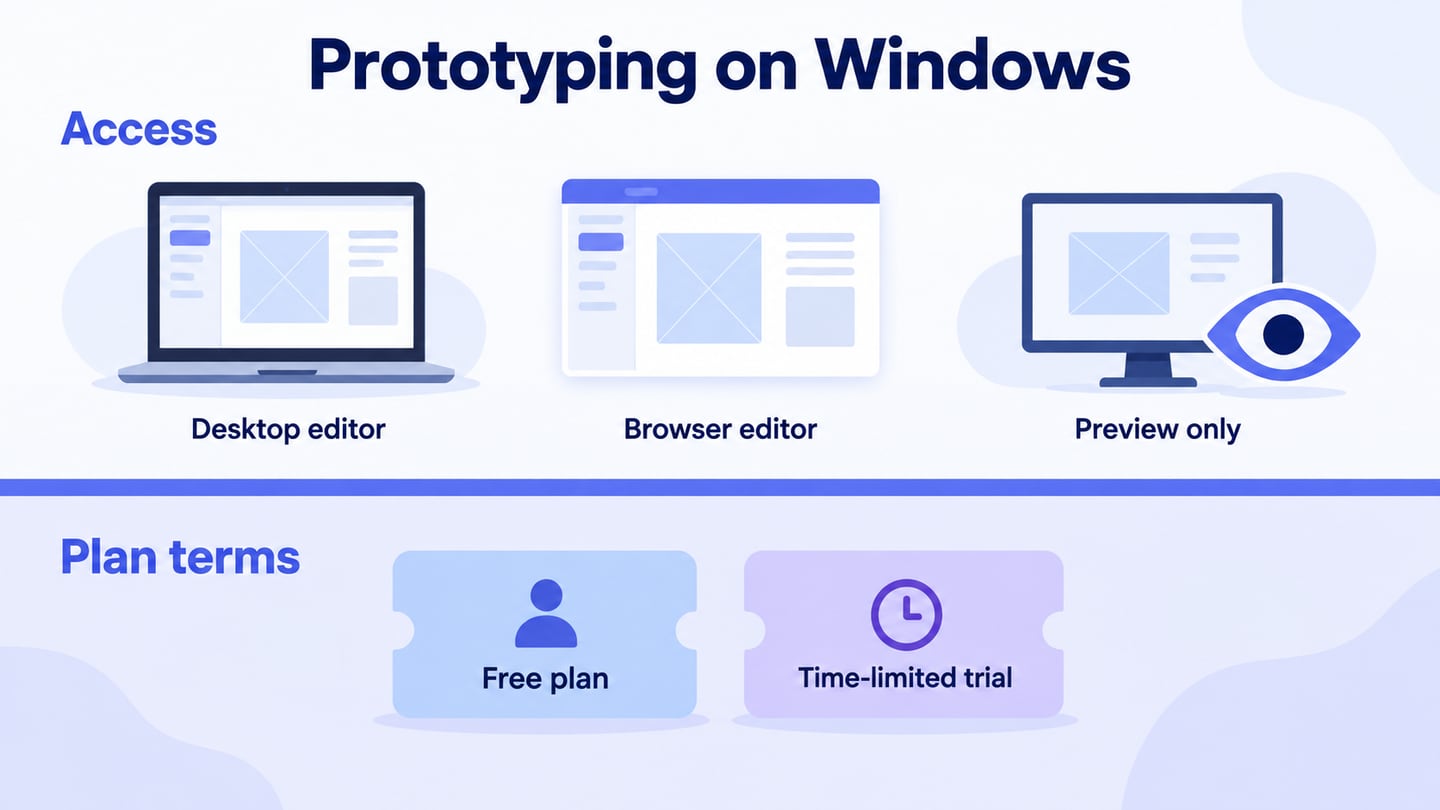
Choosing a prototyping tool for Windows involves two separate questions: can you author the prototype on your computer, and what remains available without payment? A free plan, a time-limited trial and a free mobile player are different offers. For browser-based screen and interaction work, Mockitt’s online prototyping workspace is one option to evaluate alongside desktop applications.
Five Windows-Compatible Prototyping Options
The five options below retain different strengths: browser collaboration, detailed interaction logic, low-fidelity wireframes or device previews. Check your Windows version, installation permissions, browser requirements and the exact sharing task before committing. A screenshot of a mobile prototype does not mean that the editor runs on that mobile device.
1. Mockitt
Mockitt can be used in a supported browser on a Windows computer to arrange screens, reuse interface elements and connect interactions. You can design for a desktop, website or mobile screen, but the target screen size is separate from the operating system used to edit the file. Start with a small task and inspect the preview before choosing a plan.
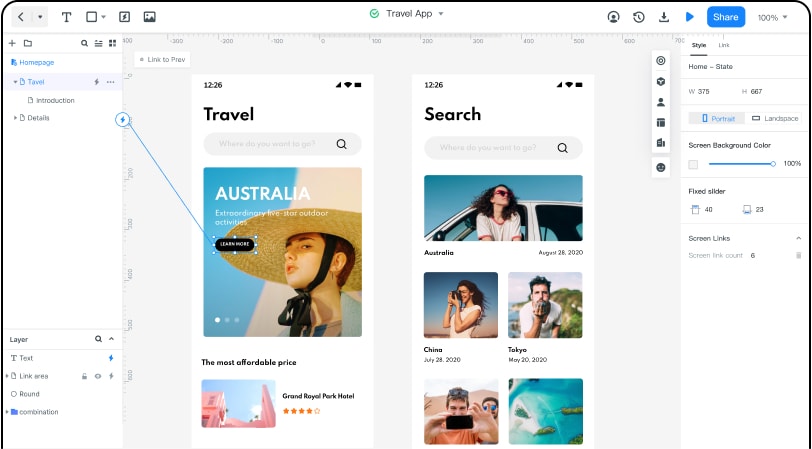
Reusable widgets and components help keep screens consistent, while shared review can make a proposed flow easier to discuss. Check Mockitt’s current plan details for file, collaboration and other limits. The retained travel-app screenshot is a historical editor example; it is not evidence for old quotas or a promise that every feature is free.
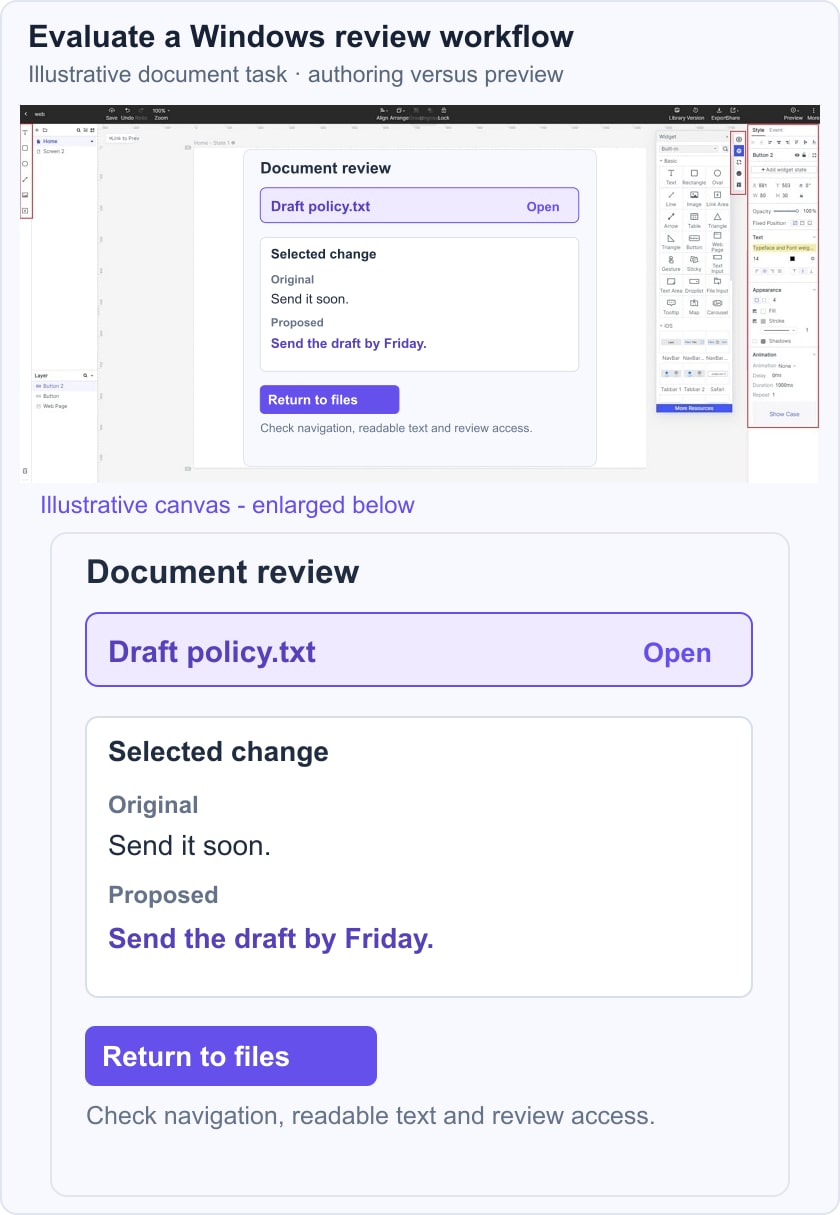
For a Windows-oriented evaluation, create an illustrative document-review screen with a file list, a selected change and a “Return to files” action. Check selection, text readability, keyboard access in the preview and the ability to share the intended state. This is a UI review draft, not a native Windows file manager or a working document-comparison engine.
Pros
- You can review access permissions before sharing the design; security suitability still requires your own assessment.
- Collaborators can review or edit according to the account’s features and assigned permissions.
- Reusable interface elements reduce repeated setup for related screens.
- Share a preview using the options available to your project.
- Connect screen states to explain an intended interaction.
- A small browser-based draft lets you assess the workflow before moving a larger project.
Cons
- Free access has limits that may not cover a team’s file, collaboration or export requirements; confirm the current plan rather than relying on historical screen quotas.
System Compatibility
Author in a supported desktop browser on Windows. Preview on the devices relevant to the project; preview compatibility is not the same as a mobile authoring app.
2. Axure RP
Axure RP is a desktop prototyping application with Windows and macOS versions. It suits work that needs detailed states and interaction logic, but it is not a permanently free editor. The official download page offers a 30-day trial. Use that time to test a representative interaction and the review workflow, and plan for licensing if the project continues.
Pros
- Evaluate the supported import workflow using the actual design files your team needs.
- Specifications and notes can explain intended behavior to developers; they do not implement the product.
- Shared prototype reviews can communicate interaction details to other participants.
- Build the behavior in the editor, then review it through the available publishing and preview workflow.
Cons
- The trial expires; check the appropriate paid license for continued use.
- Complex interaction logic needs time to learn and maintain.
- Test how the chosen license supports your editing and review roles rather than assuming every collaboration feature is included.
System Compatibility
Windows and macOS desktop authoring. Check the current installer requirements for your machine before starting the trial.
3. Balsamiq
Balsamiq is useful for discussing structure with sketch-like wireframes and reusable controls. The current Balsamiq offer provides a 14-day trial, followed by paid plans. It supports prototype and review workflows, so describing it as having no interactive features is misleading. Choose it when the required fidelity and interaction scope fit the task, rather than assuming it replaces every advanced prototyping tool.
Pros
- Wireframes can keep a discussion focused on structure rather than final styling.
- The restrained visual vocabulary can help communicate an early concept.
- Reusable wireframe components reduce repeated drawing.
- Review and collaboration options support team feedback within the selected plan.
Cons
- Try the most demanding interaction in your project before selecting it.
- A linked or interactive prototype is not evidence of every animation, logic or device-integration capability.
- Continued use after the trial requires an appropriate subscription.
System Compatibility
For the cloud workflow, use a supported browser on Windows. If you need a desktop installation, verify the current desktop offering and its separate requirements rather than assuming that every listed operating system has the same app.
4. ProtoPie
ProtoPie Studio is a desktop authoring tool for interaction prototypes. It offers a Free plan as well as paid tiers; the plan comparison sets limits on prototypes, scenes, storage and features. Its interaction model uses objects, triggers and responses. Test the exact behavior you need, especially when it involves device capabilities or communicating between screens.
Pros
- The trigger-and-response model makes interaction behavior explicit.
- Reusable interaction libraries can support consistency where available in the plan.
- The editor is intended for interactive behavior beyond static screen presentation.
- Device-dependent inputs need testing in the appropriate player or hardware environment.
Cons
- Handoff is offered with plan-dependent limits; it is not absent from the product.
- Check behavior at the sizes and devices your project requires instead of assuming the prototype becomes a responsive production app.
- Advanced collaboration and integration needs may require a paid tier.
System Compatibility
ProtoPie Studio is available for Windows and macOS authoring. Mobile players and web previews are delivery or testing surfaces, not the same desktop editor.
5. FluidUI
Fluid UI provides browser-accessible prototyping with reusable UI kits, linked previews and collaboration. Its site offers a free account, while project and team requirements may need a paid plan. Use a small sample to verify your saving, editing, sharing and export needs; a free account does not establish unlimited access to every feature.
Pros
- Collaboration can support a shared review of the same prototype.
- Pre-built UI kits provide a starting point for screen layouts.
- Linked previews communicate paths between screens.
- You can choose the level of visual detail appropriate to the review.
- Mobile player apps provide a way to review a prototype on a device.
- Browser access offers a route to the project from a supported desktop environment.
Cons
- Test the asset-upload and export operations required by your project before committing.
- Confirm the current free-account limits and paid plan terms for your team.
System Compatibility
Use a supported browser on Windows for the online workflow. Mobile preview apps serve a different purpose from authoring; check current download support if a desktop client is required.
Before selecting a tool, repeat the same short task in the candidates: create a list and detail state, connect the return path, invite a reviewer and inspect what can be retained after a trial or within a free plan. For a broader selection framework, see the prototyping-tool comparison; for the project workflow, use the product-prototype planning steps.