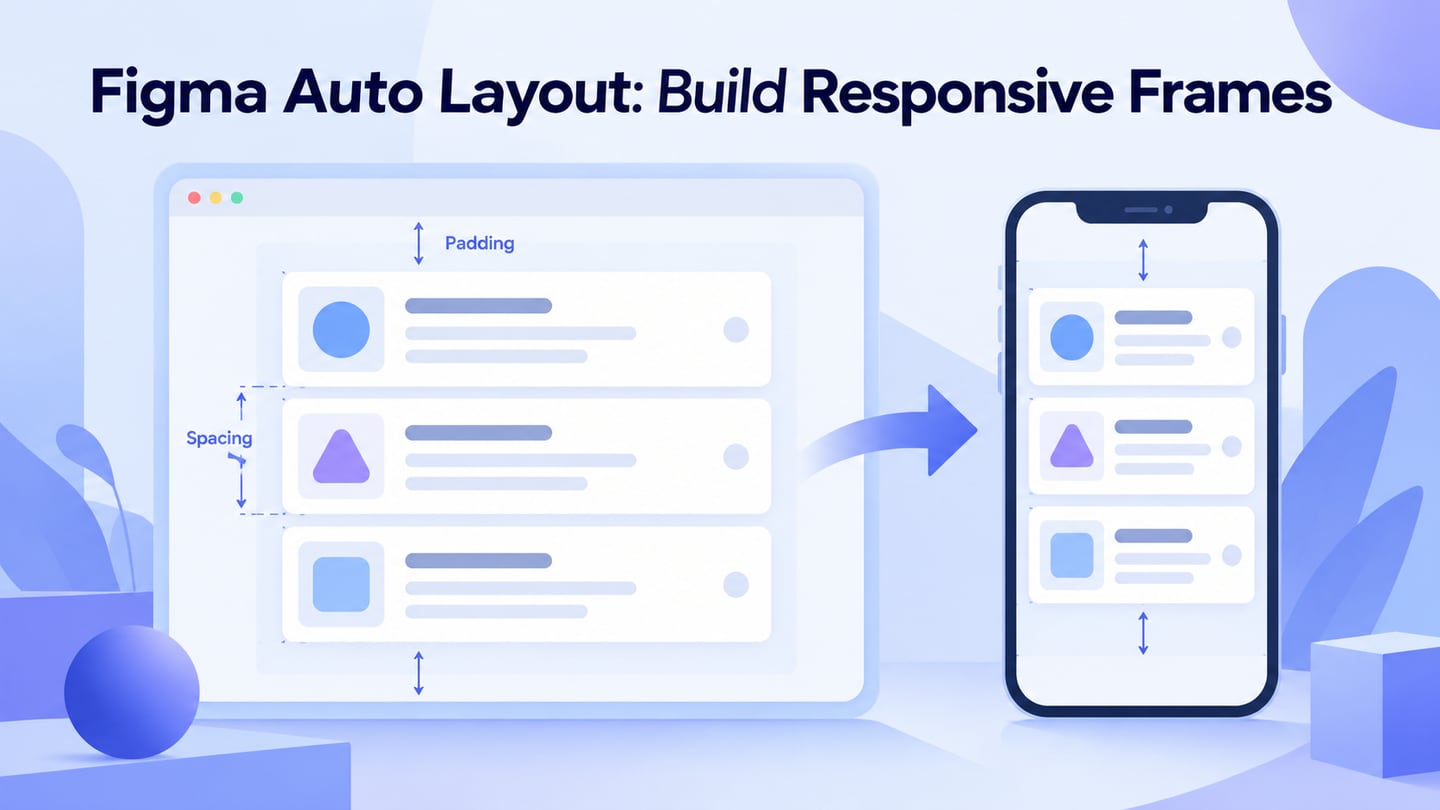
Prototyping lets you and your team draft and review a product before development. For many designers, Figma is the starting point, but an alternative should be chosen for the part of the workflow you need to replace: screen design, interaction logic, collaborative review, asset creation or website publishing.
The options below serve different purposes. Start with Mockitt for a browser-based screen flow, Axure for detailed behavior, or the other tools that match your constraints. Existing XD work and graphics tools are discussed separately so they are not mistaken for identical replacements. Screenshots retained from the original article are earlier website views, not a new hands-on comparison.
| Tool | Workflow to compare |
|---|---|
| Mockitt | browser-based prototyping |
| Axure RP | detailed interaction logic |
| UXPin | code-backed component workflows |
| Balsamiq | structure-first wireframing |
| Sketch | design authoring on Mac |
| Penpot | open-source design and prototyping |
| Proto.io | interactive screen flows |
| Siter.io | publishing a website |
| Affinity | creating visual assets |
| Adobe XD | maintaining an existing project |
Mockitt: browser-based prototyping
Mockitt’s browser-based prototyping workspace brings screen design, interactions and review into a visual workflow. It is a relevant alternative when the task is to communicate an app or website flow; diagramming and whiteboard work can support the surrounding planning.
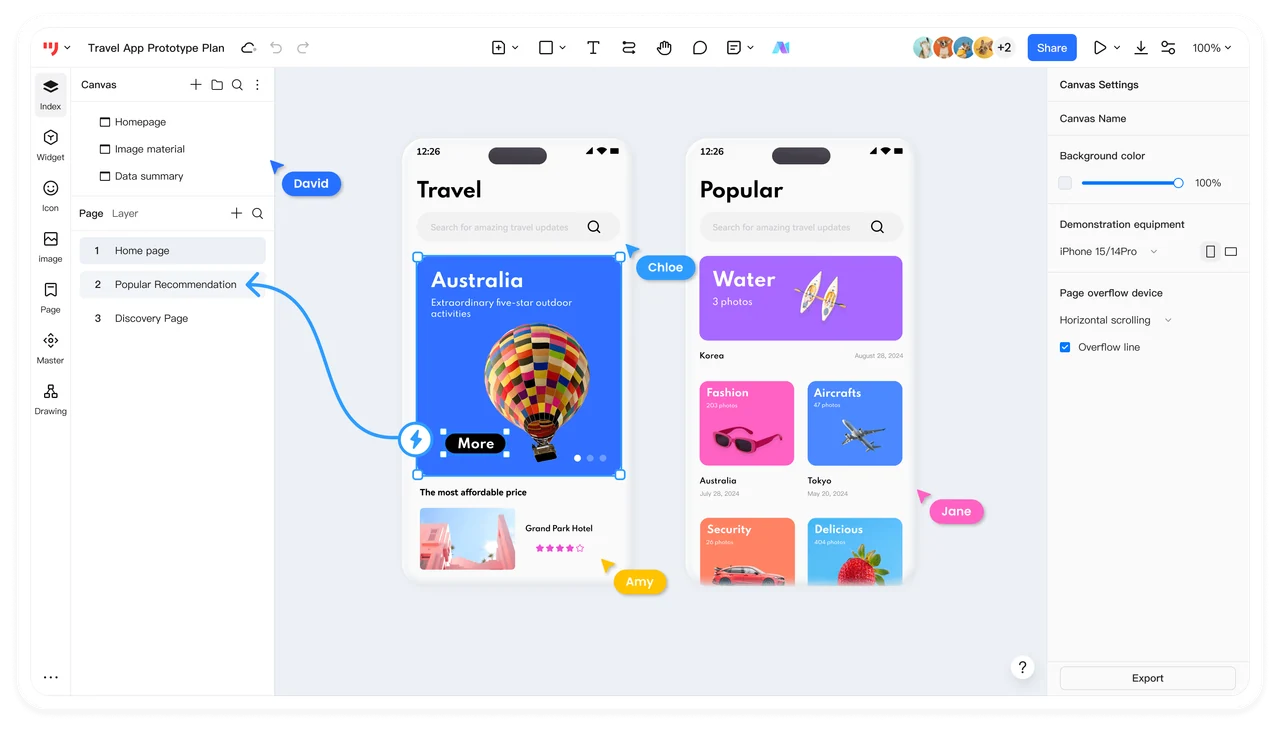
Editing platform: Browser-based workspace. Confirm device and browser requirements for the task instead of treating every operating system as a separate native editor.
Main Features:
- Mockitt can do prototyping, flowchart, mind maps, and more with ease
- Rich choices of templates, widgets, graphics, text, and more
What We Like:
- It’s app and web ready, so it’s quick to get started and convenient to use
Access and billing: Use Mockitt’s current plan comparison for file, collaboration and AI-credit entitlements. Compare the selected subscription or lifetime offer; the former monthly, quarterly and perpetual price list is no longer reproduced here.
Axure RP: detailed interaction logic
Axure RP focuses on detailed interactive prototypes. Conditions, variables, working form controls and dynamic panels make it relevant when the behavior of the screen matters as much as its appearance.
Supported OS: Windows and macOS
Main Features:
- Make UX prototypes with unlimited combinations as well as event triggers, actions, and parameters
- Publish prototypes to Axure Cloud for inspection and review comments.
- Integrated with other platforms such as Slack, Teams, Sketch, Adobe XD, and more
What We Like:
- A 30-day free trial
- The integration and collaboration tools are a great advantage
Access and billing: Axure offers a 30-day trial and paid RP plans. Compare the current Pro and Team billing options using the same seat count and billing period.
UXPin: code-backed component workflows
UXPin combines interface design and interactive prototyping. Its Merge workflow uses code-backed components, making it especially relevant when design and development need to work from the same component system.
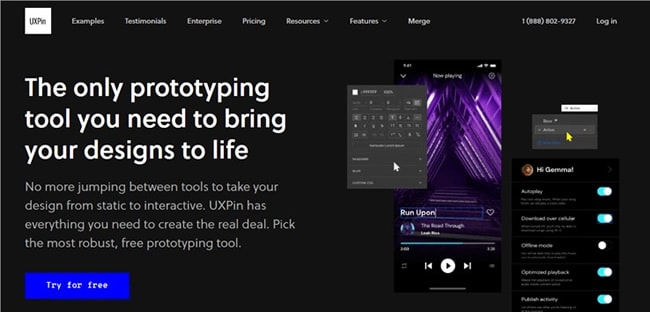
Editing platform: Web-based design workflow; distinguish editing from mobile prototype preview.
Main Features:
- Share your prototypes with your team or audience to preview and review files with a single click
- Access built-in data made by UXPin to fill prototypes with auto-generated names, cities, images, etc.
What We Like:
- UXPin is highly suitable for businesses of all sizes
Access and billing: Review UXPin’s current plans and whether the required Merge or component workflow is included. The older Basic and Advanced price labels are not used as a current quote.
Balsamiq: structure-first wireframing
Balsamiq emphasizes wireframing and interactive prototypes that keep attention on structure. It can suit an early discussion about navigation and content before a team commits to detailed visual styling.
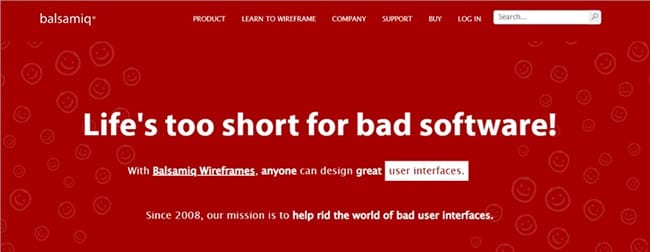
Editing platform: Balsamiq Cloud in the browser. Historical desktop licenses and integrations are separate products or access arrangements.
Main Features:
- Access to hundreds of built-in UI components and icons
- Share and review the wireframe using the collaboration options available in the chosen product.
- Link screens to explain a simple interaction flow.
What We Like:
- Balsamiq has flexible pricing options depending on your needs
Access and billing: Balsamiq advertises a 14-day trial. Use its current pricing page to compare project and collaboration needs; the former $89 desktop price is not a quote for the current service.
Sketch: design authoring on Mac
Sketch is a popular design tool used by many freelancers due to its wide range of tools at your disposal. You can create artboards, animated interactions, and prototypes and preview them through the Sketch app on desktop and iOS devices.
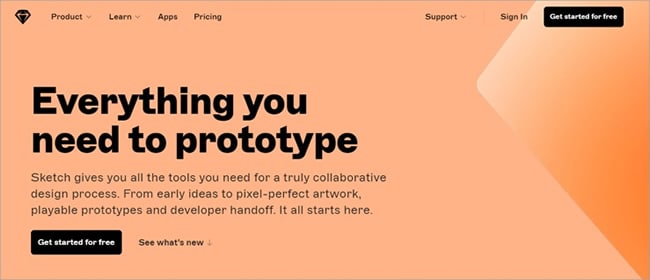
Editing platform: macOS for design authoring. The web app supports viewing, inspecting and commenting from other platforms; the iOS app supports preview.
Main Features:
- Wide range of tools for collaborative designs
- Create static designs and prototypes in minutes
- Store files, share ideas, manage your team, get feedback, and more
What We Like:
- Reusable components, libraries and prototype interactions support a Mac-based design workflow. It is not a dedicated mind-mapping service.
Access and billing: Compare the current Sketch licensing options. A browser reviewer and a Mac design editor have different roles, so do not count every collaborator as the same kind of seat.
You May Also Wonder: How to Export Figma to Sketch
Penpot: open-source design and prototyping
Penpot is an open-source, browser-based design and prototyping platform built around web standards. It offers hosted plans and self-hosting options; open-source availability does not mean that every hosted service or enterprise feature is free.
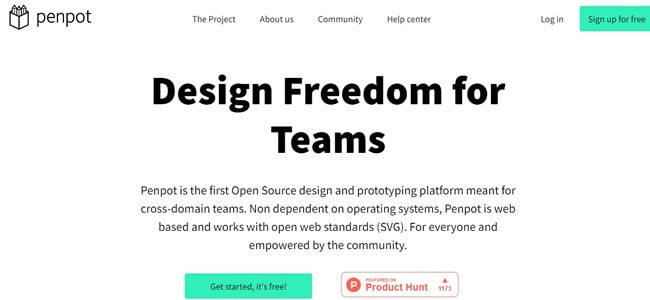
Supported OS: Web
Main Features:
- Uses web standards for design and developer collaboration; test imported files rather than assuming perfect compatibility with every vector tool.
- Runs on most web browsers without any installation required
What We Like:
- A free hosted Professional plan is available alongside paid options for additional capacity and governance.
Access and billing: The current Penpot plan table separates the free Professional plan from paid hosted and enterprise offers. Self-hosting also has operational responsibilities.
Proto.io: interactive screen flows
Proto.io is a browser-based prototyping tool for combining screens, UI components and interactions. It can suit a team that wants a detailed clickable flow without writing the application itself.
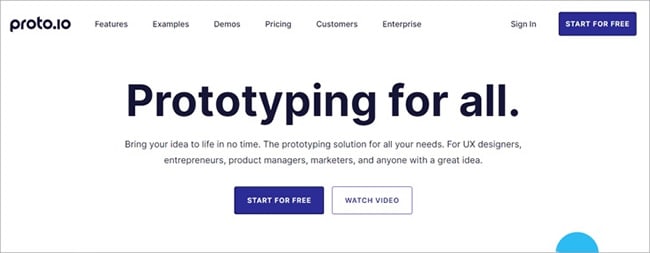
Supported OS: Web
Main Features:
- Hundreds of interactive and customizable UI items
- Create your library of effects
- Ready-made templates that are fully customizable to create prototypes, wireframes, and more
What We Like:
- The drag-and-drop feature is effortless to use
- Its interaction and animation controls can communicate behavior that a static screen cannot.
Access and billing: Proto.io advertises a 15-day trial. Compare active projects and users in the current subscription plans rather than assuming a trial is an ongoing free plan.
Siter.io: publishing a website
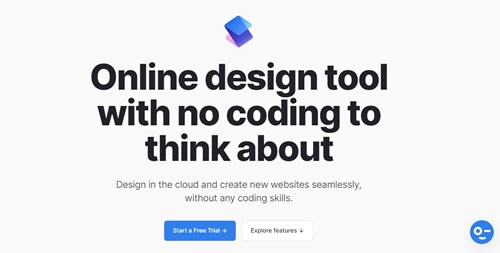
Siter.io is a no-code website builder. Its visual editor and Figma import plugin are relevant when the intended output is a published website, rather than an app prototype used for a research session.
Supported OS: Web
Main Features:
- Intuitive design tools such as editors and shortcuts are the same as other software
- Organize your groups and layers by locking, hiding, or moving them around
What We Like:
- Publishing a real website is a distinct output from sharing a clickable prototype; choose it when that is the intended deliverable.
Access and billing: Compare Siter.io’s current plans for the number of websites, domains and team requirements. An old Personal/Professional/Agency price table should not be treated as the current offer.
Affinity: creating visual assets
Affinity Designer is part of the history of the Affinity graphics workflow. The current Affinity application brings vector, pixel and layout tools together. It is useful for creating illustrations and visual assets, but that is a different task from linking interface states into a reviewed app prototype.
Product fit: Graphics and layout production. Check the current Affinity download requirements for the device you intend to use; the older Designer 2 platform list is not a statement about every current edition.
Main Features:
- Vector illustration and graphic assets.
- Pixel editing and page layout in the current application.
- Layered source artwork for use in a broader design workflow.
What We Like:
- Useful when the missing part of a Figma workflow is asset creation rather than interaction design.
Access and billing: The current Affinity site offers the core application for free, with some optional AI functionality tied to eligible Canva plans. The old Designer 2 launch prices are obsolete.
Adobe XD: maintaining an existing project
Adobe XD is relevant to teams maintaining existing XD files, rather than a default choice for a new tool rollout. Adobe confirms that XD is in maintenance mode: existing customers receive support, but the product is not receiving new features.
Editing platform: Windows and macOS desktop app. Mobile preview and browser review are different from desktop authoring.
Main Features:
- Connect artboards and configure prototype interactions.
- Preview an existing screen flow.
- Retain source files and exported assets when planning a transition.
What We Like:
- Existing teams can use their established XD source files while assessing a replacement.
- Maintenance mode should be part of the long-term support decision.
Access and billing: Consult Adobe’s XD maintenance and access information. Historical standalone prices are not a current purchase offer.
Conclusion
Choose by the outcome you need. A shared app prototype, a detailed interaction model, an illustration and a published website are different deliverables. Before moving a project, compare a representative screen and one complete user flow, including the return or error path, with the material you already have.
InVision is not included as a current alternative because its services shut down on December 31, 2024. Adobe XD remains a maintenance-mode consideration for existing users. For the active options, compare editing roles, review access, file ownership and current billing conditions; no tool is automatically the best fit for every team.