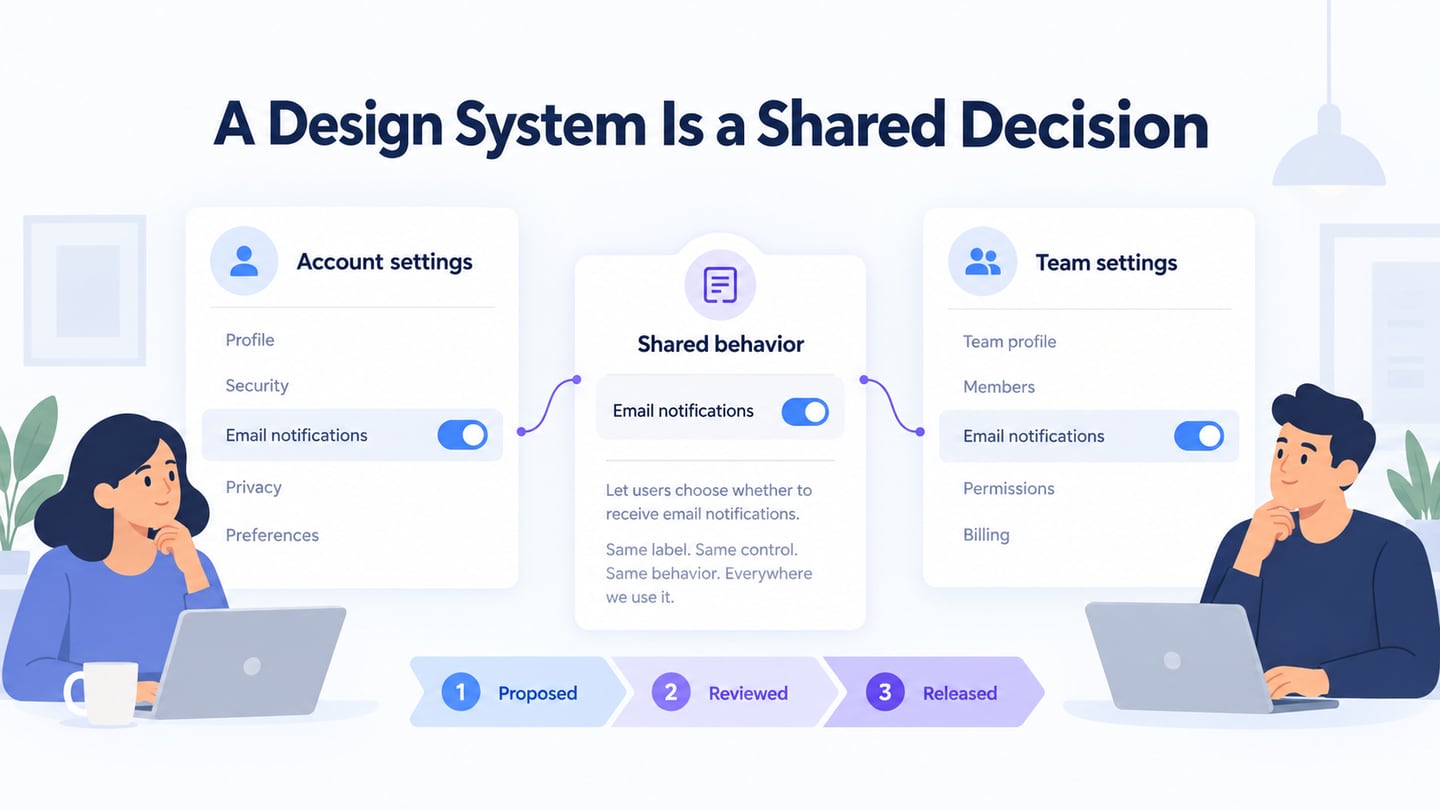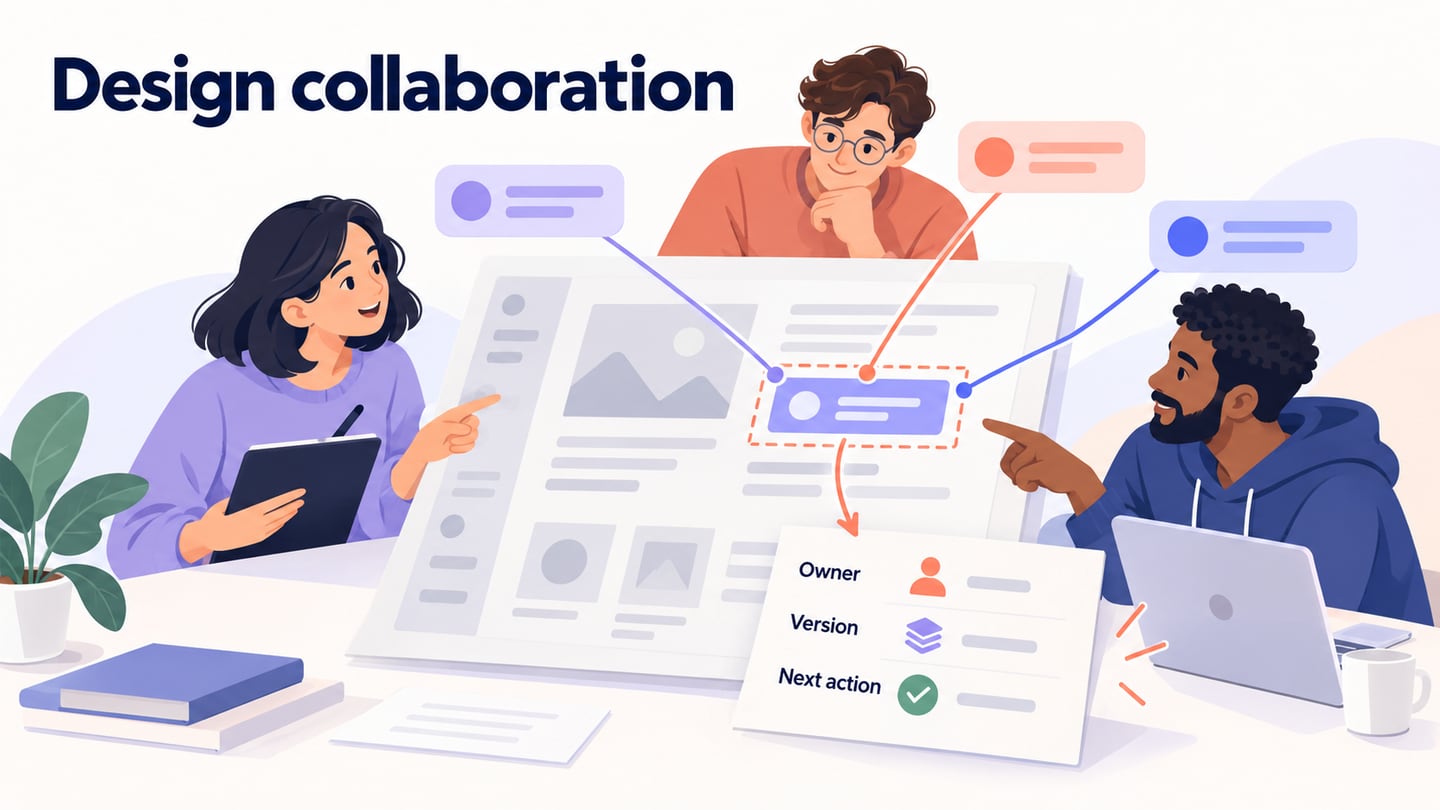
Real-time collaborative design lets people work on a shared design and see changes as they happen. A useful workflow also makes the review question, permissions, and final decision clear. In an online UI design workspace, editing together is only one part of getting an agreed design ready for delivery.
Remote and distributed teams need a way to find the current design, explain a change, and ask for feedback without creating conflicting copies.
Collaborative design combines different perspectives on the same problem: what users need, how the interface should behave, and what the team can build. A workshop with users adds their own proposals and reasons to that discussion.
A design editor, a comment thread, and a project task serve different purposes. The editor holds the design; comments discuss specific elements; a task records who will act on an agreed change.
More participants do not automatically improve the result. Give each review a clear question and a decision owner so that useful disagreement leads to a next step.
This guide explains real-time design collaboration, the capabilities to evaluate, and how to turn feedback into a decision with an owner and a version.
It also distinguishes design workspaces from the illustration, presentation, file-sharing, and project-management tools that support them.
Use the workflow below for a product interface, a website design, or a shared visual asset, adjusting the reviewers and acceptance criteria to the task.
For example, a designer may need feedback on a confusing invitation screen while an engineer needs to confirm what happens when an invitation expires. Both can review the same design, but they are answering different questions.
What is Real-Time Collaborative Design?
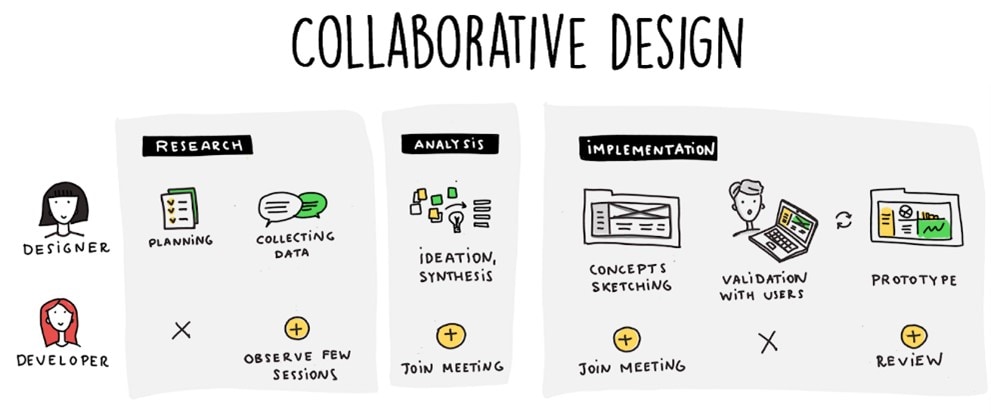
Collaborative design is where teams will work together along an entire process of creating the asset required, from the brainstorming of ideas to assigning relevant tasks to each team member.
There are many benefits of using a collaborative design. Let's look at a few:
- Team members can come together by sharing the same objective or goal.
- Co-designers can participate in decisions about the shared design rather than reviewing only the finished result.
- Your team can increase creativity levels vs. working solo by bouncing ideas from person to person.
- Collaboration can connect teams or departments that would otherwise review the design separately.
- Different perspectives can reveal missing states or assumptions, provided the team records and resolves the feedback.
With real-time collaborative design, team members can work together at the same time.
Real-time work is useful when participants need to inspect the same change together. Asynchronous comments are useful when reviewers need time to consider it or work in different time zones.
Choose a live session for a difficult decision, then record the result in the project so people who missed the meeting can follow it.
Products support different combinations of shared editing, comments, version history, and permissions. Compare the specific capabilities your workflow needs.
Shared editing avoids emailing a new copy after every change, but it introduces coordination work. Agree who owns each screen and which changes are allowed during a review.
A shared workspace is most useful when the team can identify the current version and the remaining decisions. A screen full of simultaneous cursors is not evidence that the design is ready.
When cloud-based design helps a distributed team
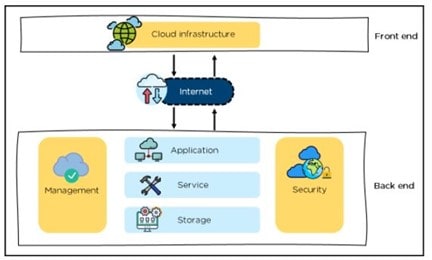
Cloud-based design can help when designers, product managers, and engineers need access to the same work across locations. It does not remove the need for focused individual work or a clear brief.
During a review, participants can inspect the same interface, compare alternatives, and explain the reason for a proposed change. Keep the review focused on the task the design should support.
Early concepts can be shared before the visual details are finished. Ask reviewers about structure and missing states at this stage rather than treating unfinished styling as a defect.
Specialists can contribute where their knowledge matters: accessibility, content, interaction design, or implementation. Specify the question each person should answer.
A distributed team may include full-time colleagues, contractors, and client reviewers, each needing a different level of access.
Design teams, in general, though, tend to be more distributed within a business. There will often be a need to work with third-party outsourcing design teams.
Time zones can delay a live discussion. A clear comment with a screen reference, expected behavior, and a response deadline lets another person continue the work later.
A shared online file gives those participants one place to find the design. Check that invited reviewers can open the intended view before relying on it in a meeting.
Cloud hosting alone does not guarantee appropriate access control. Review the workspace and link permissions for the material you are sharing.
Use shared access to bring relevant people into the decision without giving everyone editing rights. A reviewer who needs to comment may not need to change the source design.
Record the agreed outcome and the person responsible for making the change. This keeps a productive conversation from becoming an unresolved thread.
When work moves to development, link to the approved version and the decisions that explain it. A changing draft should not be mistaken for a frozen handoff.
Features Of Cloud-Based Design
Evaluate features against a real review task. Both desktop and browser tools can support collaboration; the useful question is which editing, feedback, and sharing workflow they provide.
The following capabilities address different parts of that workflow. Availability and limits vary by product and plan.
Color palettes:
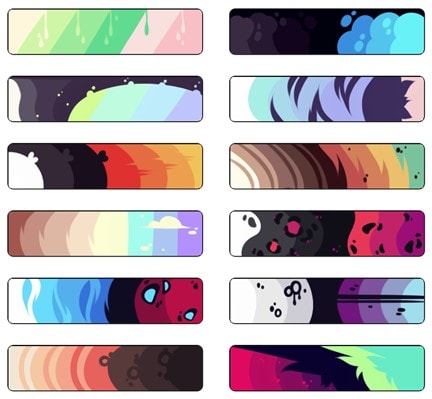
Brands often create standardized color palettes for specific products, websites, or branding elements.
Shared styles or libraries can make approved color choices available to the team. Establish who can change the source and how other files receive updates.
Consistency is one of the essential things for branding. Users should see the same colors across all pages and design elements to solidify the brand identity.
Typography:
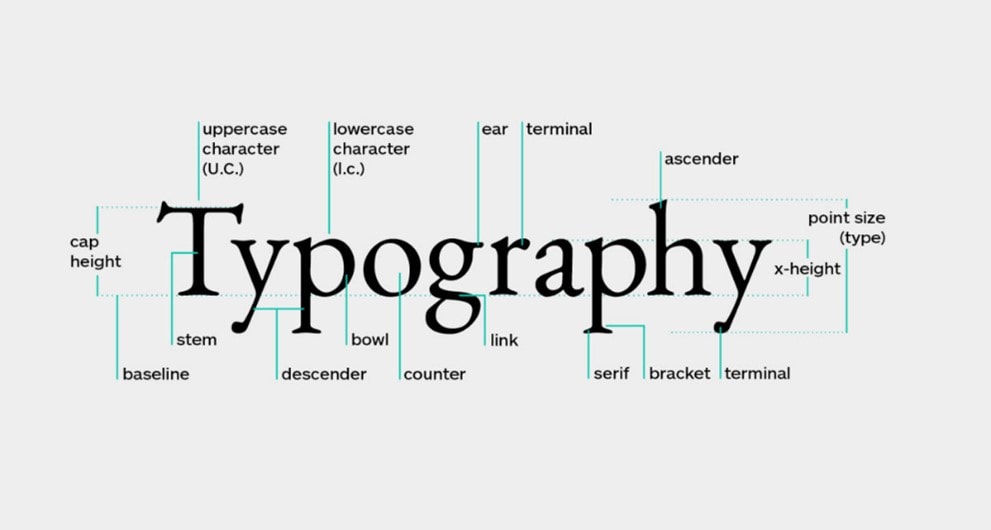
Typography also helps a brand maintain consistency. Choose readable type styles for the interface and document their use. A font’s suitability depends on the task and context, as this discussion of how context affects font choices illustrates.
When fonts differ between computers, text may reflow or look different. Confirm the font files, licenses, and supported fallback behavior before approving a shared design.
Keep the approved typography and color specifications with the project resources, using the library or asset-sharing capabilities available in the selected tool.
Design ideas and inspiration can also be stored in one place, allowing teams to refer to them quickly.
Sharing the same fonts and styles supports consistency, but reviewers still need to inspect text wrapping, contrast, and hierarchy in the actual screens.
Template libraries can enable rapid prototyping and wireframing. And designers can import common UI design elements needed for web browsers or mobile devices.
Version Control:
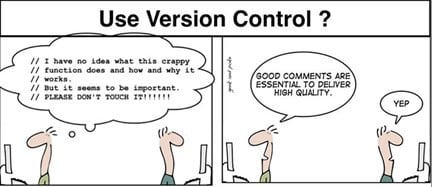
Beyond templates, cloud-based design apps also include tools for commenting, revision, and publishing.
These can be handy for those team members to contribute their thoughts and make revisions where necessary.
Version history helps a team inspect or recover earlier work where the product and plan support it. Check retention and restore behavior; version history is not a complete backup or security policy.
Publishing tools:
Shared preview links let reviewers inspect the design without receiving a separate exported file. Desktop tools may also offer this capability.
Before sending a review link, check the included screens, viewing or commenting permissions, and any expiry or password options available in the product.
If the workflow depends on exports, verify the required file types and image resolution with a small sample. A shared prototype link is a review artifact, not a deployed application.
Keep a short release checklist for the design: correct version, intended audience, working links, and complete states. This makes the handoff inspectable.
Some tools report views or activity. Those metrics can indicate whether an artifact was opened; they do not establish whether the design was understood or whether a review is complete.
Some collaborative design tools also include project management elements for convenience.
Linking tasks to the actual design assets and the responsible team members has great potential for speeding up workflows.
For larger projects, organize files and review scopes by feature or user task. Confirm how permissions and shared libraries apply across those boundaries.
The team still needs to assign ownership and track dependencies. A shared application does not decide how to divide the design work.
Link the review decision to the task that implements it, and keep discussion close to the relevant screen. Use a meeting when written comments cannot resolve a disagreement.
Example: resolve an invitation-flow review without losing the decision
Consider a team designing an invitation flow for a shared project. The designer wants feedback on the role selector, the product manager owns the permission policy, and the engineer needs to know what happens when an invitation expires. This is a worked example of organizing a review, not a report of a customer test.
1. State the decision and the version
Share the version that contains the invitation form, confirmation, and expired-link screen. The review question is: “Can the inviter understand what an Editor can change before sending the invitation?” Keep unrelated navigation feedback in a separate discussion. Give reviewers permission to view or comment; only the assigned designers need to edit the source.
2. Anchor feedback to an observable problem
A comment such as “Make this clearer” leaves the designer guessing. A useful comment names the element and the concern: “The role selector defaults to Editor, but the form does not explain that Editors can change the project. Add the permission explanation before Send invitation.” The product manager can confirm the policy while the designer decides how to present it.
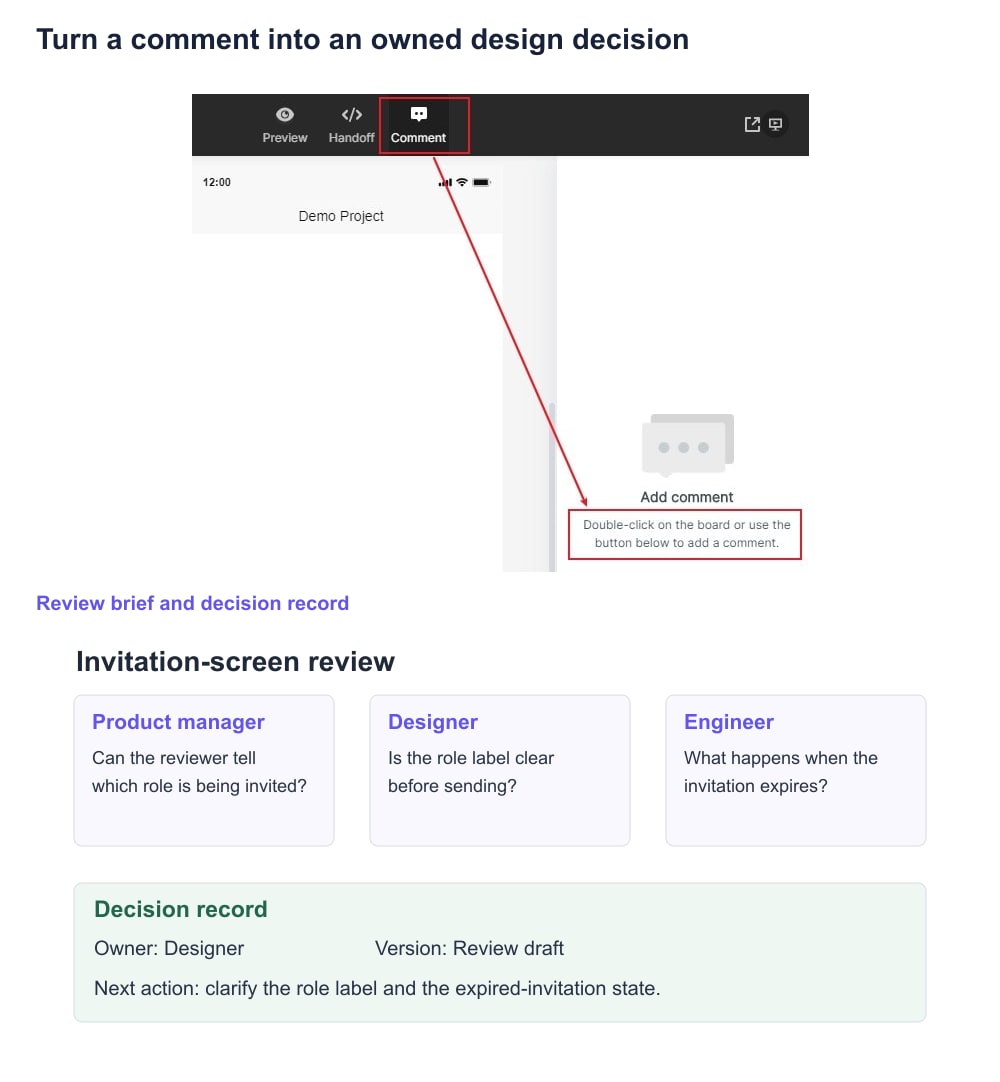
In Mockitt, use the design’s review and commenting view to attach feedback to the relevant screen. Refer to the actual element and expected behavior; do not use a comment as a substitute for testing whether the implemented permission works.
3. Record the decision before revising
| Review item | Agreed next action | Owner and check |
|---|---|---|
| Role meaning is unclear | Put a short permission explanation beside the selected role. | Designer; reviewer can describe the role before sending. |
| Invitation has expired | Add an expired state with a route to request a new invitation. | Designer and engineer; verify the path and later test backend expiry. |
| Reviewers saw different revisions | Link the named approved version from the implementation task. | Review owner; confirm all participants open the same artifact. |
This record is deliberately separate from the individual comments. It captures the chosen outcome, including when the team declines a suggestion, so the next reviewer can distinguish an open issue from a settled decision.
4. Recheck the changed flow and hand it off
After the revision, open the shared view with reviewer-level access. Follow the invitation and expired-link paths, check the permission text, and compare them with the decision record. Save a meaningful version name such as “Invitation roles reviewed” if your workspace supports version history. Include the version reference and unresolved engineering questions in the handoff.
For a larger session, use a prototype feedback workshop to organize participants and observations. Keep this article’s decision record as the smaller unit of work: one question, one owner, and a reviewable outcome.
Seven tools that support different parts of design collaboration
The tools below cover different jobs in a collaborative workflow. This is a comparison of roles, not a claim that an illustration app, a prototype editor, and a code repository are interchangeable.
Each tool performs specific functions, and some have more capabilities than others.
Start with the artifact the team needs to review, then add a supporting tool only when there is a specific gap. Check current plan limits and guest access before committing to a workflow.
1. Mockitt
When a team needs to discuss screen behavior, a shared interactive prototype in Mockitt gives the conversation a concrete reference. Review the action, destination, and relevant states before handing the interaction to developers.
Mockitt supports prototype editing and shared review. Its collaboration guide describes co-editing and comments; use a project with the appropriate permissions and agree which areas each editor owns.
Pros:
- Built-in prototyping to create fully interactive designs
- Comments can connect feedback to a specific design; confirm the reviewer has the necessary access.
- You can preview and share designs at any time and manage access
- Check the current plan for project, collaborator, and history limits before inviting the full team.
- Prototype interactions can be created without implementing the application; developer specifications do not replace production code.
Cons:
- Online collaboration and shared editing depend on a working internet connection; plan how the team will handle interruptions.
2. Visme
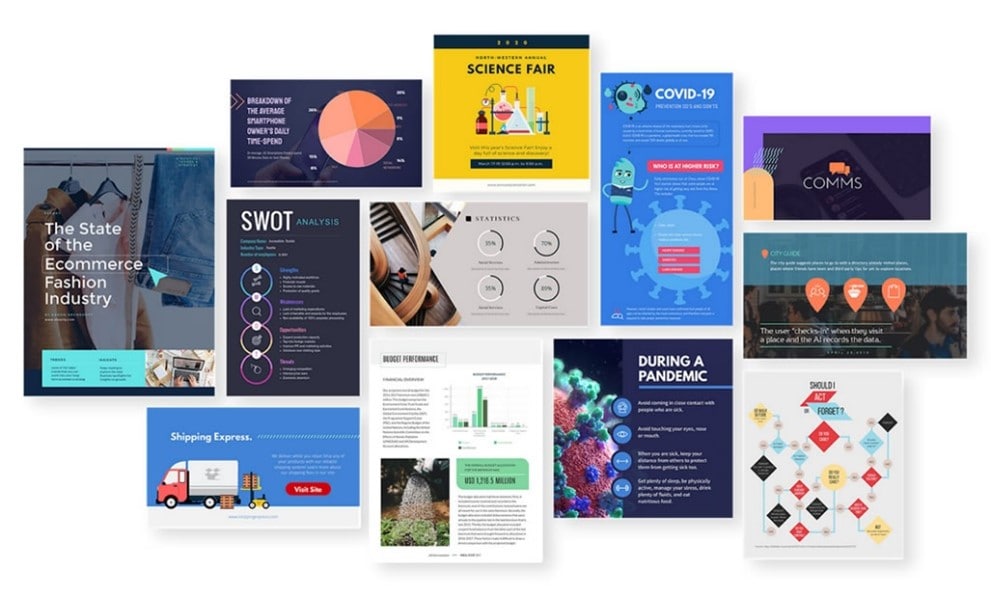
Visme supports collaborative work on visual content, including presentations and infographics. It fits a different task from testing an application flow.
It's best suited for centralizing team activities while creating presentations, infographics, web content, and more.
Pros
- Comments and annotations let reviewers point to content that needs a change.
- Visual content tools support presentation and communication work.
- Templates provide starting layouts that the team can adapt to its material.
- Brand libraries like palettes and typography settings for each client
Cons
- Evaluate the editing controls against the artwork you need, rather than assuming it replaces a specialist illustration tool.
- Check how charts display your actual labels and data before approving an export.
Compare the current plan’s collaboration, brand-asset, and export options with the roles that will use it. Historical prices and project allowances are not a reliable basis for purchase.
3. Linearity Curve (formerly Vectornator)
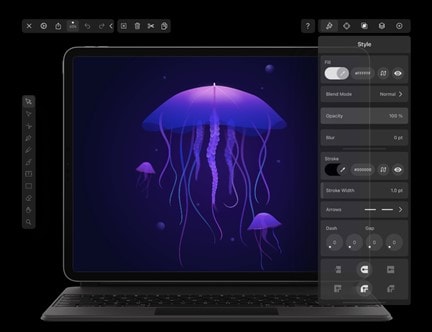
Vectornator was renamed Linearity Curve. Linearity’s rebranding announcement explains the change; the retained illustration image below shows the earlier product.
Its role in this workflow is vector artwork such as icons, logos, and illustrations. Agree how approved artwork will reach the shared interface design and who maintains the source.
Pros
- Vector editing is useful for artwork that must remain editable at different sizes.
- Check the current supported devices and input methods for the people creating the artwork.
- Confirm the available collaboration and sharing options in the current release; an old roadmap is not evidence of a shipped feature.
- Compare the current access and export limits rather than relying on the former Vectornator pricing.
Cons
- A vector artwork workflow still needs a destination for interface reviews and implementation decisions.
Use this category when the team needs editable illustration assets. For a prototype review, link those assets to the design project and record the approved revision.
4. Basecamp
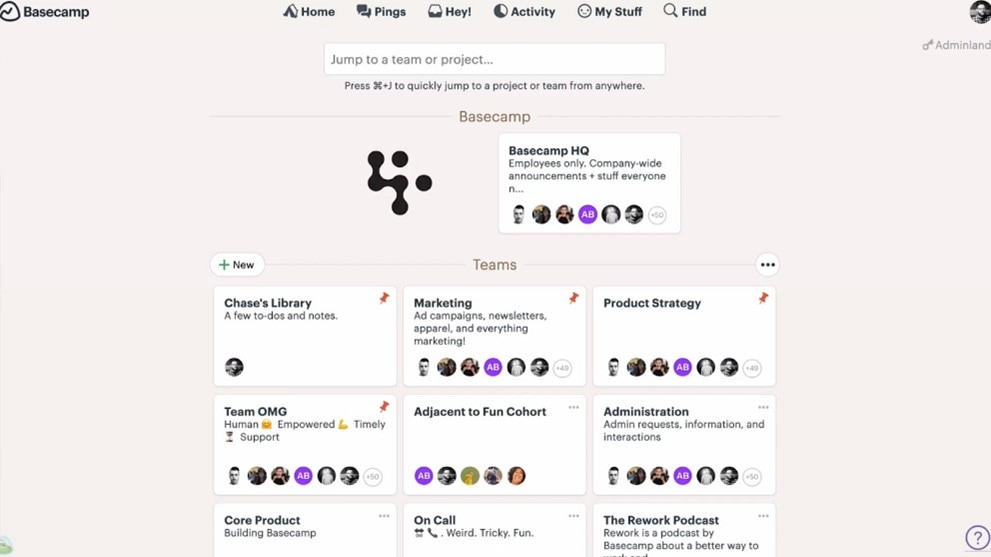
It's primarily project management software, but it's still an excellent tool for collaborating on both the internal and external elements of a design project.
Pros
- Ability to integrate with many other tools.
- Tasks and discussions can organize design work across a distributed team.
- Ability to invite people outside your organization to view content and files
- Check the current subscription structure for the expected team size.
Cons
- Basecamp organizes project work rather than editing the interface design; test previews with the actual file types your team will share.
Basecamp’s project tools cover tasks, discussions, schedules, and shared files. Keep the review decision and owner there if it is your team’s task system, while leaving visual edits in the design tool.
5. Droplr
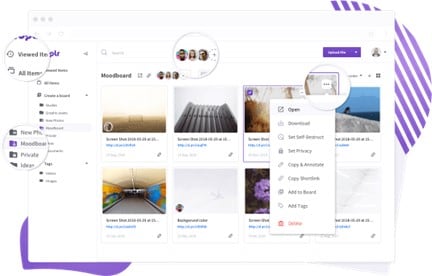
Droplr enables users to quickly share design ideas, whether that be through annotated visuals, screen recordings, etc. It aims to get work done faster and without the fuss that might come with project management software.
Pros
- Shared captures provide a reference for discussing a particular screen or behavior.
- Annotations can identify the exact region being discussed when a written description is ambiguous.
Cons
- Droplr doesn't include design creation or editing software as part of the app. It's a collaboration tool that can help teams using desktop software to work remotely and on the cloud.
Droplr’s capture and sharing tools can support asynchronous feedback. Check retention and sharing permissions before using captures as a long-term decision record.
6. GitHub
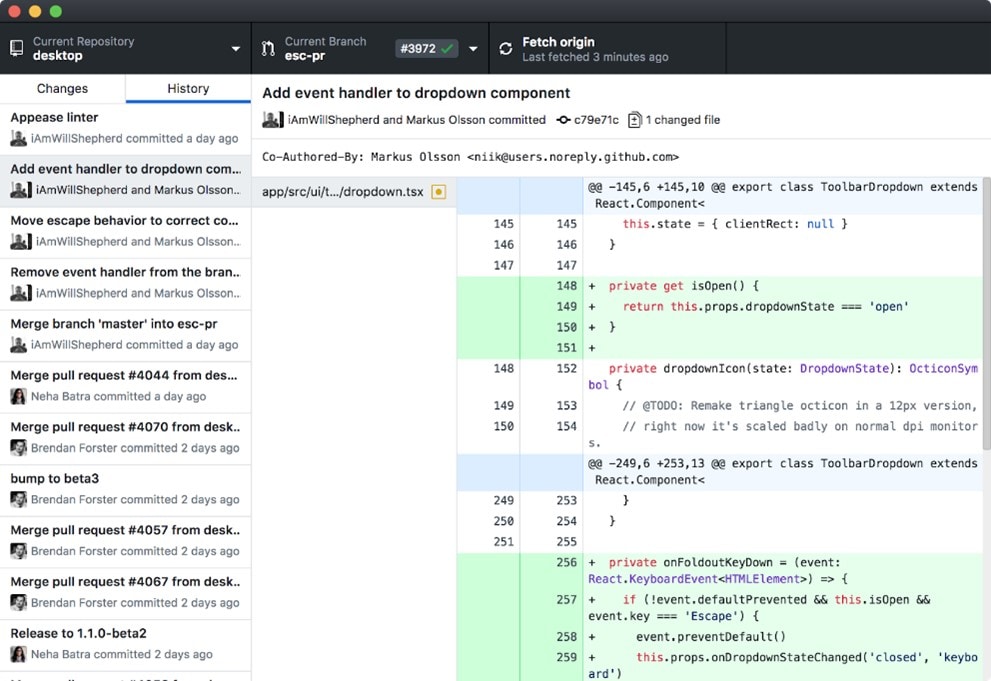
GitHub is a fit for teams working on design projects that are more code-oriented. Websites, apps, or front-end development designers need to collaborate with software to connect members worldwide.
Pros
- GitHub supports versioned code and pull-request reviews.
- Issues and project tracking can connect implementation work with a design decision.
- Repository documentation or a wiki can hold implementation context and onboarding material.
- Pull requests show proposed changes and provide a place for review comments before merging.
Cons
- It's highly code-centric, so if you don't have any code, it might not be a good fit.
- Reviewers need to understand repository permissions and the pull-request workflow to use the review process effectively.
GitHub pull-request reviews let reviewers comment, suggest changes, and record a review decision. Attach the relevant design version so engineers know which behavior the code should implement.
Use the repository for implementation review, while retaining the visual decision and prototype in their original workspace. Confirm permissions and current plan requirements for both.
7. Moqups
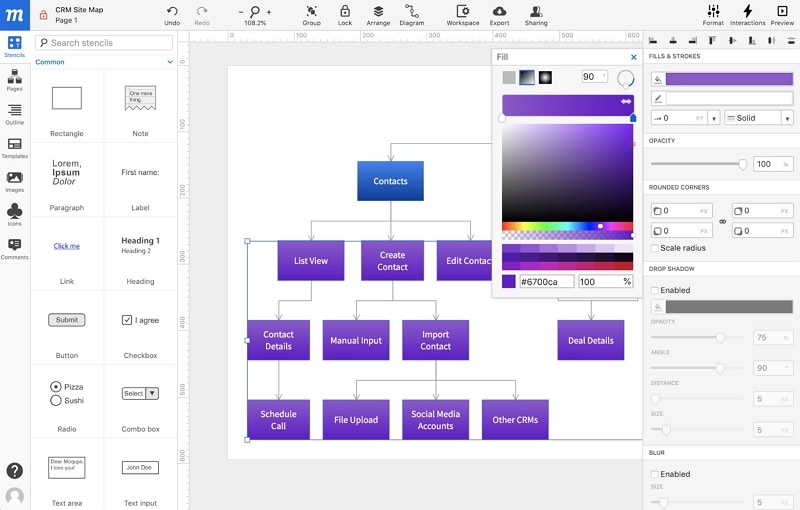
Moqups combines wireframes, diagrams, mockups, and prototype interactions in a browser workspace. Its collaboration features support shared editing and feedback.
It is relevant when a team wants to connect a diagram or wireframe with the screen design under discussion. Test the specific interaction needed for the review.
Pros
- Several visual artifact types can be reviewed in one workspace.
- Wireframes and diagrams can provide context for a website or application discussion.
Cons
- Review the current plan and renewal terms directly before purchase.
- Test any required state, input, or interaction rather than assuming every application behavior can be simulated.
Compare current editing, sharing, and export limits using the same sample task you use for other candidates. The old price table does not describe every current plan.
A small stack with clear responsibilities is easier to maintain than several tools that hold competing copies of the same decision. Keep the source design, review discussion, and implementation task connected.
Design Collaboration Isn't Just About The Image
When it comes to collaborative design, it's not simply about the image. Many different elements go into the asset, so it can be essential to build shared knowledge bases that each team member can access.
A shared decision record preserves the reasoning that a screenshot alone cannot show. It should answer what changed, why it changed, who owns it, and which version the team approved.
The design artifact and the organization behind it both matter. GitHub documentation, a project record, or another shared knowledge base can preserve context for people who join later.
The ability to monitor a team member's work progress or allocate tasks can help the design workflow and project.
Due to remote working and outsourcing becoming more popular, design collaboration is becoming more virtually-based than being in a physical office space.
Collaboration makes for better designers because we can all learn from others and perhaps those with specialized knowledge and experience.
Close a review when the decision is recorded and the next action has an owner, not simply when comments stop arriving.
On the next review, return to that record before reopening a settled decision. Revisit it when the requirements or evidence change.