Mockitt - Best Free Wireframe Tool
Helpful Tips About Wireframe
- How To Create A Wireframe
- Wireframe Tools You Should Know
- Wireframe Templates for Your Inspiration
- Free-to-use Wireframe Kit
How to Run a Product Prototype Feedback Workshop
Learn how to run a product prototype feedback workshop with focused tasks, neutral prompts, observation notes, and decisions your team can test.
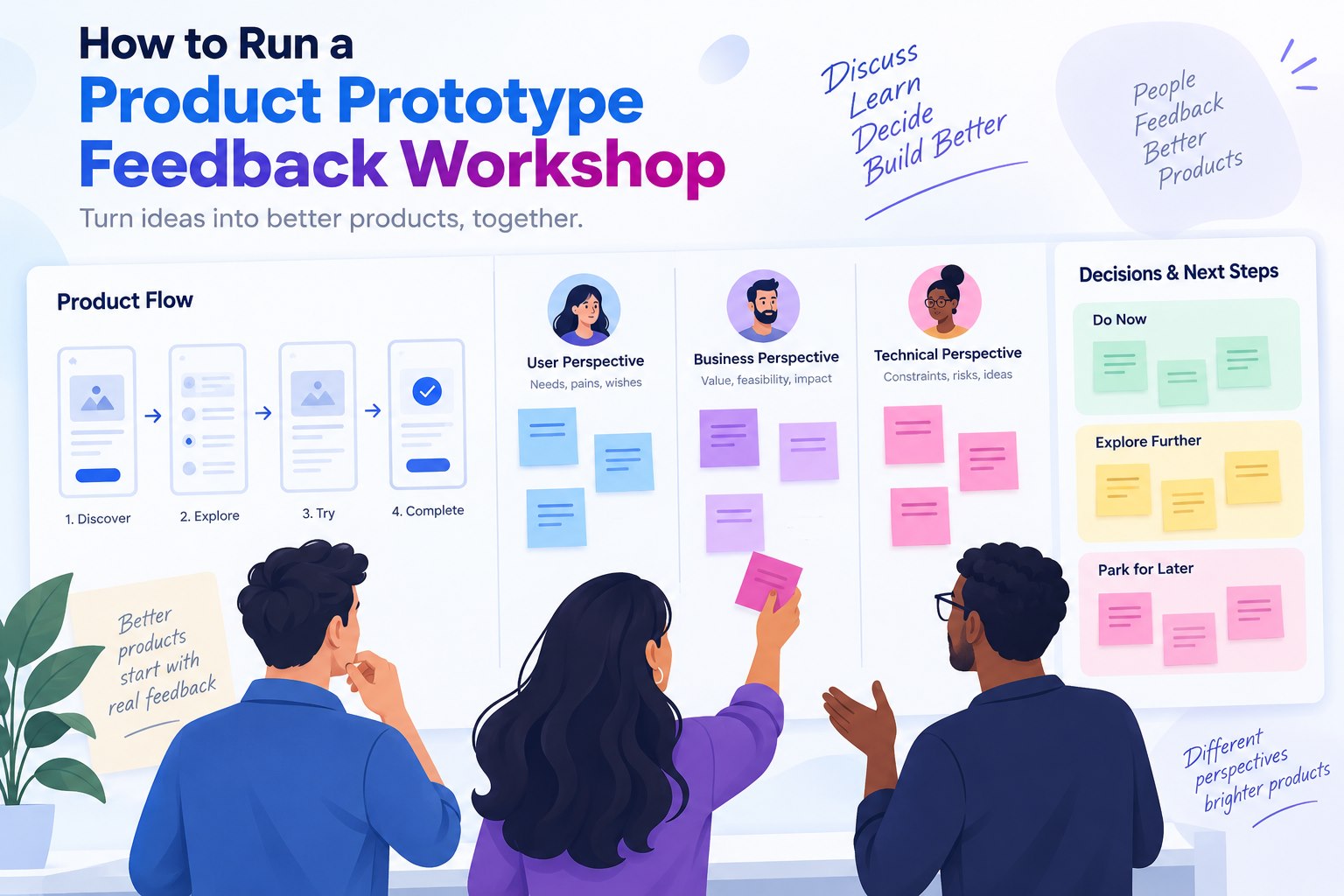
A prototype feedback workshop gives a product team a shared way to inspect an idea before implementation. The aim is to connect feedback to realistic tasks, identify where the flow may break, and agree what to test next. An internal workshop can reveal inconsistencies and assumptions; evidence that intended users can complete a task comes from observing those users attempt it.
This format works best when the team has a concrete question: Can a new user find the right plan? Does the checkout flow explain the next step? Which part of the onboarding experience needs another iteration? A focused question keeps the session useful and prevents the prototype from becoming a tour of every possible feature.
For the worked example below, imagine a grocery checkout with a delivery-window selector. The workshop decision is whether that step is ready for a user test. The example is a planning exercise, not a report of completed research.
Prepare a decision-ready prototype
Start with one user, one situation, and three to five tasks. Connect enough screens to make the path believable, then label any area that is intentionally unfinished. A participant should be able to tell what they are trying to do without a facilitator explaining every control.
Before inviting people, check the starting point, clickable transitions, back paths, empty states, and error states. Remove decorative screens that do not help answer the workshop question. If the team needs to discuss visual direction, keep that discussion separate from task feedback so that the two signals are not mixed.
For the grocery example, connect the basket, delivery choices, order review, and return path. Include an unavailable-slot state. Prepare this task: “You will be home after 6 p.m. on Thursday. Arrange a delivery you can receive and stop before placing the order.” Do not tell the participant which control to use. Keep payment and promotional offers outside this review.
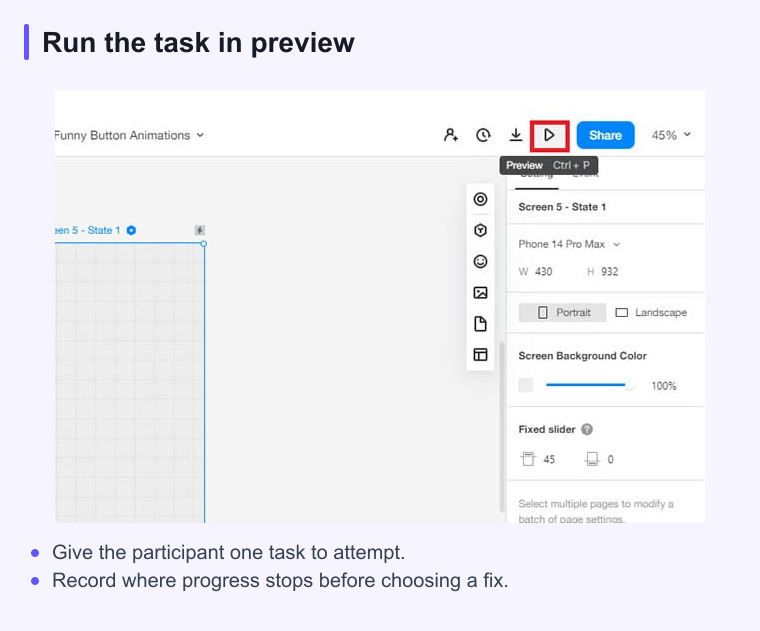
Build the flow in Mockitt's interactive prototyping workspace or the team's approved tool, and prepare a shareable review link. The link should open at the same starting screen for every participant.
A practical workshop agenda
- Frame the question. Explain the user, situation, decision to make, and what is outside the session.
- Run a quiet walkthrough. Let participants inspect the opening screen and read the task before anyone demonstrates the answer.
- Inspect realistic tasks. Have colleagues attempt the task independently before group discussion. If the goal is usability evidence, observe intended users in separate task attempts, then bring those observations into the workshop.
- Cluster observations. Separate what was observed from an interpretation or proposed fix.
- Make decisions. Mark what will change, what needs another test, and what is intentionally deferred.
Keep a visible parking lot for questions that are useful but unrelated to the current decision. This protects the main discussion while making sure good ideas are not lost.
Facilitation prompts that protect the signal
Use neutral prompts such as “What would you do next?” and “What do you expect to happen here?” If a participant hesitates, wait before explaining. The hesitation may reveal a missing label, unclear hierarchy, or unexpected mental model.
When stakeholders disagree, return to the task and the observation. Ask, “What did we see?” before asking, “What should we change?” This keeps the group from treating a personal preference as proof of a user problem.
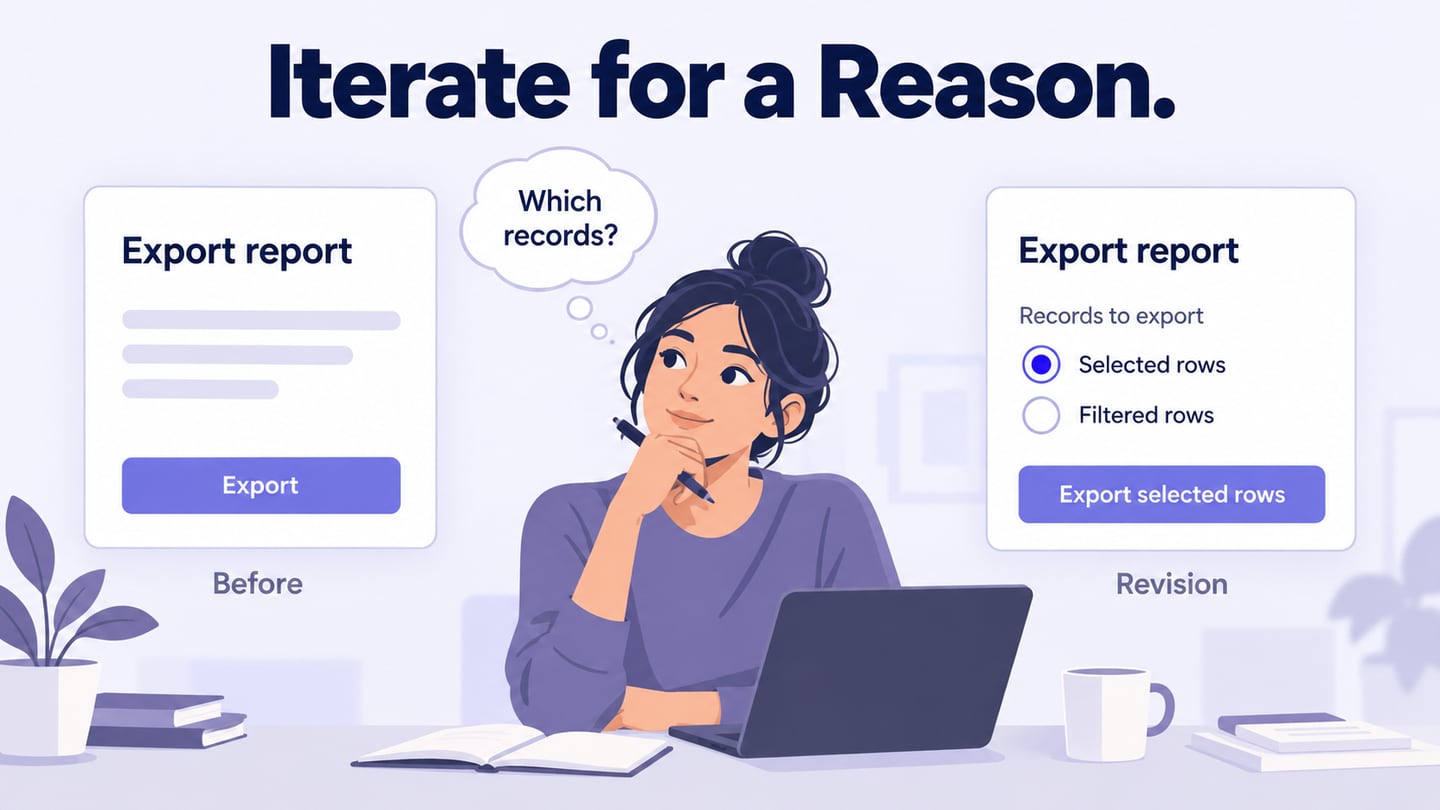
Record the screen or step where an observation occurred. In the grocery example, a hypothetical note might read: “On Delivery choices, the participant selected 4–6 p.m., then returned from Order review after noticing the arrival time.” Keep “the time labels may be easy to miss” in a separate interpretation field. Also record whether the participant was a colleague or an intended user; the note alone does not establish why they made that choice.
Turn notes into decisions and next tests
After the session, classify each note as an observed task problem, a design hypothesis, a positive signal, or out of scope. Record its source and any uncertainty. A reproducible dead-end link can be fixed directly; a theory about why someone missed a time label needs further evidence. Prioritize problems that block the primary task before cosmetic preferences.
For the example, the decision record could read: “Revise the delivery option so its day and time appear together. The designer owns the revision; the researcher checks the task wording before the next user session. Keep the available slots unchanged so the next session examines the labeling change.” The follow-up task remains arranging a delivery after 6 p.m.; record the chosen slot and any help needed. Do not claim the revision worked until that evidence exists.
Common failure modes
- Too many goals: split a broad review into several shorter sessions.
- Leading the participant: read the task, then let the participant choose the path.
- Testing polish instead of behavior: decide in advance whether the session is about flow, content, or visual direction.
- No decision owner: name who records the outcome and who is responsible for the next prototype revision.
Prototype feedback workshop checklist
- One clear user situation and one primary question
- Three to five realistic tasks with a defined starting point
- Clickable success, back, empty, and error states where they matter
- Neutral prompts and a shared observation log
- A decision owner, next test, and review date
A good workshop ends with a specific revision or research question, an owner, and a next checkpoint. Use the prototype to make the discussion concrete, and keep internal feedback separate from evidence gathered with intended users.
Sources and scope
This guide combines product workflow guidance with the linked reference material. Product capabilities and limits can change, so check the current Mockitt page before relying on a feature detail.