Plan Images for Your Prototype
Use Mockitt to plan the screens where an image will appear, then review the image’s crop, surrounding copy and role in the flow. Image generation and interactive prototyping are separate steps.
In today's digital age, transferring text to image has become increasingly essential for effective communication. While text can convey information, images possess the power to captivate, engage, and share complex concepts swiftly.
Google’s Imagen is a family of image-generation models. Its research projects, developer access and consumer interfaces are different things. For a current user-facing image workflow, Google documents image generation and editing in Gemini Apps.
This article explains Google’s image-generation research, distinguishes hosted image tools from open-source projects, and shows how an image brief can support a prototype. The older interface screenshots are retained as historical examples, not a walkthrough of today’s Gemini or Mockitt interface.
- Part 1: Understanding Google's Text-to-Image AI Generator
- Part 2: Text-to-Image Tools and Open-Source Projects [4 Examples]
- Part 3: Diffusion and Other Image-Generation Methods
- Part 4: Bonus Part: Using Mockitt to Unlock the Potential of Text-to-Image [Step By Step]
Text-to-image generation is a remarkable technology that uses AI to turn words into pretty pictures. It helps us go from talking in words to showing things in pictures. This technology uses special computer programs that learn from many examples to understand what words mean and what they should look like as images.
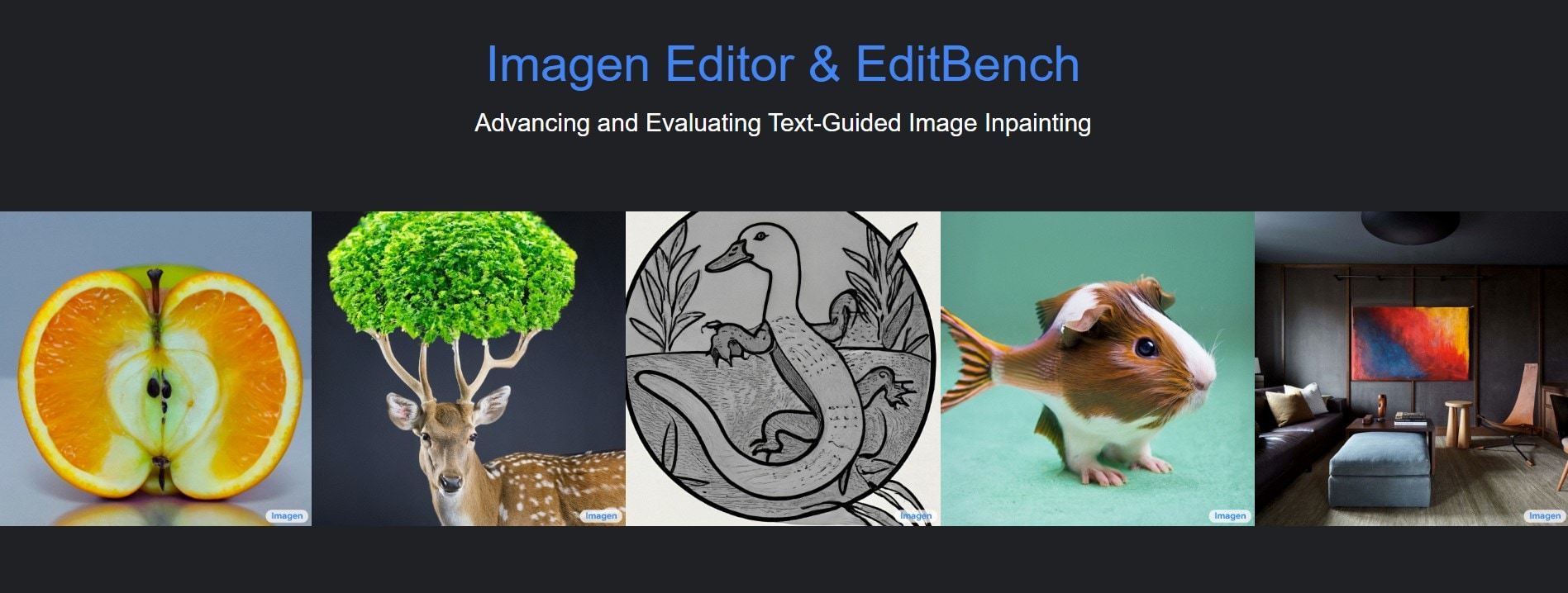
Imagen Editor and EditBench are research contributions for text-guided image editing. Imagen Editor fills a selected region of an existing image using a text prompt. EditBench is an evaluation benchmark for that task, not an image generator a reader can use. The research page illustrates how a masked area can change while the rest of the image is preserved.
Where text-to-image output can be useful:
- People who create content can use Imagen to make excellent pictures for their articles, blog posts, social media posts, and presentations. It helps make the visuals look attractive and catch people's attention.
- Marketers can use it to make nice graphics for ads, promotions, and showing off products. This makes the content more exciting and helps get more people interested in buying or trying something.
- Designers can use text descriptions to make designs quickly, show how things will look, or create artwork. It makes it easier to visualize ideas and turn them into real pictures.
- Authors and illustrators can make their stories come to life by turning words into colorful illustrations. It helps readers imagine the story's appearance and makes it more exciting.
- Game designers can use text to create characters, scenes, and other stuff for games. It speeds up the process of making cool things for games and makes it easier to be creative.
The four examples below are not all open source. NightCafe, Craiyon and DeepAI are hosted services; Pixray publishes source code. Free access to a website does not establish an open-source license, unrestricted commercial use or unlimited generation.
NightCafe
NightCafe is a hosted AI art service that accepts text prompts. It offers a choice of generation options and account-based access. It should not be classified as an open-source project merely because some models available through it have open releases.
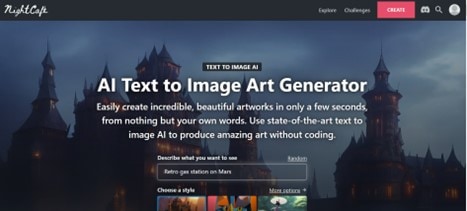
Key features of Nightcafe:
- Available model choices depend on the service’s current offering.
- The hosted interface accepts prompts without requiring the user to write code.
- Available to use and access across different devices
Craiyon
Craiyon is a hosted text-to-image service associated with the earlier DALL·E mini project. Its current plans and usage terms describe available access. The old claim that it is free only for non-commercial use is not an adequate summary of those terms.
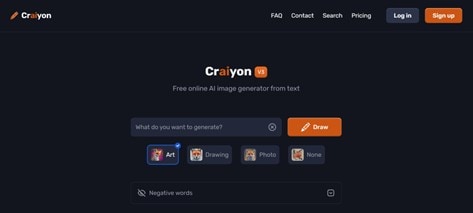
Key features of Craiyon:
- The service produces image candidates from a prompt; the number and available options depend on the current interface.
- You can add your style or customization
- Generation limits, priority and private-generation options depend on the selected plan.
Pixray
Pixray is a source-available image-generation project with documented settings and code. Running it requires a compatible environment and compute resources; a public repository does not make every hosted instance or its compute free.
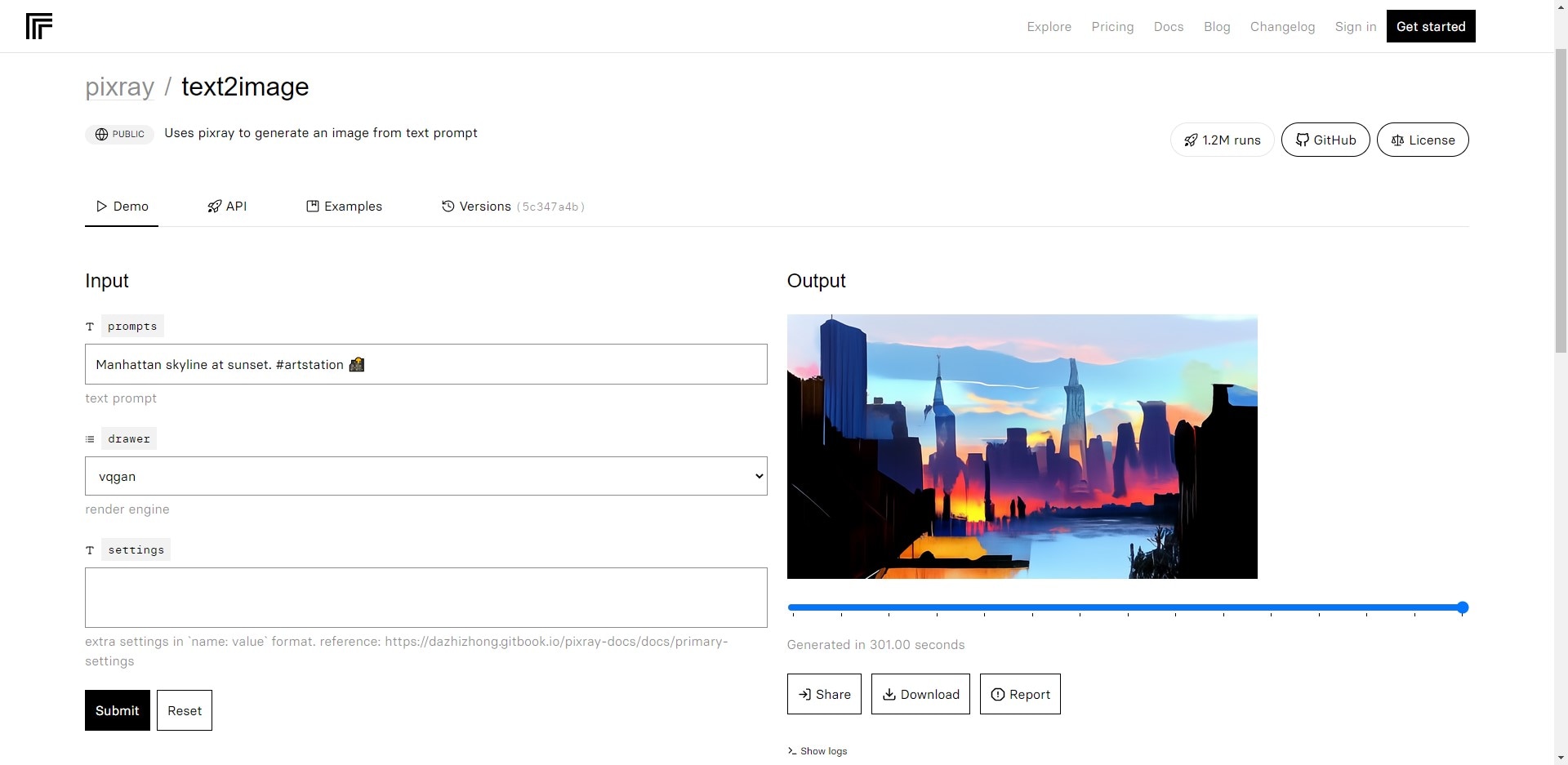
Key features of Pixray:
- Its ability to customize AI engines and the extensive documentation available for those interested in exploring custom codes.
- Generation time depends on the selected settings and compute environment.
- Can customize and add particular styles to images
DeepAI
DeepAI is a company and platform that provides various AI-powered solutions and services. It offers a range of tools and applications that leverage artificial intelligence to perform tasks such as image and text analysis, natural language processing, computer vision, and more. DeepAI aims to make advanced AI technologies accessible to businesses and individuals, enabling them to harness the power of AI for their specific needs.
Key features of DeepAI:
- DeepAI offers AI models capable of generating images based on parameters or textual prompts. This feature allows users to create unique and visually appealing artwork or generate synthetic images for various applications.
- DeepAI's text analysis capabilities include natural language processing, sentiment analysis, translation, and text generation. These features enable users to analyze, understand, and generate text content more effectively.
- DeepAI exposes image-generation options through its service and API. Those options are different from access to train or modify the underlying model.
Text-to-image diffusion models refer to AI models that utilize diffusion processes to generate images from textual descriptions. These models leverage the concept of diffusion, which involves progressively refining an initial noise signal to create coherent images over multiple steps or iterations.
These research examples illustrate different approaches to image generation:
- DALL·E 2 used a diffusion-based decoder to generate images from a representation of a text prompt. That is a description of this specific research model, not a claim that every DALL·E version or every current OpenAI image tool uses the same architecture.
- CLIP-guided diffusion combines a diffusion model with guidance from CLIP’s image–text similarity signal. CLIP itself is not an image generator, and implementations that use it should not automatically be described as official OpenAI products.
- Taming Transformers combines a convolutional VQGAN with an autoregressive Transformer to model image representations. It is not a diffusion model. It belongs in a comparison of image-generation approaches rather than a list in which every entry is labeled diffusion.
Part 4. Bonus Part: Using Mockitt to Unlock the Potential of Text-to-Image
Mockitt is a workspace for product design and prototyping. Product managers, UX designers and developers can use it to arrange screens, connect interactions and review a proposed website or app. For this workflow, its role is to show an image in context within a prototype; the image-generation service supplies the image itself.
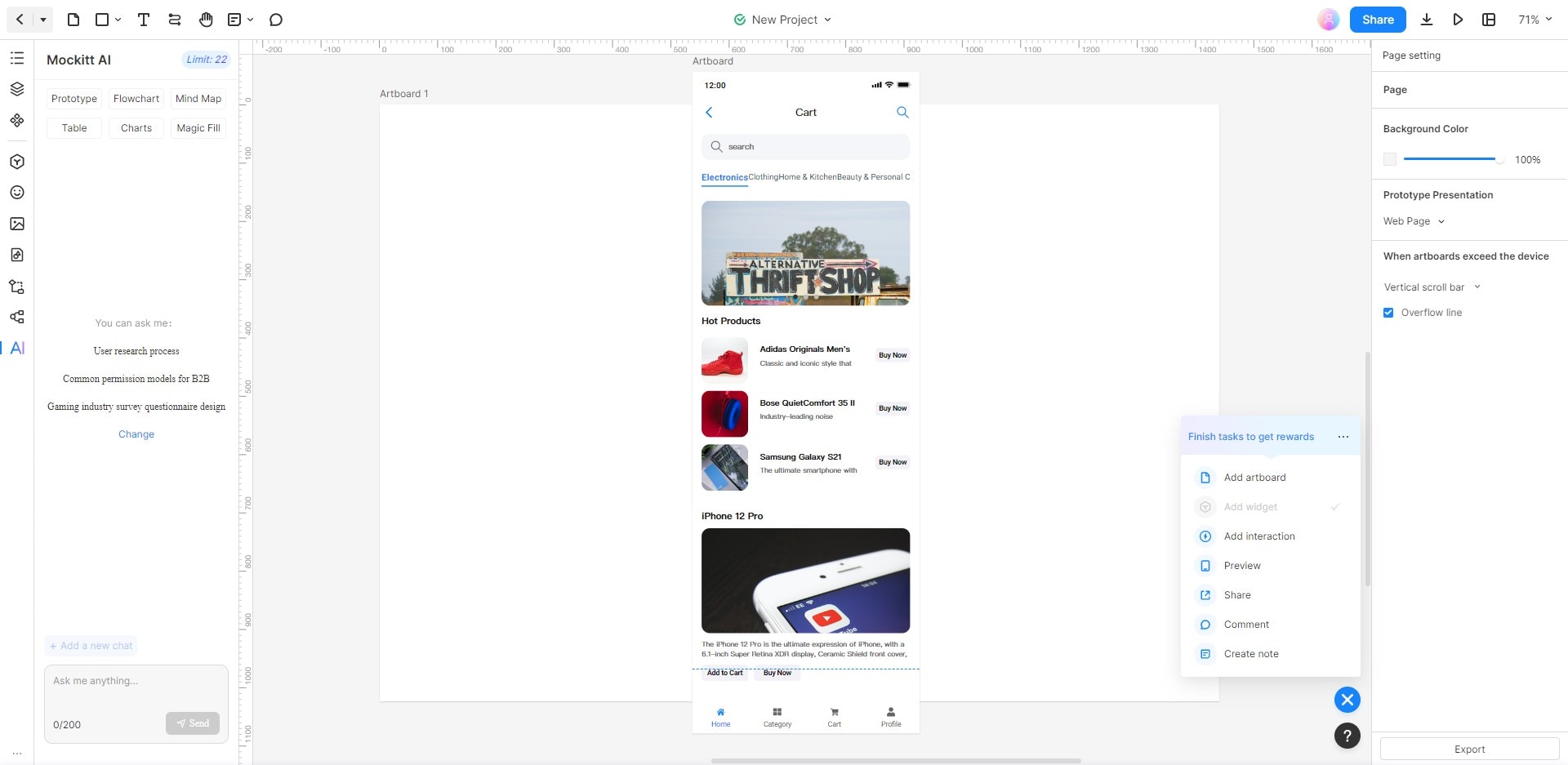
Key features of Mockitt:
- AI Chat: Have interactive conversations to get instant ideas and guidance.
- AI Component Generator: Easily create different elements like flowcharts, mind maps, charts and tables.
- AI Prototype Generator: Quickly make prototypes that suit your requirements, saving time.
- Magic Fill: Automatically fill the text in multiple languages, saving time and improving efficiency.
Achieve the Full Potential of AI Text-to-Image Generators with Mockitt AI
The following archived sequence shows an earlier Mockitt AI chat workflow for drafting an image prompt. It produces text, not a finished image. The screenshots can explain the idea, but the positions and labels of controls should not be treated as a current interface guide.
Step 1: Visit the official website of Mockitt and click on "Get Started For Free".
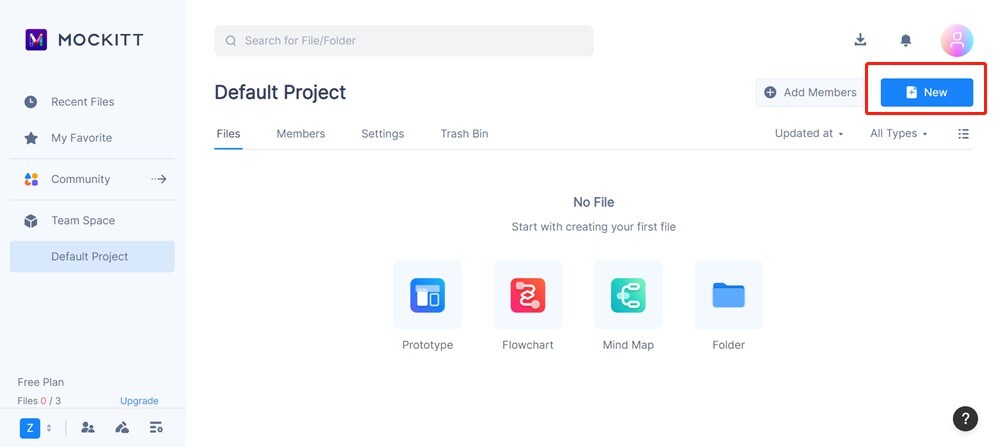
Step 2: Create a new project by clicking the "New" icon on the top right. You can select your project from the dropdown list.
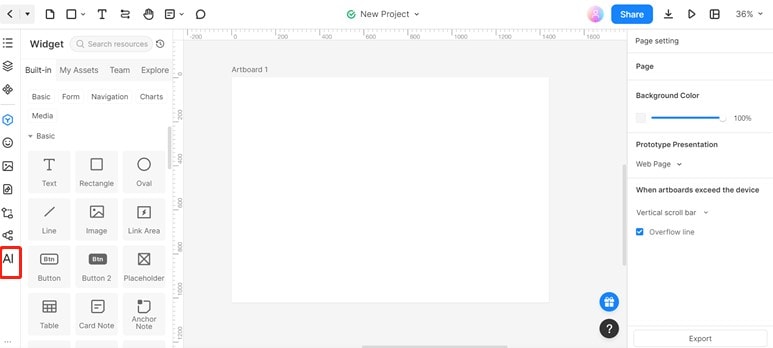
Step 3: On the toolbar, click on "AI".
Step 4: To generate prompts for text-to-image generators, use the chat box to type in the desired questions.
For example, 'text prompt for generating an image of a bear eating honey.' After that, click "Send".
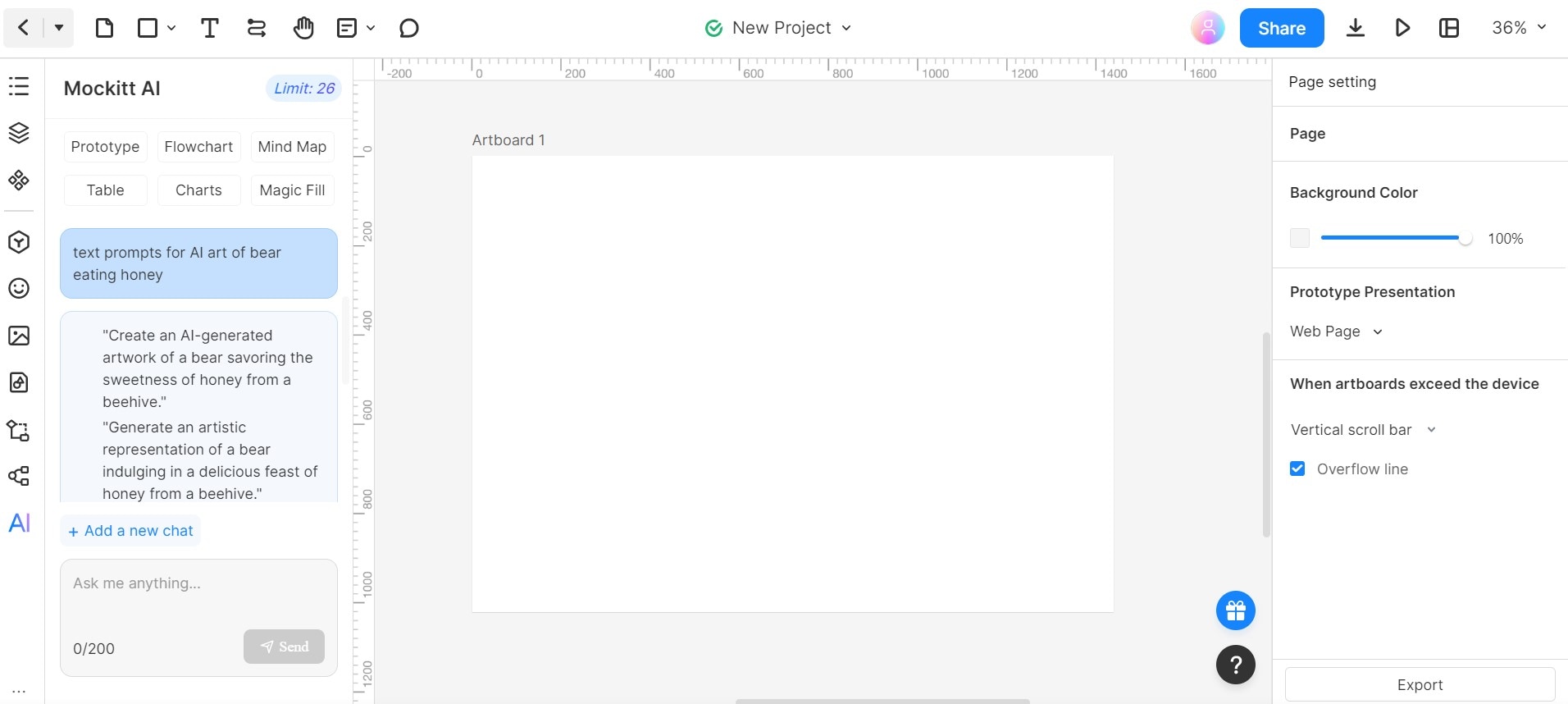
Step 5: Once done, click on "Copy" at the bottom of the text.
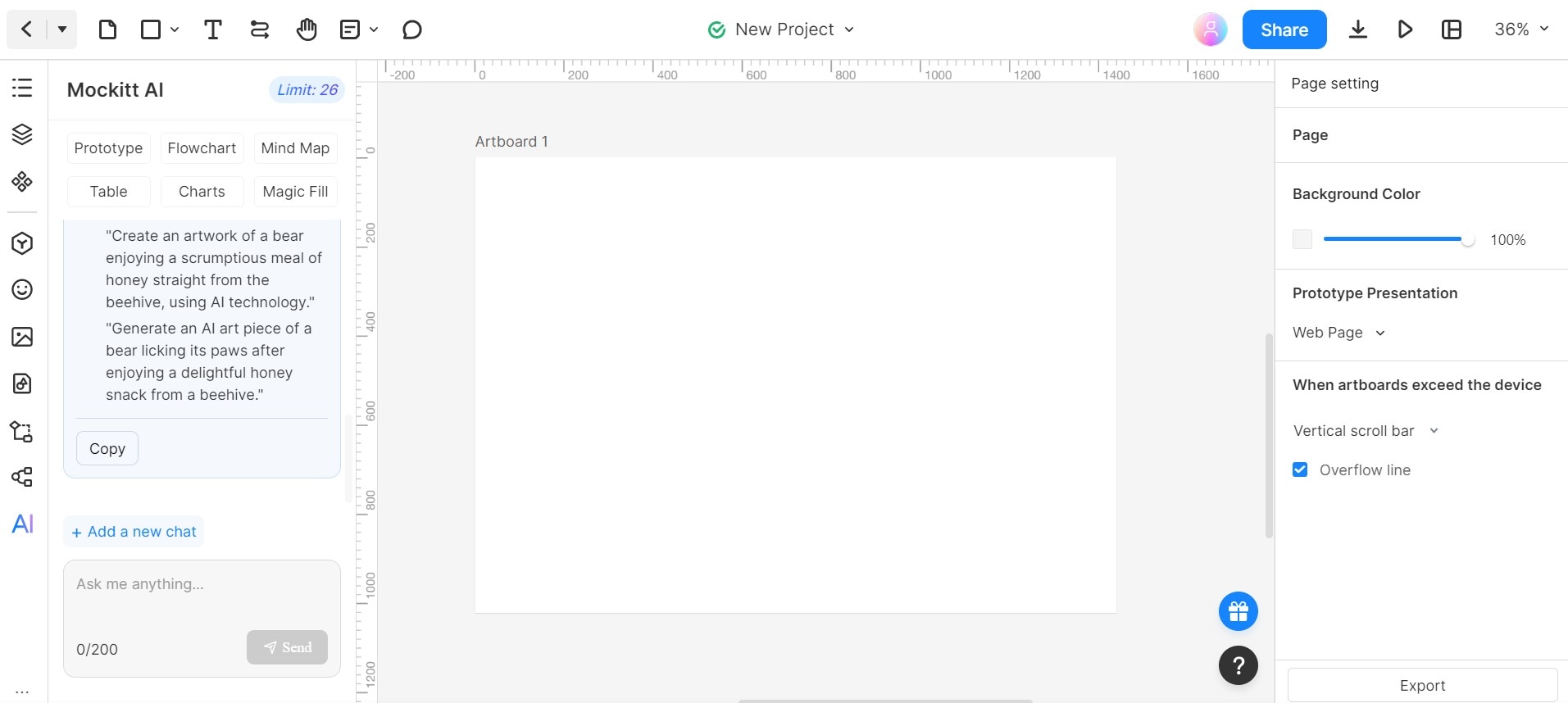
Step 6: Click on "Text" to paste your copied texts.
Conclusion
AI text-to-image generators are fantastic tools that turn words into pictures. They have many benefits, like improving communication, saving time, boosting creativity, and being easy to use. This article mentioned some popular text-to-image generators and how you can use Mockitt to chat with AI for image ideas.
These generators are helpful for people and businesses who want to share information and show their ideas in a cool and unique way.