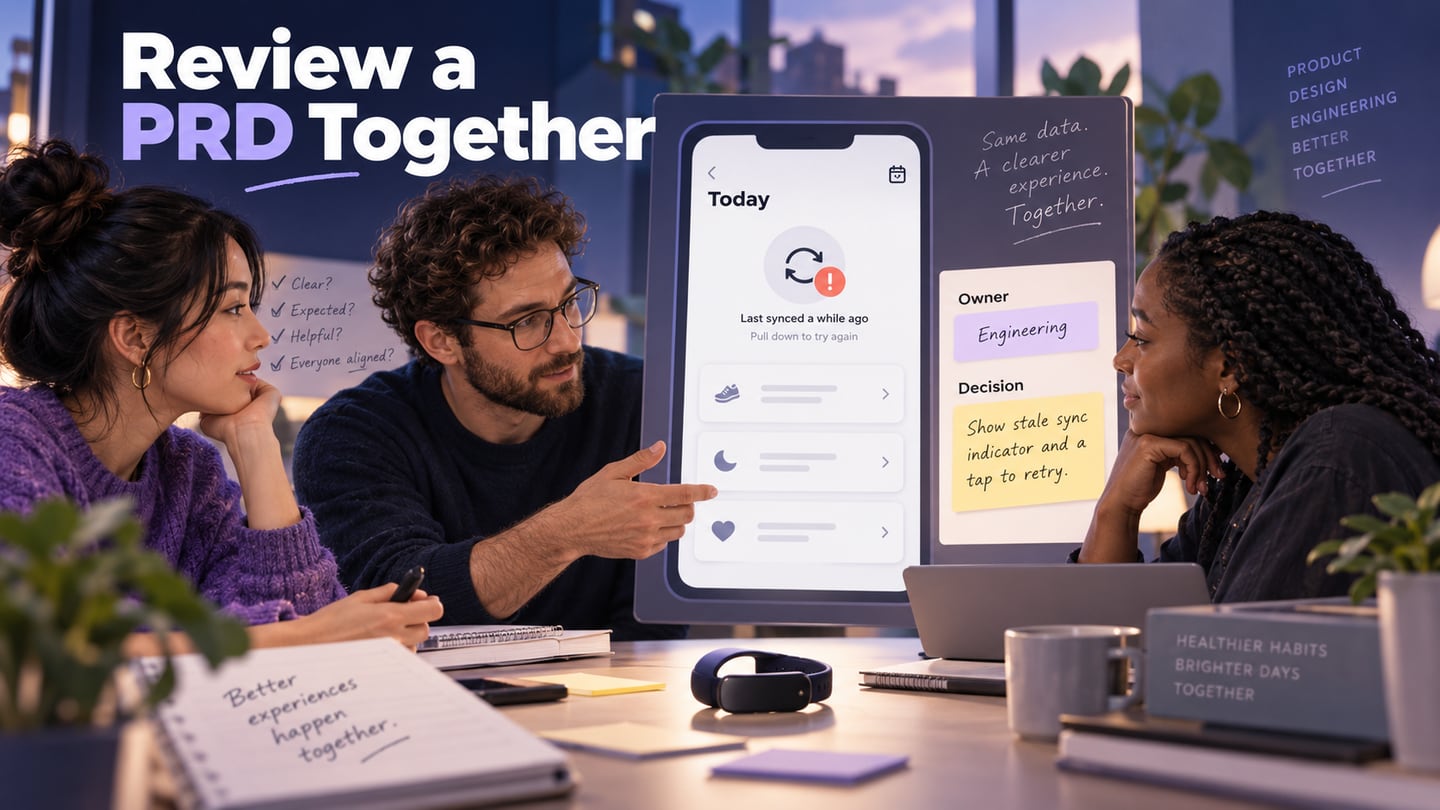
Writing a PRD is only the beginning of requirements management. A team also needs to resolve disagreements, check feasibility, approve scope, and keep later changes visible. AI can help review a draft, but it cannot decide which stakeholder request the team should accept.
This guide uses the original FitTrack fitness-app example to show a review workflow: supply context, inspect an AI draft, resolve gaps, and approve a version. If you need to create the first draft, start with writing a PRD with ChatGPT. Here the focus is what happens when product, design, engineering, and QA need to agree on it.
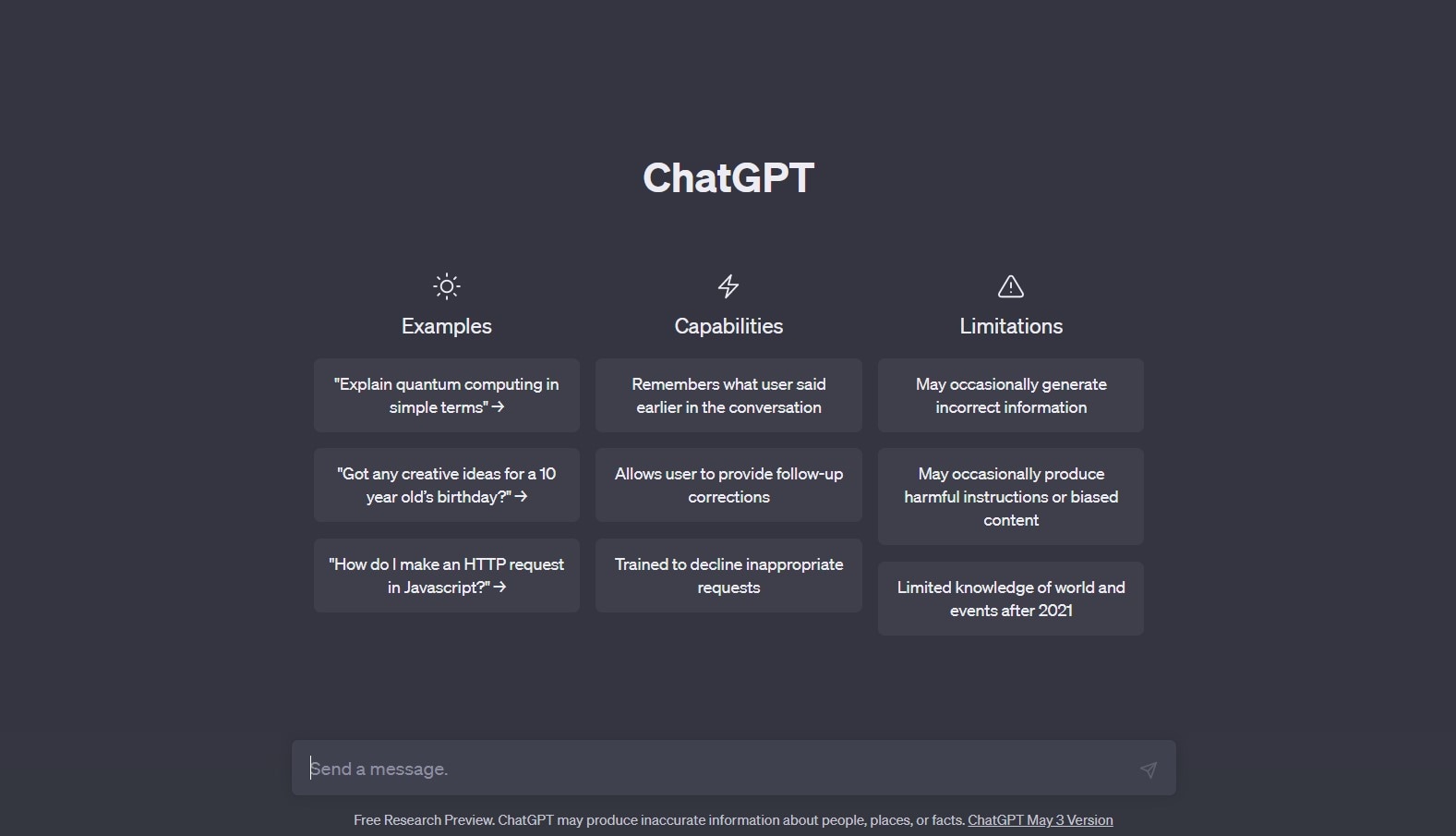 Historical interface illustration; the old knowledge-cutoff message is not a description of current models.
Part 1. What Is PRD in Product Management?
Requirements management connects business objectives, stakeholder needs, and proposed product behavior. Keep the rationale and owner of each important decision with the document so that a later edit does not silently change what the team agreed to deliver.
- Elicit project requirements. It involves gathering requirements from stakeholders like customers, users, and team members.
- Document and understand project requirements. Record and review them to ensure they are complete and understandable. You can often use a product specification sheet template.
- Communicate project requirements.It can involve meetings, emails, or other forms of communication. Share any changes as the project progresses.
- Track project requirements.Requirements can change throughout the project. So check and update them to ensure that they remain relevant and achievable.
- Manage changes: assess a requested change against the approved scope, dependencies, testing effort, and release plan. Record acceptance or deferral rather than treating every new suggestion as committed work.
Understanding PRD in Product Management
A PRD communicates why a product change is needed and what behavior the team intends to deliver. Engineers and testers need enough detail to identify gaps, while implementation details may live in a separate technical specification.
For FitTrack, “show workout progress” is not yet a complete requirement. Reviewers need to know which data is supported, how recent it is, and what the interface does when syncing fails. The document should make these decisions reviewable.
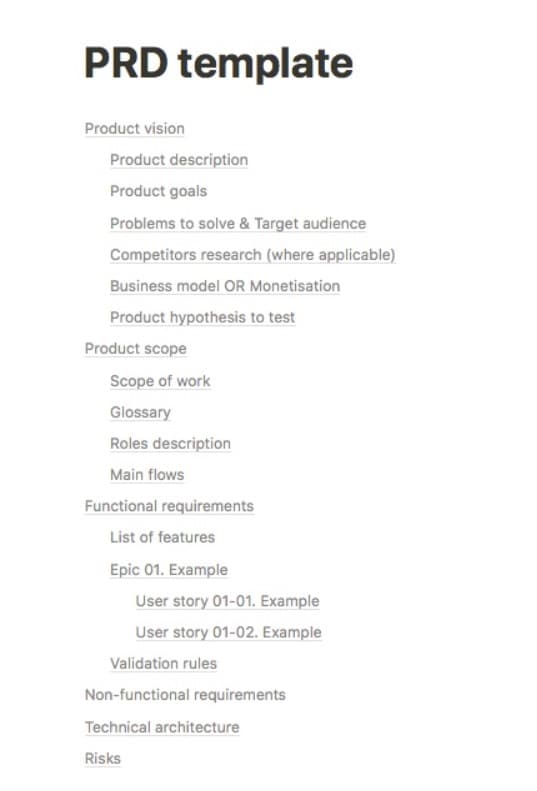
- Product Overview. Include an overview of the product, its purpose, and the problem it aims to solve.
- Product Features. It includes the functionality and any other requirements.
- User Stories. It outlines the user's goal, actions, and how the product helps them achieve their goal.
- Acceptance Criteria. This section outlines the criteria for acceptance of the product. It includes specific tests or performance requirements that the product must meet.
- Constraints and Assumptions. Lists down limitations on the product's development. It also includes any assumptions made during the process.
- UX Flow and Design. The visual representation of the user experience and design elements of the product.
Note:
The sections can vary by team. Keep scope, assumptions, owners, and acceptance criteria easy to find, and link supporting designs instead of duplicating them in several documents. The retained outline is an example, not a mandatory template.
Part 2. Understanding the Challenges of PRD Writing
PRD in product management guides the team throughout the product development cycle. But, writing a PRD can be a challenging task for product managers. Let's look at common difficulties they face and how it affects project success.
- Lack of clarity. Product managers often struggle to translate user needs into clear and concise requirements. This results in ambiguous requirements, leading to misunderstandings among the team members.
- Balance stakeholder requirements. Product managers must balance the needs of various stakeholders. It can be a difficult task, especially if they have conflicting demands.
- Incomplete or inaccurate data. It can lead to faulty assumptions and poor decision-making. Such can also result in wasted resources and delays in the development process.

Incomplete requirements can lead to rework and scope disagreements. Invite stakeholders early, but turn their feedback into explicit decisions: accept it, request evidence, defer it, or reject it with a reason. A long comment thread alone is not an approved requirement.
Part 3. Leveraging ChatGPT for Writing PRD in Project Requirement Management
ChatGPT can compare a draft with supplied notes, surface contradictory wording, and propose missing review questions. It can also make mistakes or invent details. OpenAI recommends verifying important information; confidential input also needs to follow your organization’s data policy.
Benefits of Using ChatGPT for PRD Writing
Enjoy these benefits when writing a product requirement document sample with this AI.
- Draft assistance: ask for a structured gap list instead of assuming that a longer generated PRD is more complete.
- Consistency: ask the assistant to flag inconsistent names, roles, and states, then confirm each proposed correction against the agreed glossary.
- Review questions: use AI to suggest edge cases and dependencies. Treat these as questions for the responsible people, not newly approved scope.
Review a PRD with ChatGPT in four steps
Keep the original FitTrack concept as an illustrative case. The goal is to review the requirements for a daily activity summary and wearable syncing, not to claim that this fictional app has been built or tested.
Step 1: Supply the draft and its constraints. Describe the product, target task, known dependencies, and unresolved decisions. Label which statements are approved and which are proposals.
Example prompt:
Product name: FitTrack
Purpose: help a person review recent workout activity and understand whether displayed progress is up to date.
Target task: a home exerciser checks today’s activity after a workout. This is an example scenario to validate with research, not a demographic claim.
Proposed features: workout plans, progress tracking, and a wearable connection. Keep the first review focused on the progress and sync states rather than approving every feature at once.
Constraints and unknowns: confirm the supported platforms and wearable integrations with engineering. “Compatible with popular wearables” is too vague. Record permissions, data availability, and the handling of duplicate or delayed records as open questions until decided.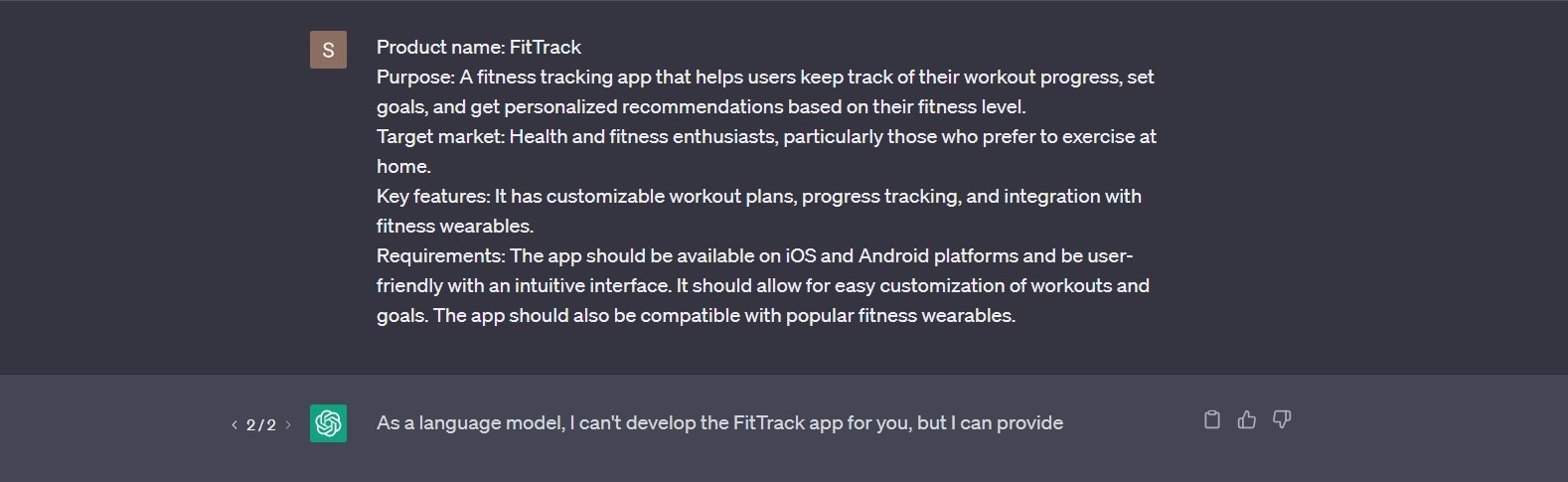
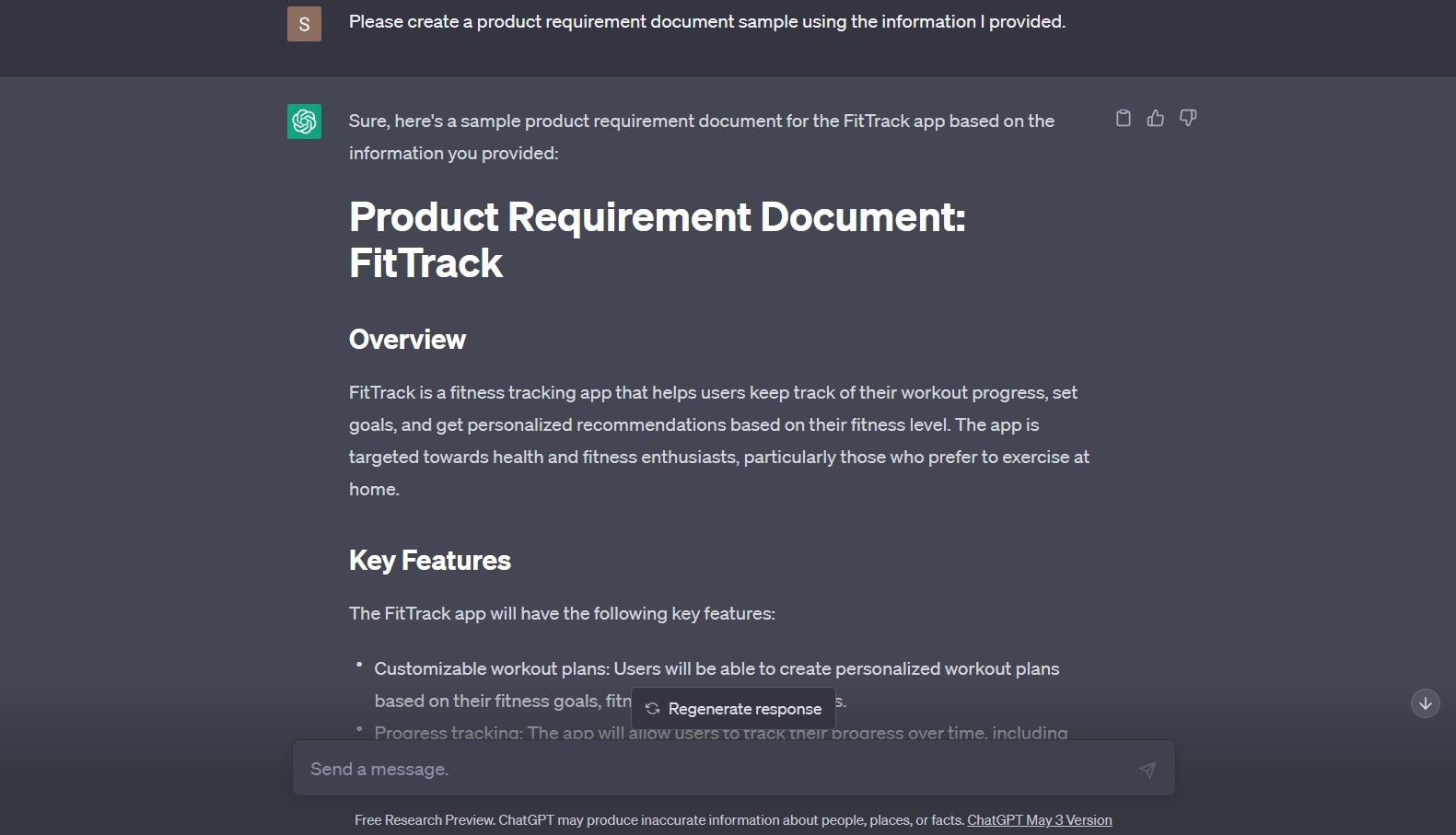
Step 2: Ask for a reviewable draft. Request separate sections for approved requirements, assumptions, unanswered questions, and proposed acceptance criteria. Preserve requirement identifiers when the original PRD already has them.
Example prompt:
“Review the supplied FitTrack requirements. Identify ambiguous terms and contradictions. For the daily activity summary, ask about timestamps, delayed records, denied permissions, retry behavior, and duplicate data. Do not invent supported devices, performance targets, or business metrics.”
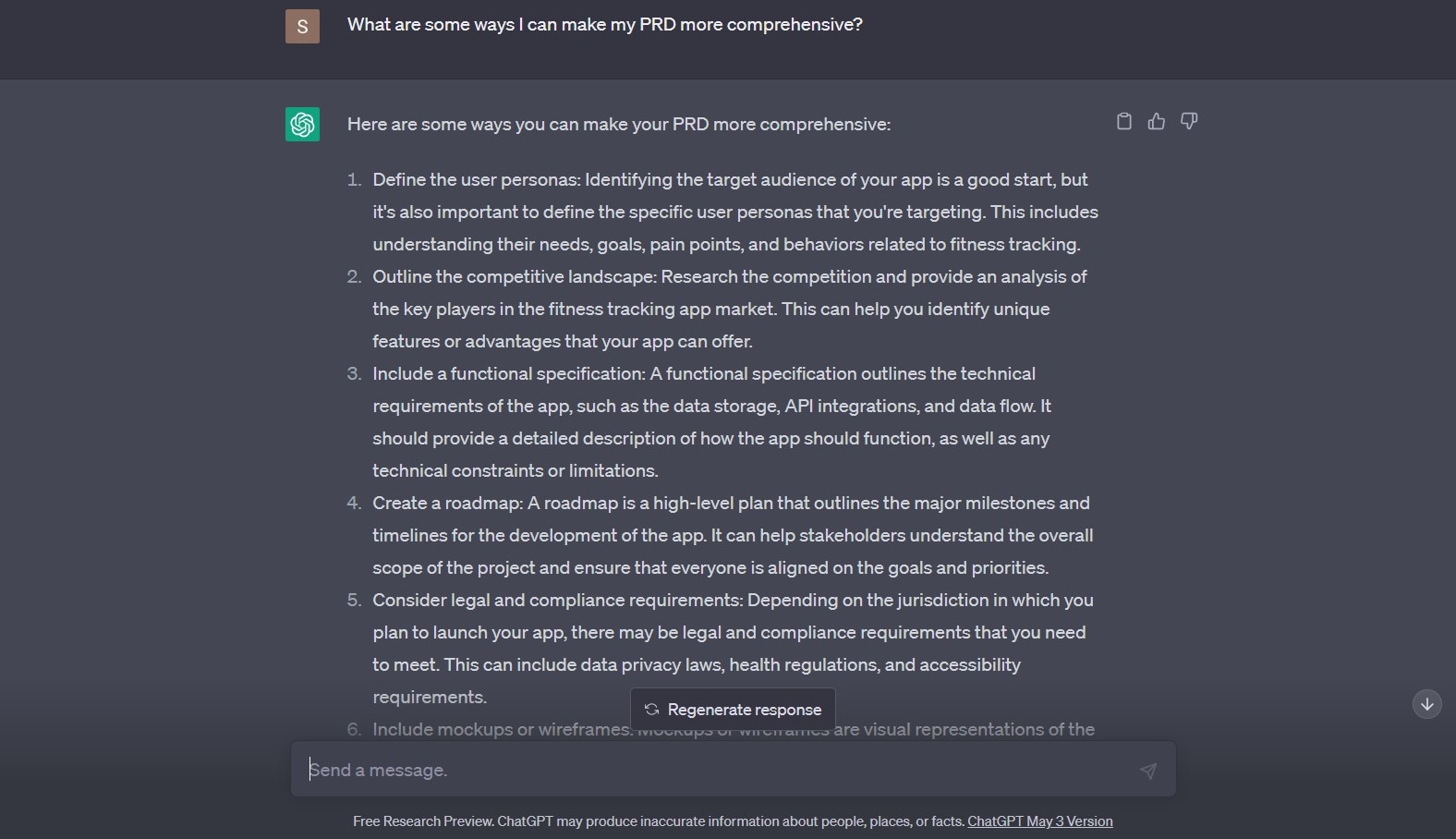
Step 3: Assign and resolve gaps. Route product-policy questions to the product owner, interaction questions to design, feasibility to engineering, and testability to QA. AI may suggest alternatives, but the accountable owner records the decision.
Example prompt:
“Convert the agreed review notes into proposed PRD changes. For each change, show the affected requirement ID, the reason, the owner, the acceptance criterion that changes, and any unanswered dependency. Do not mark a change approved unless the notes explicitly do so.”
Step 4: Approve a version and communicate the change. Review the proposed edits with the team. Save the approved document, link its prototype and test notes, and notify people whose work depends on it. Future AI prompts should use that version, not an obsolete copy.
Keep a small decision record next to the PRD. For FitTrack, FT-01 might state that a delayed sync preserves the last known activity value and displays its timestamp; the product owner approves the policy and QA checks the stale-data state. FT-02 records the supported integration list owned by engineering. FT-03 defines what happens after permission is denied, including a clear recovery route. These are illustrative requirements, not claims about a released product.
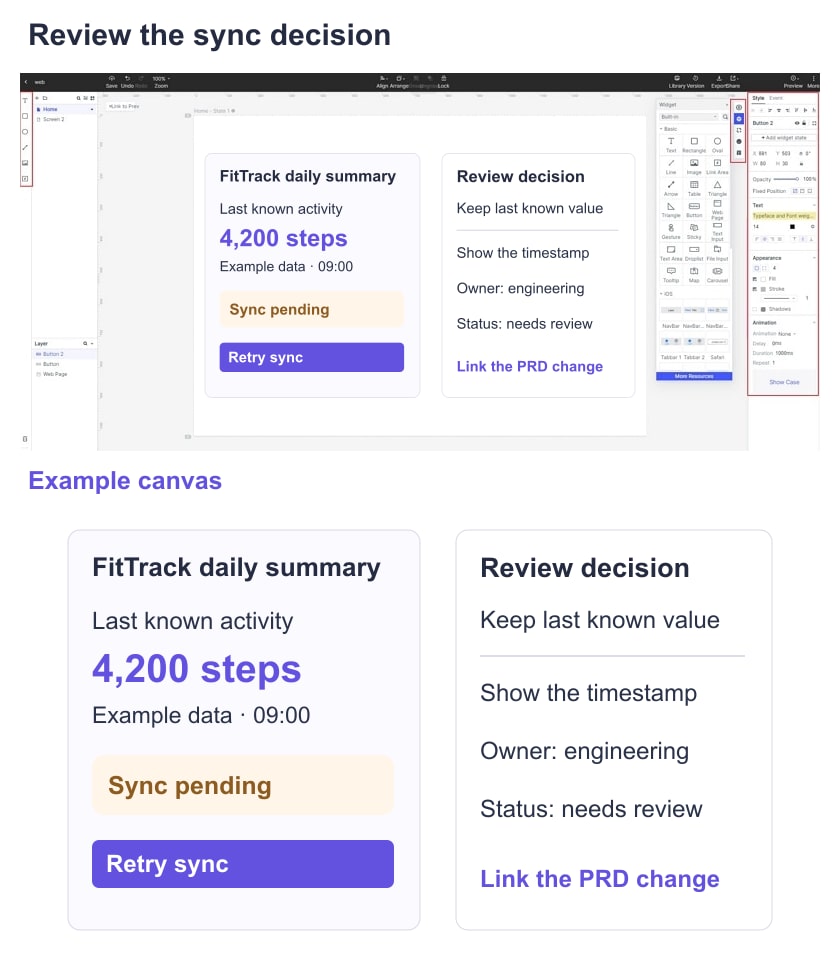
If a stakeholder later asks to hide the timestamp, review that as a behavior change. Check whether users could mistake old data for a current total, update the affected screen and acceptance test, and record the decision. This is more useful than regenerating the entire PRD and losing its history.
Connect the PRD review to a Mockitt prototype
A Mockitt prototype helps a team discuss the visible consequences of a requirement. For FitTrack, show the same summary in fresh, syncing, stale, and permission-denied states. Link those screens to the relevant PRD identifiers so a comment has a clear context.
The prototype is a design artifact, not a working wearable integration or a substitute for the approved requirements document. Keep the PRD in the team’s document system and use the prototype to resolve interaction questions.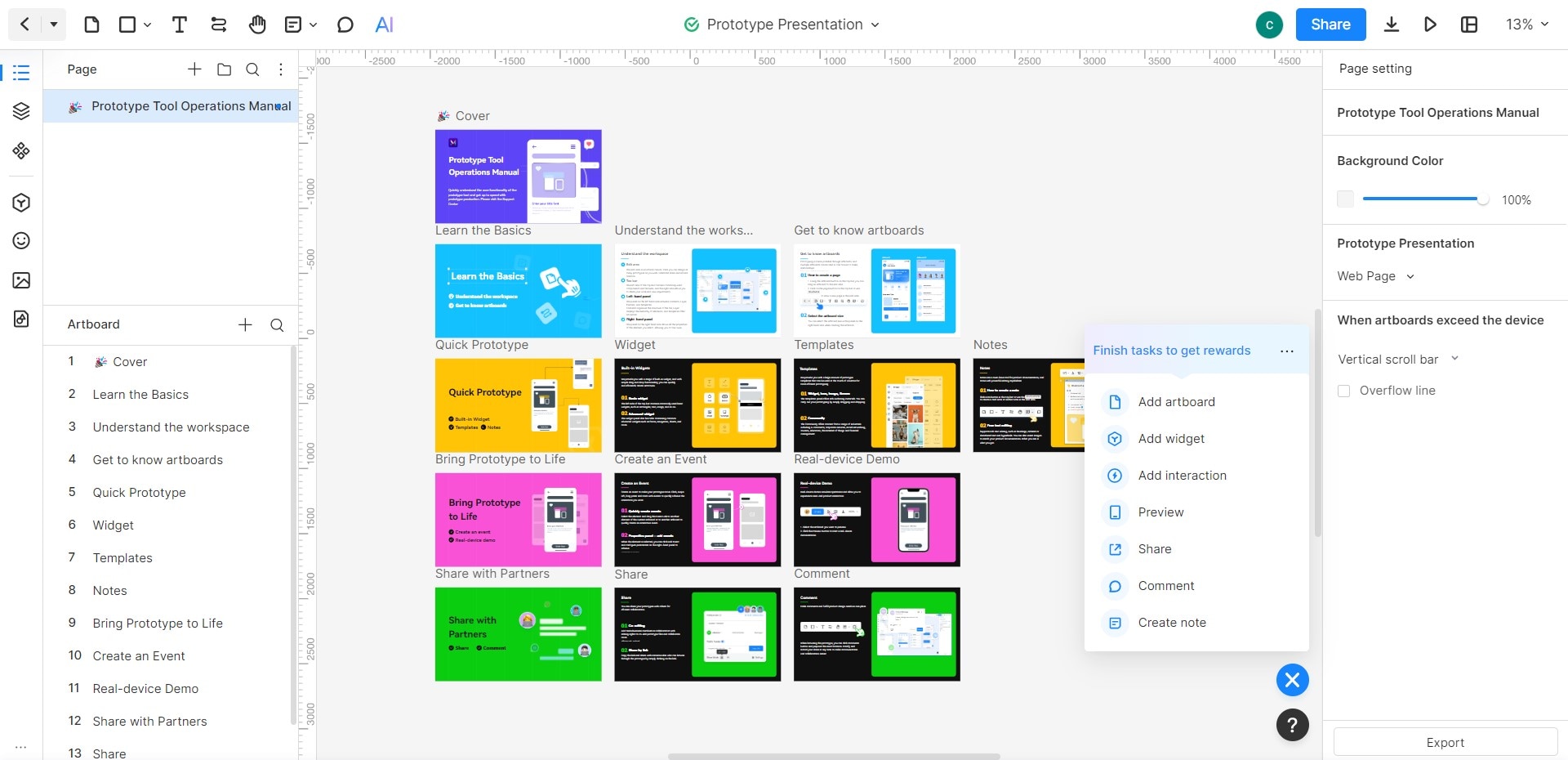
Key Features:
If you're working on a product requirement document sample, these features will come in handy for you and your team.
- Sharing: give reviewers access to the relevant prototype and confirm that their permissions work before the review.
- Comments: attach feedback to the screen or state being discussed, then transfer approved decisions back into the PRD.
- Review context: include the approved PRD version and requirement IDs with the shared design. Do not assume an exported artifact preserves every interaction or permission.
- Collaboration: agree who may edit the design and who is reviewing it; live collaboration does not itself mean a requirement is approved.
- Handoff: developers can use design references alongside the requirements, but must still implement and test data syncing and permission handling.
Prototype the states that need a decision
The original screenshots below illustrate an earlier Mockitt interface. Controls and plan availability can change; follow the equivalent actions in your current workspace. The useful sequence is to create a project, lay out the disputed states, and share them for review.
Step 1: open your Mockitt workspace and create or select a prototype project for the FitTrack review. Use an account and project that the intended reviewers can access.
Step 2: create the daily-summary screens and name them by state, such as Summary—Current, Summary—Syncing, and Summary—Permission denied. The older creation menu below shows the prototype-project concept.
If a suitable template is available, adapt its structure; do not let its sample metrics, permissions, or device support become requirements by accident.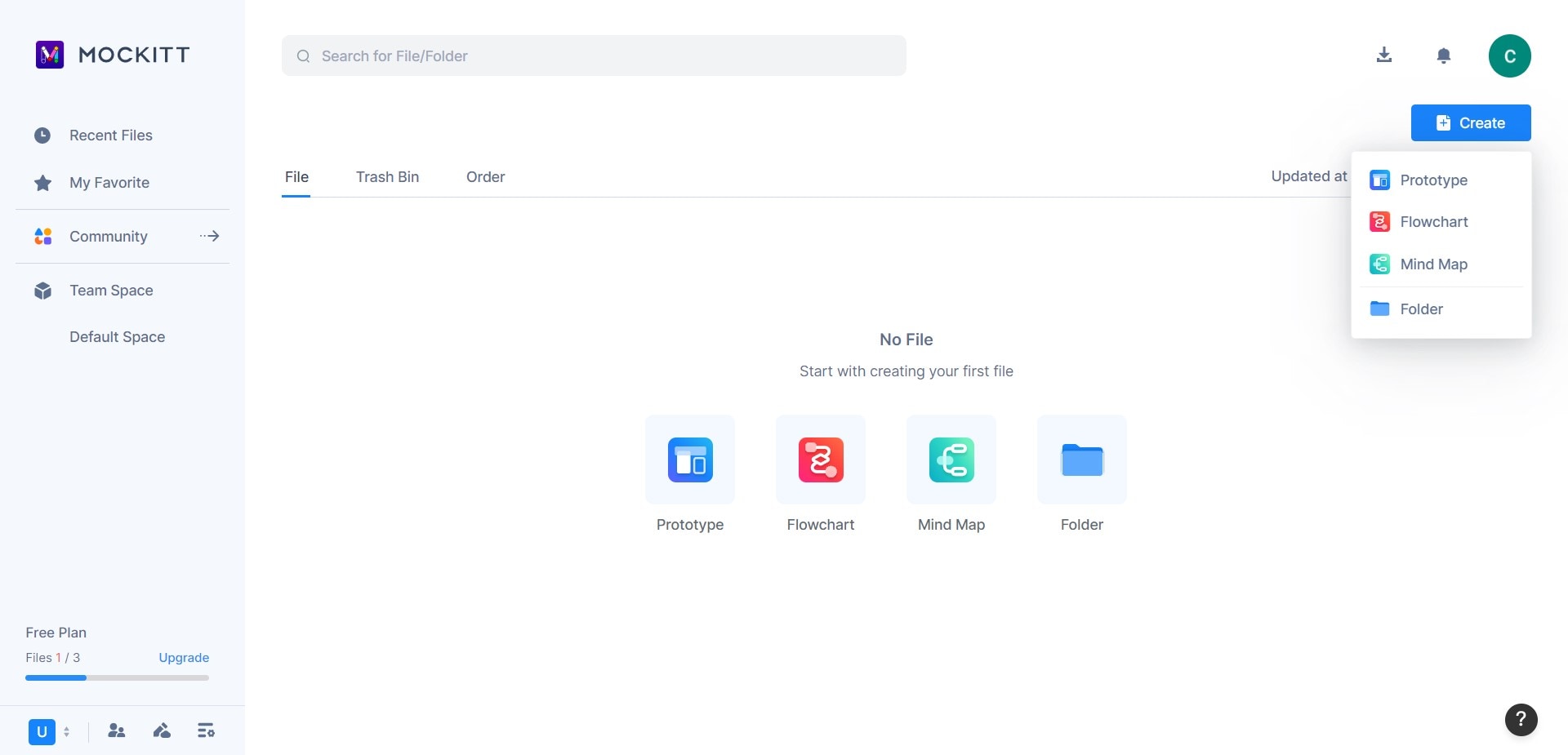
Step 3: connect the intended navigation and recovery paths, then ask reviewers to complete the task. Record whether the current data status and next action are understandable without explanation.
Tip:
If you use an AI-assisted draft, compare its screens and wording with the approved PRD before sharing. An attractive generated screen may still omit a failure state or introduce an unsupported action.
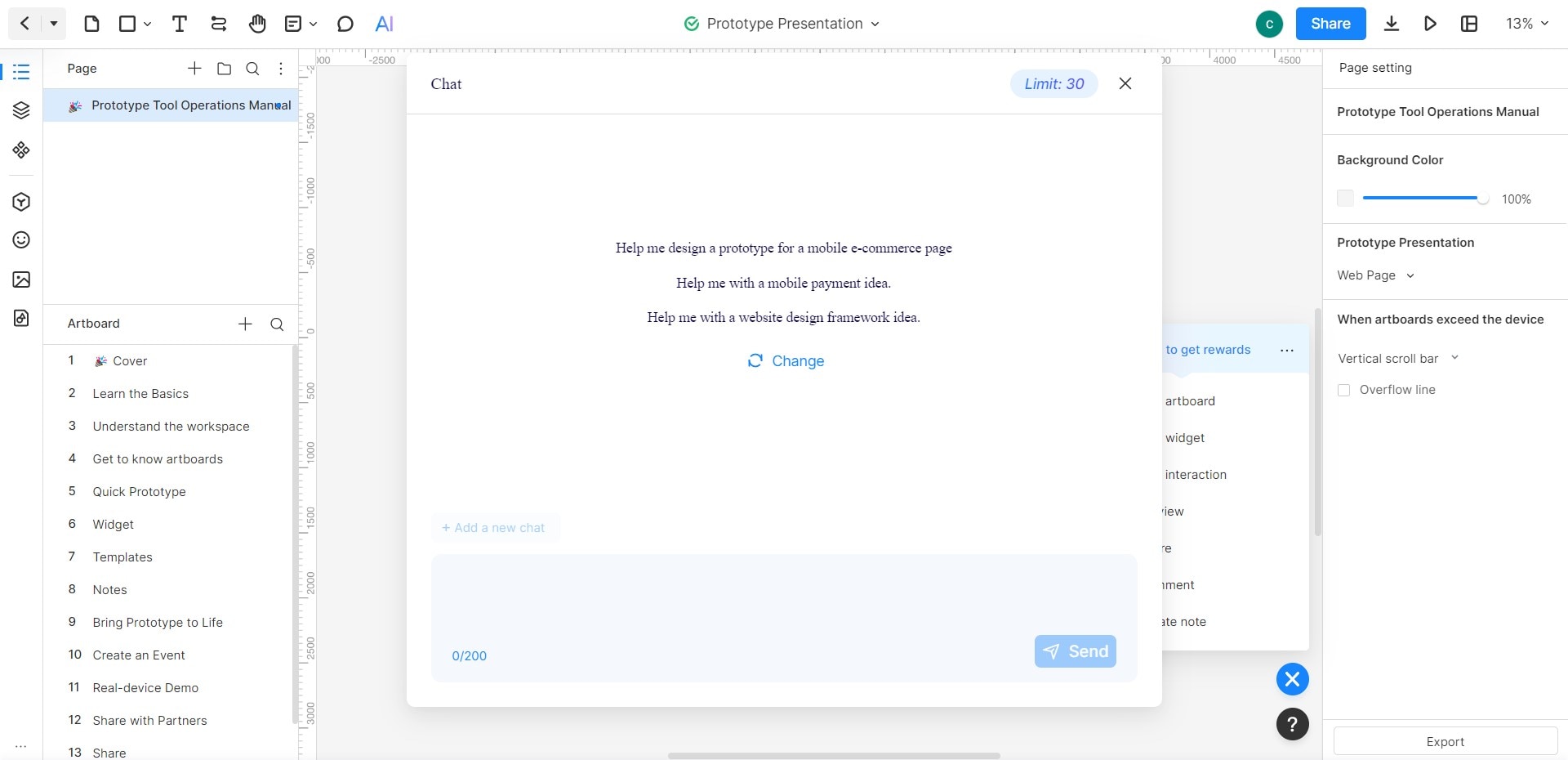 Historical interface illustration. Current controls and usage allowances may differ.
For the review, ask one concrete question per state: can the person tell when the data was last synced, distinguish a delay from zero activity, and find the appropriate recovery action? Keep unresolved feedback visible until its owner responds.
AI usage allowances and other limits can change. Check the current Mockitt plans for the workspace you will use; the quota shown in the historical screenshot is not a current offer.
Conclusion
A useful PRD review turns broad requests into owned, testable decisions. AI can help organize the discussion, while the team remains responsible for evidence, feasibility, scope, and approval.
For FitTrack, the result is a reviewed requirement set, an explicit integration boundary, a prototype of the important sync states, and a record of approved changes. Keep these artifacts connected so later revisions do not silently overwrite the reasoning.