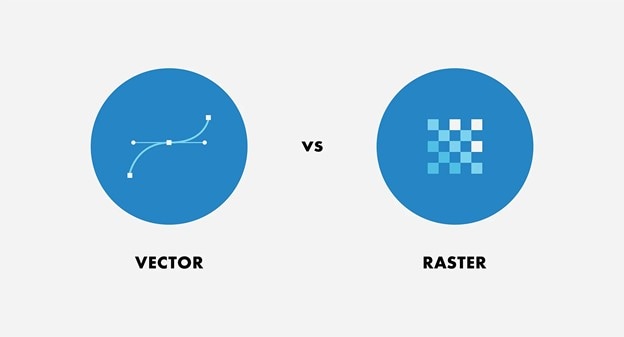
Vector graphics describe shapes using paths, points, lines and curves rather than a fixed grid of colored pixels. For UI design, they are especially useful for icons, logos and illustrations that must appear at several sizes. The choice still depends on the content: a simple navigation icon and a landscape photograph need different representations.
A path specifies geometry that a renderer draws at the requested size. Its control points and curves remain editable in a vector authoring file. This article concerns two-dimensional graphics such as SVG illustrations; the word “vector” in mathematics or 3D graphics has broader meanings. A vector file may also contain an embedded raster photograph, so its extension alone does not describe every element inside it.
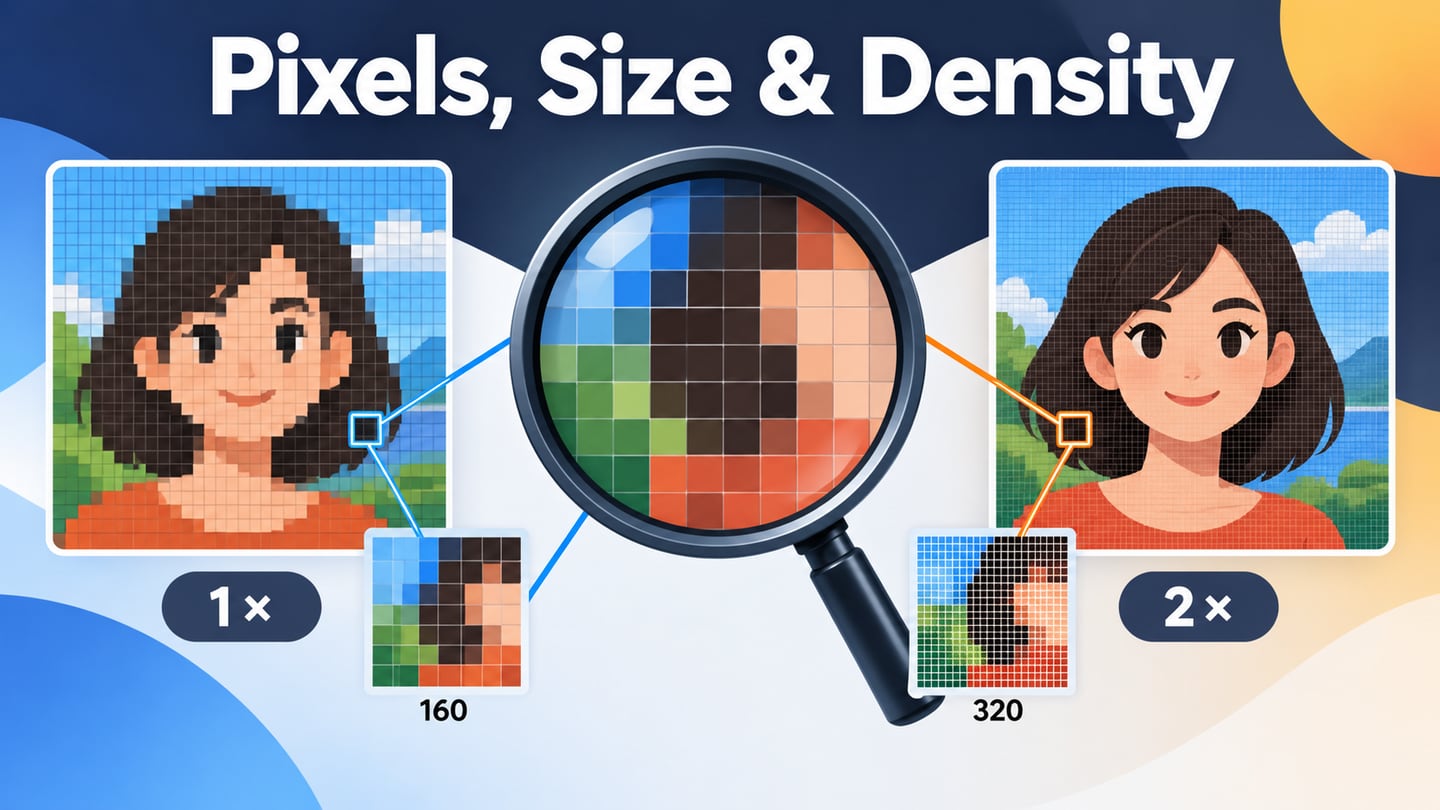
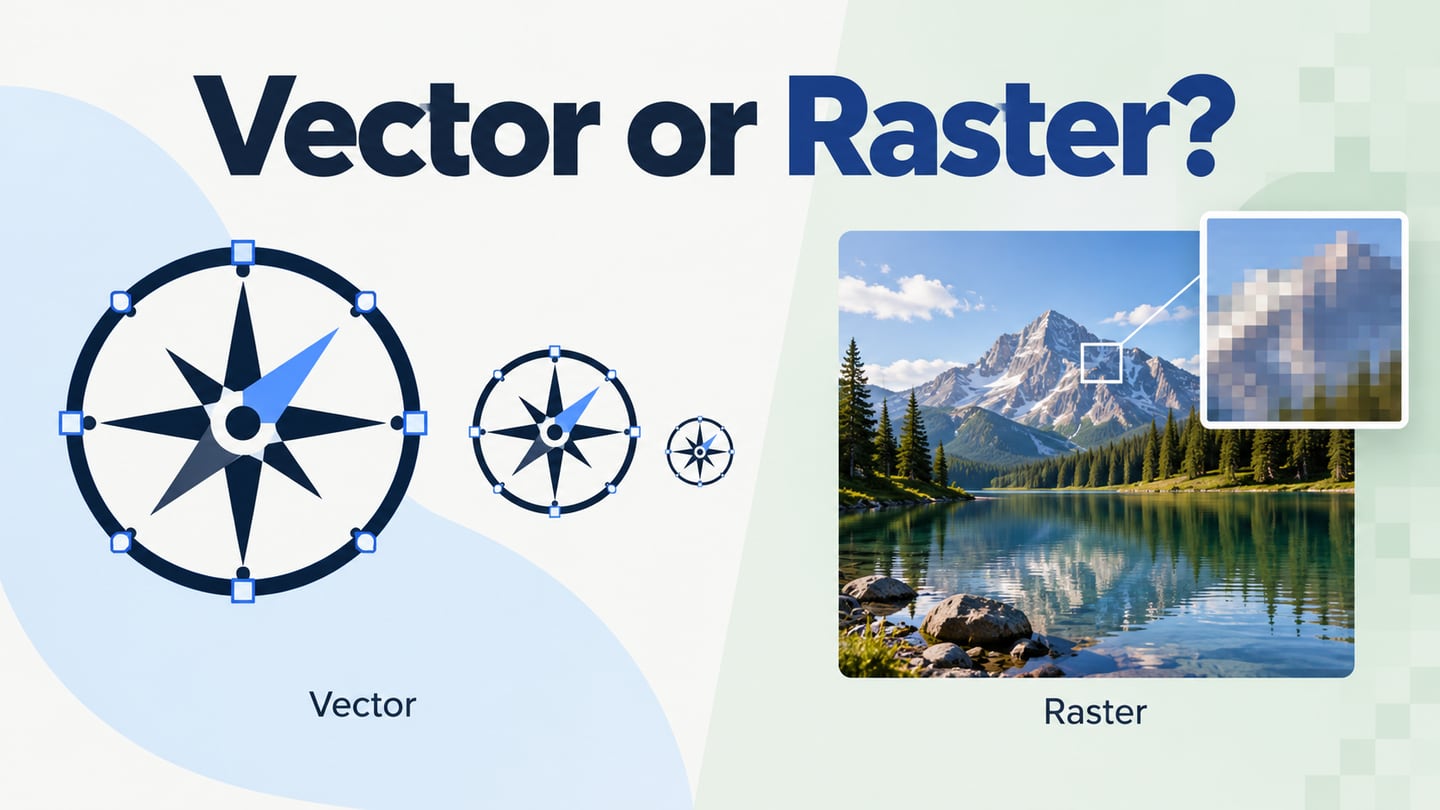
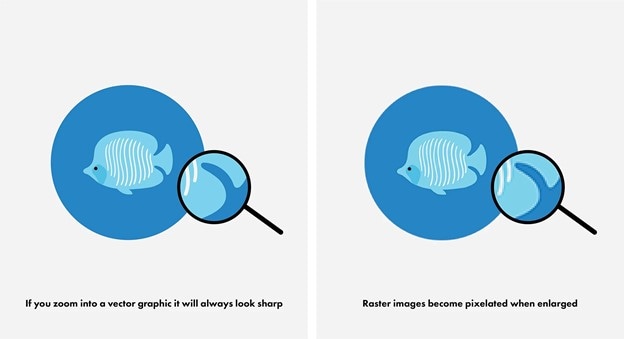
A raster image stores a grid of pixel values. Enlarging that fixed grid eventually reveals a lack of source detail. Vector paths can instead be recalculated for the output size, keeping their geometric edges smooth. Both ultimately appear on a pixel-based display; the distinction is how the source represents the picture. The following comparisons illustrate that difference.
source
source
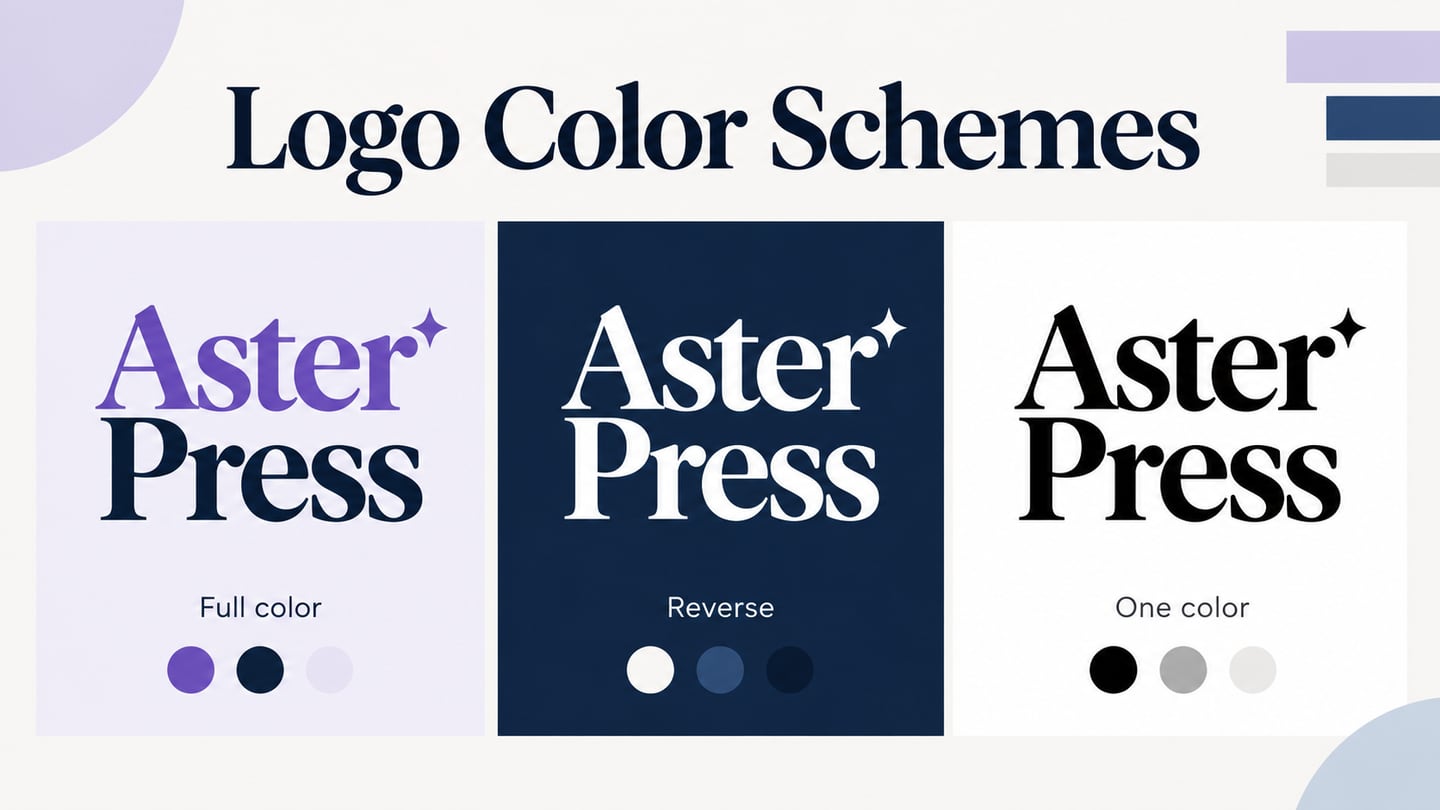
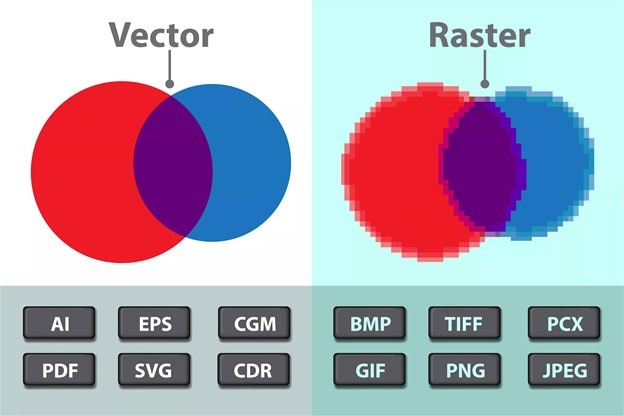 Format labels are examples: PDF and EPS can contain both vector and raster elements.
source
Important Facts about Vector Graphics and Vector Images
Five practical properties help you choose an asset, estimate its delivery cost and avoid confusing an editable source with a final export.
Resizability
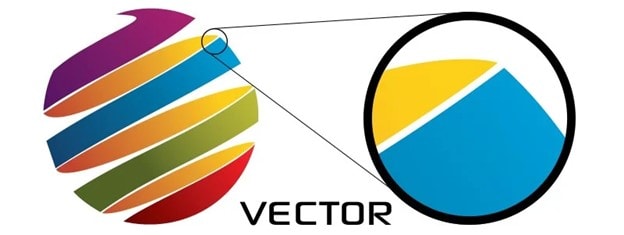
Vector paths are independent of a fixed source pixel grid. Scaling the paths generally preserves their outlines, as the magnified illustration below shows. Embedded bitmap images and raster effects still have their own resolution limits.
source
This makes vector artwork useful when a client needs the same symbol on a small button, a presentation and a large sign. Inspect the final size anyway: a detailed 96-pixel icon may need simpler geometry or adjusted strokes at 24 pixels. Mathematical scalability does not guarantee legibility at every size.
Tracing a raster image creates an approximation of its edges and color regions; it does not recover the original vector paths or lost photographic detail. Automatic tracing may produce excessive points, distorted curves or flattened textures. For an existing logo, request the original vector source before tracing a small JPEG. Keep that source editable and export the formats required by the destination.
Storage and File Transfer
A simple path-based icon can be smaller than several bitmap exports of the same icon, and one vector source is convenient to share and maintain. File size is not guaranteed, however. Thousands of paths, filters, metadata or embedded photos can make a vector file large or expensive to render. Compare optimized delivery files in the actual interface instead of assuming that every SVG will use less storage or bandwidth.
Format Options
SVG is an XML-based format for two-dimensional graphics supported on the web. XML itself is a markup language, not a separate vector-image format. Authoring and interchange formats also include AI, EPS and PDF; the last two can hold both vector and raster content. Keep the editable source and choose an export your browser, printer or application actually supports.
How Vector and Raster Outputs Differ
A vector illustration can remain vector in the final web or print delivery. There is no general requirement to switch it to raster after mockup work. Raster exports such as PNG are useful where the receiving system needs a pixel image; choose their dimensions for the largest intended display. A photograph can also print well when it has sufficient source detail for its physical size and viewing distance.
Versatility
Vector geometry suits icons, diagrams, infographics, brand marks, merchandise artwork and many signs. The same illustration can supply several layouts, although cropping, stroke weight and optical detail may need adjustment. Gradients, transparency and filters are possible too. Complexity, rendering support and the image’s purpose matter more than a simplistic division into “few colors” and “many colors.”
When Raster Graphics Are a Better Fit
Raster is usually the practical choice for camera photographs and detailed painted textures. Vector graphics are not limited to a few thousand colors, and color richness alone is not a reason to reject them. Prefer a raster workflow when the task depends on the following kinds of detail:
- Photographic surfaces, fine texture or irregular detail that would be cumbersome to model with paths.
- Camera blur, soft focus and textured backgrounds that are already part of a photograph.
- Pixel-level retouching, color correction or compositing of captured images.
- Delivery into a system that specifically requires a raster file, with dimensions chosen for that output.
When to Use Vector Graphics in a Design
Choose vectors for geometry that should stay editable and recur at multiple sizes: logos, interface icons, diagrams and clean illustrations. Choose raster for the photographic parts of the same design. A product card can combine a vector favorite icon with a raster product photo without forcing both into one representation.
For example, compare a compass icon at 24, 48 and 96 pixels next to one landscape photograph in a Mockitt canvas. Inspect the icon’s path shapes at each size and the photo’s source dimensions separately. Label the intended display size and delivery format so a developer can distinguish an editable asset from a preview image.
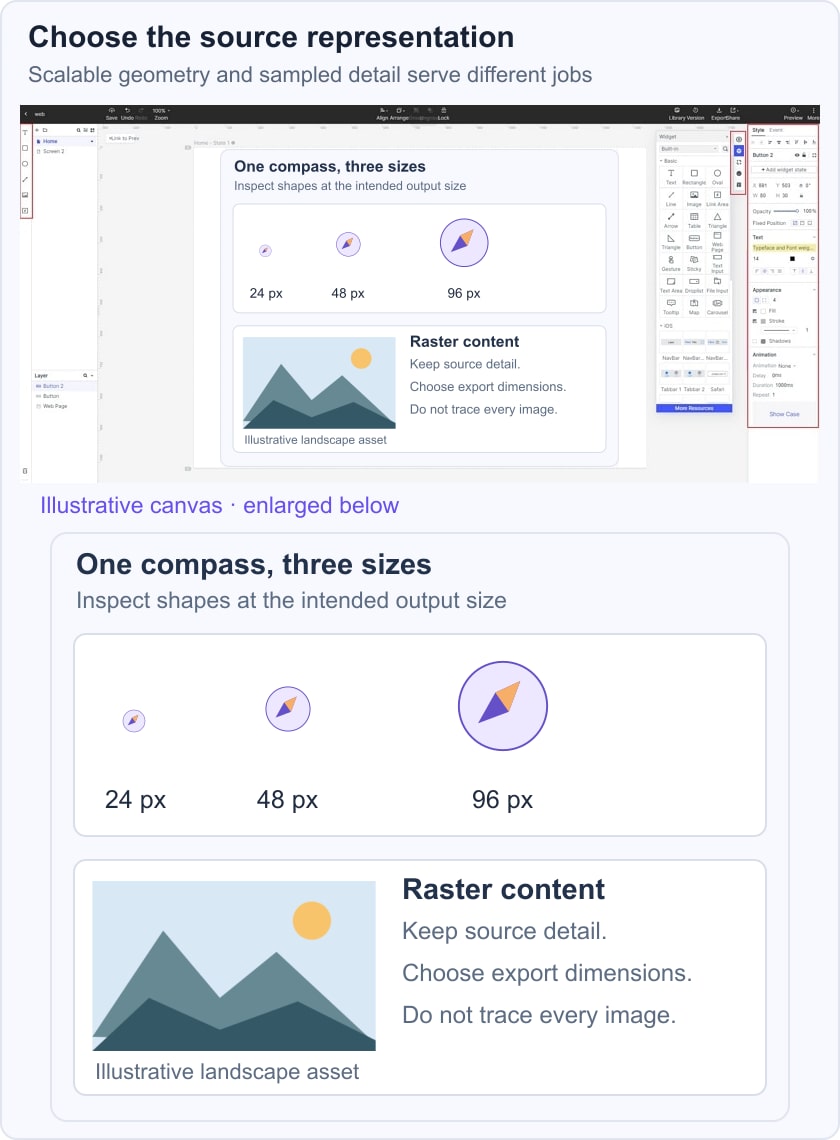
A prototype communicates placement and interaction, while the production asset still needs an export check. When the photo loses detail, diagnose pixelation and enlargement before applying sharpening. For print, ask the supplier for the required format, dimensions, color setup and effective image resolution; a vector logo cannot compensate for an undersized photograph beside it.
To summarize, use vector graphics...
- When geometric artwork must be reused at several sizes.
- When creating editable icons, diagrams or branding elements.
- When the print or screen workflow supports vector delivery and its effects render correctly.
Conclusion:
Vector and raster assets solve different representation problems. Keep paths for scalable geometry and pixels for photographs or detailed textures, then inspect the actual output. The most reliable choice preserves the information you need while meeting the destination’s size, rendering and editing requirements.